
Free AI Video Editor Online
Remove objects, swap backgrounds, sharpen footage, add titles and captions, or restyle the whole clip, all by uploading a video and saying what you want. No timeline, no install, right in your browser.
Results
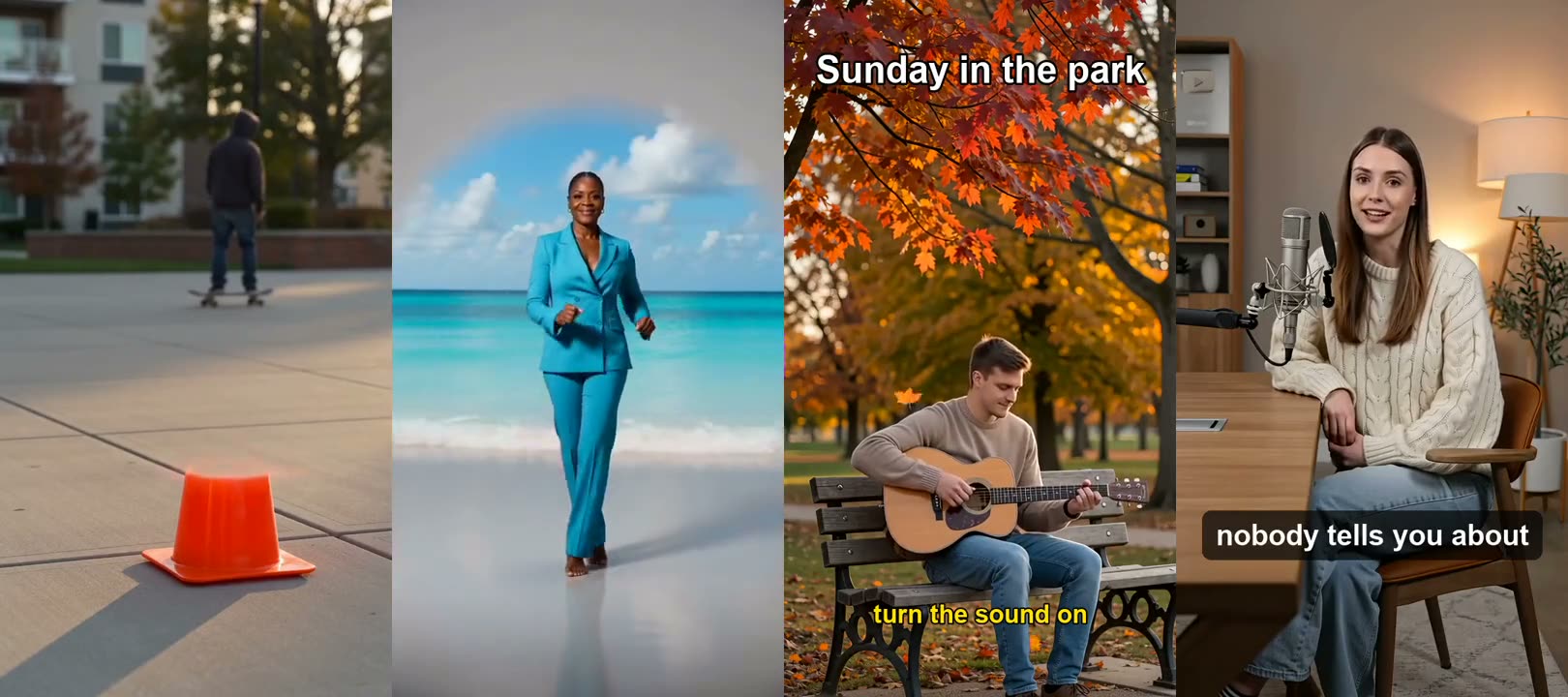
Six edits you can make today
Each clip is a real output of one of the editing tools below.
Specs
AI video editor specs
- Input
Your clip
MP4 or MOV from a phone, camera or screen recording
- How you edit
Describe the change
or pick a one-click tool for captions, text, flip and stabilizing
- Output
An MP4 download
same framing as your upload, ready to post
- Keep
What you did not ask to change
people, motion and timing stay as filmed
Editing tools
Every AI video editing tool in one place
Each one opens straight in the Video Tools tab of the workbench. Upload once, try another tool on the same clip.
How to edit a video with AI in 3 steps
Pick a tool, upload, describe.
Step 1
Choose an editing tool
Open Video Tools and pick the edit: remove, replace background, enhance, text, subtitles, restyle, stabilize or flip.
Prompt
Remove the orange traffic cone
Step 2
Upload and describe
Upload the clip. For AI edits, type the change in plain English; one-click tools need no prompt.
Step 3
Download the edit
Download the MP4, or run another tool on it: remove an object, then add captions, then stabilize.
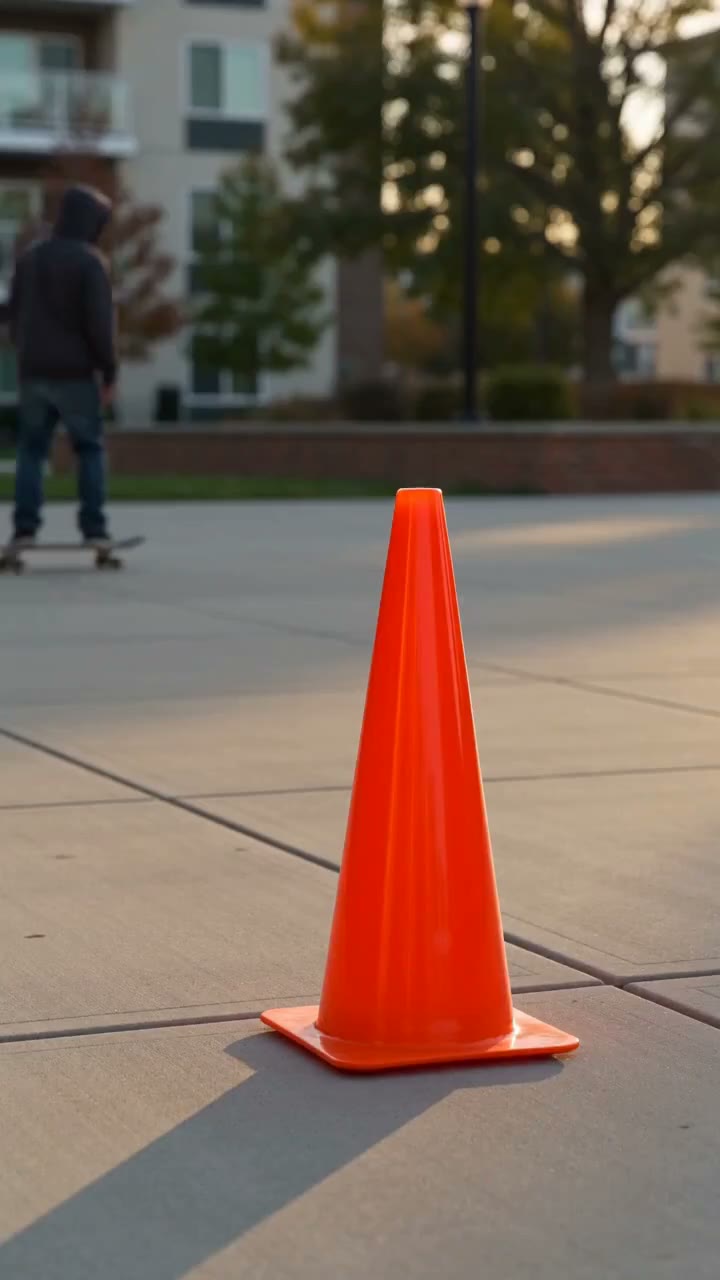
Type the change instead of masking frames
Object removal, background replacement and restyling work from a sentence. No rotoscoping, no keyframes, no masks.
- Remove people and objects
- Replace the background
- Restyle the whole clip
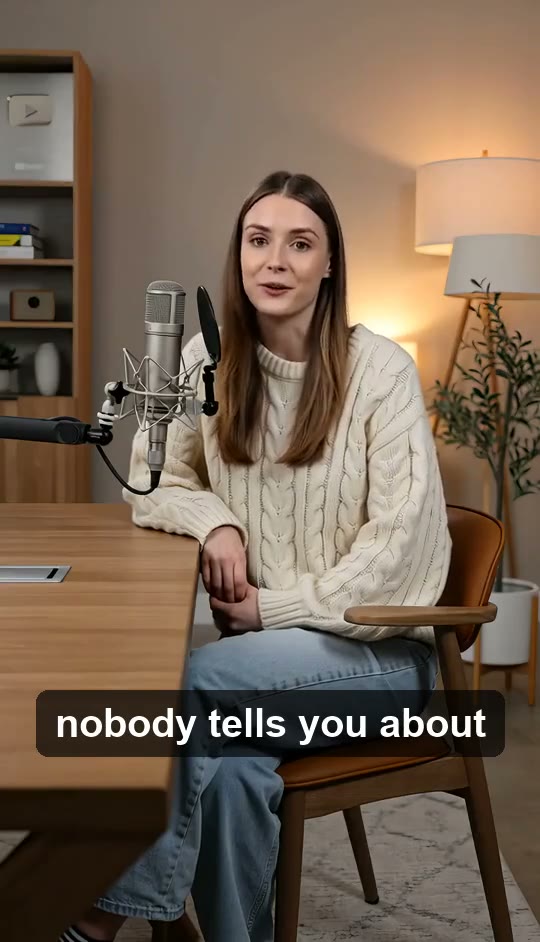
Titles and subtitles, burned in
Automatic subtitles you can edit before burning in, plus titles and timed text overlays for hooks, prices and calls to action.
- Auto-transcribed captions
- Editable lines
- Timed text overlays

Sharper, steadier, the right way round
Enhance blurry or low-res clips, stabilize shaky handheld shots and flip or mirror footage filmed the wrong way.
- Enhance and upscale
- Stabilize
- Flip and mirror
An online video editor, nothing to install
Works on Windows, Mac, Chromebook and phones in the browser. For multi-track timelines and long cuts, pair it with your desktop editor and use these tools for the hard parts.
- Any device with a browser
- No download
- Works alongside your editor
FAQ
AI video editor FAQ
Is the AI video editor free?+
Signing up is free and comes with free credits to try it. Each run shows its price on the Generate button before anything is charged.
What can the AI video editor do?+
Remove objects or people, change the background, enhance and upscale, add text and subtitles, restyle the clip, stabilize, flip, and swap a character. Each is a tool in the Video Tools tab.
Is it a timeline editor?+
No. It does the AI edits that are slow by hand (removal, backgrounds, captions, restyling). For cutting a long video on a multi-track timeline, use a desktop editor and bring clips here for those edits.
Does it work on PC and Mac?+
Yes. It runs in the browser on Windows, Mac, Chromebook, iPhone and Android, with nothing to install.
Can it add captions automatically?+
Yes. Add Subtitles to Video transcribes the speech, lets you fix any line and burns the captions in.
Can I remove a person from a video?+
Yes. Use the AI Video Object Remover and type what to remove.
Will it change the parts I did not ask to edit?+
The tools are built to keep people, motion and timing as filmed and change only what you describe. Check the result and run it again with a clearer description if needed.
What files can I upload?+
Common video files such as MP4 and MOV from phones, cameras and screen recorders. Results download as MP4.
Make new footage



Say the edit. Download the clip.
Remove, replace, caption, enhance or restyle, all in your browser.
Free to try · Price shown before you generate · Nothing to install