
AI UGC Generator for Product Videos
Turn one photo of a person with your product into a selfie-style UGC clip: they talk to the camera, show it off, try it and react. Test hooks and angles for TikTok, Reels and ads before you hire a UGC creator.
Results
Three products, three UGC-style clips
Each clip started from one still: an original person holding an unbranded product. The motion and the delivery came from a one-line description.
Specs
AI UGC generator specs
- Input
One photo
a person holding or using your product, selfie framing works best
- Direction
One sentence
what they do and how: talk to camera, show the product, try it, react
- Output
A vertical 9:16 MP4
handheld phone look for TikTok, Reels, Shorts and ads
- Keep
Your product's look
shape, colour and packaging follow the photo you start from
How to make an AI UGC video in 3 steps
A photo, a direction, a clip.

Step 1
Start from a photo
Use a photo of a person with your product. No photo yet? Make one in the image generator by uploading your product shot and describing the person holding it.
Prompt
He talks excitedly to the camera, turns the tumbler to show it, takes a sip and nods. Handheld phone video.
Step 2
Describe the moment
Say what the person does and the feel: excited review, calm routine, surprised unboxing. Ask for a handheld phone look.
Step 3
Download and test
Download the 9:16 clip, add captions with Add Subtitles to Video and test it as an organic post or an ad.
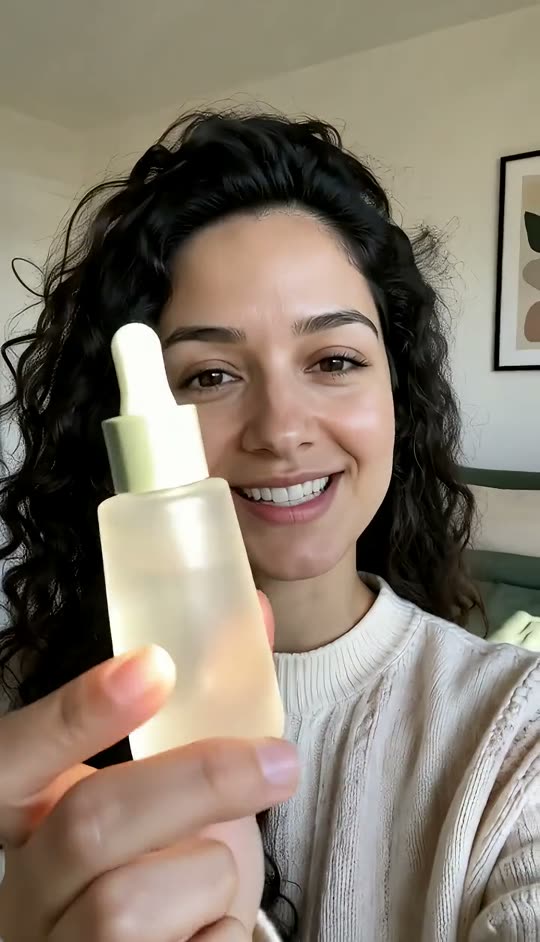
Feels filmed on a phone
Selfie framing, natural window light, a little handheld movement, an excited mid-sentence face. The clip reads like a creator's post, not a studio ad.
- Selfie framing
- Handheld feel
- Natural light
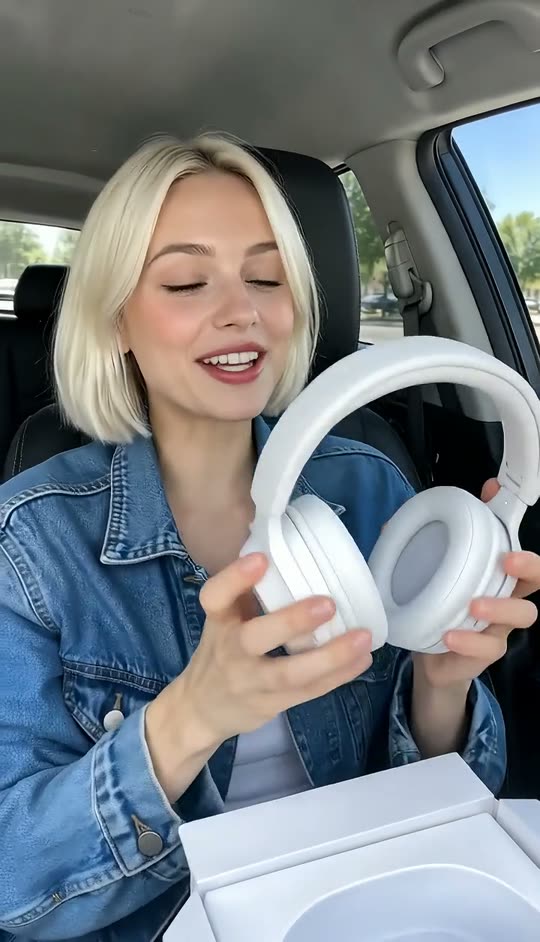
Review, try-on, unboxing
Talking-head review, applying or using the product, first-time unboxing reaction. Change one sentence to test a different hook on the same product.
- Talking-head reviews
- Try-ons and demos
- Unboxing reactions
Find the angle, then brief a UGC creator
Try several hooks, settings and personas in an afternoon. When one works, brief a real UGC creator with a clip that shows exactly what you want.
- Many angles quickly
- Clear creator briefs
- Vertical, ad-ready
Captions, text and edits
Burn in captions with Add Subtitles to Video, add a price or offer with Add Text to Video, or swap the setting with the Video Background Changer.
- Captions
- Offer text
- New backgrounds
FAQ
AI UGC generator FAQ
Is the AI UGC generator free?+
Signing up is free and comes with free credits to try it. Each run shows its price on the Generate button before anything is charged.
What is AI UGC?+
User-generated-content style video made with AI: a person talking to the camera about a product, filmed like a phone selfie, used for organic posts and ads.
Does it replace a UGC creator?+
It is a fast way to test hooks, settings and formats. Many brands use the winning clip as a brief for a real UGC creator. Read more in our AI UGC guide.
Can the person say my exact script?+
Not word for word. The clip carries the delivery and gestures; put your exact script on screen with Add Subtitles to Video or record a voiceover.
Can I use my real product?+
Yes. Start from a photo of a person holding your product, or make one in the image generator by uploading your product shot. Keep the label facing the camera for best results.
Can I use a real person's face?+
Only with that person's permission. Do not use celebrities or anyone who has not agreed to appear in your ad.
What format do I get?+
A vertical 9:16 MP4 for TikTok, Instagram Reels, YouTube Shorts and paid social.
Should I label AI UGC in ads?+
Follow your ad platform's rules on AI-generated content and do not present an AI person as a real customer review.
Finish your UGC clip
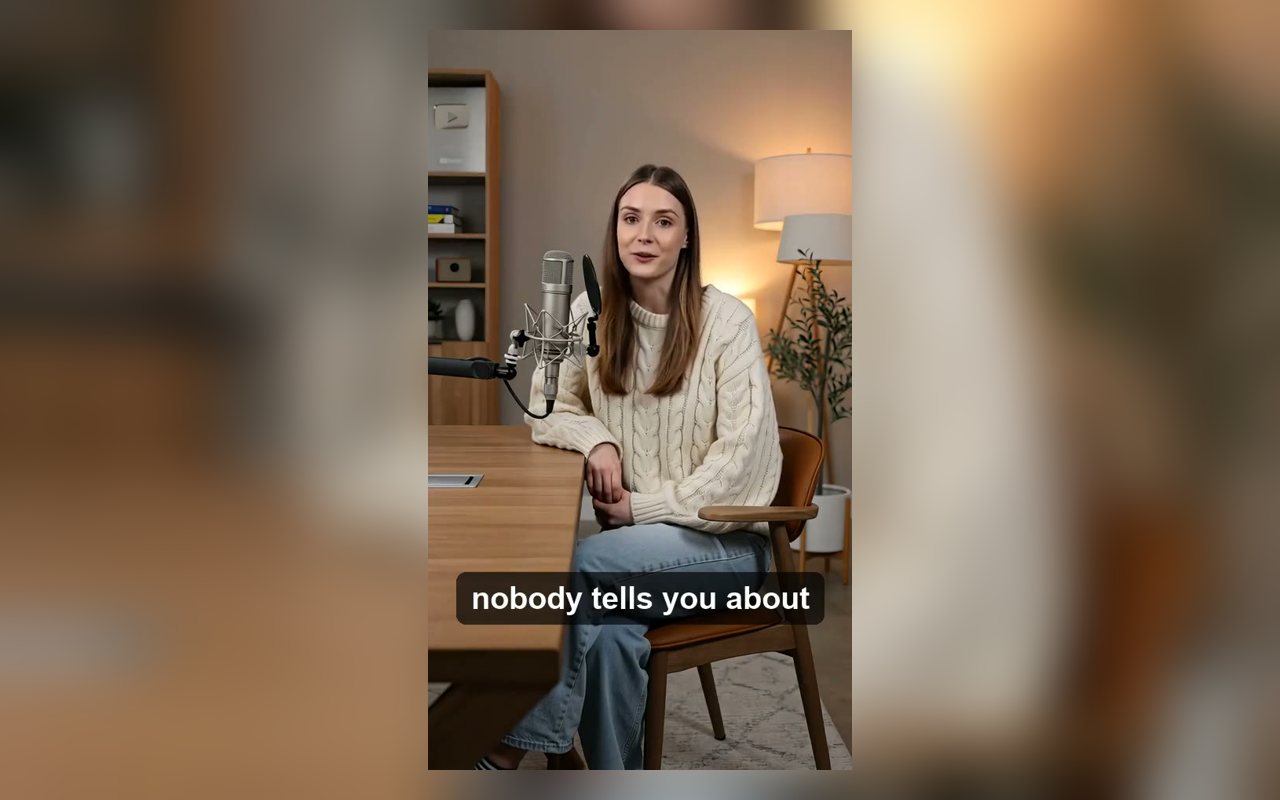

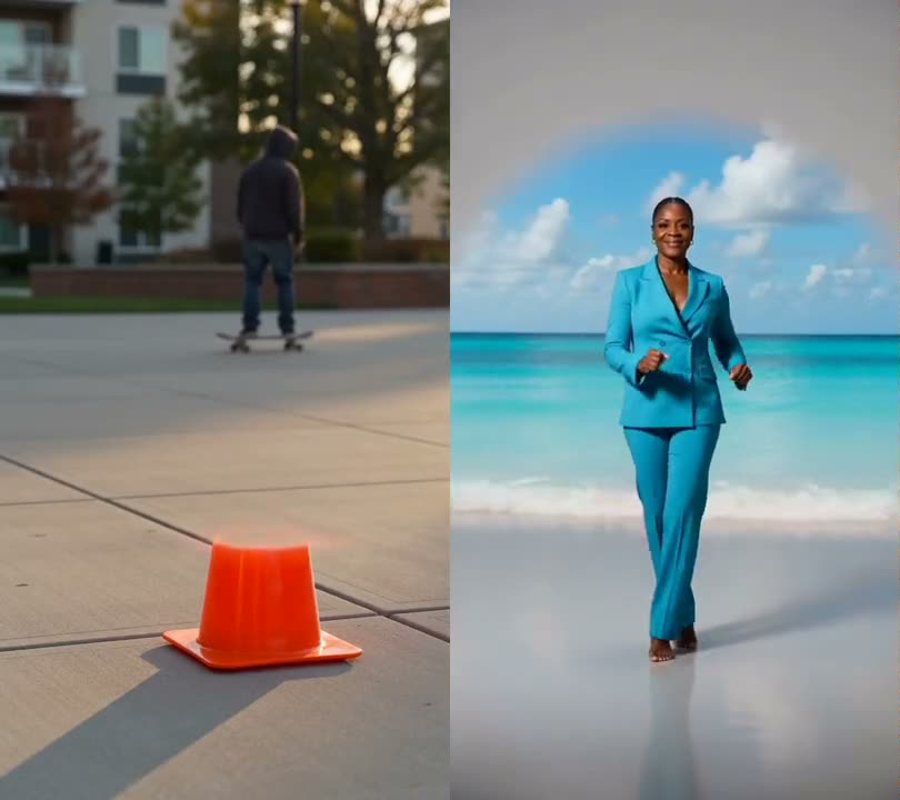
One photo in. A UGC-style clip out.
Start from a person with your product, describe the moment, test it today.
Free to try · Price shown before you generate · Original people only in our samples