
Free AI Clothes Changer
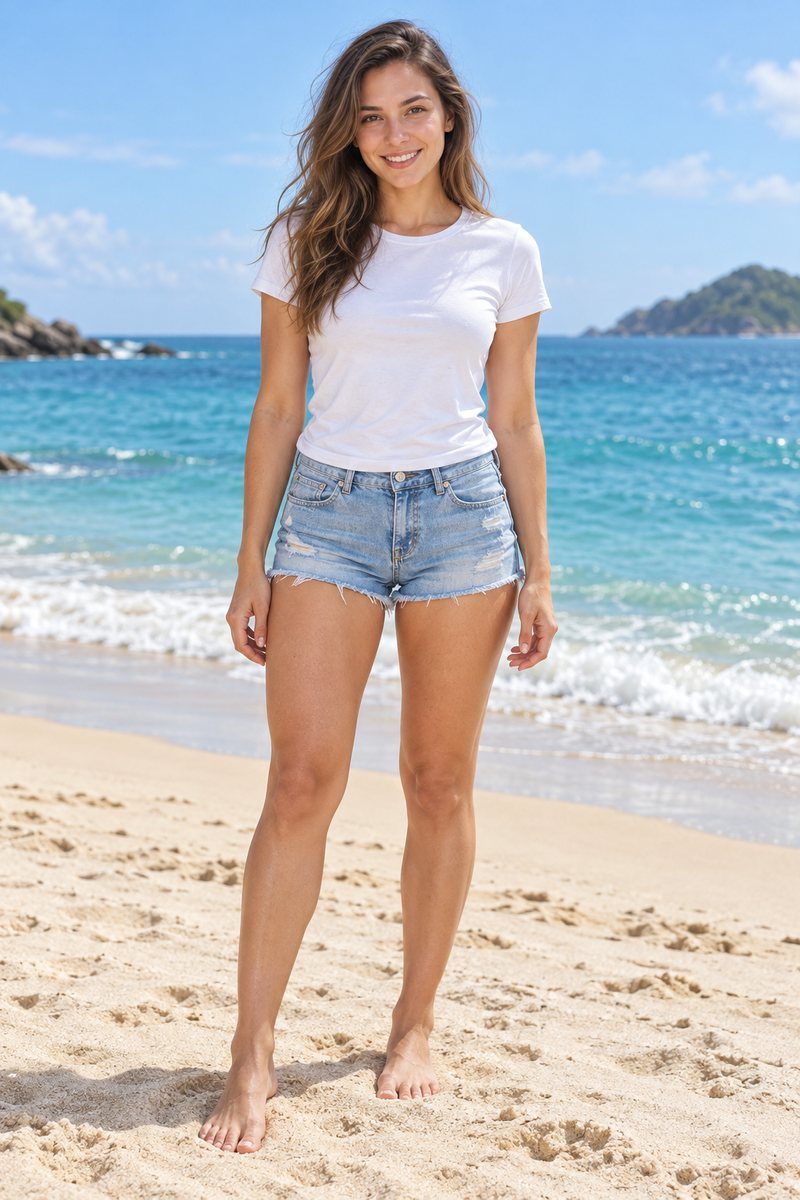
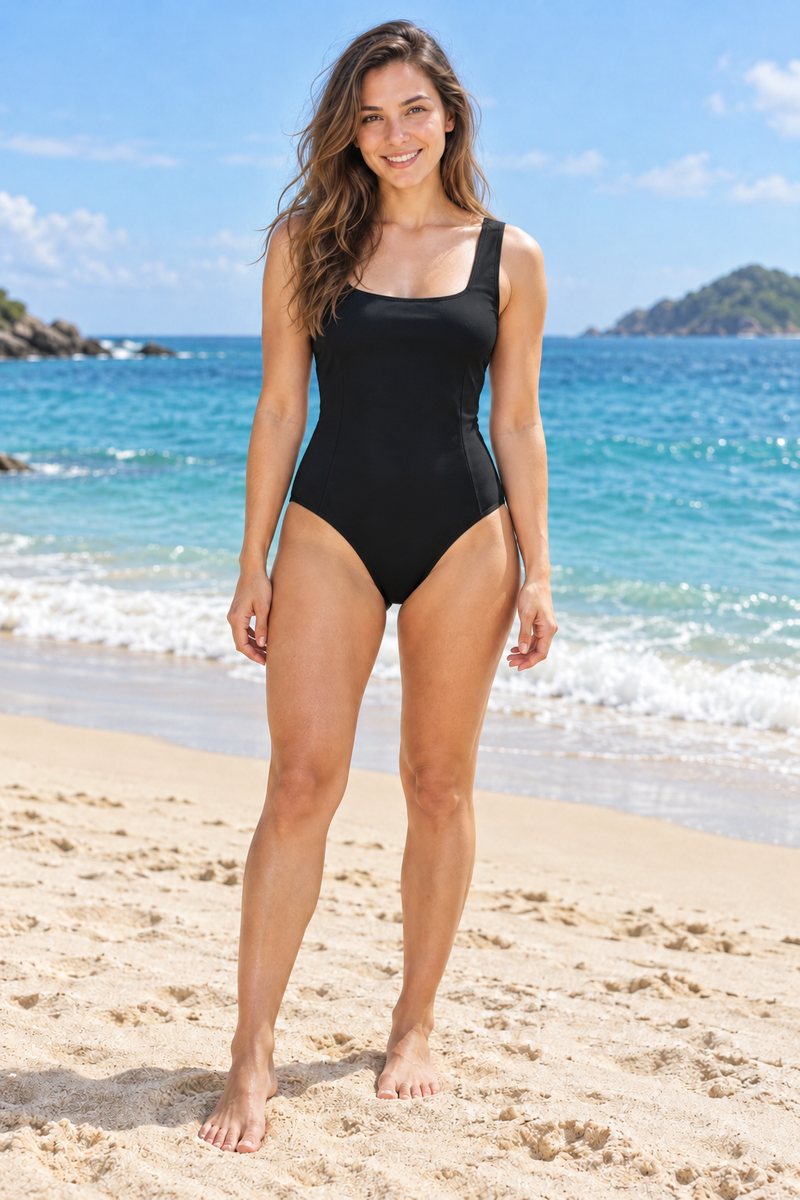
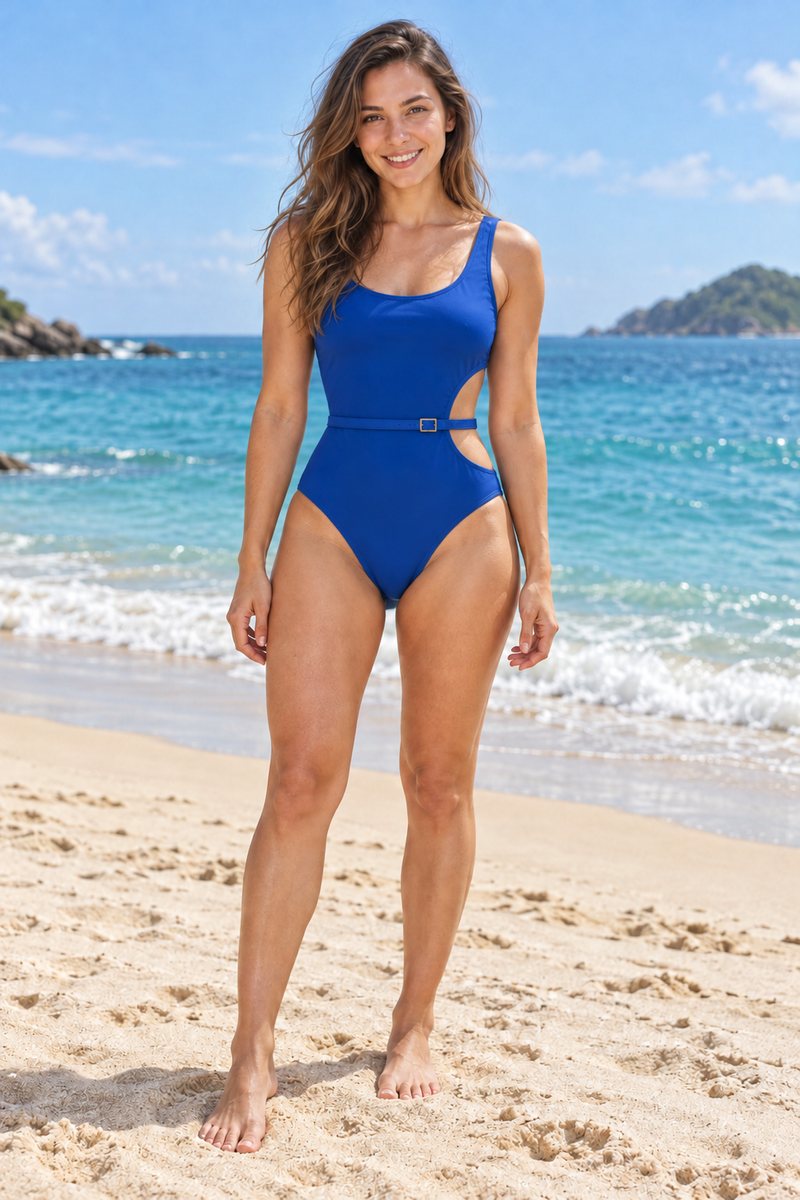
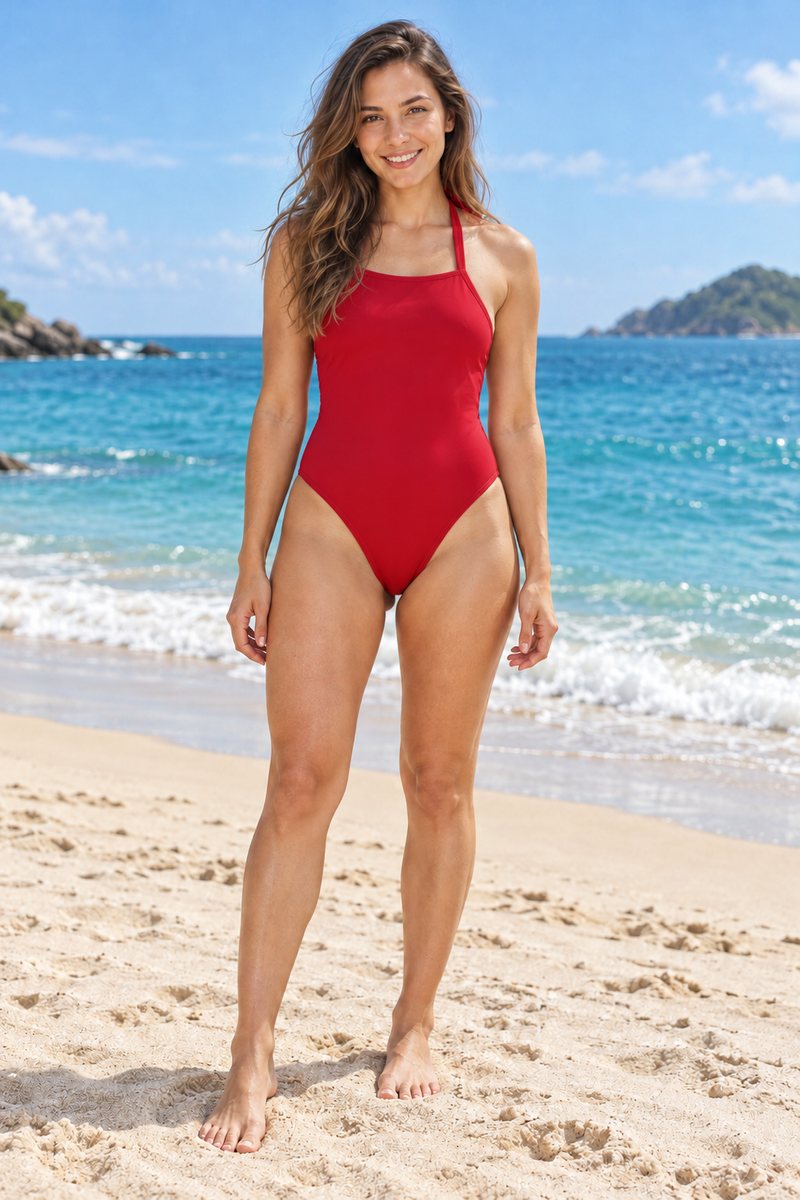
Put any outfit on your photo from a single picture of the garment. LazyKiwi dresses you in it and leaves your face, pose and background exactly as they were — so it looks like you wore it.
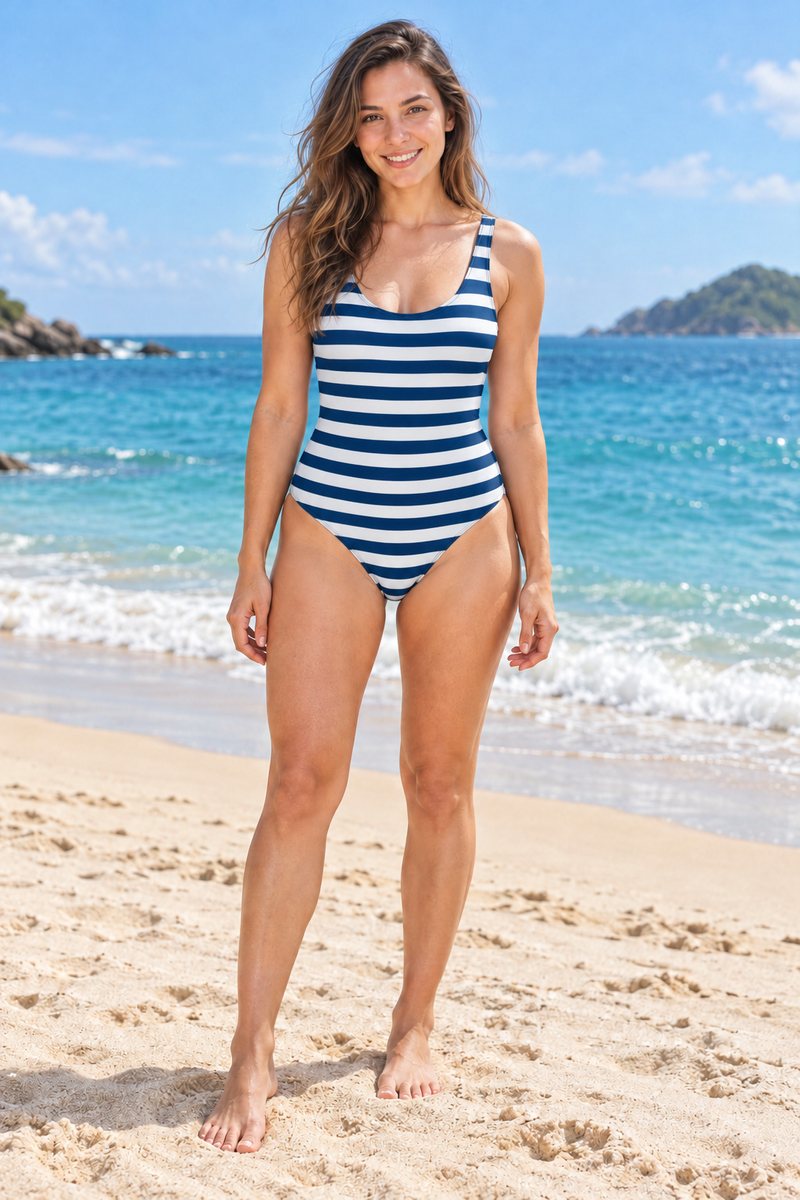
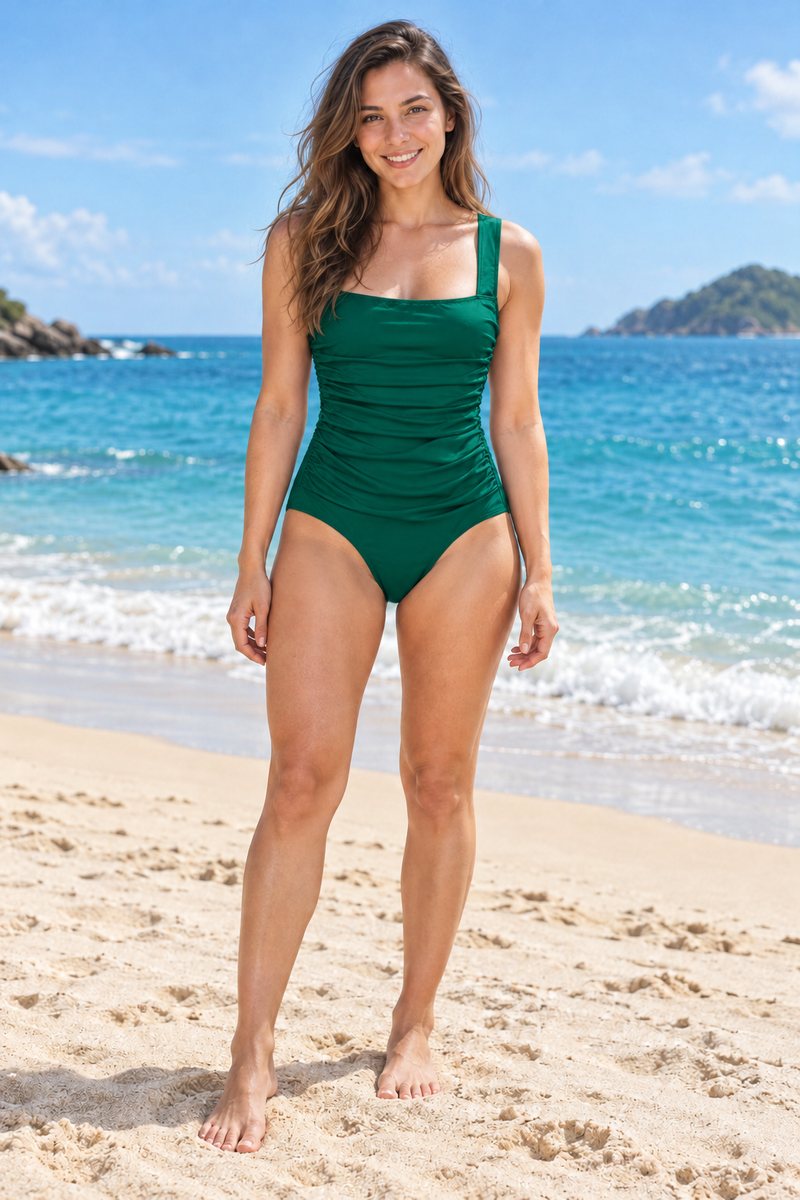
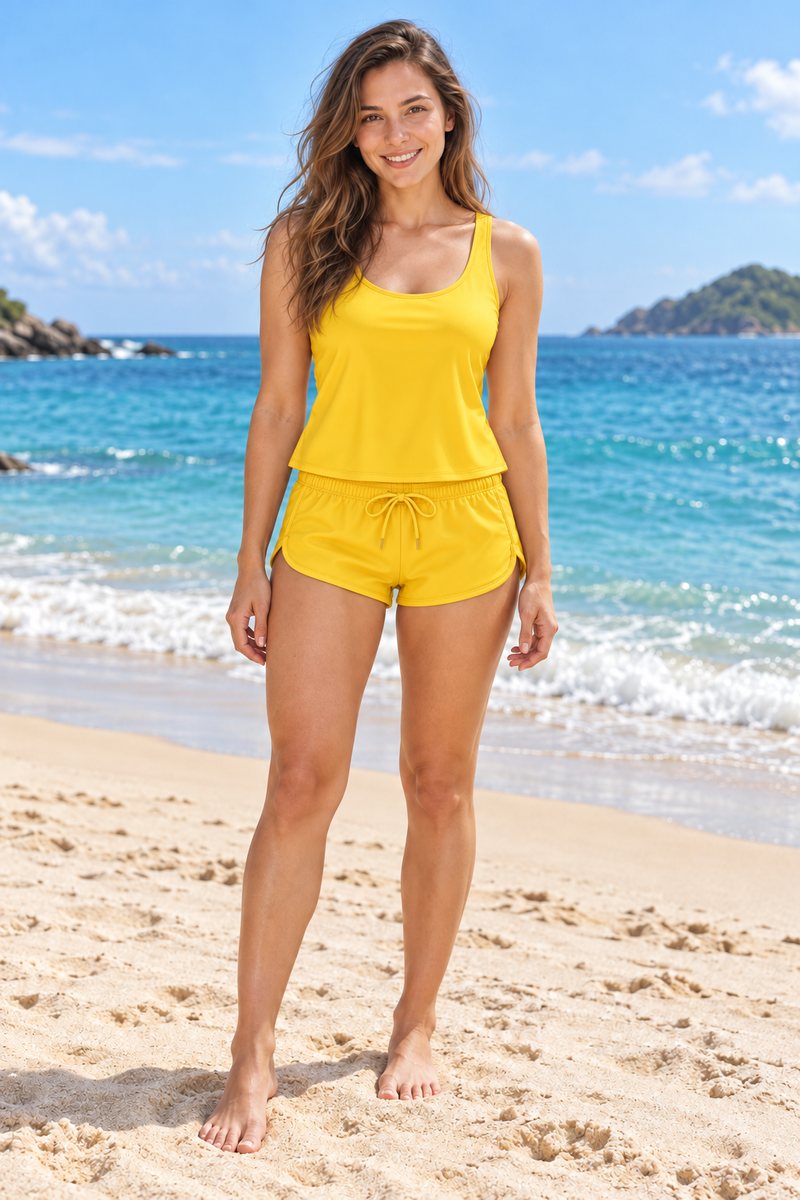
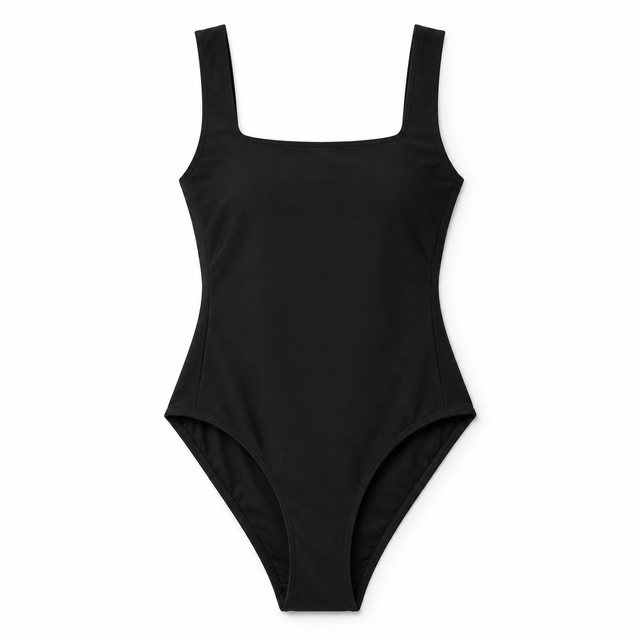
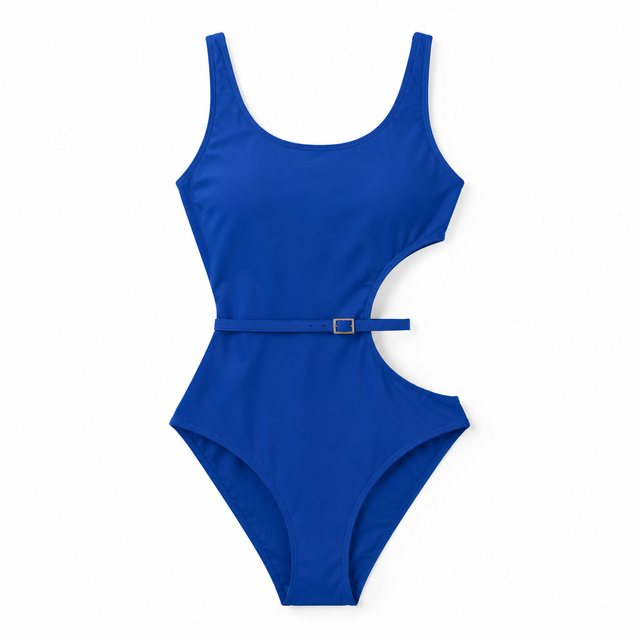
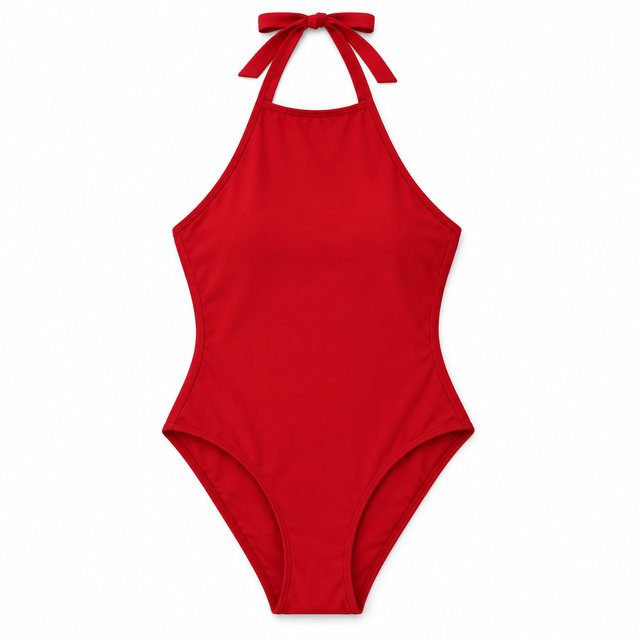
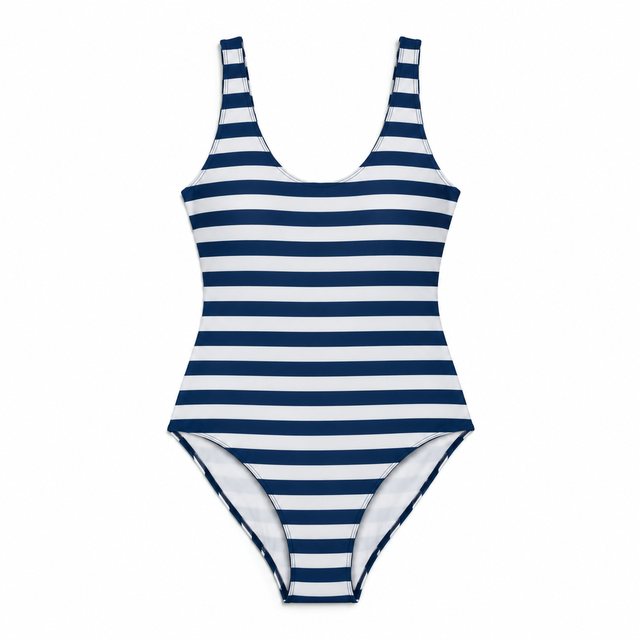
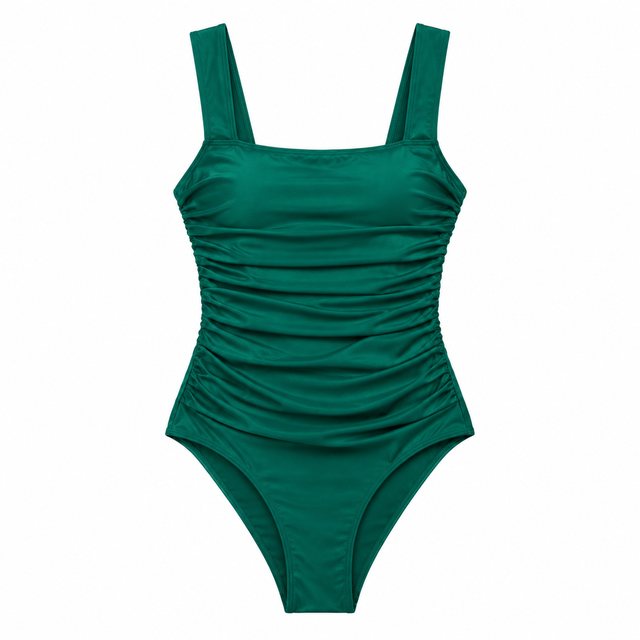
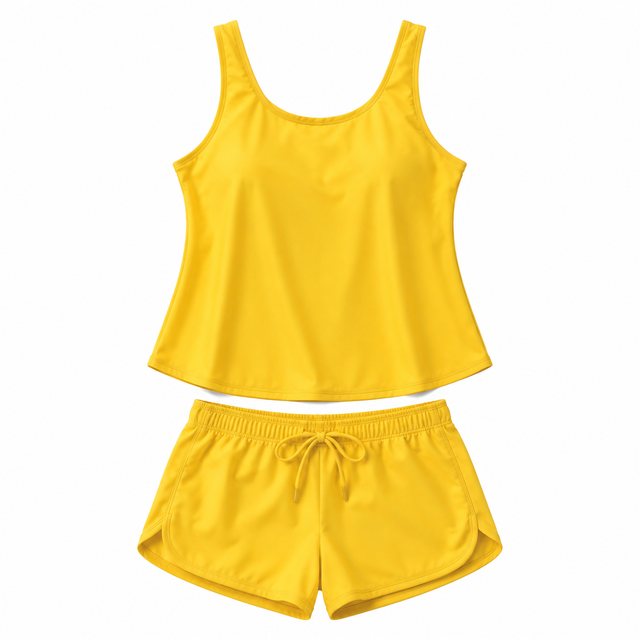
Specs
AI clothes changer specs: what goes in, what comes out
- Inputs
One photo of you + one photo of the garment
product shot, flat lay, or someone wearing it
- Output
1K or 2K image
ready to download
- Keeps
Face, pose, body and background
only the clothes change
How to change clothes in a photo — 3 steps
Two photos in, one try-on out. Your face, pose and background stay exactly as they were; only the clothing changes.
Step 1
Upload a photo of the person
A clear photo of one person with the body visible.
Step 2
Add a photo of the outfit
A product shot, a flat lay, or someone wearing it — the print, colour and cut come from this photo.
Step 3
Download the try-on
The garment is draped to your pose. Download the image from the workbench, or swap in another outfit.
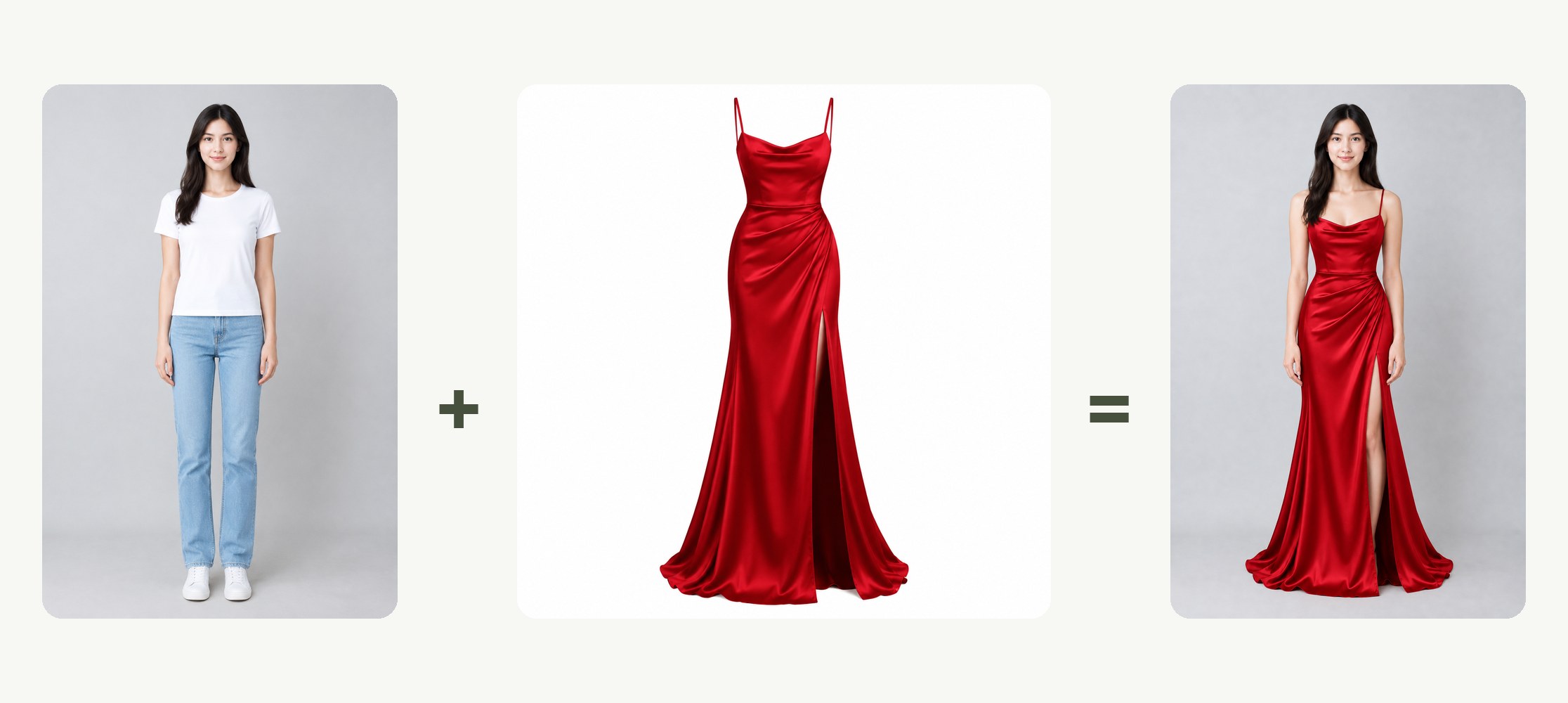
One photo of you, one photo of the garment
A person photo and a picture of the exact piece. No masking, no measurements, no presets.
- Person: one clear photo, body visible
- Garment: the real item, not a lookalike
- Optional note about fit or styling

Any garment photo works
A product shot, a flat lay, or someone else wearing it — the print, colour and cut are taken from that photo.
- Product shot, flat lay or on-model
- Pattern and colour preserved
- Hem and sleeve length follow the cut
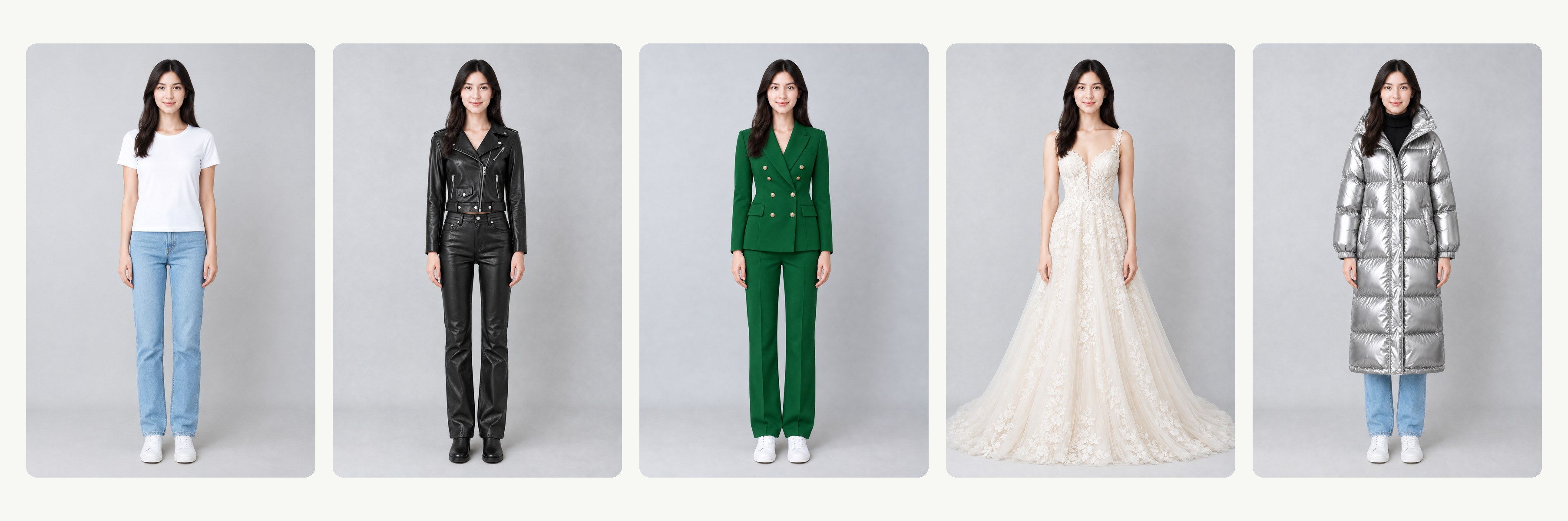
Same face, same pose, same background
Only the clothing is redrawn; the fabric is draped to how you are standing and everything else stays as shot.
- Identity and proportions unchanged
- Drape matched to the pose
- Background untouched
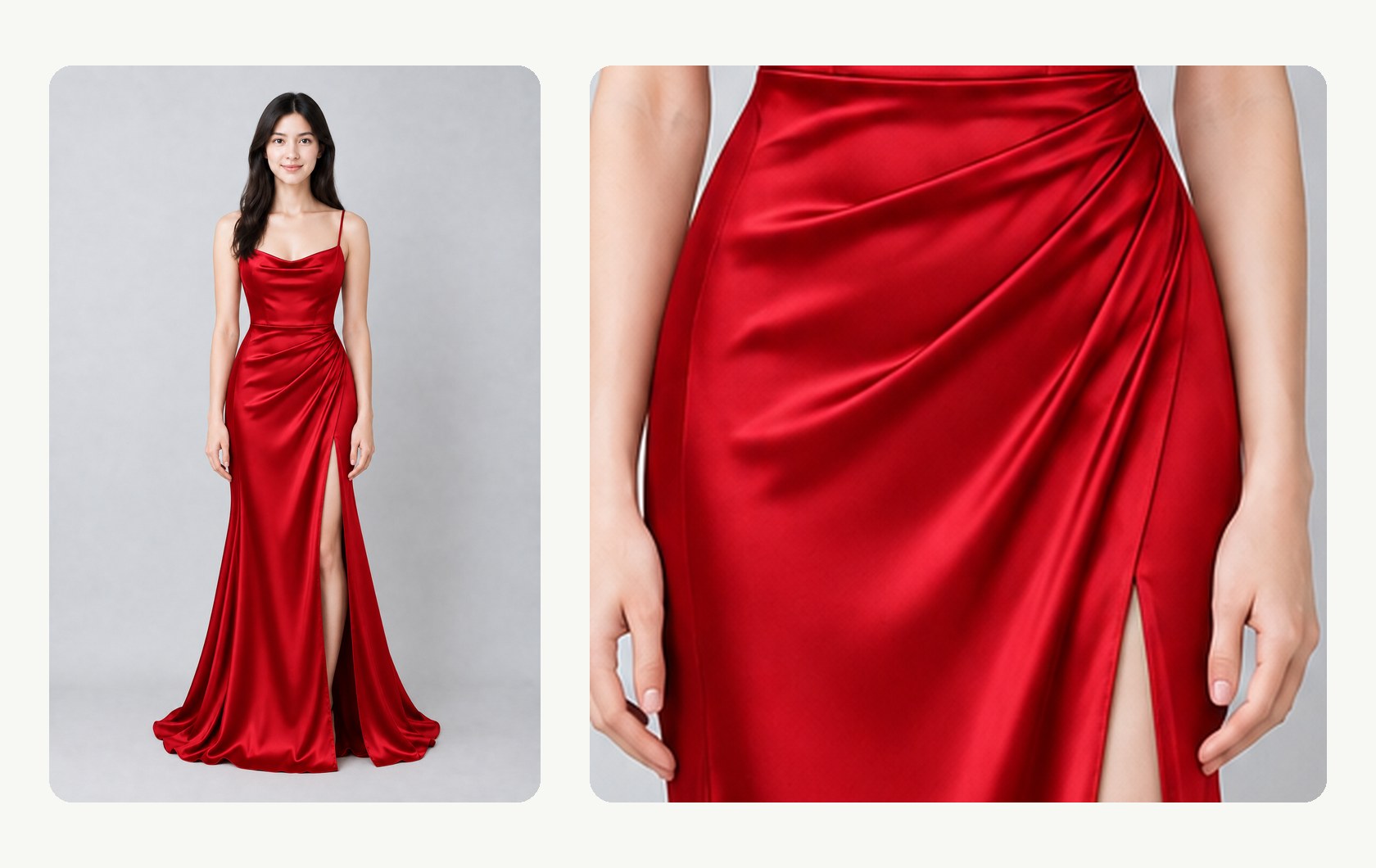
Detail that survives a close look
Seams, texture and print hold up when you zoom in — good enough for listings, lookbooks and a decision before you order.
- Print and texture from the garment photo
- Sharp enough for shop listings
- Price shown before you generate
Compared
Virtual try-on compared: LazyKiwi vs bitStudio, YouCam and NoteGPT
Where LazyKiwi AI Clothes Changer stands against bitStudio, YouCam and NoteGPT, from their own pages.
| LazyKiwi AI Clothes Changer | bitStudio | YouCam (Perfect Corp) | NoteGPT | |
|---|---|---|---|---|
| One photo of the person + one photo of the garment | ✓That is all it needs | ✓Person + outfit photo | ✓Photo or preset style | ✓Photo or text prompt |
| Any garment photo — product shot, flat lay, worn by someone | ✓All three work | ✓Flat lay or on-model | Not published | Not published |
| Keeps face, pose and background | ✓Only the clothing changes | Not published | Not published | Not published |
| Print, colour and cut from the real garment | ✓The exact piece you upload | ✓From the outfit photo | ✓Reference image (optional) | Not published |
| Optional styling notes | ✓Fit and styling in plain words | ✓Custom instructions | Not published | ✓Text prompts |
| Choose the output size | ✓1K or 2K | ✓Standard or Max | Not published | Not published |
| Free to try | ✓Free to try | ✓Free to try (watermarked) | ✓Free to try | ✓Free to try |
| Price shown before you generate | ✓On the button | ✓Credit price listed | Not published | ✓Credit price listed |
| Sources | Workbench read 13 Oct 2026 | Tool page Pricing read 13 Oct 2026 | Tool page read 13 Oct 2026 | Tool page Pricing read 13 Oct 2026 |
Competitor details change; check the linked pages first.
FAQ
AI clothes changer FAQ
What is an AI clothes changer?+
An AI clothes changer is a virtual try-on tool: you give it a photo of a person and a photo of a garment, and it returns the same photo with the person wearing that garment. Your face, pose and background stay as they were; only the outfit changes.
Is this an AI try on for clothes?+
Yes. It is an AI try-on: you supply the garment picture and see it on your own photo before you buy. Clothes changer AI, AI try on clothes and virtual try-on are names for the same thing here. To invent a look from a description instead, use the AI outfit generator.
Is the AI clothes changer free?+
Signing up is free and comes with free credits to try it; every run shows its exact price on the Generate button before anything is charged. The free credits cover a first try-on, with no card required; after that, credits come from a pack or a plan.
How do I change clothes in a photo?+
Upload a photo of the person and a photo of the garment, add a note if something should stay a certain way, pick 1K or 2K, and generate.
Can I describe an outfit with text instead of uploading one?+
Not in this tool — it needs a garment photo. The note is for small instructions like "keep the collar open". For styling ideas without a garment photo, see the AI outfit generator.
Is a clothes changer the same as an outfit generator?+
No. A clothes changer puts a specific, real garment from your photo onto a person. An outfit generator invents a look from a description. If you only have an idea rather than a product photo, use the AI outfit generator; to change the hair as well, try the AI hairstyle changer.
Does it change my face or body?+
No. Only the clothing is replaced. Your face, hair, pose and proportions stay as uploaded.
What does it get wrong?+
Small text and busy prints can come out altered, hem and sleeve lengths are estimated, and the photo should contain one person. For a different take, change the garment photo or the note.
Can I use the results in my shop listings, and is my photo private?+
Yes, as long as you hold the rights to both photos; check whether your marketplace asks you to label AI-assisted images. Uploads are used only to make your image and are never sold or shared. The tool only puts clothing on; explicit requests are refused.
What photos work best?+
A clear, front-facing photo of one person with the body visible, and a garment photo that shows the whole piece — a product shot or flat lay is ideal.
Can I try several outfits on the same photo?+
Yes. Keep the person photo and upload a different garment each time — swimwear, a suit, a dress — and every try-on is a separate generation. To put the same look in a new setting, swap the scene with the AI background changer.
How do I download the result?+
The try-on appears in the workbench when it is ready; download it as an image from there.
More AI photo tools
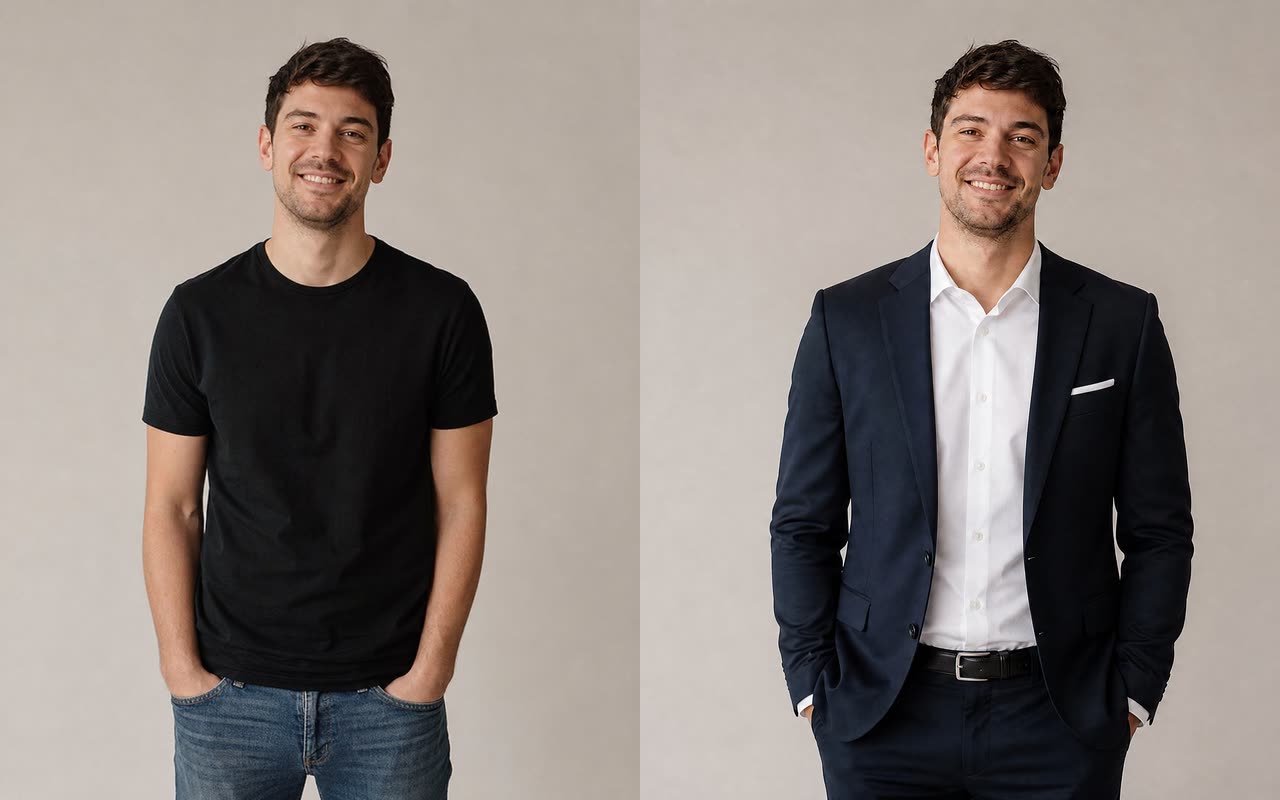


One photo of you. Any garment. The same you.
Upload the person and the garment, pick 1K or 2K, and download the try-on.
Free to try · Price shown before you generate · Face, pose and background kept