
AI video enhancer and upscaler: sharp detail for soft, old clips.
Upload a video and the AI video enhancer raises the resolution, unblurs soft detail and clears out noise and compression blocks. No prompt, no sliders, just a clearer clip. It works as a video upscaler for HD and 4K screens and as a video quality enhancer for old phone footage.
What it is
One upload, a sharper, upscaled video.
Old phone footage, compressed downloads and low-light takes lose detail that sharpening can't bring back. The enhancer reconstructs it — more pixels, cleaner edges, less grain and blocking — while the color, timing and motion of the original stay put.
How it works
Your result in three steps
Upload your video
Any clip you want cleaned up — old phone footage, a heavily compressed export, a low-light take.
Let it read the clip
No prompt needed. The enhancer finds the softness, noise and compression damage on its own.
Generate & download
Compare the result against your original, then download the enhanced version.

Resolution you can actually see
The video upscaler rebuilds edges and texture instead of stretching pixels, so faces, text and fabric read clearly when the clip plays at full size.
- Upscales soft, low-res footage
- Rebuilds edge detail
- Holds up on a big screen

Grain and blocking, cleared
Low-light noise and the blocky artefacts left behind by heavy compression are removed without smearing the picture into plastic.
- Reduces low-light grain
- Clears compression blocks
- Keeps natural skin texture
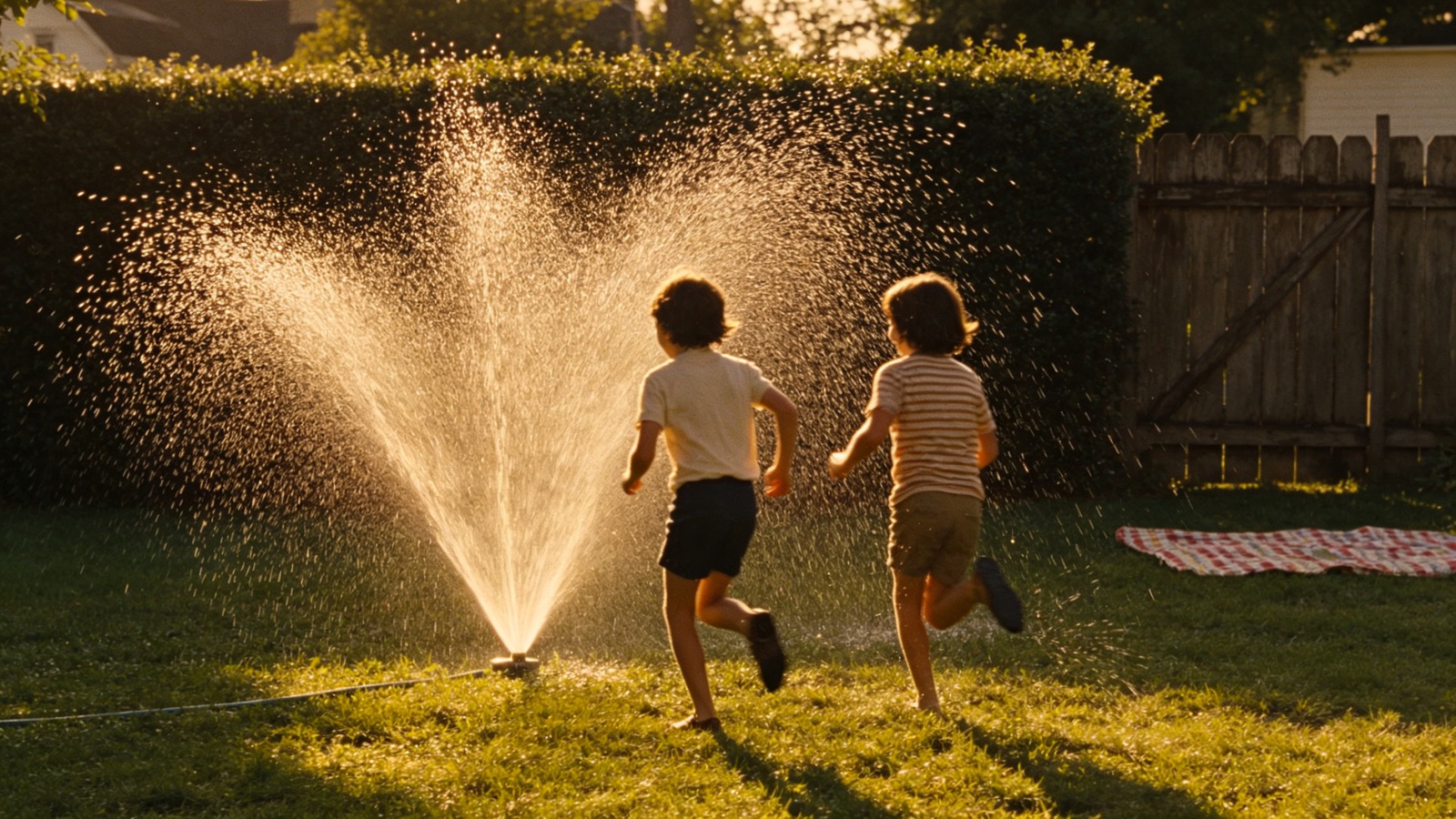
Same cut, same sound
Length, framing, frame rate and audio all come out the way they went in. Only the picture quality changes, so it drops back into your edit.
- Original audio kept
- Same length and framing
- Drop-in replacement for the source clip
Why LazyKiwi
Built to add detail, not noise
One click, no settings
No sliders, no presets, no prompt. Upload and the enhancer works out what the clip needs.
Private by default
Your footage is processed securely and never sold. What you upload stays yours.
Free to start
No credit card. Enhance one of your own clips and compare it side by side first.
Honest results
It recovers detail the footage actually holds. It won't invent a face the camera never captured.
Runs in your browser
No desktop app to install and no GPU to buy — the render happens on our side.
No editing skills needed
No denoise plugins or sharpening chains to configure and test.
FAQ
Questions, answered
What is a video upscaler?+
A video upscaler is software that increases the resolution of a clip while reconstructing detail, so a 480p or 720p file plays cleanly on an HD or 4K screen instead of looking soft and blocky. The LazyKiwi enhancer does this with an AI model: it unblurs edges, rebuilds texture and removes compression noise in one pass, with no settings to tune.
Can it unblur video that was shot out of focus or shaky?+
It recovers softness caused by low resolution, heavy compression and mild motion blur, which covers most old phone footage and downloads. Footage that was badly out of focus or smeared by strong camera shake has less real detail to work from, so expect a cleaner but not perfectly sharp result; test one short clip first.
Is the AI video enhancer and upscaler free?+
Yes. Upload a clip and enhance it for free, with no credit card.
Can it upscale video for a 4K screen?+
It raises resolution well past the source. How far it goes convincingly depends on how much real detail the original holds.
Do I need to enter a prompt?+
No. This tool only needs the video — it works out the fixes itself.
Is my video safe to upload?+
Yes. Uploads are processed securely, never sold and never published by us.
Use cases
When to enhance video quality
Family archives
Bring old camcorder and early phone footage up to something worth watching on a modern TV.
YouTube creators
Rescue a good take that was filmed in bad light or exported at too low a bitrate to reuse.
Small businesses
Reuse older product clips in a new ad instead of paying for a reshoot to match today's resolution.
More answers
More about improving video quality
Will it fix a badly out-of-focus shot?+
Partly. Mild softness sharpens up well, but a shot that missed focus entirely has no detail left to recover.
What about shaky footage?+
The enhancer works on picture quality, not stabilisation. Stabilise in your editor first, then enhance.
How long can the clip be?+
Short clips process fastest. For a long video, enhance the sections you'll actually use.
Does it change the frame rate?+
No. The frame rate and duration you upload are what you get back.
Give your footage a second life.
Upload a clip and download a sharper, cleaner version of it in minutes — free to try.
No credit card · Free to try · Results in seconds