
Stretch Cut Story
An image transition that stretches one photo into the next
Two photos, one cut. The first stretches sideways and blurs out as the second arrives underneath it, and the poster words stretch with them. Story-style progress bars across the top, ember palette, six seconds.
- 6s
- duration
- 4
- aspect ratios
- 7
- controls
- 720p
- free, unlimited exports
Transitions · 6s · 9:16
Transition · Stretch · Story · Photo
A transition you can put your own material through
Transition packs are usually overlays: a clip of light leaks or a mask you have to composite over footage you already cut. That only helps if you already have an edit. This is the opposite — a complete six-second clip with two image slots, where the cut between them is the authored motion. Drop your before and after in, and the stretch happens to your photos.
The move itself is a horizontal scale plus a blur, timed so the outgoing image loses its shape a few frames before the incoming one is fully there. The words on top stretch on the same curve, which is what sells it as one gesture rather than a filter applied to a layer. Above it all sit two story-style progress bars and a small profile ring, so the clip reads as a story frame even before it is posted as one.
6 seconds, three beats
What is on screen, and when. Every element named here is a layer in the document — you can click any of them on the canvas and change it.
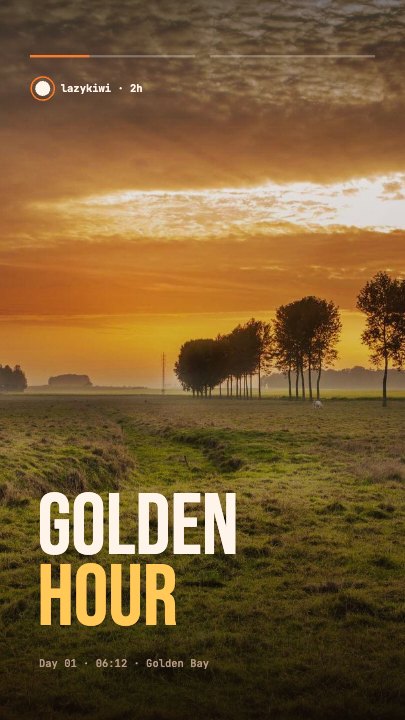
Beat 1 · 1.1s
Scene one holds
The first photo fills the frame under a scrim, the first poster word and its meta line are in place, and the story progress bar is filling across the top.
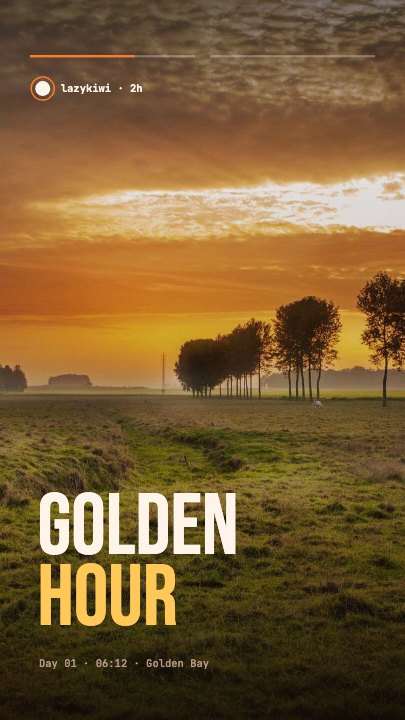
Beat 2 · 1.9s
Scene one, a beat before the cut
The word and its meta line are fully settled and the first progress bar is nearly full — the poster frame, moments before the stretch fires.
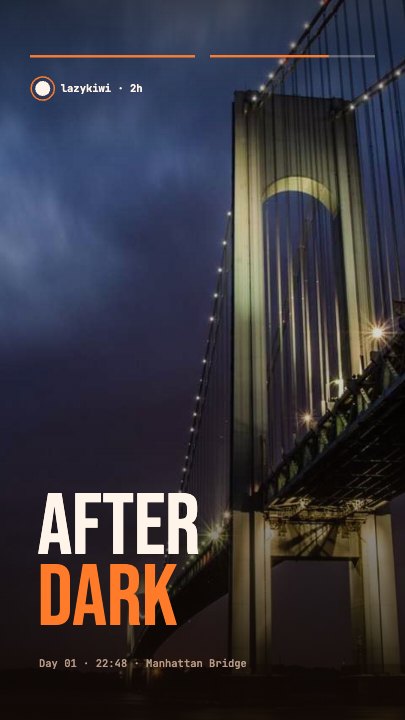
Beat 3 · 5.2s
Scene two settled
The second photo is in place with its own word and meta line, the second progress bar is running, and the clip holds on the new frame.
Three steps to a stretch cut
- 01
Add your two photos
Scene 1 and Scene 2 are separate image slots. The first fills the frame at the start, the second is revealed by the stretch — any pair works, though a strong colour difference makes the cut land harder.
- 02
Write the two words
Each scene carries a large word and a meta line beneath it. Type yours; the stretch retimes around the length so a long word does not tear off the edge.
- 03
Set the stretch amount
A control from 2× to 4.5× decides how violent the cut is. Low reads as a swipe, high reads as a smear. Then pick your aspect and export.
The cut is the content
A whole clip, not an overlay
Six seconds with the transition at the midpoint means you can post this on its own — which an overlay pack cannot do. If you do want it inside a longer edit, export it and cut it in at the changeover.
Type stretches too
Words on the same curve as the image
The poster word for each scene scales horizontally with its photo. That shared curve is why the frame reads as one object being pulled, rather than a picture effect with a caption sitting still on top of it.
Dial it in
Stretch amount is a control
Between 2× and 4.5× you can take the same cut from a clean sideways swipe to a full smear. It is one slider, and the timing of everything around it adjusts to stay in sync.
What you can change
Seven controls. The handle, the two meta lines and the progress bars are authored layers you can edit or restyle on the canvas.
- Click any element on the canvas to edit it directly
- Or describe the change in a sentence and let the assistant make it
- Export 9:16, 16:9, 1:1, 4:5 from the same document
Studio controls
7 named
- Scene 1 wordTextGOLDEN
- Scene 2 wordTextAFTER
- AccentColour#FF7A29
- Stretch amountSlider 2–4.53.2
- Scene 1 photoPhoto
- Scene 2 photoPhoto
- SpeedSlider 0.5–21
Why this instead of a preset pack
Transition presets assume you own the editor they were made for, and they assume you have footage to put on either side. This template ships with both sides as photo slots, so the shortest path from two pictures to a posted clip is upload, type, export. And because the cut is a document property rather than a rendered effect, changing the photos never means re-applying anything.
Stretch Cut Story: questions, answered
Is the image transition template free?+
Free to open and edit, with unlimited free 720p exports with a small LazyKiwi mark on the free tier. Clean 1080p is included with any paid plan.
What aspect ratios can I export?+
9:16, 16:9, 1:1 and 4:5. It is authored vertical for stories, and the progress bars and captions retarget rather than being cropped away in the wider exports.
Can I use it between my own clips?+
In two ways: swap the two photo slots so the transition happens between your own images, or export the six-second clip and cut it into a longer edit at the point where you need the change.
Do I need After Effects?+
No. There is no plugin and no project file — the stretch, the blur and the type scaling are authored into the document and render in the browser.
How long is the clip?+
Six seconds, with the cut at 1.9s so the second scene gets the longer hold. Use the speed control if you want the whole thing tighter.
More transitions
All transitions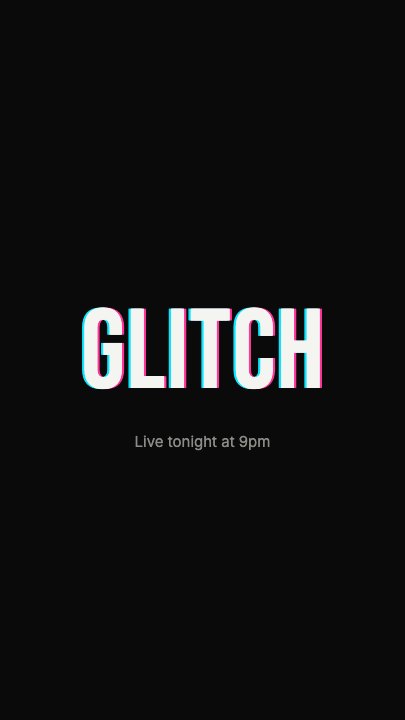 Glitch RevealA display headline stutters in through RGB-split ghosts, horizontal slice tears and hard flicker, holds with a faint colour fringe and one more twitch, then tears apart on the way out
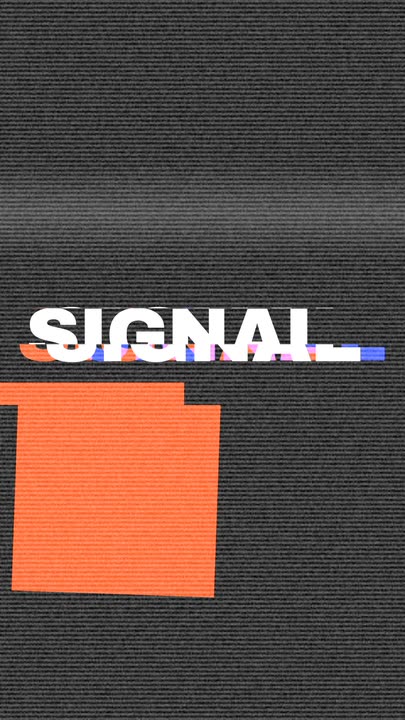 Glitch CutTwo bold title cards hard-cut at the midpoint through a burst of signal failure — RGB split, sliced bands, scanlines, static and a white flash.
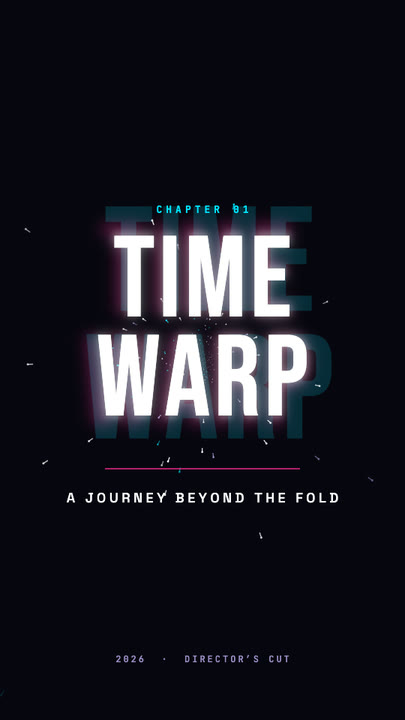 Time Warp TitleA two-line display title rushes out of deep focus — stretched, blurred, trailing cyan and magenta afterimages — lands with a flash, then blasts past the lens.
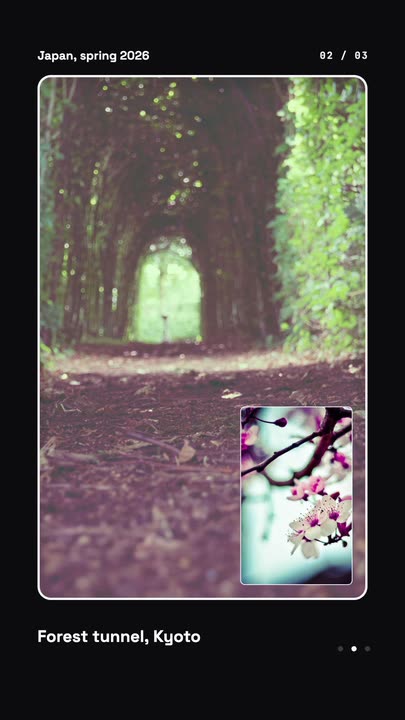 Nested Photo EditPicture-in-picture photo edit: a small inset grows into the main frame, then the next one nests inside it, three deep on a seamless loop.
 Offer Card FlipA photo offer card flips on its Y axis to reveal what is included, the price and a button, then flips back.
Cut between your own two photos.
Upload before and after, write a word for each, set how hard the stretch bites, and export.