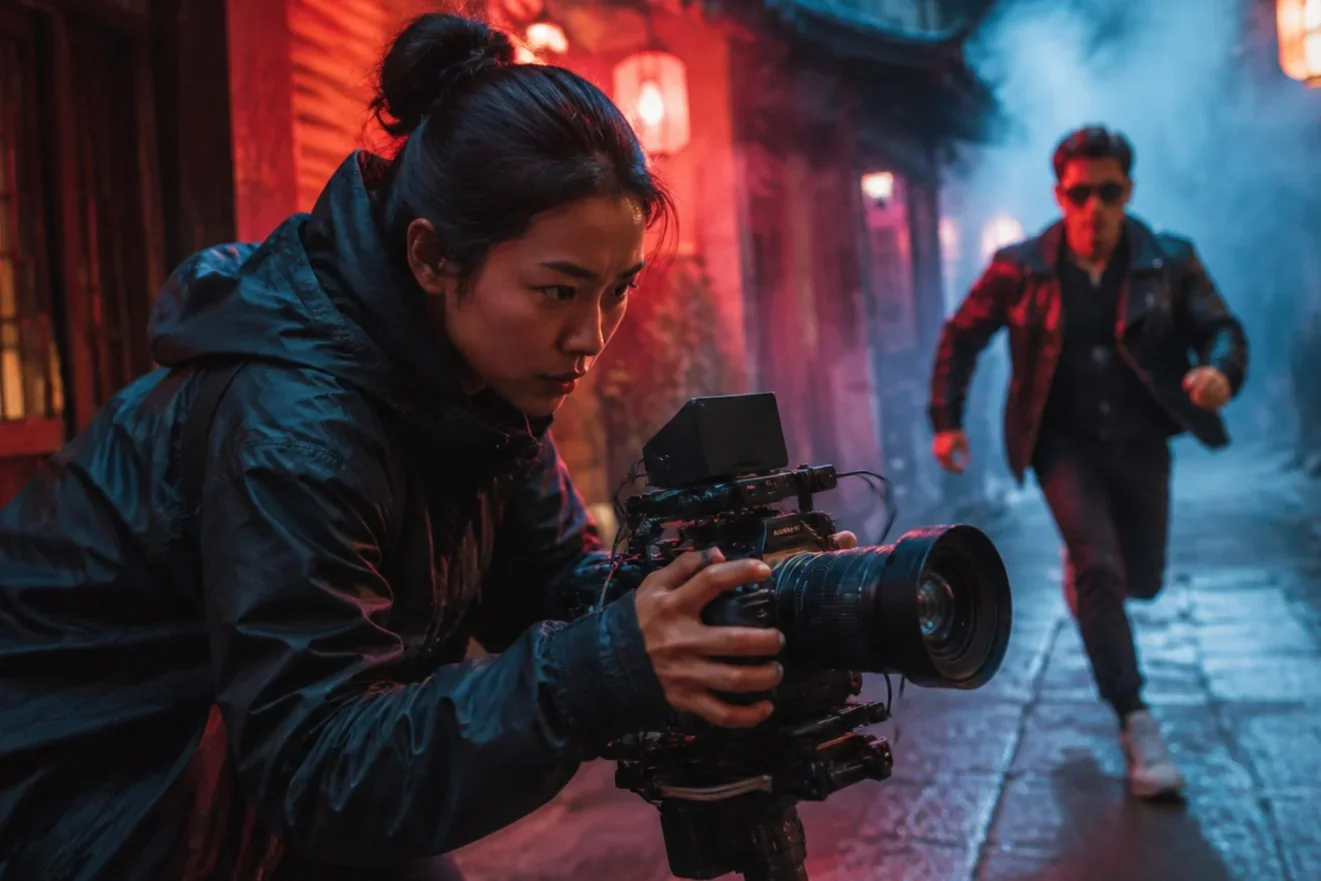
Google Veo 3 AI video, 1080p from text or one image
Google DeepMind's Veo 3 generation, Lite tier: 16:9 or 9:16, 720p or 1080p, 4 to 60 seconds.
Veo 3.1 Lite is the Veo 3 entry in the LazyKiwi workbench: Google's lower-cost Veo 3.1 tier, released in March 2026, with the feature most people search Veo 3 for, 1080p in landscape and portrait. In LazyKiwi it runs text-to-video and image-to-video in 16:9 or 9:16 at 720p or 1080p, six durations from 4 to 60 seconds, 1,000-character prompts. Specs: up to 720p or 1080p.

- Provider
- Google DeepMind
- Duration
- 4s to 60s
- Aspect ratios
- 16:9 / 9:16
- Resolution
- 720p / 1080p
How it works
Use Veo 3.1 Lite in three steps
Pick Veo 3.1 Lite in the LazyKiwi video workbench and generate on the page.
 1
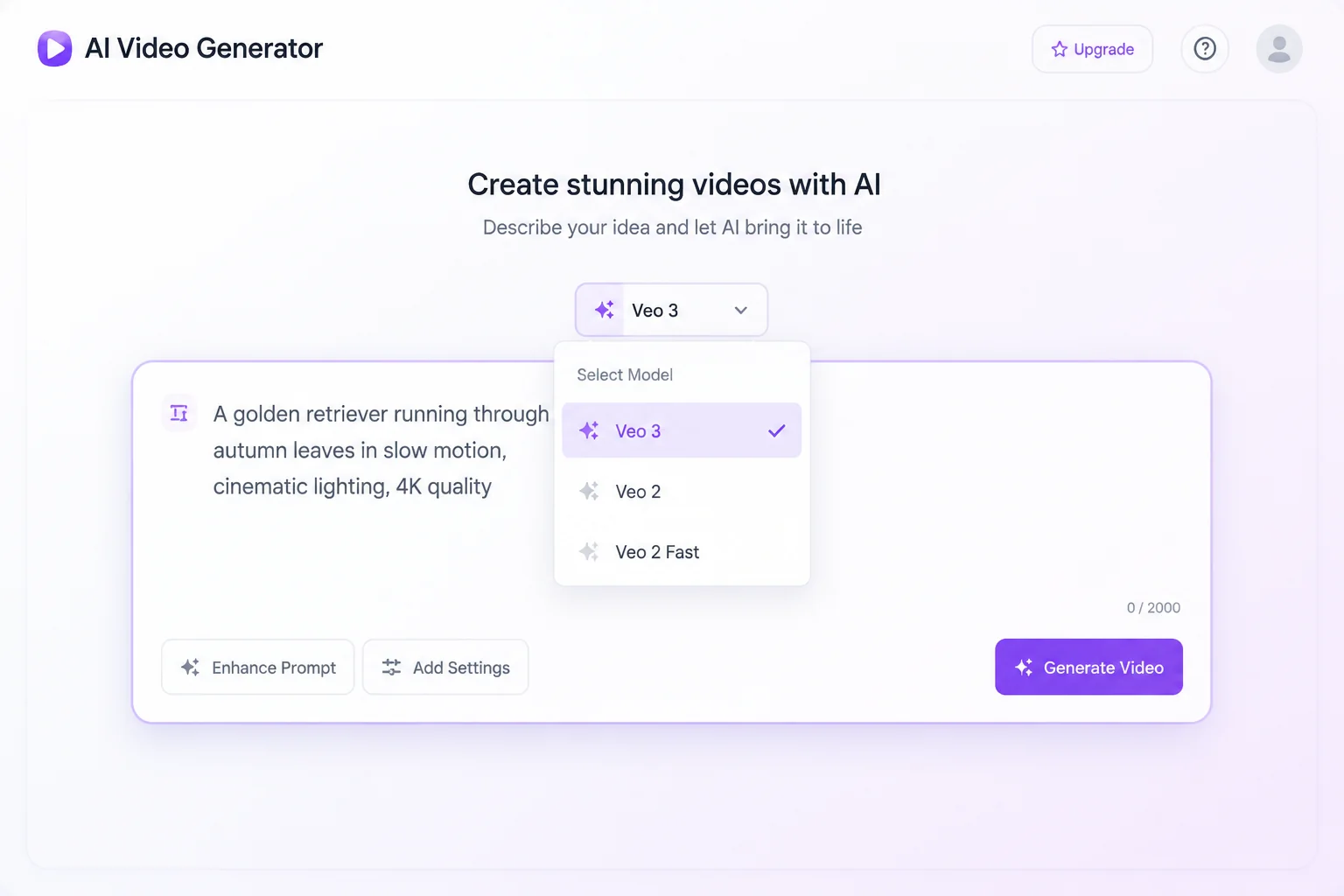
1Choose the model
Select Veo 3.1 Lite in the model list. The workbench loads 16:9 or 9:16 framing, six durations from 4s to 60s, and 720p or 1080p output; the default is 8s, 16:9, 720p.
 2
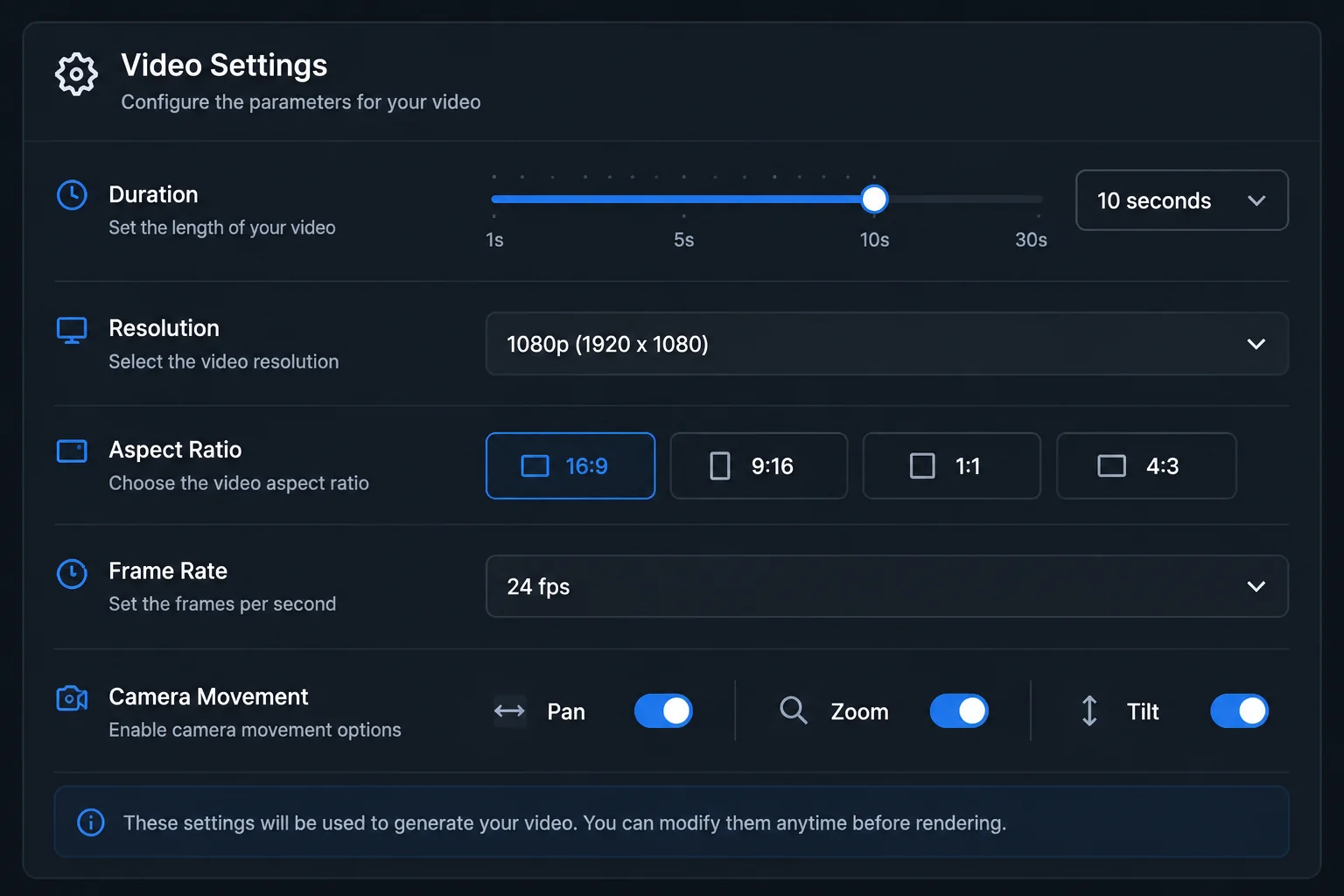
2Set the shot
The prompt field takes 1,000 characters, so keep it to subject, action and camera move. Leave it text-only or add one image; a start and end frame pair is not offered on this model.
 3
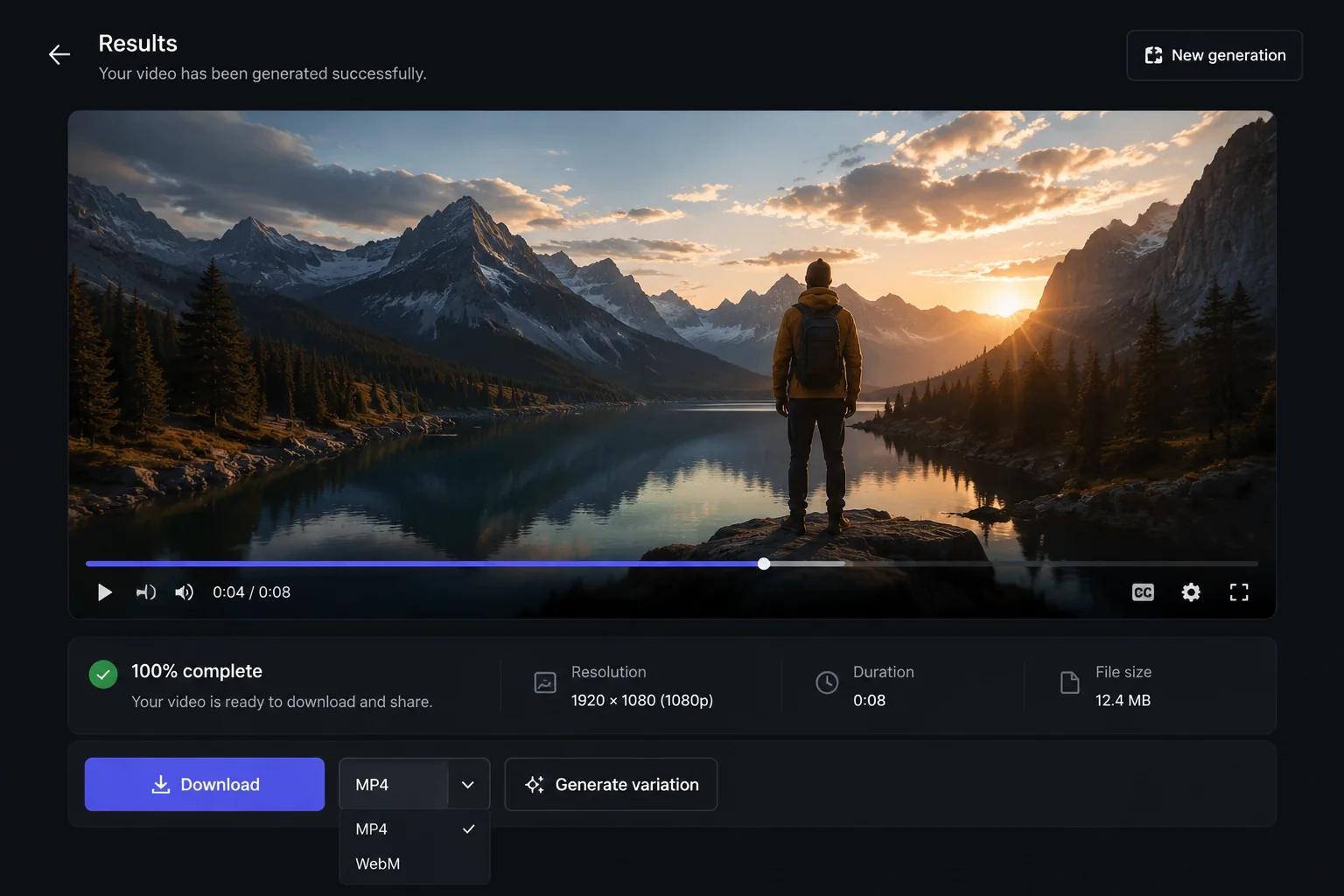
3Generate and download
Veo 3.1 Lite is priced per clip: 200, 300 and 400 credits for 4, 6 and 8 seconds at 720p, and 640 for 8 seconds at 1080p. Preview, then download the MP4.
Why Veo 3.1 Lite
What Veo 3.1 Lite is built for
The pick when the deliverable has to be 1080p in 16:9 or 9:16 on a tight credit budget.
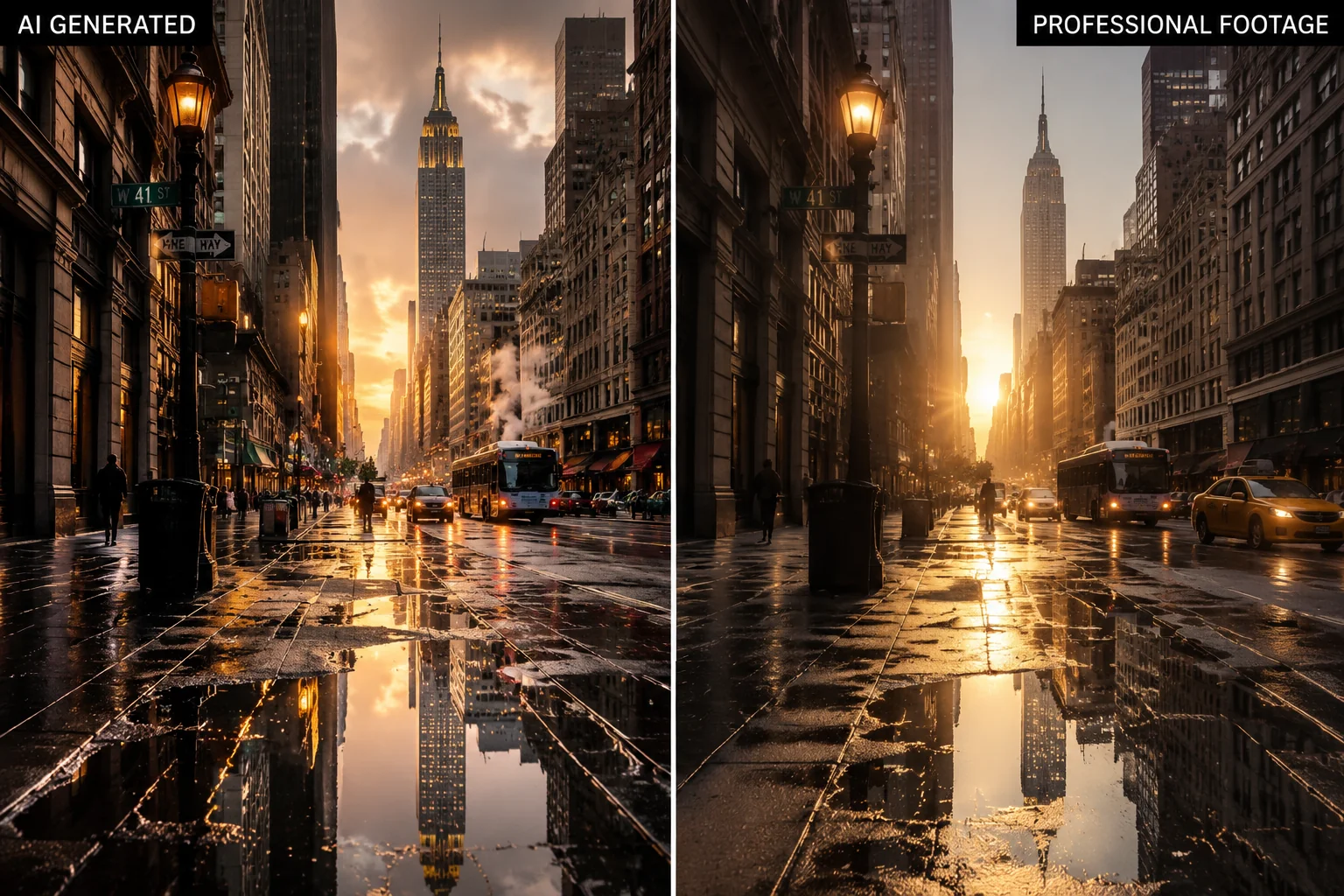
Output
1080p in landscape or portrait
Veo 3.1 Lite renders at 720p or 1080p in 16:9 and 9:16, which covers YouTube, web embeds, Reels, Shorts and TikTok. There is no square or 4:3 option; use Seedance 2.5 or Grok Imagine Video for those.
- 720p or 1080p
- 16:9 and 9:16 only
- Default: 8s, 16:9, 720p
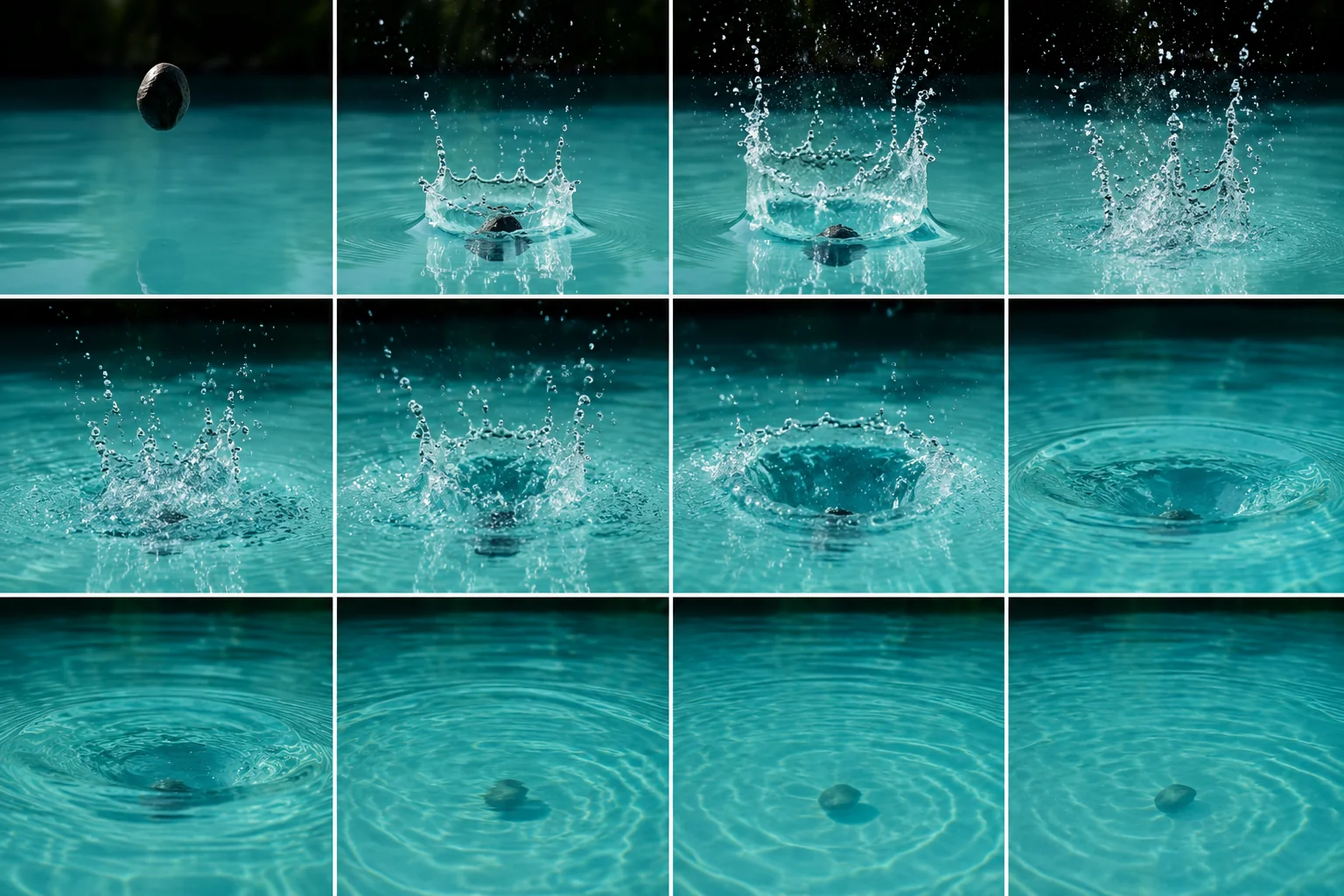
Price
Low credit cost per clip
At 720p, Veo 3.1 Lite bills 200 credits for four seconds, 300 for six and 400 for eight; 1080p is 640 for eight seconds. Longer presets run 50 per second at 720p and 80 at 1080p. Five seconds of 1080p Kling v3 Omni is 1,036, by comparison.
- 4s / 6s / 8s at 720p: 200 / 300 / 400
- 8s at 1080p: 640
- Longer presets: 50 / s at 720p, 80 / s at 1080p
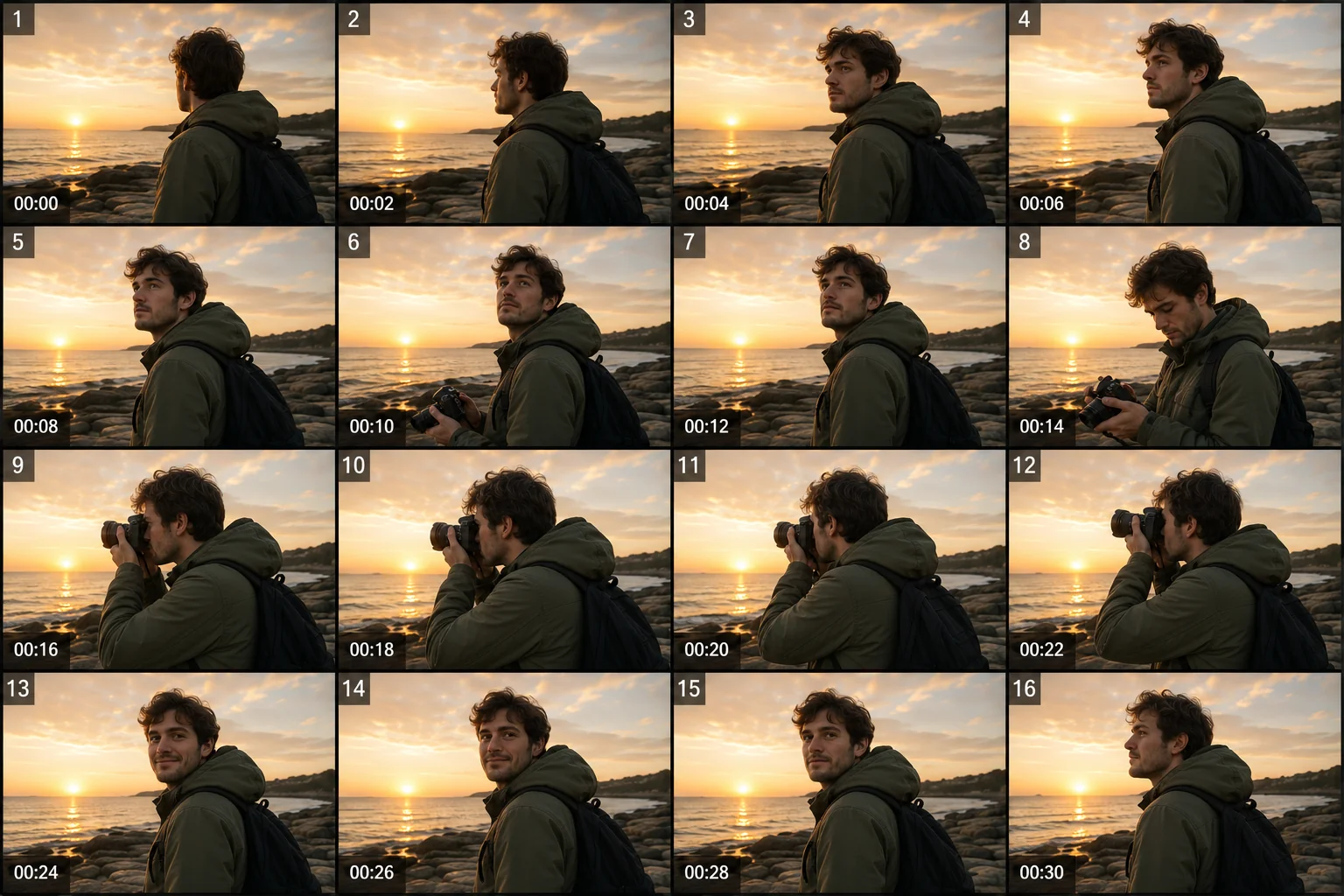
Duration
Four seconds to a minute
Google's documentation lists 4, 6 and 8 second clips for Veo 3.1 Lite. The LazyKiwi workbench also exposes 30, 45 and 60 second presets, billed per second, so a full voiceover length fits one run.
- 4s, 6s, 8s, 30s, 45s, 60s
- Google documents 4 to 8 seconds
- Long presets billed per second
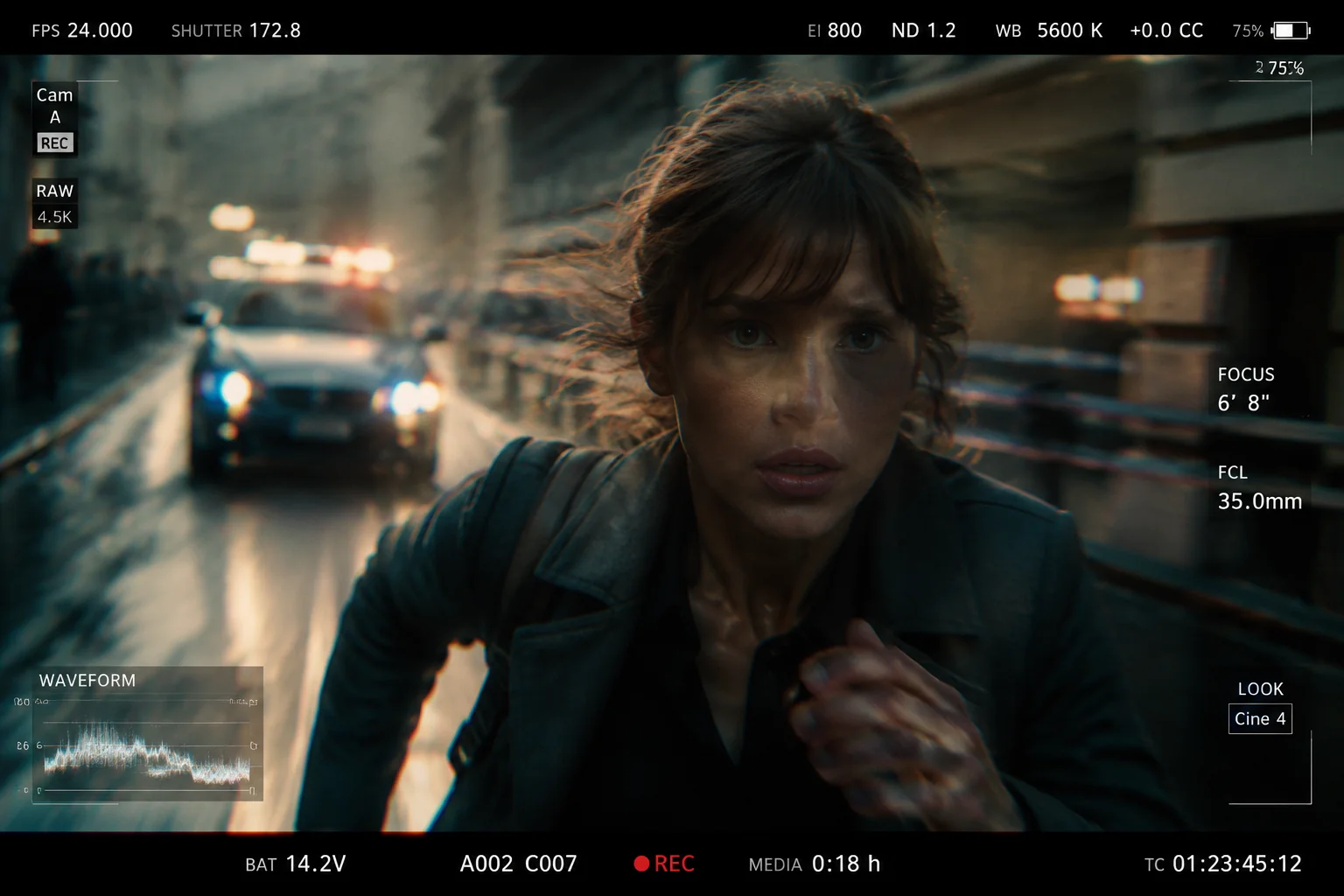
Audio
Plan for picture only
The LazyKiwi Veo 3.1 Lite tier has no audio option: no dialogue, music or sound-effect setting in the workbench. Treat output as picture only and add voiceover, music and effects in your editor.
- No audio setting in the workbench
- Treat output as picture only
- Add sound in post
Sample directions
Ideas to try with Veo 3.1 Lite
Directions to try in LazyKiwi, then refine to match your brand.
Product hero shot at 1080p
Photo brought to life
Vertical 9:16 short
Specs
Veo 3.1 Lite at a glance
Capabilities as exposed through the LazyKiwi workbench. Upstream limits may differ.
- Provider
- Google DeepMind
- Type
- Video generation
- Modes
- Text→video, image→video
- Duration
- 4s, 6s, 8s, 30s, 45s, 60s
- Resolution
- 720p or 1080p
- Aspect ratios
- 16:9, 9:16
- Prompt limit
- 1,000 characters
- Audio
- Not part of this tier in LazyKiwi
- Credits
- 200 / 300 / 400 for 4 / 6 / 8s at 720p; 640 for 8s at 1080p
- Best for
- 1080p landscape and portrait at low credit cost
When to use it
Veo 3.1 Lite vs other LazyKiwi video models
Veo for 1080p at a low price, Seedance 2.5 for framing and length range, Kling v3 Omni for keyframes.
| Model | Strength | Best for | Speed |
|---|---|---|---|
| Veo 3.1 Lite | 1080p at 16:9 or 9:16 from 200 credits | Full-HD landscape and vertical in volume | Standard |
| Seedance 2.5 | Six ratios, every second 4s to 30s | Framing choice, exact lengths (720p max) | Standard |
| Kling v3 Omni | Start & end frames at 1080p | Fixed-endpoint transitions | Standard |
Use cases
What creators build with Veo 3.1 Lite
Where 1080p at a low credit cost earns its keep.
YouTube pre-roll at 1080p
8-second 16:9 spots at 640 credits each.
Reels and Shorts in 9:16
Vertical clips at 720p or 1080p.
Photo to motion
One still into a landscape or portrait clip.
Explainer b-roll in volume
4-second cutaways at 200 credits apiece.
FAQ
Veo 3.1 Lite FAQ
What is Veo 3.1 Lite, and is it Veo 3?
Veo 3.1 Lite is the lower-cost tier of Google DeepMind's Veo 3.1 video model, released in March 2026. It belongs to the Veo 3 generation, so it is what LazyKiwi runs when you pick Veo 3: text-to-video and image-to-video at 720p or 1080p, 16:9 or 9:16.
Is this Google Veo, and can I use it without Gemini?
Yes, it is Google Veo: LazyKiwi runs Veo 3.1 Lite, the Lite tier of Google DeepMind's Veo 3 generation, through the model provider. You do not need a Gemini subscription or a Google Flow account; sign in to LazyKiwi and pick Veo 3.1 Lite in the video generator.
Can I use Veo 3 for free?
New LazyKiwi accounts start with free credits, and Veo 3.1 Lite is one of the cheaper models to spend them on: 200 credits for a 4-second 720p clip. Google offers Veo 3.1 Lite through paid API access, so LazyKiwi is a way to try Veo 3 without a Google Cloud account.
Does Veo 3.1 Lite generate audio in LazyKiwi?
No. The LazyKiwi Veo 3.1 Lite tier has no audio setting, so there is no dialogue, music or sound-effect generation to switch on. Treat clips as picture only and add voiceover, music or effects in your editor as a separate step.
Does Veo 3 support image to video?
Yes. Upload one image and Veo 3.1 Lite animates it with the same 16:9 or 9:16 framing, 720p or 1080p output and 4 to 60 second presets as text mode; the prompt then describes motion and camera. A start-and-end-frame pair is not offered on this model.
What is the longest Veo 3.1 Lite clip in LazyKiwi?
The workbench offers 4, 6, 8, 30, 45 and 60 second presets. Google's documentation for Veo 3.1 Lite lists 4, 6 and 8 second clips; the longer presets are exposed by the LazyKiwi workbench and billed per second, so a 60-second 720p run is 3,000 credits.
Try Veo 3.1 Lite in LazyKiwi
Google's Veo 3 generation alongside your other video and image models.
More models
Other video models in the same workbench.