
AI Video Generator & AI Video Maker
Free AI video generator and AI video maker for text, photos, and templates
Describe a scene, upload a still frame, or pick a cinematic template, then generate with Veo 3, Kling, Seedance, Wan, and more in one LazyKiwi workbench.
No install required · Works in your browser · Start free
Text to Video
A cinematic slow-motion shot of a dancer spinning in neon rain...
7+
AI video models in one workbench
19+
Cinematic video templates
4
Ways to start (text, image, frames, template)
9:16 · 1:1 · 16:9
Aspect ratios for every platform
Made with LazyKiwi
Real cinematic effects, ready in minutes
Start from a template or build from scratch — same workbench, same export flow.
Bullet Time
Cinematic video template
Earth Zoom Out
Cinematic video template
Seamless Transition
Cinematic video template
 Camera Motion
Crash Zoom
Cinematic video template
360 Rotation
Cinematic video template
Rolling Motion
Cinematic video template
 Physical Dynamics
I BE I can fly
Cinematic video template
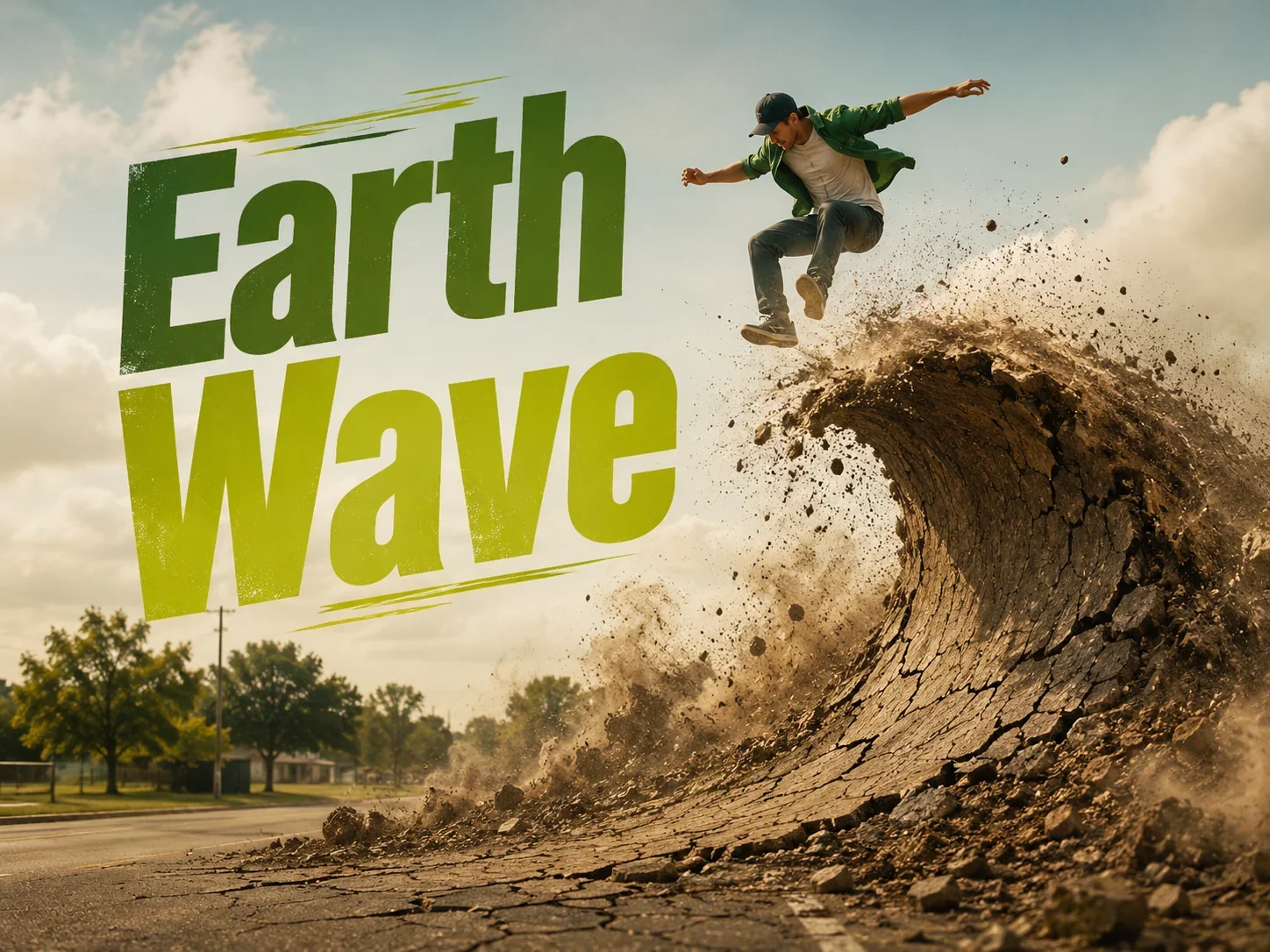 Physical Dynamics
Earth Wave
Cinematic video template
Creation modes
Four ways to start every video
One workbench. Every top video model. Pick the input that fits your idea and generate in minutes.
Text to video
Describe the scene, get the motion
Write a prompt, choose a model and aspect ratio, and generate a short clip with camera movement, physics, and optional audio.
- Veo 3, Kling, Seedance, Wan, and more
- Control duration and aspect ratio
- Regenerate and compare in history
Image to video
Animate a still frame
Upload a single photo and bring it to life with controllable motion, duration, and framing — ideal for product shots and portraits.
- One image in, motion out
- Works with every video model
- Export for Reels, Shorts, and ads
Start & end frames
Bridge two moments
Set a start frame and end frame — LazyKiwi generates the cinematic transition between them. Perfect for scene changes and storytelling.
- Smooth scene transitions
- Hidden cuts and match moves
- Great for templates like Seamless Transition
Video templates
Cinematic effects in one click
Skip the prompt engineering. Pick Bullet Time, Earth Zoom Out, Crash Zoom, and 16 more ready-made effects, then upload your clip.
- 19+ motion templates
- Camera motion and physical dynamics
- No complex prompt required
How it works
From idea to export in four steps
Choose your input
Pick text, an image, two frames, or a ready-made template.
Select a model
Switch between Sora 2, Veo 3, Kling, Wan, Seedance, and more without leaving the page.
Generate & refine
Preview results, regenerate scenes, and compare outputs in your history panel.
Export & publish
Download MP4 in 9:16, 1:1, or 16:9 for TikTok, Reels, YouTube, and ads.
Use cases
Built for how you create video
Vertical clips that stop the scroll
Ship 9:16 videos with fast templates and text-to-video prompts built for TikTok, Reels, and Shorts.
Open workbenchTurn a product photo into motion
Upload a still product shot and animate it with image-to-video — no crew, no reshoots.
Open workbenchCinematic camera moves without a crew
Apply Bullet Time, Crash Zoom, Earth Zoom Out, and more with ready-made video templates.
Open workbench
One workbench for every video model
Compare Sora 2, Veo 3, Kling, and Wan side by side — no tab-switching between tools.
Open workbenchVideo models
Every major video model. Zero tab-switching.
One workbench. Every top video model. Switch between Sora 2, Veo 3, Kling, Wan, and more without leaving LazyKiwi.
Veo 3.1 Lite
Google DeepMind's Veo 3 generation, Lite tier: 16:9 or 9:16, 720p or 1080p, 4 to 60 seconds.
Kling v3 Omni
Kuaishou's Kling 3 generation: start-and-end frames, 3 to 60 second clips, 1080p output.
Wan 2.7
Alibaba's Tongyi Wanxiang video model in LazyKiwi: one still or a keyframe pair in, 720p or 1080p out.
Seedance 2.0
Seed's multimodal AI model for controllable video generation and editing
Hailuo 2.3 Fast
MiniMax Hailuo 2.3 Fast in LazyKiwi: image-to-video only, 6 to 60 seconds, 768p or 1080p, framed by your upload.
HappyHorse 1.0
Alibaba's HappyHorse 1.0 in LazyKiwi: text-to-video and image-to-video, five aspect ratios, 3 to 60 seconds, 1080p by default.
Grok Imagine Video
The Grok video generator with the widest ratio set in LazyKiwi, 21:9 to 4:5.
Video templates
Start from a cinematic effect
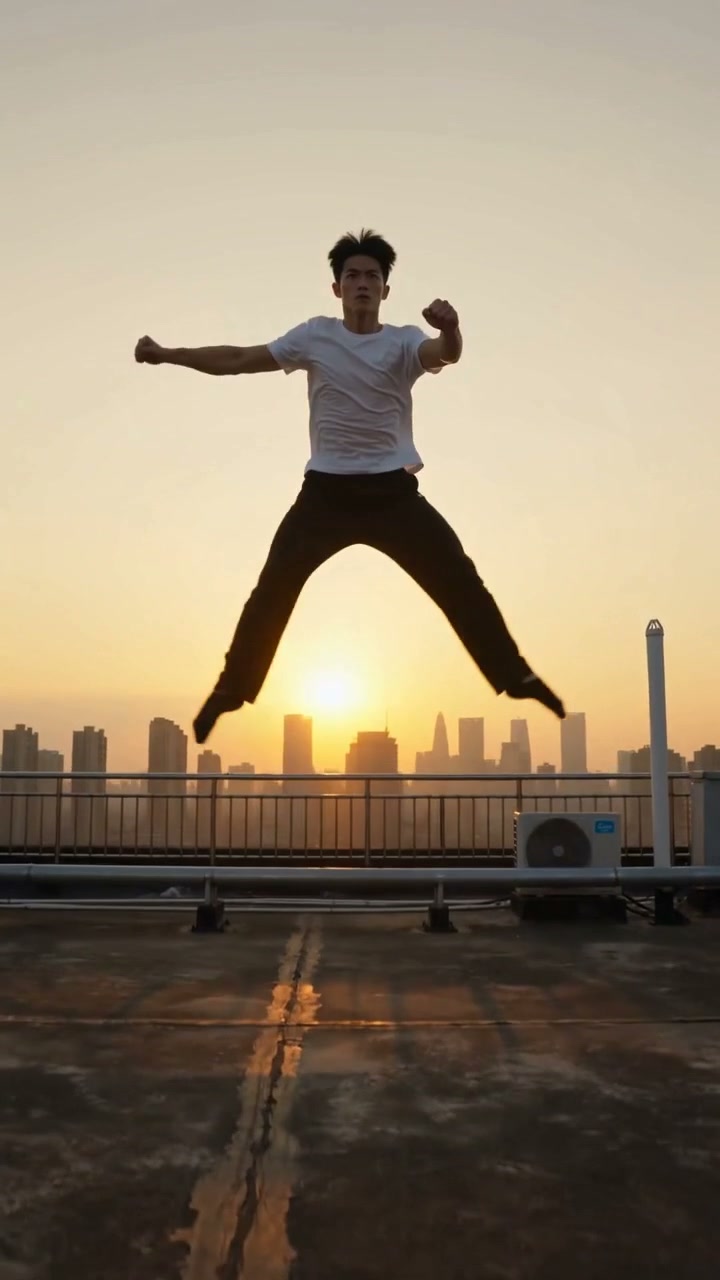
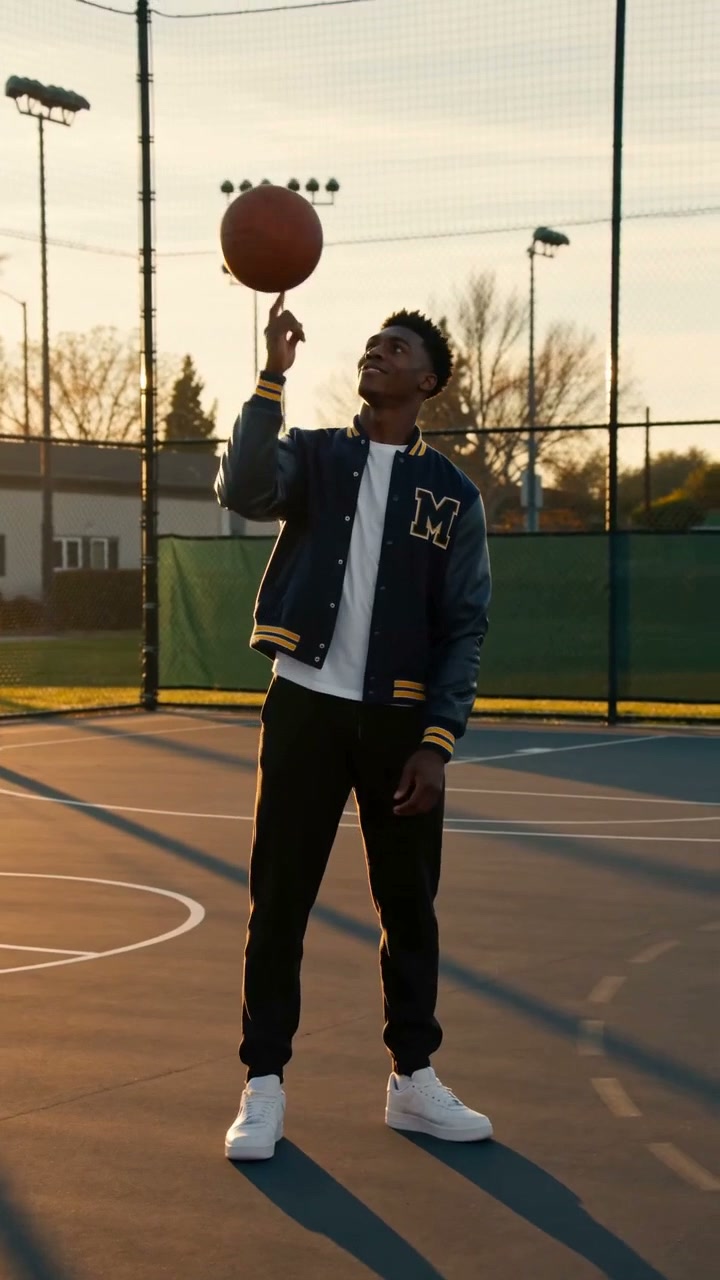
Pick a flagship template, upload your clip, and generate in minutes.


FAQ
Common questions
Is an AI video maker the same as an AI video generator?
Yes. An AI video maker, AI video generator or AI video creator all describe the same thing: software that produces a clip from a text prompt, a photo or a template instead of footage you shot. LazyKiwi is one workbench for all three starting points, with the model, ratio and length chosen per clip.
What is LazyKiwi's AI video generator?
LazyKiwi is an all-in-one AI video workbench. Describe a scene, upload an image, connect two frames, or pick a cinematic template — then generate with Veo 3, Kling, Seedance, Wan, and more in one place.
Can I turn text into video for free?
Yes. Use text to video for prompt-driven clips: write the scene, pick a model and ratio, and generate. New accounts start with free credits to try it. You can also animate a still frame with image to video AI, or set start and end frames to generate motion between two key images.
Which AI video models are supported?
LazyKiwi runs Veo 3.1 Lite, Kling v3 Omni, Seedance 2.0 and 2.5, Wan 2.7 and 2.2, Hailuo 2.3 Fast, MiniMax H3, LTX-2.3, HunyuanVideo 1.5, HappyHorse 1.0 and Grok Imagine Video, all from the same video generator workbench. Sora 2 is not offered.
What are video templates?
Video templates are ready-made cinematic effects like Bullet Time, Earth Zoom Out, and Crash Zoom. Upload your clip, pick a template, and generate without writing a complex prompt.
What aspect ratios can I export?
Export videos in 9:16 for TikTok and Reels, 1:1 for LinkedIn and feed posts, and 16:9 for YouTube and web — all from the same workbench.
Do I need to install software?
No. LazyKiwi runs entirely in your browser. Open the workbench, create, and download — no plugins or GPU setup required.
Is there a free plan?
You can start creating for free on LazyKiwi. Paid plans unlock more credits, faster generation, and higher export limits. See the pricing page for current plans.
How is LazyKiwi different from Invideo or Fliki?
Invideo and Fliki focus on script-to-video with voiceovers and stock footage. LazyKiwi is a creator workbench for generative video — multiple top models, image-to-video, frame transitions, and cinematic motion templates in one unified interface.
Turn your next idea into a video
Open the LazyKiwi workbench — text, image, frames, or templates, all in one place.