
Free Logo Animation Maker
Turn a flat logo into a finished animation set in real-world scenes — glass, concrete, a tote bag, a lit street sign. Upload the file, pick a scene and download; nothing is redrawn and there is no render queue.
Specs
Logo animation specs: files in, sizes out
- Inputs
One logo file
PNG (transparent), SVG, JPEG or WebP
- Output
MP4 at 9:16, 16:9 or 1:1
720p free, 1080p on any paid plan; also a looping GIF, and on Pro a transparent WebM or PNG sequence
- Transparent
Logo only, on a transparent background
WebM with alpha or a PNG sequence for After Effects, Premiere and Final Cut (Pro plan)
- Keeps
Your artwork exactly as uploaded
shapes, spacing and colours are never redrawn
How to animate a logo — 3 steps
Upload the file you already have. It is placed into real-world scenes — never redrawn — and the animation renders in your browser.
Step 1
Upload your logo
A transparent PNG or an SVG keeps the edges crisp; the brand name is filled in from the file.
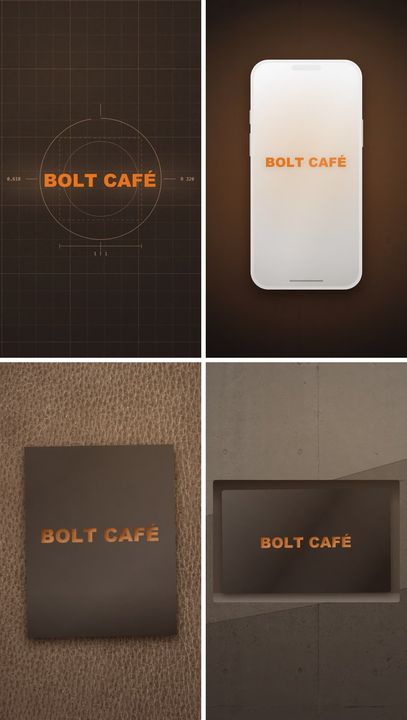
Step 2
Pick the scenes
Choose the surfaces your logo lands on and the order they play in; switch the ratio for Reels, YouTube or a square post.
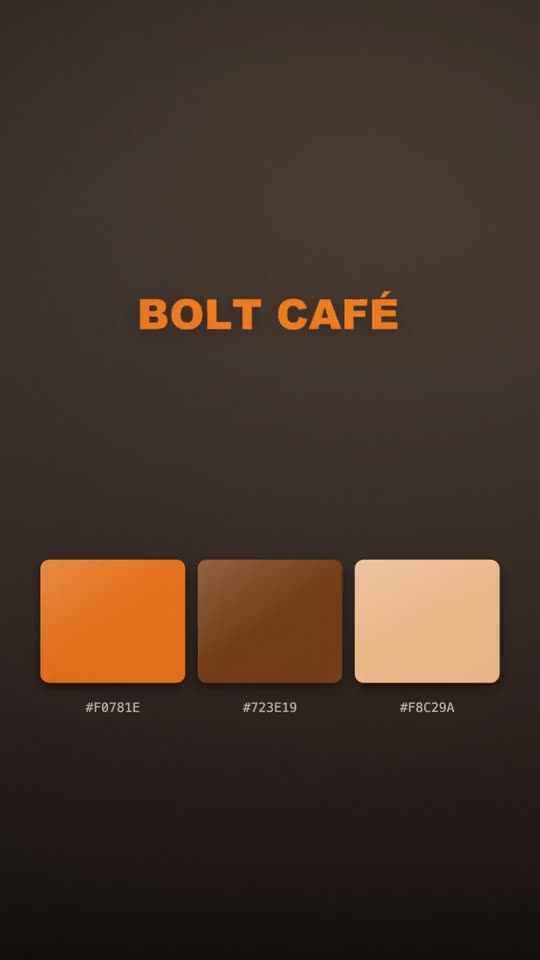
Step 3
Download the animation
Preview at full speed, then click Download Video. The file saves straight to your device.
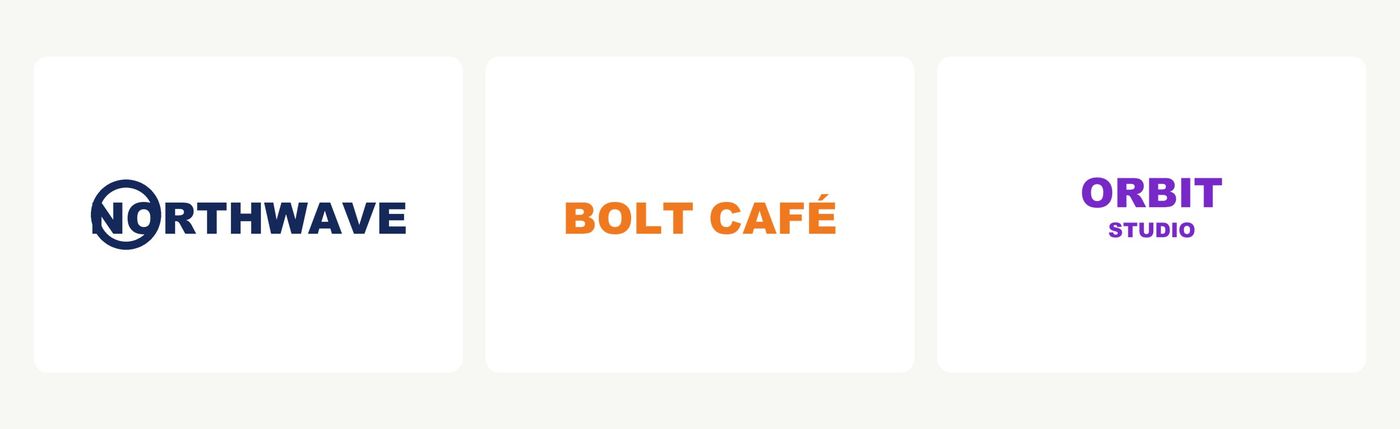
One file in, finished animation out
Upload the PNG or SVG you already have. It is composited into each scene, never regenerated, so shapes, spacing and colours are exactly yours.
- PNG (transparent), SVG, JPEG or WebP
- Nothing to design or key-frame
- Your artwork, as uploaded
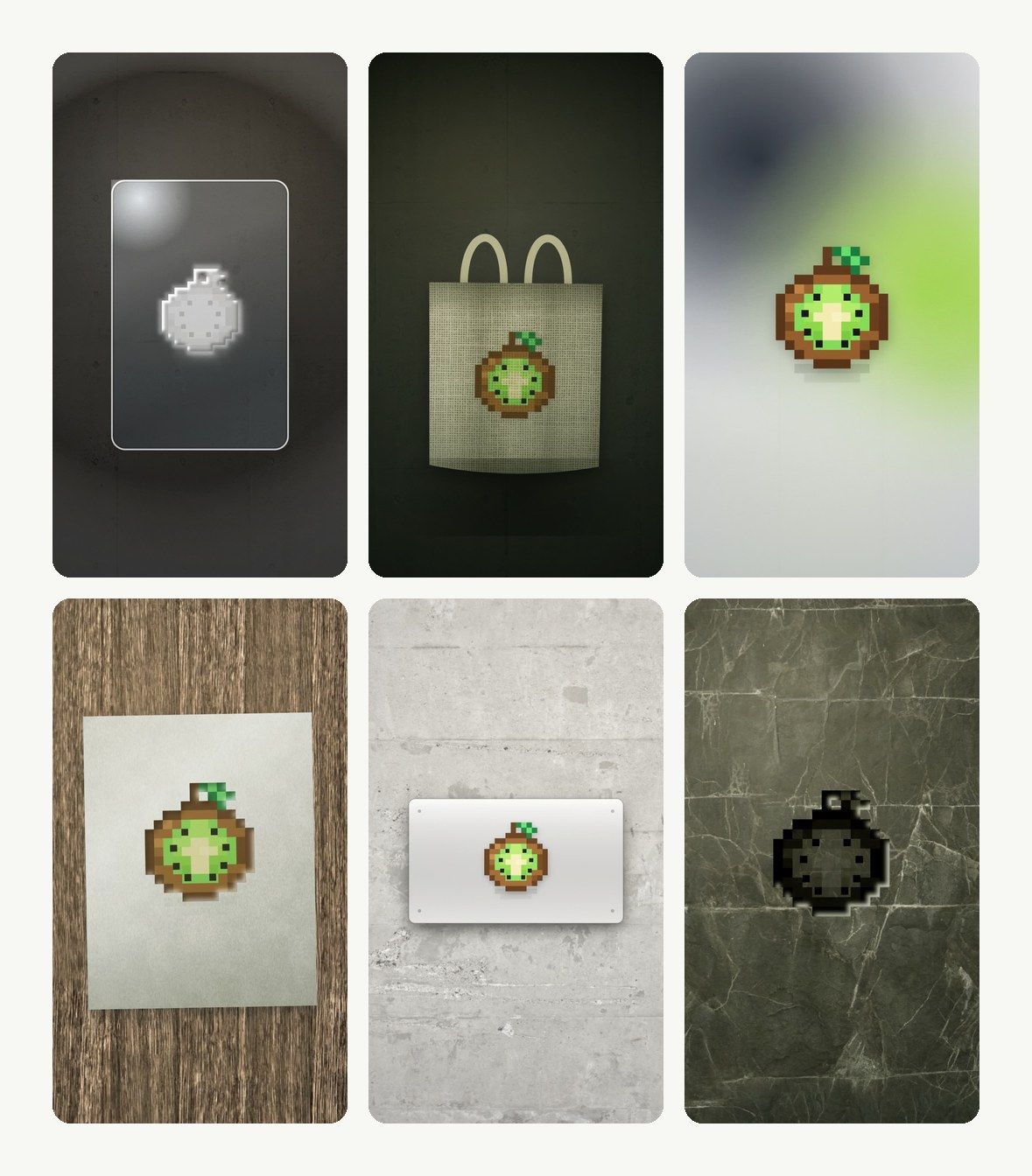
Real surfaces, not a spinning gradient
Concrete, glass, a tote bag, a phone screen, a lit street sign, a coffee cup — each scene re-lit around your logo's shape.
- Real-world scenes, light and inverted cuts
- Reorder, add or drop frames
- Pace from slow and cinematic to punchy
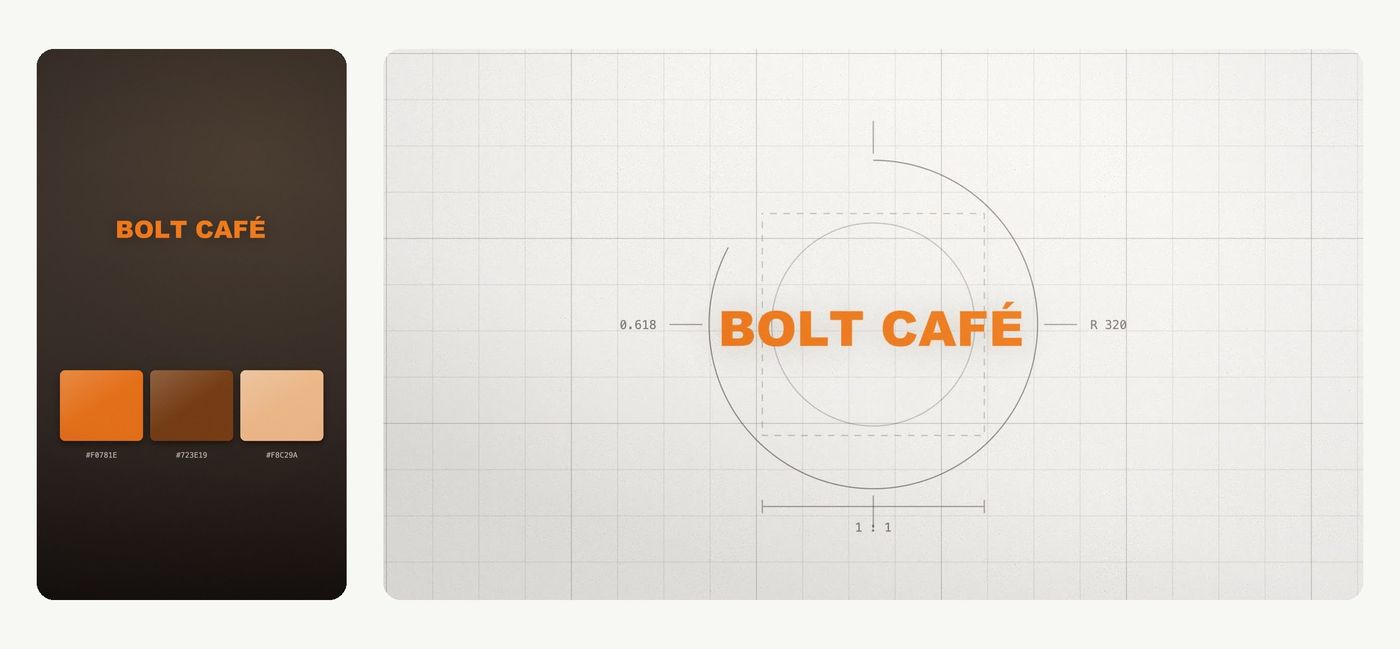
Vertical, wide or square from one document
Export the same animation for Reels and Shorts, for YouTube and pre-roll, and for feed posts — the scene recomposes for each ratio.
- 9:16 · 16:9 · 1:1
- Same document, every size
- MP4 out
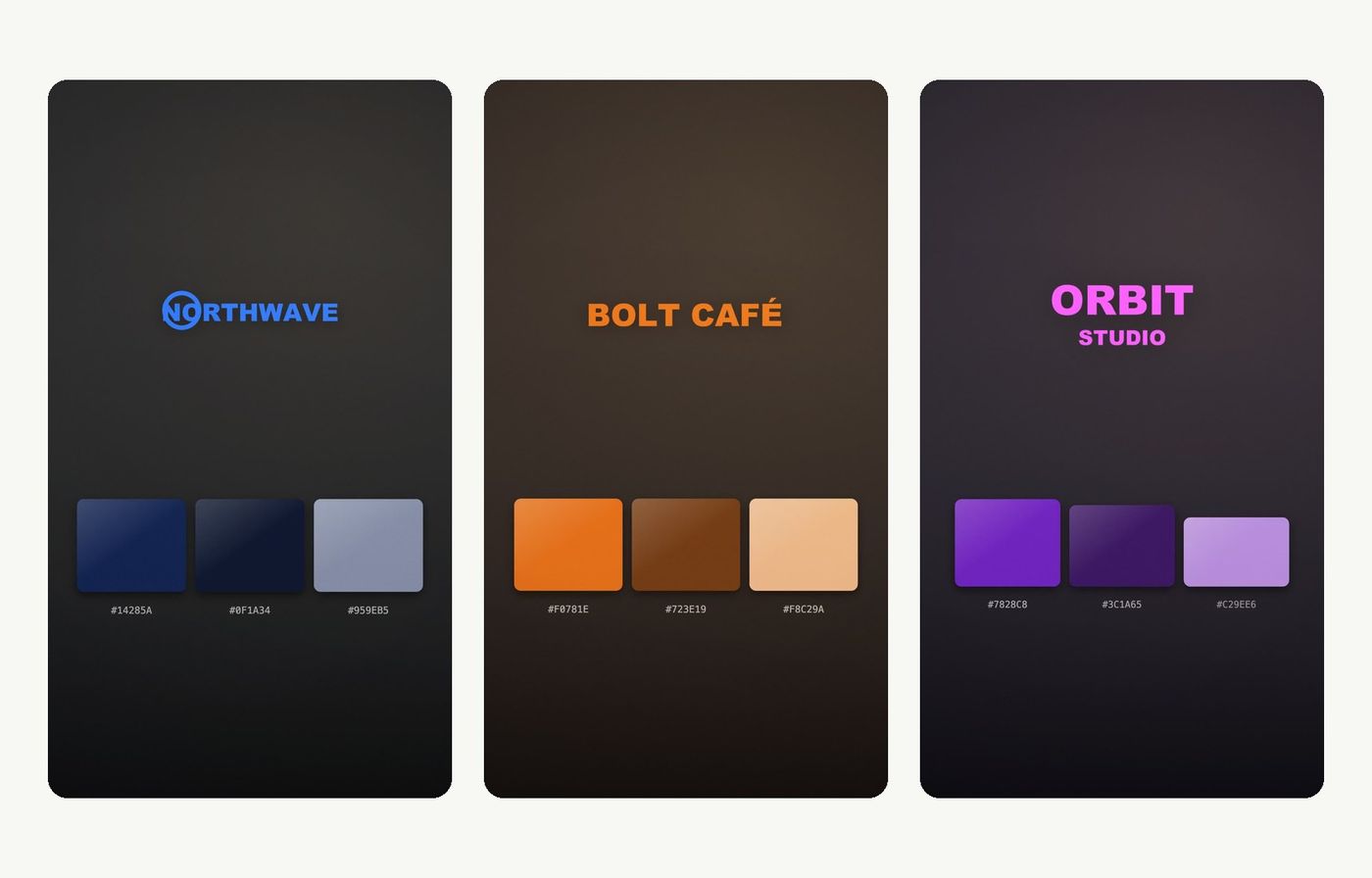
Your brand name and colours
The brand name is filled in from the file and shown where the layout calls for it; brand colours are read from the logo and stay editable.
- Name auto-filled from the file
- Brand colours editable
- Renders in your browser, no queue
Scenes
Logo animation templates: 18 real-world scenes
Every scene below is a logo animation template that runs on your own file — the renders here are real exports from the tool. Each one also has a light / dark flipped version, and you choose which scenes play and in what order, so one upload becomes a different animated logo every time.
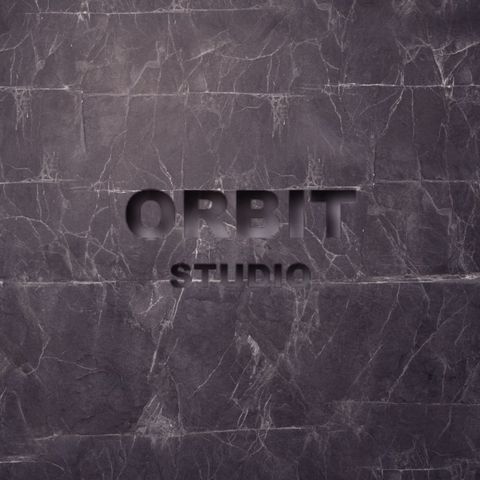
Materials
Rock
Carved into dark stone
Materials
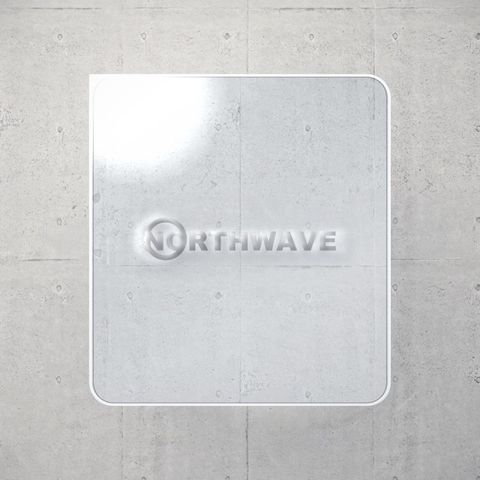
Glass panel
Etched into clear glass
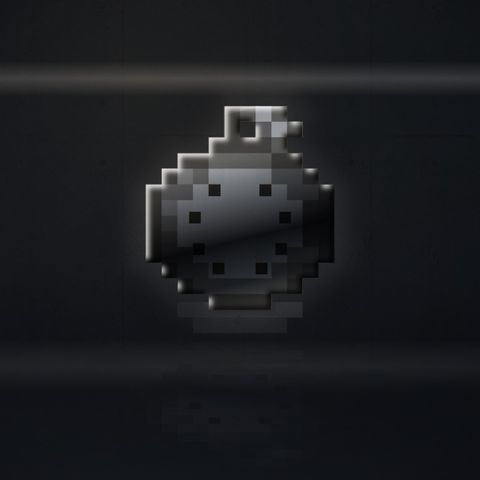
Materials
Chrome
Liquid metal with studio streaks
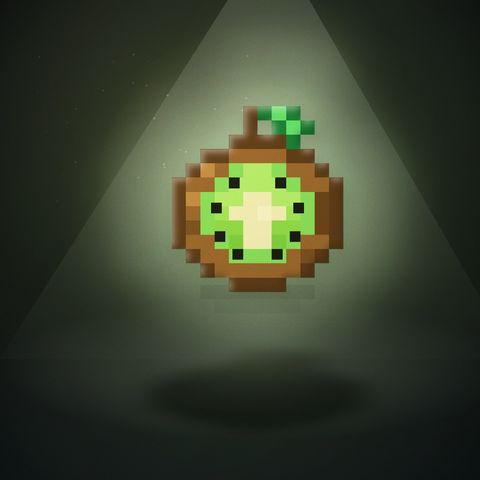
Materials
Spotlight
Stage light and long shadow
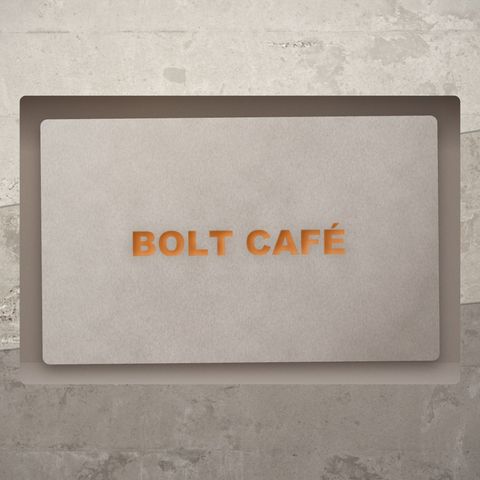
Print & packaging
Card
Card stock set into plaster
Print & packaging
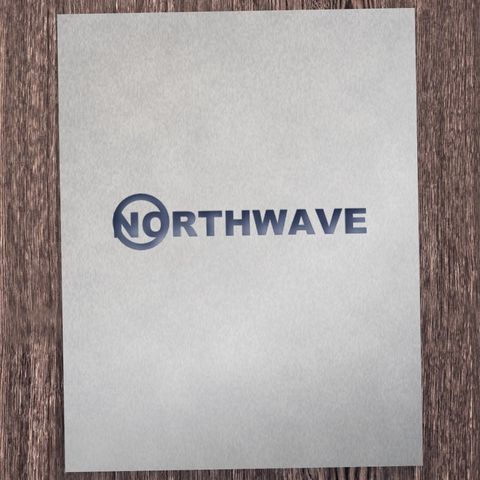
Paper
Letterpressed into thick stock
Print & packaging
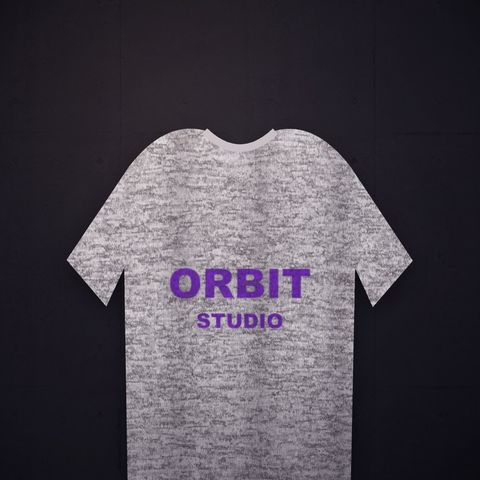
T-shirt
Printed on knit fabric
Print & packaging
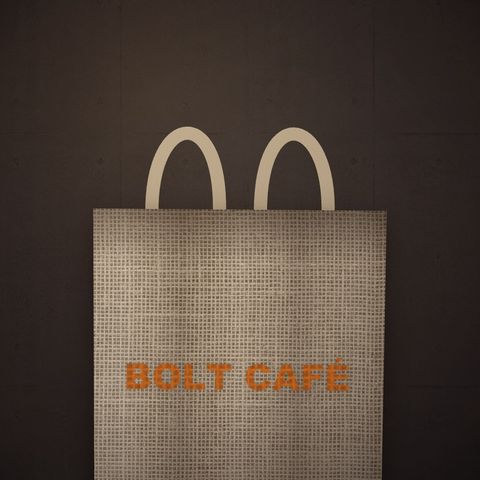
Tote bag
Screen-printed on canvas
Print & packaging
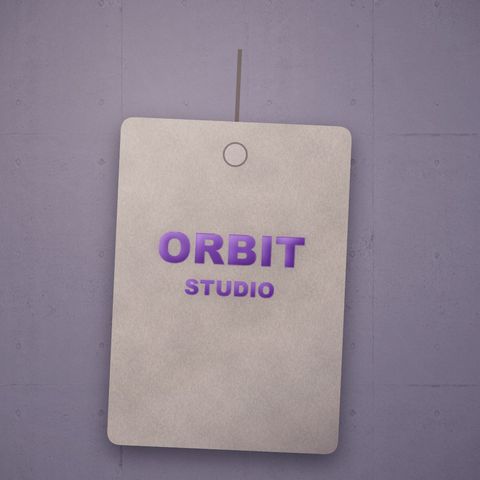
Hang tag
Foil-stamped kraft tag
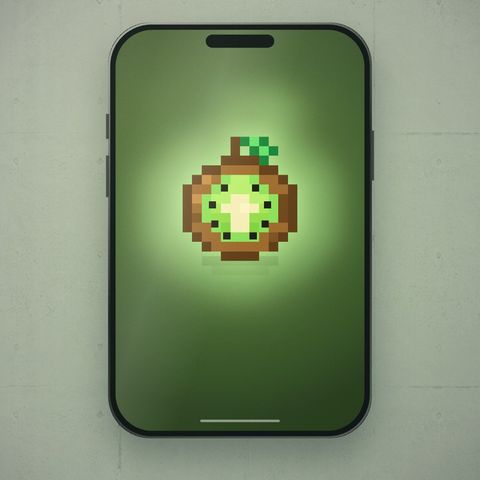
Tech & devices
Phone
Glowing on a device screen
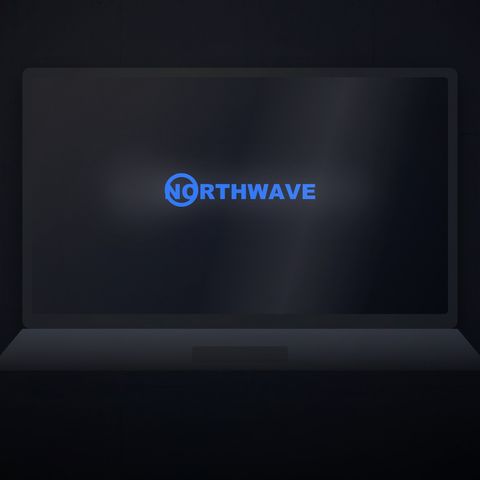
Tech & devices
Laptop
On a laptop screen
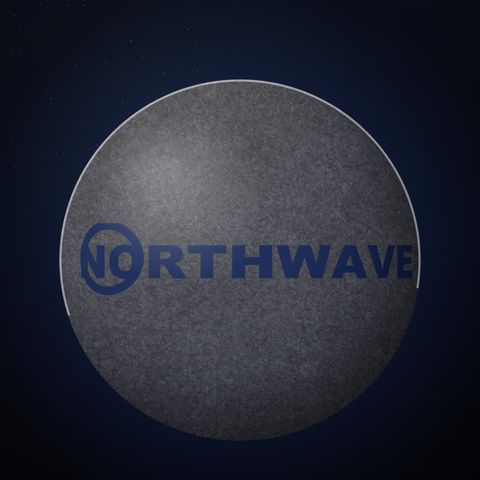
People & places
Globe
Wrapped around a planet

People & places
Street sign
Lit sign box at night
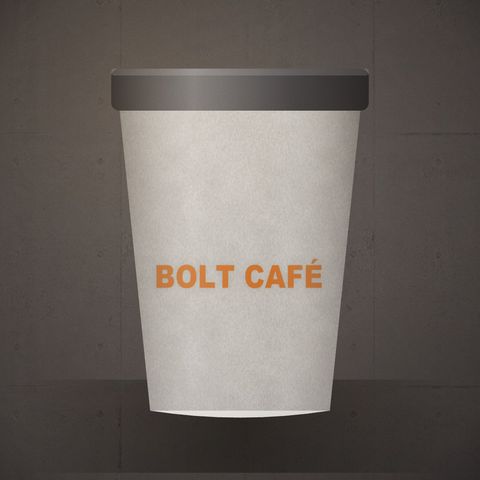
People & places
Coffee cup
Printed on a paper cup
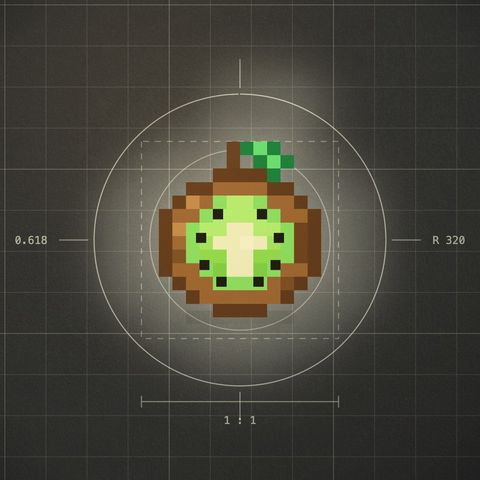
Brand & colour
Logo construction
Blueprint grid + guides
Brand & colour
Brand gradient
Mesh gradient from your palette
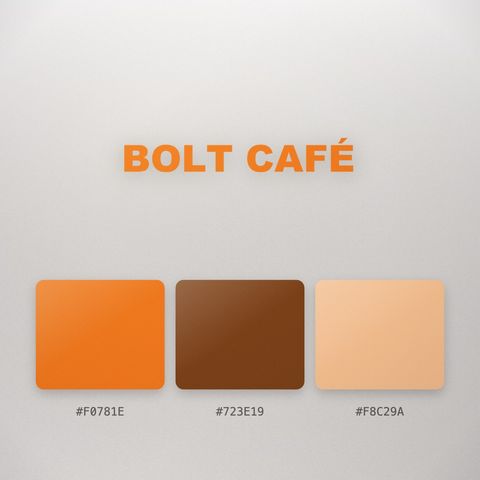
Brand & colour
Palette
Swatch board with hex codes
Brand & colour
Solid
Brand colour, logo centred
Ideas
Where an animated logo earns its place
Six ways to use one logo animation, each built from the scenes above.
A café sign-off for Reels
Put the shop mark on a paper cup and the lit sign over the door, then close every Reel and TikTok with it.
Pair it with an outroA YouTube channel intro
Export the same document at 16:9 for the channel and 9:16 for Shorts, so the opening matches everywhere.
Build a full introAn event screen on loop
Spotlight and brand-gradient scenes read well on a check-in screen or a stage backdrop between talks.
Make a looping backdropA SaaS launch opener
Open the launch video with the logo on a laptop and a phone before the product shots roll in.
Make the launch videoMerch and a Spotify Canvas
Show the mark on a T-shirt and a hang tag for the merch drop, and reuse the loop behind the new single.
Turn it into a CanvasA stream overlay sting
A chrome or blueprint reveal between scenes, with your name bar carrying the brand for the rest of the stream.
Add lower thirdsCompared
Animated logo maker: LazyKiwi vs Adobe Express, Kapwing and LogoAI
Where LazyKiwi Logo Motion stands against Adobe Express, Kapwing and LogoAI, from their own pages.
| LazyKiwi Logo Motion | Adobe Express | Kapwing | LogoAI | |
|---|---|---|---|---|
| One file in, finished animation out | ✓Upload a PNG or SVG — nothing to design | Not published | Not published | ✓Upload a logo, pick a preset |
| Real-world scenes — concrete, glass, tote bag, street sign | ✓Re-lit around your logo | Templates | Not published | Presets |
| Your artwork is never redrawn | ✓Composited, not regenerated | Not published | Not published | Not published |
| Vertical, wide and square from one document | ✓9:16, 16:9, 1:1 | Not published | Not published | Not published |
| Brand name and colours picked up | ✓Name from the file, colours editable | Not published | Not published | Not published |
| Renders in seconds, in your browser | ✓No render queue | Not published | Not published | Not published |
| MP4 export | ✓MP4 | ✓MP4 | ✓MP4 | ✕GIF / WebM only |
| Animated GIF export | ✓Looping GIF | Not published | Not published | ✓GIF |
| Transparent background for editing software | ✓WebM with alpha or PNG sequence (Pro) | Not published | Not published | Not published |
| Free to try | ✓Free to try (small mark on free exports) | ✓Free plan | ✓Free to try (watermarked) | ✓Preview free; sign in to download |
| Sources | Workbench read 13 Oct 2026 | Tool page Pricing read 13 Oct 2026 | Tool page Pricing read 13 Oct 2026 | Tool page Pricing read 13 Oct 2026 |
Competitor details change; check the linked pages first.
FAQ
Logo animation FAQ
Is the logo animation free?+
Yes. Upload your logo, pick any of the 18 scenes and export a 720p MP4 for free — unlimited exports, with a small LazyKiwi mark in the corner. Any paid plan exports 1080p with no mark; Pro adds 4K.
What is a logo animation used for?+
An animated logo is the few seconds of motion that open or close a video, sit on a splash screen or loop on a profile. The same file works as a YouTube opener — pair it with the intro maker — an end card with the outro maker, or a title next to an animated text line.
What file should I upload — PNG or SVG?+
An SVG stays sharp at any size; a transparent PNG at 1000px or wider is just as good. A JPG on a plain white background also works — the background is keyed out automatically.
Can I export a GIF or a transparent background?+
Yes. Pick GIF in the download window for a looping animated logo GIF (360 px on the short side, 12 fps) — handy for email signatures, chats and slides. On the Pro plan, pick Transparent to get a transparent logo animation, as a WebM with alpha (Chrome and Edge) or a PNG sequence that works in any browser. The transparent version removes the scenes and keeps the logo's motion and timing.
Can I use the logo animation in After Effects or Premiere?+
Yes. Download the transparent PNG sequence (a ZIP of numbered frames with a README) and import it as an image sequence — File › Import in After Effects with “PNG Sequence” ticked, or Image Sequence in Premiere Pro; Final Cut and DaVinci Resolve import the folder the same way. The MP4 drops into any editor as a normal clip. There is no editable .aep project — the scenes are rendered, not built from layers.
How long is the animation and what sizes can I export?+
3 to 12 seconds, your choice. 9:16 for Reels and Shorts, 16:9 for YouTube, 1:1 for feed posts — the scene recomposes for each ratio rather than cropping.
Will my logo get redrawn?+
No. Your file is composited into the scene rather than regenerated, so shapes, spacing and colours are exactly what you uploaded. Lighting and reflections sit on top of the artwork.
Can I use it commercially?+
Yes, on any paid plan. Starter and above include a commercial licence, so the animation can go into ads, client work, monetized channels and app stores, exported clean at 1080p. Free exports are for personal use and carry a small LazyKiwi mark. Your logo artwork stays yours either way.
Do I need design or video skills?+
No. Upload the file, pick a scene and a ratio, preview and download — the logo animation maker has no timeline to edit unless you want to reorder scenes. For longer branded pieces, the motion graphics generator builds whole videos the same way.
Can I use the same animation for Reels, YouTube and a square post?+
Yes. Switch the ratio and the scene recomposes; export each size from the same document.
How do I download the animation?+
Click Download Video; the MP4 renders in your browser and saves to your device. Free exports are 720p with a small mark; any paid plan exports 1080p with no mark.
How much does an animated logo cost?+
You can make one free: sign up, upload the logo and export a 720p animated logo with a small watermark. Any paid plan removes the watermark and unlocks 1080p. It renders in your browser, so there is no designer fee and no render queue.
What resolution should my logo file be?+
Aim for at least 1000 px on the long side. The export goes up to 1080p, so a smaller PNG starts to soften on the bigger scenes such as the street sign and the laptop. An SVG has no resolution limit and stays crisp in every scene.
Is there a free logo animation maker with no watermark?+
Free exports carry a small LazyKiwi watermark in the corner. Any paid plan exports the same logo animation clean, at 1080p.
Is this an AI logo animation maker?+
Not in the sense of an AI that redraws your logo. Your file is composited into real-world scenes and animated as uploaded, so shapes, spacing and colours never change. The scenes, lighting and camera moves do the work.
More motion graphics tools
One file. 18 scenes. Your logo, moving.
Upload a PNG or SVG, pick a scene and a ratio, and download the animation.
720p export, no plan needed · 1080p on any paid plan · Renders in your browser