
Thumbnails people actually click.
Upload a video frame or a photo, describe what you want — "high-contrast YouTube thumbnail with title space on the left" — and the AI thumbnail maker composes it in seconds.
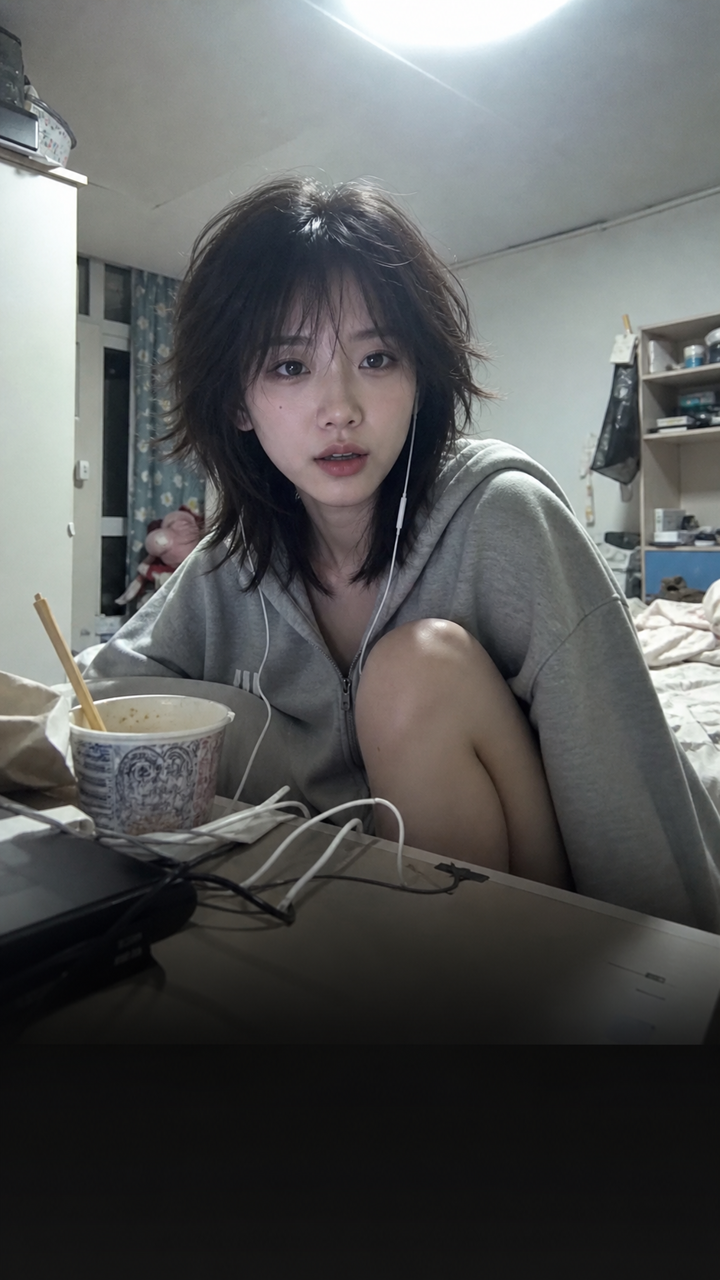 BEFORE
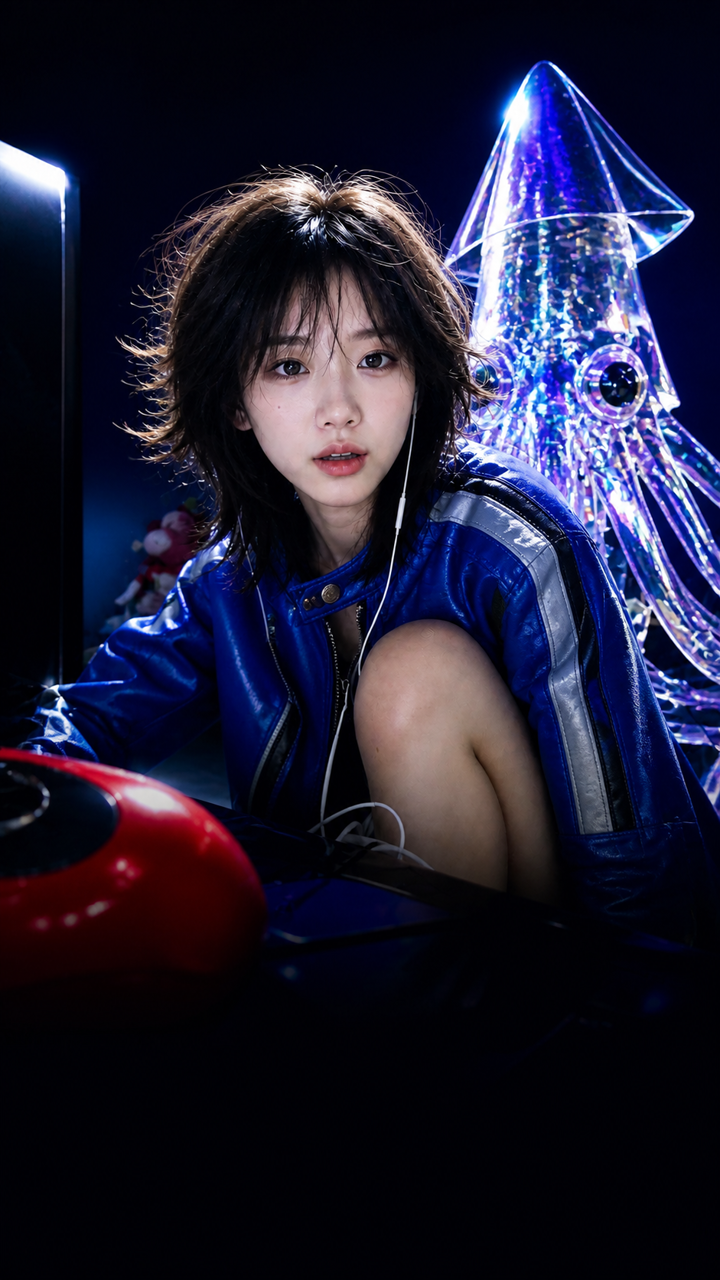 AFTER ✨
What it is
The part of your video people see first.
A thumbnail has to work at the size of a postage stamp. LazyKiwi takes your frame or photo, pushes the subject away from the background, lifts the contrast and leaves a clean area where your title goes.
How it works
Your thumbnail in three steps
Upload a frame or photo
A screenshot from your video, a selfie, or the product you're reviewing.
Describe the thumbnail
Give the mood and the layout, like "high-contrast YouTube thumbnail with title space on the left".
Generate & download
Try a couple of versions, download at 1280x720, then add your final title wording.
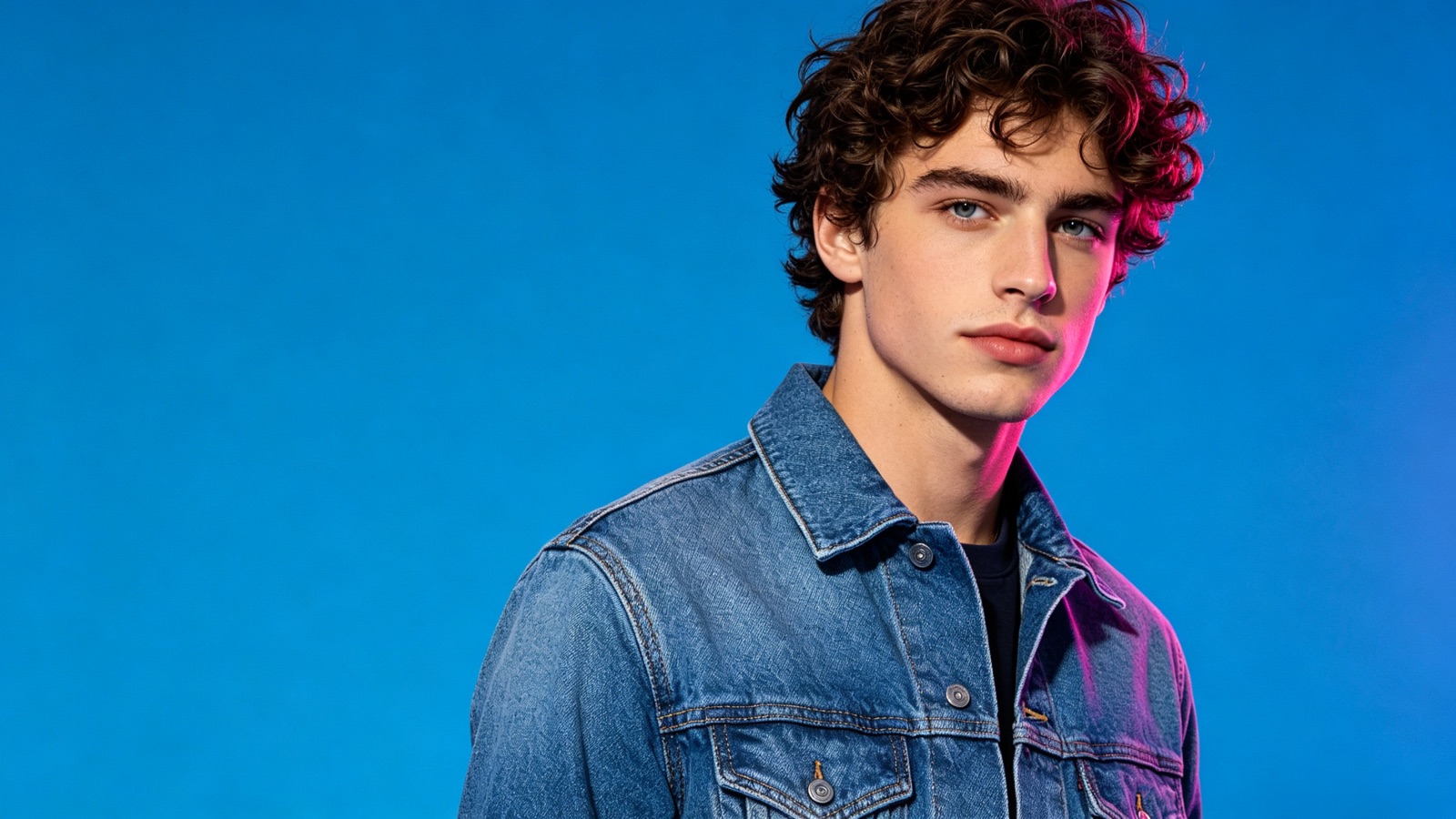
Legible at thumbnail size
Strong subject-to-background separation, punchy contrast and a single focal point — the things that survive when the player shrinks your image to a couple of hundred pixels wide.
- High contrast, clean edges
- One clear focal point
- No clutter at small sizes
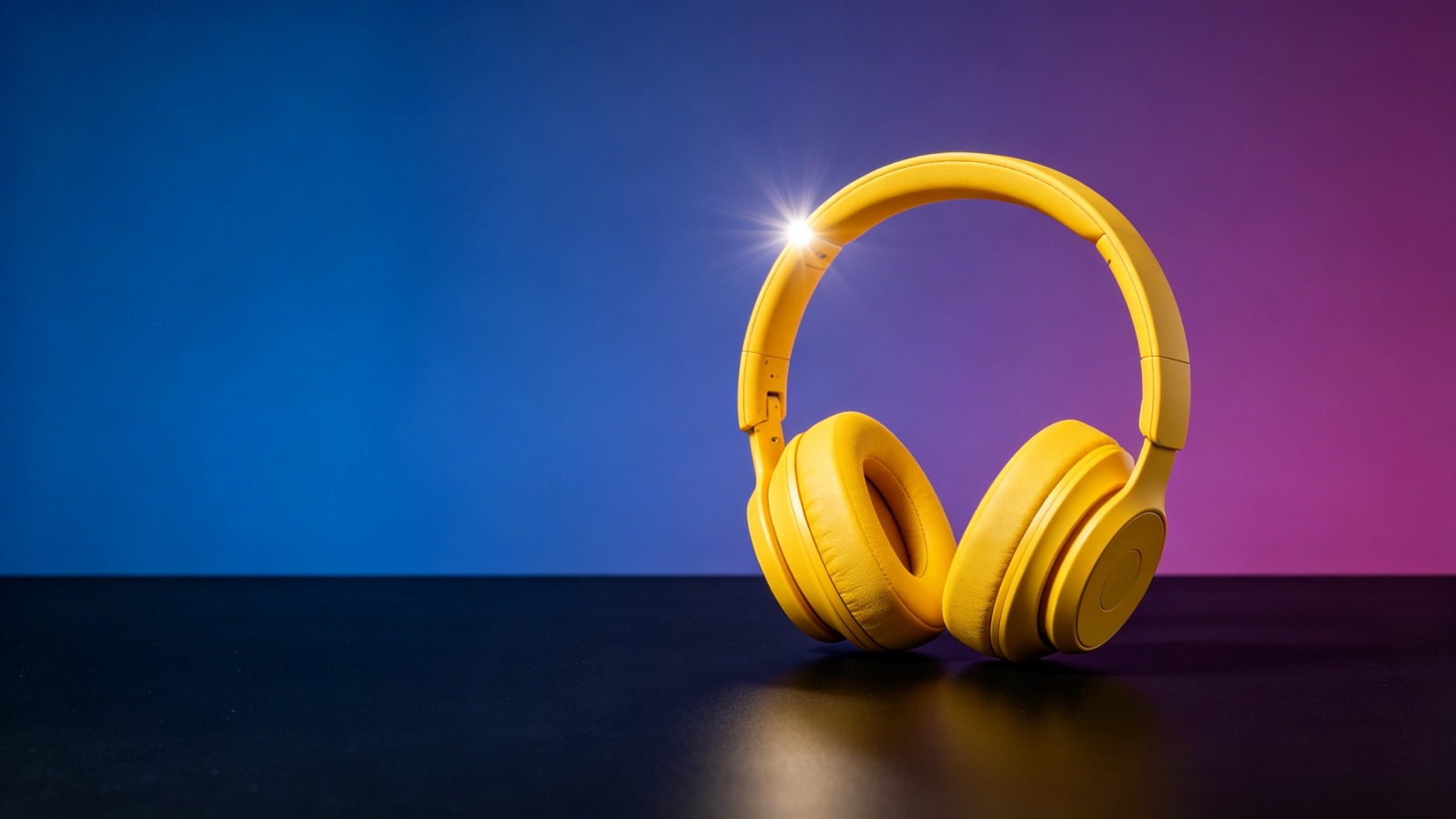
Space where your title goes
Ask for the subject on the right and a clear block on the left, and the composition is built around your headline instead of fighting it.
- Reserve a title area
- Left, right or lower third
- Regenerate for alternatives
Not just YouTube
Export 16:9 for a YouTube thumbnail, or a vertical version for TikTok covers, Shorts and Reels — all from the same upload.
- 1280x720 for YouTube
- 9:16 covers for Shorts and Reels
- Square for feed posts
Why LazyKiwi
Built for people who publish weekly
Seconds per thumbnail
Generate a few options in the time it used to take to open an editor.
Private by default
Your frames and photos are processed securely, never shared with other users and never sold.
Free to start
No credit card. Make a real thumbnail from your own frame before you commit to anything.
Test before you publish
Another version costs nothing, so you can compare two ideas side by side at actual size.
A consistent channel look
Reuse one description across a series and your uploads read as a set, not a pile of one-offs.
No design software
No editor, no layer masks, no font library. Upload, describe, download.
FAQ
Questions, answered
Is the AI thumbnail maker free?+
Yes. Upload a frame and generate a thumbnail for free — no credit card needed to see a real result.
Does it make YouTube thumbnails at the right size?+
Yes. Thumbnails export at 1280x720 in 16:9, which is what YouTube recommends, and you can also get vertical covers for Shorts and Reels.
Can it add my title text?+
It renders the wording you describe, but AI-generated type is not always exact. For a specific title, ask for clear space and add the text yourself afterwards.
Is my footage private?+
Yes. Uploaded frames are processed securely, are not shared with other users and are not sold.
Use cases
Who uses the thumbnail maker
YouTube creators
A weekly upload needs a fresh thumbnail every time. Generate two or three and pick the one that reads best in a crowded subscriptions feed.
Short-form creators
TikTok and Reels covers decide whether a profile visitor taps. Build vertical covers that match the look of the video behind them.
Podcasters and course creators
Episode art and lesson tiles need to look like a set. Reuse the same description each week so the whole series stays consistent.
More answers
More questions
What should I upload for the best result?+
A sharp frame where your face or subject is clearly visible. Blurry motion frames give the AI less to work with, so pause on a clean shot before you screenshot.
How do I make a YouTube thumbnail that gets clicks?+
One subject, one idea, high contrast, and no more than three or four words of text. Describe that layout, then check the result at small size before you publish.
Can I make thumbnails for TikTok or Instagram?+
Yes. Ask for a 9:16 cover and the composition is built vertically, with the subject kept clear of the caption and interface at the bottom.
Can I keep one style across a whole series?+
Yes. Save the description that worked and reuse it for each episode, changing only the frame you upload.
Make a thumbnail worth clicking.
Upload a frame, describe the thumbnail, and download it in seconds. Free to try, no design software.
No credit card · Free to try · Results in seconds