Animate one image with the Hailuo AI video generator
MiniMax Hailuo 2.3 Fast in LazyKiwi: image-to-video only, 6 to 60 seconds, 768p or 1080p, framed by your upload.
Hailuo 2.3 Fast is MiniMax's speed-tuned image-to-video model, and in LazyKiwi it does one job: take a photo or rendered still and put it in motion. There is no text-to-video mode, so every run starts with an upload. The clip keeps that image's frame shape, runs 6 to 60 seconds at 768p or 1080p, and follows a prompt of up to 2,000 characters. For text-to-video or 2K, MiniMax H3 sits next to it in the same picker. Specs: up to 768p or 1080p.
- Provider
- MiniMax
- Mode
- Image → Video
- Duration
- 6s – 60s
- Resolution
- 768p / 1080p
How it works
Use the Hailuo AI video generator in three steps
Open the LazyKiwi video workbench, pick Hailuo 2.3 Fast, upload a still, and generate without leaving the page.
 1
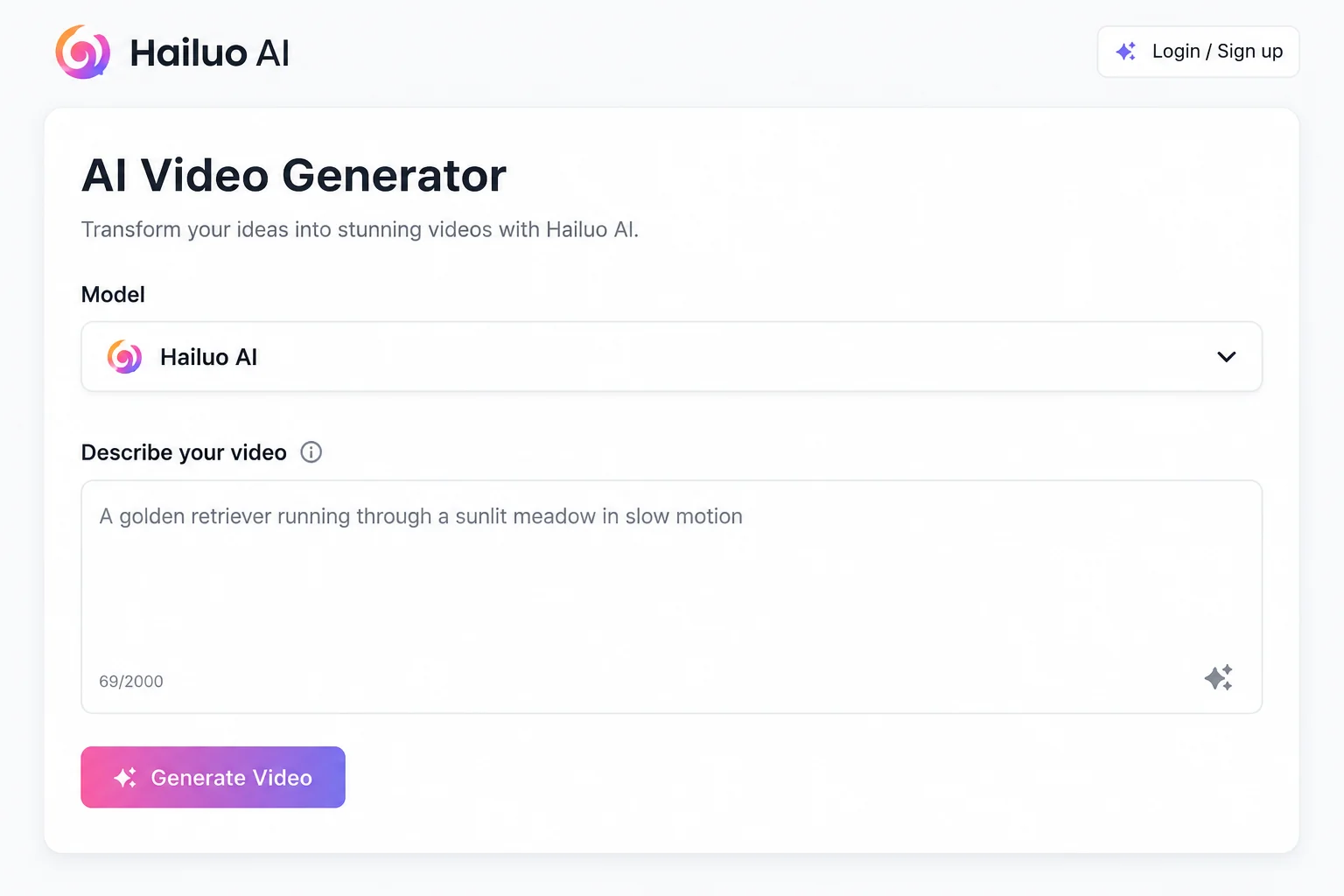
1Upload the image
Select Hailuo 2.3 Fast in the model list and drop in a JPG or PNG. The clip takes its aspect ratio from that image, so crop to 16:9, 9:16 or 1:1 first; there is no ratio picker.
 2
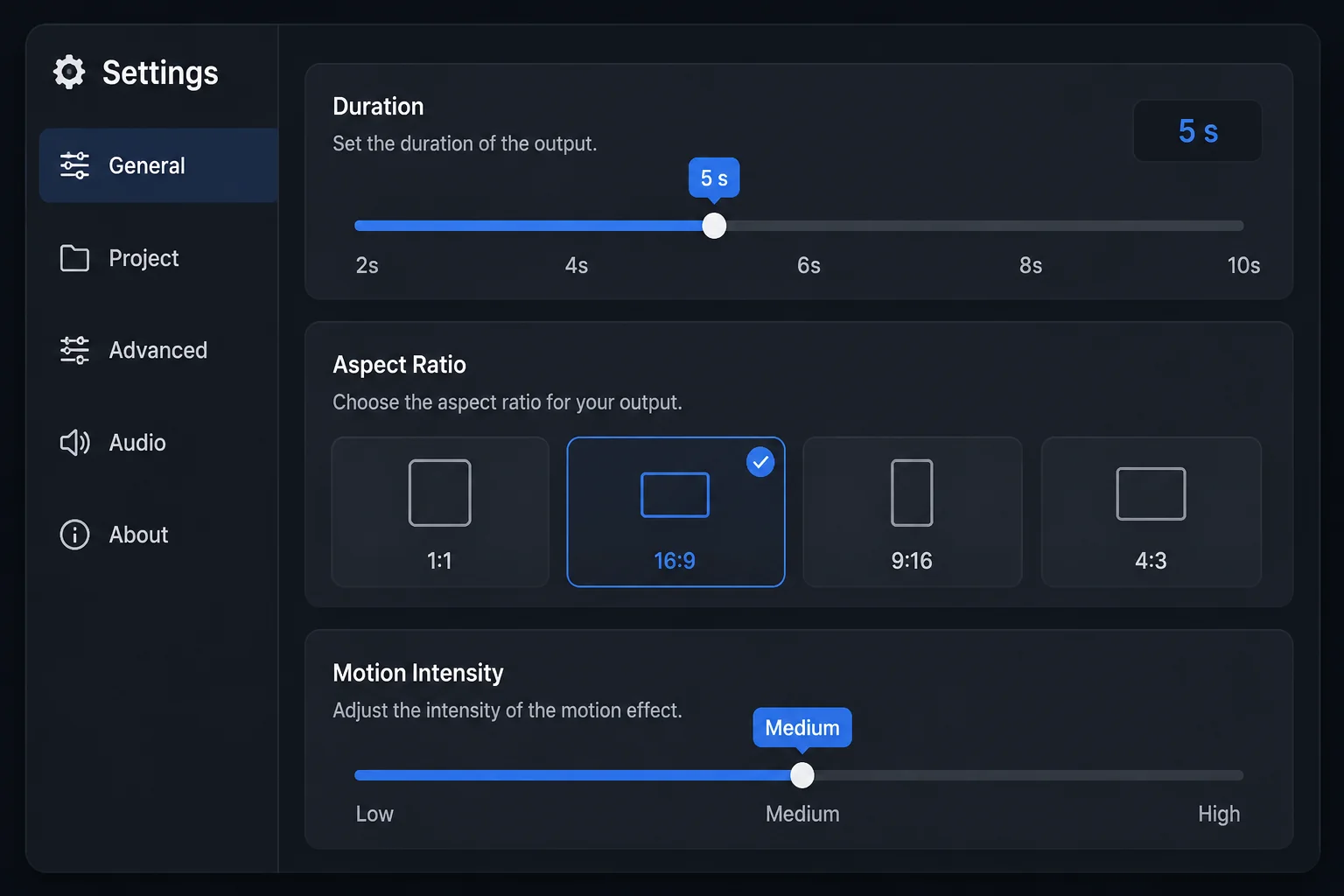
2Describe the motion
Write up to 2,000 characters on what should move: the subject's action, the camera, the pace. Pick 6s, 10s, 30s, 45s or 60s and choose 768p or 1080p; 768p is the default.
 3
3Generate and download
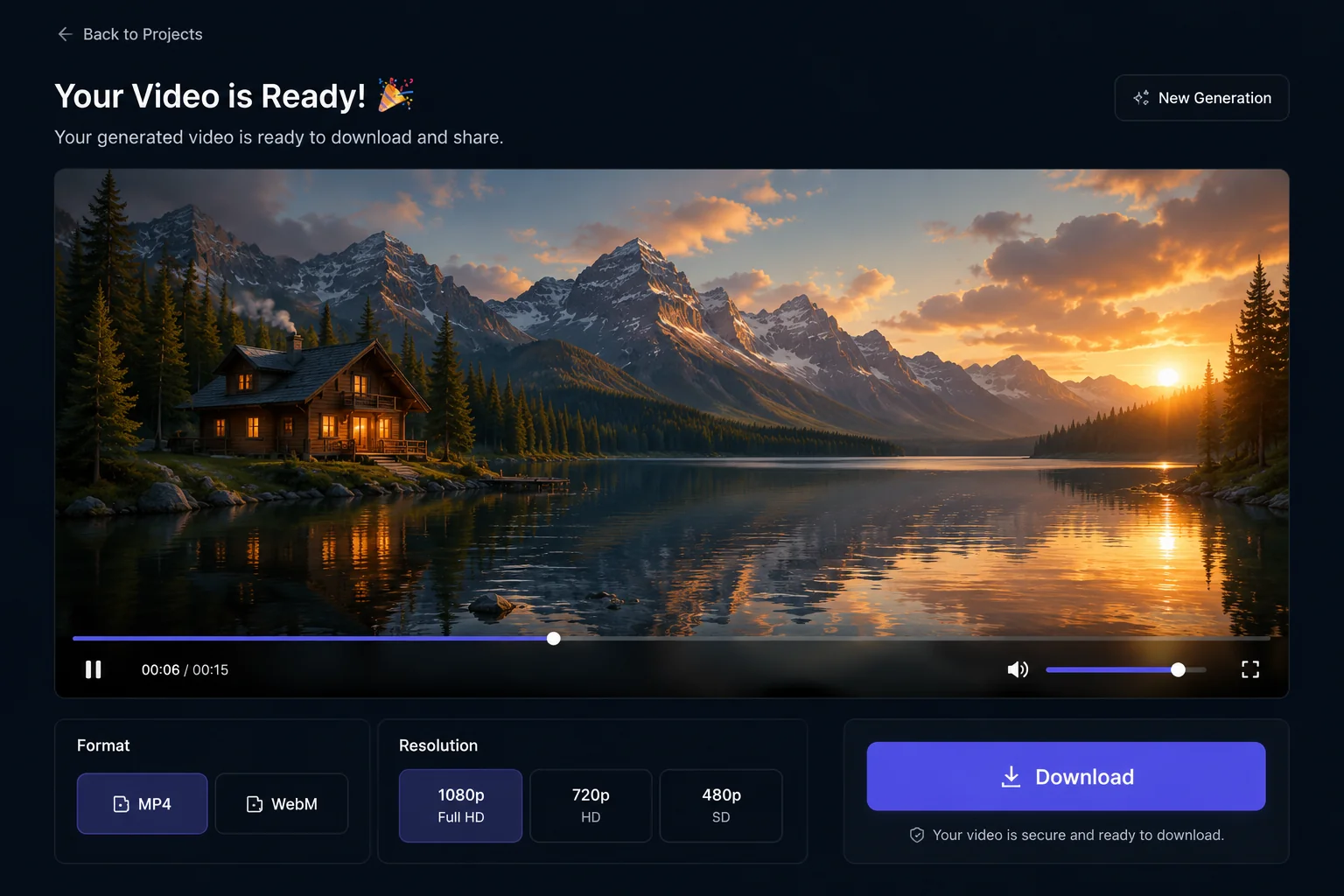
A 6-second 768p clip costs 190 credits, a 10-second clip 320, and 6 seconds at 1080p 330; longer durations are charged per second. Preview in the player and download the MP4.
Why Hailuo 2.3 Fast
What Hailuo 2.3 Fast is built for
Hailuo 2.3 Fast is the only LazyKiwi model that runs image-to-video and nothing else. These are the capabilities the workbench actually exposes.
Single input
Image-to-video, and nothing else
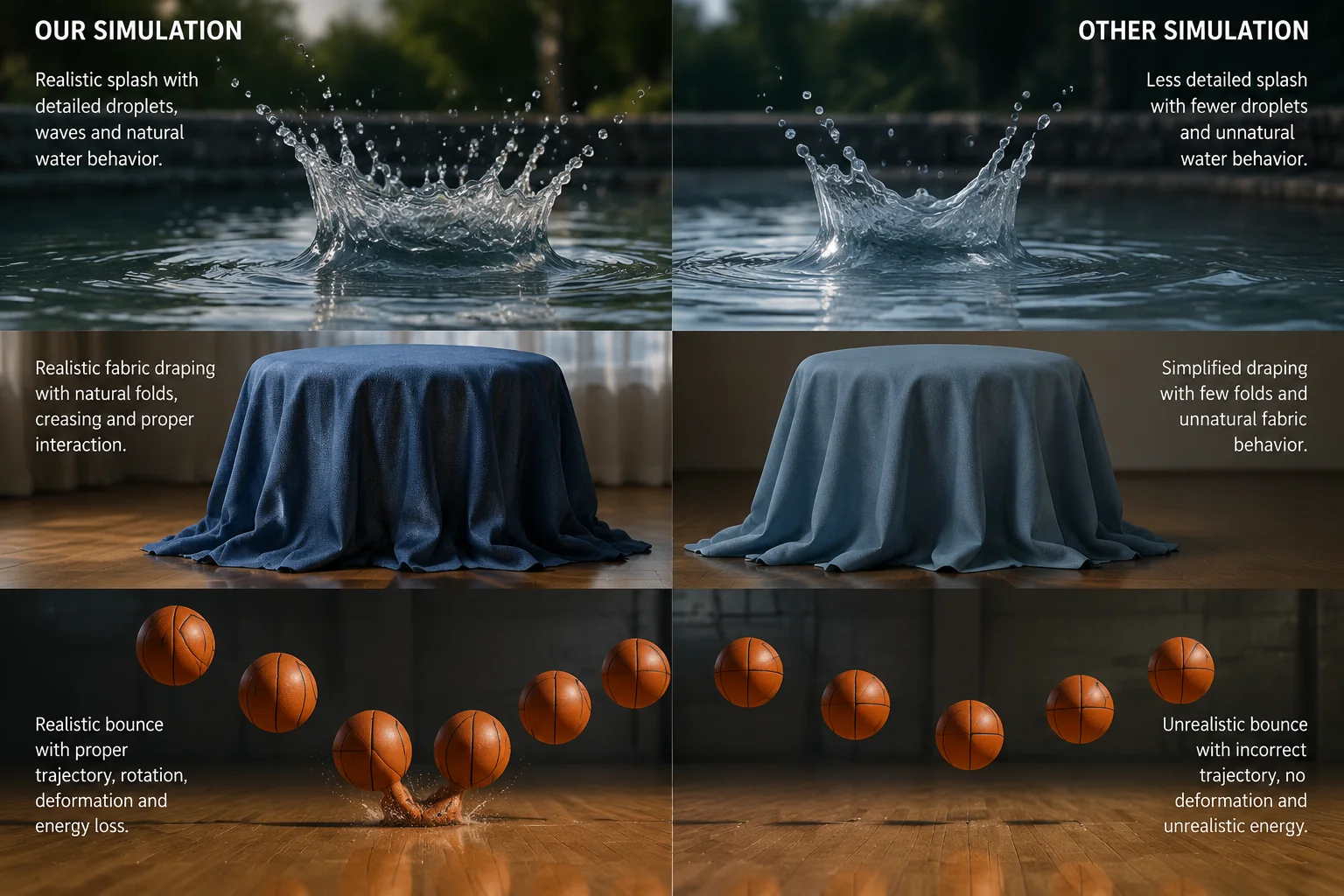
Most video models split their effort between inventing a scene and moving it. Hailuo 2.3 Fast skips the first half: composition, subject and lighting are fixed by your image, so the prompt only describes motion. It suits a still that is approved and just needs to move.
- Starts from a JPG or PNG
- Prompt describes motion, not layout
- No text-to-video mode on this model
Framing
The photo sets the frame
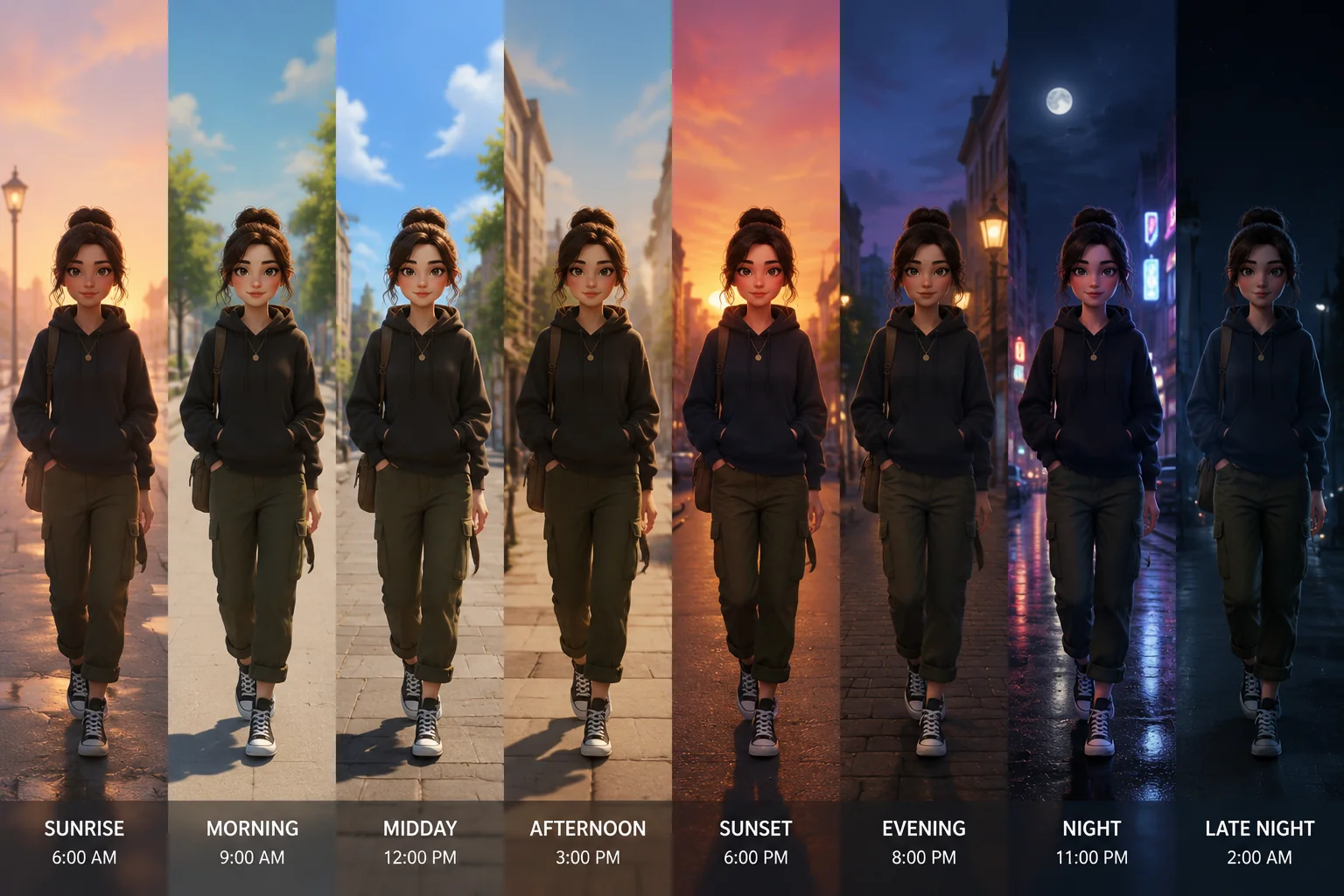
There is no aspect ratio picker. The output matches the shape of the uploaded image, so a portrait crop stays portrait and a wide product shot stays wide. Crop in an image editor first, or generate the still in the LazyKiwi image workbench at the ratio you need.
- Aspect ratio follows the upload
- Crop before you generate
- Portrait, square and wide accepted
Duration
6 seconds to a full minute
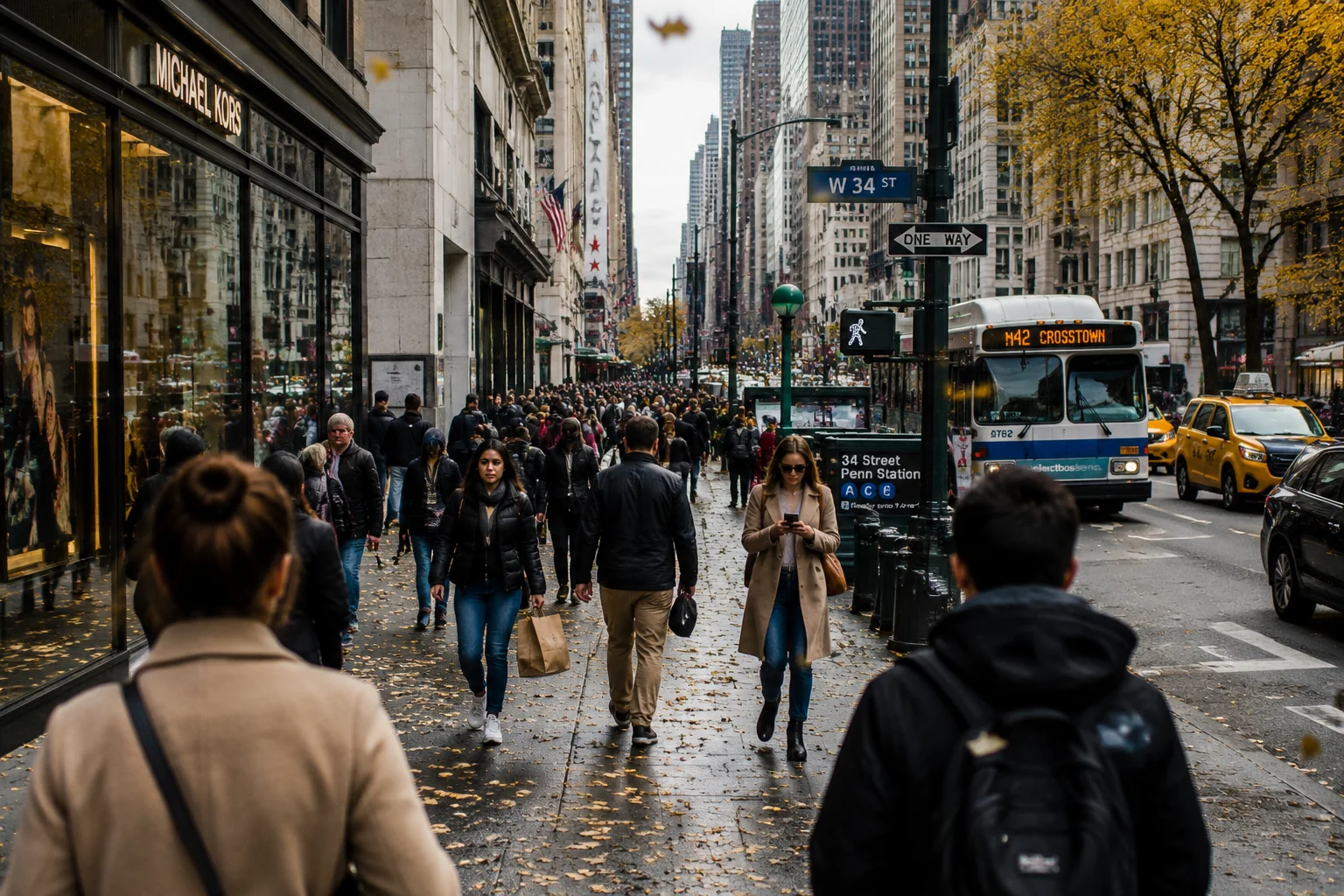
MiniMax publishes Hailuo 2.3 Fast at 6 and 10 second lengths, and those two are priced in the workbench table. The picker also lists 30s, 45s and 60s, billed per second at the same rate. Short runs are the cheapest way to test a still.
- 6s, 10s, 30s, 45s, 60s
- 6s and 10s are the published lengths
- Longer runs charged per second
Resolution
768p for drafts, 1080p for delivery
The default output is 768p, enough to judge motion, at 190 credits for six seconds. Switch to 1080p for the final render when the clip will play on a large screen or be cropped in post. The prompt and source image stay the same.
- 768p default
- 1080p at 330 credits per 6s
- Same prompt, same image, either size
Sample outputs
Made with Hailuo in LazyKiwi
Every clip started as one still; bring your own.
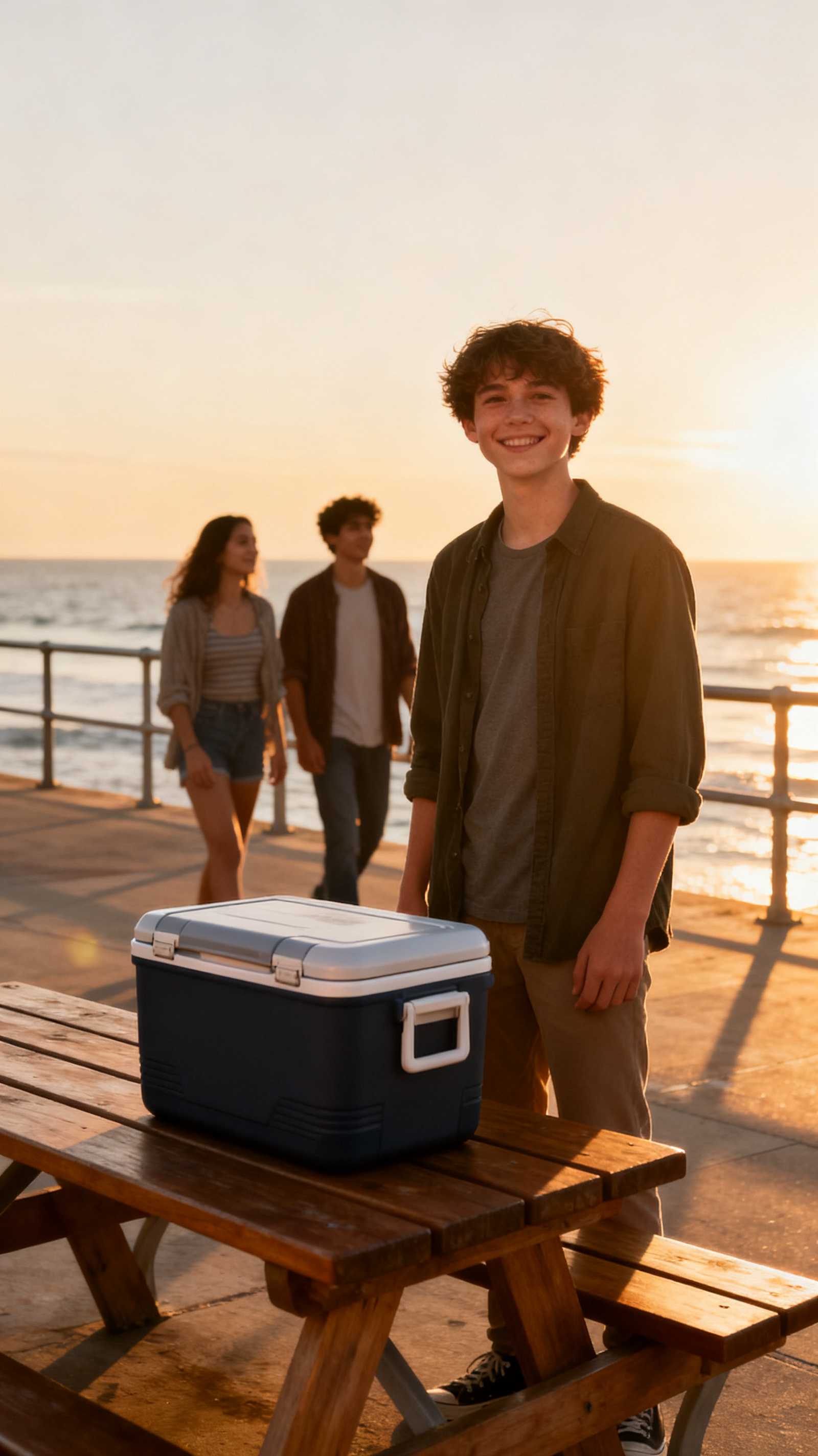
Beach cooler reveal
Boardwalk photobomb
Seashell surprise
Specs
Hailuo 2.3 Fast at a glance
Capabilities as exposed through the LazyKiwi workbench. Upstream limits may differ.
- Provider
- MiniMax
- Type
- Video generation
- Modes
- Image→video only
- Duration
- 6s, 10s, 30s, 45s, 60s
- Resolution
- 768p or 1080p
- Aspect ratio
- Follows the uploaded image
- Prompt limit
- 2,000 characters
- Credits
- 190 / 6s and 320 / 10s at 768p · 330 / 6s at 1080p
- Best for
- Animating an approved still, portrait motion, product loops
When to use it
Hailuo 2.3 Fast vs other LazyKiwi video models
Pick Hailuo when you already have the image, MiniMax H3 for text-to-video or 2K, Wan 2.7 for keyframe pairs.
| Model | Strength | Best for | Speed |
|---|---|---|---|
| Hailuo 2.3 Fast | Fast image-to-video, frame set by the upload | Moving a finished still without changing it | Fast |
| MiniMax H3 | Text-to-video, keyframe pairs, 2K output | Scenes from a written brief, or high-resolution delivery | Standard |
| Wan 2.7 I2V | Image-to-video plus keyframe pairs, 2s to 60s | Transitions between two stills, or 2-second beats | Standard |
Use cases
What creators build with Hailuo
Workflows where starting from a still is the point.
Portrait motion
Add a head turn, a blink or drifting hair to a headshot.
Product loops
Turn a packshot into a slow rotate or push-in for a listing page.
Key art to ad
Animate approved campaign art into a 6-second cut without redrawing it.
Concept previews
Move a rendered still or illustration to check how the scene reads in motion.
FAQ
Hailuo 2.3 Fast FAQ
What is the Hailuo AI video generator?
Hailuo is MiniMax's video model family. LazyKiwi runs Hailuo 2.3 Fast, an image-to-video model: upload a still, describe the motion in up to 2,000 characters, and get a 6 to 60 second clip at 768p or 1080p that keeps the source image's shape.
Is "Hailou AI" the same as Hailuo AI?
Yes. Hailou AI is a common misspelling of Hailuo AI, MiniMax's video model family (also searched as Hailuo MiniMax). This page runs Hailuo 2.3 Fast, the image-to-video version.
Can I try Hailuo AI for free?
New LazyKiwi accounts start with free credits to try the workbench. Each Hailuo AI video is priced by length and resolution, and the exact cost is shown before you run, so you can check it before spending anything.
Does Hailuo 2.3 Fast do text-to-video?
Not in LazyKiwi. Hailuo 2.3 Fast accepts an image plus a prompt and nothing else, so text-only runs are not possible. For MiniMax text-to-video, switch to MiniMax H3 in the same picker, which adds start and end frames, six ratios and 2K.
Which aspect ratios does Hailuo support?
There is no ratio picker for Hailuo 2.3 Fast. The output takes the aspect ratio of the uploaded image: a 9:16 portrait gives a vertical clip, a 16:9 still gives a wide one. Crop the source to the shape you need first.
How much does a Hailuo clip cost in LazyKiwi?
At 768p a 6-second clip costs 190 credits and a 10-second clip 320; at 1080p a 6-second clip costs 330. The 30, 45 and 60 second options are charged per second, and the exact cost is shown in the workbench before you run.
Should I use Hailuo 2.3 Fast or MiniMax H3?
Use Hailuo 2.3 Fast when you already have the image and want it moved at 768p or 1080p. Use MiniMax H3 when you start from a written brief, need a start and end frame pair, want to pick a ratio, or need 2K.
Try the Hailuo AI video generator
Upload one image, describe the motion, and get a 768p or 1080p clip from MiniMax Hailuo 2.3 Fast.
More models
Other video models available in the same workbench.