
Bullet Time
Add a dramatic 360-degree rotational freeze-frame effect to your footage. Ideal for highlighting action moments, product reveals, outfit transitions, or dynamic edits on TikTok, Reels, Shorts, and social ads.
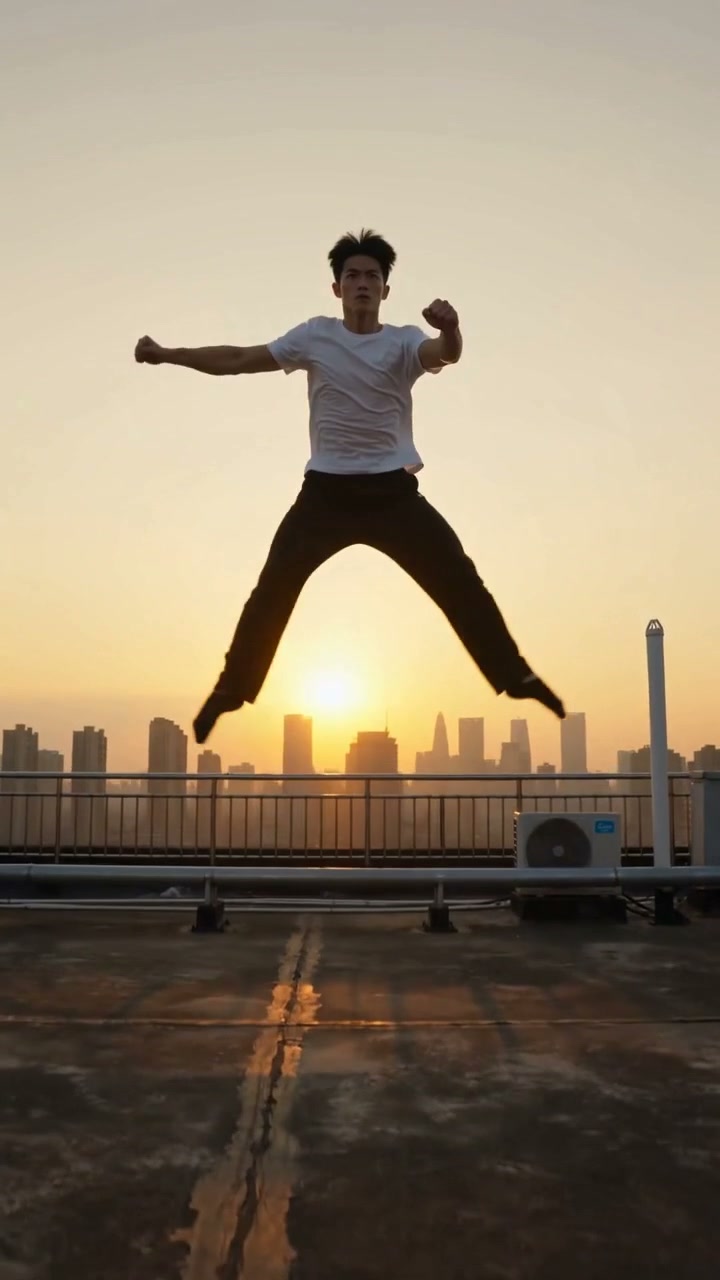
WHAT IT IS
What makes a Bullet Time video work?
Bullet Time combines a frozen action pose with a sweeping camera rotation around the subject. The effect relies on sharp subject isolation, visible depth, and smooth parallax movement to create a dramatic 3D moment that feels both cinematic and hyper-real.
A sharp, high-contrast source frame
Start with a clear photo or video frame where the subject is distinct from the background, ideally mid-action for a dynamic freeze.
Subject locked in a strong pose
The person or object should appear suspended in motion—legs extended, arms wide, or mid-turn—so the stillness amplifies the rotating camera.
Smooth parallax rotation
AI simulates a rig of virtual cameras arcing around the subject, shifting foreground and background at different speeds to build realistic depth.
Designed for short-form feeds
The instant cinematic hook stops thumbs on TikTok, Reels, and ads. It highlights product details or dance moves with a polished, shareable finish.
CREATOR USE CASES
Application Scenarios
Explore how creators use Bullet Time to turn everyday moments, motion shots, and travel edits into engaging short-form video hooks.
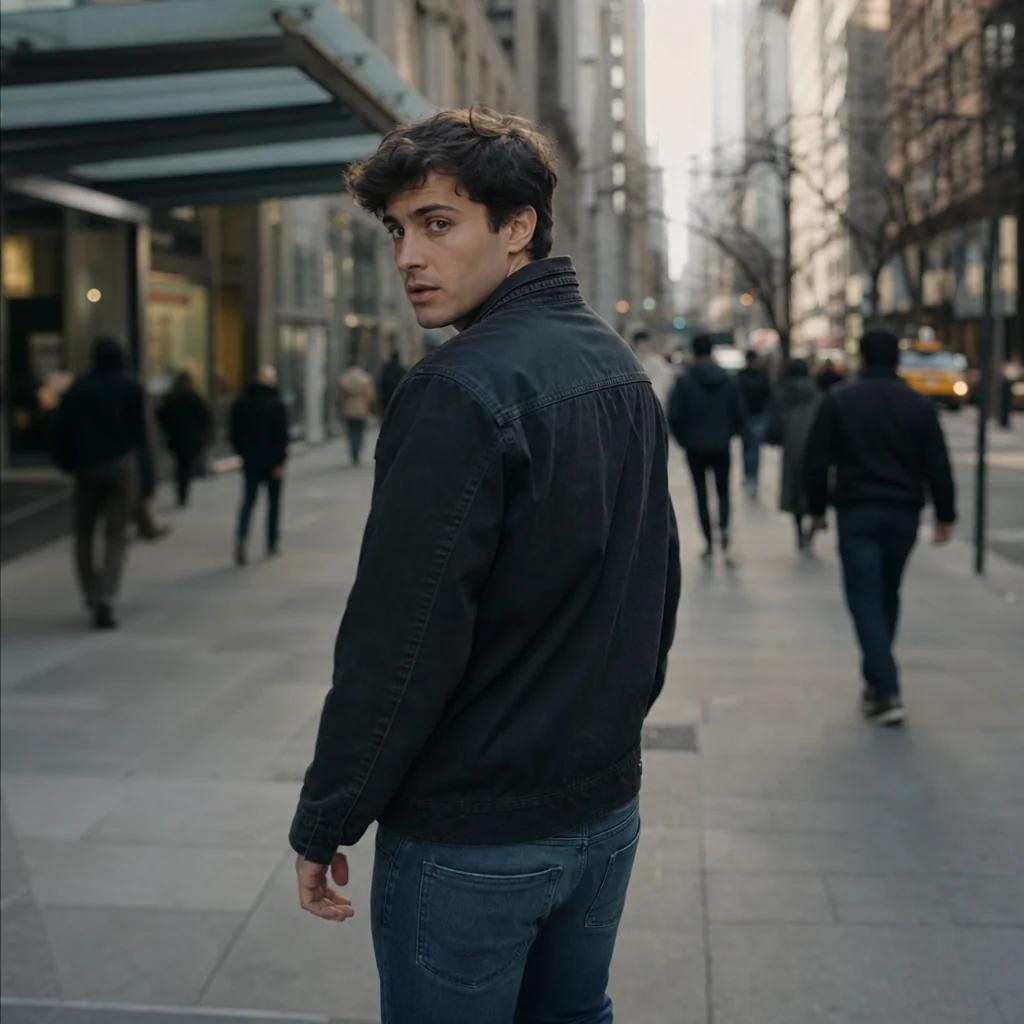
Street Freeze Moment
A simple sidewalk turn becomes a strong visual hook with a rotating time-freeze.
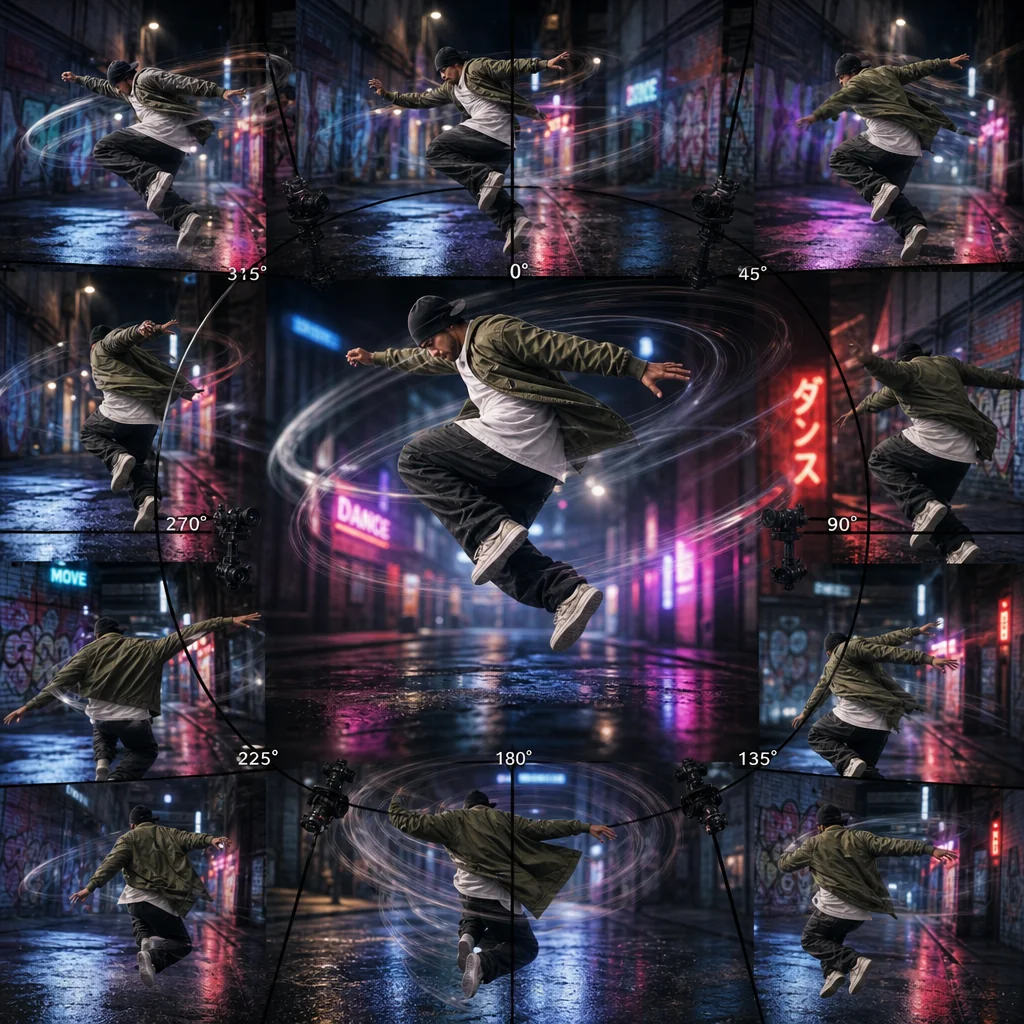
Dance Motion Spin
A mid-air dance jump gains extra energy as the camera rotates around the subject.

Travel Look Highlight
A scenic viewpoint pose gets cinematic emphasis with a sweeping rotation freeze.
FAQ
Common questions
What is the Bullet Time effect?+
Bullet Time is a visual effect that rotates the camera around a subject while it appears frozen or in slow motion, giving viewers a 360-degree view. It creates a dramatic, cinematic moment that highlights the subject.
Why is Bullet Time useful for TikTok, Reels, or Shorts?+
The rotating, pause-like look grabs attention in the first seconds, which helps stop the scroll. It adds motion and depth to short vertical videos, making clips feel more dynamic without complicated edits.
Can I create Bullet Time from one uploaded image?+
Yes. Many Bullet Time tools use depth maps and interpolation to simulate camera movement around a single photo. The result is a smooth rotating effect that can work well for portraits, products, or lifestyle shots.
What kind of image or video works best?+
A clear subject with some distance from the background gives the best result. Sharp focus, even lighting, and a simple or separated background help the effect look clean and realistic.
Can I use Bullet Time for product, fashion, travel, or creator content?+
Absolutely. Bullet Time works across all those categories. It emphasizes a product’s details, adds flair to outfit reveals, brings dimension to travel clips, and makes creator intros more memorable.
Other names for Bullet Time
Sometimes video creators search for this mesmerizing effect using different terms. You might know it as the Matrix-style frozen time shot, a 360-degree slow-mo sequence, or simply the bullet dodge effect. Whatever you call it, LazyKiwi helps you transform these concepts into stunning, short-video-ready visuals with ease.
Create Bullet Time From a Frame, Clip, or Template
Start with a text prompt, upload your own video or image, or choose a template.


