
Free Seedream 5 AI Image Generator from Text Prompts
Seed's flagship text-to-image model for professional visual content creation
Seedream 5 AI Image Generator converts natural language descriptions into detailed, photorealistic images. Built for designers, marketers, and content creators, it delivers precise control over composition, lighting, and style. Generate production-ready visuals in seconds with advanced prompt understanding and consistent output quality across iterations.
- Modality
- Text & Images → Image
- Style
- Dream-like creativity
- Max Resolution
- Up to 4K
- Format
- PNG
How it works
3 Steps from Text to Image
Transform your creative vision into stunning visuals with Seedream 5.0 through a streamlined three-step process.
 1
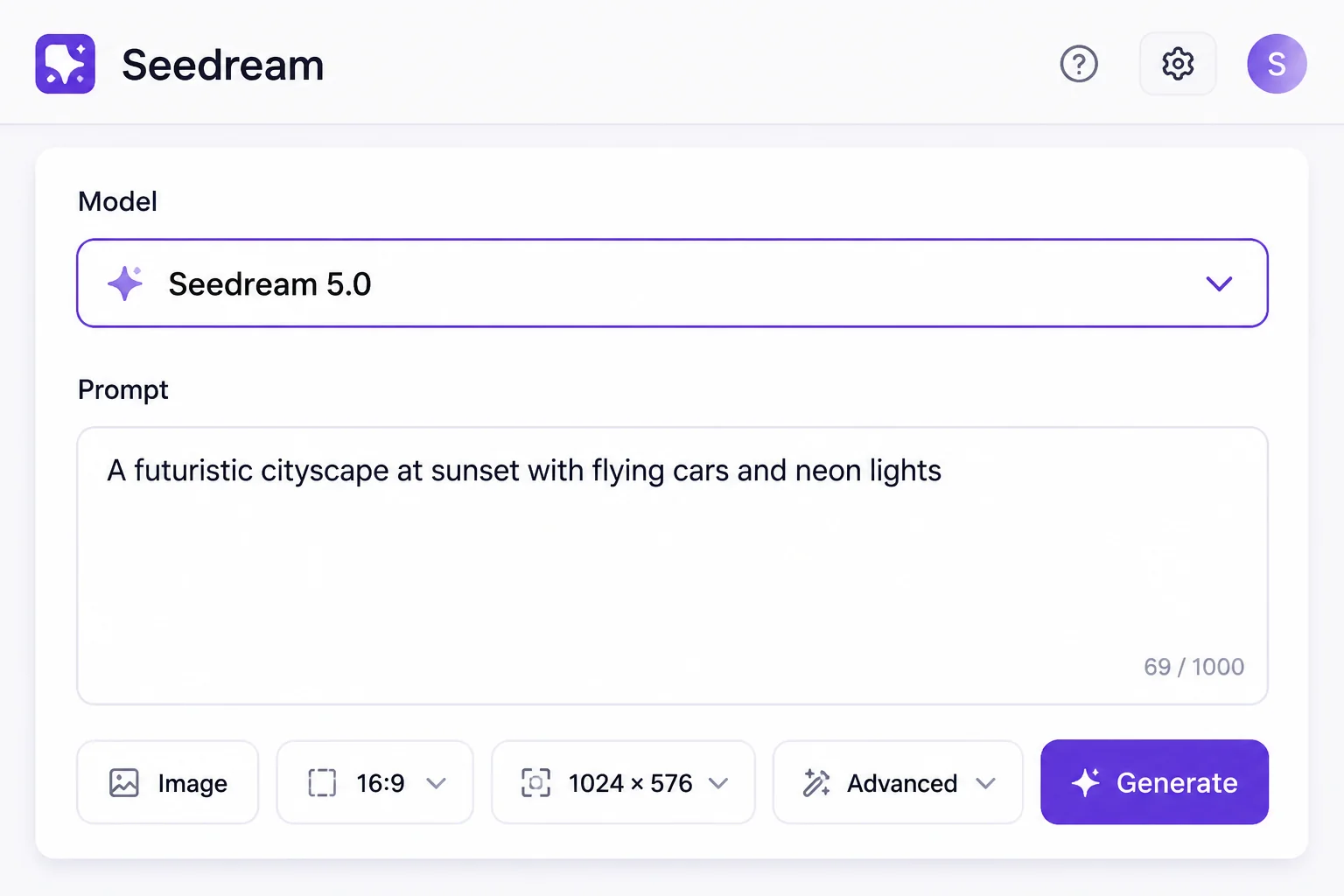
1Select model and describe
Choose Seedream 5.0 from the model dropdown and enter your image description in the prompt field to define your creative vision.
 2
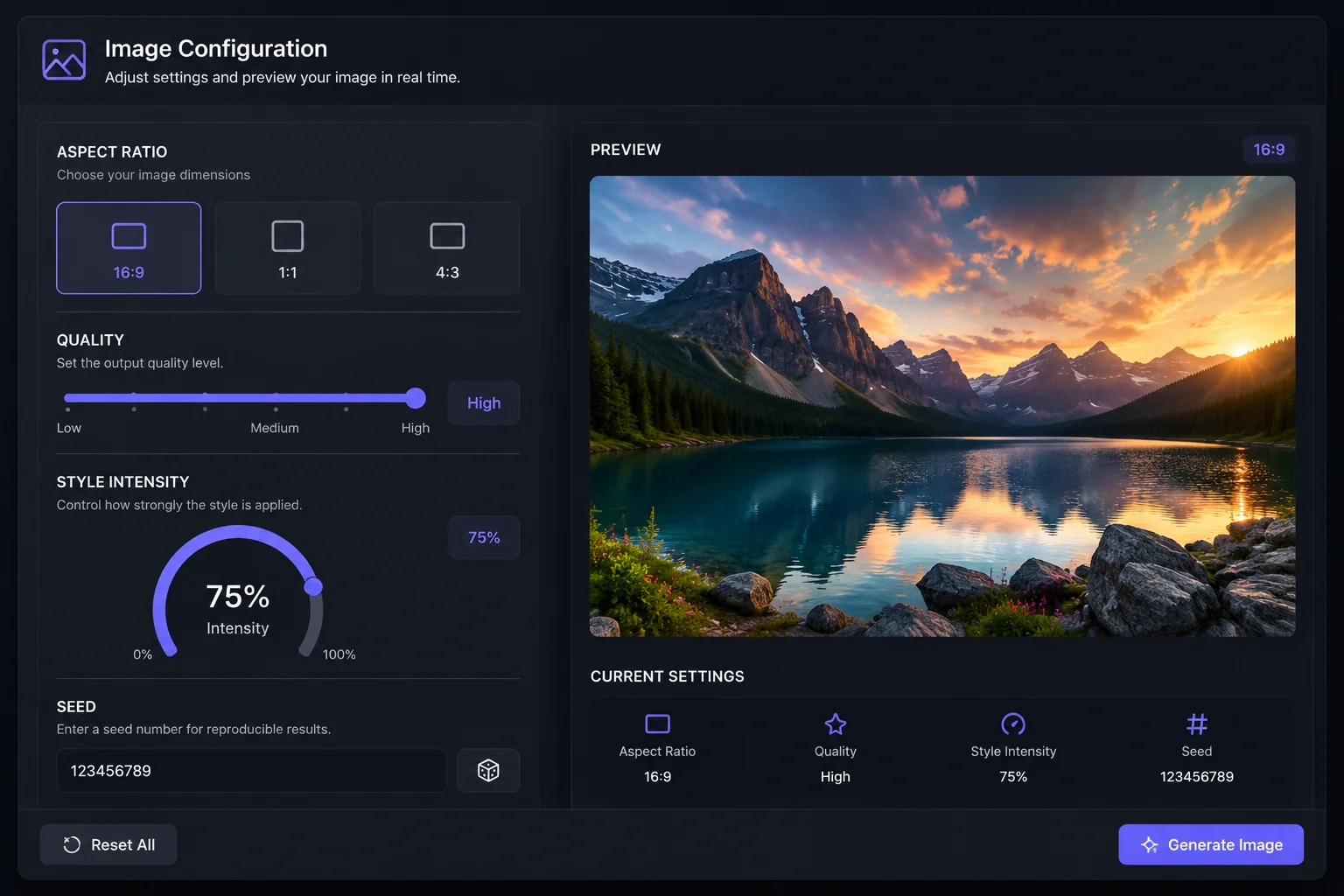
2Configure generation settings
Adjust aspect ratio, quality level, and style parameters using intuitive sliders and toggles to fine-tune your output specifications.
 3
3Generate and download image
Click generate to create your image, preview the result in high resolution, then download in your preferred format and dimensions.
Why Seedream 5.0
What sets Seedream 5.0 apart
Seedream 5.0 delivers photorealistic image generation with unprecedented detail and consistency. Built on advanced diffusion architecture, it handles complex prompts with precise control over composition, lighting, and style while maintaining natural physics and material rendering across diverse subjects.
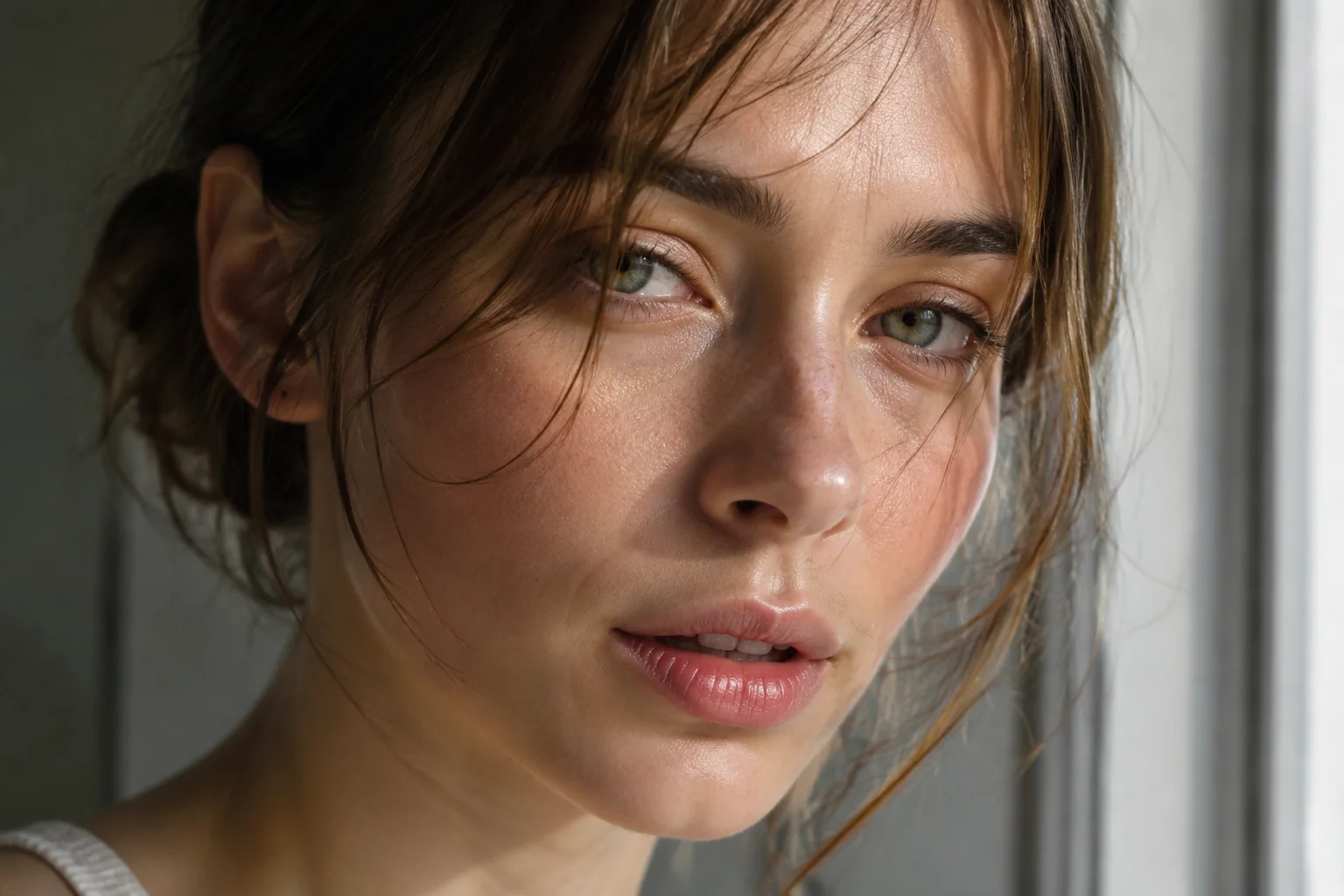
Photorealistic Rendering
Generate images indistinguishable from photographs
Advanced material simulation and light transport modeling produce authentic textures, reflections, and shadows. Every surface responds to light naturally, from skin subsurface scattering to metallic reflections and fabric weaves.
- Accurate physically-based material properties
- Natural subsurface scattering and translucency
- Realistic environmental lighting and reflections

Compositional Precision
Control every element with multi-object accuracy
Handles complex scenes with multiple subjects, maintaining spatial relationships and individual characteristics. Precisely interprets layered prompts to place, scale, and arrange elements exactly as described without object merging or confusion.
- Accurate multi-object scene composition
- Precise spatial relationship understanding
- No attribute bleeding between subjects

Text Integration
Render readable text within generated images
Produces legible typography with correct spelling, proper kerning, and realistic text placement on surfaces. Maintains font consistency and handles text perspective, curvature, and material interaction naturally within the scene context.
- Accurate spelling and character rendering
- Natural text perspective on surfaces
- Consistent typography and proper kerning

Style Consistency
Maintain coherent aesthetics across generations
Preserves artistic direction, color palettes, and visual language across multiple outputs. Whether photorealistic, illustrated, or stylized, the model maintains consistent rendering approach, lighting mood, and aesthetic choices throughout a series.
- Reliable style reproduction across outputs
- Consistent color grading and mood
- Stable artistic interpretation of prompts
Sample outputs
Made with Seedream 5.0 in LazyKiwi
From product mockups to character animations, creators use Seedream 5.0 to generate high-quality visuals in seconds. Explore real examples from the community.

Product photography for e-commerce
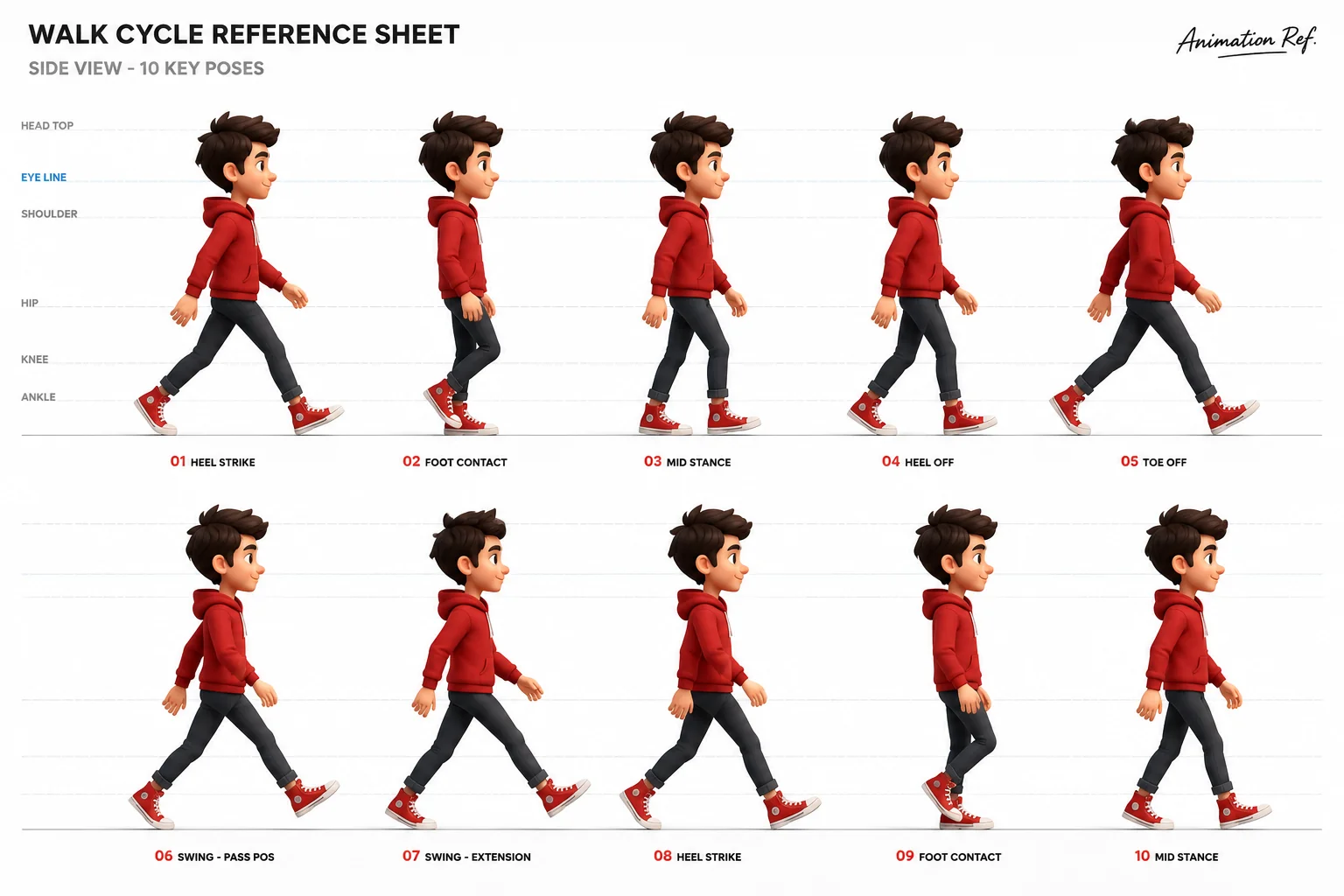
Animated character walk cycle
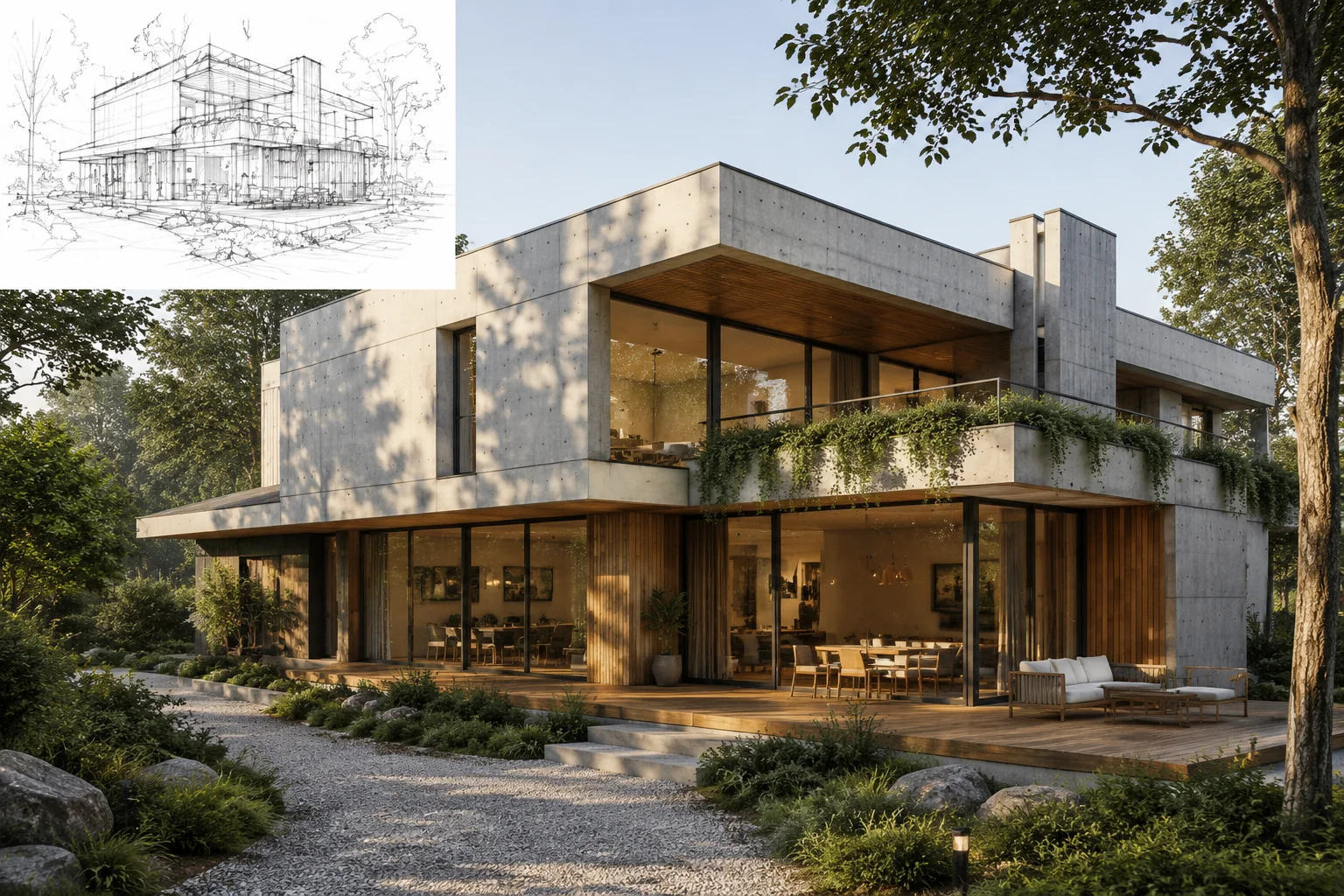
Architectural visualization from sketch
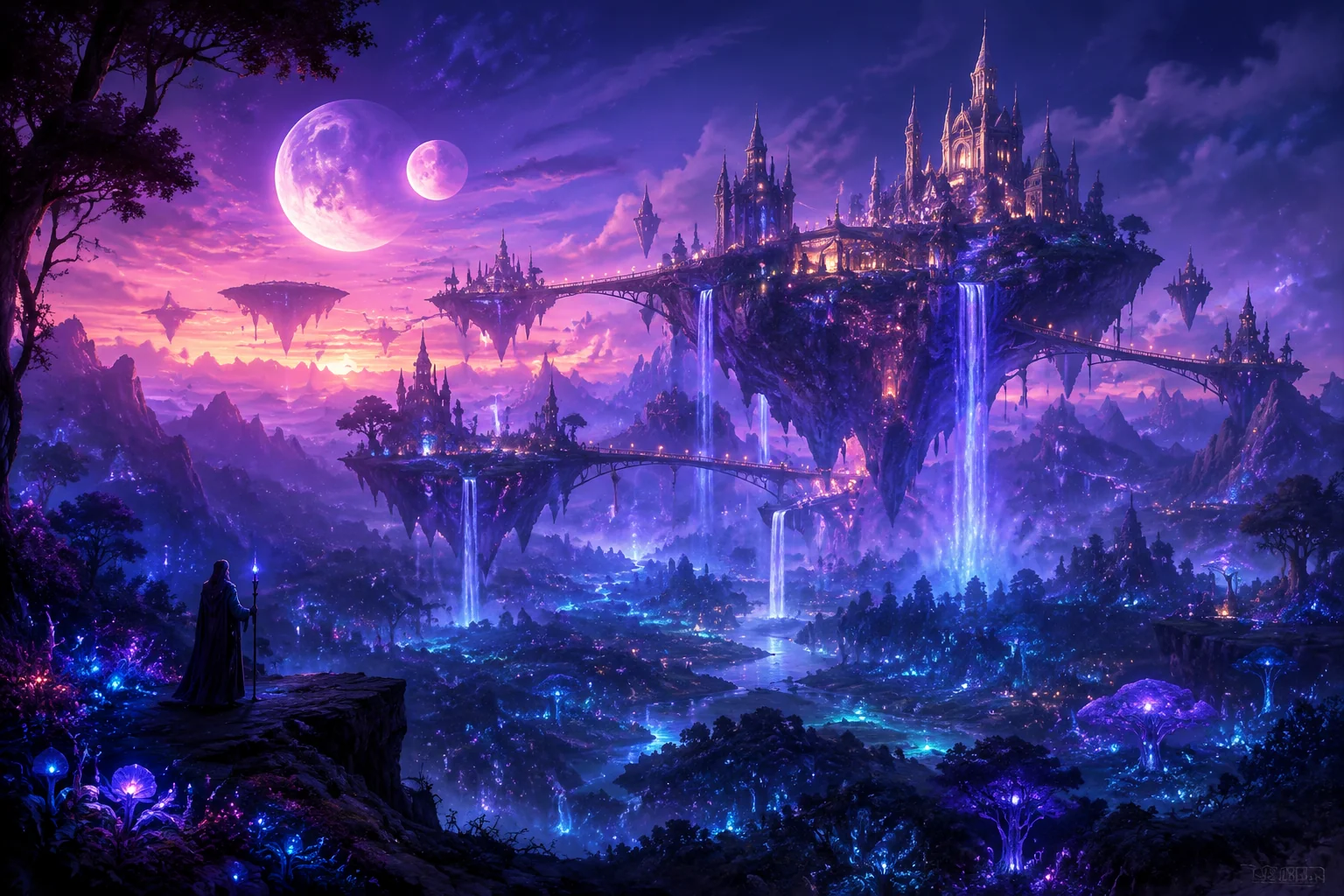
Fantasy landscape concept art

Social media ad from description
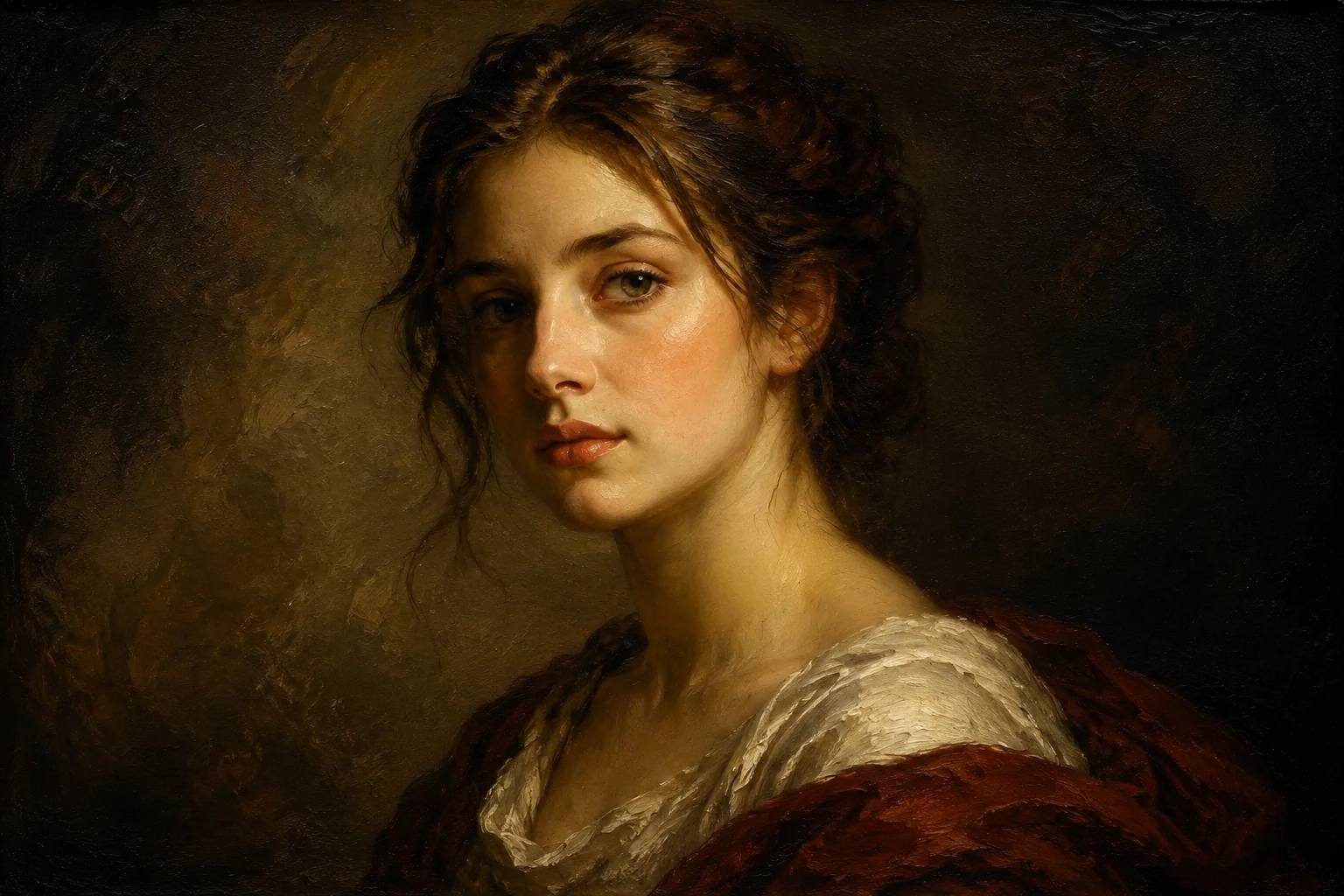
Portrait style transfer experiment
Specs
Seedream 5 AI Image Generator at a glance
Capabilities exposed through the LazyKiwi workbench.
- Provider
- Seed
- Type
- Image generation
- Inputs
- Text prompt, optional images
- Max resolution
- Up to 4K
- Formats
- PNG
- Aspect ratios
- 1:1, 4:3, 16:9, 9:16
- Best for
- Dream-like imagery, surreal art, creative exploration
When to use it
Seedream 5.0 vs. other image models
Choose Seedream 5.0 for realistic images with precise control, DALL-E 3 for creative concepts, or Midjourney for artistic styles.
| Model | Strength | Best for | Speed |
|---|---|---|---|
| Seedream 5.0 | Photorealistic quality with fine-grained control | Product photography, portraits, architectural visualization, brand assets | Standard |
| DALL-E 3 | Strong text rendering and concept interpretation | Marketing materials, infographics, concept art, text-heavy designs | Fast |
| Midjourney v6 | Distinctive artistic aesthetics and style variety | Creative illustrations, mood boards, fantasy art, stylized content | Standard |
Use cases
What creators build with Seedream 5.0
From product showcases to social content, creators use Seedream 5.0 to generate professional video across industries and formats.
Product Marketing Videos
E-commerce creators generate dynamic product demos and unboxing videos that showcase features with cinematic camera movements and lighting.
Social Media Content
Influencers create scroll-stopping short-form videos for TikTok, Instagram Reels, and YouTube Shorts with trending visual styles.
Brand Advertising Campaigns
Marketing teams produce commercial-quality ads with consistent brand aesthetics, eliminating costly studio shoots and location filming.
Narrative Storytelling
Filmmakers prototype scenes, generate B-roll footage, and visualize storyboards before committing to live-action production budgets.
FAQ
Common questions
What is Seedream 5.0?
Seedream 5.0 is Seed's latest AI image generation model that creates high-quality visuals from text prompts. It offers improved photorealism, better prompt understanding, and faster generation speeds compared to previous versions.
Is Seedream 5 AI Image Generator free to use?
Seedream 5.0 offers a free tier with limited daily generations. Paid plans provide higher resolution outputs, faster processing, commercial usage rights, and increased monthly generation quotas starting from basic to professional tiers.
How does Seedream 5.0 compare to Midjourney and DALL-E?
Seedream 5.0 competes with strong photorealism and artistic flexibility. It excels at Asian aesthetics and cultural contexts, offers competitive pricing, and provides faster iteration speeds, though community size is smaller than established alternatives.
What are the key features of Seedream 5.0?
Key features include advanced prompt interpretation, multiple aspect ratios, style consistency across generations, inpainting and outpainting capabilities, batch processing, and fine-tuned controls for lighting, composition, and artistic styles.
How do I get started with Seedream 5.0?
Sign up on Seed's platform, access the Seedream 5.0 interface, enter your text prompt describing the desired image, select generation parameters, and click generate. Results typically appear within seconds to minutes depending on complexity.
Create Stunning Images with Seedream 5.0
Experience advanced AI image generation with superior quality, precise prompt following, and natural aesthetics. Start creating professional visuals in seconds with Seedream 5.0.