
Photo Animation AI: Bring Any Photo to Life
Upload one photo, describe how it should move if you want to, and pick the model that suits it — Seedance, Kling, Hailuo, Wan and others. Choose a length of 5 to 15 seconds and a 9:16, 16:9 or 1:1 frame, depending on the model, and the AI turns your still image into a short video.
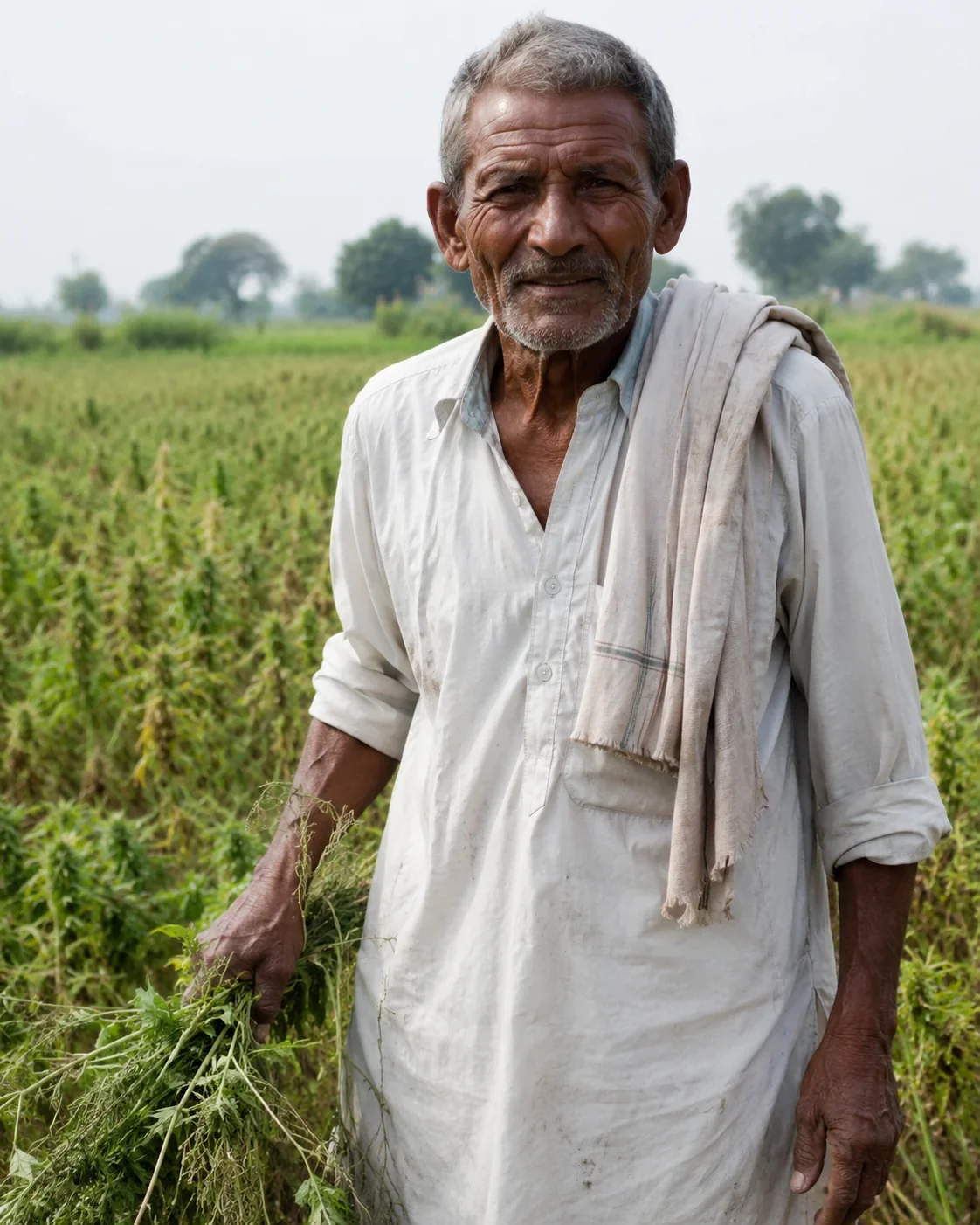 BEFORE
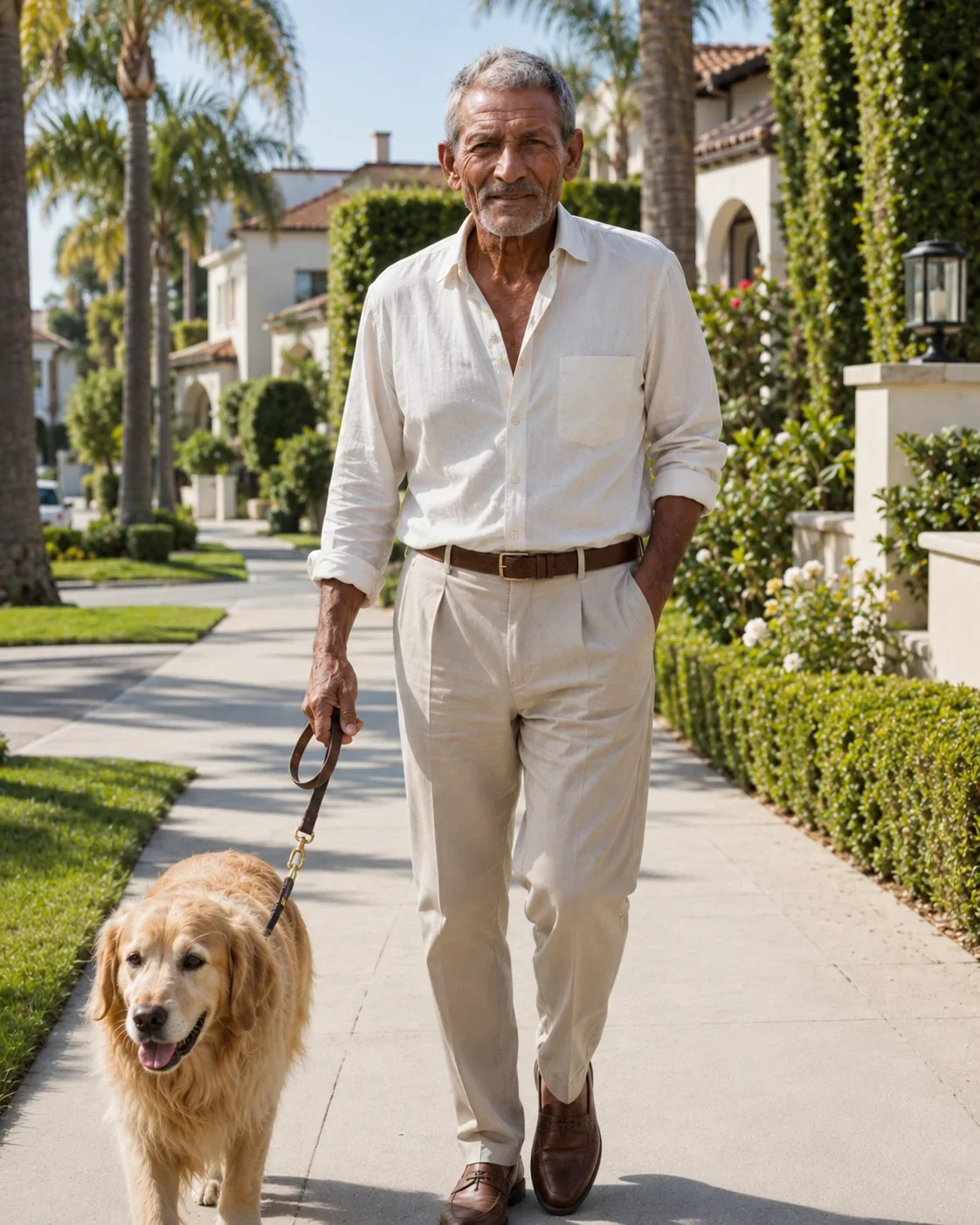 AFTER ✨
What it is
A still image, given a few seconds of life.
Photo animation AI takes a single still image and generates a short video that starts from it: the person in a portrait blinks, turns and smiles, the water in a landscape moves, the steam rises off a coffee cup, the camera drifts slowly into the scene. The photo sets what everything looks like; the model decides how it moves, guided by a prompt if you write one. Technically this is image-to-video generation, and on LazyKiwi it runs through the same workbench as the rest of our video tools, with several leading video models to choose from rather than one. That choice matters, because models differ in how they handle faces, how closely they follow a prompt, how much the camera moves and which lengths and aspect ratios they offer. You pick the model, the duration and the frame shape; the workbench shows the credit cost for that combination before you generate. It works on portraits, old family photos, travel and landscape shots, product photos, illustrations and artwork. What it does not do is copy an exact choreography — for that, the AI dance generator takes the moves from a video you supply.
How it works
How to animate a photo in three steps
Upload your photo
Any clear image: a portrait, a landscape, a product shot, an illustration. The sharper and better-lit it is, the more detail the model has to keep.
Describe the motion and pick a model
Optionally write what should move and how — 'she turns her head and smiles', 'slow push-in, leaves moving in the wind'. Then choose a model, a duration and an aspect ratio it supports.
Check the cost and generate
The workbench shows the credit price for the model and length you picked. Generate, play the result, and download it or try again with a different prompt or model.
Pick the right model
One photo, several models to try
Every video model has its own character, and the best way to find the right one for a photo is often to run the same image through two of them. As a starting point: Seedance is a strong all-rounder with close prompt following and consistent characters, a good first choice when you have a specific motion in mind. Kling is a popular choice for people and realistic movement, with 9:16, 16:9 and 1:1 frames. Hailuo is focused on image-to-video and keeps your image's frame shape, which suits photos you do not want cropped. Wan is an open model family and a sensible option for quick, lighter tests. Other models are available in the video generator too. Lengths, aspect ratios and credit prices differ between them, and the workbench shows what each one supports once you select it.
- Seedance: close prompt following, consistent characters
- Kling: people and realistic movement
- Hailuo: image-to-video that keeps your frame shape
- Wan: open model family for quick tests
Prompt control
Describe the motion you want
Without a prompt, the model picks a plausible, usually gentle motion: a slight camera move, some breathing, a bit of wind. A prompt lets you choose. Describe what moves, how it moves and what the camera does, in one or two plain sentences. You do not need to describe how the photo looks — the model can already see it. Prompts steer the result rather than dictate it frame by frame, so the more ambitious the motion, the more a result can vary between runs. Small, natural movements that fit the photo tend to look best; asking a seated portrait to sprint across the room asks the model to invent almost everything. If a result misses, change one thing in the prompt at a time.
- 'She looks up from the book and smiles at the camera'
- 'Slow push-in, waves rolling onto the beach, clouds drifting'
- 'The camera orbits slowly around the perfume bottle'
Formats
9:16, 16:9 or 1:1, from 5 to 15 seconds
Choose the frame for where the video is going: 9:16 vertical for Reels, TikTok and Shorts, 16:9 widescreen for YouTube, presentations and websites, 1:1 square for feed posts. Duration runs from 5 up to 15 seconds, depending on the model. Not every model offers every combination, so pick the model first and the workbench will show which lengths and ratios it supports. If your photo is a different shape from the frame you choose, expect some cropping or extra scene to be added at the edges, so it is worth choosing a frame close to the photo's own shape where you can. Longer clips give the motion more room to develop, and they also cost more credits; for a first test, the shortest length is usually enough to judge a model.
- 9:16 vertical, 16:9 widescreen, 1:1 square
- 5 up to 15 seconds, depending on the model
- Credit cost shown for your model and length
What you can animate
Portraits, old photos, landscapes, products and art
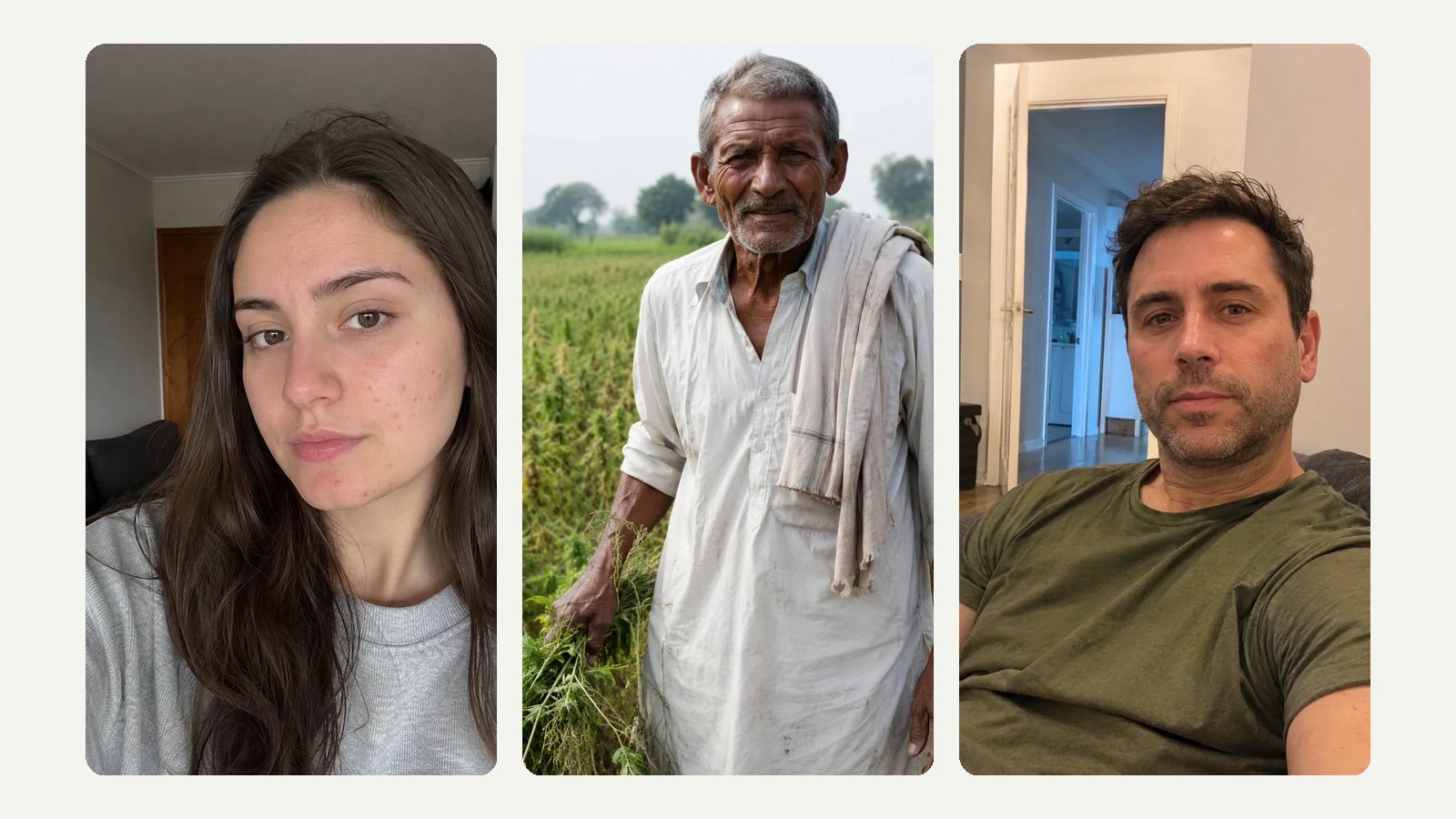
Portraits are the most common subject: a small turn of the head, a smile, a blink is often all a photo needs to feel alive. Old family photos work too, and many people like to restore or colorize them first so the model has a cleaner image to start from. Landscapes and travel shots come alive with moving water, clouds, trees and a slow camera move. Product photos can get a turn, a light sweep or a gentle orbit for a short ad. Illustrations, paintings and anime-style art can be animated in their own style, as long as the prompt does not ask for anything that would break it. In each case, the motion that looks most convincing is the motion the photo already suggests. A few subjects are harder than they look. Hands holding objects, crowds, reflections in mirrors and glass, and fine repeating patterns such as fences or striped shirts are where generated motion most often wobbles, so keep them out of the spotlight of the prompt. And for photos with readable text, such as a shop sign or a book cover, keep the motion small: the more the camera moves, the more the lettering has to be redrawn.
- Portraits and family photos
- Landscapes, travel and nature shots
- Product photos, illustrations and artwork
Before you upload
Tips for photos that animate well
Start with the sharpest, best-lit version of the photo you have; the model preserves detail, it does not invent it well. Faces should be clear and reasonably large in the frame, since tiny, distant faces are where likeness slips first. Leave some space around the subject so a camera move or a gesture has somewhere to go. Busy scenes with many people are harder than a single clear subject, because every figure has to move believably. Text and logos in the photo may warp once things start moving, so avoid relying on them. And match the motion to the photo: a calm portrait suits a calm prompt, a street scene suits a slow walk-through. Resolution matters less than sharpness: a clear phone photo is plenty, while a large but blurry or heavily compressed file loses detail once it starts to move.
- Sharp, well-lit source image
- Clear faces, a single main subject
- Room around the subject for movement
Why LazyKiwi
Why animate photos on LazyKiwi
Several models, one upload
Try Seedance, Kling, Hailuo, Wan and others on the same photo and keep the result you like.
Your choice of frame
9:16, 16:9 or 1:1, depending on the model, so the clip fits where it is going.
Motion you can describe
An optional prompt steers what moves and how the camera behaves.
Price before you generate
Cost depends on model and length, and the workbench shows it before anything runs.
Want a specific dance?
The AI dance generator copies exact moves from a video you upload.
Keep going after
Extend the clip, sharpen it or restyle it in the same workbench.
FAQ
Photo animation questions
What is photo animation AI?+
It is AI that turns a single still photo into a short video. The photo sets how everything looks, and a video model generates the motion — a smile, a head turn, moving water, a camera move — guided by an optional prompt.
How do I animate a photo with AI?+
Upload the photo, optionally describe how it should move, choose a model, a duration and an aspect ratio, check the credit cost the workbench shows, and generate. Download the result or try again with a different prompt or model.
Which AI model should I choose to animate my photo?+
Start with Seedance when you have a specific motion in mind, or Kling for people and realistic movement. Hailuo keeps your image's frame shape, and Wan is handy for quick tests. Running the same photo through two models is often the fastest way to decide.
Can I describe how the photo should move?+
Yes. Write one or two sentences about what moves and what the camera does, for example 'he laughs and looks to the side' or 'slow zoom out over the city'. The prompt steers the motion; it does not control every frame exactly, so results can vary between runs.
How long can the animated video be?+
From 5 up to 15 seconds, depending on the model. Not every model offers the full range; the workbench shows the lengths available for the model you pick.
What aspect ratios are supported?+
9:16, 16:9 and 1:1, depending on the model. Some models follow the shape of your photo instead of offering a choice. Pick the frame closest to your photo's own shape to avoid heavy cropping.
Can I animate old family photos?+
Yes. Old portraits are one of the most popular uses. Scan or photograph the print as sharply as you can, and keep the prompt to small, natural movements like a smile or a slight turn of the head. Heavily damaged or very blurry photos give the model less to work with.
What kind of photos animate best?+
Sharp, well-lit photos with one clear subject and some space around it. Clear faces keep their likeness better than small, distant ones. Busy scenes with many people, and photos with important text or logos, are the hardest.
How many credits does it cost to animate a photo?+
It depends on the model and the length you choose. The workbench shows the exact credit price for your selection before you generate, so you can compare models before spending anything.
Can I animate a photo with more than one person in it?+
Yes, group photos can be animated, but they are harder than a single subject. Every person in the frame has to move believably at the same time, and smaller faces lose likeness sooner. Keep the prompt simple, such as 'everyone smiles and the camera slowly pushes in', rather than giving each person a separate action. If one person matters most, cropping the photo closer to them usually gives a better result.
Use cases
What people animate
Family photos and keepsakes
See a grandparent smile and turn towards the camera in a photo taken decades ago.
Social posts
A still travel shot or selfie becomes a short vertical clip that stops the scroll better than the photo would.
Product videos
Turn a single product photo into a short clip with a slow orbit or a light sweep for an ad or a listing.
Artwork and illustration
Give a painting, a character design or an album cover a few seconds of motion.
Storyboards and pitches
Animate key frames to show how a scene should move before anything is filmed.
Greetings and invitations
A moving photo of the couple, the baby or the birthday person says more than a static card.
More answers
More on animating photos
Can I make the person in my photo dance?+
You can prompt a simple dance here, but the moves will be the model's own interpretation. To copy an exact routine, use the AI dance generator: upload the photo and a 4–15 second dance video, and the person performs those moves.
What's the difference between photo animation and image-to-video?+
They describe the same thing from different angles. Image-to-video is the technical name for generating a video from a starting image; photo animation is what most people call it when the image is a photo. Both are what this page does.
Can I use the animated videos commercially?+
That depends on the rights to the photo you upload and on LazyKiwi's terms of service, so check both before using a clip in an ad or a product. Photos of real people should only be used with their permission.
Why does the face look slightly different once it moves?+
The model has to generate every new frame, including angles of the face the photo never showed. Small differences in the eyes, teeth or the shape of a smile are the most common result. A sharper, larger, front-facing face helps, as do gentle prompts that keep the head close to its original angle. Trying the same photo on another model is also worth it, because models differ in how well they hold a likeness.
Can I animate an AI-generated image?+
Yes. Images made with an AI image generator animate the same way as photos, and they are often easier, because they tend to be sharp, well lit and cleanly composed. Upload the image file like any other photo and describe the motion you want.
Can I re-run the same photo with a different model?+
Yes. Keep the same photo and prompt and switch the model to compare results side by side. Each run is charged separately at the price shown for that model and length.
Can I make the clip longer after it is generated?+
Yes. Download the clip and continue it from its last frame with the AI video extender, which accepts clips of 4–15 seconds and lets you describe what happens next.
Will the animated video have sound?+
It depends on the model. Some video models can generate sound along with the picture and others produce silent clips, so check the model's page if audio matters. Either way, you can always add music or a voiceover in your editor or in the app you post to.
Give your photo a few seconds of motion
Upload a photo, pick a model and a frame, and see the credit price before you generate.
No credit card · Free to try · Results in seconds