
Free AI Animation Generator
Describe a scene, or upload a drawing, and get a short animated clip in the style you name: 2D cartoon, anime, soft 3D or paper cut-out. Bring original characters to life for shorts, stories and kids' projects without a single keyframe.
Results
Six animations, one text box
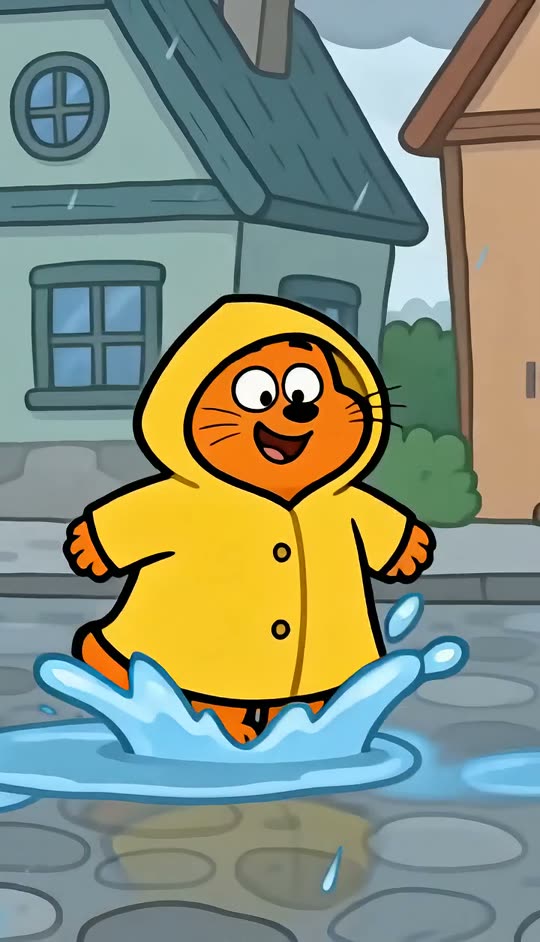
Four clips from a written scene, two from a picture: a crayon drawing and a flat illustration. All characters are original.
Specs
AI animation generator specs
- Input
A written scene
or a drawing, sketch or character image to animate
- Styles
2D cartoon, anime, soft 3D animated film, paper cut-out, clay, crayon
name it in the prompt
- Output
An MP4 clip
vertical 9:16 for shorts, 16:9 for YouTube, 1:1 for posts
- Keep
Your character's look
when you animate a drawing, its lines, colours and texture carry over
How to make an AI animation in 3 steps
A character, an action, a style.
Prompt
A chubby orange fox in a yellow raincoat jumps between puddles on a rainy village street, 2D hand-drawn cartoon.
Step 1
Describe the scene (or upload a drawing)
Who is in it, what they do and the animation style. To animate your own drawing, switch to image mode and upload it.
Step 2
Generate the clip
Pick the frame and a model, then generate. Change the action or the style word to get a different take.
Step 3
Download and share
Download the MP4 for Shorts, Reels or TikTok, or add titles with Add Text to Video.
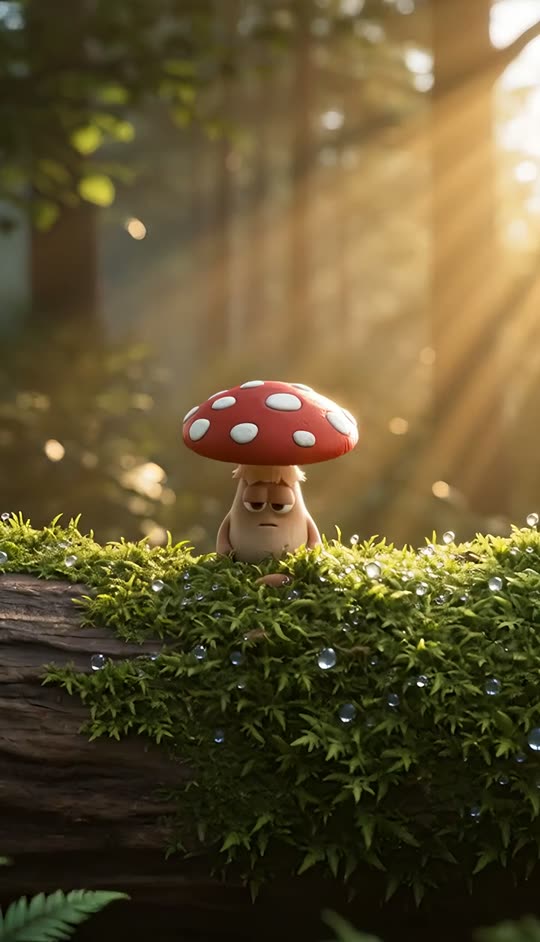
Cartoon, anime, 3D or paper
Squash-and-stretch 2D cartoon, cel-shaded anime, soft 3D animated-film light, jittery paper cut-out. The style word sets the line, the shading and even the frame rate feel.
- 2D cartoon and anime
- Soft 3D animated look
- Paper, clay, crayon
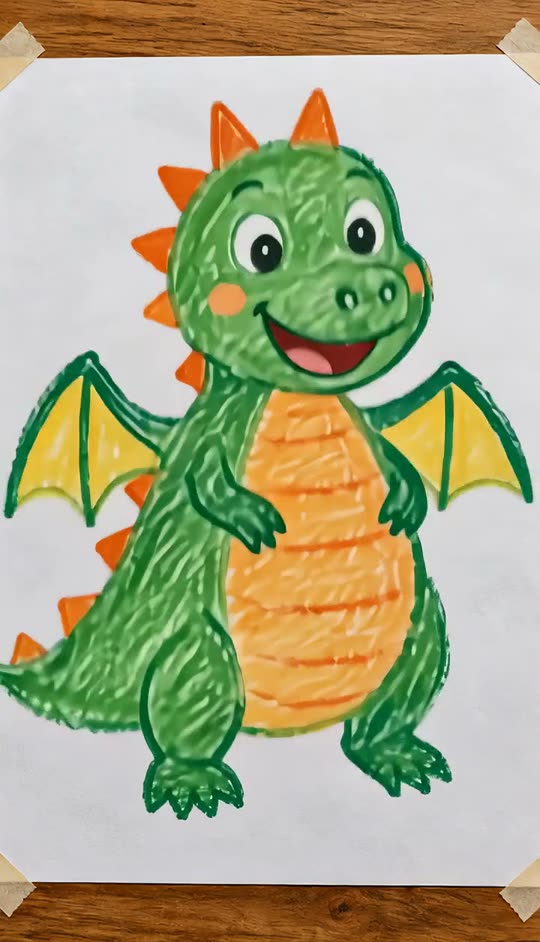
Your drawing, moving
Upload a kid's crayon drawing, a sketch or a character illustration and describe what it should do. The wobbly lines and colours stay; the character starts to move.
- Crayon and pencil drawings
- Character illustrations
- Style kept from the picture
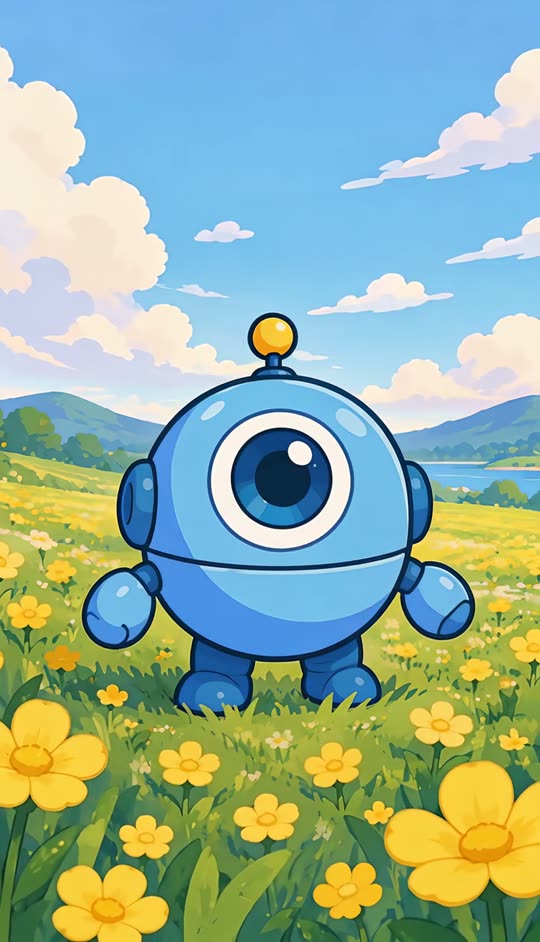
Design once, animate many times
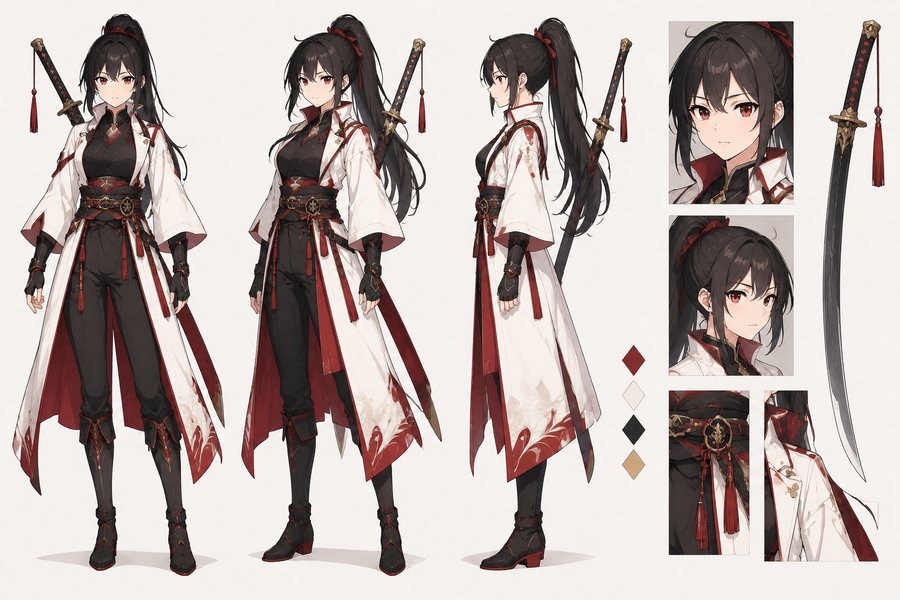
Design a character with the AI Character Generator, then animate poses from the sheet so the same hero shows up in every clip.
- Consistent character
- Reusable reference
- Series and episodes
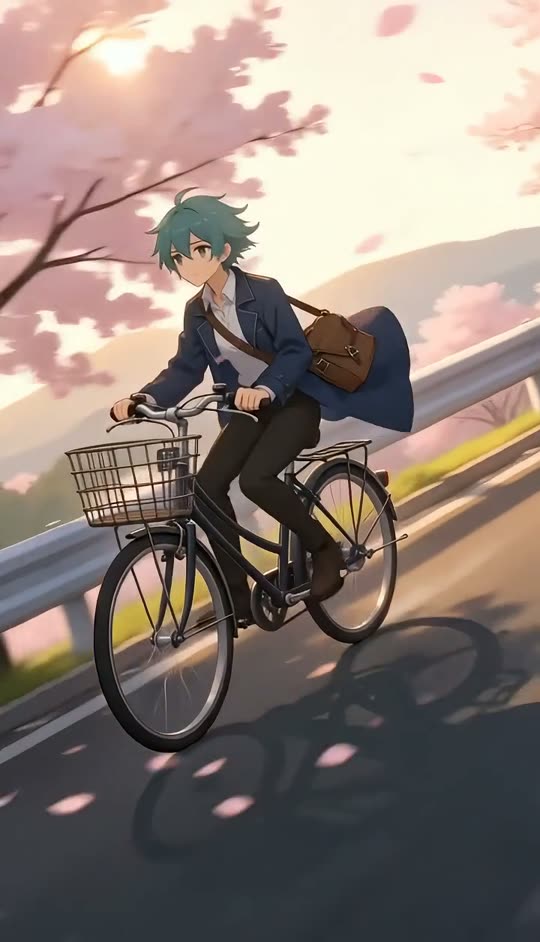
Need a real photo to move instead?
This page is for animated, cartoon-style clips. To make a real photo move with natural motion, use Photo Animation AI. For anime-style clips from a photo, try the AI Anime Video template.
- Cartoon clips here
- Real photos in Photo Animation AI
- Photo to anime template
FAQ
AI animation generator FAQ
Is the AI animation generator free?+
Signing up is free and comes with free credits to try it. Each run shows its price on the Generate button before anything is charged.
Can I animate my own drawing?+
Yes. Open the generator in image mode, upload the drawing and describe the motion ("the dragon flaps its wings and puffs smoke"). The drawing's style is kept.
What animation styles can it make?+
2D hand-drawn cartoon, anime, soft 3D animated-film look, paper cut-out, claymation and crayon. Name the style in your prompt.
How is this different from Photo Animation AI?+
Photo Animation AI makes a real photo move naturally. This page is for animated, cartoon-style clips from a written scene or a drawing.
Can I keep the same character across clips?+
Describe the character the same way each time, or animate frames from a character sheet made with the AI Character Generator.
Does the animation have sound?+
Some models add ambient sound. For narration or music, add it in your editor; for captions use Add Subtitles to Video.
What format do I get?+
An MP4 clip in 9:16, 16:9 or 1:1, ready for Shorts, Reels, TikTok and YouTube.
Where can I learn more?+
Our AI animation generator guide compares tools and walks through prompt patterns for each style.
More video tools
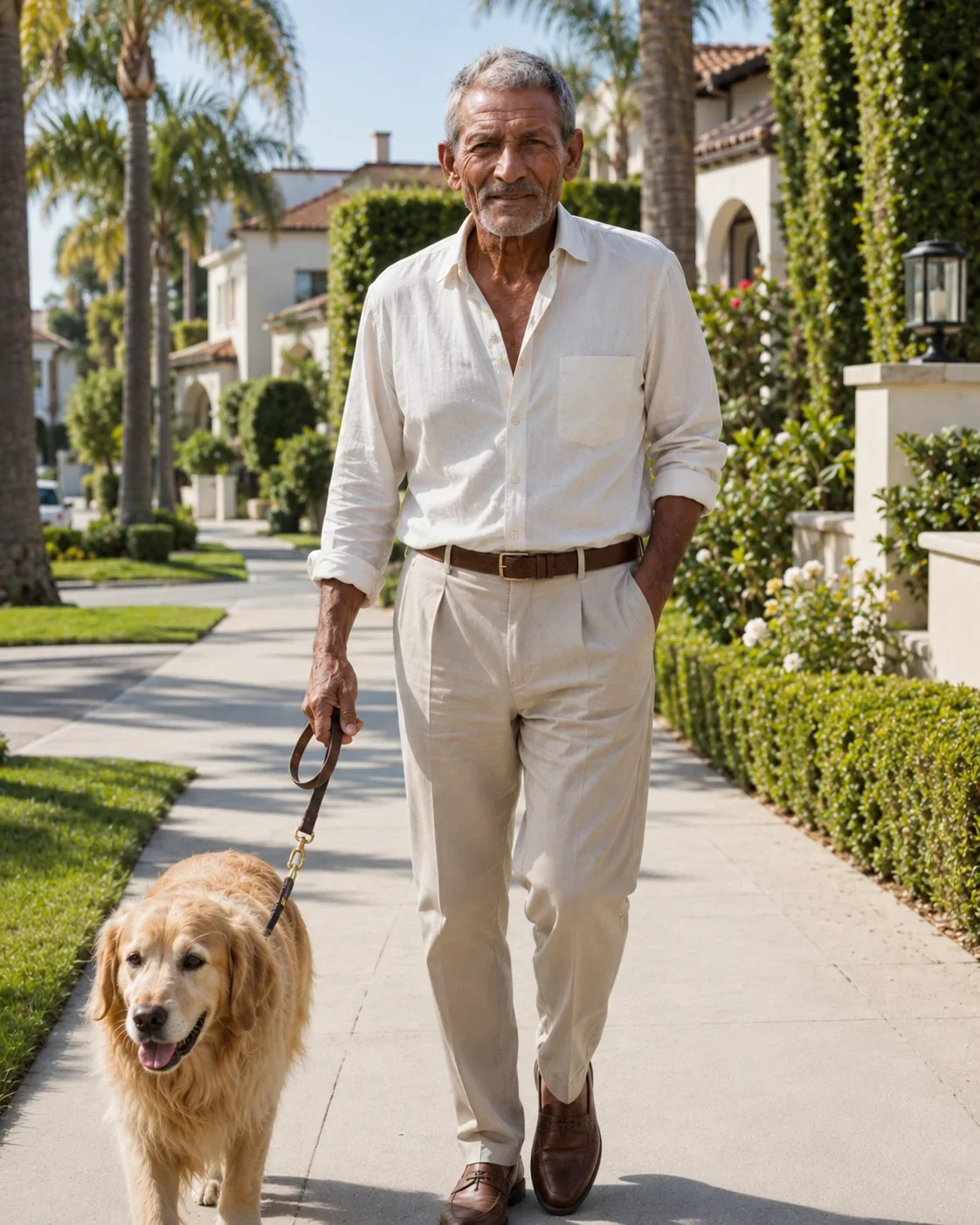
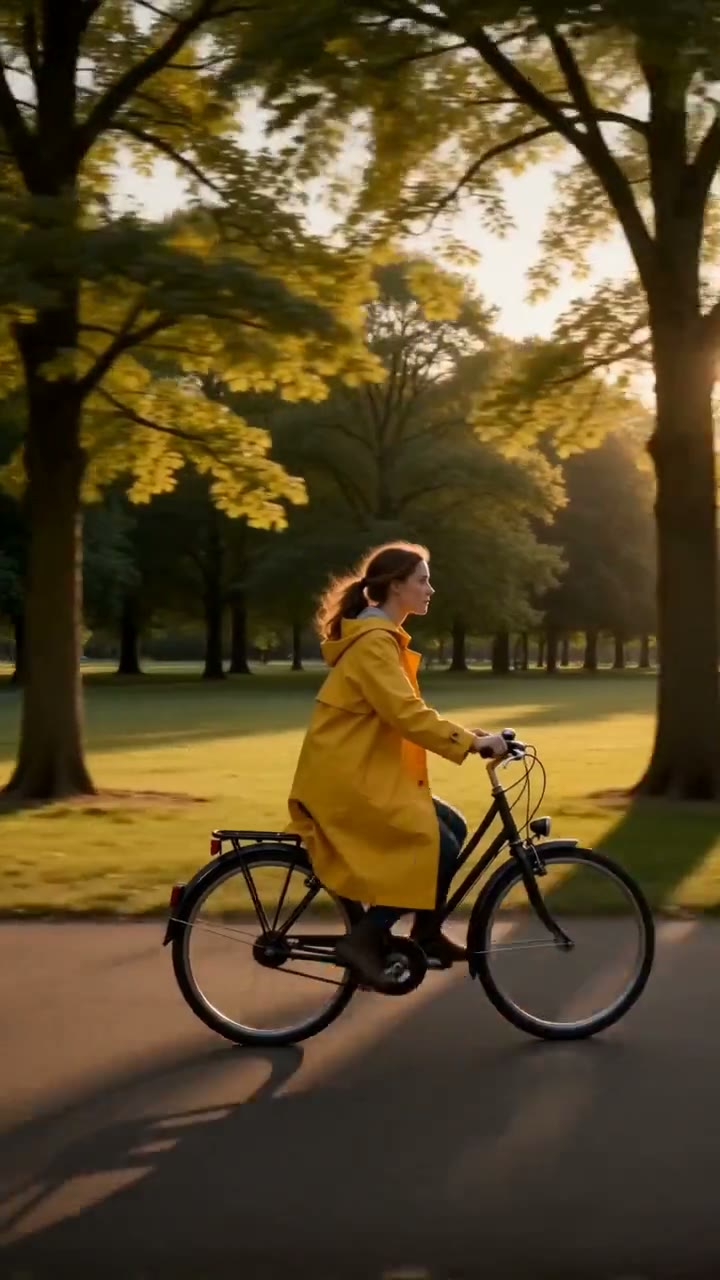
An idea or a drawing in. An animation out.
Describe the scene or upload the picture, pick a style, download the clip.
Free to try · Price shown before you generate · Original characters only