
Globe Arcs
A 3D globe animation with six live routes
A wireframe globe turns slowly on a midnight stage while six city-to-city arcs light up one after another, with a route table ticking along beside it. Six and a half seconds.
- 6.4s
- duration
- 4
- aspect ratios
- 5
- controls
- 720p
- free, unlimited exports
UI & Product · 6.4s · 9:16
3D globe · Network · Fintech · Data
The network shot, as an editable document
Every fintech, logistics and infrastructure deck has this slide, and it is almost always a stock render or an afternoon in a 3D package. Here the globe is real geometry turning in the browser, the arcs are drawn paths that light in sequence, and the route list beside it is text you type — one route per line. Change the lines and the table changes; the arcs keep firing on their own rhythm.
The composition is built for a headline: a two-line headline with a lede under it at the top, the globe filling the middle and the route column down the right. Rotation speed runs from 2 to 20, so you can take it from a stately turn to something that reads as busy.
6.4 seconds, three beats
What is on screen, and when. Every element named here is a layer in the document — you can click any of them on the canvas and change it.
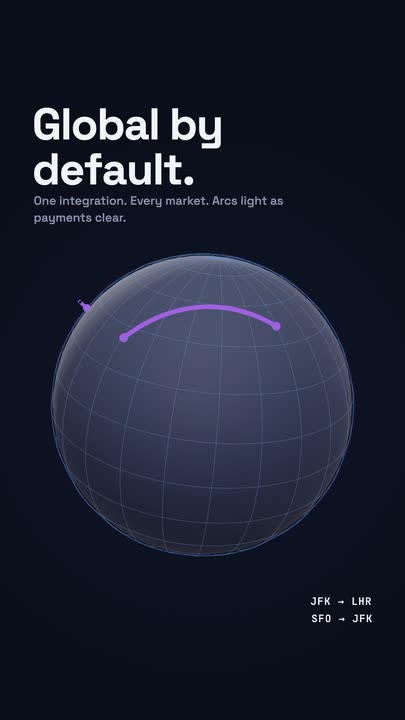
Beat 1 · 1.2s
Globe and headline
The two-line headline and its lede are set at the top, the wireframe globe is turning below them, and the first route is lighting across it.
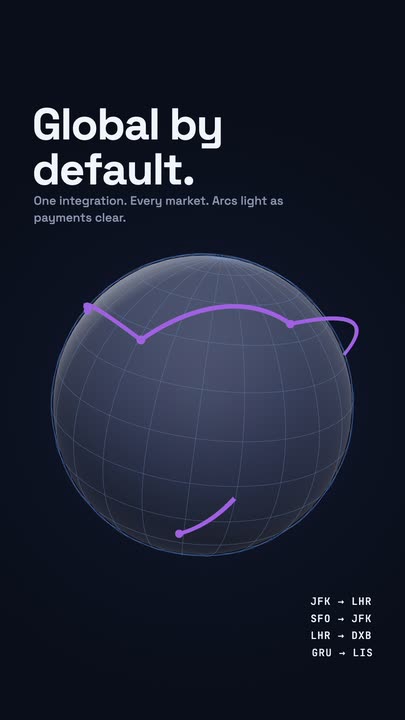
Beat 2 · 2.6s
Routes light in sequence
Three arcs are lit across the sphere and the route list beside it has ticked down to match, one line per connection.
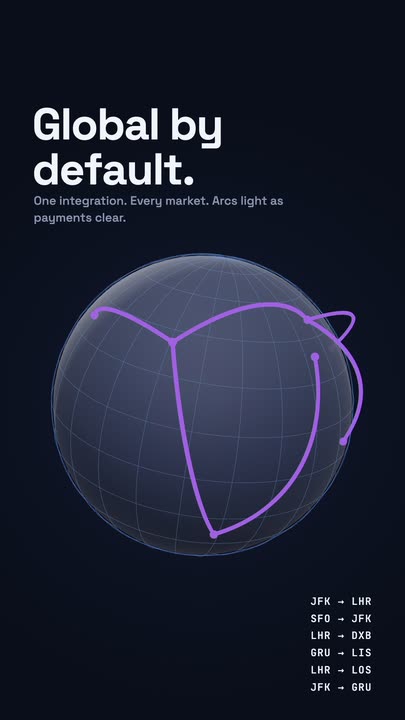
Beat 3 · 4.8s
All six routes
All six routes are listed down the right and the arcs are lit across the globe at once — the poster frame.
Three steps to a route globe
- 01
Write the headline
A short two-line headline, with your own line break. The headline is a control; the lede under it is a text layer you edit on the canvas.
- 02
Type the routes
One route per line in the routes control — the shipped set is six airport pairs. The table lays itself out from what you write.
- 03
Set the arc colour and speed
One colour drives the arcs and the live dot; rotation speed runs 2–20. Export 16:9 for a deck or a site hero, 9:16 for a feed post.
Real geometry
A globe that turns, not a spinning image
The wireframe sphere is rendered in 3D each frame, so the meridians foreshorten correctly as it rotates and the arcs sit on the surface rather than floating over a picture of one. It stays sharp at any export resolution.
Arcs in sequence
Six routes that light one at a time
Each arc draws and lights on its own beat rather than all of them appearing at once, which is what makes the frame read as a live network. The endpoints pulse as they connect.
A table you type
The route list is text, one per line
No chart config, no data file. Paste six lines into the routes control and the column lays itself out with the right spacing and the mono treatment already applied.
What you can change
Five controls. The lede under the headline is a canvas-editable text layer.
- Click any element on the canvas to edit it directly
- Or describe the change in a sentence and let the assistant make it
- Export 9:16, 16:9, 1:1, 4:5 from the same document
Studio controls
5 named
- HeadlineTextGlobal by default.
- Routes (one per line)TextJFK → LHR SFO → JFK LHR → DXB GRU → LIS LHR → LOS JFK → GRU
- Arc colourColour#8B5CF6
- Rotation speedSlider 2–206
- SpeedSlider 0.5–21
Why this beats a stock render
A stock globe clip cannot say which routes are yours, cannot carry your headline and arrives in a colour you did not choose. This one is a document: the routes are lines of text, the arcs take your accent, and the headline is part of the same file. When the network changes you retype six lines instead of commissioning another render.
Globe Arcs: questions, answered
Is the globe animation template free?+
Free to open and edit, with unlimited free 720p exports with a small LazyKiwi mark on the free tier. Clean 1080p is included with any paid plan.
What aspect ratios can I export?+
9:16, 16:9, 1:1 and 4:5. 16:9 suits a deck or a site hero; in vertical the route table moves under the globe rather than being cropped.
Can I change the routes and the colours?+
The routes are one text control with a line per route, the headline is another, and one colour drives the arcs. Rotation speed is a slider.
Do I need After Effects?+
No, and you do not need a 3D application. The globe is rendered in the browser canvas and exported as an MP4.
How long is the clip?+
Six and a half seconds — slightly longer than the rest of the gallery, because six arcs need the room to fire in sequence.
More charts & data
All data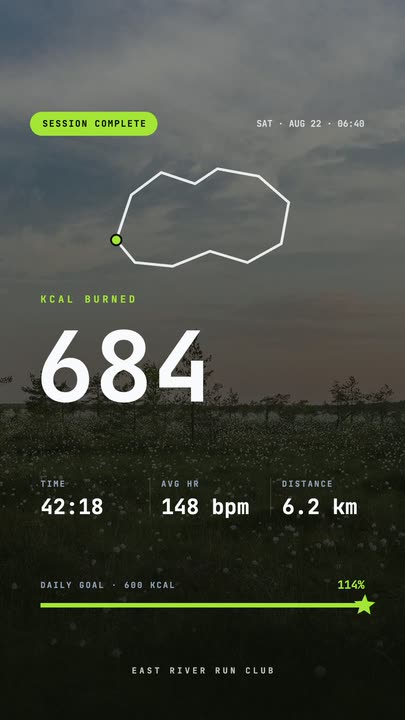 Workout Summary CardA fitness-app session recap over a darkened photo: the calorie count rolls up, three stats rise in and the goal bar draws itself to a star.
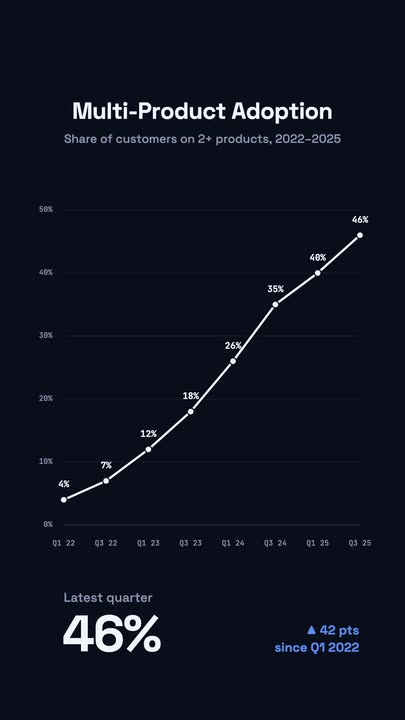 Stats Line ChartA white adoption line draws itself left to right over a dark grid; each node lights up with its percentage and a big KPI counts up below.
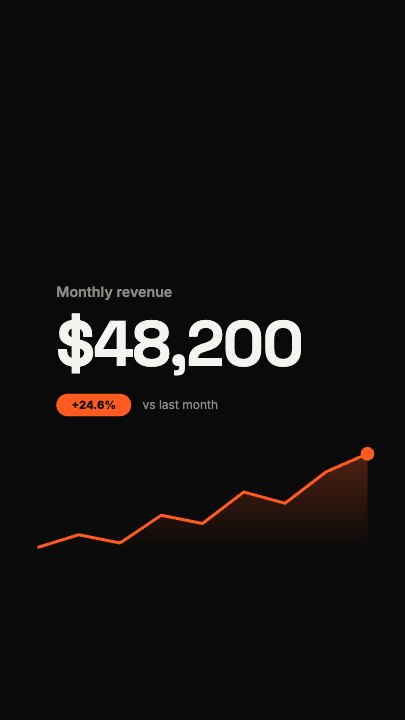 Financial FigureA dollar figure rolls up flush-left while a revenue curve draws underneath it and a soft area fades in below the line; a growth pill and comparison line drop in once the number lands
Put your network on the globe.
Six routes, one headline, one accent colour. Open the template and export the slide.