
Type what to remove. It's gone.
Upload a clip and describe the object in plain words — the trash can, the person in red, the sign on the wall. The AI video object remover erases it from every frame and rebuilds what was behind it.
What it is
No masks. Just describe it.
Cleaning up a clip used to mean rotoscoping every frame by hand. Here you type the object you want gone, and the AI tracks it through the whole video, removes it, and fills the gap with background that matches the surrounding frames.
How it works
Your result in three steps
Upload your video
Any clip where the object you want gone is visible. Steady shots give the cleanest fill.
Describe what to remove
Write it in plain English: the parked car, the sign on the wall, the person walking behind me.
Generate & download
Watch the result, adjust the wording if it grabbed the wrong thing, then download the clean clip.
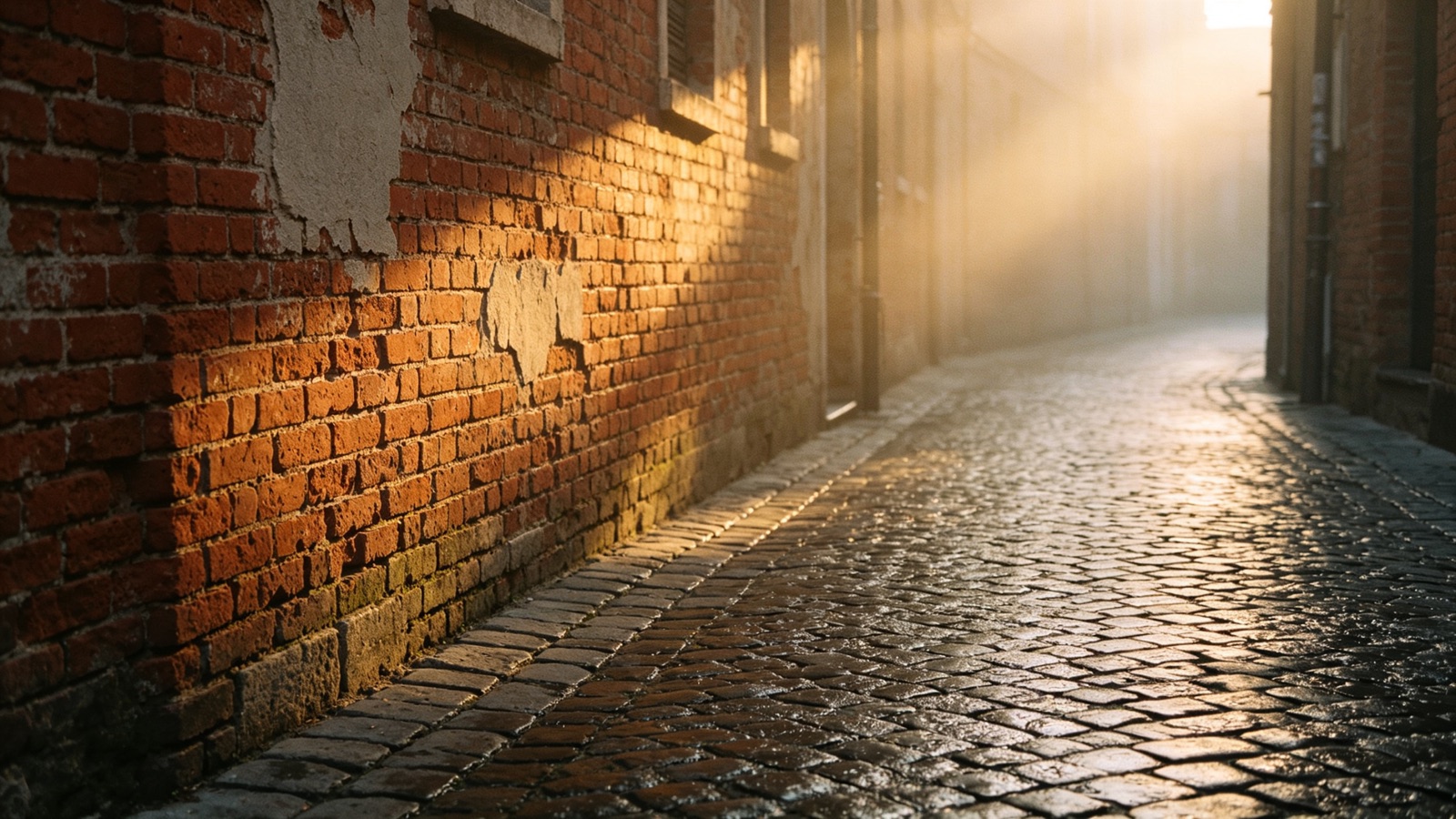
The background comes back
Removing an object leaves a hole. The AI reads the frames around it and rebuilds the wall, floor or sky that was hidden, so the shot reads as if nothing was ever there.
- Rebuilds hidden background
- Matches lighting and texture
- No smear or blur patch
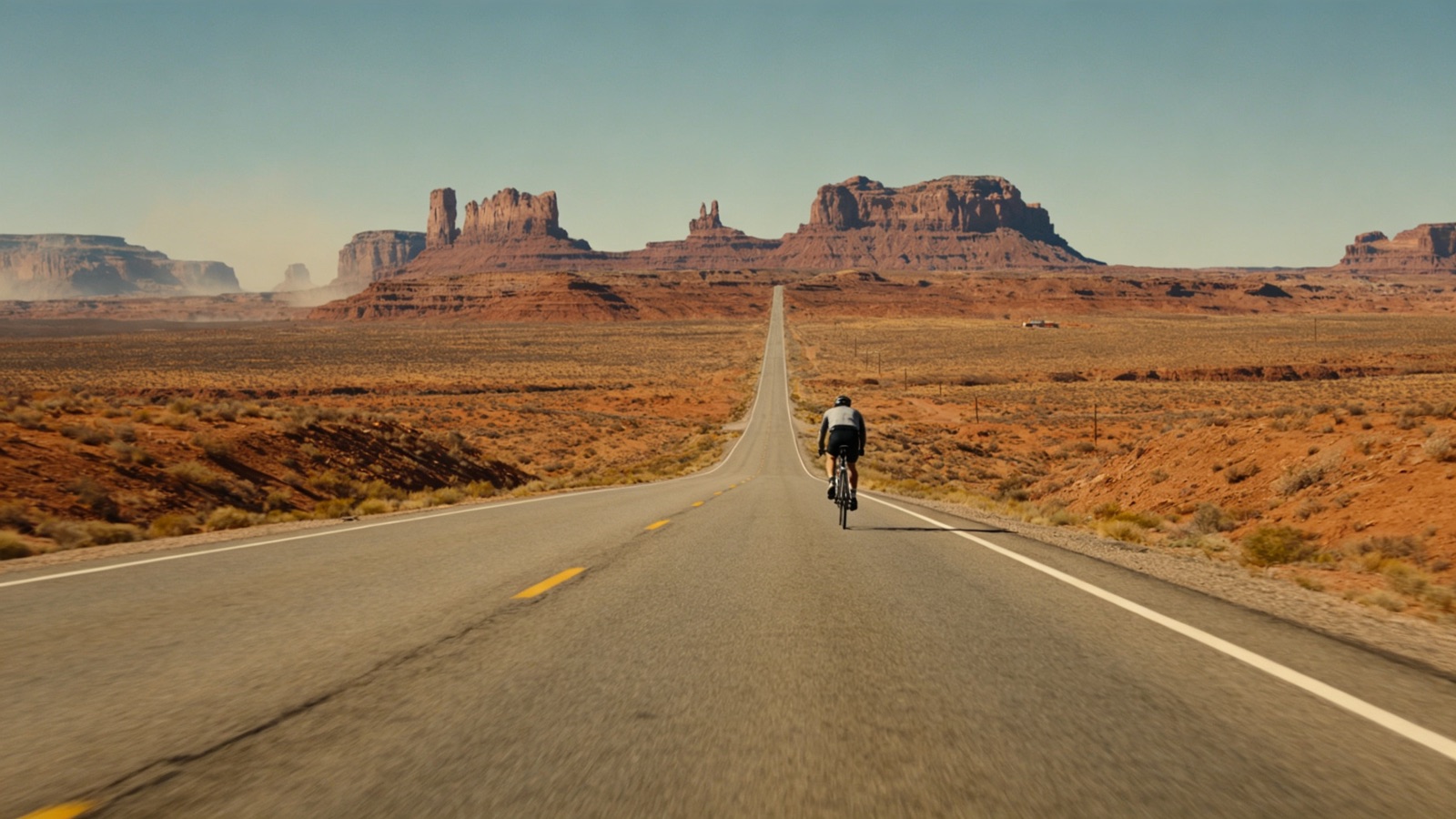
Say it, don't mask it
One sentence replaces an hour of masking. Change the wording and run it again to target a different object, or a second one in the same shot.
- Plain-language prompts
- Re-run for more objects
- No timeline or keyframes
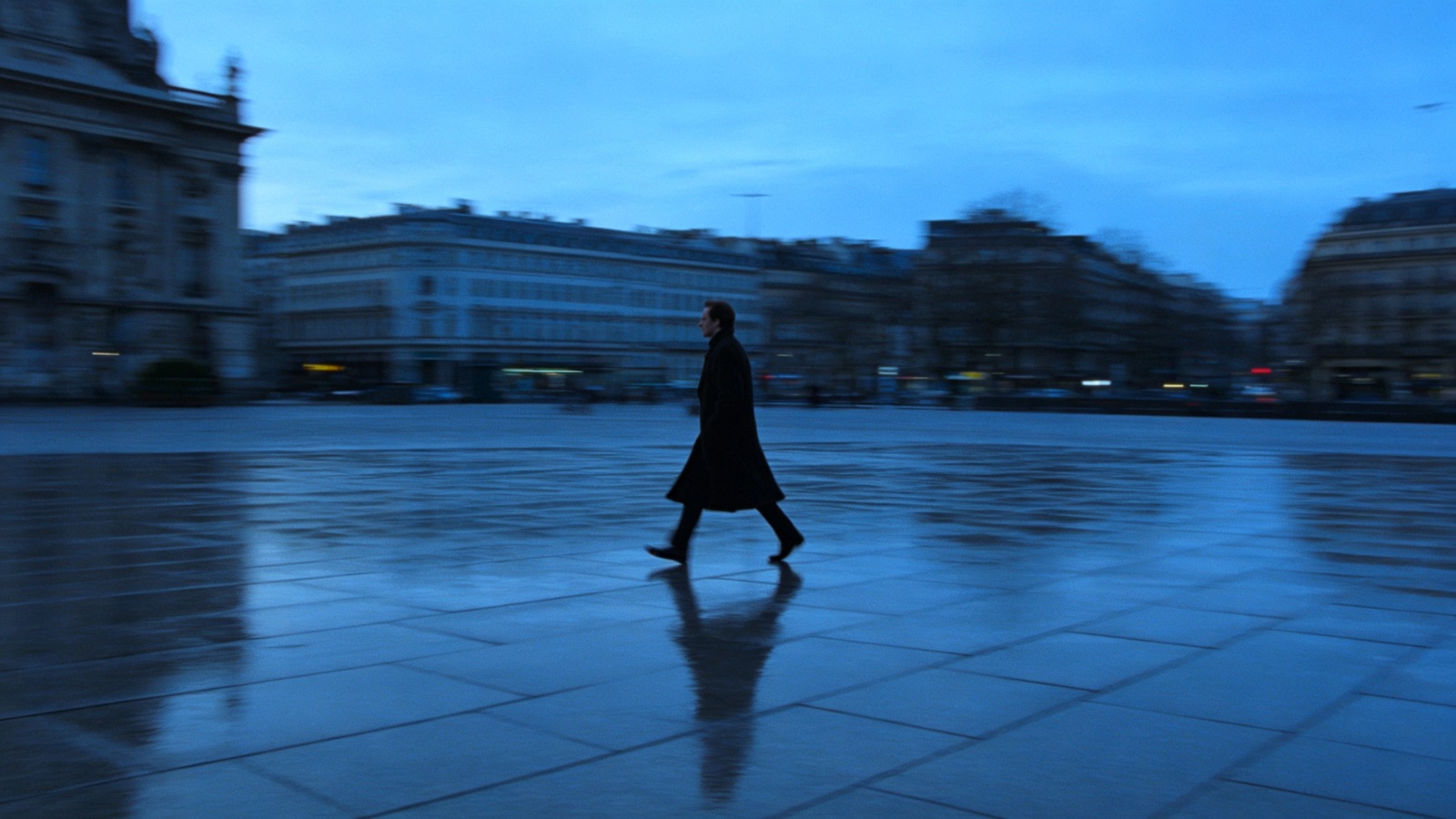
Objects that walk out of frame, too
The object remover follows subjects that move, drift or pass behind something, so what you deleted stays deleted while the camera pans.
- Tracks moving objects
- Works with handheld and panning shots
- Original length and audio kept
Why LazyKiwi
Built to leave no trace
Faster than masking
A cleanup that takes an editor an afternoon renders here in minutes.
Private by default
Your clips are processed securely and never sold. What you upload stays yours.
Free to start
No credit card. Run one of your own clips through and check the fill quality first.
Nothing else changes
Only what you named is removed. Length, framing and audio come out untouched.
Try different wording
If the first prompt picks the wrong object, reword it and generate again.
No editing skills needed
No After Effects, no rotoscoping, no plugins. Upload, describe, download.
FAQ
Questions, answered
Is the video object remover free?+
Yes. Upload a clip, describe the object you want gone and remove it for free.
What video formats can I upload?+
Common formats such as MP4 and MOV. Shorter clips process fastest.
Can it remove a person from a video?+
Yes. Describe the person — their position or clothing helps — and they are removed across the whole clip.
Is my footage safe?+
Uploads are processed securely, never sold and never published by us. Your footage stays yours.
Use cases
Where a video object remover helps
Real-estate agents
Walk a property once, then take the bins, cables and stray cars out before the listing video goes up.
Travel vloggers
Clear tourists and passing traffic out of a landmark shot you can't fly back and film again.
Product reviewers
Delete clutter from the desk behind you instead of restaging the set and re-recording the take.
More answers
More about removing objects from video
How specific should my prompt be?+
Specific enough to be unambiguous. "The red backpack on the left" beats "the bag" when there are two bags in frame.
Can I remove more than one object?+
Yes, in passes. Remove the first object, download the result, then run that clip again for the next one.
Does it work when the camera moves?+
Yes. Pans and handheld shots are handled. Very fast motion blur is the hardest case for a clean fill.
Will the audio change?+
No. The audio track passes through untouched — only the picture is edited.
Remove what shouldn't be in the shot.
Upload your video, describe the object, and download a clean clip in minutes — free to try.
No credit card · Free to try · Results in seconds