The Kling AI video generator, now on Kling 3.0 (v3 Omni)
Kuaishou's Kling 3 generation: start-and-end frames, 3 to 60 second clips, 1080p output.
Kling v3 Omni is the Kling AI video generator entry in the LazyKiwi workbench, running Kuaishou's current Kling 3 generation. It takes a text prompt, one image, or a start and end frame pair, renders at 720p or 1080p in 16:9, 9:16 or 1:1, and takes prompts up to 2,500 characters. Clips run 3 to 60 seconds, or 3 to 15 for frame-to-frame. Specs: up to 720p or 1080p.
- Provider
- Kuaishou
- Duration
- 3s to 60s
- Aspect ratios
- 16:9 / 9:16 / 1:1
- Resolution
- 720p / 1080p
How it works
Use Kling v3 Omni in three steps
Pick Kling v3 Omni in the LazyKiwi video workbench and generate on the page.
 1
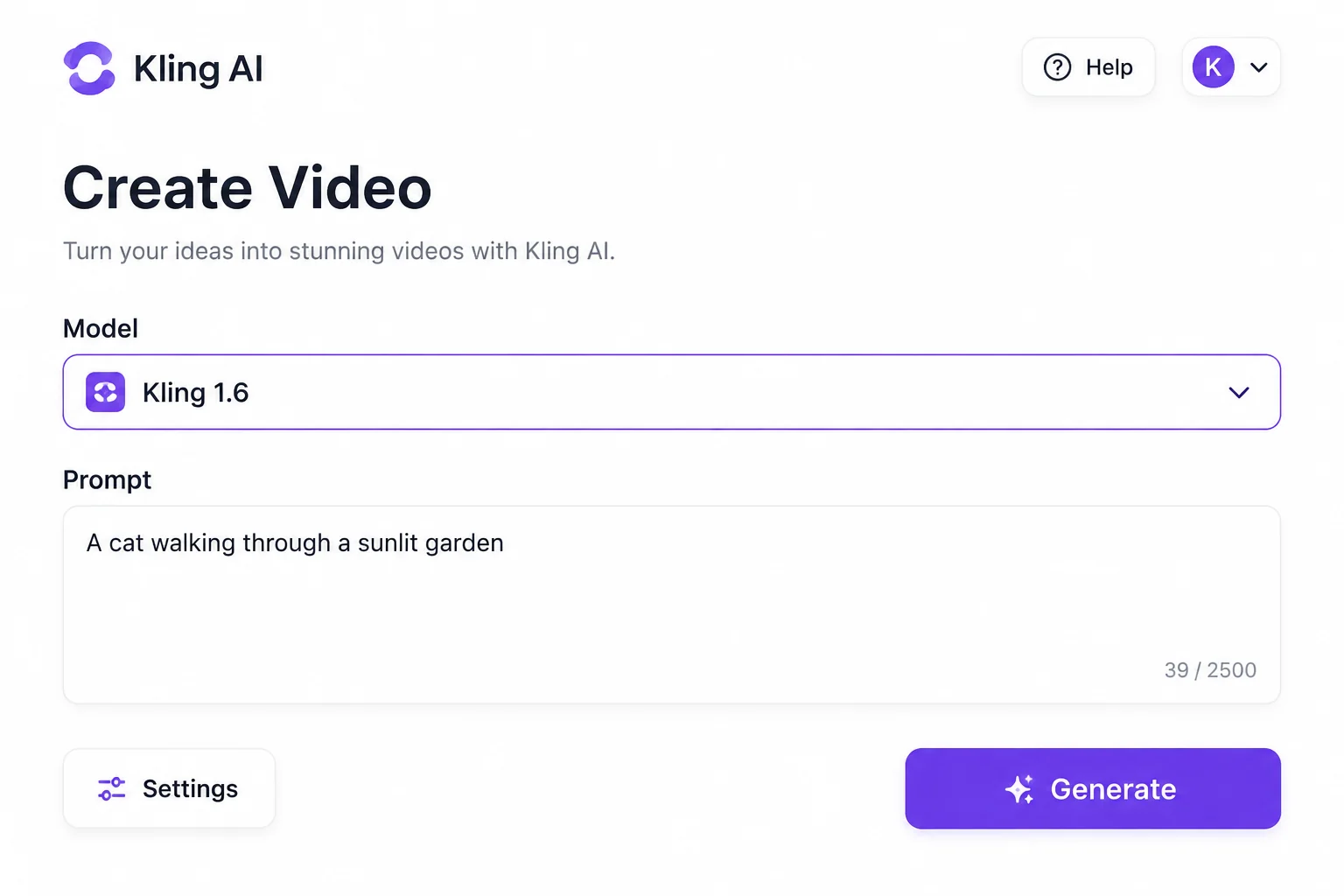
1Choose the model
Select Kling v3 Omni in the model list. The workbench loads 16:9, 9:16 or 1:1 framing, eight durations from 3s to 60s, and 720p or 1080p output.
 2
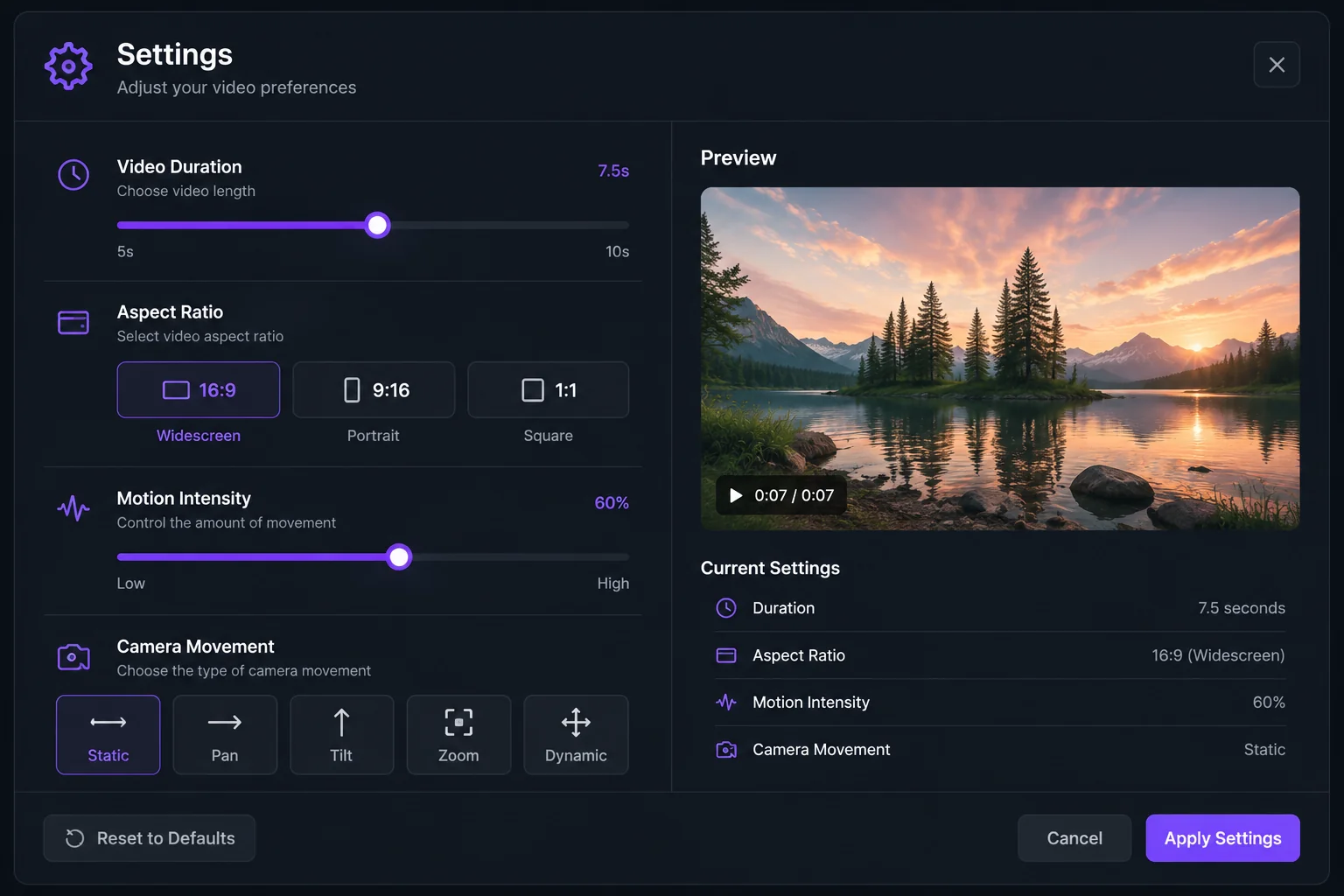
2Set the shot
Write the prompt (up to 2,500 characters). Leave it text-only, add one image to animate, or add a start and an end frame; frame-to-frame runs pick from 3s to 15s.
 3
3Generate and download
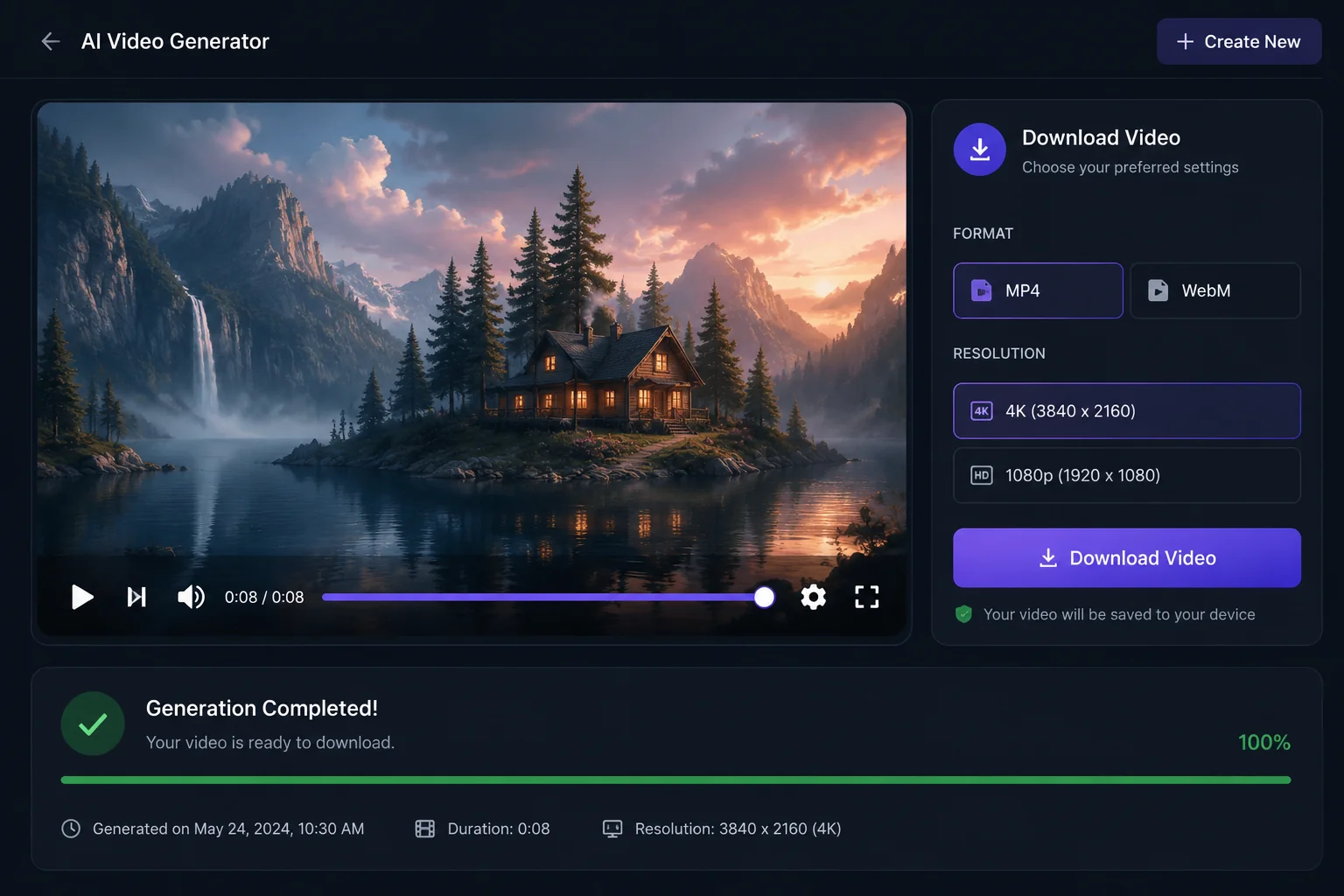
At the current sale price a 5-second clip is 829 credits at 720p or 1,036 at 1080p, shown before you generate. Preview, then download the MP4.
Why Kling v3 Omni
What Kling v3 Omni is built for
The pick when both ends of the shot are decided, or the deliverable has to be 1080p.
Keyframes
Start and end frames at 1080p
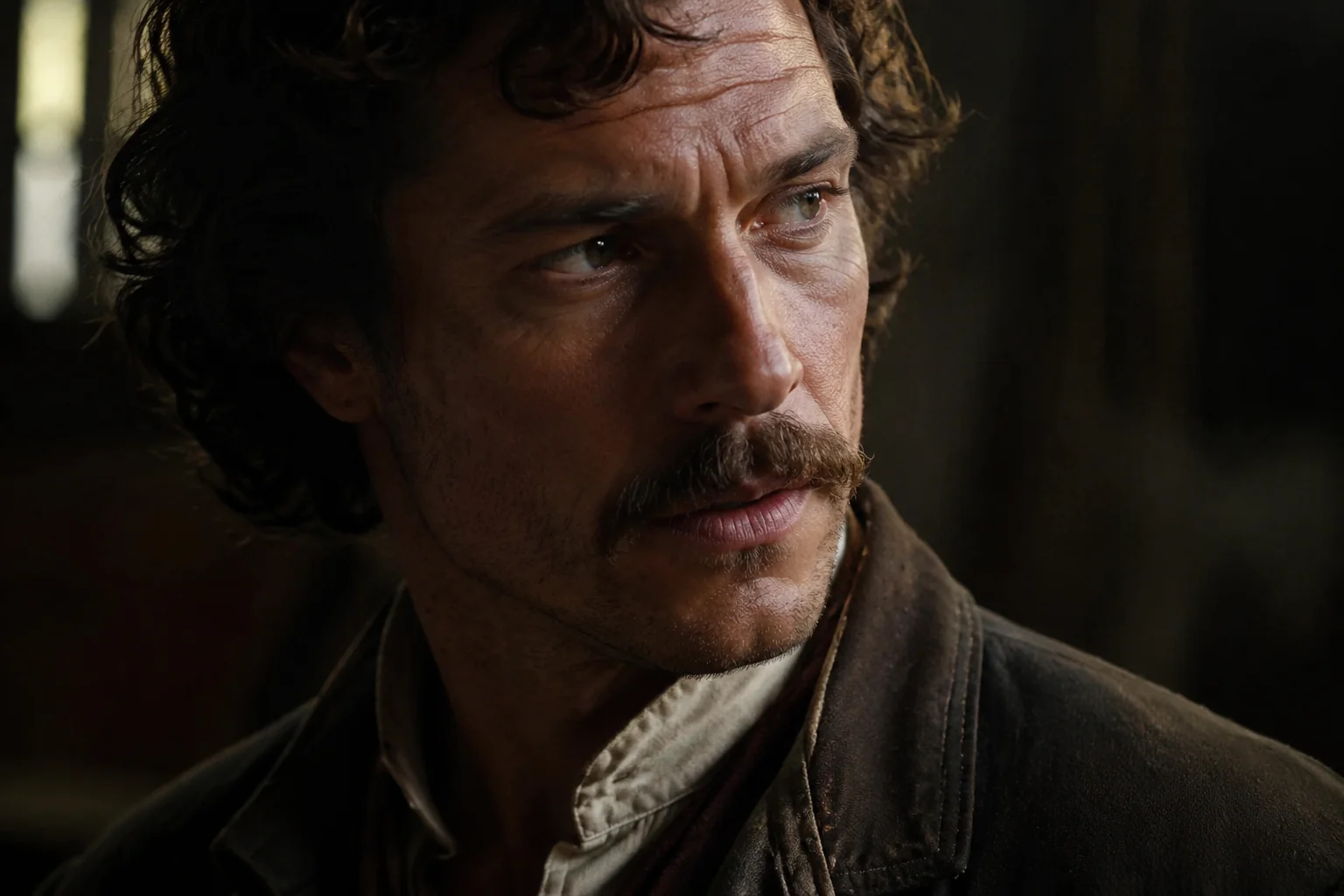
Give Kling v3 Omni a first and a last image and it builds the motion between them at 720p or 1080p, 3s to 15s: logo reveals, product turnarounds and scene-to-scene transitions with fixed endpoints.
- Start & end frames, 3s to 15s
- 720p or 1080p output
- 2,500-character prompt field

Duration
Three seconds to a full minute
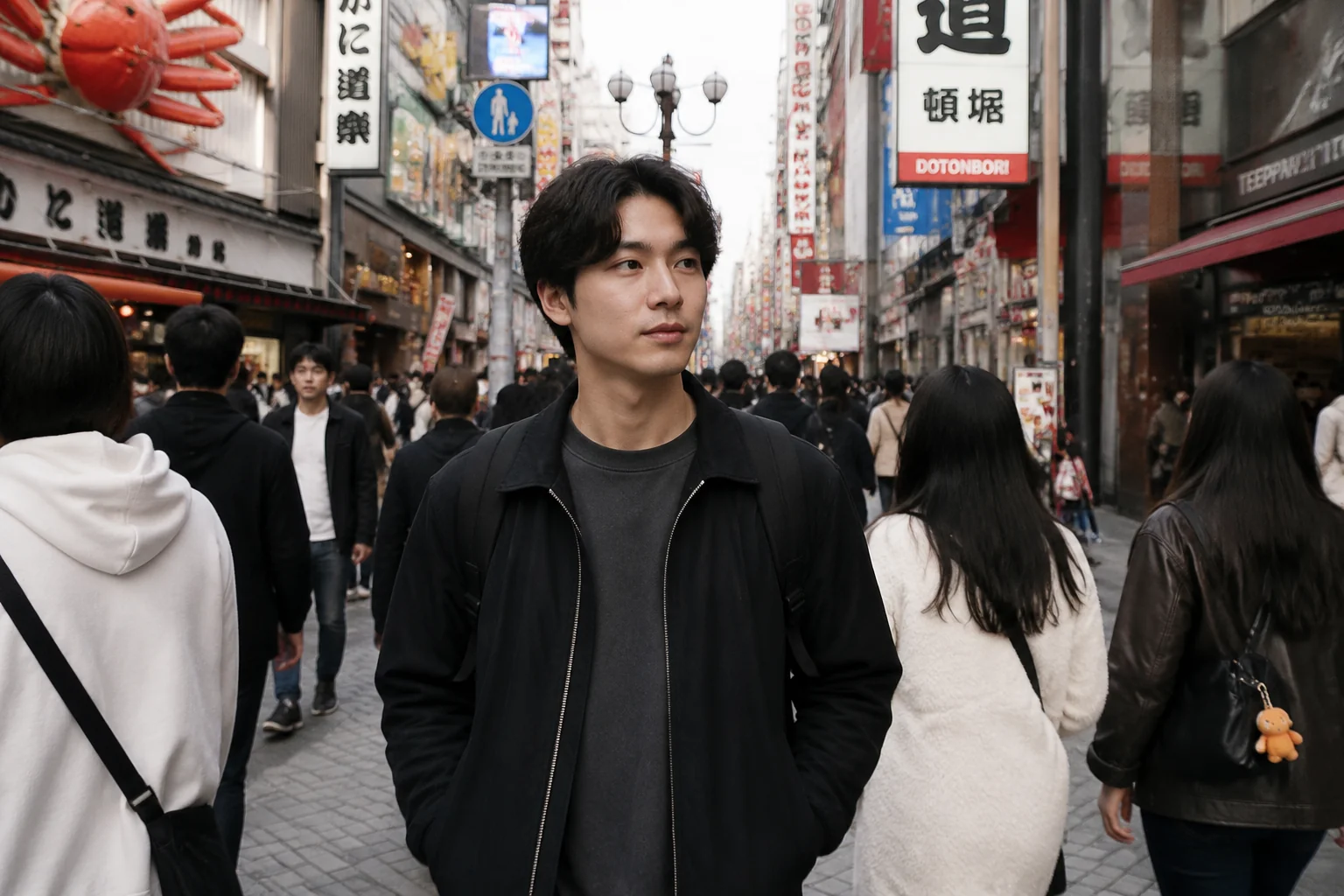
Text and image runs pick from 3, 5, 8, 10, 15, 30, 45 or 60 seconds. Short presets suit hooks and loops; 30 to 60 seconds covers a full ad read in one request.
- 3s, 5s, 8s, 10s, 15s, 30s, 45s, 60s
- Credits scale with length
- Frame-to-frame runs cap at 15s
Output
1080p on every mode
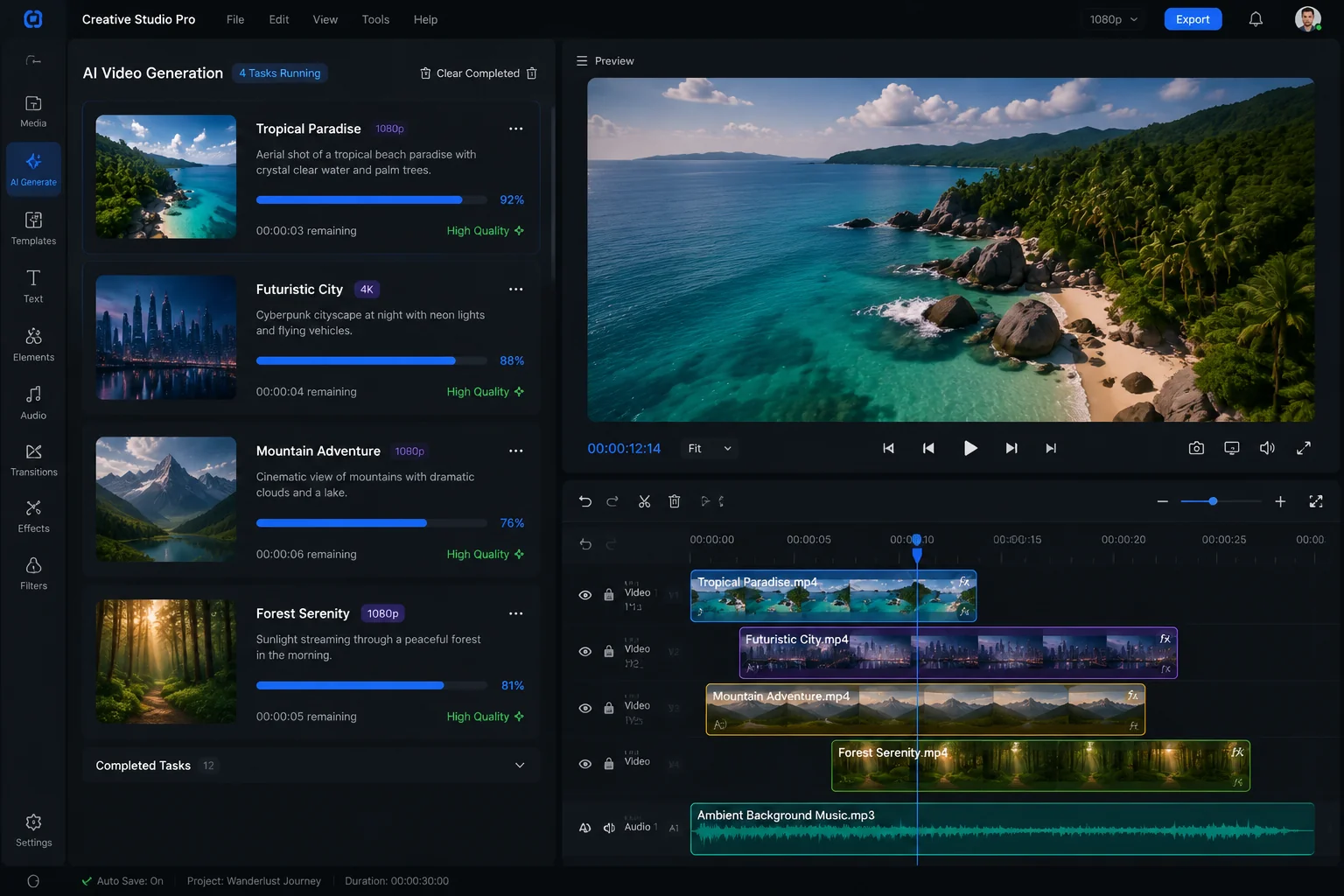
Kling v3 Omni renders at 720p or 1080p in all three modes. The 1080p tier costs about a quarter more at the same length, so draft at 720p and re-run the keeper at 1080p.
- 720p or 1080p
- 16:9, 9:16 and 1:1
- Draft low, finish high
Model
Kling 3 under the hood
Kuaishou's Kling 3.0 Omni handles text, image and frame inputs in one model, with native audio and multi-shot generation in Kuaishou's own app. LazyKiwi exposes the three generation modes and bills Kling at its audio-on rate, with no separate audio switch.
- Kuaishou Kling 3.0 Omni family
- Text, image and keyframe inputs
- No audio toggle in LazyKiwi
Sample directions
Ideas to try with Kling v3 Omni
Directions to try in LazyKiwi, then refine to match your brand.
Product turnaround from two frames
Portrait brought to life
60-second explainer in one run
Specs
Kling v3 Omni at a glance
Capabilities as exposed through the LazyKiwi workbench. Upstream limits may differ.
- Provider
- Kuaishou
- Type
- Video generation
- Modes
- Text→video, image→video, start & end frames
- Duration
- 3s to 60s; 3s to 15s for start & end frames
- Resolution
- 720p or 1080p
- Aspect ratios
- 16:9, 9:16, 1:1
- Prompt limit
- 2,500 characters
- Credits
- 829 for 5s at 720p · 1,036 at 1080p (sale price)
- Best for
- Keyframe transitions, 1080p social clips, long single takes
When to use it
Kling v3 Omni vs other LazyKiwi video models
Kling for keyframes at 1080p, Seedance 2.5 for framing range, Veo 3.1 Lite for cheaper short clips.
| Model | Strength | Best for | Speed |
|---|---|---|---|
| Kling v3 Omni | Start & end frames at 1080p, up to 60s | Transitions and reveals with fixed endpoints | Standard |
| Seedance 2.5 | Six aspect ratios, every second from 4s to 30s | 21:9 or 4:3 framing, exact lengths (720p max) | Standard |
| Veo 3.1 Lite | 1080p at 16:9 or 9:16 from 200 credits a clip | Short landscape or vertical drafts in volume | Standard |
Use cases
What creators build with Kling v3 Omni
Where keyframes and 1080p earn their keep.
Logo and product reveals
Closed and open states as start and end frames.
Ad reads at 30 or 60 seconds
A full script length in one 1080p request.
Photo to motion
Animate one portrait or product still into a short loop.
Product turnarounds
Front and back shots as keyframes; Kling builds the rotation.
FAQ
Kling v3 Omni FAQ
What is Kling v3 Omni?
Kling v3 Omni is the LazyKiwi workbench name for Kuaishou's Kling 3.0 Omni, the current generation of the Kling AI video generator. In LazyKiwi it runs text-to-video, image-to-video and start-and-end frames, producing 3 to 60 second clips at 720p or 1080p in 16:9, 9:16 or 1:1.
Is Kling v3 Omni the same as Kling 3?
Yes. Kuaishou ships the 3.0 generation as Kling VIDEO 3.0 and Kling VIDEO 3.0 Omni, and the LazyKiwi workbench lists its Kling option as Kling v3 Omni. Kling 3, Kling 3.0 and Kling Omni all refer to this generation.
Can I try Kling AI for free?
New LazyKiwi accounts start with free credits to try the workbench. Each Kling AI video is priced by length and resolution, and the exact cost is shown before you generate.
Can I use Kling image to video in LazyKiwi?
Yes. Upload one image and Kling v3 Omni animates it with the same 3 to 60 second presets, resolutions and ratios as text mode. Add a second image as the end frame instead and the model builds the transition between the two.
How much does Kling v3 Omni cost in LazyKiwi?
Pricing is per clip. At the current sale price a 5-second 720p clip is 829 credits and 1080p is 1,036; 10 and 15 second clips scale in proportion. New accounts start with free credits, and the total is shown in the workbench before you generate.
Does Kling v3 Omni generate sound?
Kuaishou's Kling 3.0 Omni generates native audio in the vendor's own app. In LazyKiwi, Kling is billed at its audio-on rate but the workbench has no audio switch, so a clip may arrive with sound; add or replace audio in your editor for client work.
Try Kling v3 Omni in LazyKiwi
The Kling AI video generator alongside your other video and image models.
More models
Other video models in the same workbench.