
Expand your photo past its edges.
Upload one image and say how you want it reframed. The AI image extender paints new background beyond the original border, so a cropped shot becomes a full 9:16, 16:9 or square picture.
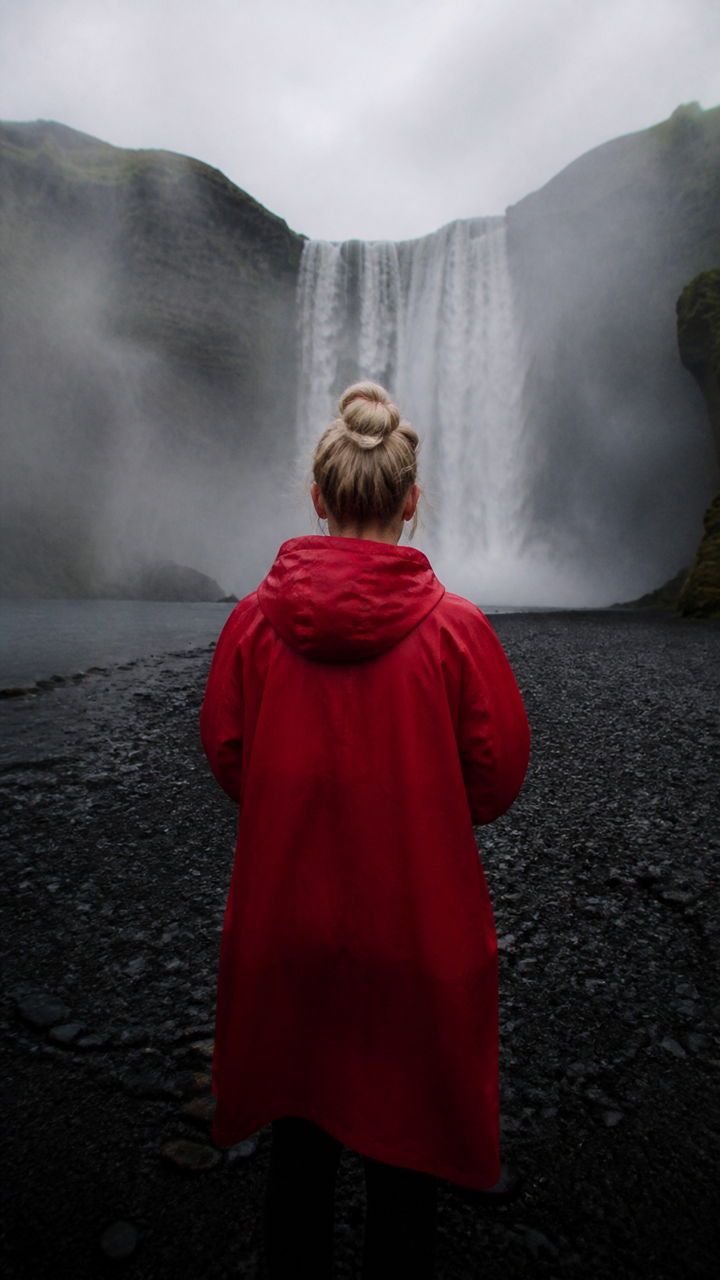 BEFORE
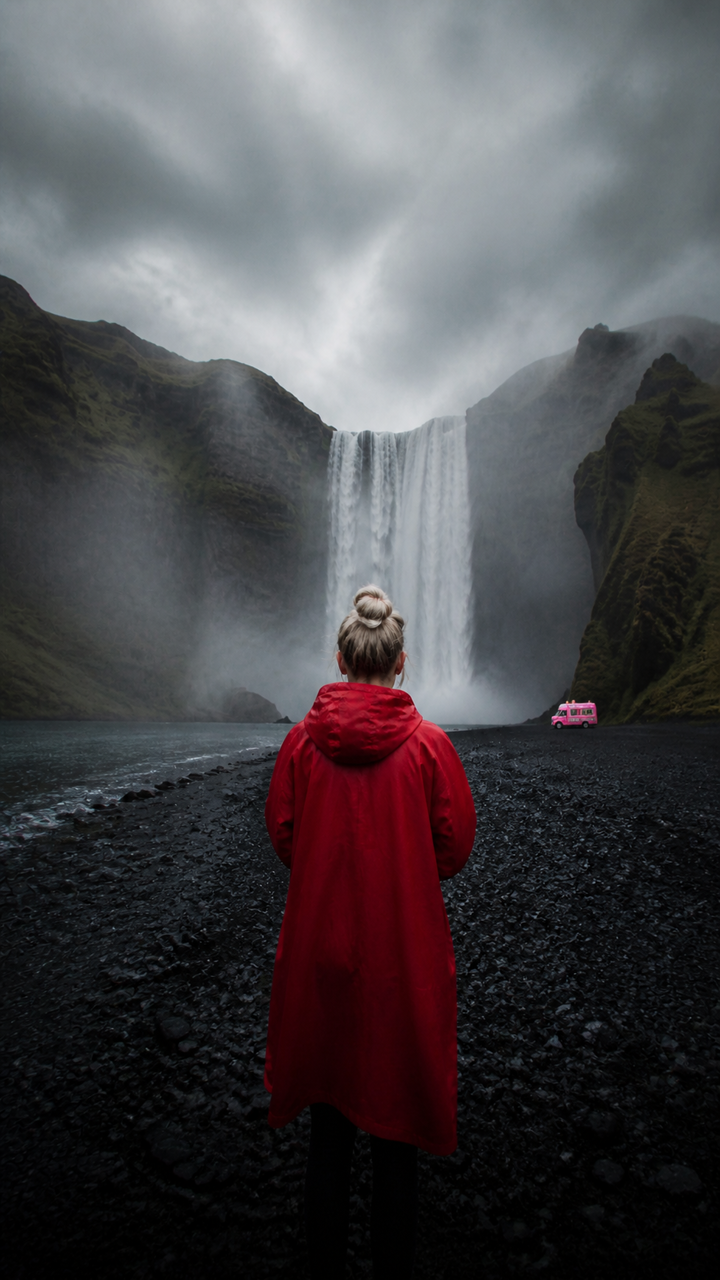 AFTER ✨
What it is
More photo than you shot.
Cropped too tight? The LazyKiwi image extender generates new pixels beyond the original edges, matching the lighting, texture and perspective of what was already there, so one photo fits any frame.
How it works
Your result in three steps
Upload your image
One photo is enough — JPG, PNG or WebP, portrait or landscape.
Describe the new frame
Say where to extend and how far, like "extend vertically into 9:16" or "add room on the left".
Generate & download
Check the edges, run it again with a different frame if you want, then download.
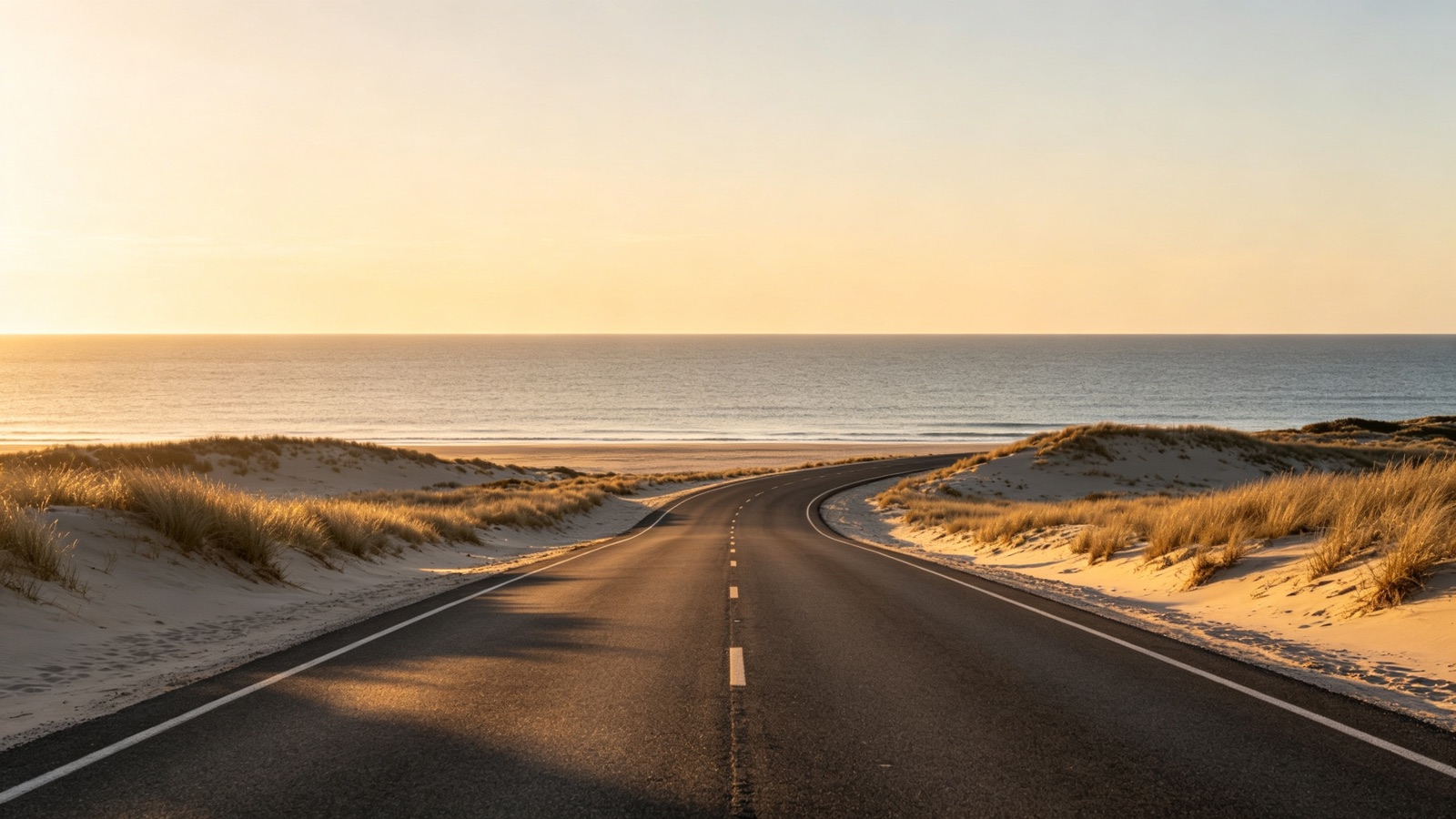
New space that matches the old
The AI reads the lighting, grain and perspective at the border, then continues the scene outward. Walls stay straight and horizons stay level.
- Continues lines and horizons
- Matches light and grain
- Your original pixels stay as shot
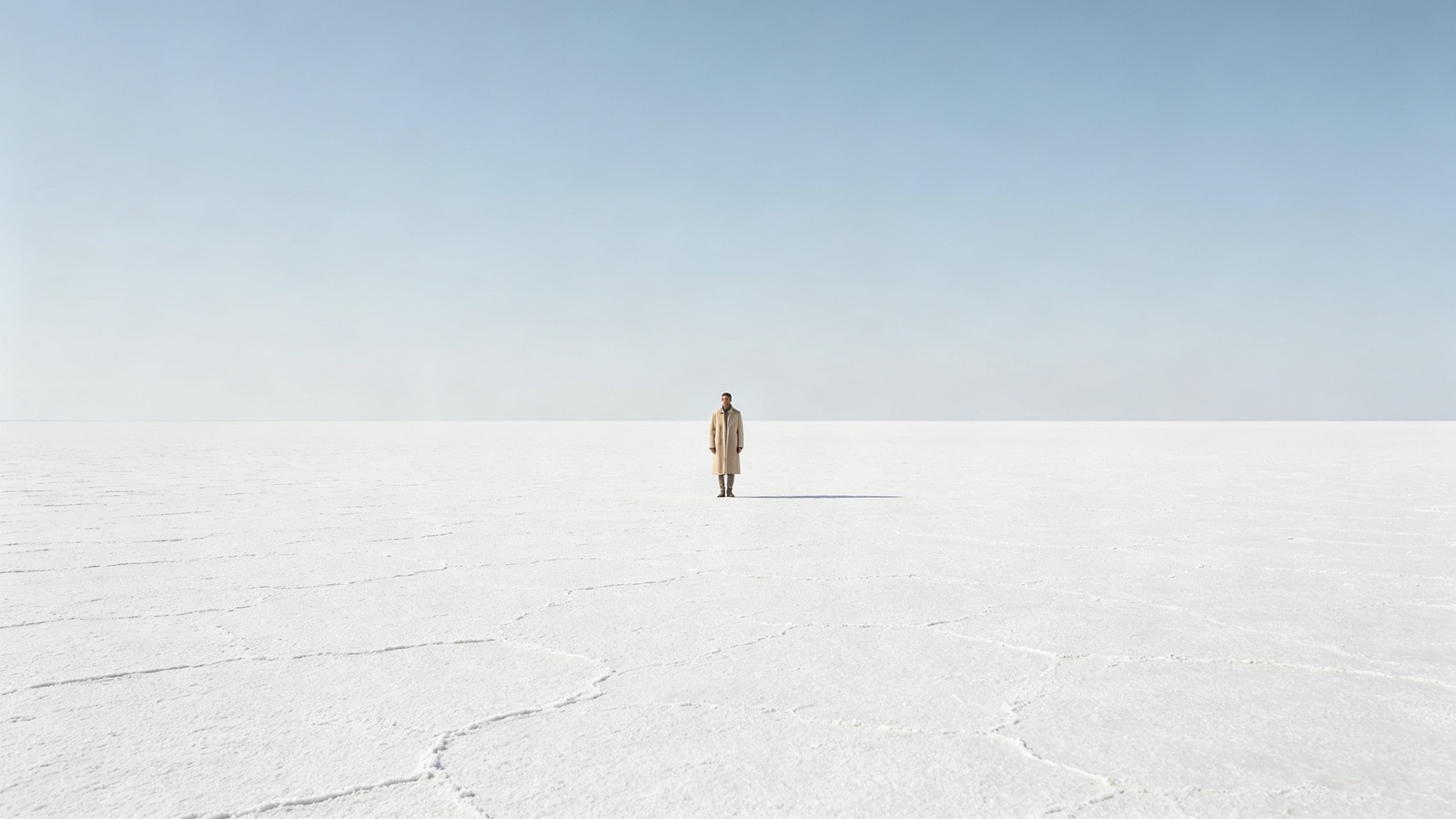
Extend one side or all four
Ask for a specific ratio, or describe what should fill the extra room. Expand a single edge and the rest of the picture stays exactly where it is.
- 9:16, 16:9, 4:5 or 1:1
- One side or the whole border
- Describe what to add

Reframe instead of reshoot
Turn a landscape shot into a vertical story, or open a tight headshot into a wide banner, without going back for another photo.
- Vertical crops for Reels and Stories
- Wide banners from tall shots
- Room for headlines and logos
Why LazyKiwi
Built to extend, not invent
Seconds, not a reshoot
A new frame renders in seconds — faster than setting up a second shot, and free to redo.
Private by default
Your uploads are processed securely, never shared with other users and never sold.
Free to start
No credit card. Expand one of your own photos and judge the edges for yourself.
Nothing original is lost
The photo you uploaded stays exactly as it was. The AI only paints outside it.
Any ratio you need
Vertical, square, wide or a custom shape — one upload covers every placement.
No editing skills
No clone stamp, no content-aware fill, no layers. Describe the frame and download.
FAQ
Questions, answered
Is the AI image extender free?+
Yes. Upload a photo and expand it for free — no credit card needed to see a real result on your own image.
How far can it expand a photo?+
Moderate extensions look best. Doubling one side usually holds up; asking for a very large amount of new space gives the AI less to copy from, so the added area gets softer.
What file types can I upload?+
JPG, PNG and WebP. Use the highest-quality version you have, since the extender matches the sharpness and grain it sees at the edge.
Is my photo safe?+
Yes. Photos are processed securely, are not shared with other users and are not sold.
Use cases
Who uses the AI photo extender
Etsy and Shopify sellers
Marketplace listings want square images and your product shot is a tight rectangle. Extend the background to 1:1 instead of stretching or cropping the product.
Social media managers
One campaign photo has to run as a 16:9 header, a 4:5 feed post and a 9:16 story. Expand the same shot into each frame instead of cropping people out of it.
Print and large format
Posters, banners and roll-ups need bleed and space for copy. Add margin around the subject so nothing important ends up under the headline.
More answers
More questions
Can it uncrop a photo where part of the subject was cut off?+
Often, yes. It works best when the missing piece is background or a small edge. If a face is sliced through the middle, the rebuilt half may not match the person, so check before you use it.
Can I turn a landscape photo into 9:16?+
Yes. Ask it to expand the image vertically into 9:16 and the AI builds the top and bottom — which is what Reels, Shorts and Stories need.
Is this the same as an image upscaler?+
No. The extender adds new area around your photo; it does not add detail inside it. If your image is small or soft, run the LazyKiwi photo upscaler first, then extend.
Can I extend in only one direction?+
Yes. Say which side — "add room on the left" or "extend the sky upward" — and the other edges stay untouched.
Expand your photo to any frame.
Upload one image, describe the frame you need, and let the AI extend it in seconds. Free to try.
No credit card · Free to try · Results in seconds