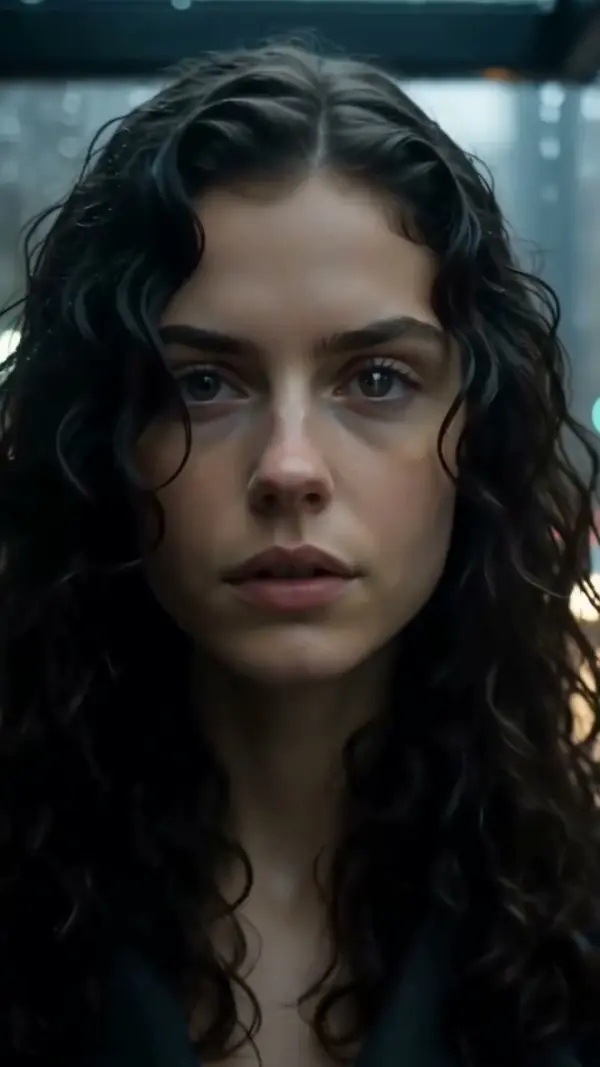
Blend Two Clips A Seamless Transition
Create smooth, professional-grade transitions between clips that keep viewer attention locked. Ideal for TikTok, Reels, Shorts, product reveals and outfit edits where fluid motion makes content feel polished and intentional. Blend two clips with a smooth, seamless AI transition. Free video effect, ready in seconds for pro-looking TikTok and Reels cuts. Create it in seconds in LazyKiwi AI video generator.

WHAT IT IS
What Makes a Transition Truly Seamless
A seamless transition connects two video clips with a fluid motion that hides the cut, making it feel like one continuous shot. It relies on matched movement, well-timed masking, and motion blur to create a polished, professional edit. The result is an engaging visual trick that feels smooth and dynamic. A clean join needs matched motion. Read scroll-stopping effect videos first, then branch into Crash Zoom.
Matching Motion Direction
Use clips where the camera or subject moves in the same direction at the cut point. This creates a natural flow that hides the edit.
Consistent Subject Placement
Keep the main subject centered or following a predictable path across frames. Abrupt jumps break the illusion, so plan a smooth trajectory.
Motion Blur & Whip Pans
Fast camera movements with motion blur help mask the transition. A quick pan or zoom blends two scenes into one seamless moment.
Retains Viewer Attention
Seamless edits create a hypnotic flow that discourages scrolling. Ideal for TikTok, Reels, and ads where holding attention is critical.
CREATOR USE CASES
Application Scenarios
See how creators use the seamless transition effect across different content formats and channels.
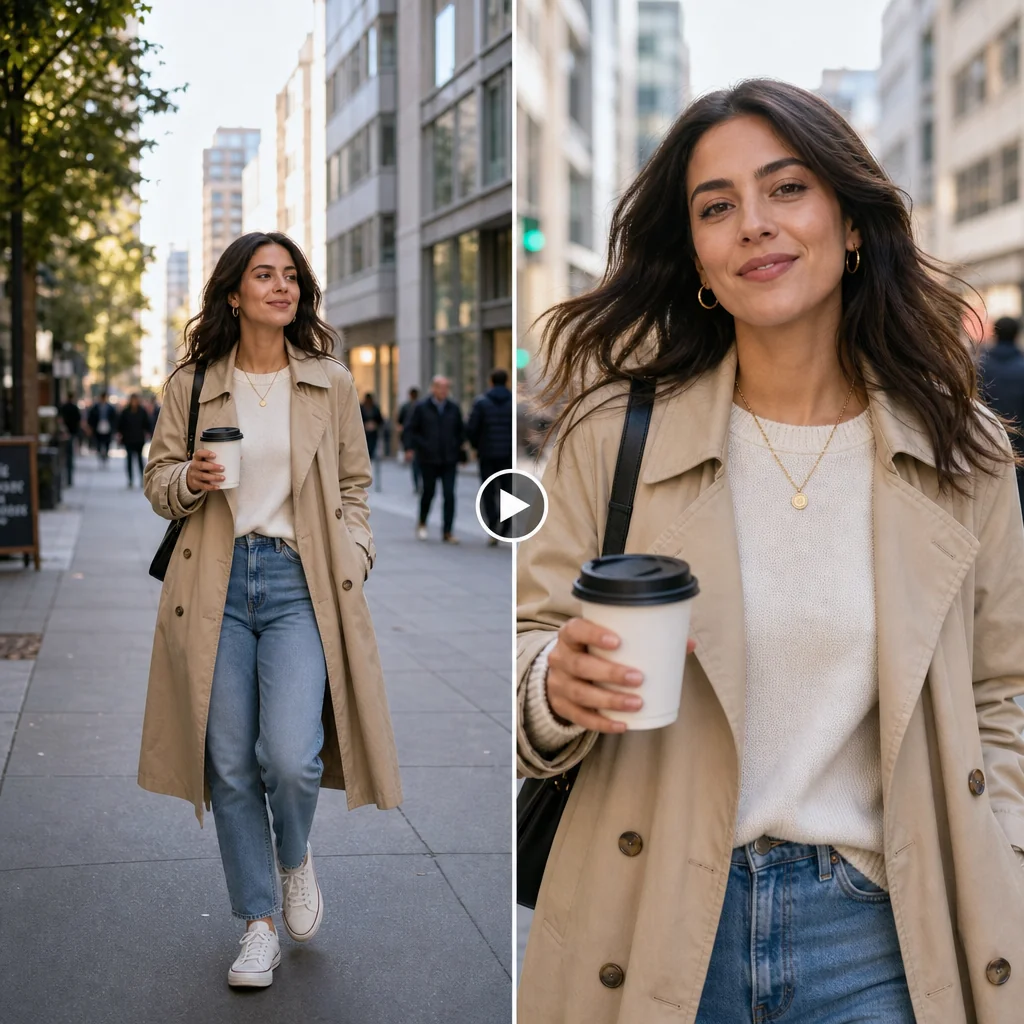
Coffee Run Cut
A casual street moment transforms into a smooth hook that holds viewer attention instantly.
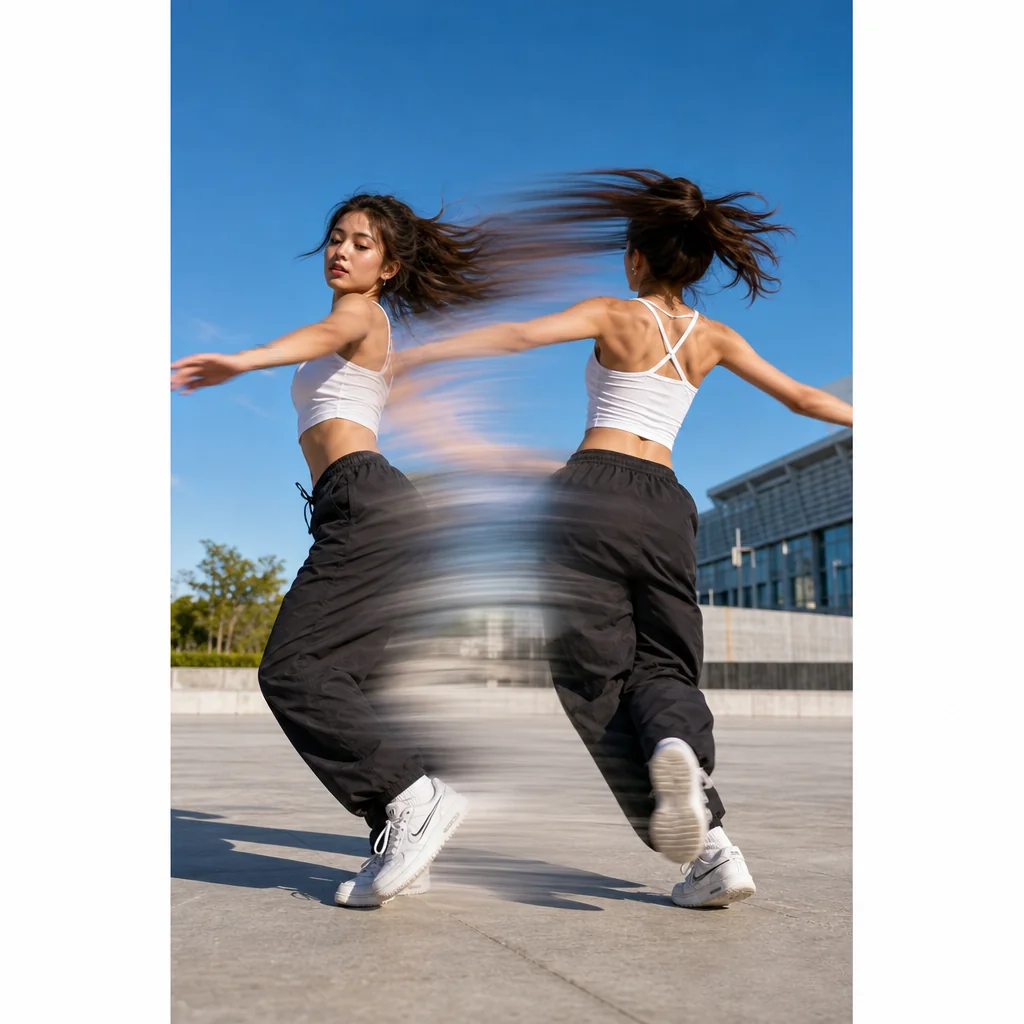
Dance Move Glide
A rotation move gains extra visual energy through a clean motion-driven cut.

Viewpoint Outfit Reveal
A travel moment highlights both the scenic background and the outfit in one flowing edit.
FAQ
Common questions
What is the Seamless Transition effect?+
The Seamless Transition effect smoothly blends the end of one clip into the beginning of the next, using motion-based cuts or morphing techniques to hide the edit. It makes scene changes feel fluid and continuous, as if the video was filmed in one unbroken shot.
Why is Seamless Transition useful for TikTok, Reels, or Shorts?+
On fast-paced platforms, seamless transitions keep viewers engaged by removing awkward jumps between clips. They help maintain visual flow, increase watch time, and make creative edits—like outfit changes or location switches—feel polished and professional without breaking the rhythm.
Can I create a Seamless Transition from one uploaded image?+
Yes. You can apply a seamless transition effect using a single static image by animating a zoom, pan, or rotation and then blending the motion into another clip. The tool generates intermediate frames to make the move appear continuous, even from a still photo.
What kind of image or video works best for Seamless Transitions?+
Clips with similar framing, consistent lighting, and matching motion direction produce the cleanest results. For product or fashion content, keeping the subject in roughly the same position across clips helps the transition feel natural. High-contrast elements or fast camera moves can sometimes confuse the effect, so moderate, steady motion is ideal.
Can I use Seamless Transition for product, fashion, travel, or creator content?+
Absolutely. Seamless transitions are widely used to showcase product variations, outfit changes, travel highlights, and quick scene switches in creator videos. They add a professional look without requiring complex editing, making them suitable for almost any content category.
What other transitions can I use?+
A seamless cut hides the join between two clips for a pro finish. Fans of this also reach for Dolly In Zoom Out or Earth Wave.
Other names for Seamless Transition
Creators often search for this effect using different terms like smooth video transition, invisible cut, or fluid scene change. No matter what you call it, LazyKiwi helps transform those ideas into polished short-video-ready visuals with just a few clicks, making your edits look effortlessly professional. Seamless transition, invisible cut, match cut, they're all names for a change of scene you can't spot.
Create smooth, professional cuts with Seamless Transition
Start from a prompt, upload your media, or pick a template.