
Templates
Ready-made AI templates, one click away
Browse the latest AI trends as ready-made templates: video motion templates and image transformation templates from the LazyKiwi workbench.
Video Template
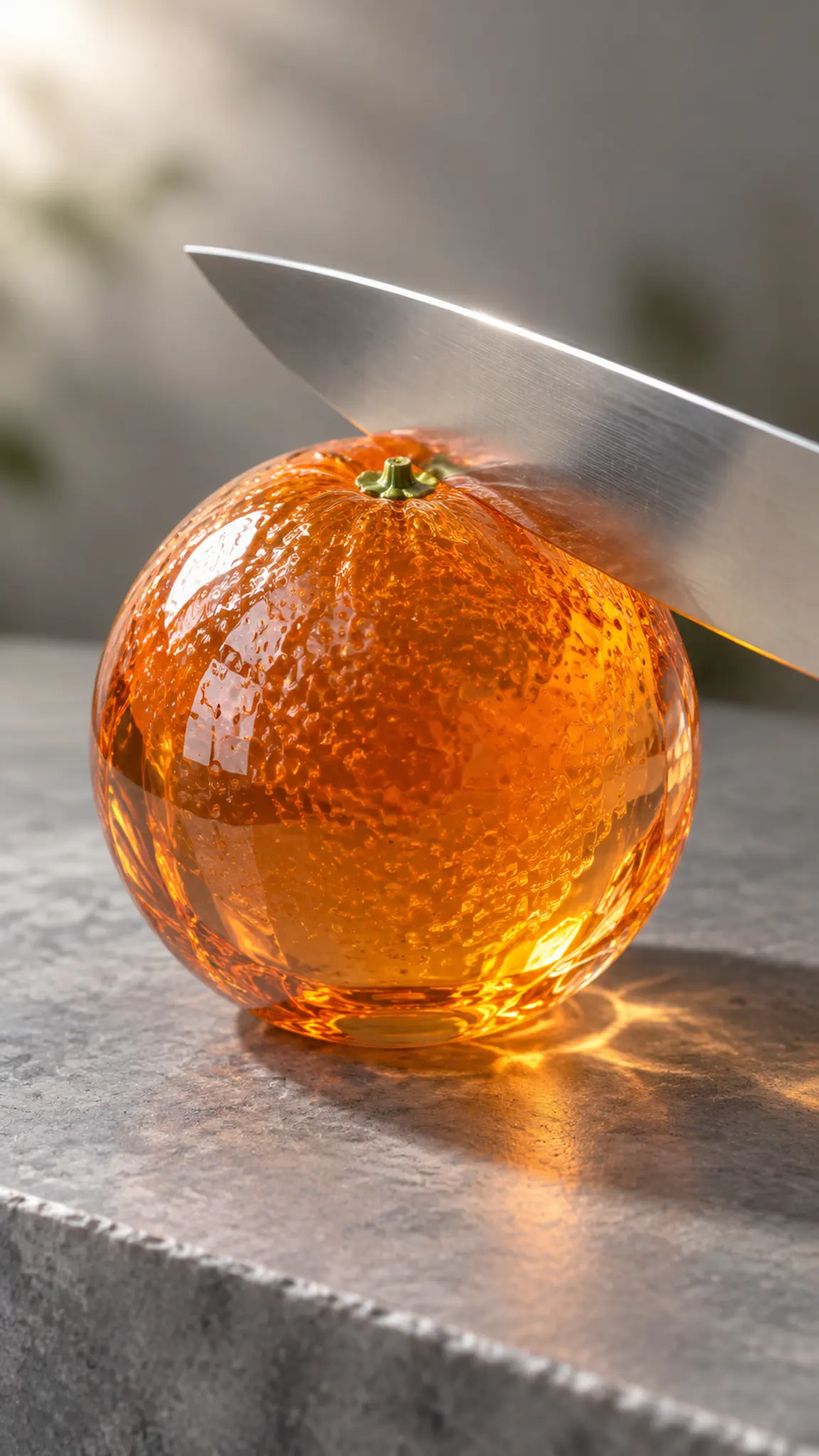
Visual ASMR, rendered scene by scene
AI ASMR here means the picture rather than the sound: a blade through glass fruit, kinetic sand pressed flat and sliced, soap curling off a bar in one ribbon. Each scene renders as a short macro clip with slow motion and shallow focus, with the model's own audio on the cut.
Open template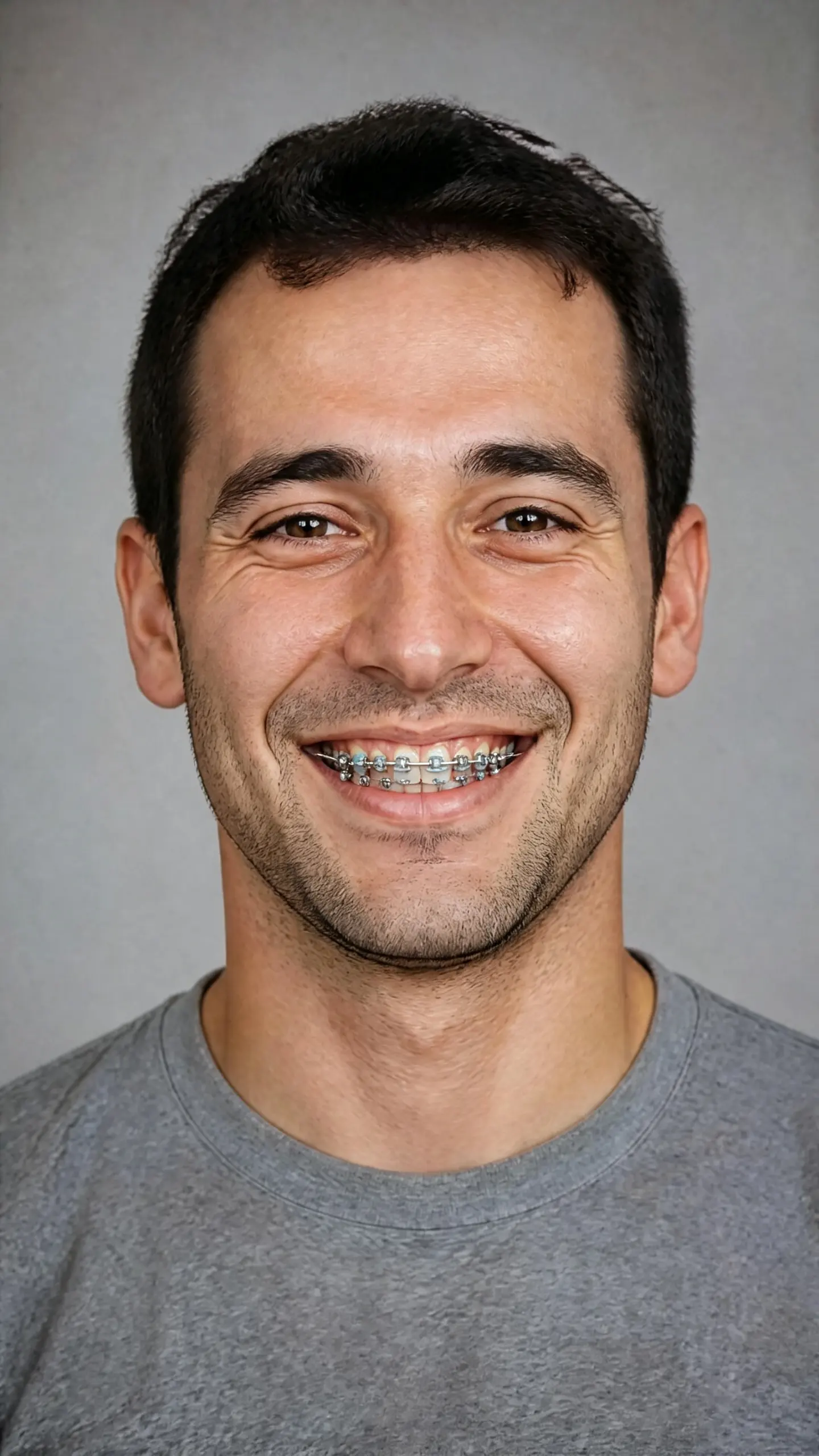
Image Template
Braces Filter
This braces filter fits metal brackets and an archwire onto the teeth in a photo you upload, following your actual tooth positions rather than swapping in a stock smile. It answers one question, what braces would look like on you. It is a cosmetic preview, not orthodontic advice.
Open template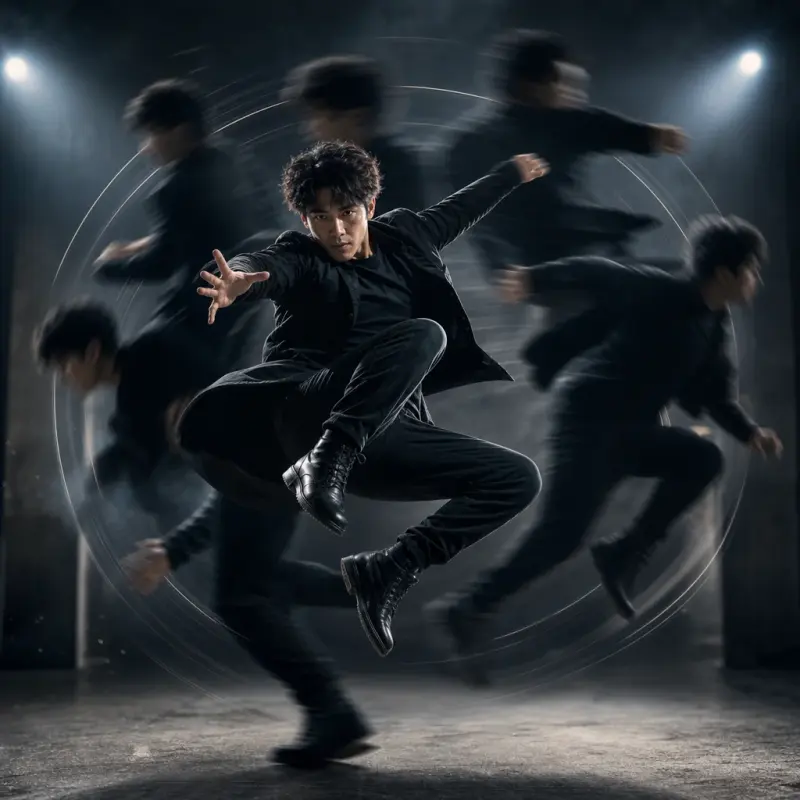
Camera Motion
Bullet Time
Add a dramatic 360-degree rotational freeze-frame effect to your footage. Ideal for highlighting action moments, product reveals, outfit transitions, or dynamic edits on TikTok, Reels, Shorts, and social ads.
Open template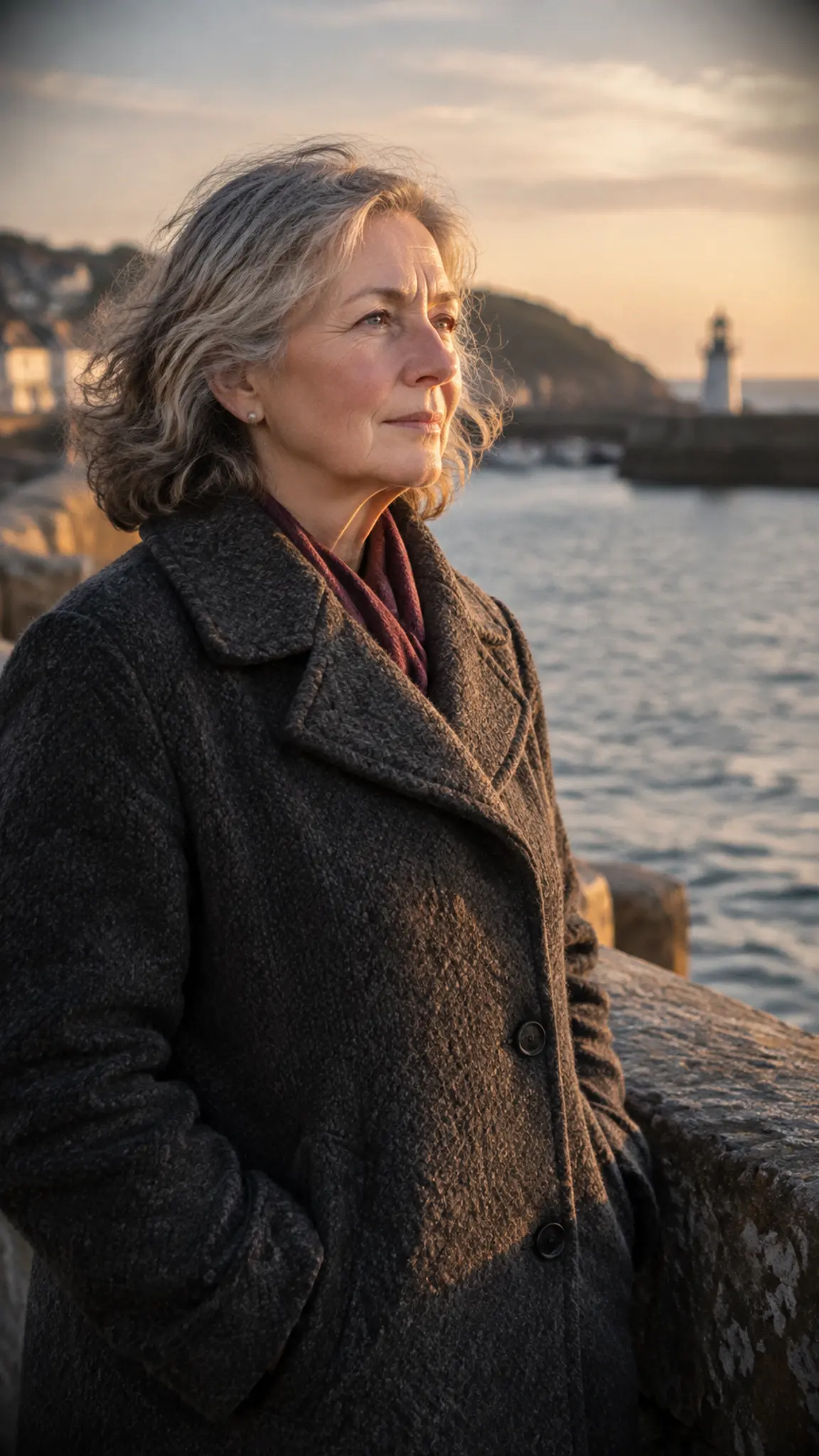
Video Template
Ken Burns Effect
The Ken Burns effect is the slow pan-and-zoom move documentary editors use to give a photograph screen time instead of letting it sit dead on the timeline. Upload one image and this template generates that move: a gradual push toward the subject, a drift across the frame, or both, steady enough to cut under narration.
Open template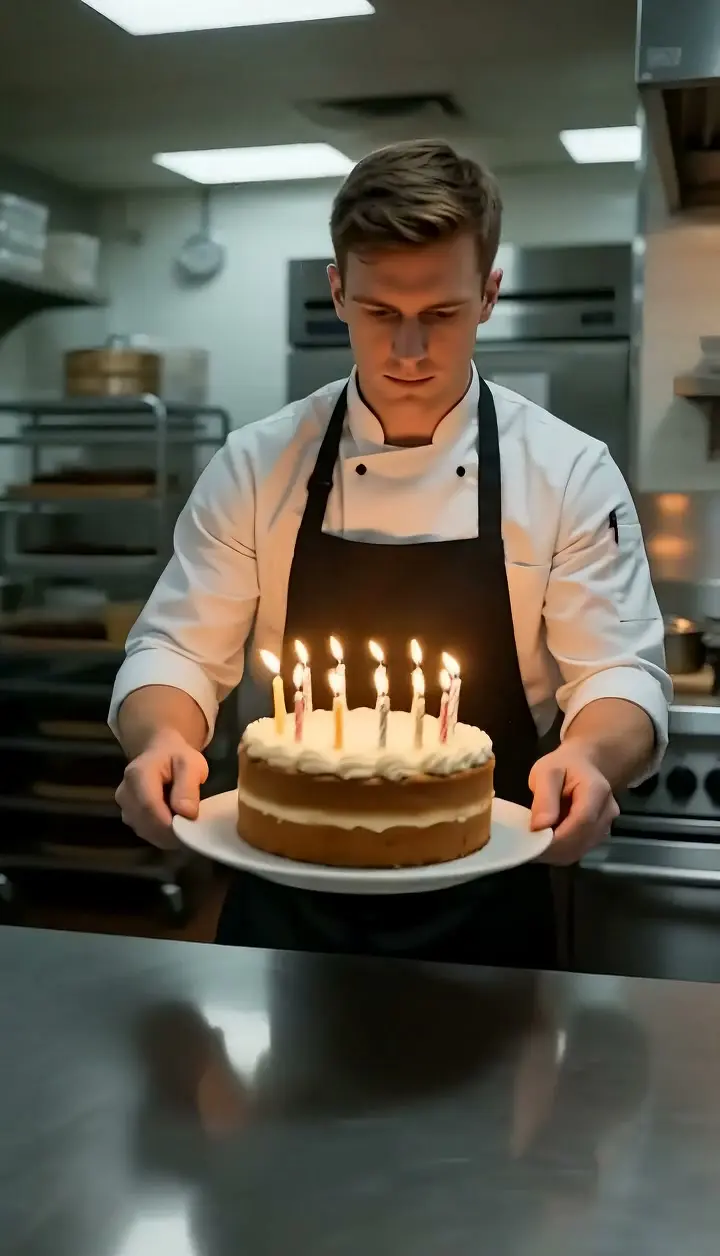
Camera Motion
Tracking Shot
Tracking Shot sets the subject in your photo moving forward and travels the camera at the same speed, so the person stays the same size in the same spot in frame while the environment streams past around them. Upload one still and LazyKiwi generates the camera travel as a short clip, with no dolly or gimbal.
Open template
Image Template
fat filter
Playful fuller-face makeover
Open template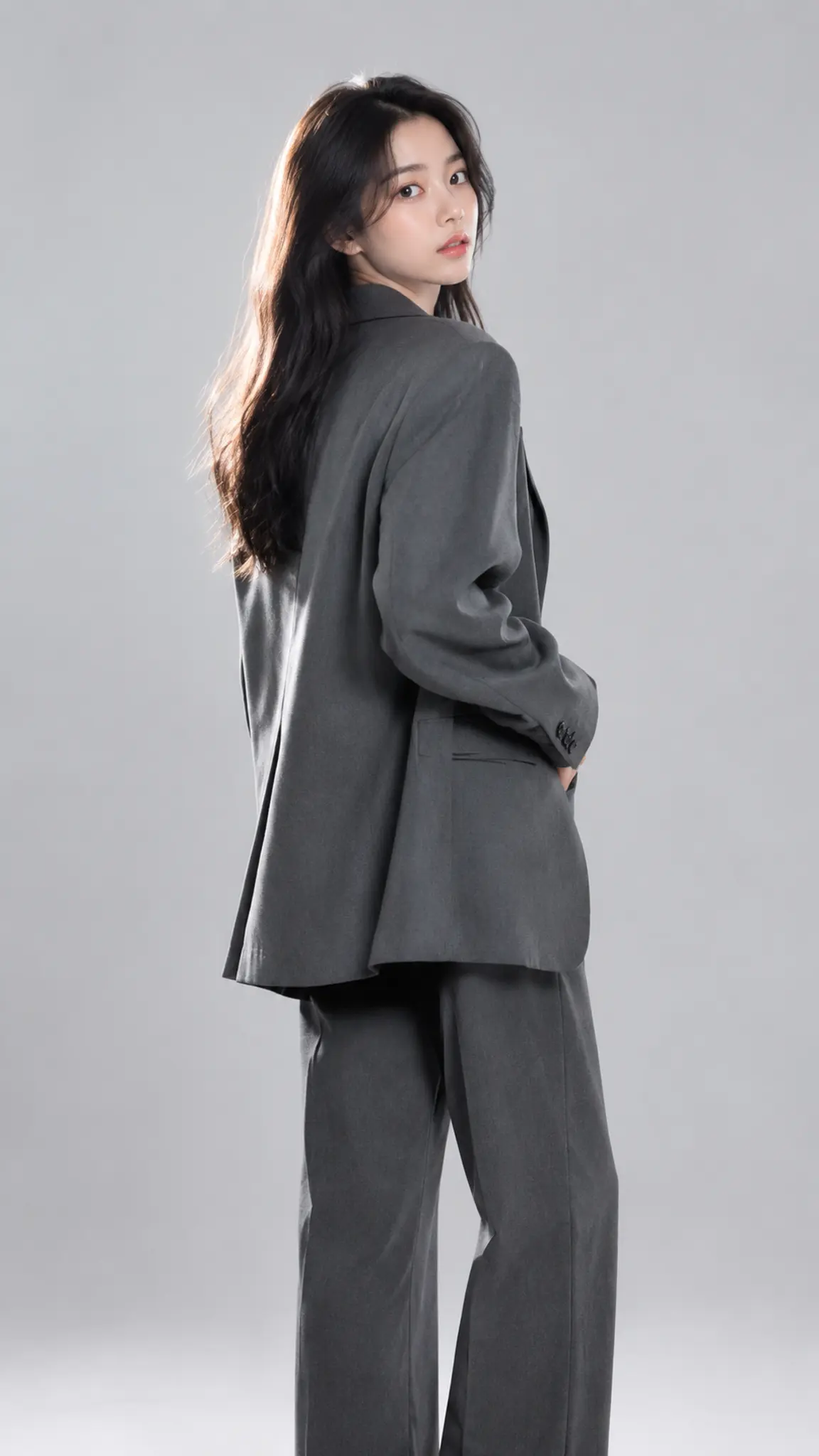
Video Template
Strike a Pose
Strike a Pose takes one portrait and animates it into a short run of poses: a turn of the shoulder, a hand to the hip, a look away and back, the kind of sequence a photographer talks someone through in the first minute of a shoot. Your face, hairstyle and outfit stay as uploaded; what changes is the body language.
Open template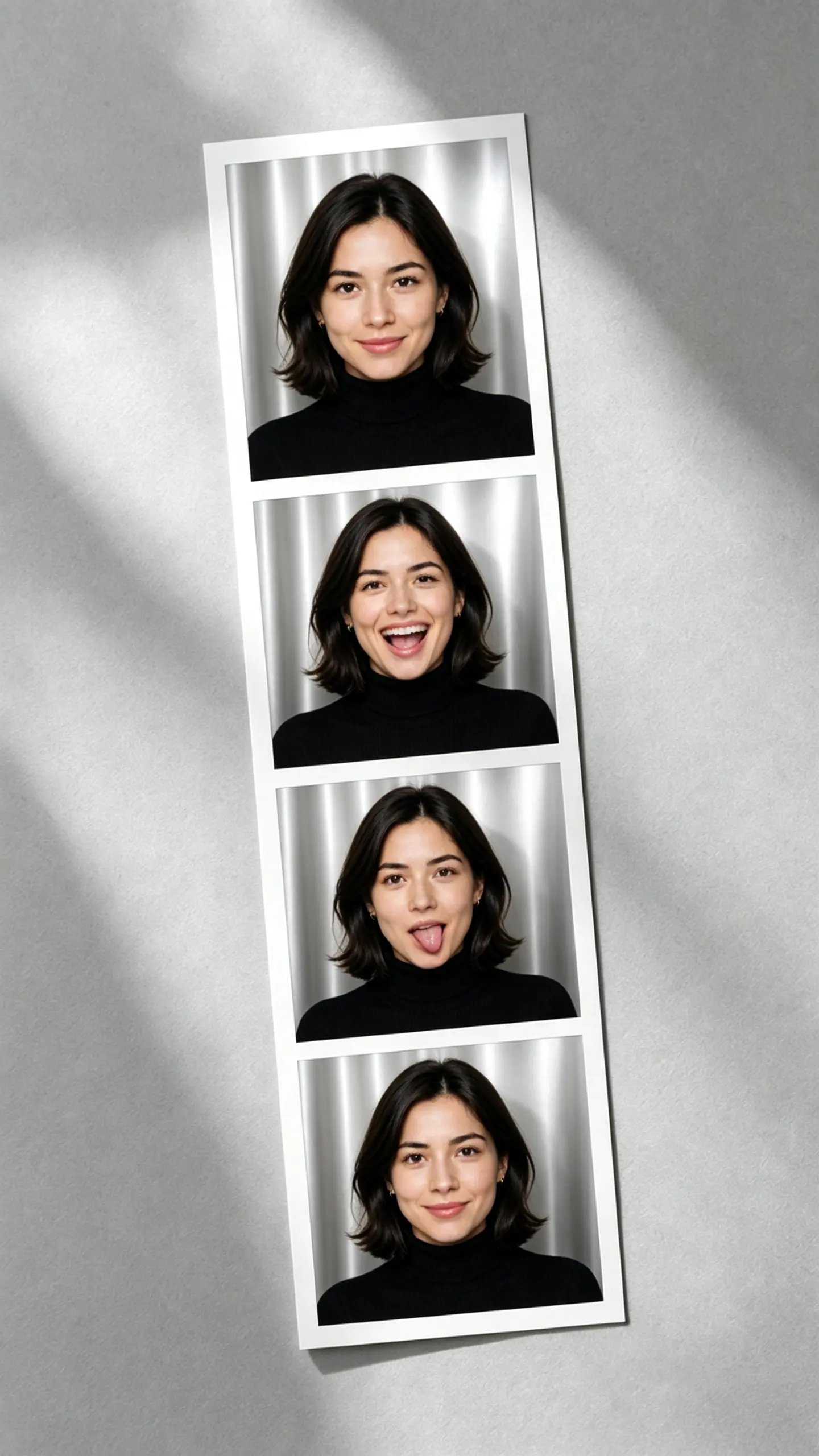
Image Template
AI Photo Booth
This AI photo booth template turns one portrait into a vertical four frame photo strip: the same person in every window, on the same backdrop, under the same flash, with a different expression and head angle in each. The hard part is holding identity constant while the face is allowed to move.
Open template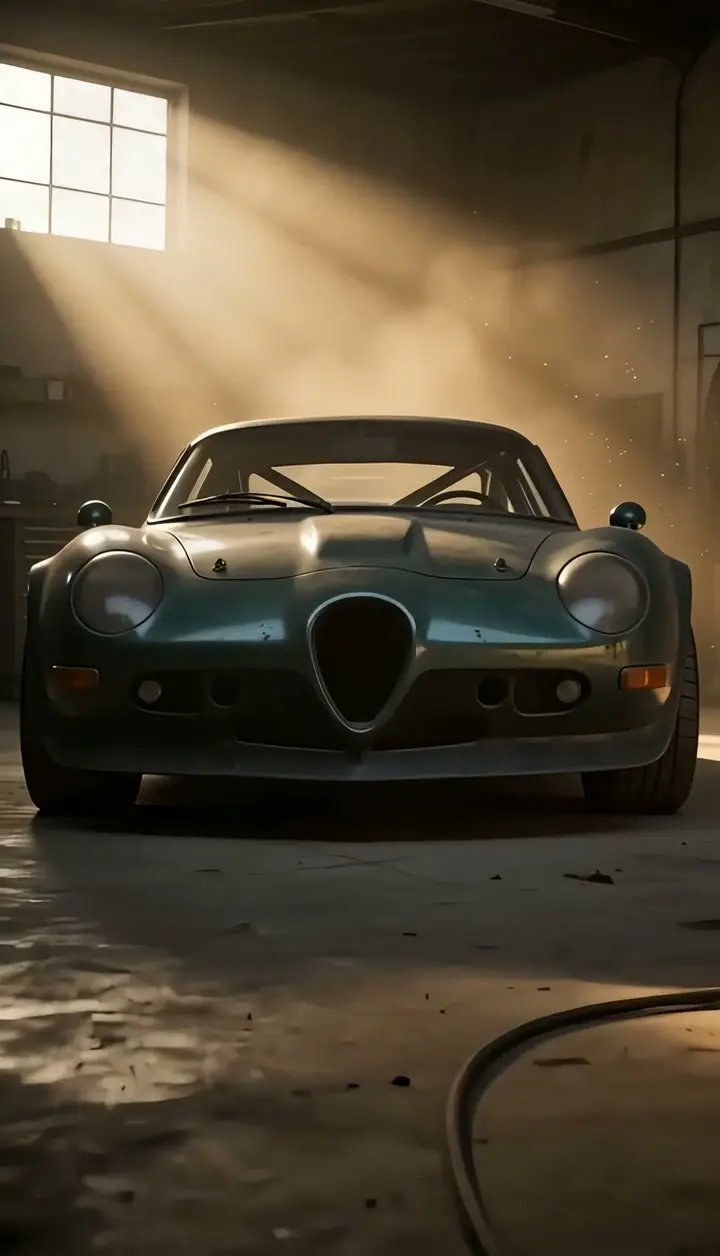
Camera Motion
Infinite Zoom (Endless Zoom Effect)
Infinite Zoom drives the camera into the center of one photo and keeps going: the middle of the frame expands into a whole new scene, that scene's center opens into the next, and the push accelerates without a single cut. Upload a still with a strong central subject, get a short tunnel-of-worlds clip.
Open template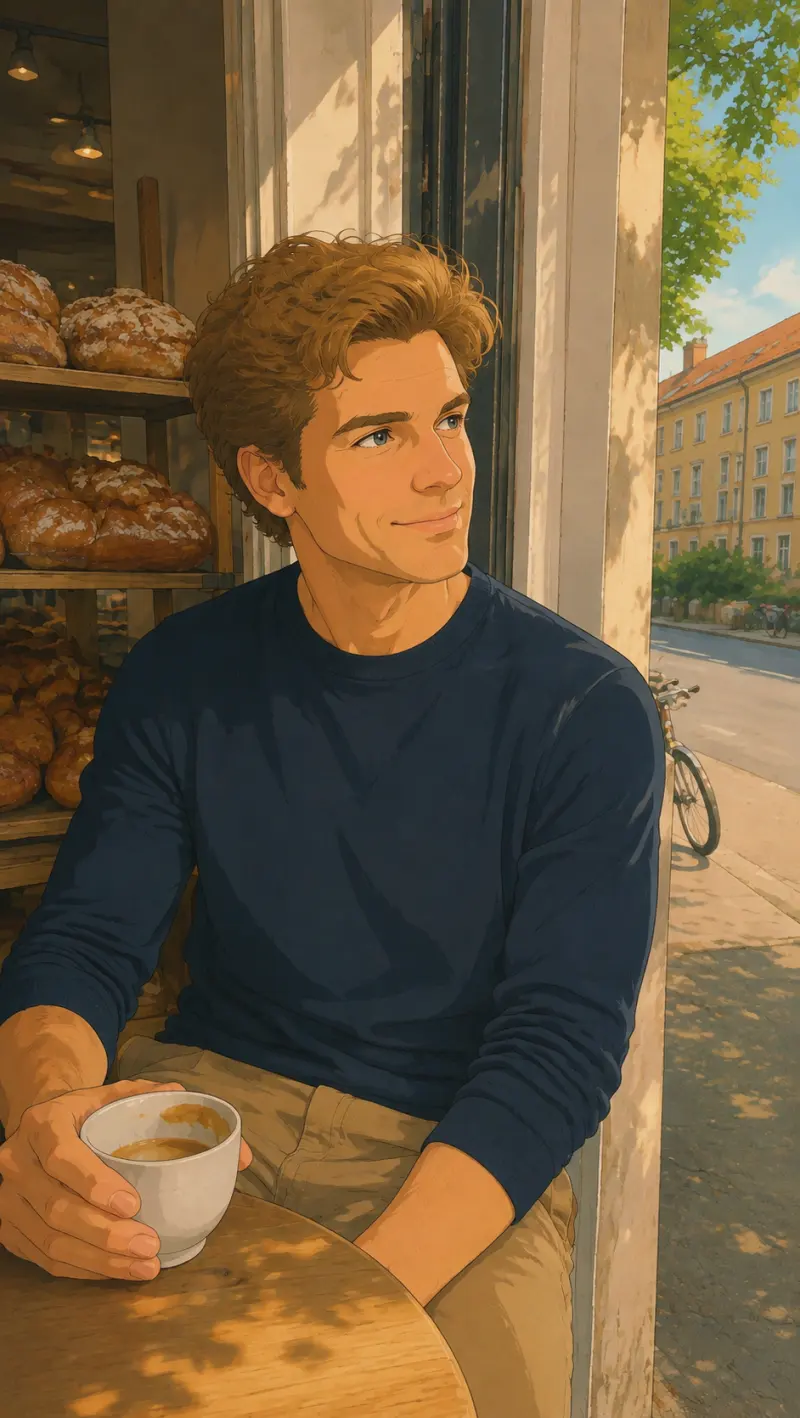
Image
anime watercolor art
Transform your images into the iconic hand-drawn animation style inspired by Studio Ghibli. This effect is ideal for creating dreamy social media posts, profile art, product reveals, and artistic visual storytelling. Restyle your photo into soft, hand-painted anime scenery. Free AI art photo effect, ready in seconds. Head to LazyKiwi AI image generator to try it free.
Open template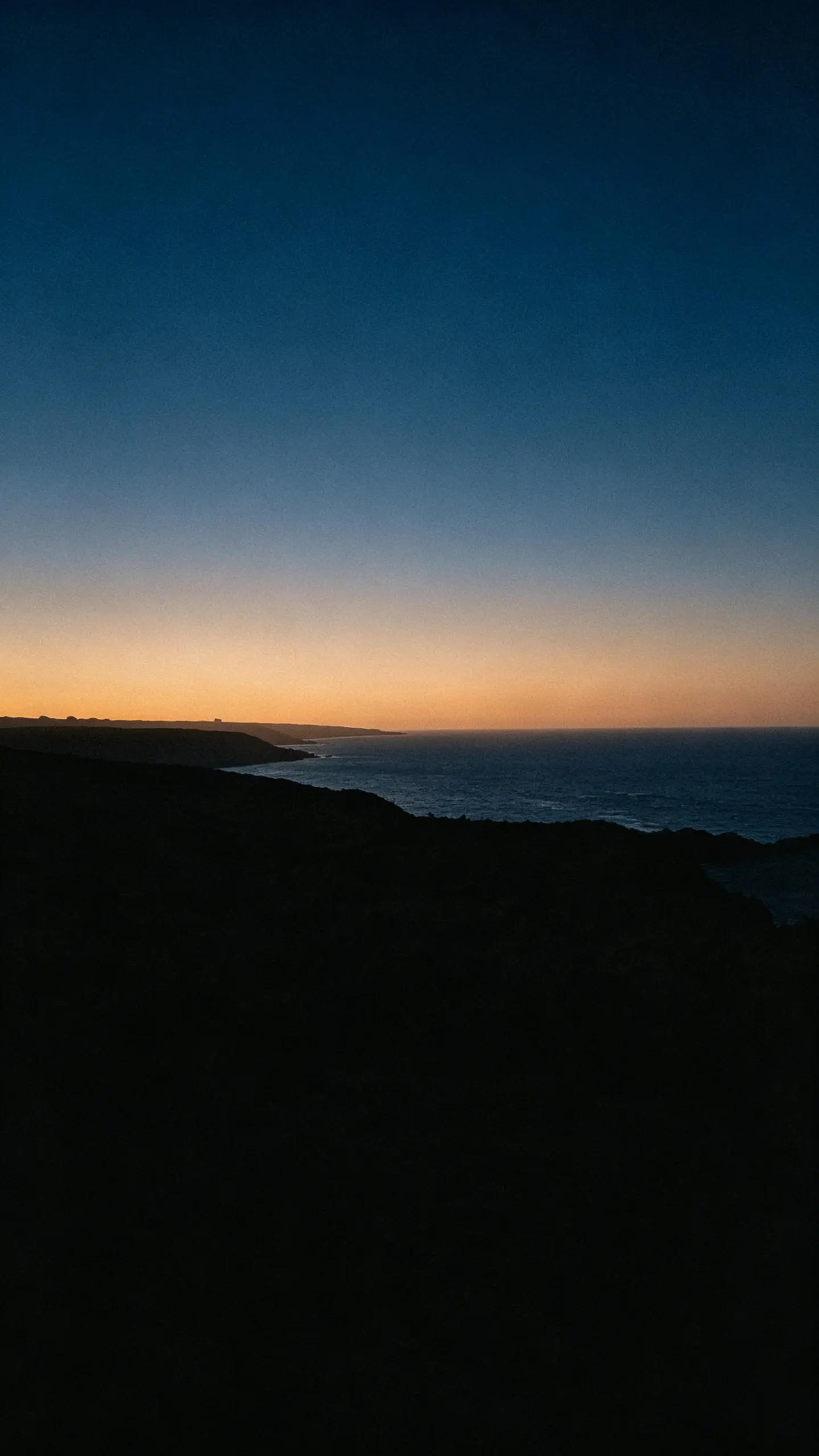
Image Template
AI Wallpaper Generator
Most wallpaper apps hand you somebody else's art. This ai wallpaper generator starts from a photo you took, restyles it into one of ten wallpaper treatments, and composes it for the screen it is going on, with the lock screen clock and the icon grid accounted for rather than covered up.
Open template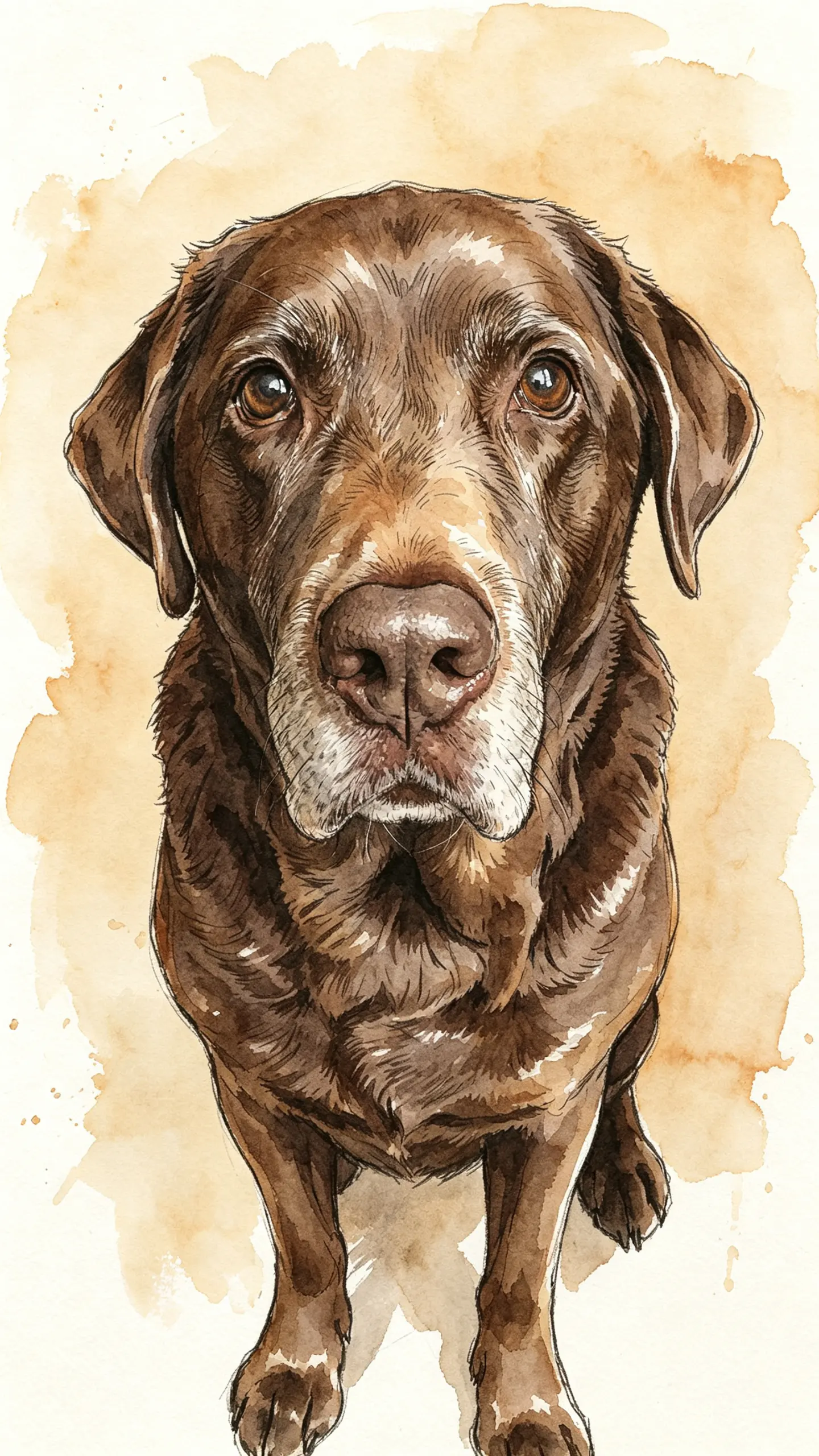
Image Template
Custom Pet Portrait
A custom pet portrait is commissioned for one specific animal, usually to be framed or given away. This template renders yours from a single photo, and the page covers the parts a commission normally handles for you: which ratio to generate, what resolution a print at each frame size needs, and when to order.
Open template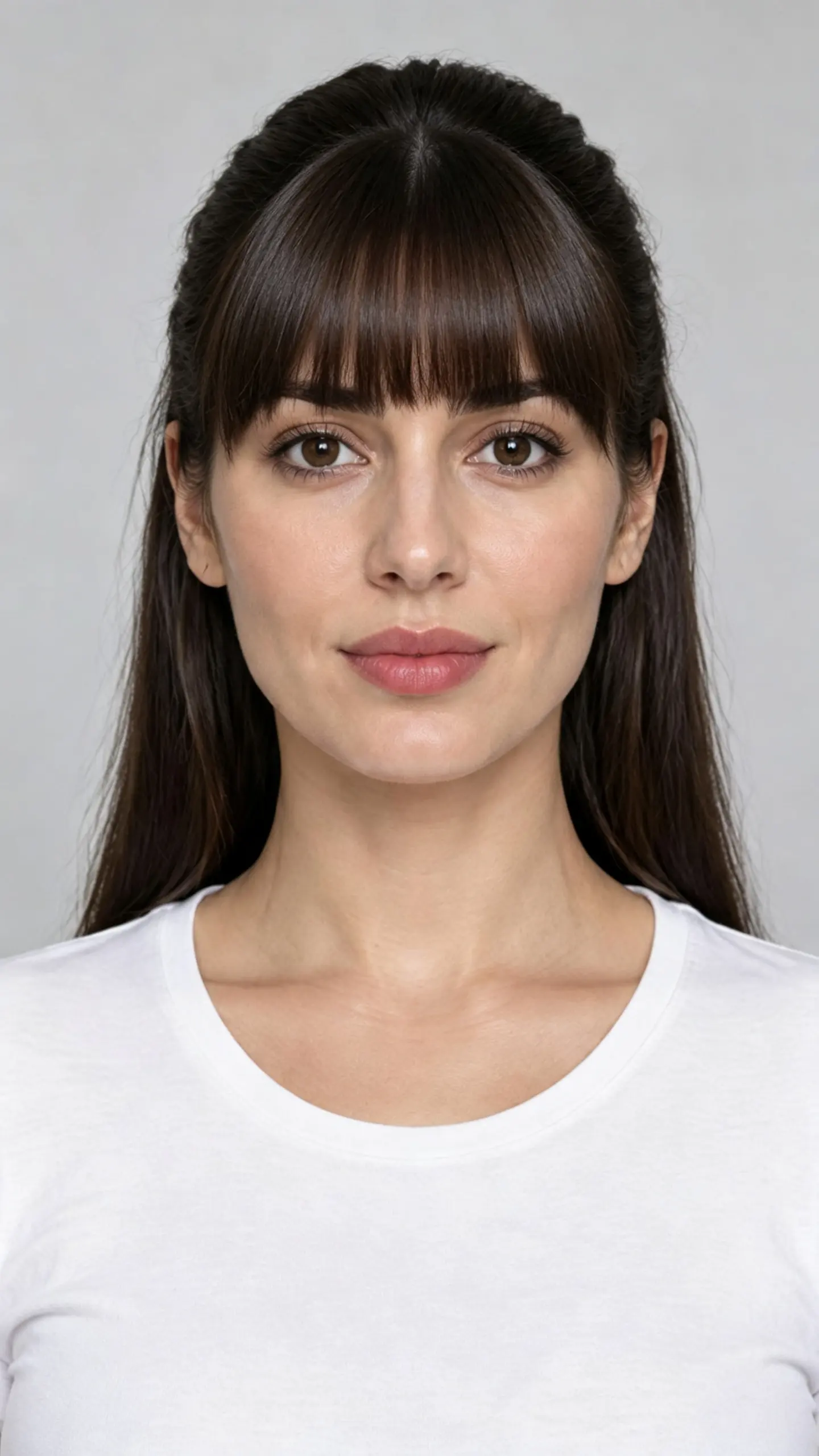
Image Template
Bangs Filter
This bangs filter draws a fringe onto the photo you upload, following your real hairline, hair color and hair texture instead of pasting a stock fringe over your forehead. Blunt, curtain, side swept and wispy all sit differently on the same face, which is why the decision is hard.
Open template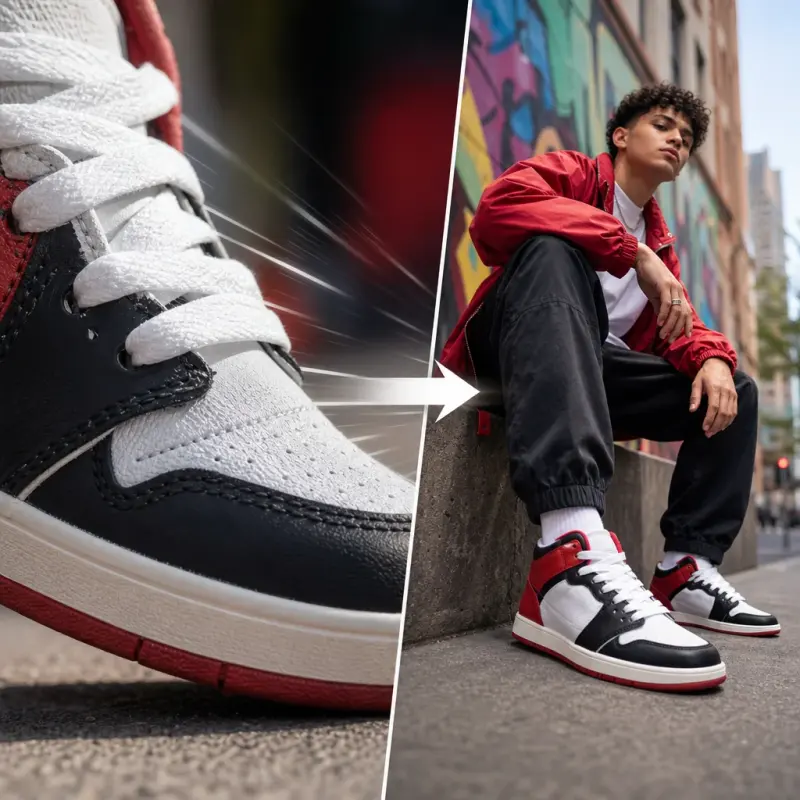
Camera Motion
Zoom Out
The Zoom Out effect starts from a tight close-up and smoothly pulls back to reveal the full scene, creating a dramatic and eye-catching reveal. Perfect for product launches, outfit transitions, action shots, and social content on TikTok, Reels, and Shorts. Pull a dramatic zoom-out that reveals the bigger scene. Free AI video effect, create it in seconds in LazyKiwi AI video generator.
Open template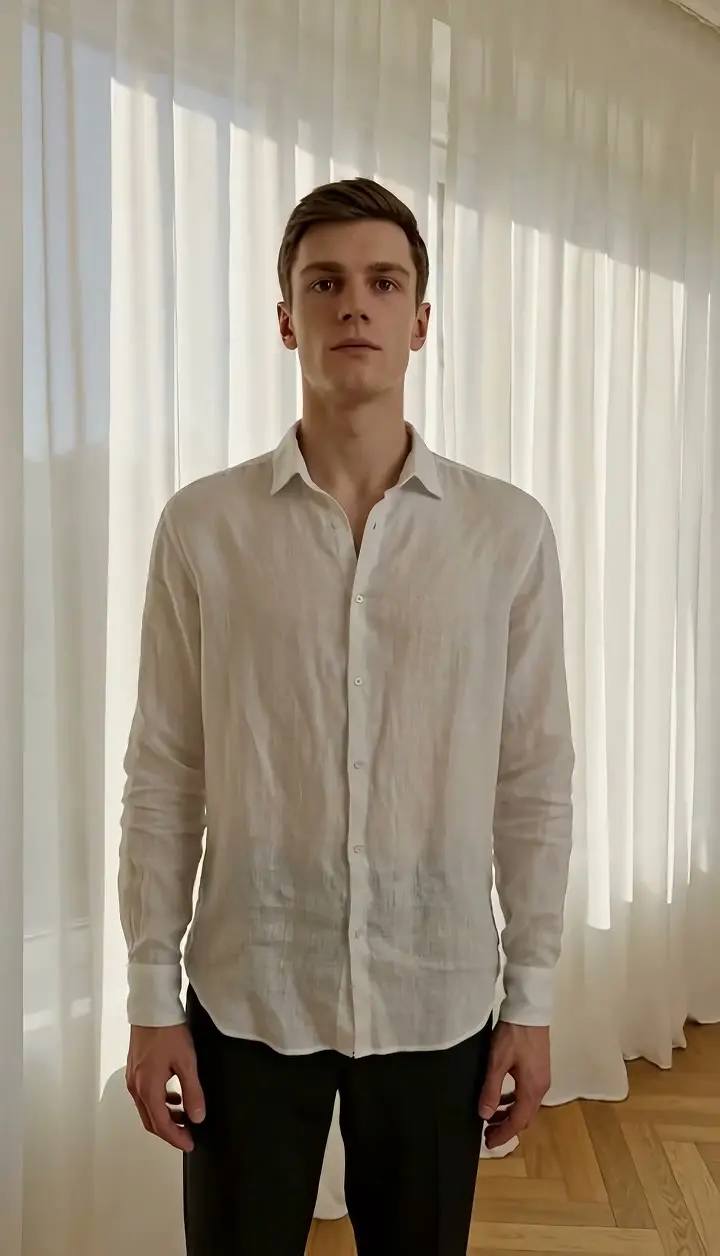
Camera Motion
Pan Right (Pan Shot)
Pan Right generates a pan shot from a single photo: the camera rotates smoothly to the right on a fixed axis, the horizon stays level, the subject keeps its look, and new space enters from the right edge. Upload one still and get a short clip in vertical or landscape orientation.
Open template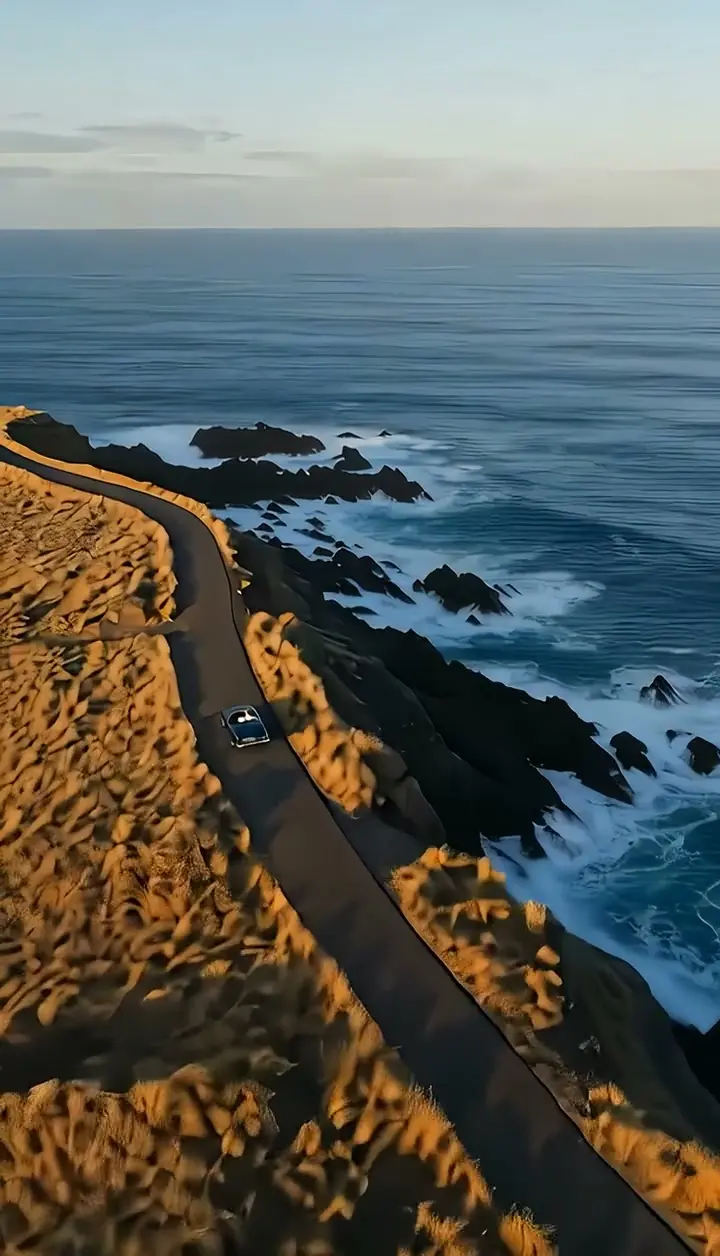
Camera Motion
Helicopter Shot (Aerial Shot)
Helicopter Shot turns one photo into a high, wide aerial shot: the camera sweeps along a broad, gradual flight path far above the landscape, keeping the scale of the terrain readable, and settles on a steady high-altitude frame. Upload a single still and get a short clip, no helicopter, no gyro mount.
Open template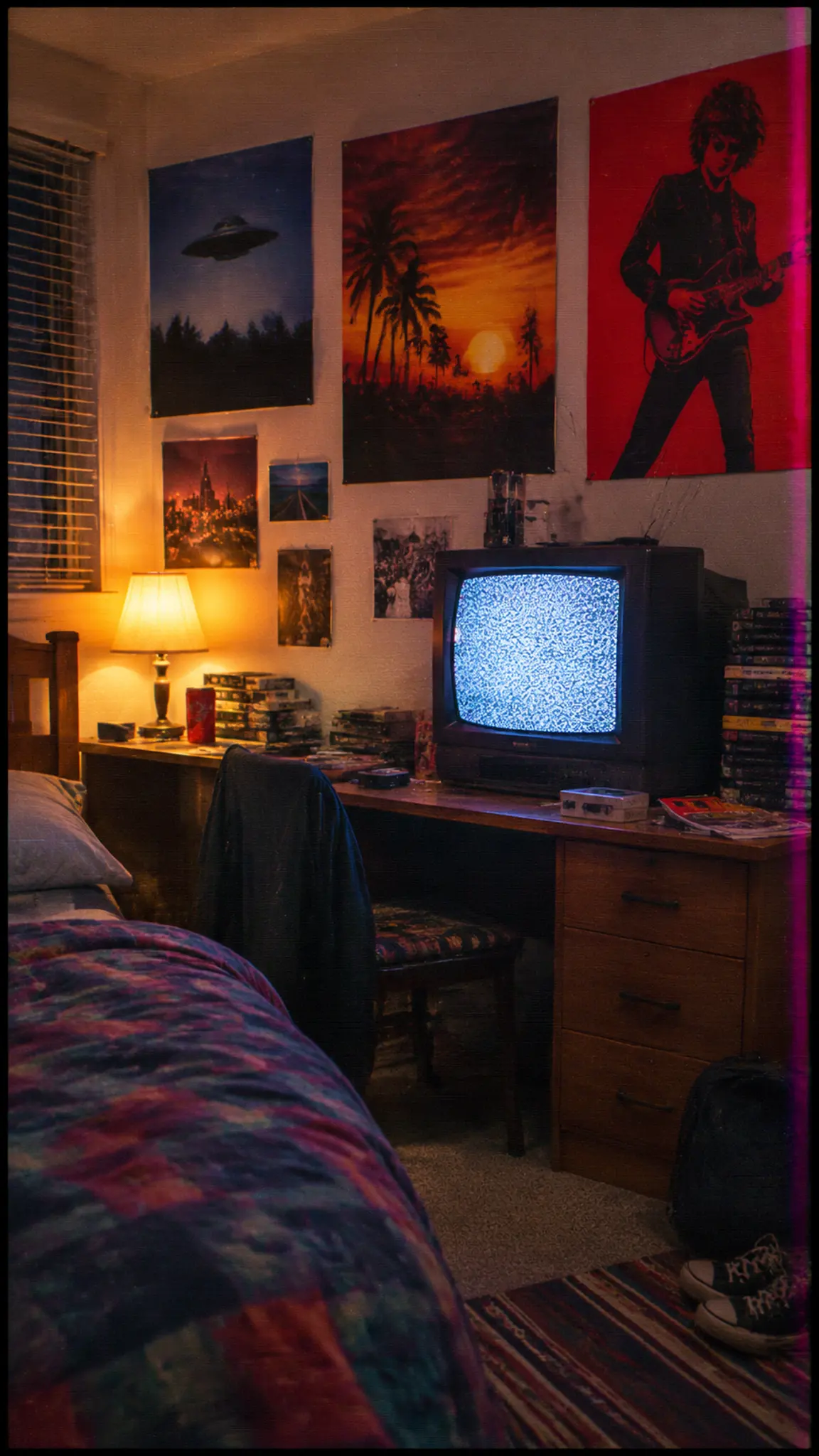
Video Template
VHS Effect
The VHS effect is a set of specific recording faults, not a grain overlay. Half-inch tape held roughly 240 lines of horizontal detail, recorded color at a fraction of that, and added a mechanical wobble of its own. This template reproduces that stack so the picture degrades the way tape degraded.
Open template
Video Template
AI Sway Dance Effect
Upload one photo and the AI sway dance template animates the person in it doing the hip-sway dance from TikTok: weight shifting side to side, hips leading, arms loose, a smile on the beat. One photo in, a short vertical clip out, with the face and outfit kept from the picture. No filter to hunt for and no dance video to record.
Open template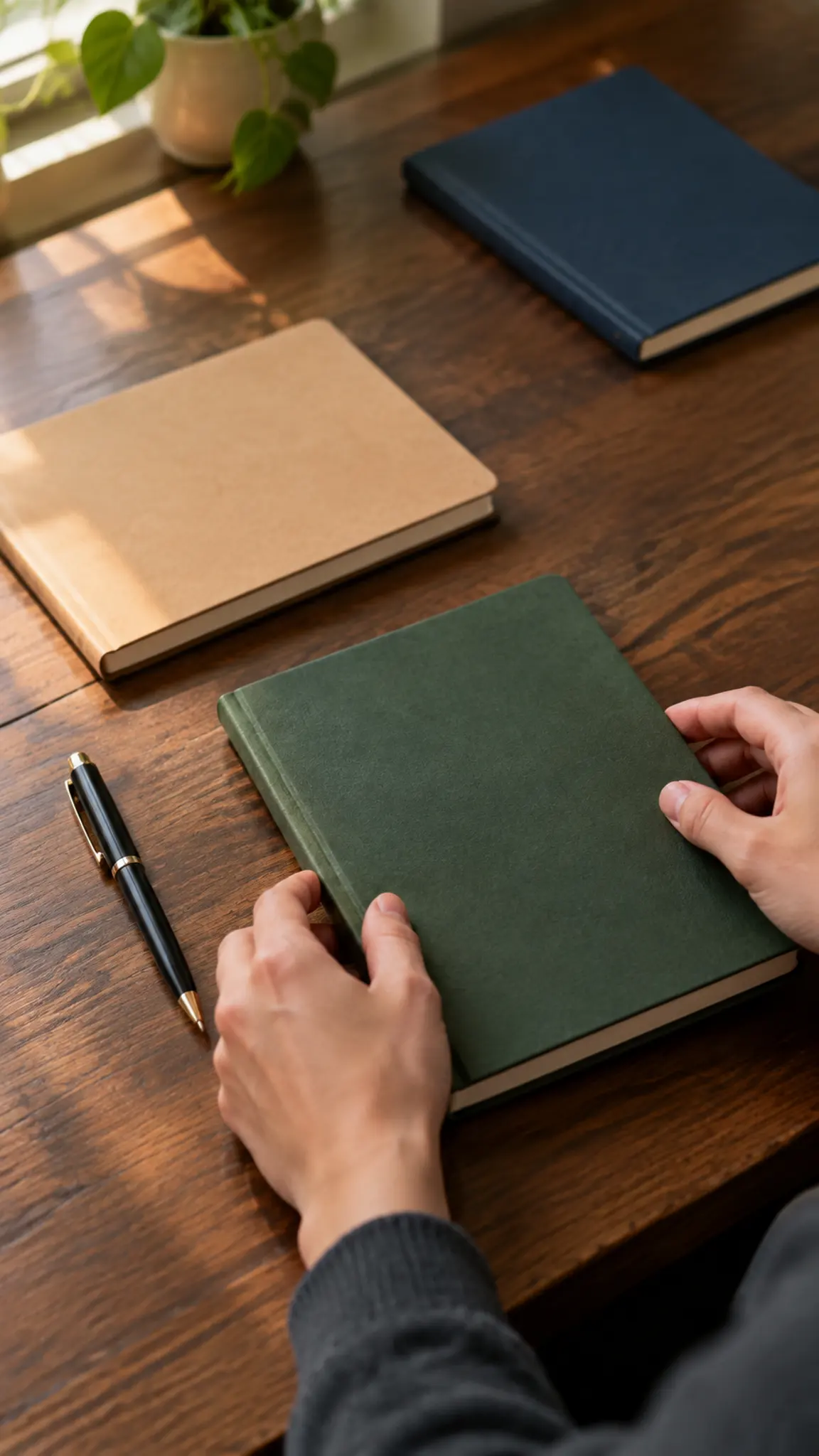
Video Template
Faceless YouTube Channel
A faceless YouTube channel needs five things: a script, a voice, visuals, captions and a thumbnail. This template covers the visuals, generating b-roll, object shots, scenes and openers from a prompt or a photo. It does not write the script or speak the words, and it is worth knowing that before you plan a workflow.
Open template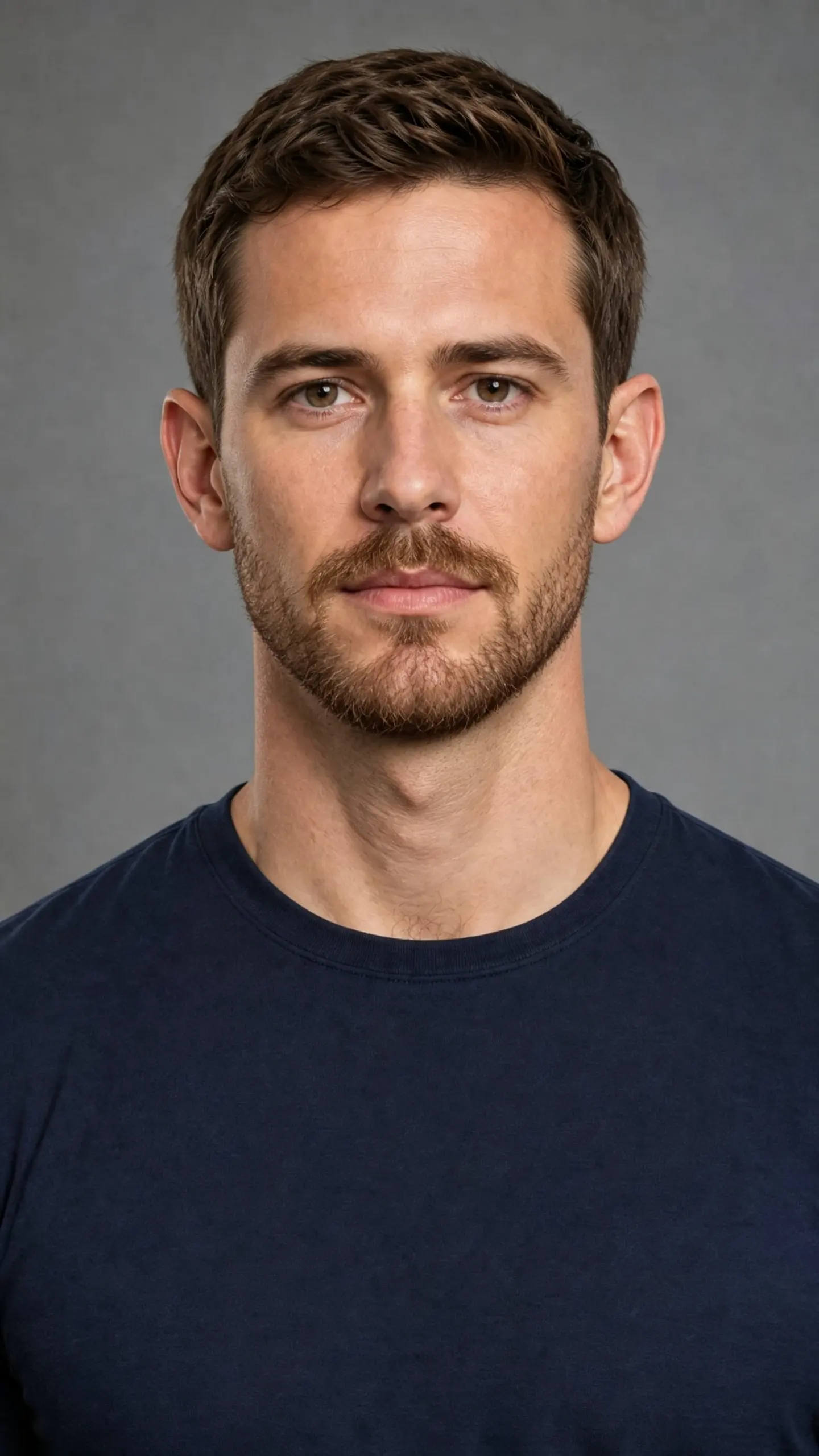
Image Template
Beard Filter
This beard filter grows facial hair onto the photo you upload, matched to your hair color, your jawline and the direction your hair actually lies. Stubble, a boxed beard, a full beard and a goatee change the shape of a face in completely different ways. It is a styling preview.
Open template
Camera Motion
Snorricam Body-Mount Shot
Snorricam Body-Mount Shot recreates the body mounted camera look from one photo: the lens is fixed in front of the subject's chest or face, so they stay close, centered and facing camera while the world behind them swings with every stride. Upload one still, get a short clip, no harness required.
Open template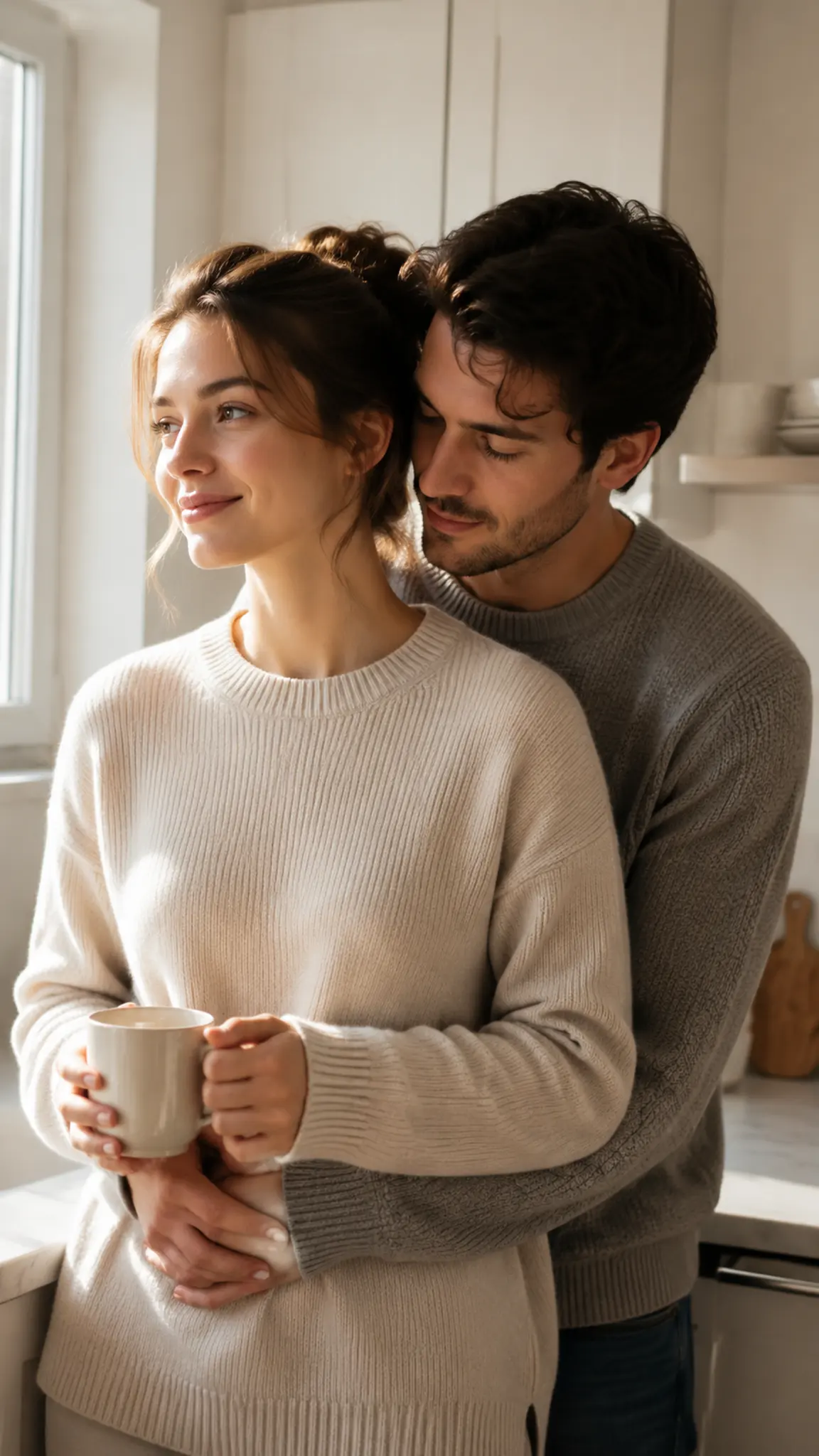
Video Template
Hug From Behind
A hug from behind is the one embrace that works even when the two people were never photographed together. One person steps in from behind, arms come around the waist, a chin settles on a shoulder. Upload a photo of each person and the template stages the approach and the hold as a short clip.
Open template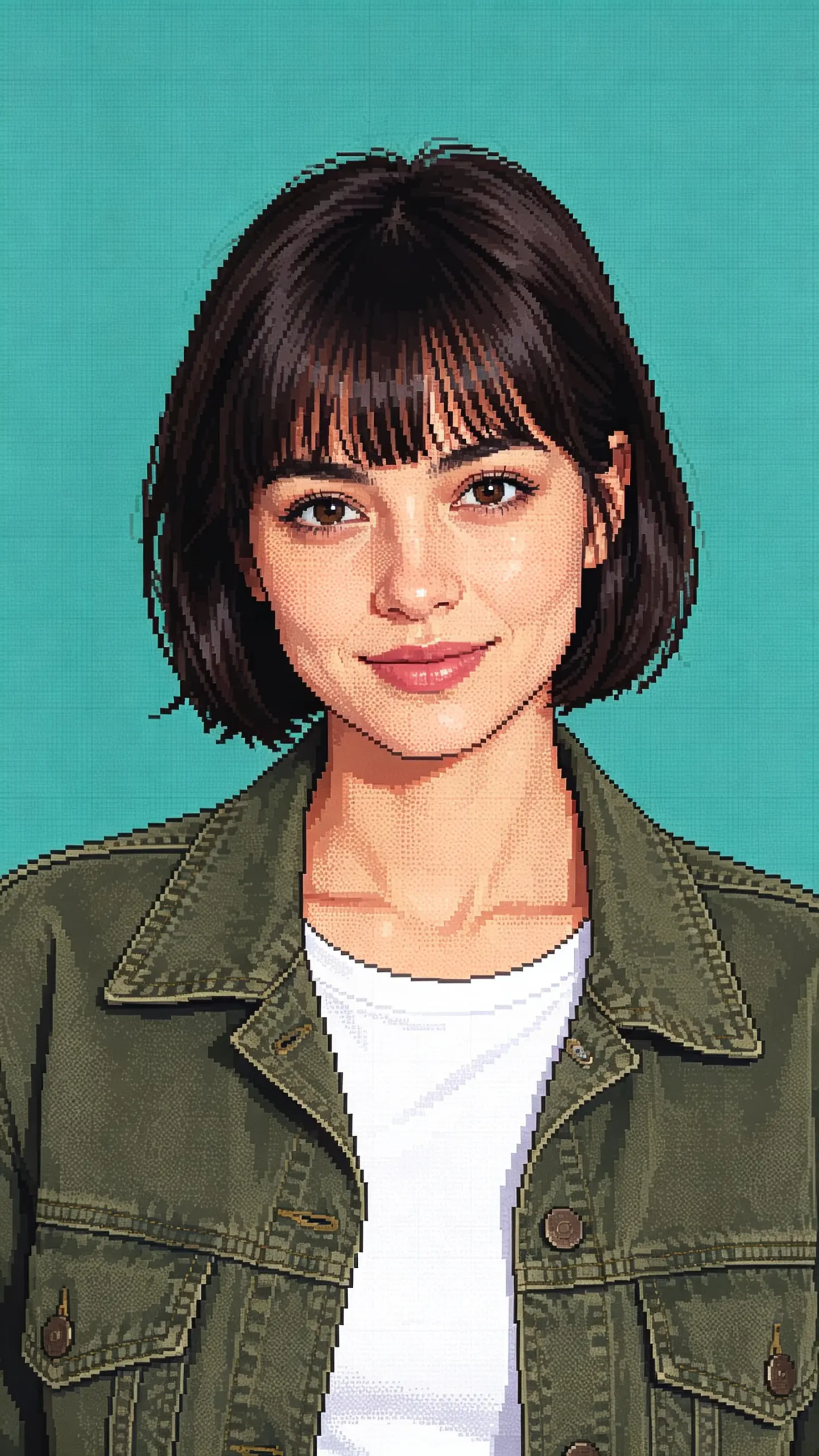
Image Template
AI Pixel Art Generator
This AI pixel art generator rebuilds a photograph the way a sprite artist would: a small palette, square blocks that all sit on one grid, hard edges with no anti-aliasing, and shading done by dithering rather than by a gradient. Your face and outfit carry over as shapes; the fine detail does not.
Open template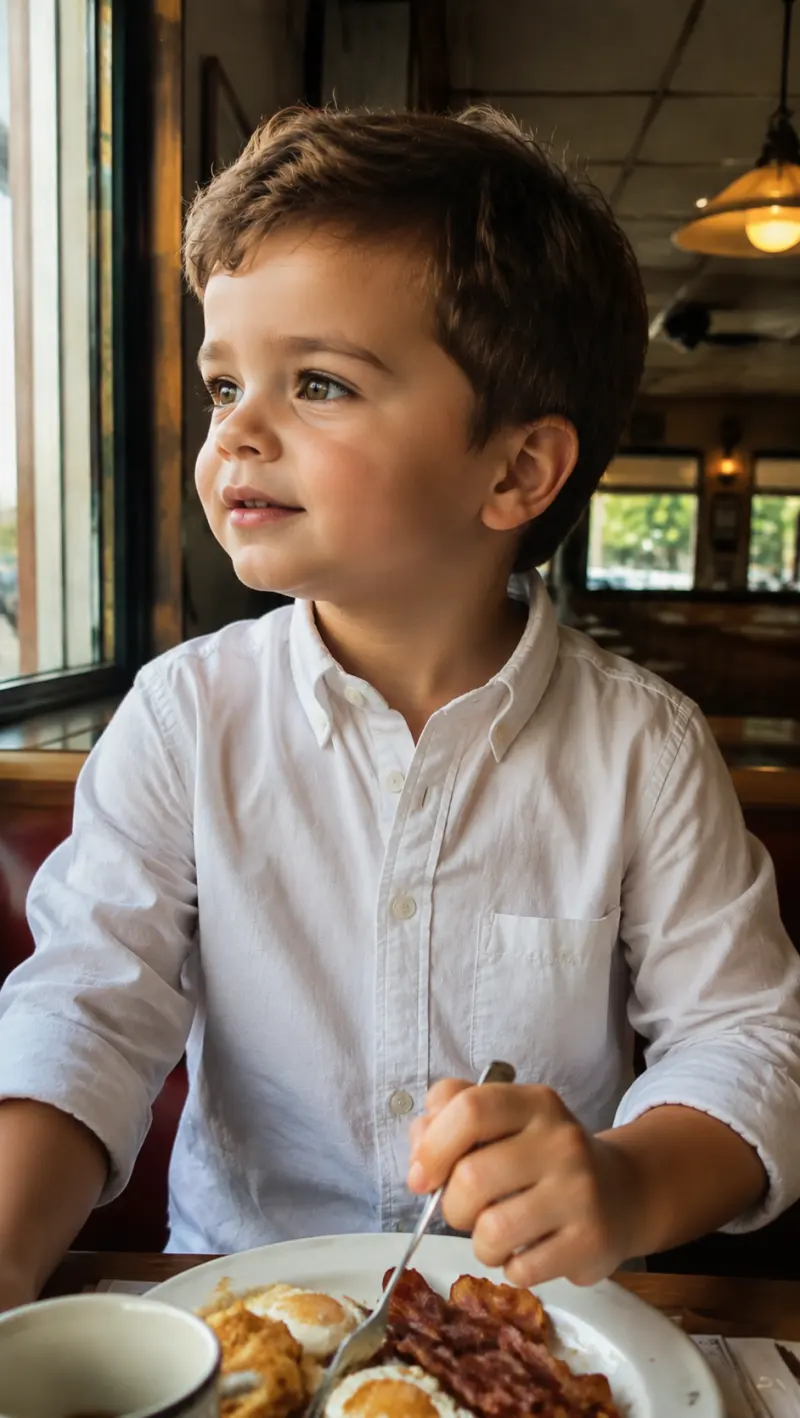
Image Template
baby filter
Reimagine your face as a baby portrait
Open template