AI Wallpaper Generator
Most wallpaper apps hand you somebody else's art. This ai wallpaper generator starts from a photo you took, restyles it into one of ten wallpaper treatments, and composes it for the screen it is going on, with the lock screen clock and the icon grid accounted for rather than covered up.
AI Wallpaper Generator Template
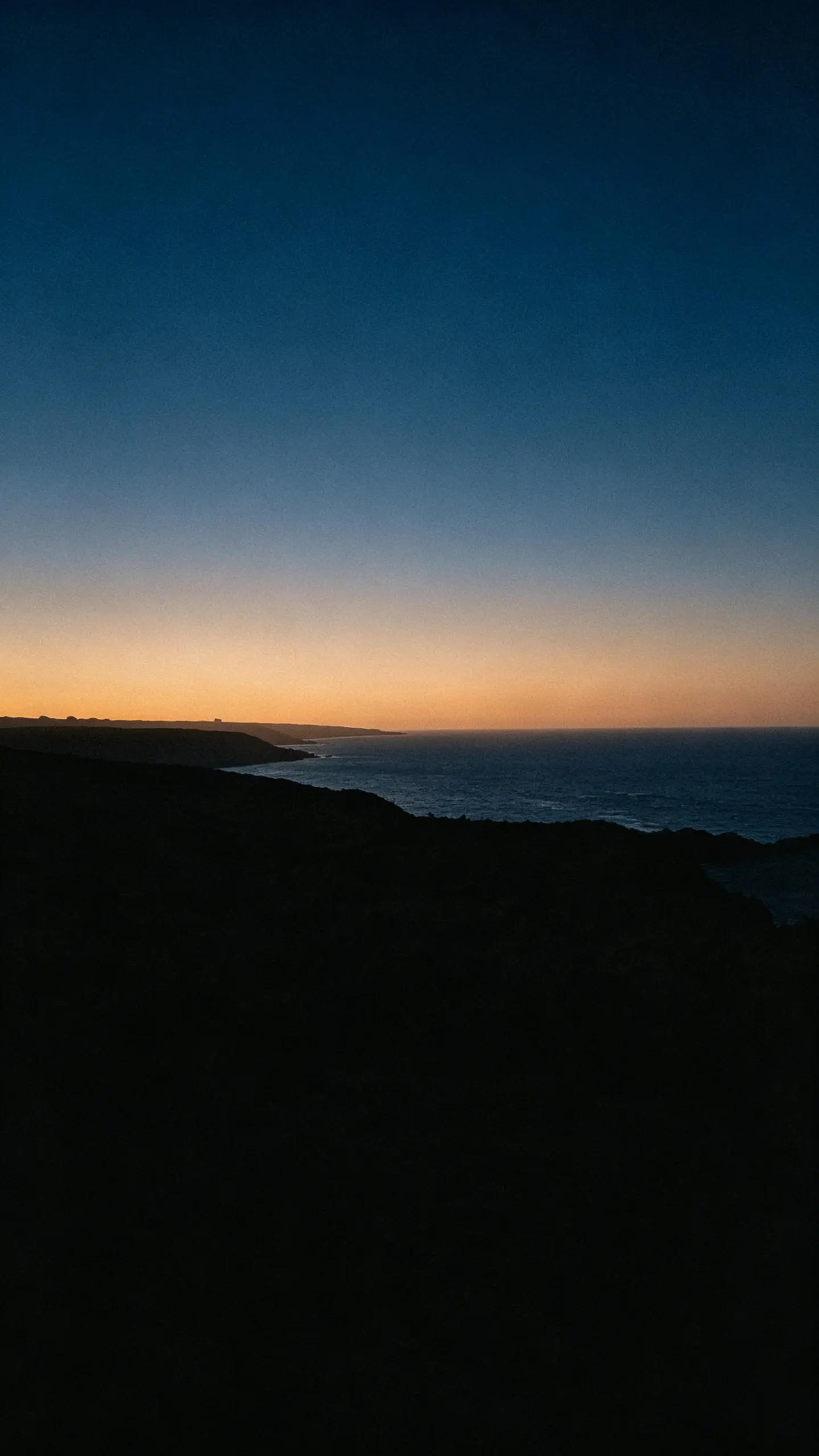
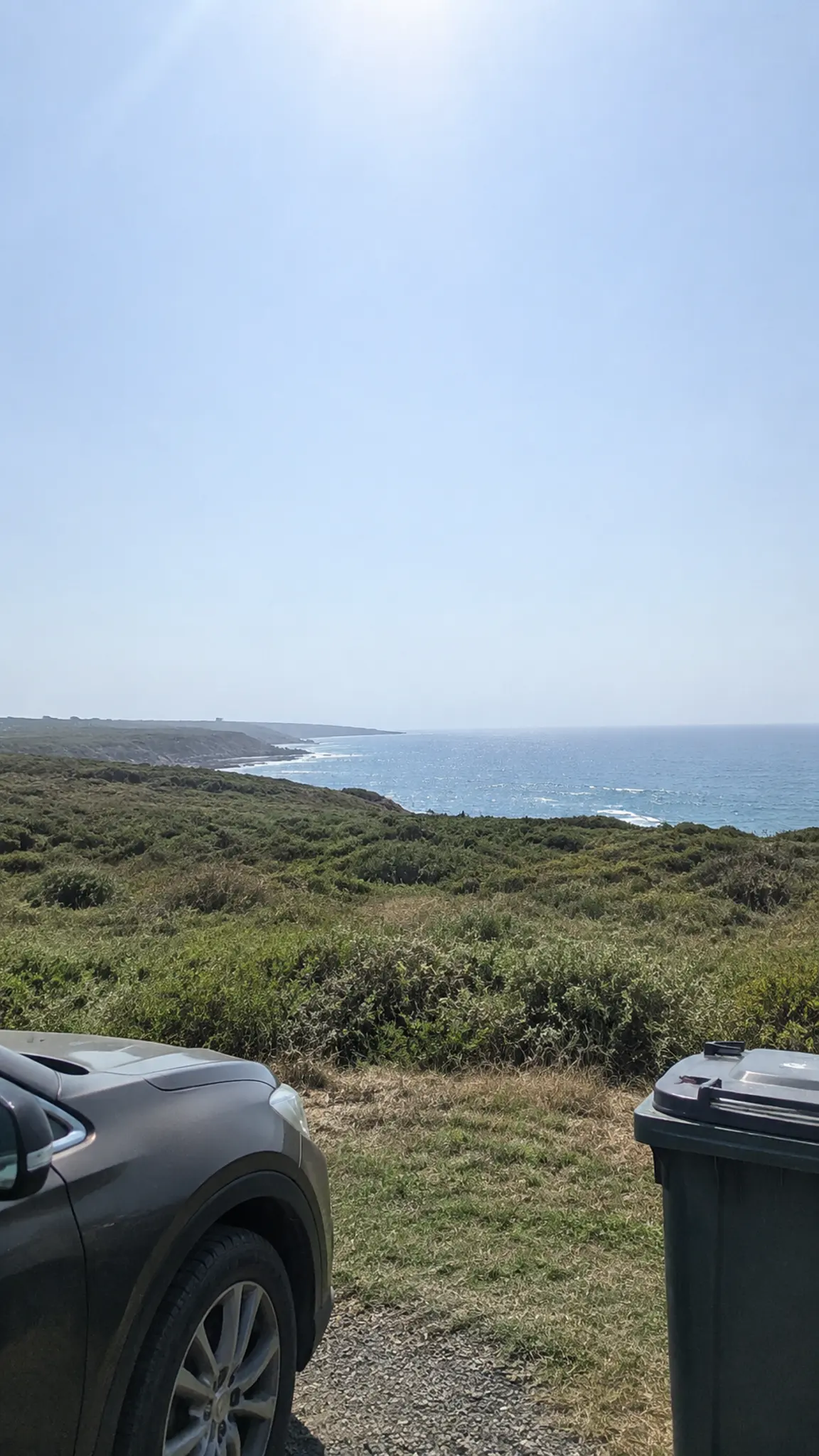
Upload one photo you own. Generate at 9:16 for a phone or 16:9 for a desktop. Photos with a clear subject and a simple background convert best, because the treatments work by separating the two.
WHAT IT IS
A wallpaper is a composition problem before it is a style problem
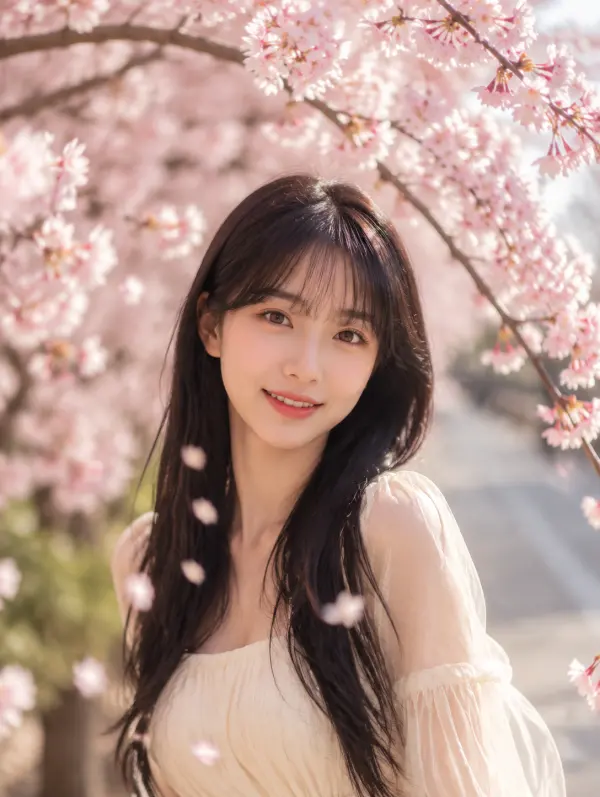
This template takes one photo you own and renders it as a wallpaper in ten treatments: cinematic gradient, duotone, painterly, minimal silhouette, blurred bokeh field, line art on flat color, dark mode for an OLED panel, soft pastel wash, high-contrast monochrome, and an abstracted color-field reading of the original scene. The style is the easy half. The half that decides whether a wallpaper is usable is composition, and it comes down to three facts about phones. The clock and date occupy roughly the top third of a lock screen and notifications stack under them, so anything you want to see belongs in the lower half. The home screen puts an icon grid over almost the entire frame, which is why most good home wallpapers are blurred or near-empty and most photos are not. And phone screens are no longer 9:16: a current handset is closer to 19.5:9, so a 9:16 wallpaper scaled to fill it loses roughly eighteen per cent of its width, nine per cent off each side. Every render here is composed with that crop in mind, keeping the subject centered and away from the edges. If your source photo is the wrong shape to begin with, AI Image Extender paints new background beyond the original border so a square holiday photo becomes a full-height wallpaper instead of a stretched one. This page is the version that starts from your own picture; Aesthetic Wallpaper and Cute Wallpaper generate from a description instead, with no upload at all.
- Composed around the clock
- The top third of a lock screen belongs to the time, the date and notifications. Renders keep that area quiet and place the subject lower, so nothing important sits under a widget.
- Built for a 19.5:9 crop
- A 9:16 image loses about nine per cent off each side when a modern phone scales it to fill. Subjects are kept centered with margin, which is why a render still works after the operating system trims it.
- Home screen wants less
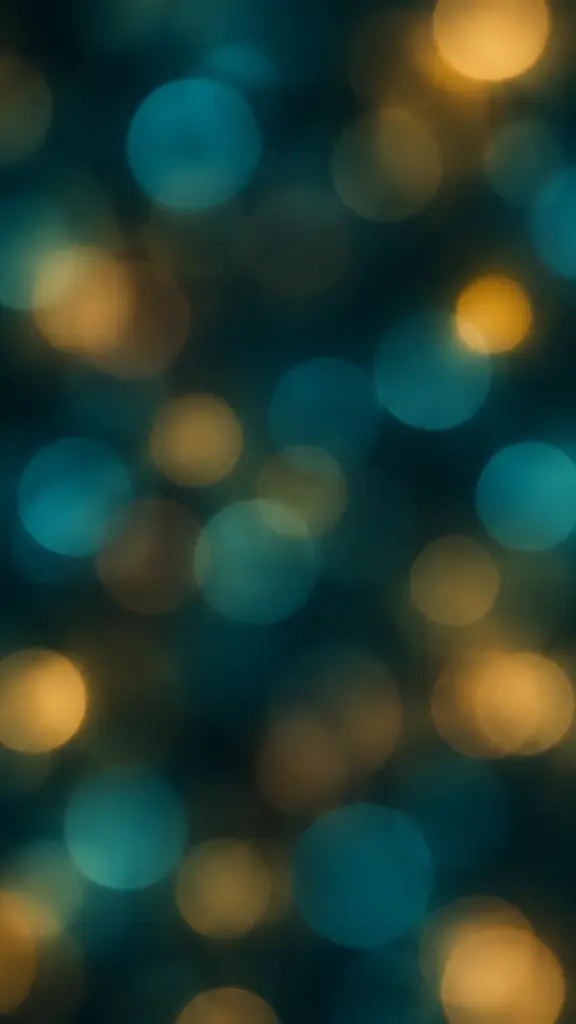
- Icons cover most of the home screen, so detail behind them turns into noise. The blurred bokeh, gradient and dark-mode treatments exist for that screen specifically, where the photographic ones belong on the lock screen.
- Your photo, not a stock scene
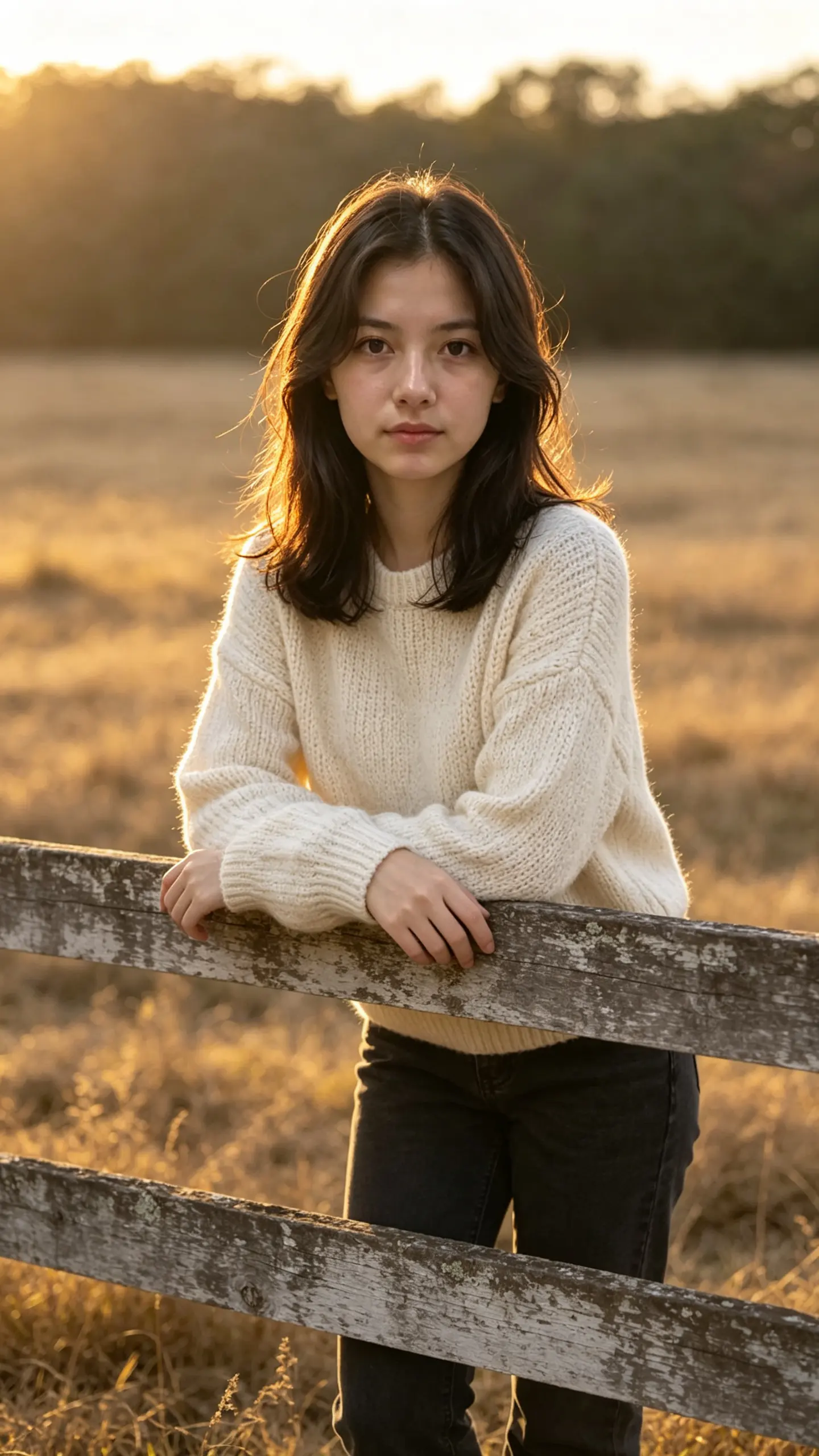
- The starting point is an image you took, so the wallpaper is a place you have been rather than a generic render. Photos with a clear subject and an uncluttered background convert best.
USE CASES
Three screens with three different requirements
Lock screen, home screen and desktop are not the same picture at different sizes, and treating them as one is why most wallpapers look wrong somewhere.
A lock screen from a trip photo
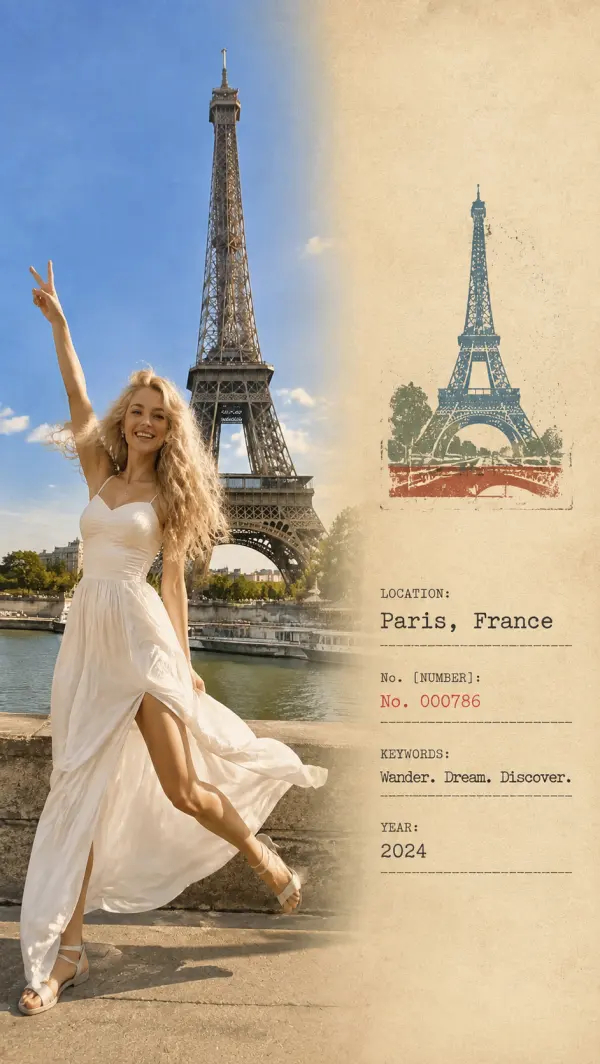
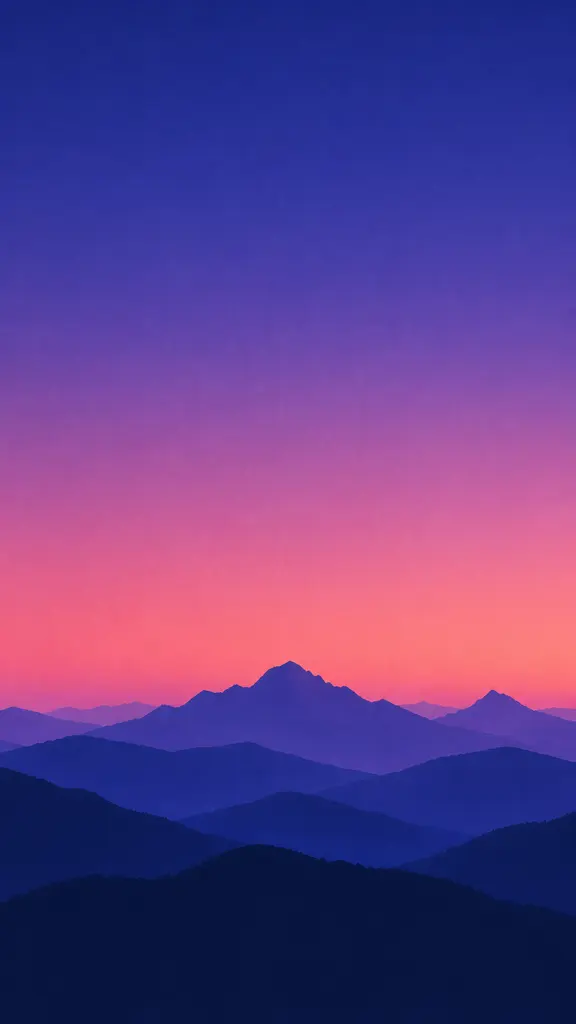
A landscape shot from a holiday, restyled as a cinematic gradient with the horizon low and the top of the frame kept clear. The clock sits in empty sky rather than across a cliff face.
A home screen that does not fight the icons
The same photo rendered as a blurred bokeh field in two colors. Icon labels stay readable because there is no edge behind them, and the wallpaper still reads as the original scene at a glance.
A desktop background for a work machine
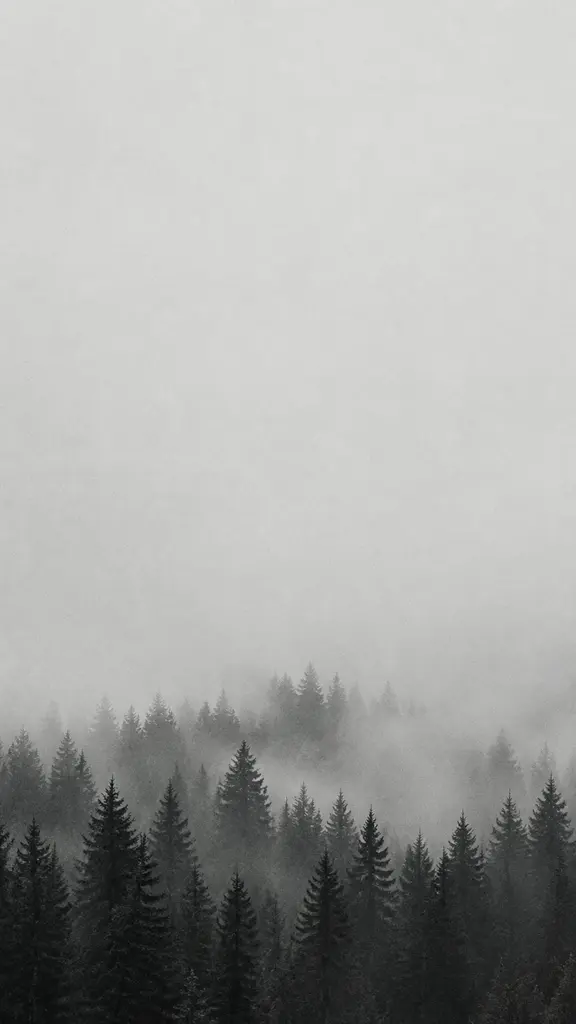
A 16:9 render in a muted monochrome treatment, with the interesting part of the image kept to one side so the desktop icons and the dock have somewhere flat to sit.
FAQ
Common questions
How do I make a wallpaper from my own photo?+
Upload the photo, choose one of the ten treatments, and generate at 9:16 for a phone or 16:9 for a desktop. The important choice is the treatment rather than the photo: gradient, silhouette and bokeh versions abstract the image and work behind icons, while the painterly and cinematic versions keep it recognizable and belong on a lock screen. Save the result to your camera roll and set it from the wallpaper settings as normal.
What size should a phone wallpaper be?+
Generate at 9:16 and let the phone crop it. Current handsets are closer to 19.5:9 or 20:9 than to 9:16, so the operating system scales a 9:16 image to fill the height and trims roughly eighteen per cent of the width, about nine per cent from each side. There is no ratio you can pick here that avoids that, which is why the renders keep the subject centered with margin rather than running detail out to the edges.
Can I make a 4K laptop wallpaper?+
Yes. Generate at 16:9 for a laptop or desktop screen, then run the result through the AI image upscaler if you want a 4K wallpaper. The generator composes the frame for the screen; the upscaler adds the pixels.
Why does my wallpaper look cropped or zoomed in?+
Because the phone is filling a taller, narrower screen than the image was made for, and because both iOS and Android add a further zoom for the parallax effect when you tilt the device. Between the two, expect to lose the outer edges of any wallpaper. Turning off motion or perspective zoom in accessibility settings removes the second cause; keeping the subject away from the edges is the only answer to the first.
Where should the subject sit in a lock screen wallpaper?+
In the lower half, and ideally in the lower third. The clock and date take the top of the screen, notifications stack below them, and on iOS the clock can be drawn behind a clearly separated subject, which only works when there is a clean edge between that subject and its background. A face or a landmark in the upper third will be covered on every phone regardless of how good the picture is.
Will the wallpaper look sharp on my screen?+
On a large high-density display, not entirely. A render here is roughly a thousand pixels across, while a current phone screen is around 1200 by 2600 and a laptop panel considerably wider, so the operating system upscales the file and fine texture softens. For gradient, bokeh and silhouette treatments this is invisible, since there is little fine detail to lose. For the photographic and painterly ones, running the render through AI Photo Upscaler before you set it makes a visible difference.
Is the ai wallpaper generator free?+
New accounts start on the free plan with 40 credits each month, refreshed monthly, and every one of the ten treatments is available on that plan with nothing stamped on the output. Wallpapers are one of the cheaper things to iterate on, because you generally know within a second of setting one whether it works, and the ones that fail usually fail on composition rather than style.
Other names for the AI wallpaper generator
Searches for this split by device and by intent. Ai wallpaper generator and ai wallpaper maker are the tool-shaped forms, usually from someone with a photo already in hand. Phone wallpaper generator and desktop wallpaper generator name the target screen, which changes the ratio rather than the treatment. Custom wallpaper from photo and photo to wallpaper describe the method directly, while ai wallpaper 4k is generally about resolution and is answered by upscaling after the render.
Make the wallpaper out of your own photo
Ten treatments, composed for the clock, the icons and the crop your phone applies.