AI Pixel Art Generator
This AI pixel art generator rebuilds a photograph the way a sprite artist would: a small palette, square blocks that all sit on one grid, hard edges with no anti-aliasing, and shading done by dithering rather than by a gradient. Your face and outfit carry over as shapes; the fine detail does not.
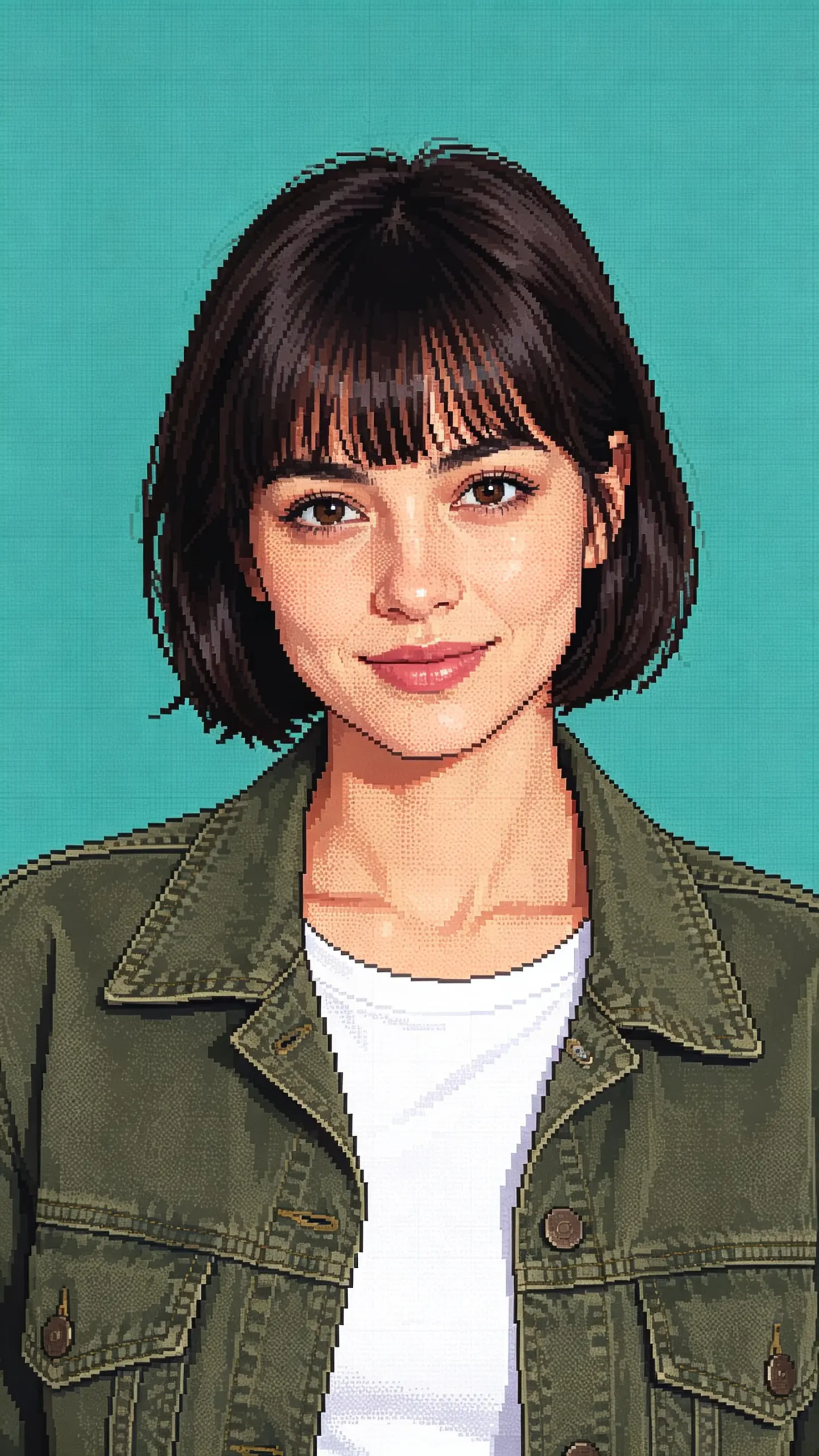
AI Pixel Art Generator Template
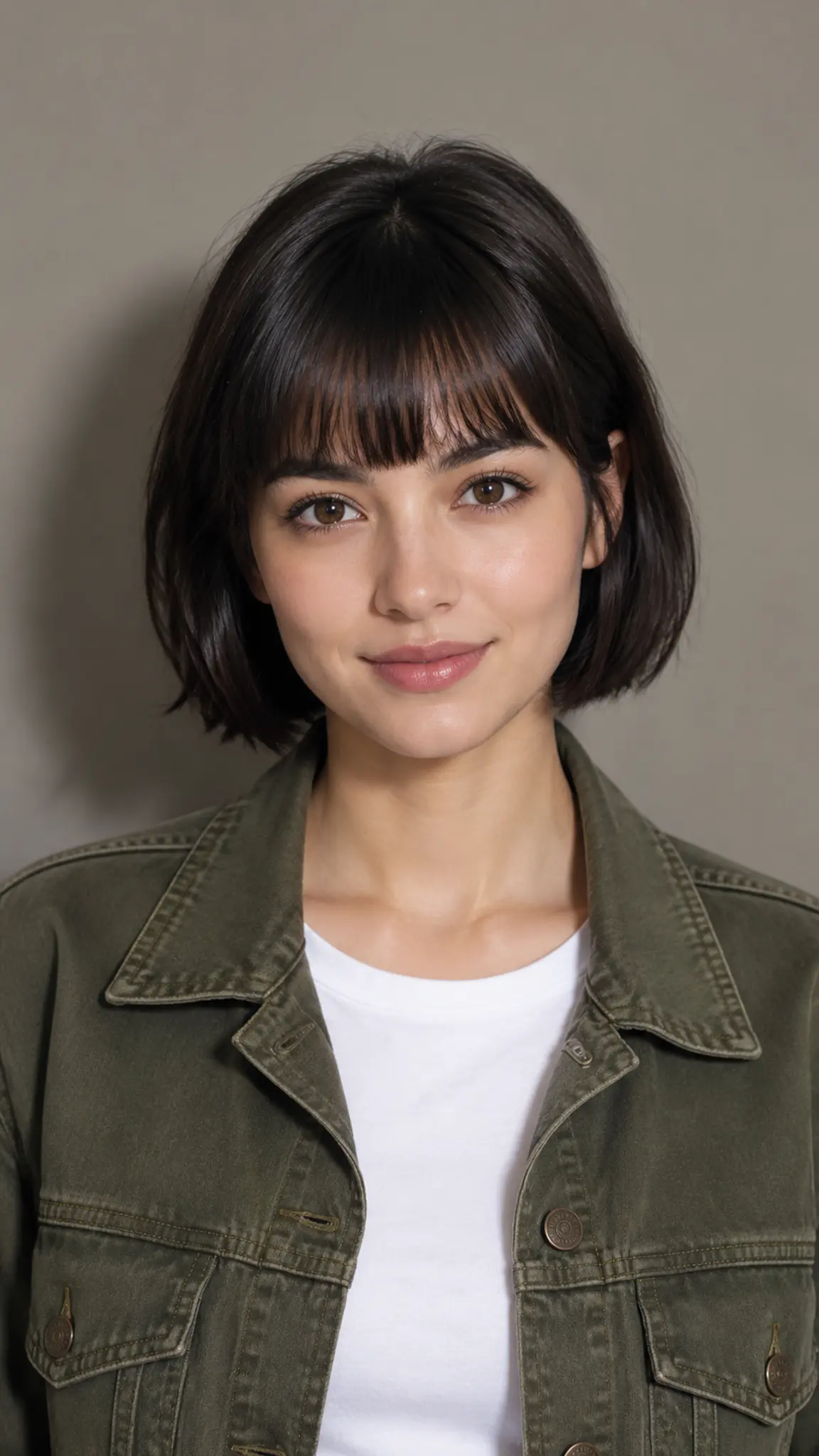
Upload one photo with the subject large in the frame and the face toward the camera. Thin details such as glasses arms, earrings and single hair strands vanish once the image is reduced to blocks, so a tight, high-contrast shot beats a full-body one.
WHAT IT IS
What separates real pixel art from a mosaic filter
A mosaic filter averages your photo into squares and stops there, which is why the result still looks like a photograph seen through frosted glass. Pixel art is a set of constraints an artist works inside: a palette small enough to count, one pixel size for the whole canvas, edges that step instead of fading, and shading built from patterns of two colors rather than from a gradient. This template applies those constraints as a style, so the output reads like a sprite from a 16-bit console rather than like a downsampled JPEG. Faces are simplified to a handful of blocks around the eyes and mouth, hair becomes a stepped silhouette, and clothing collapses into two or three flat tones with a highlight. The result is one still image at the ratio and resolution you pick in the workbench.
- A palette small enough to name
- Classic sprite work lives inside hard color limits: the NES could show 54 colors in total and a handful per sprite, the original Game Boy had four shades of green. The template pulls your photo down toward that kind of range, which is what makes the flat areas read as deliberate rather than as compression.
- Every pixel the same size
- The single most common giveaway of fake pixel art is a grid that drifts: blocks of one size in the background, half-size blocks along a jawline. Here the blocks are held to one grid across the whole frame, so the eyes, the hair edge and the background all step at the same interval.
- The face survives the reduction
- At sprite scale a face is a few pixels of eye, a two-pixel mouth and a hair silhouette. What carries your likeness is the shape of the hair, the color of it, the glasses and the outfit, not the geometry of the nose. Shoot tight and front-on and those anchors stay legible.
- Ratio and resolution are yours
- The workbench offers 1:1, 16:9, 9:16 and 4:3, and 512, 1K, 2K or 4K output. Square suits an avatar, 16:9 suits a title card. Higher resolution does not add more pixels to the art; it makes each art pixel a larger, cleaner block.
USE CASES
Where pixel portraits actually get used
Three jobs that want a sprite rather than a photograph.
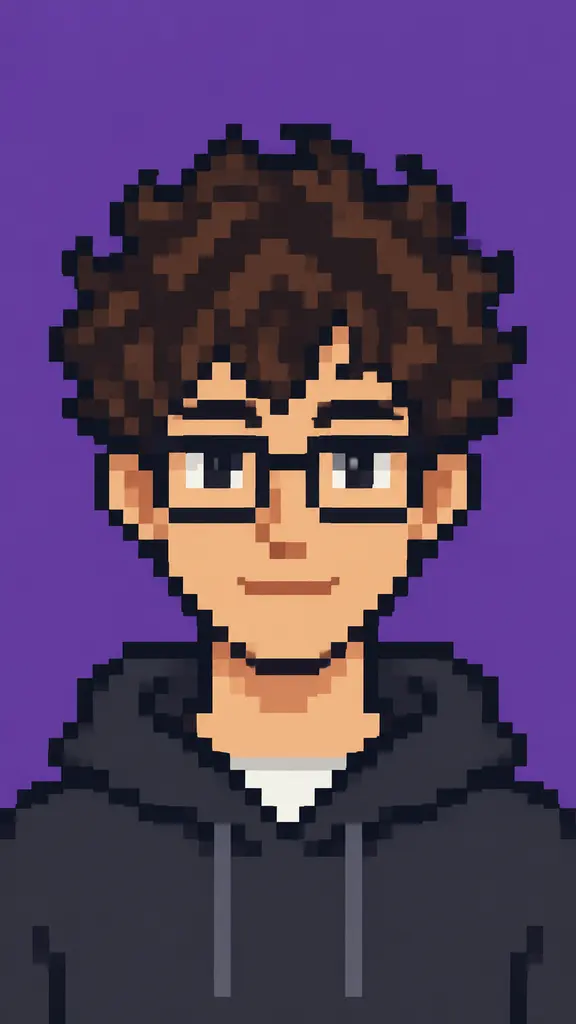
A chat-server avatar that reads at 32 pixels
Avatars are displayed tiny. A photograph turns to mush at that size, while a pixel portrait was designed for it: high contrast, a strong silhouette and no fine detail to lose. Render at 1:1 and the crop is already square.
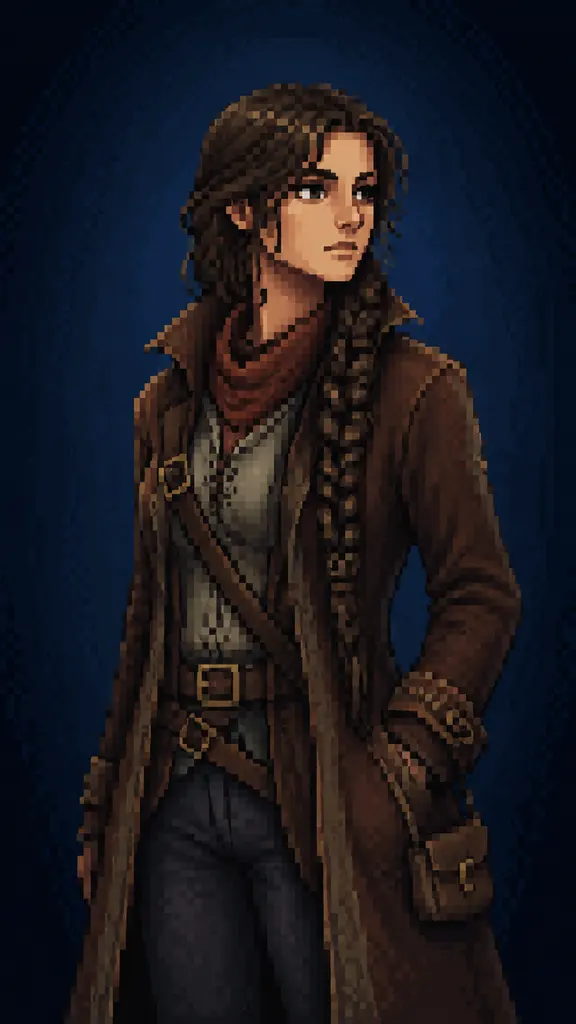
Key art for a small game page
An indie developer building a retro-styled game needs a character card for the store page before the art budget exists. One reference photo of the team's model returns a sprite-styled portrait that matches the game's look closely enough to sit above the description.
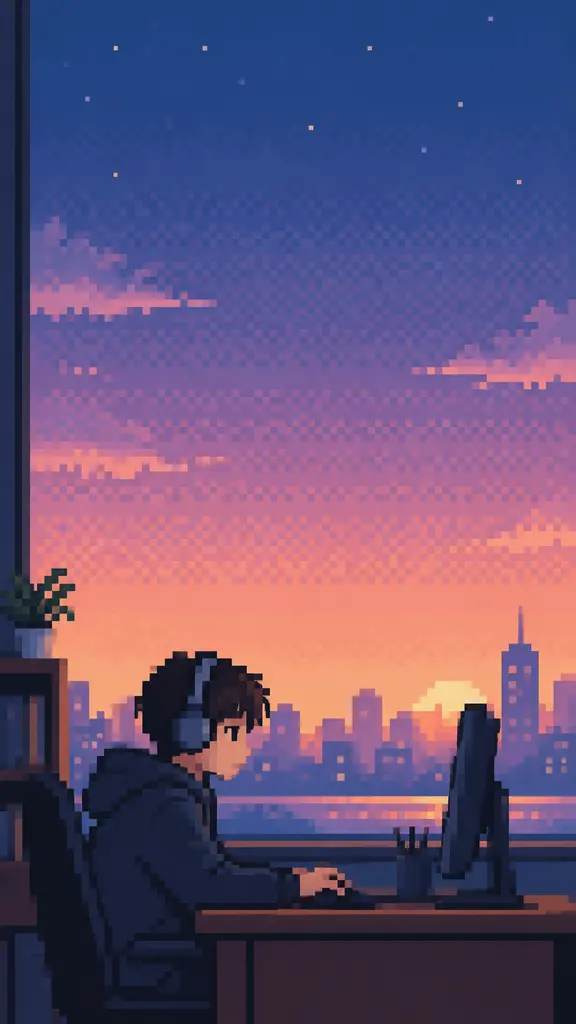
A stream overlay or channel banner
Streamers who run a retro aesthetic need the same face in the banner, the offline card and the alert graphic. A pixel version of a single headshot holds up across all three because the style survives resizing far better than a photograph does.
FAQ
Common questions
What is an AI pixel art generator?+
An AI pixel art generator converts a photo or a prompt into an image drawn in the pixel art style: a limited palette, square blocks aligned to one grid, hard aliased edges and dithered shading instead of gradients. It is a style transfer, not a downscale, which is why the result looks drawn rather than blurred.
Can I get a real 32x32 sprite I can drop into a game engine?+
No, and this is the honest limit of the template. What comes back is a full-resolution raster image that looks like pixel art, not an indexed sprite at a native low resolution. There is no sprite sheet, no separate layers, no animation frames and no guaranteed exact color count. Use the output as concept art or as an avatar, and redraw it in Aseprite or a similar editor when you need an actual game asset.
How many colors does the pixel art use?+
The template works toward a small palette in the range a sprite artist would choose, roughly sixteen to forty flat colors depending on the photo, but it does not hard-quantise to an exact number. If your project needs a fixed palette, export the result and convert it to indexed color with the palette you want in an image editor; the flat areas survive that step cleanly because they were already flat.
Why does my pixel art look blurry after I resize it?+
Because most software resizes with smooth interpolation, which averages neighbouring pixels and destroys the hard edges the style depends on. Scale pixel art with nearest-neighbor resampling and use whole-number multiples, so one art pixel becomes exactly two or exactly four screen pixels. Anything else leaves you with blocks of uneven width.
What photo works best for a pixel portrait?+
A tight, front-facing shot with even light and clear separation between the subject and the background. High contrast helps, because the style has few tones to work with. Full-body shots, group photos and busy backgrounds all work badly: at sprite scale a whole person is a few dozen pixels tall and the face disappears entirely.
What is the difference between this and the bead or block templates?+
They target different grids. This template is a screen-native sprite look, while Perler Bead Filter renders the same idea as physical fuse beads on a pegboard, with round beads and visible gaps. Minecraft Filter works in three dimensions instead, building the subject from cubes in a world. Start from a prompt instead of a photo on the image generator if you have no reference shot.
Other names for the AI pixel art generator
People arrive at this template from three directions. The tool words are ai pixel art generator, pixel art maker and pixel art converter. The input words are photo to pixel art, picture to pixel art and image to pixel art converter. The era words are 8 bit and 16 bit, which describe the console generations whose palette limits the style imitates. All of them end at the same place: one photo in, one sprite-style image out.
Turn one photo into a sprite
Small palette, one grid, hard edges. Free credits when you sign up.