Ken Burns Effect
The Ken Burns effect is the slow pan-and-zoom move documentary editors use to give a photograph screen time instead of letting it sit dead on the timeline. Upload one image and this template generates that move: a gradual push toward the subject, a drift across the frame, or both, steady enough to cut under narration.
Ken Burns Effect Template
Upload the largest copy of the photo you have. The move crops into the frame as it goes, so a 3000px scan survives a push that an 800px screenshot will not.
WHAT IT IS
A documentary move, applied to a photograph
The effect is named after the documentary filmmaker who made it a house style: rather than cutting to a static scan, the camera drifts across the picture and closes slowly on the part that matters, so a still holds the screen for eight or ten seconds without feeling stalled. Editors have done this by hand for decades with two keyframes and a crop, and the craft is in restraint. A move of more than about fifteen to twenty percent of the frame width starts to feel like a zoom rather than a drift, and it eats resolution: a push that ends at 120 percent needs a source at least 20 percent wider than your delivery format or the last frame goes soft. Direction matters as much as distance. Move toward what the subject is looking at, not away from it, and let the move settle a beat before the cut. This template generates the move rather than keyframing it, which is the trade: you get the drift, the settle and a little life in the grain without touching a timeline, but it is not a mathematically linear crop, and the engine may add small motion of its own to hair, water or cloth. If the shot needs a move to land on an exact pixel, keyframe it in your editor. If it needs to look like archive footage breathing, generate it. Old scans usually want a pass through photo restoration or the AI photo upscaler first, because a push magnifies dust and JPEG blocks along with the subject. For a move that ignores the still and animates the scene itself, see photo animation; for a pure straight-in push with no lateral drift, see Slow Zoom In.
- Push, drift, or both
- The move is either a slow closing on the subject, a lateral travel across a wide frame, or a diagonal that does both at once. Wide group shots and landscapes take the travel best; a single face wants the push.
- Resolution is the budget
- Every frame of a push is a crop of the source. A 4000px scan can lose 20 percent of its width and still fill a 1080p frame; a phone screenshot cannot. Upload the biggest file you have, not the one already sized for the web.
- Direction follows the eye
- A move toward what the subject faces reads as intention; a move away from it reads as a mistake. In a group photo, end on the person the narration is about, which means choosing your end point before you choose your speed.
- Generated, not keyframed
- The engine produces the move rather than interpolating two crop keyframes, so the path is smooth but not exact, and small ambient motion may appear in hair, foliage or water. For a frame-accurate landing point, do it in an editor instead.
USE CASES
Where a pan-and-zoom on a still earns its place
Three jobs that come up constantly and have exactly one solution: a photograph that has to hold the screen.
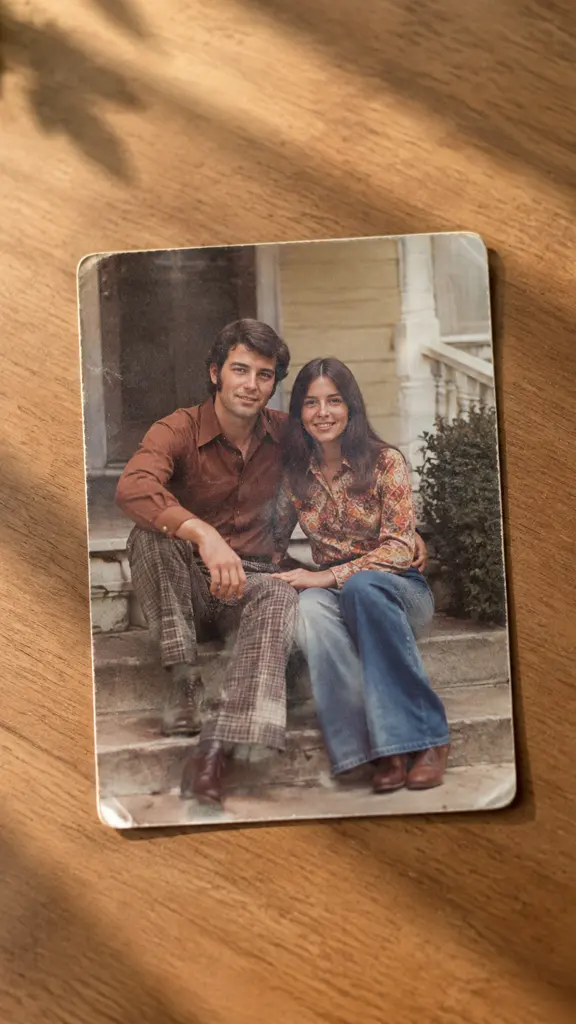
Family archive and memorial slideshows
A folder of scanned prints turns into a sequence that plays at a service or an anniversary. Each photo gets its own slow close on a face, so the room has time to look at it instead of watching a cross-fade race past.
Documentary and video-essay b-roll
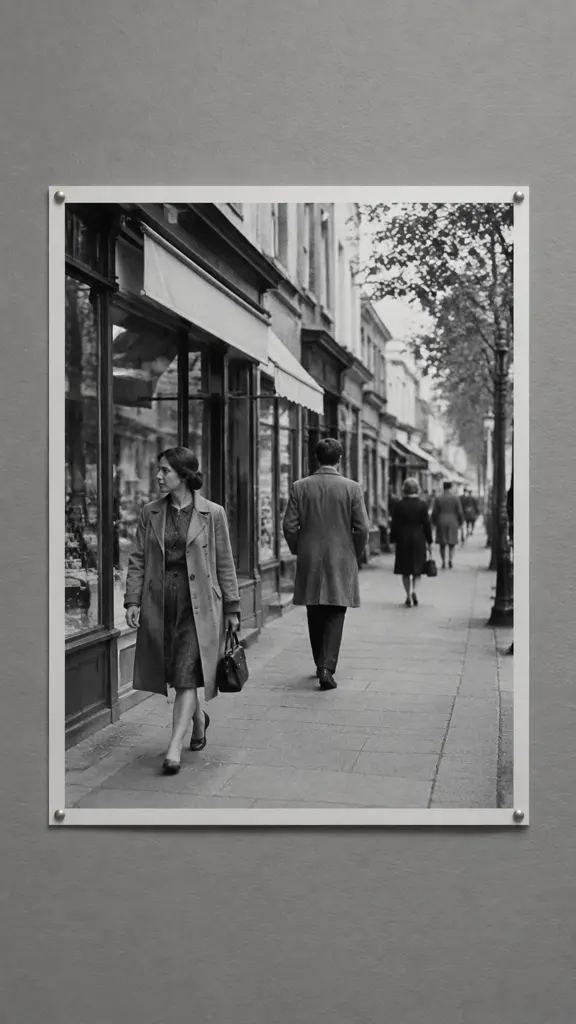
An interview runs forty seconds longer than the footage covering it. A period photograph with a slow drift across it fills the gap in a way a static insert cannot, and cuts cleanly on the settle at the end of the move.
Portfolio stills posted as vertical video
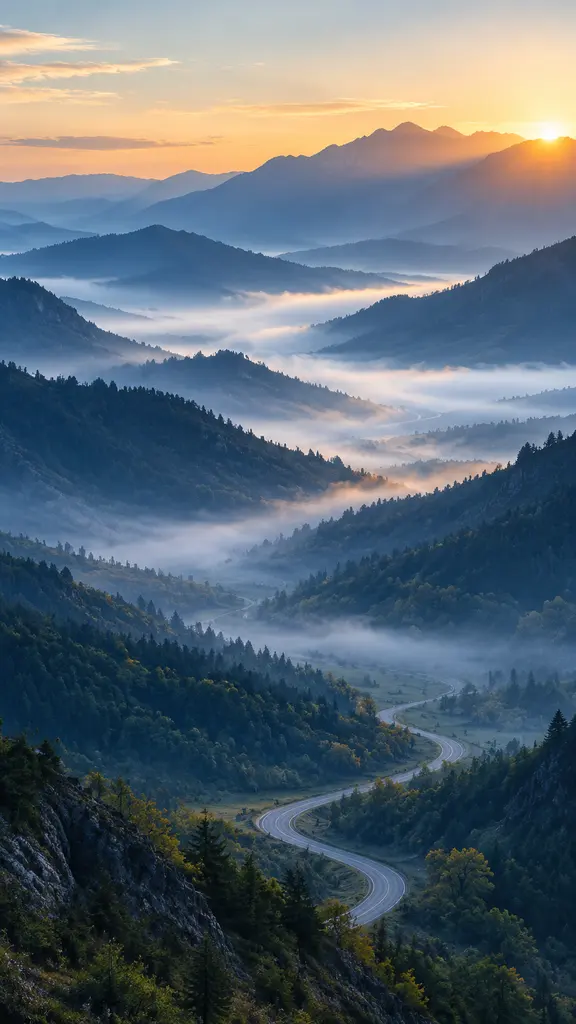
A photographer with a strong landscape frame and a feed that only rewards 9:16 uses the move to fill a vertical crop: start wide on the corner detail, close on the subject, and the still becomes a short clip without leaving the original composition behind.
FAQ
Common questions
What is the Ken Burns effect?+
The Ken Burns effect is a slow pan and zoom applied to a still photograph so it holds the screen like moving footage. It is named after the documentary filmmaker whose films made it standard practice, and in an editor it is built from two crop keyframes: a start framing, an end framing, and a slow move between them.
How do I add the Ken Burns effect to a photo?+
Upload the photo to this template and it generates the move for you: choose the clip length and aspect ratio, and the drift, the push and the settle at the end are produced in one pass. The manual route is to import the image into any editor, set a start and end crop, and ease the interpolation between them; that gives you exact control and takes about five minutes per photo.
What resolution does my photo need?+
For a 1080p delivery, aim for at least 2500 to 3000 pixels on the long edge. A push ends on a crop of the original, so a photo that only just fills the frame at the start will be soft by the end. If you only have a small file, upscale it first with the AI photo upscaler and keep the move shallow.
How long is the clip and what aspect ratios can I get?+
Most runs land at 5 or 10 seconds at 720p or 1080p, in 16:9, 9:16 or 1:1, which is the option set the underlying video models expose. Ten seconds is the length that suits a documentary drift; five feels rushed on a wide frame and about right on a single face.
Can I control exactly where the move ends?+
Not to the pixel. This is a generated camera move rather than a keyframed crop, so you steer it with the framing you upload and the subject you center, and the engine handles the path. When a shot has to land on an exact composition, for example a title card that needs a face in the lower third, keyframe it in an editor instead.
What kind of photo does this handle badly?+
Heavily compressed screenshots, low-resolution web images and scans with visible dust are the weak cases, because the push magnifies every artifact along with the subject. Group photos where the important face sits at the very edge are also awkward, since the move has to travel further than the frame comfortably allows.
Other names for the Ken Burns effect
Editors call it the Ken Burns effect; everyone else describes what it does. Some search for a pan and zoom effect or a slow zoom on a photo, some for how to make a picture move or how to turn a still into a video, and a few for photo animation, which is the wider family this belongs to. All of those searches end at the same move: a photograph with a camera drifting across it.
Give the photograph a move
One still, one slow push. Free monthly credits cover your first clips.