VHS Effect
The VHS effect is a set of specific recording faults, not a grain overlay. Half-inch tape held roughly 240 lines of horizontal detail, recorded color at a fraction of that, and added a mechanical wobble of its own. This template reproduces that stack so the picture degrades the way tape degraded.
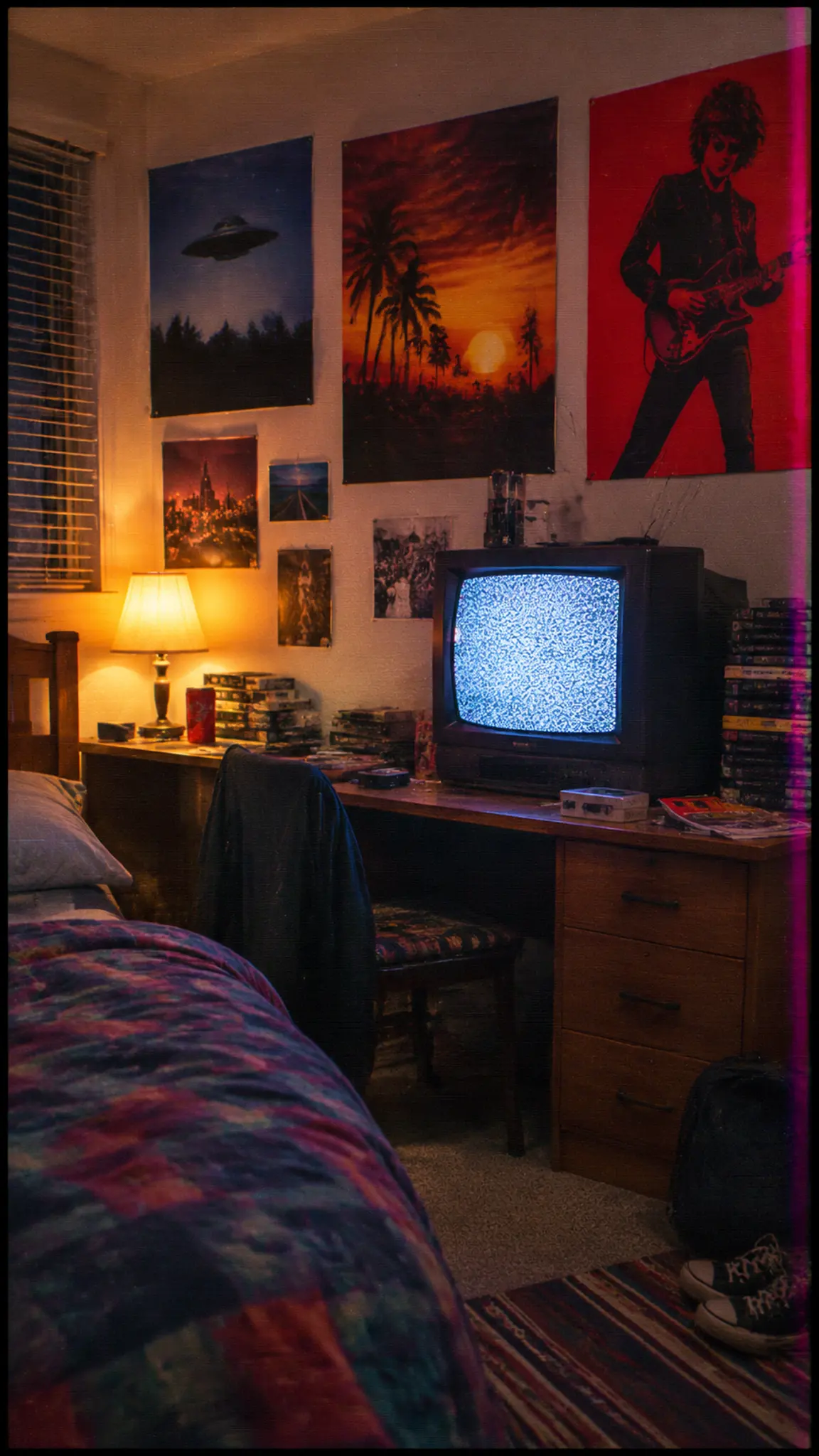
VHS Effect Template
Upload a photo you want rendered as tape footage. Interiors under tungsten light degrade most convincingly, because the effect is built around a narrow contrast range rather than a bright modern one.
WHAT IT IS
Six faults, stacked in the right order
Home video looked the way it did because of decisions made in 1976. VHS recorded a helical track on half-inch tape and, in practice, resolved somewhere around 240 lines of horizontal luma detail. Color was worse by design: the format used a color-under scheme that gave chroma far less bandwidth than brightness, which is why saturated reds and deep blues smear sideways past the objects they belong to. Everything else people recognize is mechanical. The video head switches near the bottom of the frame, leaving a torn band across the last handful of scan lines. The tape transport is never perfectly steady, so the top of the picture wobbles as the time base drifts. Worn oxide produces dropouts, the white horizontal streaks that flash through a well-loved cassette. And because the picture was interlaced, motion split into two fields captured a sixtieth of a second apart, which is what produces the comb teeth on a fast pan. Reproducing it convincingly means applying those in order: resolution loss first, then chroma bleed, then noise, then the mechanical faults on top. Doing it the other way round gives you a sharp picture with dirt on it, which is what most presets are. The last ingredient is generation loss. The look people picture is not a first-generation recording, it is a copy of a copy, so a convincing version is slightly further degraded than the original tape ever was. To apply this look to a shot rather than read about how it works, upload a photo or a clip to this template and it comes back on tape. For the opposite job, taking damage out of old footage and prints, see Photo Restoration. And for a clip that shows both states at once, Then vs Now Transition cuts between the degraded and the clean version of the same subject.
- Luma first, chroma worse
- Around 240 lines of horizontal detail for brightness, and far less for color. That imbalance is the core of the effect: the picture goes soft before it goes noisy, and color edges give up before shapes do.
- Head switching and time-base wobble
- A torn band across the bottom few scan lines where the video head changes, and a drift along the top edge as the transport speed varies. Both are mechanical faults, which is why they never sit still.
- Interlacing you can only simulate
- Tape recorded two fields a sixtieth of a second apart, so motion combs. An MP4 at 30 progressive frames can imitate those teeth but is not a true 480i file, and no export here is broadcast interlaced.
- Generation loss finishes it
- The remembered look is a third-generation dub, not a fresh recording. Pushing the degradation one step past what a new tape would show is what separates a convincing result from a clean picture with grain on it.
USE CASES
Where the effect is used as a signal, not a texture
Three cases where the tape look carries meaning that a color grade cannot.
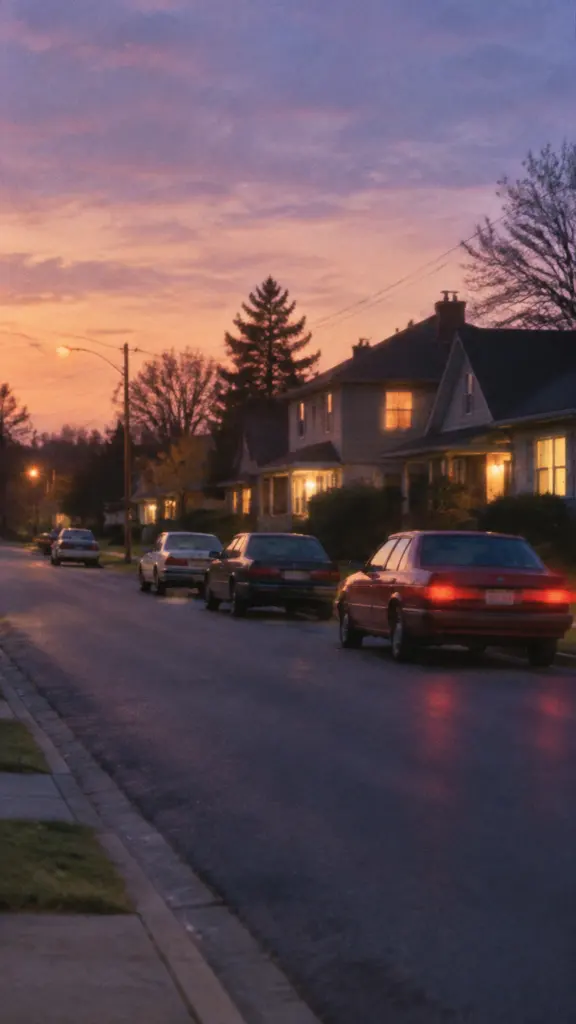
Establishing a time period in one frame
A story set before mobile phones can spend thirty seconds on production design or one second on the format. Audiences read tape artifacts as a date stamp, which is why period openers use them before any dialogue.
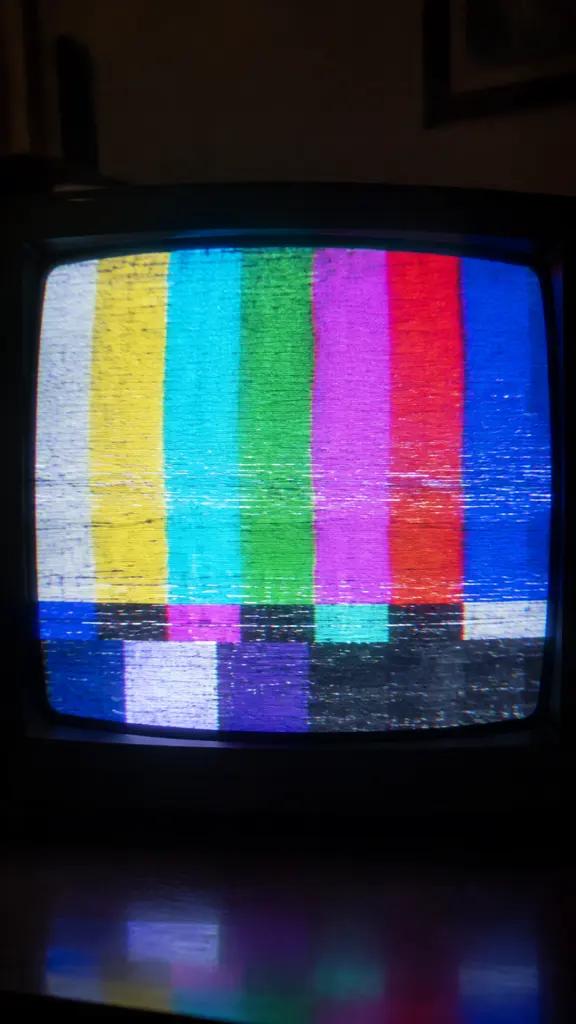
Music and art direction built on degradation
Slowed samples, tape hiss and a degraded picture belong to the same aesthetic, and running the visuals through matching artifacts keeps a release coherent across covers, loops and teasers.
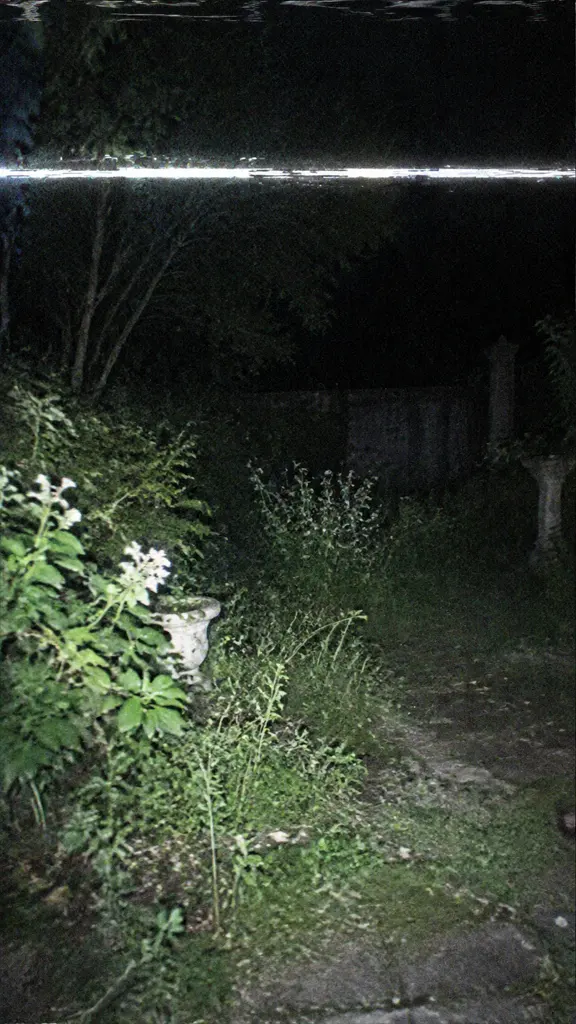
Recovered-footage storytelling
Dropout streaks and a torn bottom band imply a physical object that survived badly, which is what makes found-footage horror work. The faults have to be intermittent to be believed, since a constant fault reads as a filter.
FAQ
Common questions
What is the VHS effect?+
The VHS effect is the combined look of half-inch tape recording: roughly 240 lines of horizontal detail, color recorded at much lower bandwidth so it bleeds sideways, a torn head-switching band at the bottom of the frame, time-base wobble at the top, white dropout streaks and interlacing artifacts on motion.
How is the VHS effect made?+
In the right order: reduce luma resolution, then degrade chroma so color edges smear, then add tape noise, then layer the mechanical faults, head switching, wobble and dropouts, on top. Applying noise to a sharp picture without the resolution and color loss underneath is why most presets look wrong.
What is the difference between a VHS effect and a VHS filter?+
They describe the same artifacts from different ends. The effect is the phenomenon, what tape did to a picture and why. The filter is the thing you apply to get it: the same template, run on your own photo or clip.
Does this export a real interlaced video file?+
No. The comb teeth on motion are simulated inside a progressive MP4 at 720p or 1080p, not encoded as true 480i fields. If you need a genuinely interlaced deliverable for broadcast or for a hardware CRT workflow, this is not the right output and you would need a dedicated encode.
Why does my source photo not look right with the effect?+
Bright, high-contrast daylight images with clean digital blacks resist it, because tape had a narrow contrast range and shadows that never reached black. Interiors under tungsten light, mid shots and slightly cluttered frames degrade far more convincingly than a sharp outdoor portrait.
Can I get an identical look across a whole series of clips?+
Approximately, not exactly. Each generation produces its own noise pattern and dropout placement, so clips from different runs vary in the detail. For a series that has to match frame for frame you would apply a fixed look in an editor instead of generating each clip separately.
Other names for the VHS effect
People search for the VHS effect, the VCR effect, an old tape effect or a retro TV effect, and a few for glitch or tracking distortion when they mean one artifact rather than the whole set. The practical how-to version of the same request usually arrives as VHS filter, which is the companion page to this one.
Reproduce the tape, fault by fault
Resolution loss, color bleed, head switching and dropouts, in one generated clip.