Braces Filter
This braces filter fits metal brackets and an archwire onto the teeth in a photo you upload, following your actual tooth positions rather than swapping in a stock smile. It answers one question, what braces would look like on you. It is a cosmetic preview, not orthodontic advice.
Braces Filter Template
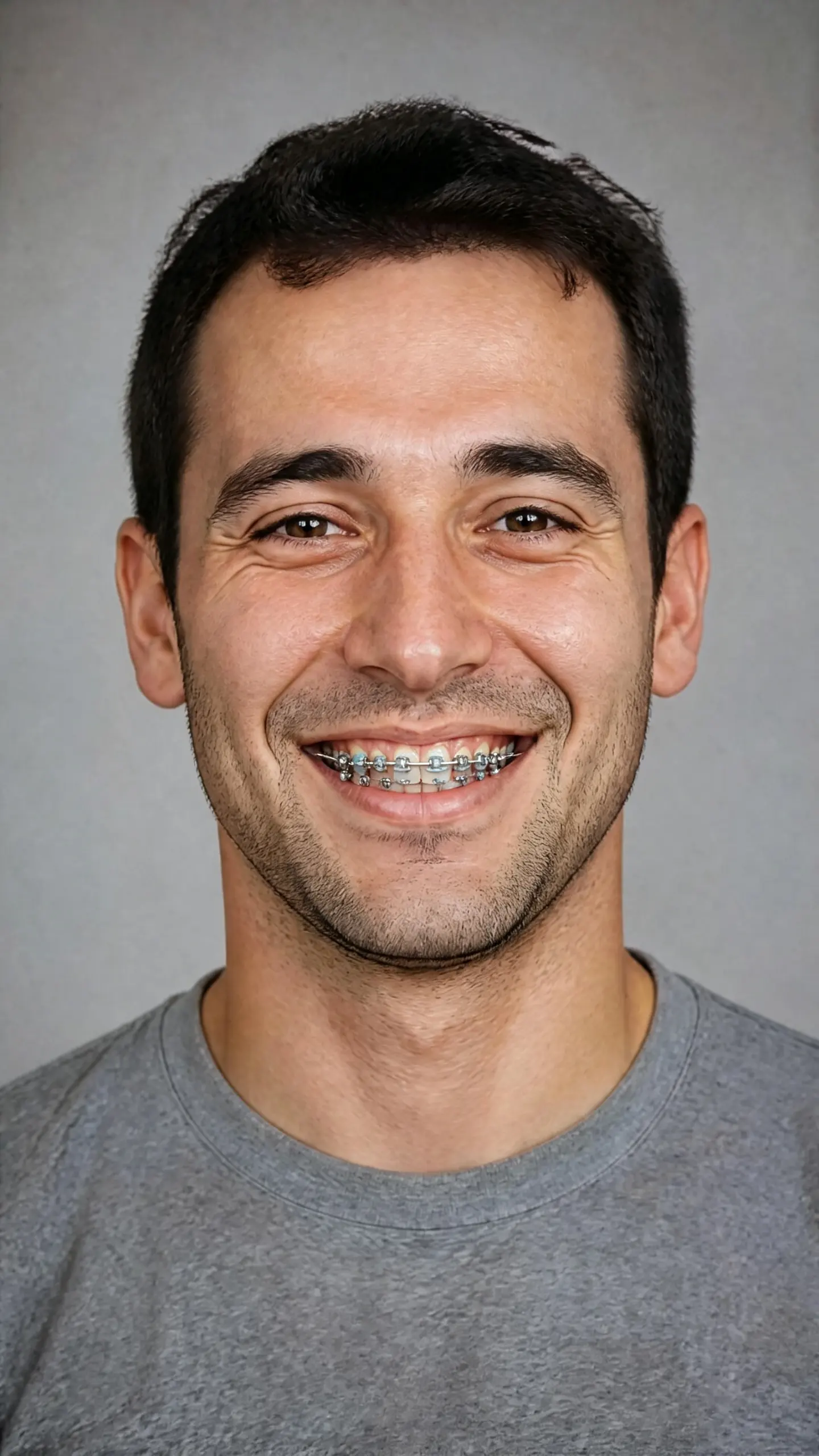
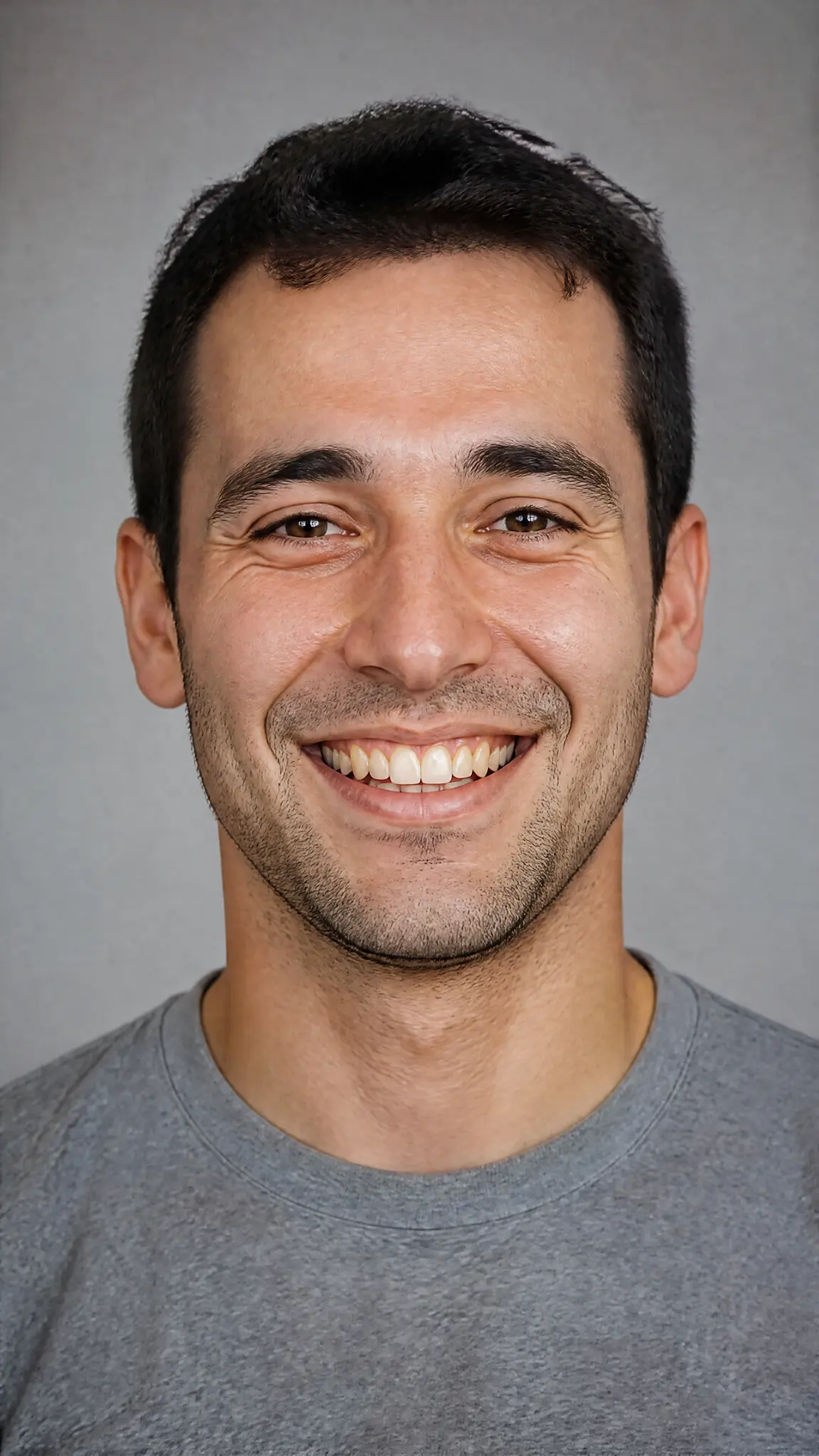
Upload a clear, front-facing photo with an open smile showing the upper teeth. A closed-mouth photo gives the filter nothing to work with.
WHAT IT IS
A preview of the hardware, not a prediction of the outcome
Most fake braces edits fall apart in the same place. The wire is drawn as a straight line across the mouth, and every bracket is the same size, when in a real mouth the archwire follows the curve of the arch and a bracket on a narrow lateral incisor is visibly smaller than one on a central incisor. This template treats that geometry as the job: brackets sized and placed per tooth, sitting slightly below the midline of each crown, joined by a wire that curves. Just as importantly, it leaves your teeth where they are. Real braces move teeth over months, so a preview that shows perfectly straightened teeth with hardware on them is showing you two things that never happen at the same time. What you get is day one, not month eighteen. It runs on the same face-editing pipeline as the bald filter and the buzz cut filter, which means the rest of the face, the lighting and the background are left alone.
- Fitted to the teeth you have
- Brackets are placed on your own tooth positions, including the gaps and the slight rotations. Nothing is straightened, whitened or reshaped, because the point is to see the hardware on your face rather than someone else's smile.
- The wire follows the arch
- A curved archwire with per-tooth bracket sizing is the difference between a preview and a sticker. Elastic ligatures catch the light differently from the steel, which is the detail that usually gives away a pasted-on edit at full size.
- An open smile is required
- The filter needs visible upper teeth. Closed-mouth portraits, three-quarter angles where the far teeth disappear, and low-light phone shots where the mouth is a dark band all produce weak results. Front-facing, well lit, teeth showing.
- Day one, not the end result
- This shows what braces look like on your current teeth. It does not model tooth movement, predict treatment length, or say whether braces are the right option for you. Those are questions for an orthodontist, not an image model.
USE CASES
Who runs a braces filter
Three reasons people put braces on a photo, only one of which is a joke.
Adults weighing it up privately
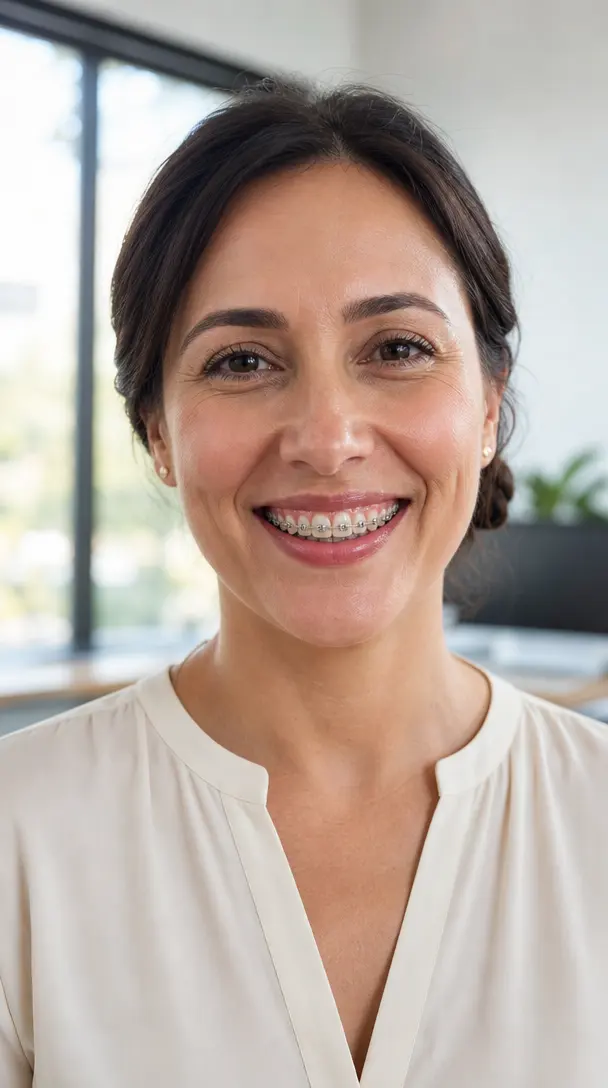
Adult orthodontics is common now, and the hesitation is usually about how it will look in meetings and photographs rather than about the treatment. Seeing your own smile with brackets on it settles that in a minute, before booking anything.
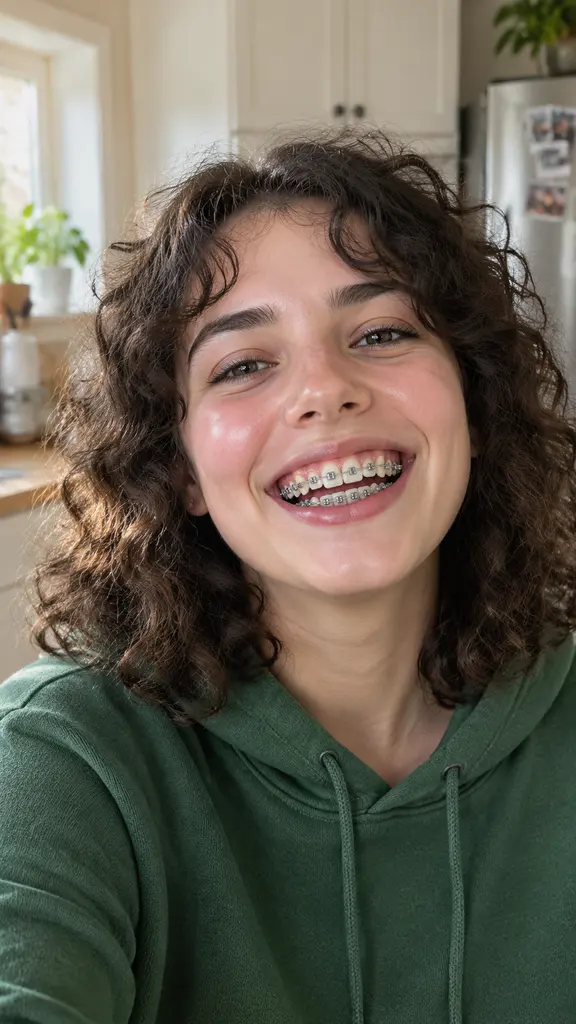
Teenagers about to get them
A first appointment is easier when the look is not a surprise. Running the filter on a recent photo turns an abstract eighteen months into something concrete, and it is often the first honest conversation about color bands.
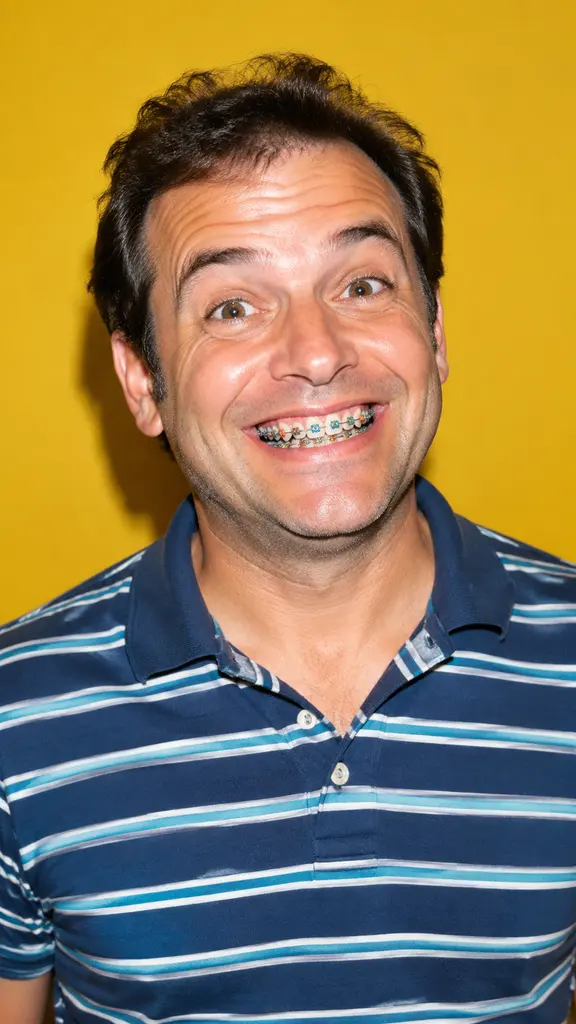
Costume, character and comedy
Braces read instantly as a specific age and era, which makes them useful shorthand for a character photo, a themed post or a school-reunion joke. Same pipeline, no clinical intent at all.
FAQ
Common questions
What is a braces filter?+
A braces filter is an image effect that adds orthodontic brackets and an archwire to the teeth in a photo, so you can see the hardware on your own smile. This one places brackets per tooth on your existing tooth positions and leaves the rest of the face, the lighting and the background untouched.
How do I see what I would look like with braces?+
Upload a front-facing photo with an open smile that shows the upper teeth, then generate. No prompt is needed. Photos where the mouth is closed, turned away, or lost in shadow are the main cause of poor results, because there is no tooth surface for the brackets to sit on.
Does the braces filter show what my teeth will look like after treatment?+
No. It shows braces fitted to your teeth as they are today. Straightening happens over months of real treatment and depends on your specific bite, so no image model can predict it. If you want an outcome projection, that is a scan and a clinical plan from an orthodontist, not a photo filter.
Is this orthodontic or medical advice?+
No. This is a cosmetic image preview for curiosity and for content. It does not assess whether you need braces, which appliance suits you, how long treatment would take or what it would cost, and it is not connected to any clinic, dental brand or aligner company. Talk to a qualified orthodontist for any of that.
Can I get clear or ceramic braces instead of metal?+
The template renders fixed metal brackets by default because they are the most visible and therefore the most useful preview. Ceramic brackets and colored elastics can be described in the prompt field alongside the template, though results are less consistent than plain steel. Clear aligner trays are close to invisible in a photograph, so previewing those visually tells you very little.
What photo works best for the braces filter?+
A sharp, front-facing photo in even light with a wide open smile, taken close enough that individual teeth are distinguishable. Avoid heavy beauty filters, strong backlighting and low resolution: if the teeth are already a soft white blur in the original, brackets will land on a blur. You can clean up a soft original first in the AI photo editor.
Other names for the braces filter
Half the searches are for the effect and half are for the question behind it. The effect words are braces filter, ai braces filter, virtual braces and add braces to photo. The question words are what would I look like with braces, and they arrive from people about to book a consultation rather than people making content. A third, smaller group wants fake braces for a costume or a character photo. The same template answers all three, with the same caveat: it shows the hardware, not the outcome.
Put braces on your own smile in one upload
A cosmetic preview of the hardware on your current teeth. New accounts start with free credits.