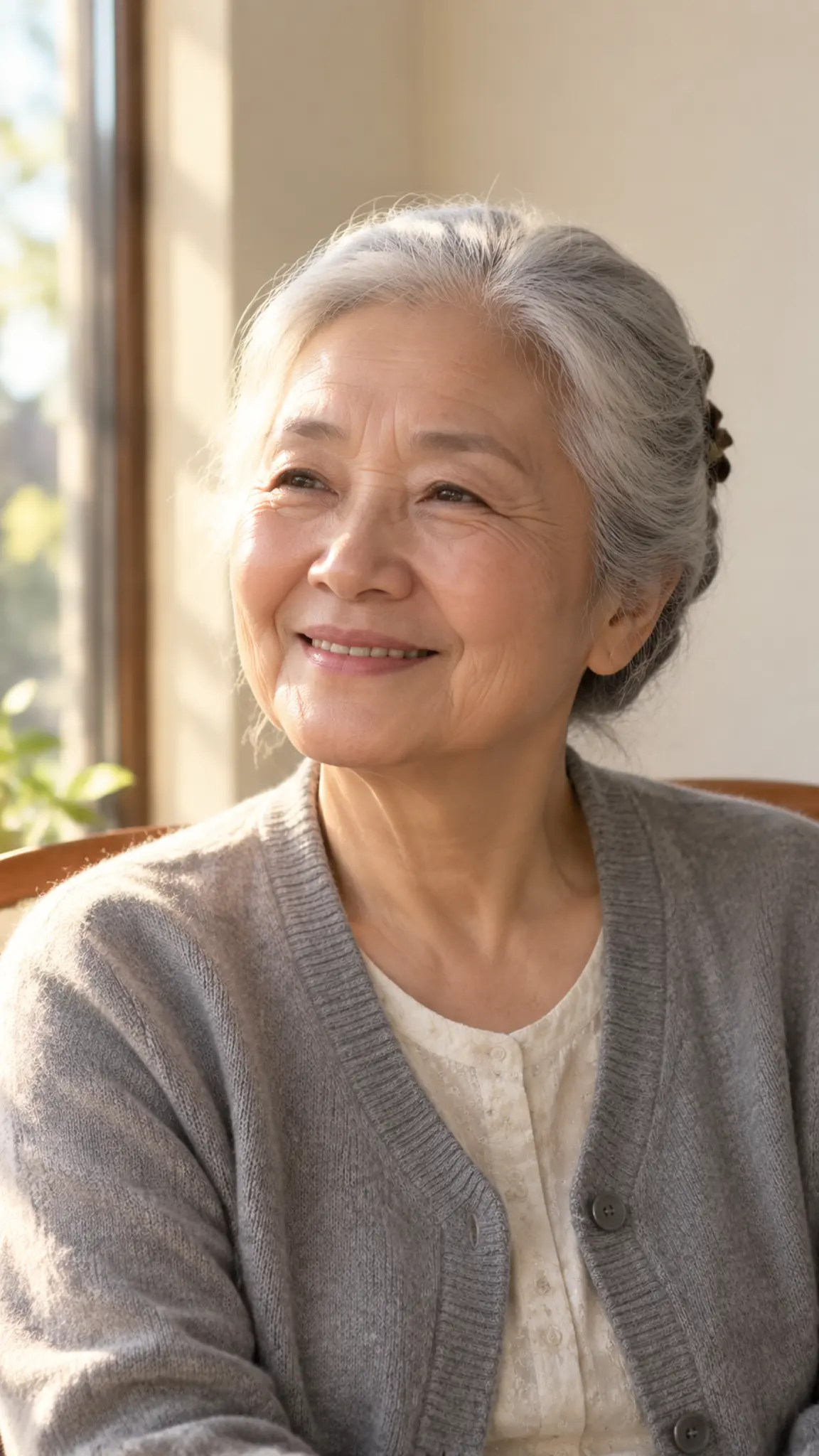
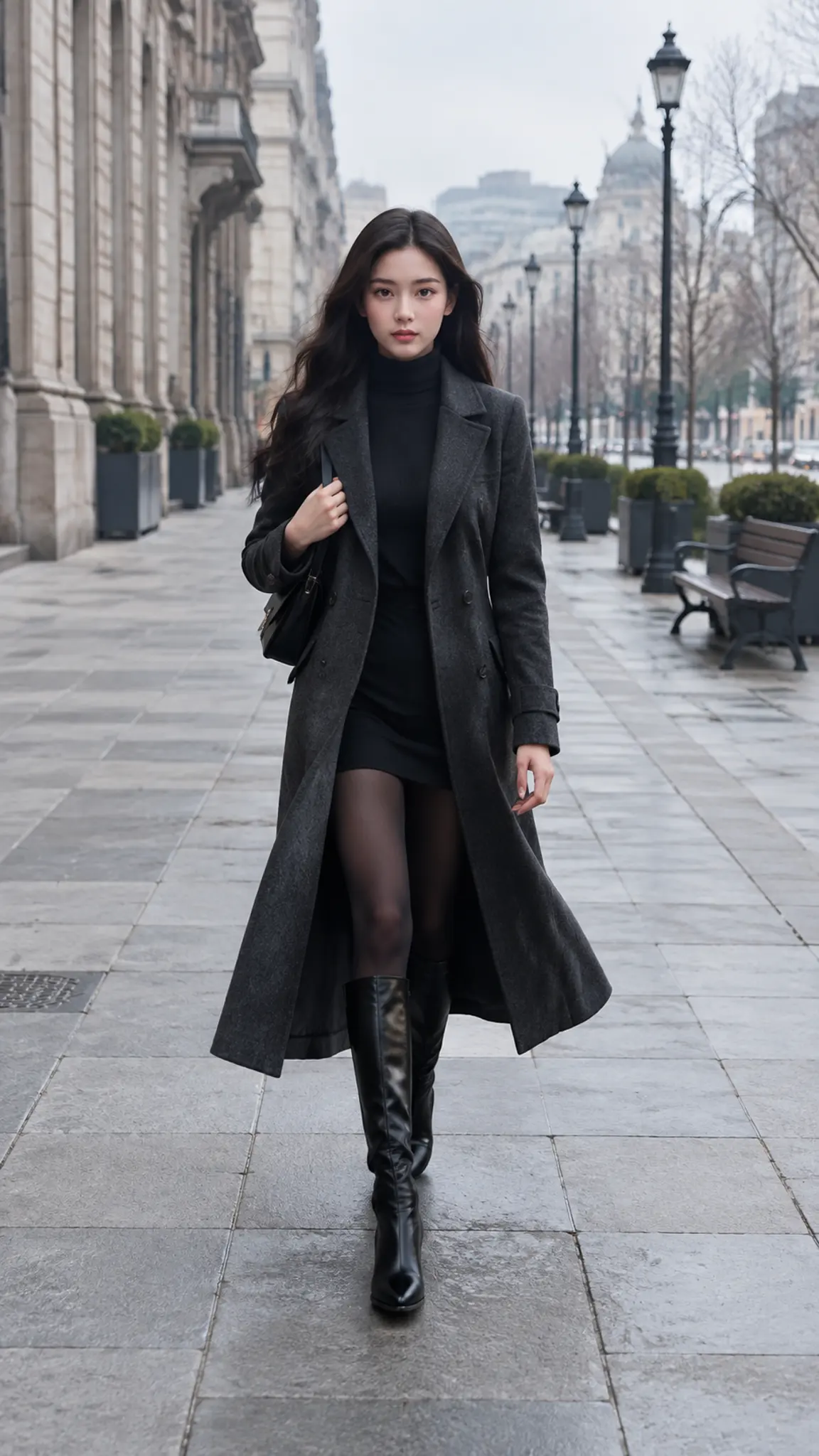
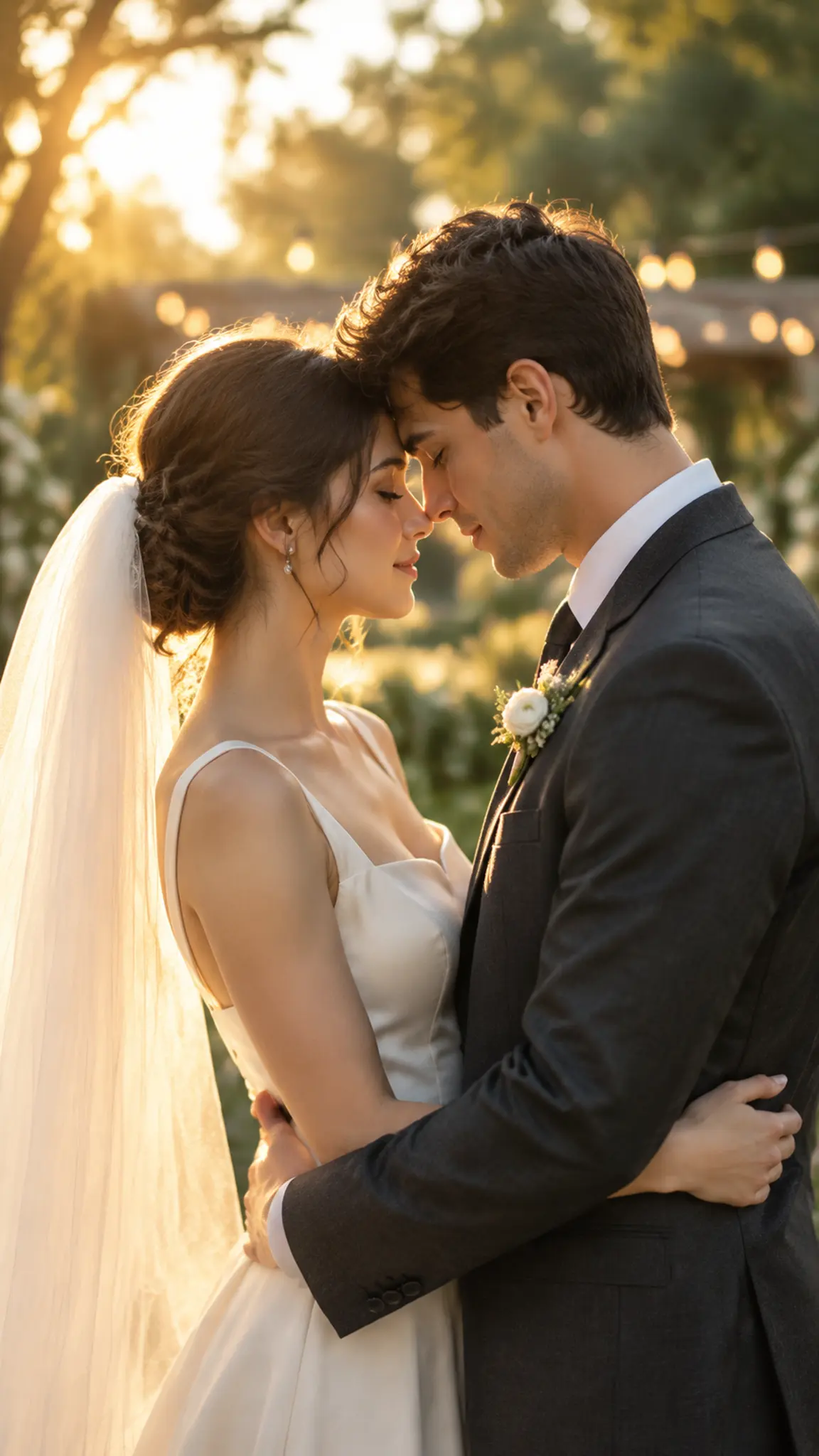
AI Sway Dance Effect
Upload one photo and the AI sway dance template animates the person in it doing the hip-sway dance from TikTok: weight shifting side to side, hips leading, arms loose, a smile on the beat. One photo in, a short vertical clip out, with the face and outfit kept from the picture. No filter to hunt for and no dance video to record.
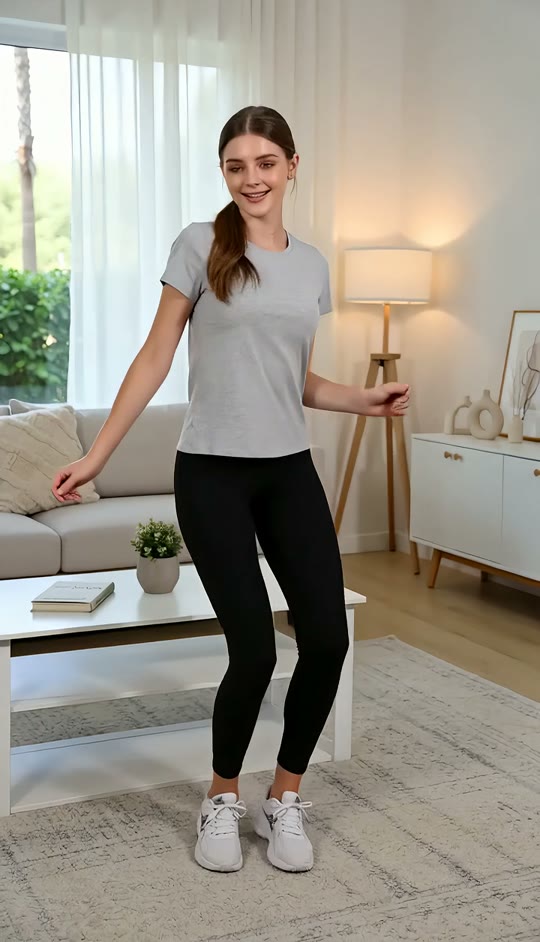
Sway Dance Template
Upload one clear photo of one person, full body or at least waist up, facing the camera with the arms visible and nothing in the hands.
WHAT IT IS
The AI sway dance effect, explained
The sway dance effect is the TikTok trend where a still photo turns into a short clip of the person swaying to the beat: weight shifting from hip to hip, shoulders following a half-beat behind, arms loose, a quarter turn to each side. On TikTok it shows up as an AI sway dance filter people search for and cannot always find, because the effect is not one filter but a family of image-to-video generations. This template is the effect as a one-photo generator. You upload a photo of one person and get back a short vertical clip of them doing the sway, with the face, hair and outfit kept from the picture and the background left where it was. The motion is fixed; that is what makes it the sway dance rather than a dance in general. If you want the person to perform a different routine, the AI dance generator takes the same photo plus any dance video you supply and transfers those moves instead. The tutorial part is short: choose a photo where the whole body, or at least the waist up, is in frame and facing the camera, keep the hands empty, pick the length in the workbench, generate, and add the song in the app you post to. The clip has no music of its own, which is deliberate, because the trend runs on whichever sound is current that week.
- One photo, one person
- The template animates a single person from a single photo. Full body or waist up, facing the camera, hands empty. If there are other people in the frame, crop them out first.
- The sway, not a random dance
- Weight shifts hip to hip, shoulders follow, arms swing loose, a quarter turn each way. The motion is fixed so the result reads as the trend people are searching for.
- Face and outfit kept
- Identity, hairstyle, clothing and the background come from the photo and stay through the clip. A sharp, well-lit, front-facing photo stays recognisable far better than a dark or side-on one.
- Vertical, short, no music
- A 9:16 clip a few seconds long, sized for TikTok, Reels and Shorts, with no soundtrack baked in so you can add whatever sound the trend is using this week.
USE CASES
Where the sway dance effect gets used
Three ways people use a photo that dances, from the trend itself to things the trend did not plan for.
Joining the TikTok trend
Upload a photo of yourself and post the sway with the sound everyone is using. It takes a minute and you never had to film a take, which is the whole appeal of the AI version of the effect.
A pet, a mascot or a character
The sway on a dog, a plush mascot or a game character is the version that travels. Upload a straight-on photo of the subject and the same motion applies, face and fur intact.
Old photos for a birthday post
A school photo or a holiday snap of the birthday person, swaying on the beat, lands better in the group chat than another card. Ask first if it is not your own photo.
FAQ
Common questions
What is the AI sway dance effect on TikTok?+
It is a trend where a still photo is turned into a short clip of the person swaying to the beat, hips leading and arms loose. The look comes from image-to-video AI rather than a single in-app filter, which is why searching for the sway dance filter inside TikTok does not always find it. This template makes the same effect from one photo.
How do I do the AI sway dance effect? A short tutorial.+
Pick a photo of one person facing the camera, full body or waist up, with the hands empty. Upload it to this template, choose the length in the workbench, and generate. Download the clip, open TikTok or Reels, add the sound the trend is using this week, and post. The whole thing takes a couple of minutes.
Is the AI sway dance filter free?+
A new account starts with free credits that cover a first clip, so you can try the template before deciding on a plan. After that each run spends credits according to the model, the length and the resolution, and the cost is shown before you generate.
What photo works best?+
One person, full body or at least waist up, facing the camera, in even light, with the hands empty and visible. Simple, fitted clothing holds together better than long flowing fabric. A phone, a drink or a bag in hand tends to warp once the arms start swinging, so put it down before the photo.
Can I use a different dance instead of the sway?+
Not in this template; the sway is the point of it. For any other routine, use the AI dance generator, which takes the same photo plus a 4 to 15 second video of someone doing the dance you want, and transfers those moves onto the person in your photo.
Does it work on pets, characters or a group photo?+
Pets and characters work, since the template keeps whatever face or fur is in the picture and applies the same motion. A group photo does not: the template animates one person from one photo, so crop to the person you want, or make separate clips and combine them in an editor.
Is the music included?+
No. The clip has no soundtrack, on purpose. The sway dance trend runs on whichever sound is current, and adding it inside TikTok or Reels is what makes the post join the trend. Download the clip and add the sound in the app you post to.
Other names for the AI sway dance effect
Searches for this effect come from TikTok, so they are phrased like filters: ai sway dance effect, ai sway dance filter, sway dance ai and, from Spanish and Portuguese speakers, ia sway dance filter. Tutorial phrasing covers ai sway dance effect tutorial and how to do the sway dance ai. A smaller group arrives from the dance side with photo to dance video or make my photo dance, and they usually want either this template or the AI dance generator, depending on whether the sway is the dance they had in mind.
Put your photo on the beat
One photo in, a short sway dance clip back. Add the sound in the app you post to.