Strike A Pose
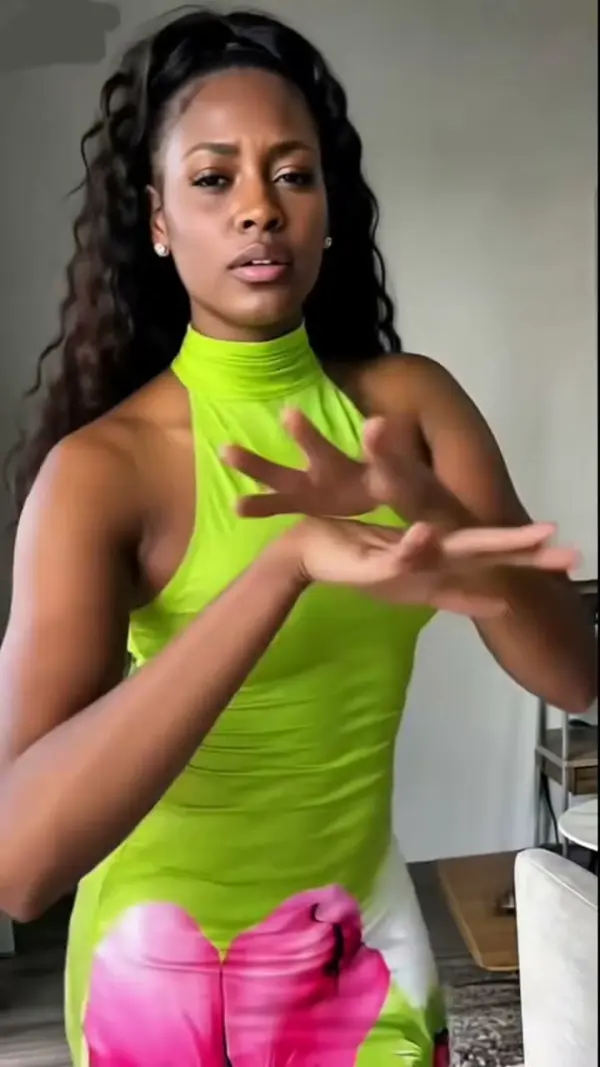
Strike a Pose takes one portrait and animates it into a short run of poses: a turn of the shoulder, a hand to the hip, a look away and back, the kind of sequence a photographer talks someone through in the first minute of a shoot. Your face, hairstyle and outfit stay as uploaded; what changes is the body language.
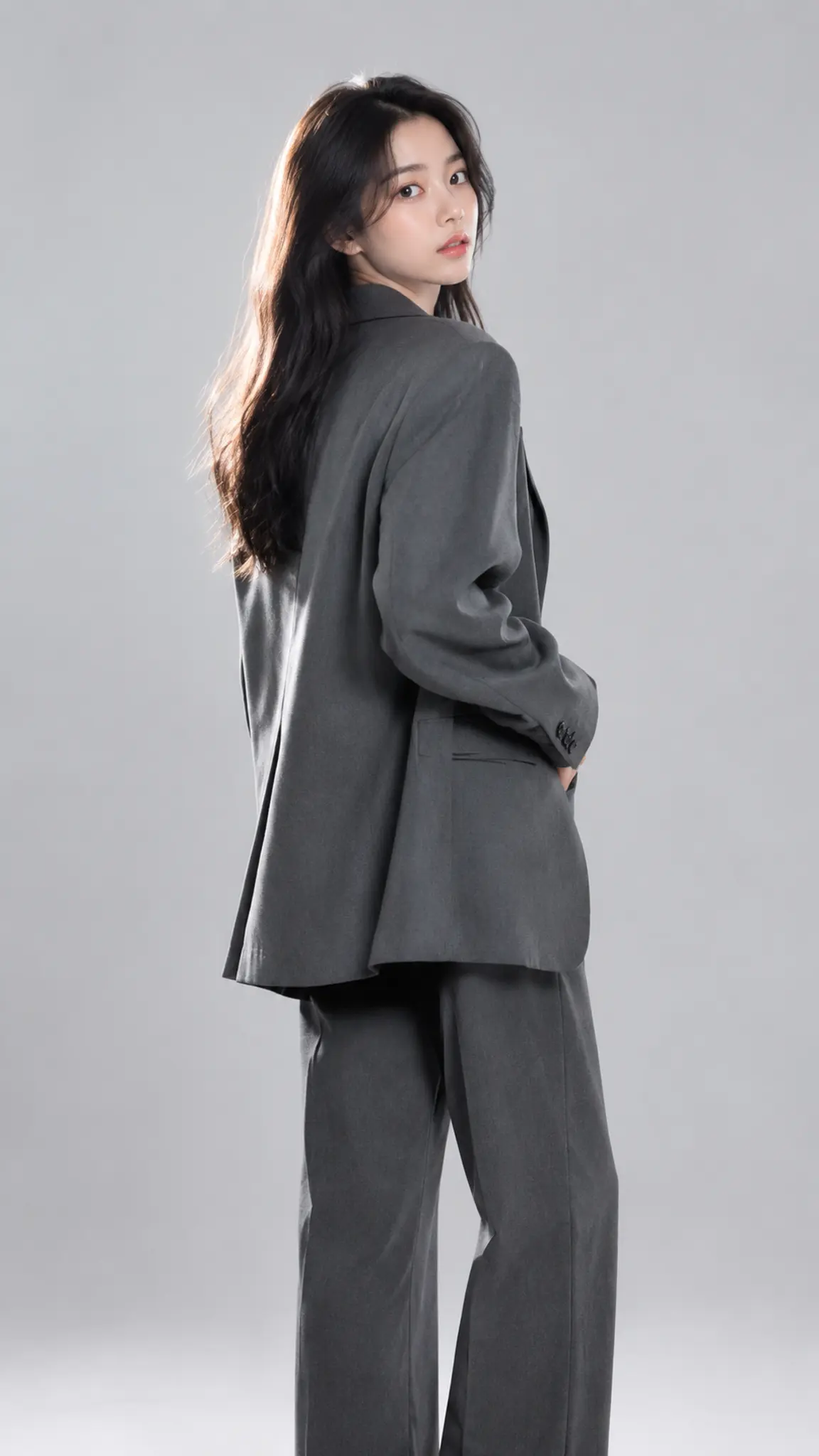
Strike a Pose Template
Upload a photo taken from the knees or waist up with your arms visible and not crossed. Hidden arms give the engine nothing to move, and a tight head crop leaves no body to pose.
WHAT IT IS
One frame, a sequence of poses
A still portrait shows one decision. A pose sequence shows a person moving between decisions, which is why the same outfit reads better in four seconds of movement than in four separate photos. This template generates that movement from a single upload: the subject shifts weight, turns through a three-quarter angle, changes where the hands sit, and settles. Two things decide whether it works, and neither is the model. The first is framing. Crop at the knees or lower and the engine has hips, arms and a floor line to work from, so the weight shift looks like weight; crop at the chin and it has to invent a body, and invented bodies change proportion halfway through the clip. The second is the pose you upload. Arms folded across the chest, hands in pockets, or a hand out of frame all remove the joints the sequence needs, and the result stiffens. Fabric with some weight to it, a coat, a wide trouser, a long skirt, sells the movement more than any prompt wording does, because cloth lag is what the eye reads as real motion. This is the moving counterpart to AI Pose Generator, which restages a pose as a new still image; use that when you want a photograph and this when you want a clip. If you need the poses copied exactly from a reference video rather than invented, that is a different job entirely and belongs to AI Dance Generator. For a full turn instead of a pose run, 360 Rotation circles the subject rather than moving them.
- Identity holds, body language changes
- Face, hairstyle and the clothes in the upload stay fixed for the whole clip. The template varies weight, shoulder line, head angle and hand placement, which is the part a still photo cannot show.
- Framing decides the result
- Knees-up or full-length gives the engine hips and a floor line to build a weight shift on. A head-and-shoulders crop forces it to invent the rest of the body, and invented bodies drift in proportion.
- Cloth is the tell
- A blazer, a wide trouser or a long skirt lags behind the body when it turns, and that lag is what makes movement read as real. Tight jersey and cropped athletic wear give the eye almost nothing to follow.
- Hands are the failure point
- Fingers are where pose generation still breaks. Poses that keep hands open and away from the face survive best; hands near the jaw, holding small objects or interlocked are the ones worth a second run.
USE CASES
Who needs a pose sequence rather than a photo
Three situations where a still is not enough and a full shoot is not worth it.
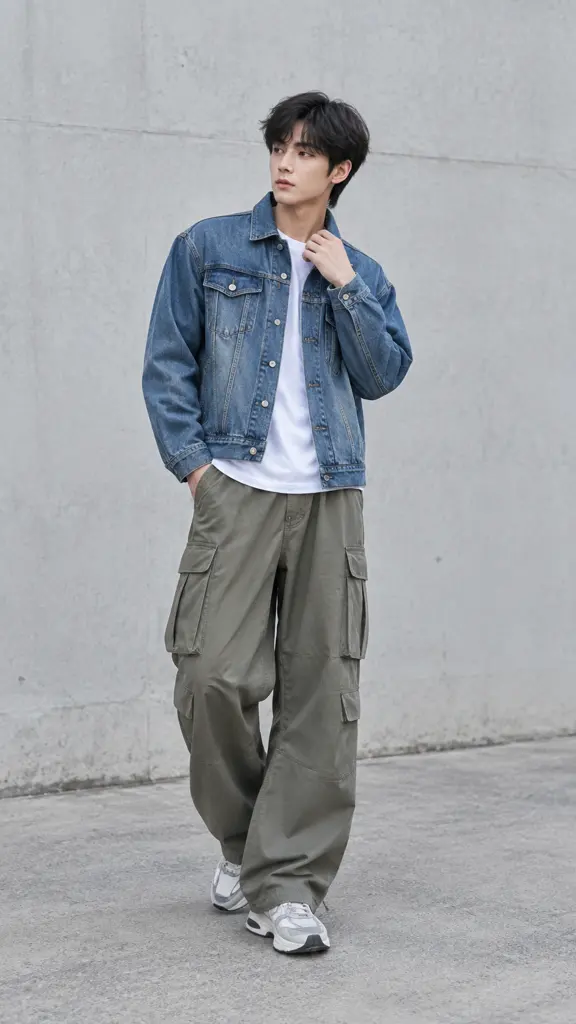
Outfit posts that need movement
A creator has one good photo of an outfit and a feed that buries stills. The pose run gives the same look four seconds of turning and shifting, which is enough to hold a viewer through the first beat of a Reel.
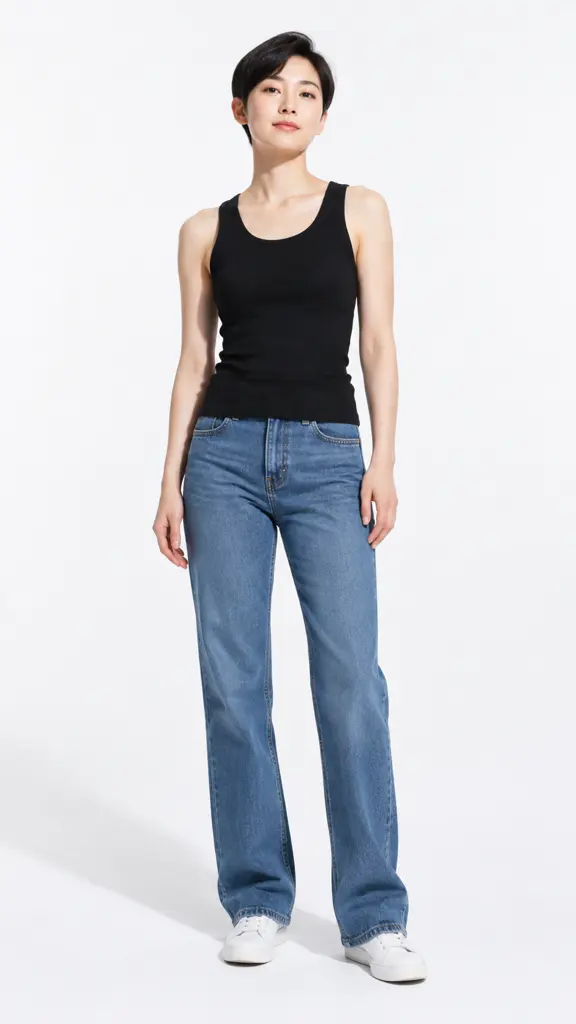
Model tests and casting reels
A new face has headshots but no movement footage, and agencies ask for both. A pose sequence built from an existing portrait shows posture and shoulder line without booking a studio for a fifteen-minute test.
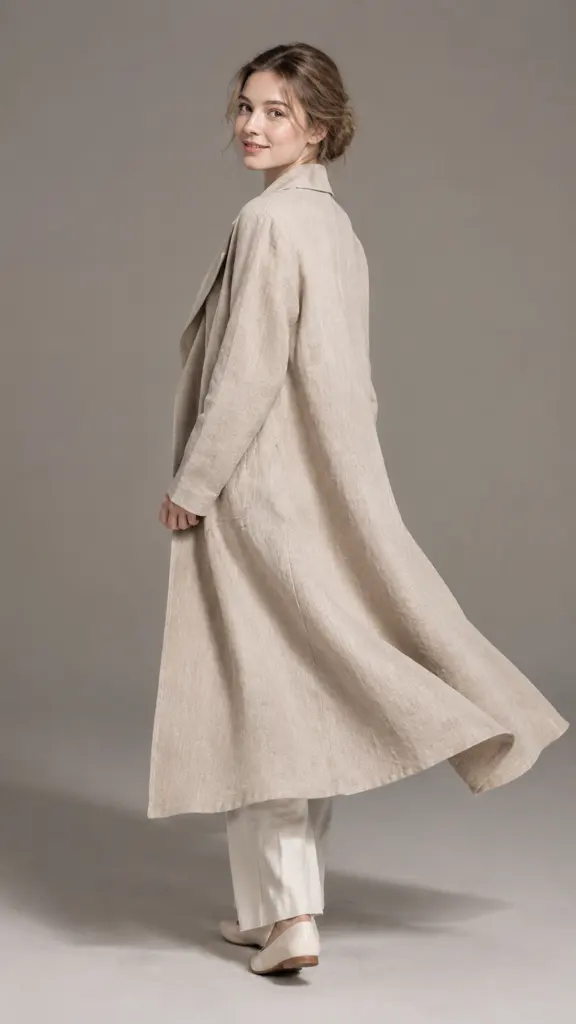
Product and apparel listings
A small label has flat-lay photography and one on-body shot per style. Animating that shot into a short pose run gives the listing a clip that shows drape and length, which is what returns are usually about.
FAQ
Common questions
What does the Strike a Pose template do?+
It turns one portrait into a short clip of pose changes: weight shifts, a shoulder turn, hands moving to and from the hips, and a settle at the end. The face, hair and outfit from your upload are held constant, so it reads as the same person in the same clothes moving through a shoot.
What photo should I upload?+
A knees-up or full-length photo, arms visible and not folded, in even light against a background that is not busy. Full-length works best because the engine can see hips and a floor line, which is what a believable weight shift is built from. Avoid photos where a hand is cut off by the frame edge.
How long is the clip?+
Runs typically land at 5 or 10 seconds at 720p or 1080p, in 9:16, 16:9 or 1:1. Five seconds fits two or three pose changes, which is usually the right density; ten seconds gives room for a slower sequence but asks more of the identity lock.
Can I choose the exact poses?+
Only loosely. The template generates a sequence rather than executing a named pose list, so you steer it through the starting pose and framing you upload rather than by specifying each beat. If you need one specific pose held as a photograph, AI Pose Generator restages a still instead.
Where does this fail?+
Hands and fingers first, especially near the face or holding an object. After that, tightly cropped head-and-shoulders uploads, poses the body cannot physically hold, and heavily patterned clothing where the print has to stay consistent through a turn. Loose fabric and open hands are the reliable cases.
Can I use the clip commercially?+
Yes, on photos you own or have permission to use. Because the template only animates the person in your upload, the same rule applies as to the original photograph: model release for anyone identifiable, and no photos of people who did not agree to appear.
Other names for Strike a Pose
People search for this by the action and by the outcome. The action words are strike a pose, posing video and pose animation; the outcome words are photo to video model, AI fashion video and outfit video maker. A separate group looks for how to make a photo pose, which is the same request phrased as a problem. This template answers all of them from a single upload.
Give the photo something to do
One portrait in, a run of poses out. Free monthly credits cover the first clips.