
Faceless YouTube Channel
A faceless YouTube channel needs five things: a script, a voice, visuals, captions and a thumbnail. This template covers the visuals, generating b-roll, object shots, scenes and openers from a prompt or a photo. It does not write the script or speak the words, and it is worth knowing that before you plan a workflow.

Faceless YouTube Channel Template
Upload a reference photo when a shot needs a specific object, room or product; otherwise describe the shot and generate it. No face is needed anywhere in the process.
WHAT IT IS
What this covers, and what you still have to do yourself
Faceless channels are a production problem before they are a creative one. A ten-minute explainer needs eighty to a hundred and twenty shots; a sixty-second short needs eight to twelve at five to eight seconds each, and finding that much footage is what kills most channels by week three. Generating it is the part LazyKiwi is useful for: hands-only demonstrations, object and product shots, establishing scenes, atmospheric loops and animated openers, all without a person on camera. Video models here output roughly 5 or 10 seconds a clip at 720p or 1080p in 16:9 or 9:16, with one model able to run to 60 seconds in a single job at lower resolution. Now the honest half. There is no text-to-speech in LazyKiwi today, no automatic subtitle track, and no pipeline that takes a script and returns a finished multi-shot video with narration attached. You write the script, you record or source the voice, and you cut the shots against it in an editor where you also add captions. Anyone promising a whole narrated episode from one prompt is describing a different product. What this does replace is the stock library and the shooting day: instead of searching for a clip that nearly matches your line, you generate the one you actually described. Start from the template library for ready-made looks, set titles and hooks with Animated Text Generator, build the click frame with AI Thumbnail Maker, and generate individual shots from text in the video generator. LazyKiwi is not affiliated with YouTube or Google, and the platform's own policies on original content apply to anything you upload.
- We make the picture
- B-roll, hands-only demonstrations, object and product shots, establishing scenes, atmospheric loops and animated title cards. Everything a faceless format needs on screen, generated rather than sourced from a stock library.
- No voice, no captions, no auto-edit
- There is no text-to-speech, no automatic subtitle generation and no script-to-episode pipeline here today. Narration, subtitles and the final assembly happen in your own editor with your own voice or a separate tool.
- Shot maths, before you commit
- A sixty-second short is eight to twelve shots; a ten-minute video is eighty to a hundred and twenty. Plan the clip count first, because that number decides your credit spend far more than resolution does.
- Formats that never need a face
- Lists and rankings, explainers, history, product demonstrations shot at the hands, ambient and study loops, quote channels. These work faceless because the value sits in the information or the atmosphere.
USE CASES
Three faceless formats and the footage they need
What each format actually asks for, which is usually the deciding factor in whether it is sustainable.

List and explainer channels
Ten items, ten shots, one narration track. The footage rarely needs to be literal, so a generated establishing scene per item is enough, and the same visual grammar repeats every episode.

Ambient and study loops
A long, quiet scene with no narration at all, where retention comes from the picture rather than the script. These are the cheapest faceless videos to run because one strong loop carries an hour of audio.
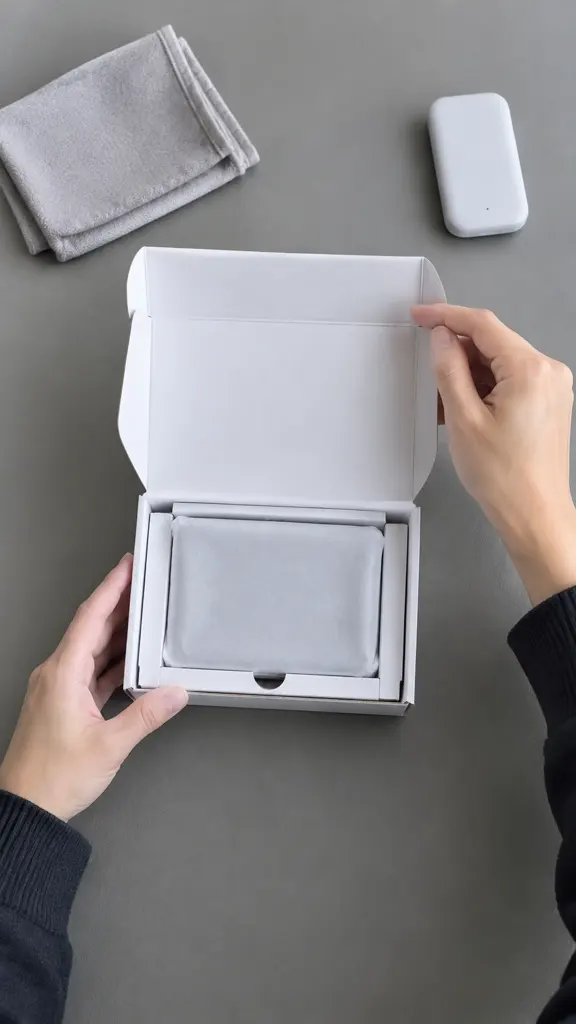
Hands-only demonstrations and reviews
The camera stays above the desk and only hands enter frame, which keeps the channel faceless while still showing a product being used. Generated object shots fill the gaps where you have no footage of the item.
FAQ
Common questions
How do I start a faceless YouTube channel?+
Pick a format that does not need a presenter, lists, explainers, ambient loops or hands-only demonstrations, then write the script, record or source narration, generate the visuals shot by shot, and assemble them in an editor with captions. The production bottleneck is footage, which is the part this template removes.
Does LazyKiwi generate the voiceover?+
No. There is no text-to-speech here today, so narration comes from your own recording or from a separate voice tool. This is the single most common assumption about faceless-video products and we would rather state it plainly than let a workflow break halfway through.
Does it add subtitles or captions automatically?+
No. There is no automatic transcription or subtitle track. Captions are added in your editing app or by your platform's own auto-caption feature, and burning them in yourself is usually better anyway because you control line breaks and where the text sits in frame.
Can it turn a script into a finished video in one step?+
No. There is no pipeline that reads a script, splits it into shots, generates each one and cuts them to narration. You generate clips individually and assemble them yourself, which takes longer but leaves you in control of pacing, order and which shots get reused.
How many clips does a faceless video need?+
Roughly eight to twelve for a sixty-second short at five to eight seconds a shot, and eighty to a hundred and twenty for a ten-minute video. Plan that number before you start generating, because clip count decides cost far more than resolution or aspect ratio does.
Can a faceless channel be monetised?+
Yes, provided the videos carry original value rather than repackaged material, which is the line platform policies actually police. Generated footage under your own script and narration is treated as your work; a slideshow of other people's clips with a synthetic voice over it is the version that runs into trouble.
Other names for faceless video content
The same plan is searched as a faceless YouTube channel, faceless videos, cashcow channels or automated channels, and by newer creators as how to make videos without showing your face. The requests differ in tone but not in substance: a format where the value is carried by information, atmosphere or a pair of hands rather than by a presenter.
Generate the footage, keep your voice
Shots, scenes and openers for a channel with nobody on camera.
Related templates
 Video
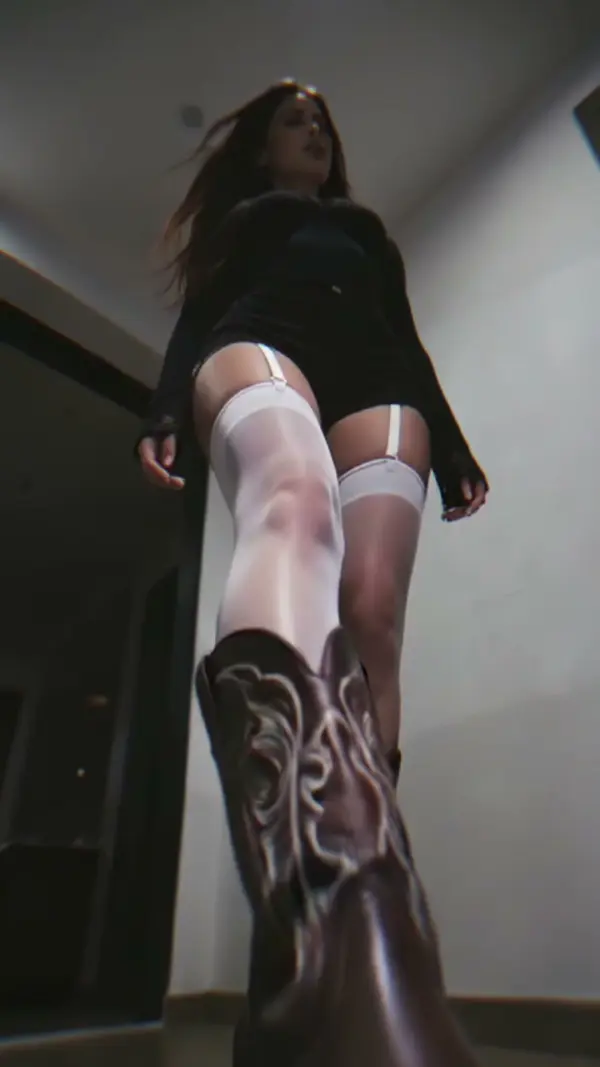
VideoBadass Cam: A Low Angle Shot That Steps on the Camera
 Video
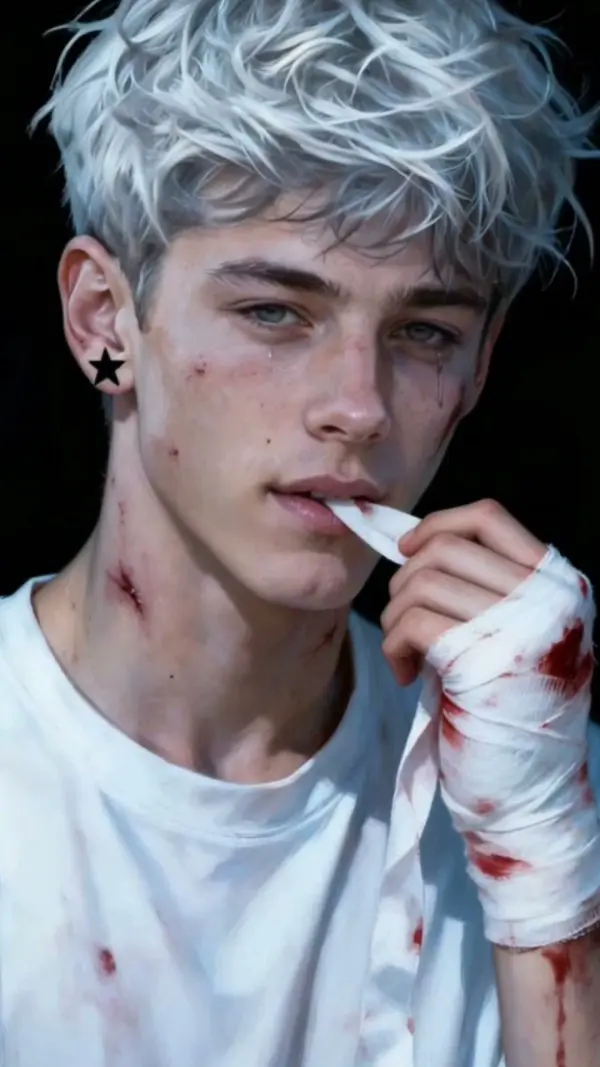
VideoLive2D Motion: Live2D Animation From a Single Image
 Video
VideoGGEZ Hand Dance: A Hand Dance Video With Cat Ears, From One Photo
 Video
VideoTender Drama Burst: The Gun Pointing Meme That Never Fires
 Video
VideoBrazilian Walk Dance: the two-person Brazilian dance routine, from one photo
 Video
Video