Pull A Dramatic Zoom-Out Effects
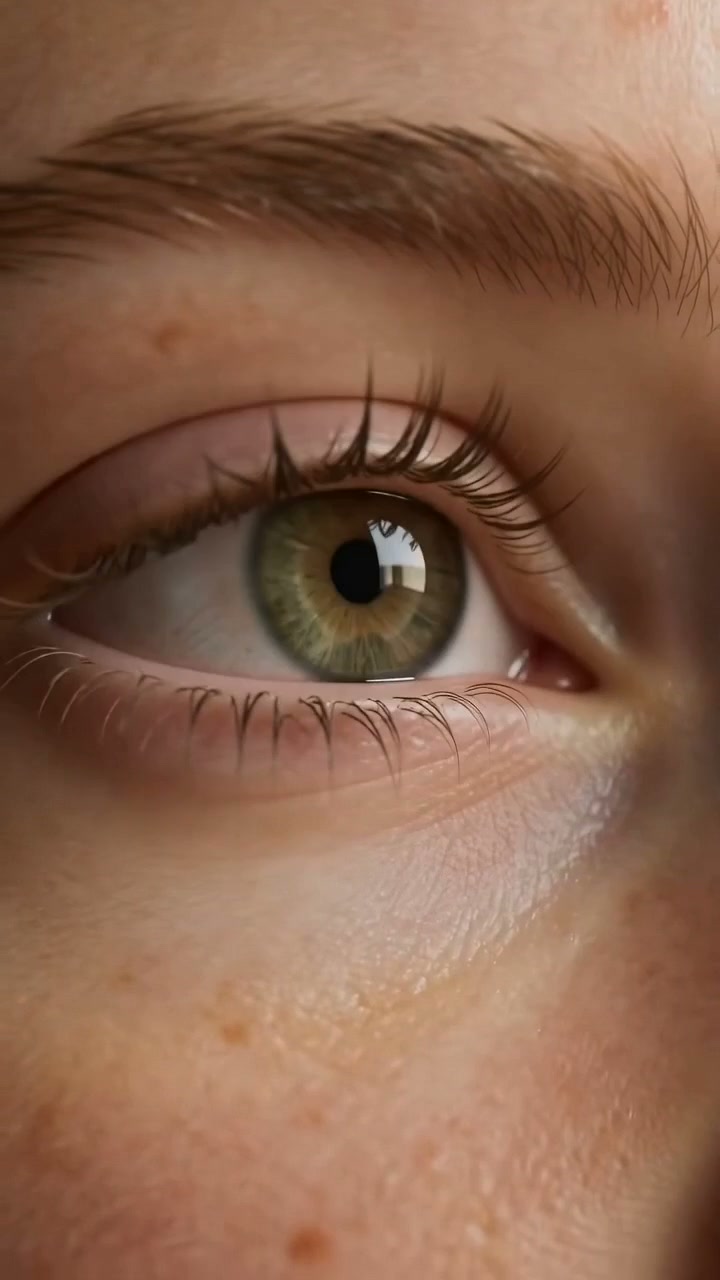
The Zoom Out effect starts from a tight close-up and smoothly pulls back to reveal the full scene, creating a dramatic and eye-catching reveal. Perfect for product launches, outfit transitions, action shots, and social content on TikTok, Reels, and Shorts. Pull a dramatic zoom-out that reveals the bigger scene. Free AI video effect, create it in seconds in LazyKiwi AI video generator.
WHAT IT IS
How a Big Zoom-Out Reveal Works
Zoom Out works by starting on a tight, intriguing detail and then pulling back to reveal a wider context. The contrast between the initial crop and the full scene creates visual impact, surprise, and a sense of scale that instantly hooks viewers and holds attention. The reveal reads best with steady motion. scroll-stopping effect videos breaks it down, and it also runs well on Veo 3.
A tight, detail-focused start
Start with a high-resolution frame of a key subject or detail, leaving ample surrounding content to explore as the frame expands.
A stationary anchor point
The main subject stays still and centered, acting as a visual anchor that grounds the eye while the world grows around it.
Smooth, accelerating reveal
Movement starts slowly then speeds up with ease-out interpolation, creating a polished, cinematic pull-back that emphasizes depth and scale.
Hooks with scale and surprise
The expanding view surprises viewers and keeps them watching until the full scene is revealed, ideal for product teasers, travel, and before-and-after clips.
CREATOR USE CASES
Application Scenarios
See how creators apply the Zoom Out effect across different channels to craft stronger visual hooks.
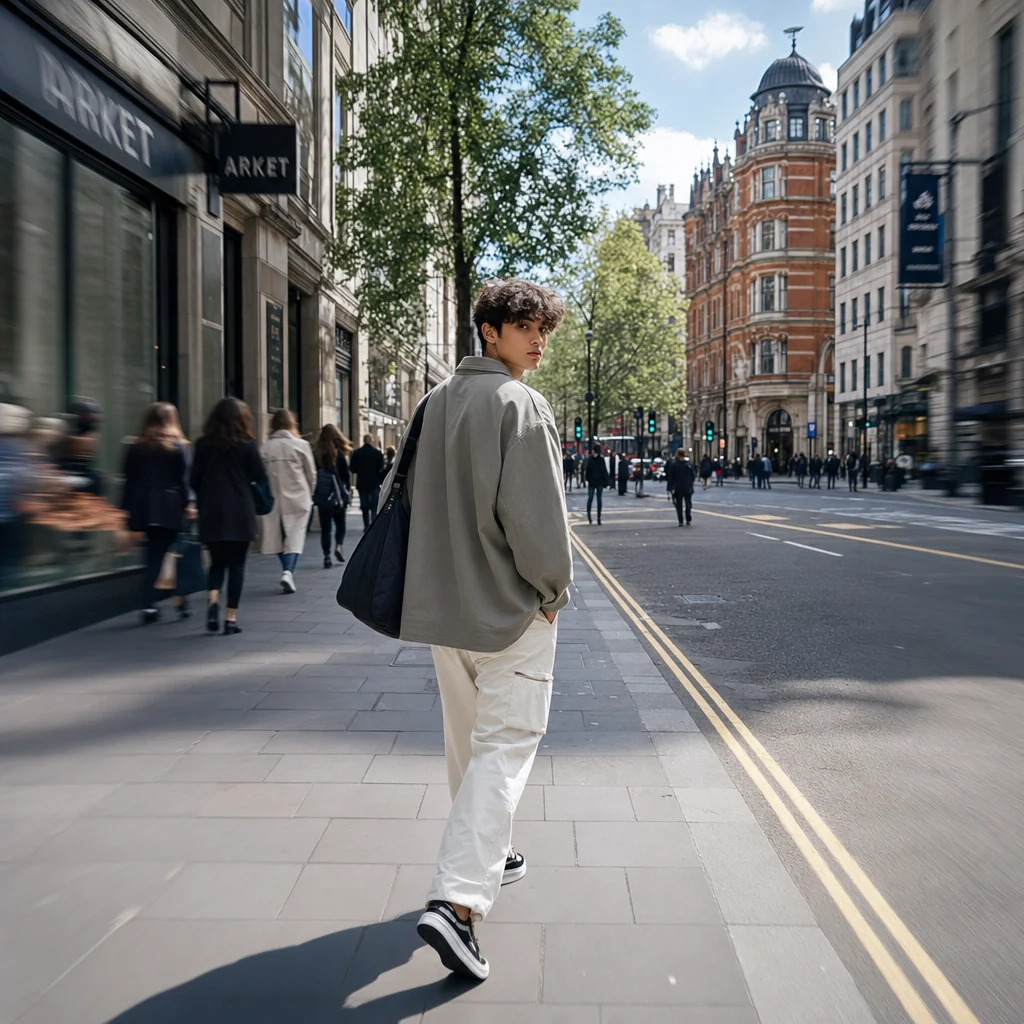
Street Style Freeze Frame
A casual walk pauses into a pulled-back scene, turning a simple street moment into a tight short-video opener.
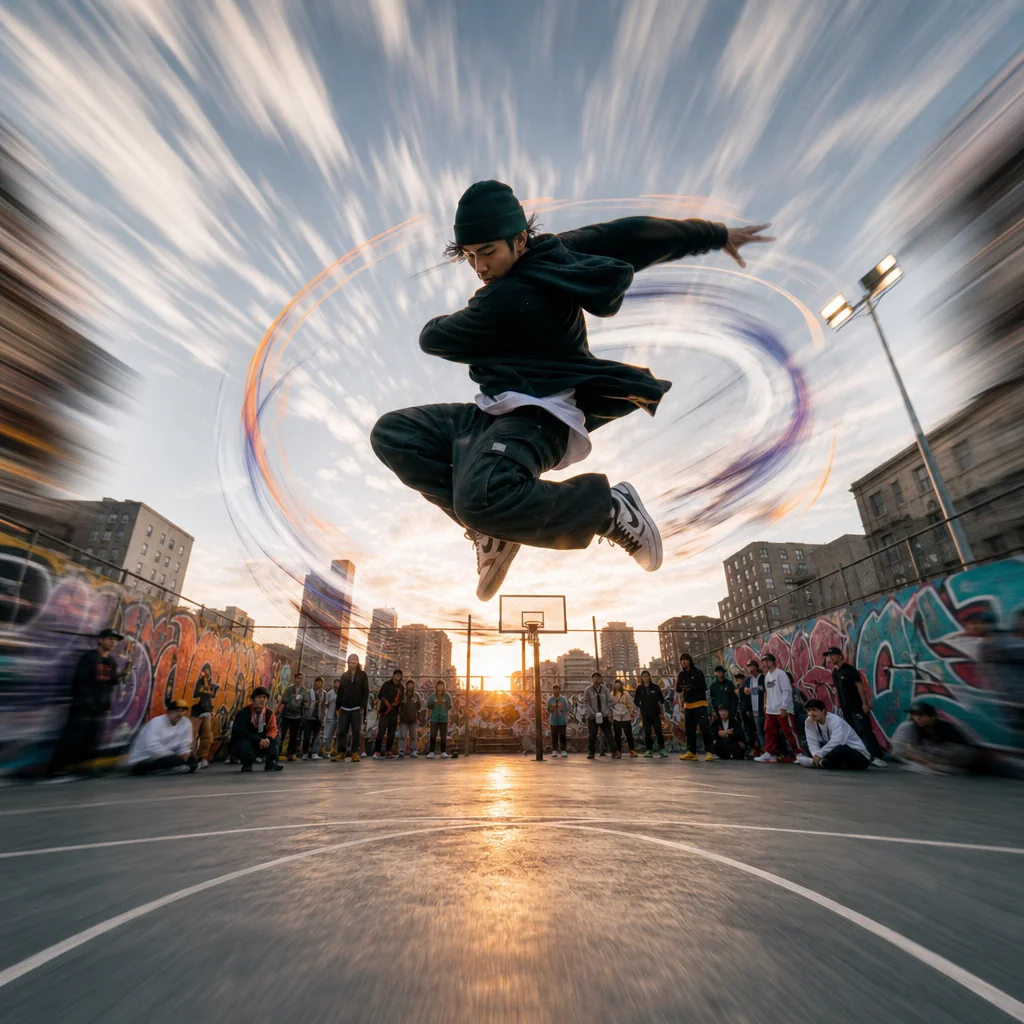
Dance Move Energy Burst
A quick motion-led sequence where the Zoom Out intensifies body movement and keeps the beat visually strong.

Rooftop Travel Look Highlight
A scenic city viewpoint shot where the Zoom Out reveals the full location and outfit at once.
FAQ
Common questions
What is the Zoom Out effect?+
The Zoom Out effect creates a video that starts tight on a subject and smoothly pulls back to reveal more of the scene. It adds motion and context to a still image or video clip by simulating camera movement.
Why is the Zoom Out effect useful for TikTok, Reels, or Shorts?+
A Zoom Out holds viewer attention by slowly revealing details. It works well on short-form platforms because it builds curiosity in the first seconds and fits the vertical format without requiring complex edits.
Can I create a Zoom Out effect from one uploaded image?+
Yes. You can upload a single image and the tool generates the zoom-out motion automatically. The result is a video that appears to move outward from your starting photo.
What kind of image or video works best for a Zoom Out?+
High-resolution images with a clear main subject and some surrounding background produce the best results. Avoid tightly cropped shots where there is little extra scene to reveal during the zoom.
Can I use the Zoom Out effect for product, fashion, travel, or creator content?+
Yes. It suits product reveals, outfit showcases, travel scene expansions, and creator intros. The effect adds simple movement that makes the content feel more polished without distracting from the subject.
What goes with a big zoom-out reveal?+
A wide zoom-out is a strong closer once the story is told. It pairs nicely with Earth Zoom Out, or try Flying Cam Transition for contrast.
Other names for Zoom Out
Users often search for the Zoom Out effect using different names or phrases. You might know it as a reverse zoom, camera pull-back, scale down effect, or dolly out transition. No matter what you call it, LazyKiwi makes it easy to transform your ideas into captivating short-video-ready visuals—perfect for reels, TikToks, and more. Zoom-out reveal, pull-back shot, wide reveal, they all describe the same big pull back from your subject.
Make a cinematic zoom out from any clip
Start with a prompt, upload your own media, or choose a template.