Infinite Zoom (Endless Zoom Effect)
Infinite Zoom drives the camera into the center of one photo and keeps going: the middle of the frame expands into a whole new scene, that scene's center opens into the next, and the push accelerates without a single cut. Upload a still with a strong central subject, get a short tunnel-of-worlds clip.
Infinite Zoom Template
Upload one photo with a clear subject at the center: an eye, a window, a doorway, a ring or a tunnel mouth.
WHAT IT IS
What the endless zoom is, and how the template pushes through nested worlds from one photo
Infinite zoom is a continuous push-in through nested scenes: the camera drives toward the center of the frame, the central detail grows until it fills the screen and becomes an entirely new image, and the push continues into the center of that image, layer after layer, with no visible cut. Motion designers build the effect by hand with nested compositions and matched scale keyframes; here it is generated from one photo. This template keeps the virtual camera aimed at the central target and pushes inward at a smooth, gradually accelerating speed. The center graphic keeps expanding and hands off naturally into the next layer of visual world, and the transition between layers stays continuous rather than jumping. Your uploaded photo is the first layer and stays intact as the starting frame; the engine invents the worlds that open up behind it. The template outputs a short clip in vertical or landscape, generated on the Seedance video model.
- Locked on the center
- The camera aims at the center of the frame and never drifts off it. Everything funnels toward that one point, which is why a strong central subject in the upload matters so much.
- Accelerating push
- The push-in starts smooth and gains speed as it goes. The gradual acceleration gives the clip a falling-forward pull that a constant-speed dolly does not have.
- Worlds inside worlds
- As the central detail grows to fill the frame, the engine opens it into the next scene, and then the next. Each layer arrives from inside the previous one with no cut between them.
- One still, no nested comps
- The traditional build needs a stack of nested compositions, scale keyframes matched to the pixel and hours of rendering. Upload one photo, pick the template, and the workbench generates the tunnel.
USE CASES
Three photos with somewhere to go
Creator, music and education situations where the center of a picture should open into another one.

Portrait into a hidden world
A close portrait with the eye near center becomes an endless zoom video: the camera drives into the pupil, which opens into a landscape, whose center opens into a room. Creators post the 9:16 clip as a channel intro.
Album art tunnel
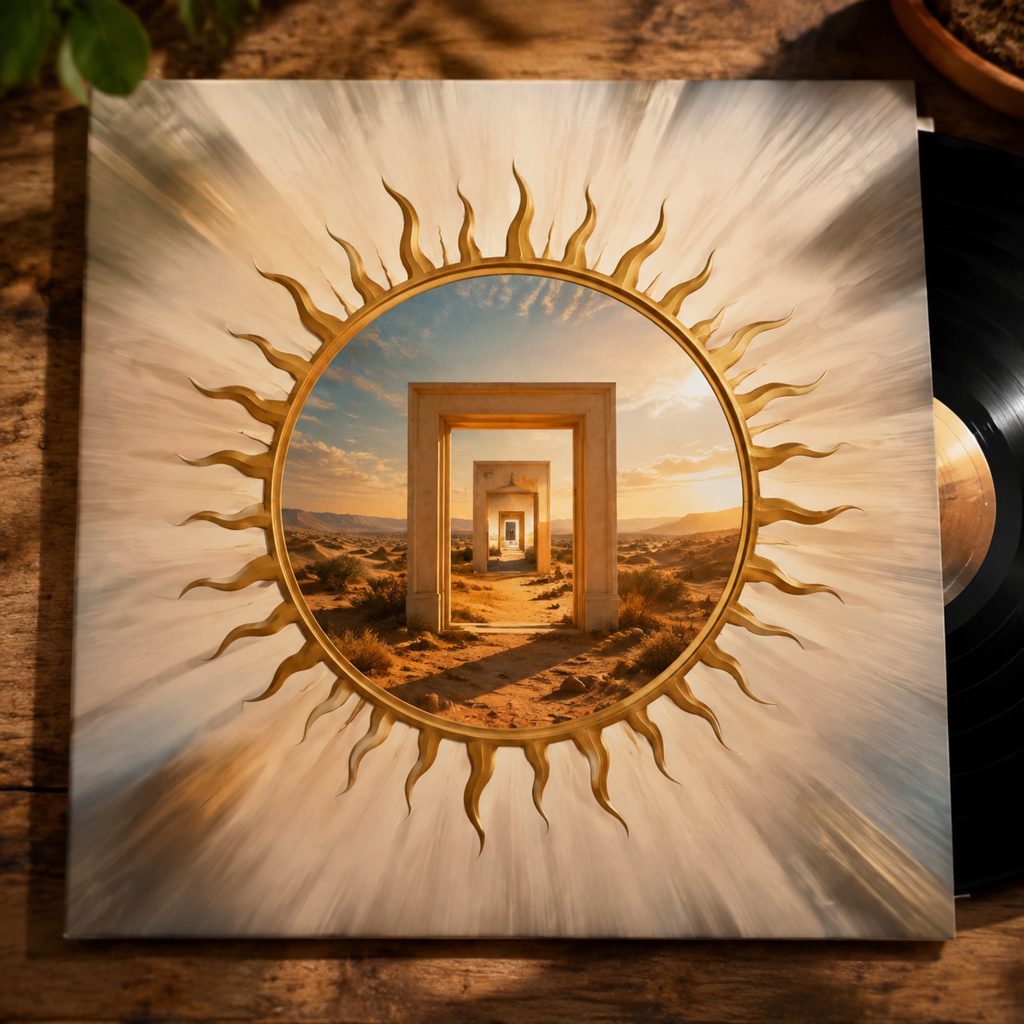
A photo of a record sleeve with a circular emblem at center turns into an endless zoom, the emblem expanding into scene after scene behind the cover. The 16:9 clip runs as a visualizer under a single.
Textbook page to the cell
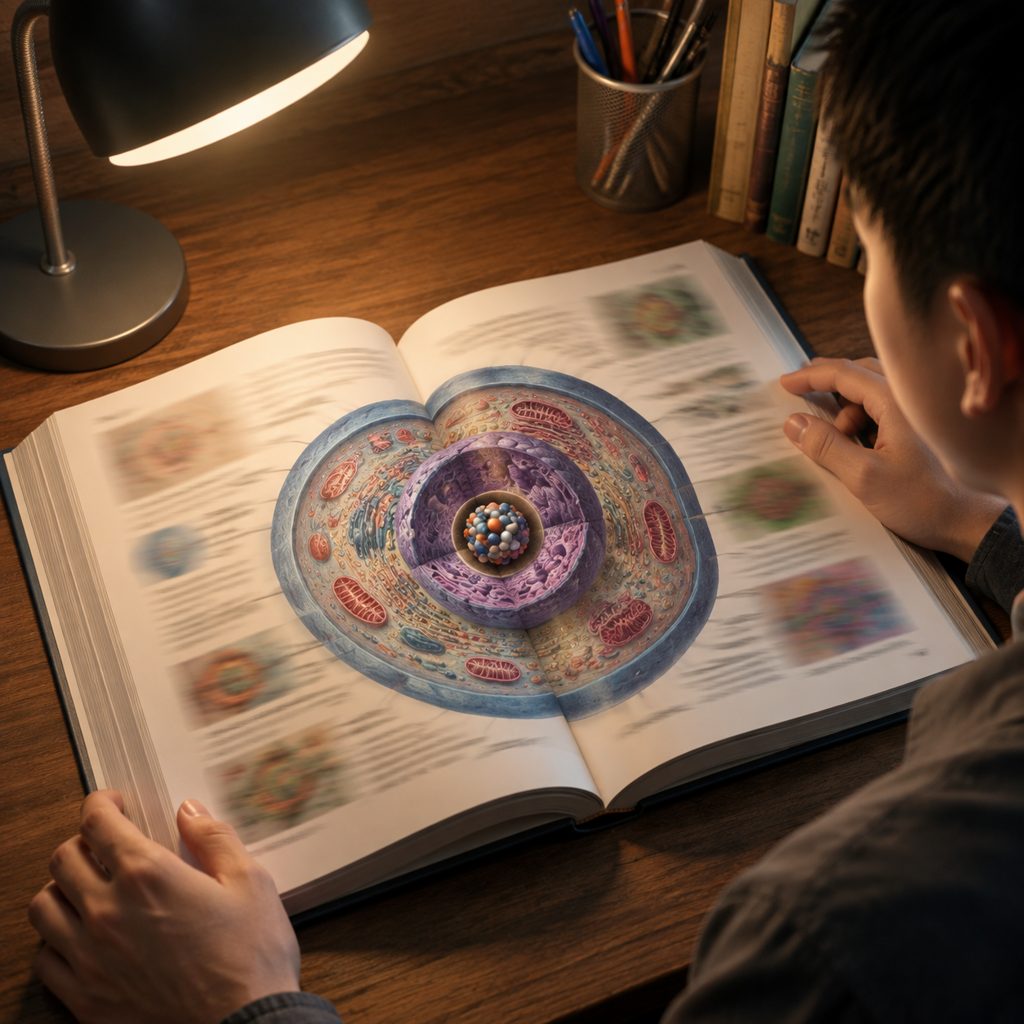
A photo of an illustrated page with a diagram in the middle becomes a zoom that drives into the diagram and through successive layers of detail. Teachers use the clip to open a lesson video on scale.
FAQ
Common questions
What is infinite zoom?+
It is a video effect in which the camera pushes continuously into the center of an image, the central detail grows into a whole new scene, and the push continues into that scene's center, layer after layer, without a cut. The effect is also called an endless zoom or a zoom-through.
Endless zoom vs pass-through objects: what is the difference?+
The endless zoom is a continuous, accelerating push through many nested layers, each opening from the center of the last. Pass-Through Objects is a single transition: the camera flies through one object or gap and reveals one new space on the far side. Use this template for a tunnel and Pass-Through Objects for a doorway.
How is the zoom-through different from a dolly in or a slow zoom?+
A dolly in or a slow zoom moves toward the subject and stops while the subject is still the same subject. The zoom-through keeps going past the point where a normal push would end, transforming the center into a new scene and repeating that hand-off, so the clip never arrives anywhere.
What photo works best for this effect?+
A photo with a strong, clearly defined subject at or near the center: an eye, a window, a doorway, a ring, a tunnel mouth, a circular emblem. The engine aims at the center, so a subject placed at the edge gets left behind. High contrast between the central detail and its surroundings helps.
What length and format does the template produce?+
The template produces a short clip from one uploaded photo, in vertical or landscape output set in the workbench. The push accelerates through the clip and stays continuous with no cuts, so the clip can be looped, reversed or stacked for a longer sequence.
Where does an endless zoom video work best?+
Channel intros and stingers in 9:16 for TikTok and Reels, music visualizers in 16:9, lesson openers about scale, and transition beats in longer edits. The accelerating pull also works as a first-second hook, because the eye is dragged into the center.
Can I make this zoom with AI without editing software?+
Yes. The template generates the nested push from one photo with image-to-video generation, so there is no compositing software, no nested comps and no manual keyframes to build. Upload the still, pick the template, generate, and download the clip.
Other names for Infinite Zoom
This effect has collected a lot of names. Infinite zoom and endless zoom are the common ones; zoom-through, nested zoom and recursive zoom describe the mechanics; Droste zoom and fractal zoom come from the art world; some searches ask for a video maker, a phone-app effect, or an ai version of the same push. Every name describes the same thing, a push that never arrives, and this template produces it from one uploaded photo.
Push into the center of a photo and keep going
Free credits on signup. No nested comps, no keyframes.