
What Is AI UGC? How AI User-Generated Content Ads Work
AI UGC is creator-style ad video with a synthetic presenter: what it is, how it differs from real UGC, how clips are made, tool prices and the FTC rules.
 Elena Vasquez 10 min read
AI UGC is advertising that looks like a customer's phone video but is produced with a synthetic presenter: a generated face reads a script, holds the product, and speaks to camera in the vertical, handheld style of user-generated content. It is not user-generated and it is not testimony, and the FTC's 2024 rule on fake reviews treats a testimonial from someone who does not exist as exactly that, per the FTC press release (2024). Below: the definition, how it differs from real UGC and influencer content, why brands run these ads, the production steps in LazyKiwi, the tools with prices read on 5 September 2026, the legal boundaries, and a pre-ship review checklist.
What is AI UGC?
The format borrows three things from real creator content: a face talking to a phone camera, a product in frame, and the pacing of a friend's recommendation. The synthetic version replaces the face with a generated actor, the voice with text-to-speech, and the shoot with a workbench render. Everything else (script, product shots, captions, cut) is ordinary ad production.

Which formats count?
- Talking creator: a synthetic presenter delivers the hook and the pitch straight to camera, usually 15 to 30 seconds.
- Product-in-hand: the presenter holds or uses the product; the product image is composited or generated from a photo.
- Voice-over demo: no face at all; generated b-roll of the product with a synthetic voice reading the script.
- Reaction or duet style: the presenter responds to on-screen text or a clip, mimicking native platform formats.
What it is not
It is not a review, a testimonial or a customer story, even when the script is lifted from real reviews. A synthetic presenter has no experience of the product, so the copy has to be framed as a brand message delivered by a character, not as a customer's opinion. That single distinction decides whether the ad is legal, which the rules section covers.
Synthetic UGC vs real UGC vs influencer content: what is the difference?
The three look alike in a feed and behave differently in a media plan. The table uses the dimensions that change the decision: who is speaking, what they can truthfully claim, how fast a variant ships, and who carries the legal exposure.
| Dimension | Synthetic creator ad | Real UGC | Influencer content |
|---|---|---|---|
| Who speaks | Generated actor, brand script | Paid or gifted customer, own words | Creator with an audience, co-written |
| Can it claim experience? | No; brand message only | Yes, if the experience is real | Yes, if the experience is real |
| Time per variant | Minutes; change the script and regenerate | Days; brief, ship product, wait | Weeks; negotiation and approvals |
| Cost driver | Credits per render | Per-video creator fee | Per-post fee plus usage rights |
| Distribution | Paid ads only | Paid ads and brand channels | Creator's channel plus paid whitelisting |
| Legal exposure | Fake-testimonial rule, ad platform policies, AI labels | Endorsement disclosure, honesty of the review | Endorsement disclosure, material connection |

A persistent synthetic personality with its own account is a different product again; that is the subject of our AI influencer guide. The ad format discussed here uses disposable faces and lives inside ad accounts, not feeds.
Why are brands using AI UGC ads in 2026?
Speed of iteration is the reason that survives scrutiny. Paid social rewards volume of variants, and a synthetic presenter lets a team test five hooks before lunch without booking a creator. Cost per variant falls to credits, localisation becomes a script change, and nothing depends on a creator's calendar.
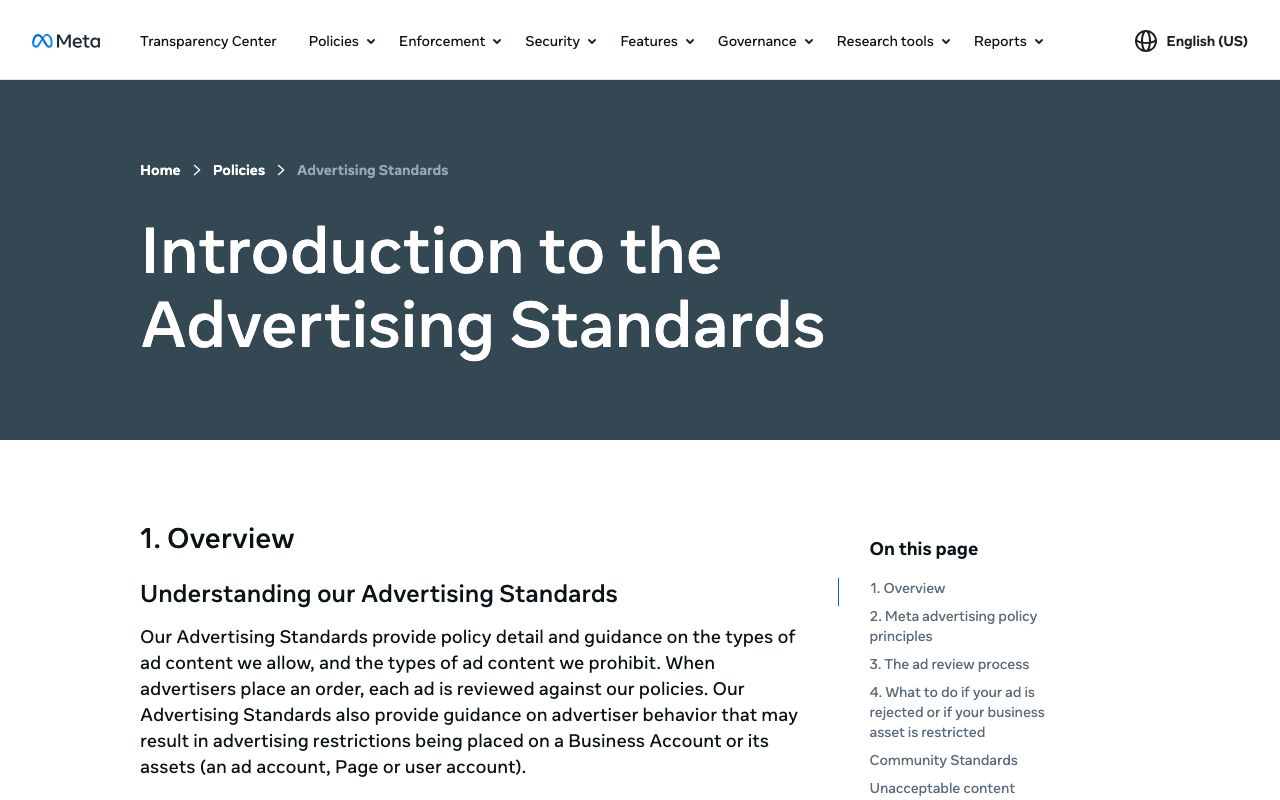
The limits are set by the platforms. Meta's Advertising Standards bar deceptive or misleading practices in ads, and its newsroom explains how AI-generated media is labelled across its apps, per Meta Newsroom (2024). Google's Misrepresentation policy prohibits 'making misleading statements, obscuring, or omitting material information about your identity, affiliations, or qualifications', per Google Ads Help (2026). A synthetic face presented as a real customer runs into both.
- Works: hook testing, offer testing, language variants, seasonal refreshes of a proven script.
- Works: categories where a demonstration sells (apps, gadgets, home goods) and no personal outcome is claimed.
- Fails: before-and-after results, health or finance outcomes, anything phrased as 'I tried it'.
- Fails: audiences who expect the presenter to be reachable; comment sections expose a face that cannot answer.
How to make an AI UGC video step by step
Here is the LazyKiwi sequence, checked in the workbench on 5 September 2026: a presenter clip from the Avatar Talking page, product stills from the product image tool, a Motion Studio reveal template, and b-roll from the AI video generator. One credit balance pays for all four steps, and a new account starts with 40 free credits each month, per the pricing page.
- 1
Write the script from real reviews, then strip the first person
Pull the three most repeated benefits from real customer reviews. Rewrite them as brand statements ('The strap adjusts one-handed') rather than as experience ('I love how it adjusts'). Keep it under 60 words for a 25-second clip.
- 2
Prepare the product image
Open the AI product image generator, upload a phone photo of the product and prompt for a clean set, for example 'white studio background with soft contact shadow'. A 1K render was priced at 13 credits (the sale price) when I checked on 5 September 2026.
- 3
Generate the presenter clip
On the Avatar Talking page, upload a generated face (never a real customer's), choose the Product Pitch or Customer Service preset, pick a voice, and paste the script (the field takes up to 1,000 characters). Generate at 9:16.
- 4
Build the reveal
Open the product reveal video template; in the app it opens as a Motion Studio remix with headline, price tag and CTA fields, 9:16 by default, and edits priced at 40 credits each on 5 September 2026. Swap in your product photo and price.
- 5
Add motion b-roll if needed
For a product turning or a hand reaching in, drop the product image into Kling v3 Omni image-to-video and prompt for a single motion. Its page lists clips of 3 to 60 seconds, square output alongside 16:9 and 9:16, and a choice of 720p or 1080p.
- 6
Cut, caption, label
Assemble presenter, reveal and b-roll in your editor, burn in captions, and add the AI label the platform expects before you upload to the ad account.
Swap the face, keep the take
To test the same script with a different presenter, run the finished clip through AI character swap with a new reference photo instead of regenerating the speech.
Which AI UGC video generators are worth testing?
Six products and one control group. The control group is Billo, a marketplace for real creators, included so the synthetic options are judged against the thing they imitate. Prices are what each site displayed on 5 September 2026; several publish none on their home pages, and the table says so.
| Tool | What it makes | Pricing shown on 5 September 2026 | Free option | Note |
|---|---|---|---|---|
| Arcads | Ads with 1,000+ AI actors or your own avatar; Seedance 2.5, Sora 2 Pro and Kling inside | No plan prices on the home page | Sign-up promotion only | Emotion control, 30+ languages |
| Creatify | URL-to-video ads, AI avatars, an ad-planning agent | No prices on the home page | First ad without a credit card | Scales 'from 10 ads a month to 10,000' |
| MakeUGC | Talking actors, product-in-hand, b-roll, video agent | Startup $59 a month, 500 credits; Growth $79; Pro $149 with product-in-hand | $1 trial | 1,000+ AI actors |
| HeyGen | Photo and custom video avatars | Creator $29 a month, 600 credits | 3 videos a month, 1 minute each | General avatar platform |
| Captions | Editor with digital twins and custom AI actors | Max $24.99 a month, 500 credits | Free plan without generative features | iOS prices shown |
| LazyKiwi | Talking presenter, product images, reveal templates, image-to-video | Credit plans; free plan 40 credits a month | Free plan, no watermark step | Workbench, not an ad-account integration |
| Billo (real creators) | Videos from 5,000+ vetted creators | No per-video price on the home page | Free sign-up | The benchmark for authenticity |
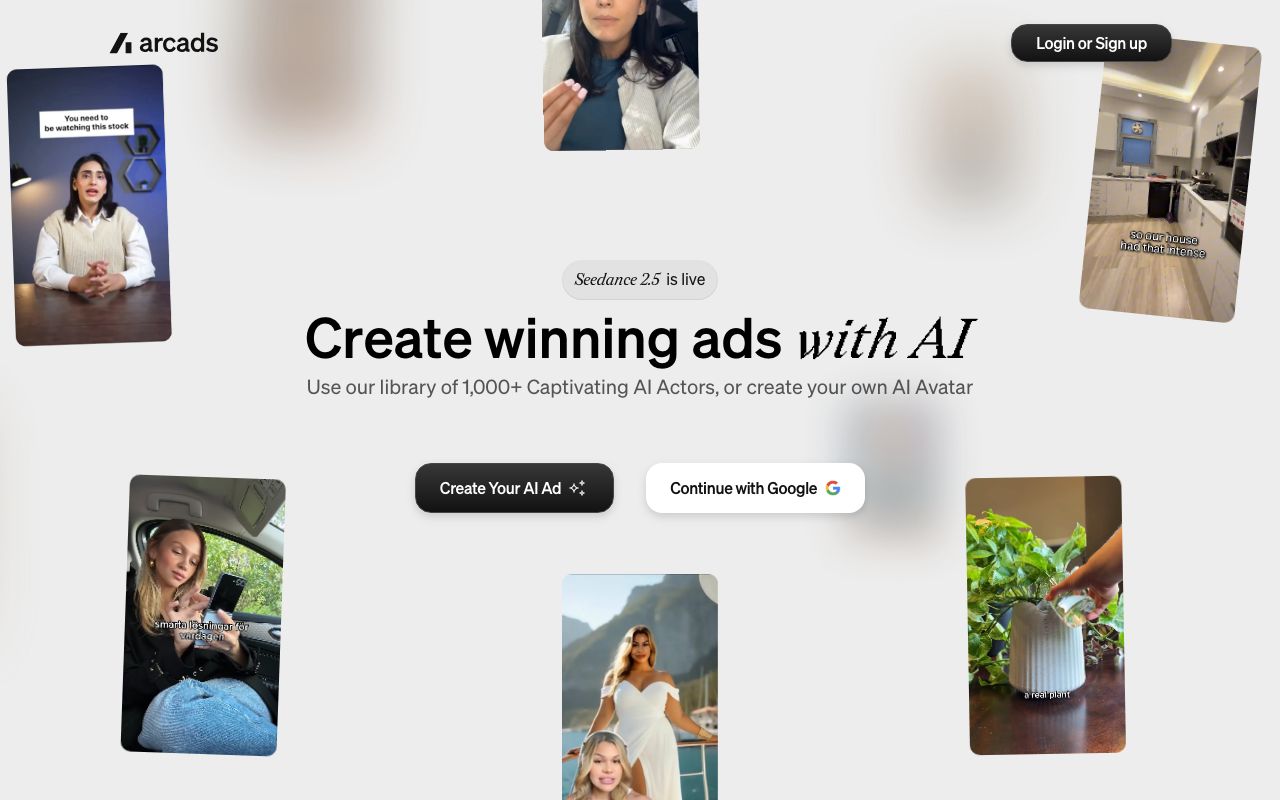

Arcads offers a library of 1,000+ AI actors or a custom AI avatar, lists Seedance 2.5, Sora 2 Pro and Kling as generation models and 30+ languages, and shows no plan prices on its home page, per the Arcads site (2026). Creatify sells URL-to-video and AI avatar ads with no credit card required for the first ad, per the Creatify site (2026). MakeUGC publishes its plans: Startup $59 a month for 500 credits, Growth $79 for 1,000 and Pro $149 for 2,000 including product-in-hand, each behind a $1 trial, per the MakeUGC site (2026).
On HeyGen, Creator costs $29 a month for 600 credits, and the no-cost tier stops at three videos of one minute each, per the HeyGen pricing page (2026); Captions' Max plan is $24.99 a month with 500 credits and custom AI actors, per the Captions pricing page (2026). Billo, the real-creator marketplace, cites 5,000+ creators and 22,000+ brands but publishes no per-video price on its home page, per the Billo site (2026). If a brief calls for an ai ugc creator, decide first whether it means a synthetic actor or a Billo-style human; the budgets differ by an order of magnitude in time, not only money.
Is synthetic UGC legal? FTC rules and platform policies
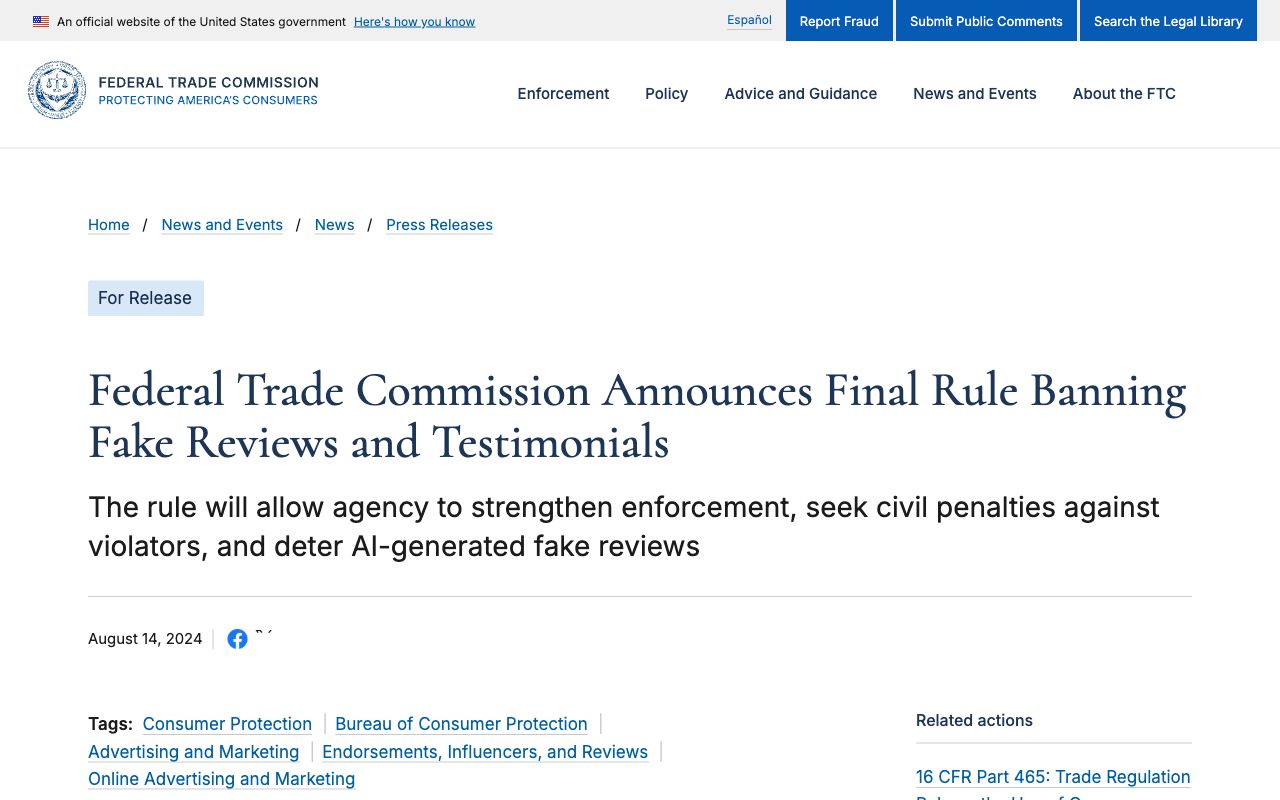
Legal as advertising, illegal as testimony. The FTC's final rule announced on 14 August 2024 bans fake reviews and testimonials, and the release states that it 'addresses reviews and testimonials that misrepresent that they are by someone who does not exist, such as AI-generated fake reviews, or who did not have actual experience with the business', with civil penalties available against knowing violators, per the FTC press release (2024).
Two more layers apply. The Endorsement Guides FAQ requires clear and conspicuous disclosure when an endorser's connection to the marketer is one consumers would not expect, per the FTC (2026). In the EU, Article 50 of the AI Act puts a disclosure duty on anyone deploying a deep-fake system: viewers must be told the material was produced or altered by AI, per the EU AI Act Explorer (2026). TikTok introduced its own label for realistic synthetic media in September 2023, per the TikTok Newsroom (2023), and the Meta and Google ad rules cited above cover misleading presentation.
- Allowed: a generated presenter delivering brand claims you can substantiate, labelled as AI where the platform asks.
- Not allowed: 'I bought this', star ratings, 'as a nurse I recommend', or any identity the presenter does not have.
- Not allowed: a real customer's or creator's face without written consent, even with their own words.
- Required: keep the substantiation file for every claim, exactly as you would for a scripted TV spot.
How to review a synthetic creator ad before it ships
A ten-minute review catches most of the problems that get ad accounts flagged. Run it on every variant, not only the first.
- Claims: every benefit maps to a line in the substantiation file; no outcomes, no comparatives without data.
- Identity: the script never implies a customer, a professional or a real person; the presenter is a generated face.
- Label: the AI disclosure is present in the creative or the platform's AI toggle is set, and the ad is marked as an ad.
- Consent: the face and the voice are generated or licensed; no real likeness without a signed release.
- Brand voice: the presenter says what the brand would say on its own channel; if it reads as a stranger's opinion, rewrite.
- Product truth: the composited product matches the shipped product in colour, size and packaging.

Searches for an ai ugc generator (or simply ugc ai) usually start with the tool and end with the rules, so run the review before the media spend rather than after a rejection. For the presenter-clip side of the same workflow, the AI avatar video generator roundup compares the platforms above by price and free tier.
Key takeaways
- Synthetic creator ads are brand messages delivered by a generated face; they cannot carry testimony, and the FTC's August 2024 rule bans testimonials from people who do not exist.
- Meta and Google ad policies both prohibit misleading presentation of identity; label the presenter as AI and never imply a customer.
- In LazyKiwi the pipeline is Avatar Talking (presenter), the product image tool (13 credits at 1K on 5 September 2026), the product reveal template (40 credits per edit) and Kling v3 Omni for product motion; a free account gets 40 credits a month.
- Of the dedicated platforms, only MakeUGC published plan prices on its home page on 5 September 2026 (from $59 a month); Arcads and Creatify show none; HeyGen Creator is $29 and Captions Max $24.99.
- Billo's real-creator marketplace remains the benchmark for anything that needs genuine experience.
Commercial Imagery Editor
Elena Vasquez
I came from product and property photography, so I care about the boring parts: scale, shadows, disclosure rules, and what a listing platform will reject.
FAQ
Common questions
What does UGC mean in AI marketing?
UGC stands for user-generated content: photos and videos made by customers rather than the brand. In AI marketing the term is borrowed for ads that copy that look with a generated presenter and a synthetic voice. The style is user-generated; the content is not, which is why such ads must be framed as brand messages rather than customer opinions.
Are AI UGC ads allowed on Meta and TikTok?
As advertising, yes, provided they are honest. Meta's Advertising Standards prohibit deceptive or misleading practices, Google's policy prohibits misrepresenting identity or qualifications, and TikTok has labelled realistic AI content since 2023. An ad that presents a generated actor as a real customer breaks those rules; one that labels the presenter and makes substantiated claims does not.
How much do these ads cost to make?
Production is metered in credits or subscriptions. MakeUGC listed Startup at $59 a month for 500 credits on 5 September 2026, HeyGen Creator is $29 a month, Captions Max $24.99, and a free LazyKiwi account gets 40 monthly credits, with a 1K product image at 13 and a template edit at 40. Real creators through Billo are priced per video on request.
Can synthetic creators replace real ones?
For hook and offer testing, largely yes; for trust, no. A generated presenter can say only what the brand can substantiate, while a real customer or creator can describe genuine experience, which is the thing UGC was valued for. Most teams use synthetic variants to find the winning script and then commission real creators for the proof.
How do you make synthetic UGC videos for free?
Use free tiers for the test batch: LazyKiwi's 40 monthly credits cover a short Avatar Talking clip and a product image, HeyGen's free tier stops at three short videos, and Creatify lets you make a first ad without a credit card. Expect watermarks or length caps elsewhere, and budget one paid month once a script proves out.
Draft the presenter clip
Upload a generated face, pick the Product Pitch preset and paste the script. The free plan's monthly credits cover the first test.
Keep reading

Best AI Avatar Video Generator: A Practical Guide for Creators
Find the right AI avatar workflow for explainers, social clips, onboarding videos, and experiments without choosing a tool that is too complex for the job.
8 min read
AI Product Photography: From White Background to Branded Scene
A practical AI product photography workflow for ecommerce sellers who need clean, consistent product scenes without organizing a new shoot for every campaign.
8 min read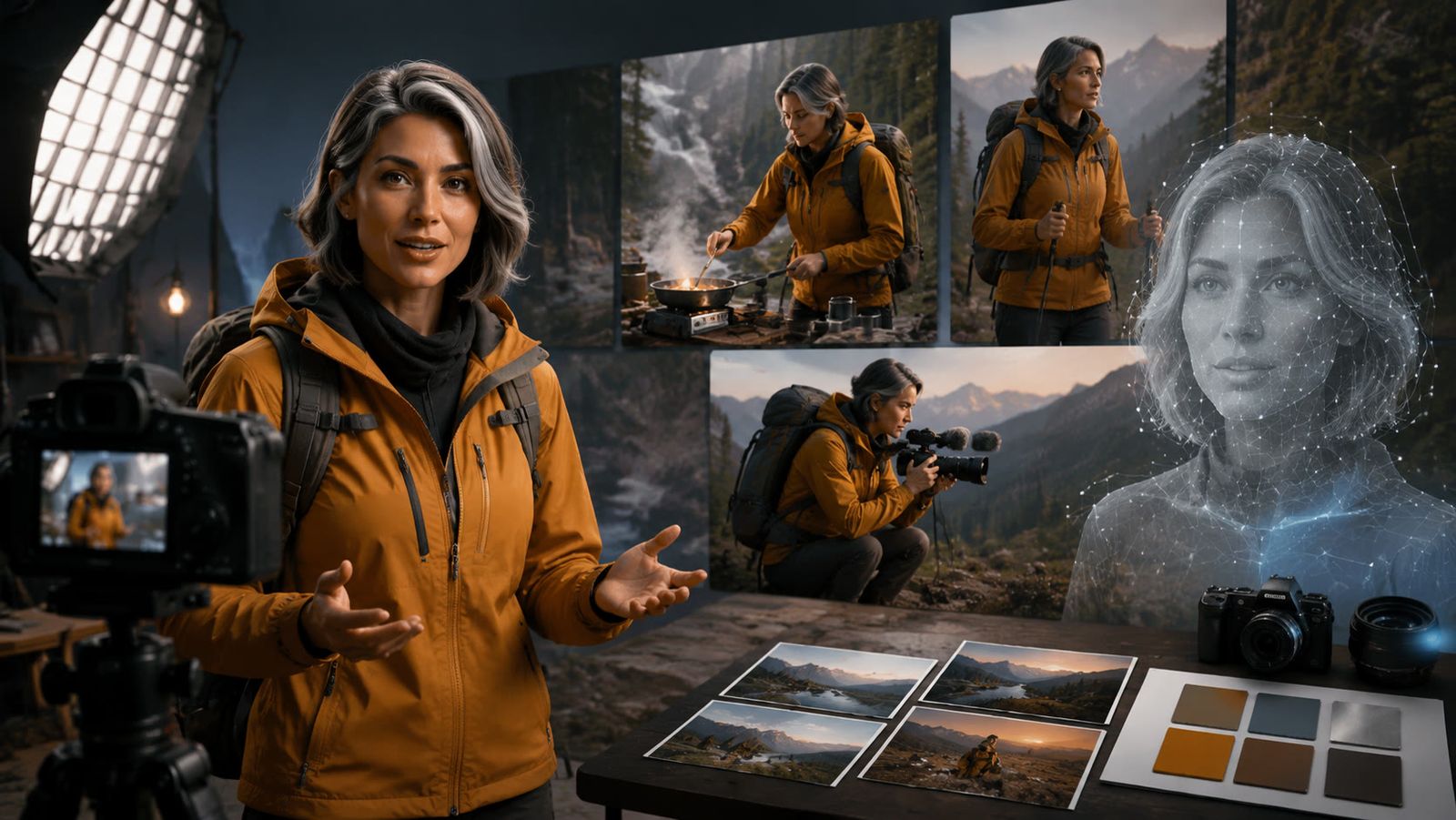
How to Build an AI Influencer That Feels Like a Real Creator
A practical guide to defining an AI influencer, creating a recognizable character, producing consistent content, and building audience trust.
8 min read
7 HeyGen Alternatives for Avatars, Training, and Social Video
Compare seven HeyGen alternatives—LazyKiwi, D-ID, Synthesia, Colossyan, Elai.io, Captions, and VEED—by their talking-photo, training, localization, social editing, and team workflows.
8 min read