
Studio product photos without the studio.
Upload one photo of your product, describe the scene — "white studio background with a soft contact shadow" — and the AI product image generator relights it into a listing-ready shot.
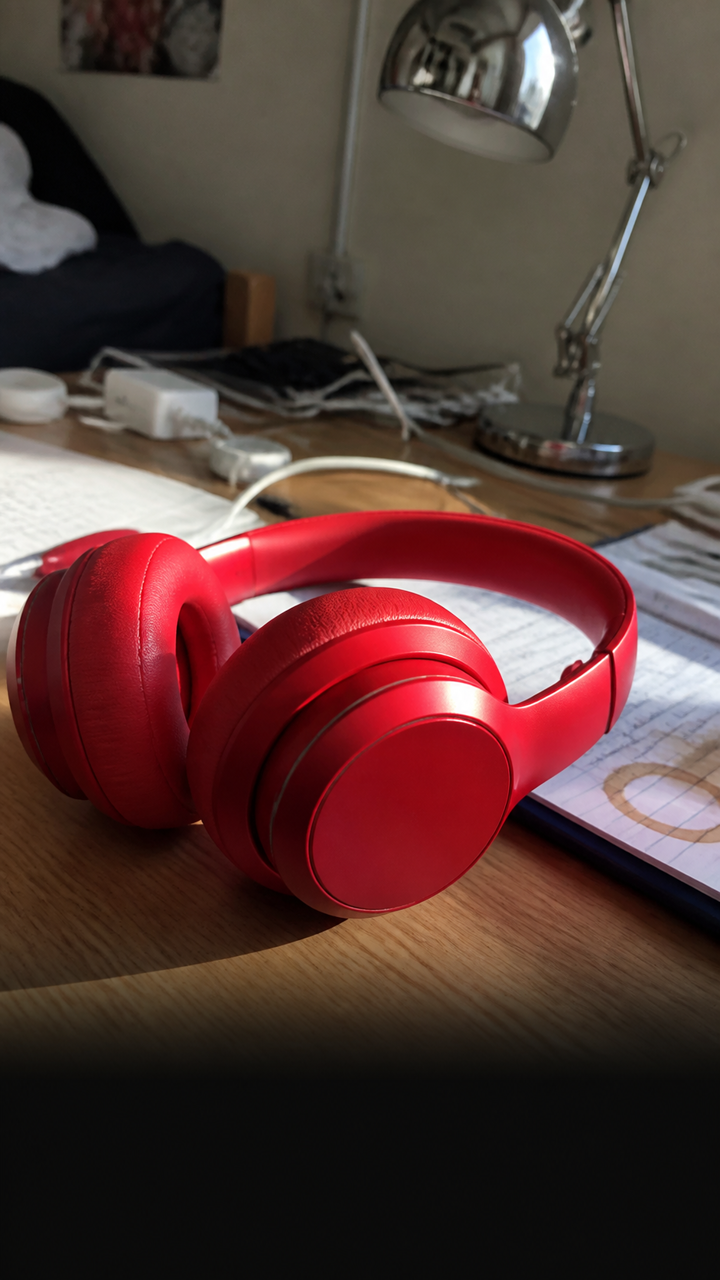 BEFORE
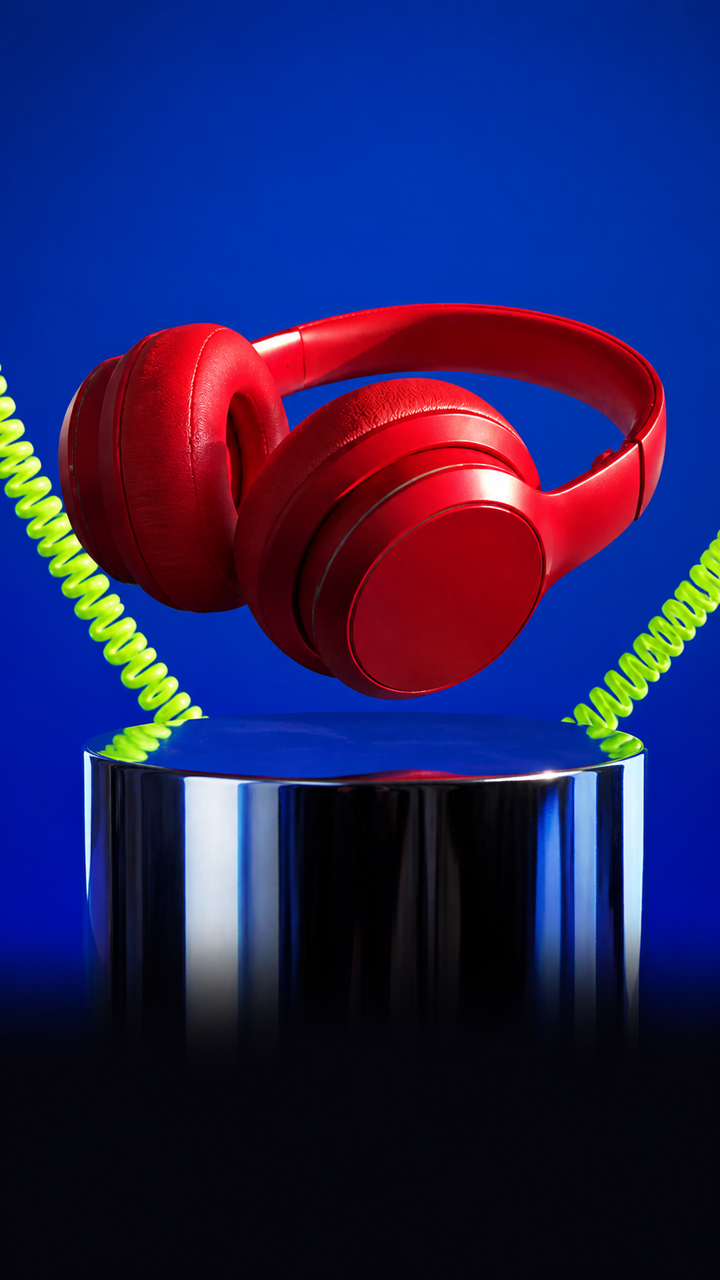 AFTER ✨
What it is
A product photoshoot from one snapshot.
Product photography usually means a studio booking, a photographer's day rate and a week of waiting on edits. LazyKiwi rebuilds the background, lighting and shadow around your item, so a phone photo comes out looking like a paid shoot.
How it works
Your product shot in three steps
Upload your product photo
Shoot on any plain surface in decent light. The product needs to be in focus and fully in frame.
Describe the scene
"White studio background with a soft contact shadow", "marble counter, morning light", "on a linen backdrop".
Generate & download
Compare a few scenes, check the product still matches the real item, then download at listing resolution.
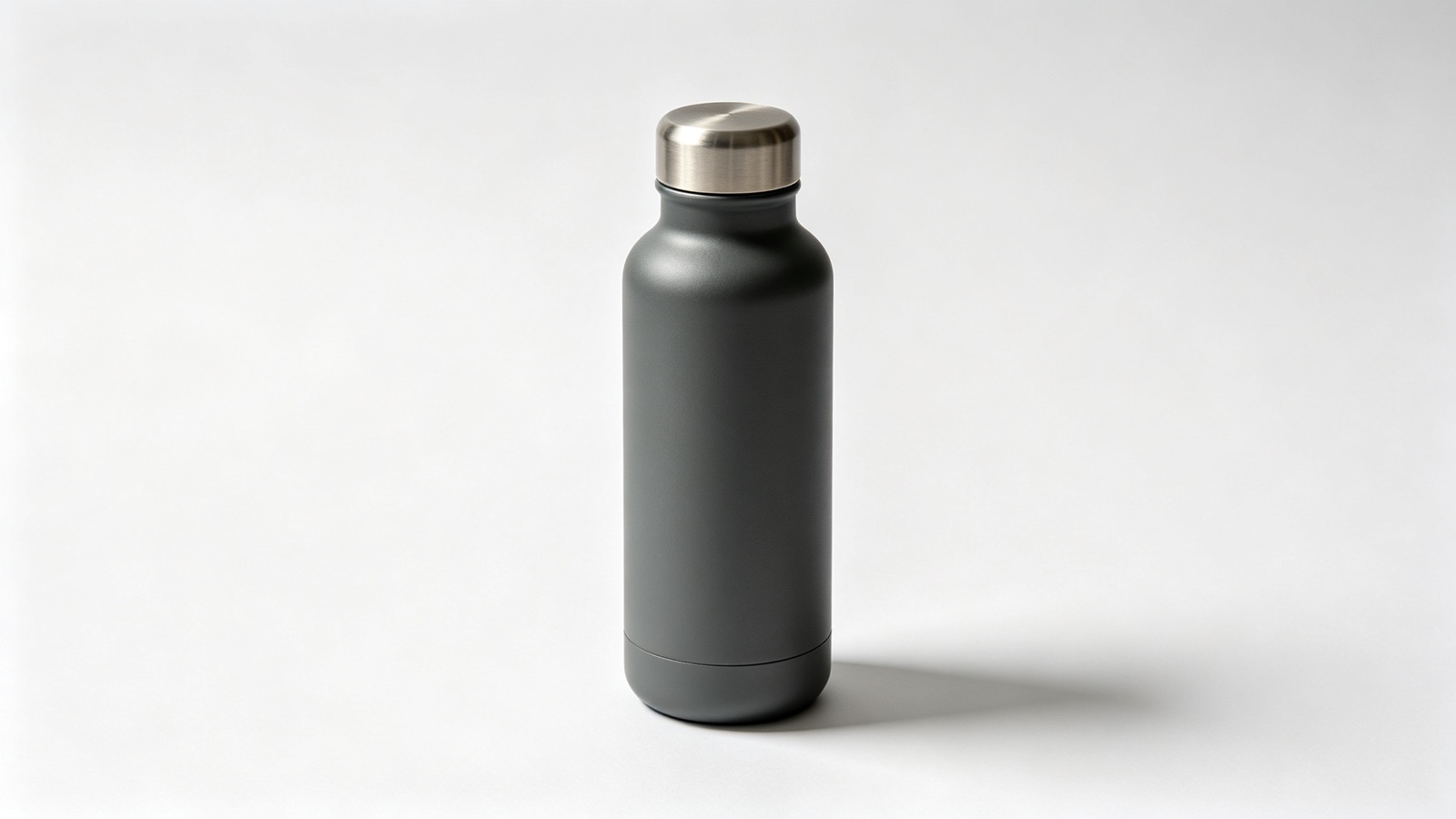
Backgrounds that pass marketplace review
Pure white for a main listing image, or a plain neutral for your own storefront, with a grounded shadow so the product doesn't look pasted on.
- Pure white or neutral backdrops
- Natural contact shadows
- Product edges stay sharp
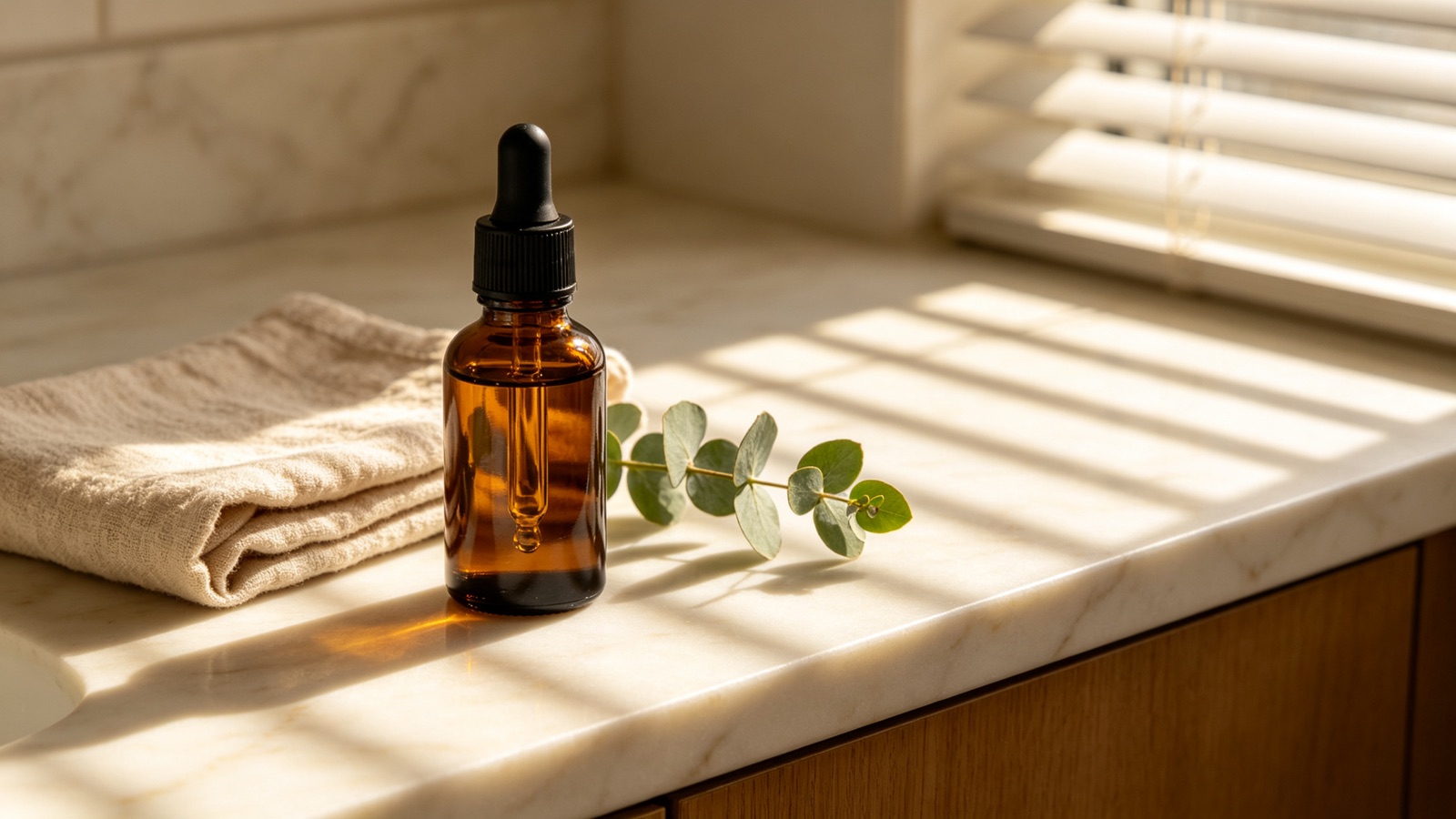
You write the set
Change the surface, the light direction and the mood by rewriting one line. The same item can give you a studio shot and a lifestyle shot in one session.
- Studio, lifestyle or seasonal scenes
- Adjust light direction and warmth
- Regenerate until it fits the brand
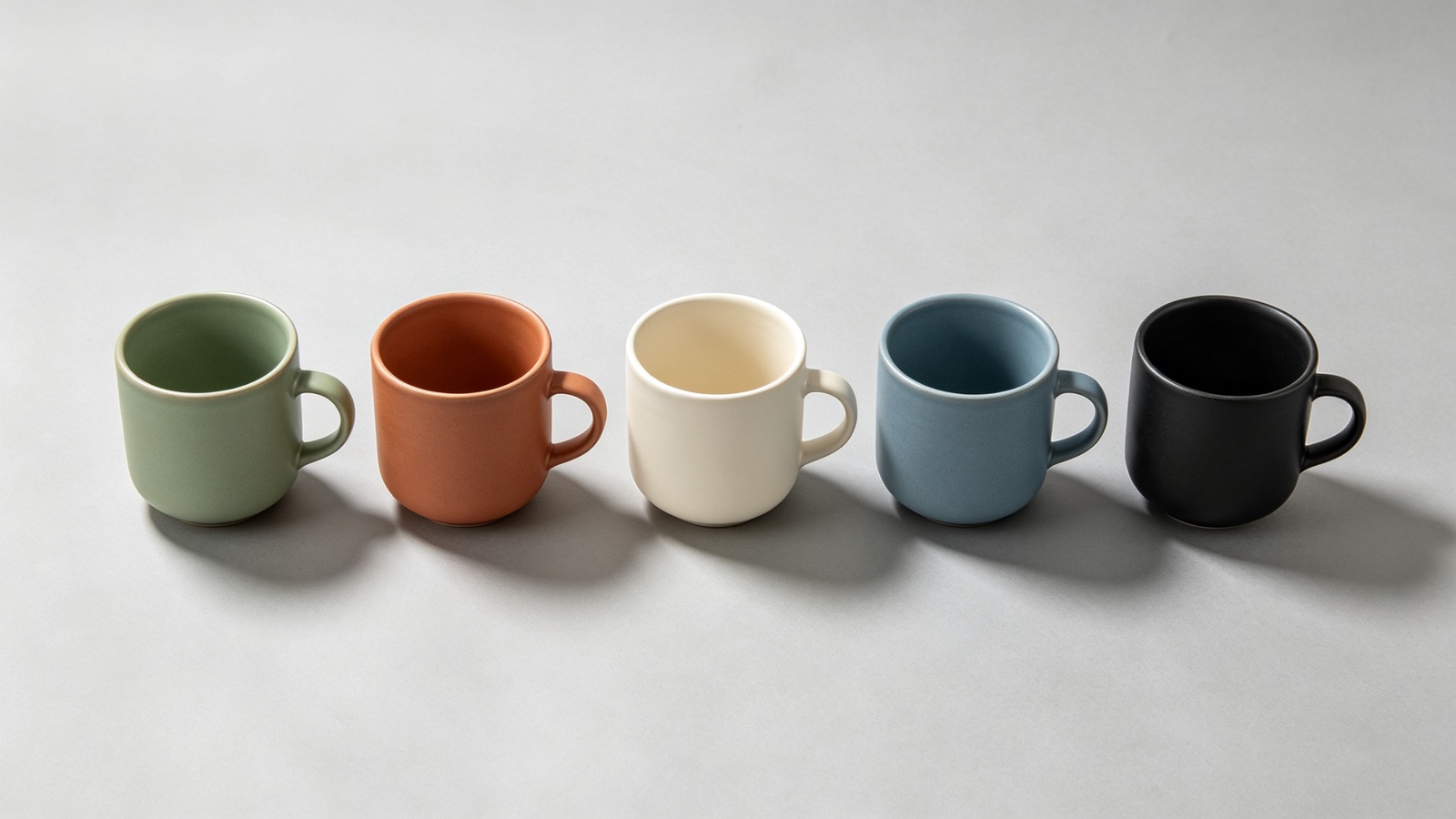
Skip the studio day
No booking, no photographer, no waiting on retouching. New product photos are ready the day the stock lands, and a repack means a new shot, not a new invoice.
- No studio or lighting kit
- Same-day listings
- Reshoot a variant in seconds
Why LazyKiwi
Built for people who sell things
Seconds per shot
Each product image renders in seconds, so a ten-item drop no longer needs a studio day.
Private by default
Uploads are processed securely, never shared with other users and never sold. Unreleased products stay unreleased.
Free to start
No credit card. Run one of your own products through it and judge the result before you pay anything.
Cheaper than a shoot
No studio rental, no photographer's rate, no lighting kit — and no reshoot fee when the packaging changes.
A consistent storefront
Reuse the same scene description across your catalogue so every listing image matches the last one.
No retouching skills
No cut-outs, no masking, no painting shadows by hand. Upload, describe, download.
FAQ
Questions, answered
Is the AI product image generator free to try?+
Yes. Upload one product photo and generate a scene for free — no credit card needed before you decide on a plan.
Do I need a studio or lighting setup?+
No. A phone photo taken on a plain surface in daylight is enough. The AI replaces the background and rebuilds the lighting and shadow around the product.
Will the product still look like the real item?+
The shape and finish are kept, but always check labels, printed text and exact colors against the real product before you publish a listing.
Can I use the images on Etsy, Shopify or Amazon?+
Yes, the images are yours to use. Check each marketplace's image rules first — Amazon main images, for example, must sit on pure white.
Use cases
Who this is for
Etsy and Shopify sellers
Handmade and small-batch stock changes every week. Photograph a new item on your kitchen table and give every listing the same clean storefront look.
Amazon sellers
Main images have to show the product on plain white with nothing else in frame. Generate that shot from the photo you already took, then reuse the same setup for each variant.
Ad and social creative
Paid social burns through creative fast. Put one product on five different surfaces and test which lifestyle scene actually stops the scroll.
More answers
More questions
What photo should I upload?+
One product, in focus, fully in frame, on an uncluttered surface. Avoid harsh shadows and busy backgrounds — the cleaner the input, the cleaner the product photos.
Can it make lifestyle shots, not just white backgrounds?+
Yes. Describe the setting — a bathroom shelf, a picnic blanket, a cafe table — and the product is placed there with light that matches the scene.
Does it work for clothing and jewellery?+
Flat-lays and small accessories work well. Fine chains, clear packaging and mirrored metal are the hardest cases, so look closely at those results before listing them.
Are my product photos kept private?+
Yes. They are processed securely, are never shared with other users and are never sold.
Turn one snapshot into a listing image.
Upload a product photo, describe the scene, and download a clean studio shot in seconds. Free to try.
No credit card · Free to try · Results in seconds