
How to Make an AI Kissing Video That Keeps Both Faces
How to make an AI kissing video from two photos that keeps both faces: matching portraits, a one-line scene, and the consent and labelling rules to follow.
 Daniel Okafor 7 min read
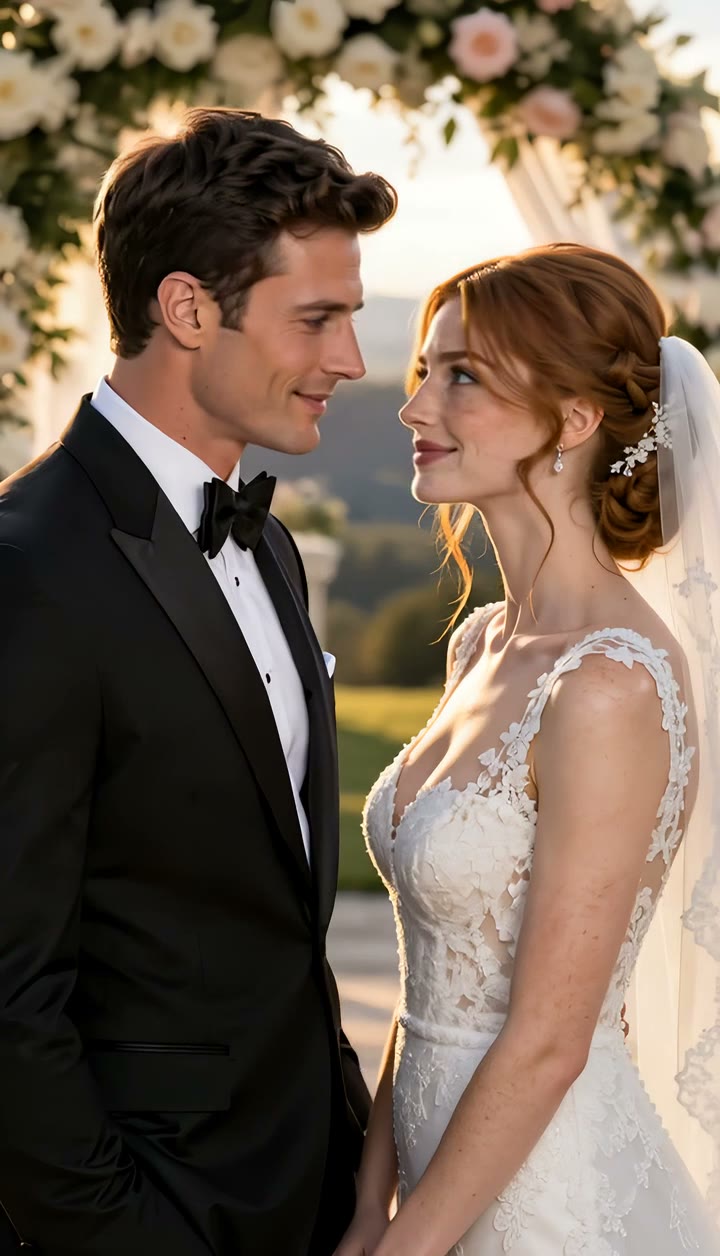
An AI kissing video takes two separate photos of two people and turns them into a short clip of them kissing, in a scene neither photo contained. It is a sweet thing to make for a partner or for two characters in a story, and a harmful thing to make of someone who did not agree to it — so this guide covers both the craft and the rules. You will learn how to make an AI kissing video that keeps both faces recognisable, how to write the scene, why faces blend during the kiss and how to avoid it, and what to do before you post. Product details were checked against LazyKiwi's live tool and template pages on 8 November 2026.
What you need: two photos, one line, two yeses
- Two photos, one person in each. They do not need to have been taken together, or even in the same place.
- One line describing the moment: where it happens, the light, the kind of kiss.
- Two yeses. Both people must be adults, and both photos must be yours or used with the permission of the people in them.
LazyKiwi has two ways in. The AI kissing generator takes the two photos plus your line of description, so you choose the scene. The AI French kiss template takes the same two photos with the scene already written — a Paris balcony at sunset — so there is nothing to type.
Both refuse photos of public figures, including celebrities and politicians, and both keep the scene non-explicit: they animate a kiss and nothing beyond it.
Pick two photos that belong in the same frame
The model composes the two people into one shot, so the photos need to look as if the same camera could have taken them. Most "pasted together" results come from mismatched inputs.
| Works | Fails | Why |
|---|---|---|
| Two chest-up, front-facing portraits | One portrait and one full-body shot | Mismatched scale — one face gets outvoted |
| Similar light direction and brightness | A flash selfie next to a dim indoor photo | The light cannot be matched, so it looks composited |
| Similar resolution | A small crop next to a sharp portrait | The soft one reads as a cut-out |
| Clear faces | Sunglasses, hats, heavy beauty filters | The model can only keep what it can see |
| Neutral or gentle expressions | Wide, open-mouthed grins | Big grins are hard to carry into a kiss |
| One person per photo | Group shots | Extra faces can bleed in — crop them out |
Write the scene in one line
With the kissing generator, the description is where you choose the moment. One sentence is enough; the useful parts are the place, the light and the pace. The scene is generated around the two people, so two indoor selfies can end up on a rooftop. A few lines that work:
- "A slow kiss under a streetlamp in falling snow, warm light, night."
- "A quick kiss on a café terrace in morning light."
- "A kiss at a wedding arch at golden hour."
- "A kiss on the cheek on a rooftop at blue hour, city lights behind them."
Keep it tasteful — explicit requests are declined. Name the kind of kiss (a peck on the cheek, a quick kiss, a slow one) and let the pacing do the rest. If you would rather not write anything, the French kiss template already has its scene: the turn, a slow lean, the kiss landing around the two-second mark, and a pause after.
How to make an AI kissing video, step by step
- 1
Open the AI kissing generator
It is in the Tools tab of the LazyKiwi video workbench. For the ready-made balcony scene, open the French kiss template instead.
- 2
Upload one photo of each person
Chest up, front-facing, lit from roughly the same direction — and only photos you own or have permission to use.
- 3
Write the scene in one line
Place, light and kind of kiss: for example, "a slow kiss under a streetlamp in falling snow".
- 4
Check the cost and generate
The price depends on the video model, length and resolution you choose, and the exact figure is shown before you generate. A new account's starting credits cover a first clip or two.
- 5
Review and download
Play it back and check both faces through the lean-in and the kiss. The clip comes back as a short vertical video for a feed or a message thread.
Why faces blend during the kiss, and how to avoid it
Two-person generation is harder than one-person generation for a specific reason: when two faces come close, the model has to decide which identity owns the pixels between them. That is where couples turn into a blended third person.
The kissing generator is built around that problem — both faces are locked to the uploads, the lean-in carries most of the screen time, and the contact itself is brief, so there is less overlap to get wrong. You can help it:
- Match the photos, as in the table above. Similar scale and light are the biggest single fix.
- Ask for a brief kiss rather than a long one. Shorter contact means fewer frames where the faces overlap.
- Avoid profiles. A front-facing or slight three-quarter portrait keeps far more identity than a side view.
- If one face drifts, replace that photo with a sharper, front-facing one instead of rewriting the description.
The same two-person approach powers the AI hug template, which solves the problem with arms instead of faces.
Consent, labels and where not to use it
A kissing video is a picture of a moment that did not happen, which is exactly why the rules are firm:
- Adults only.
- Permission from both people, every time — including your partner.
- No public figures. Photos of celebrities and politicians are refused outright.
- Non-explicit. The tools animate a kiss and decline anything beyond it.
- Label it. When you post a clip publicly, say it is AI-generated; most platforms now have a label for exactly this. YouTube, for instance, requires disclosure of realistic AI content that makes a real person appear to do something they did not do.
Never use a kissing clip as a prank on someone who did not agree, as "evidence" of a relationship, or to embarrass anyone. If a viewer could take it as real, it needs a label. For the other side of the problem, see how to tell if a video is AI generated.
Add sound and post it
The clip is a few seconds long, vertical, and has no generated dialogue or music: the picture is the deliverable. Add a track in your editor or in the app you post to, where you can pick a licensed song for the moment. Uses that work well:
- An anniversary post for a couple who live apart and have no photo together.
- A Valentine's or proposal message in a thread, instead of a card.
- A romance beat for original characters in a webtoon, visual novel or audio-drama trailer.
For a still couple photo rather than a video, our AI couple photo generator guide covers merging two selfies into one scene.
Key takeaways
- You need two photos of adults, one line describing the scene, and permission from both people.
- Match the portraits: chest up, front-facing, similar light and resolution, no sunglasses or heavy filters.
- Write the place, the light and the kind of kiss in one line — or use the French kiss template's ready-made scene.
- Faces blend where they overlap; matching photos, a brief kiss and front-facing portraits keep both identities.
- Public figures are refused, the scene stays non-explicit, and a clip you post publicly should be labelled as AI.
Video Workflows Editor
Daniel Okafor
I run the same clip through every video and motion tool we ship and write down what actually changes: timing, length, export, and where each one falls apart.
FAQ
Common questions
How do I make an AI kissing video from two photos?
Upload one clear, front-facing, chest-up photo of each adult, write a line describing where the kiss happens and what it is like, check the credit cost shown, and generate. You get a short vertical clip to download.
Is there a free way to make an AI kissing video?
LazyKiwi's AI kissing generator can be tried on the free credits a new account starts with, which cover a first clip or two. After that, each run costs credits according to the model, length and resolution, and the exact cost is shown before you generate.
Can I make an AI kissing video of a celebrity?
No. Photos of public figures, including celebrities and politicians, are refused, and using anyone's face without permission is not allowed. Both people must be adults, and both photos must be yours or supplied with permission.
Why do the faces merge during the kiss?
When two faces overlap, the model has to decide which identity owns the shared pixels. Mismatched photos, profiles, long contact and low resolution make that worse. Use matching front-facing portraits and ask for a brief kiss.
Can I choose the setting and the kind of kiss?
Yes, with the kissing generator: describe the place, the light and the kind of kiss — from a kiss on the cheek to a slow kiss — in one line. The French kiss template has a fixed scene, a Paris balcony at sunset. Explicit requests are declined.
Does an AI kissing video have sound?
There is no generated dialogue or music; it is a short, silent vertical clip. Add a licensed track in your editor or posting app.
Two photos, one kiss, both faces kept
Upload one photo of each adult, describe the scene in a line, and get a short kiss video. The cost is shown before you generate.
Keep reading
AI Couple Photo Generator: How to Make Natural Couple Photos
Use an AI couple photo generator to merge two selfies into one scene: the image combiner, instant couple and bridal templates, a video route, free credits.
8 min read
Couple Photo Poses: 20 That Do Not Look Stiff
Twenty couple photo poses grouped by contact level, height difference and setting, plus the instructions that get two people moving instead of posing.
9 min read
How to AI Face Swap Video Clips Responsibly (2026 Guide)
Here is how to AI face swap video clips with consent: the character swap tool, a GIF route, checked tool prices, artifact fixes and the label rules.
11 min read