AI Comic Generator: Turn a Story into Comic Pages
Paste a chapter. Get finished comic pages — the same characters on every page, with the dialogue lettered right into the art.
Chapters made in Comic Studio
Each one started as a few paragraphs of text and was drawn in Comic Studio with the settings shown. Open any chapter to read every page.
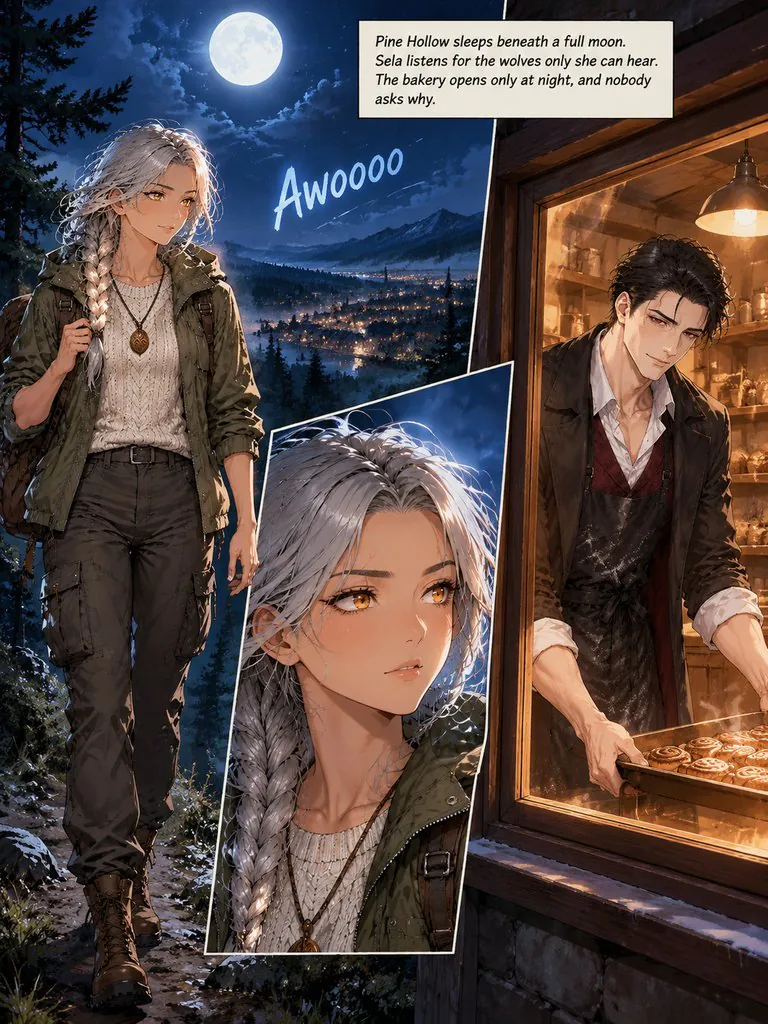
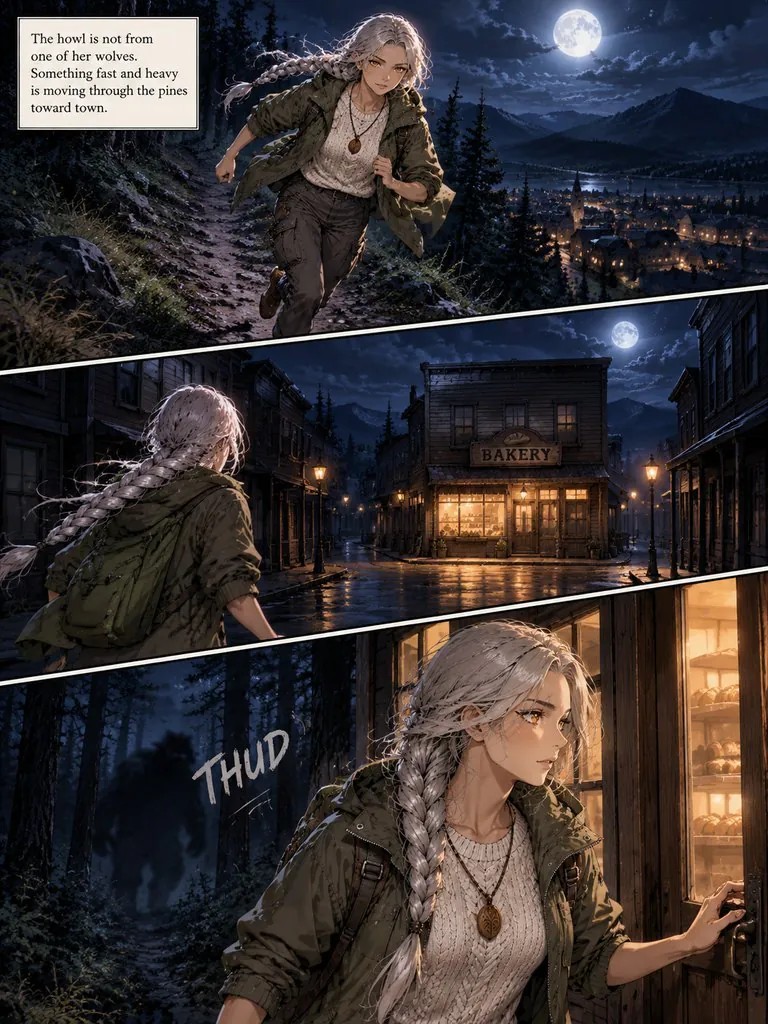
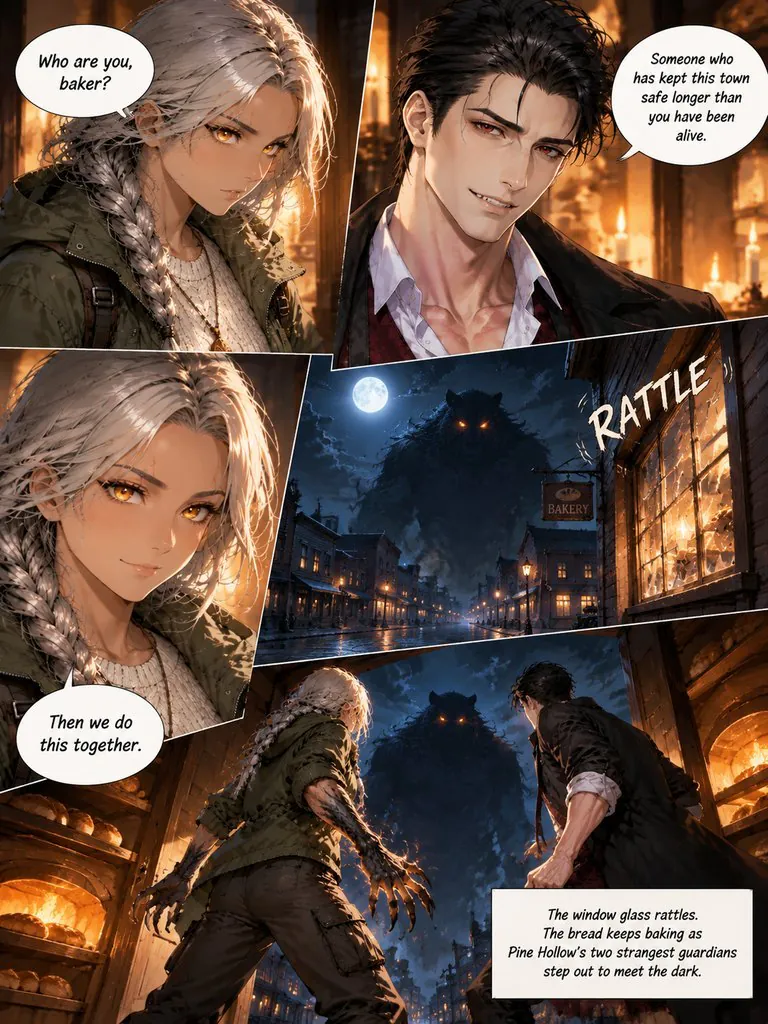
Guardians of Pine Hollow
A werewolf ranger and a vampire baker find out they guard the same mountain town on the night something worse comes out of the pines.
Read this chapter →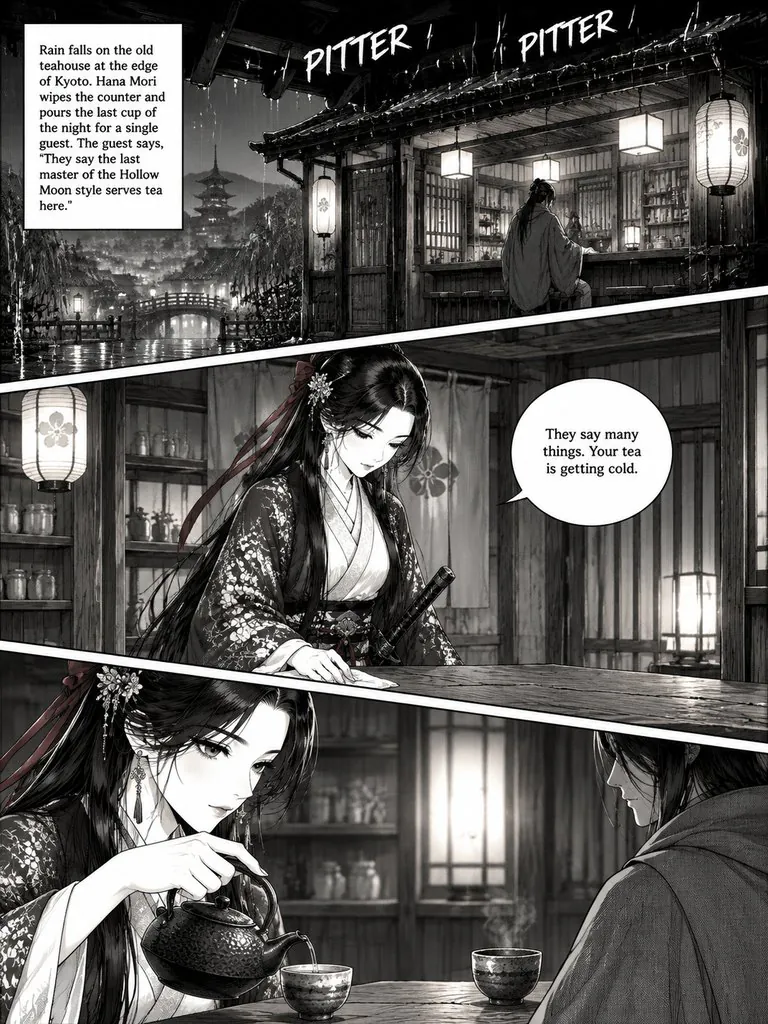
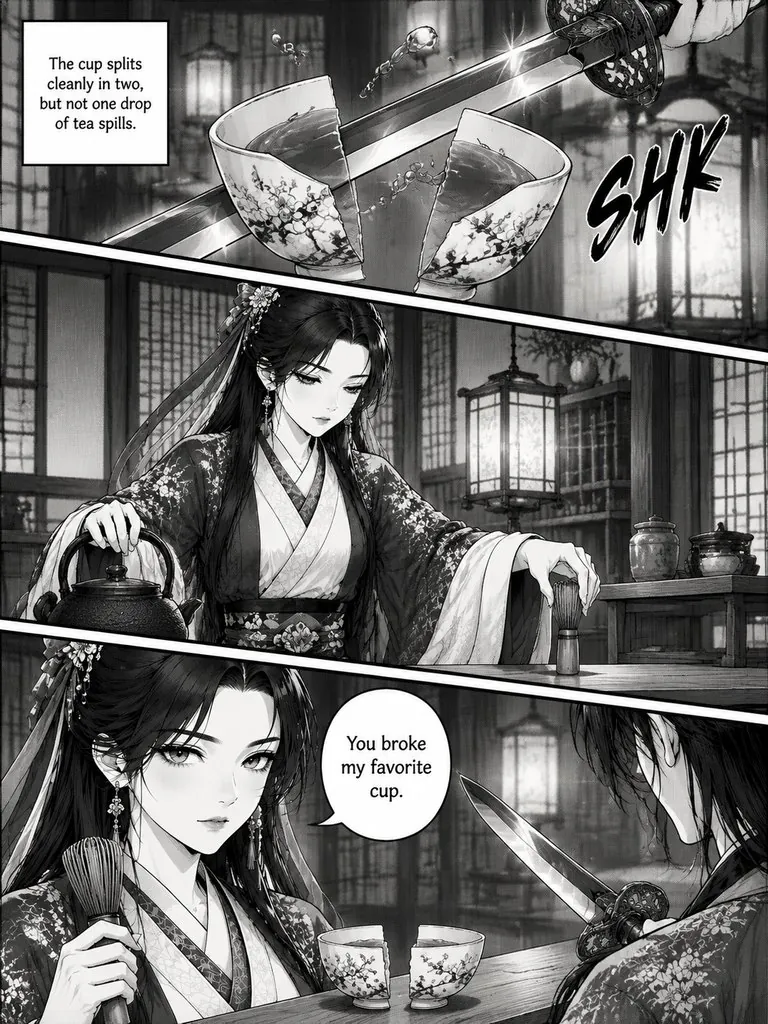
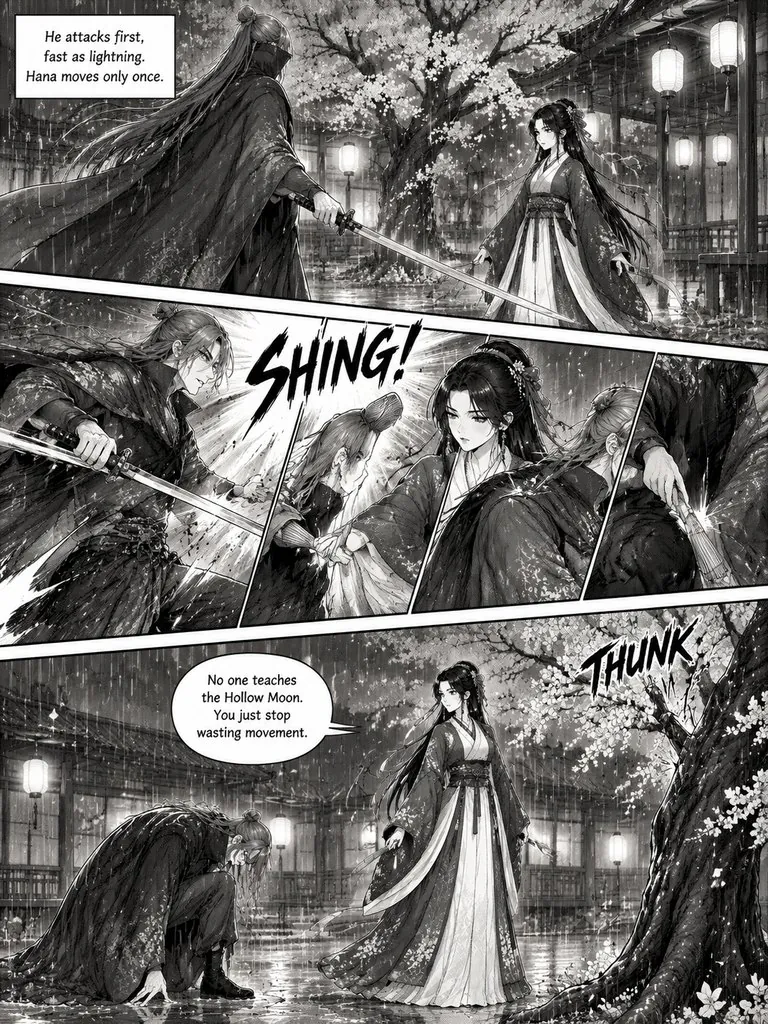
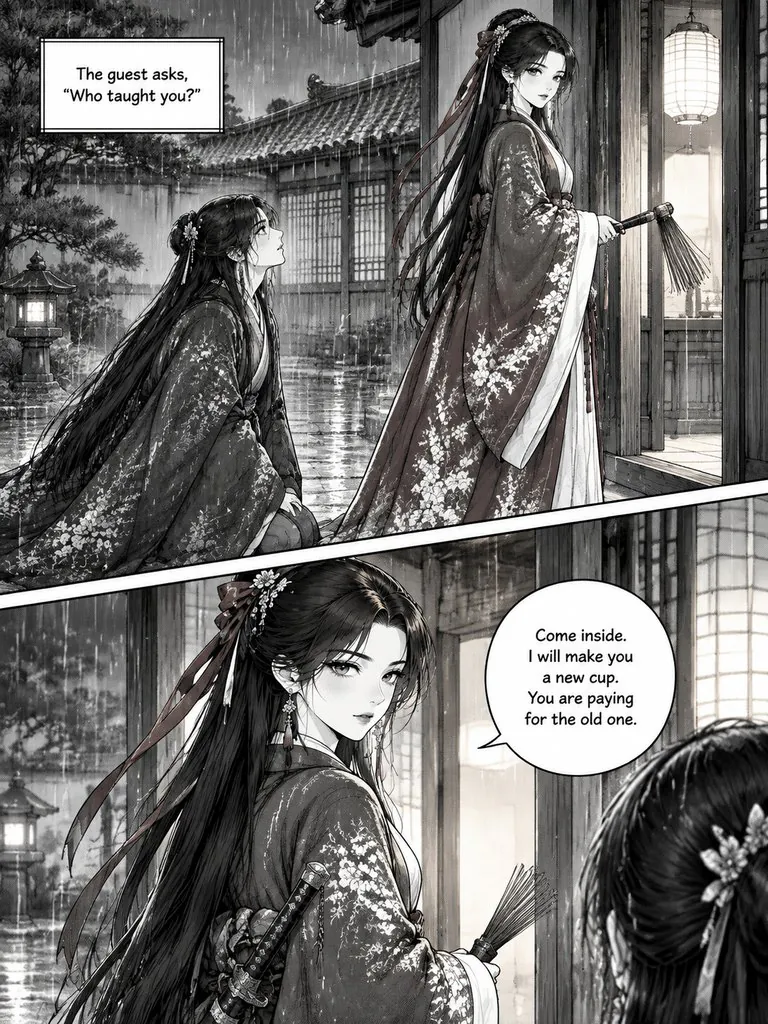
The Last Teahouse Blade
A swordsman comes to a Kyoto teahouse looking for the last master of a forbidden style. The owner answers with a tea whisk.
Read this chapter →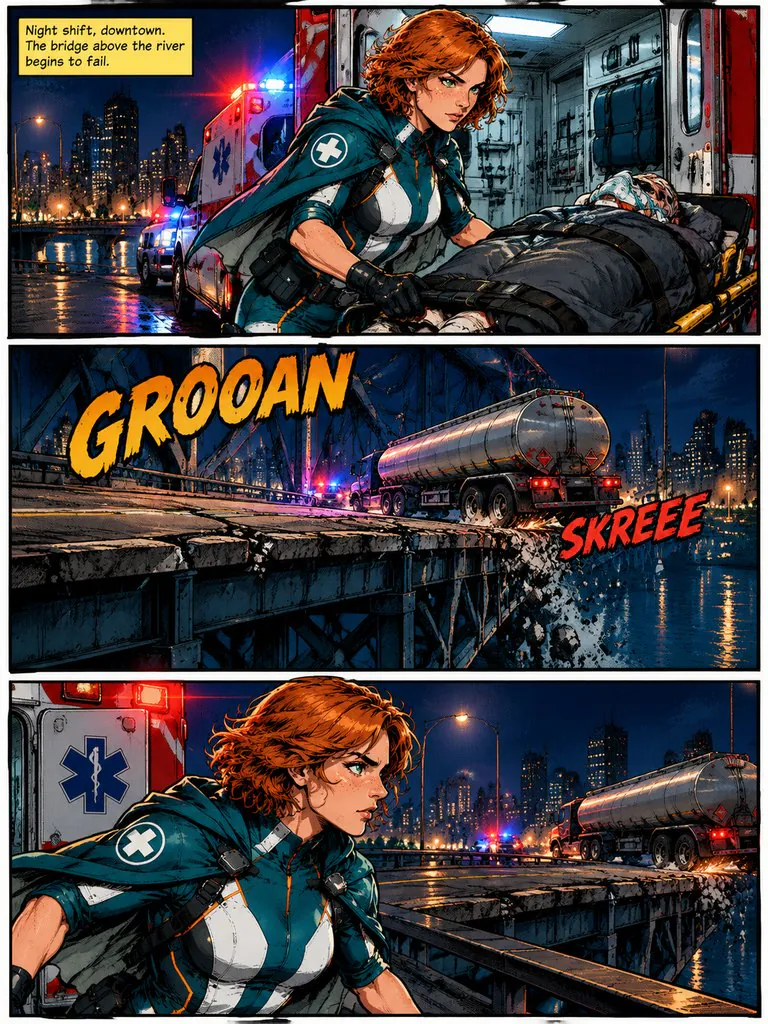
Nova: Overload
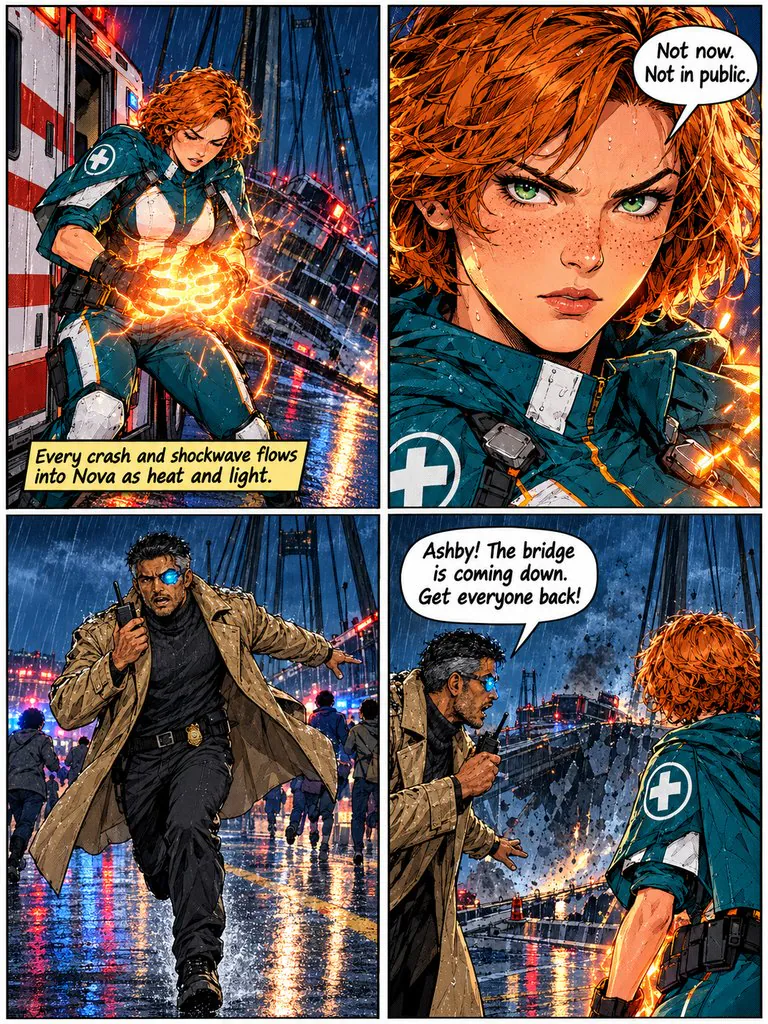
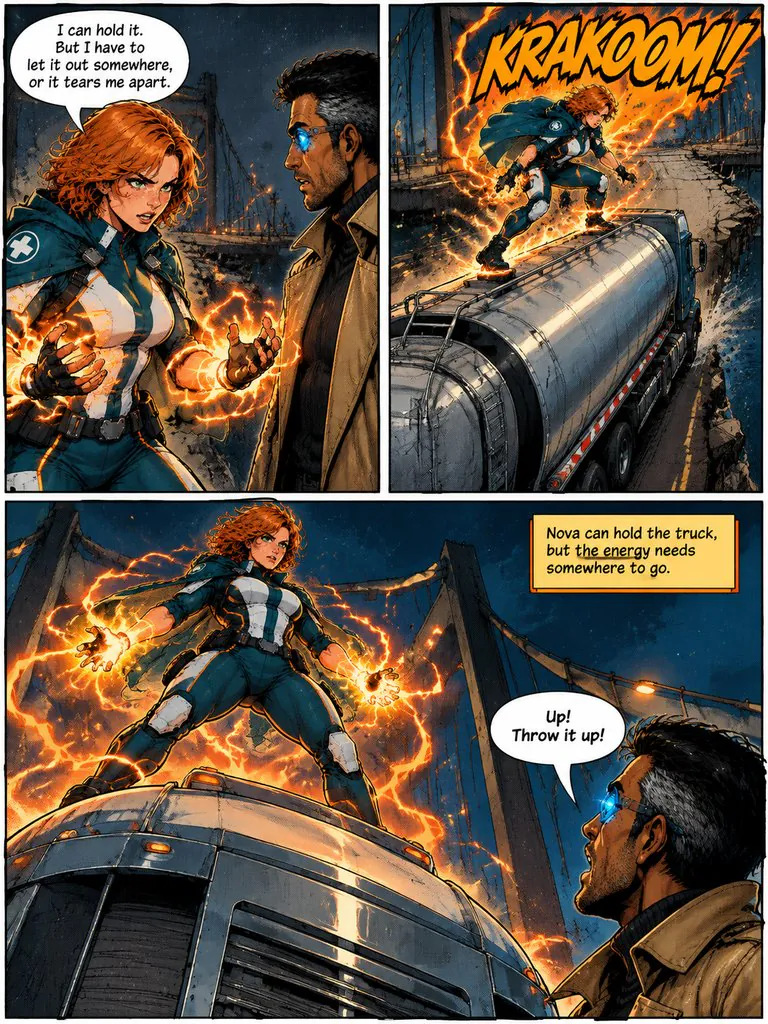
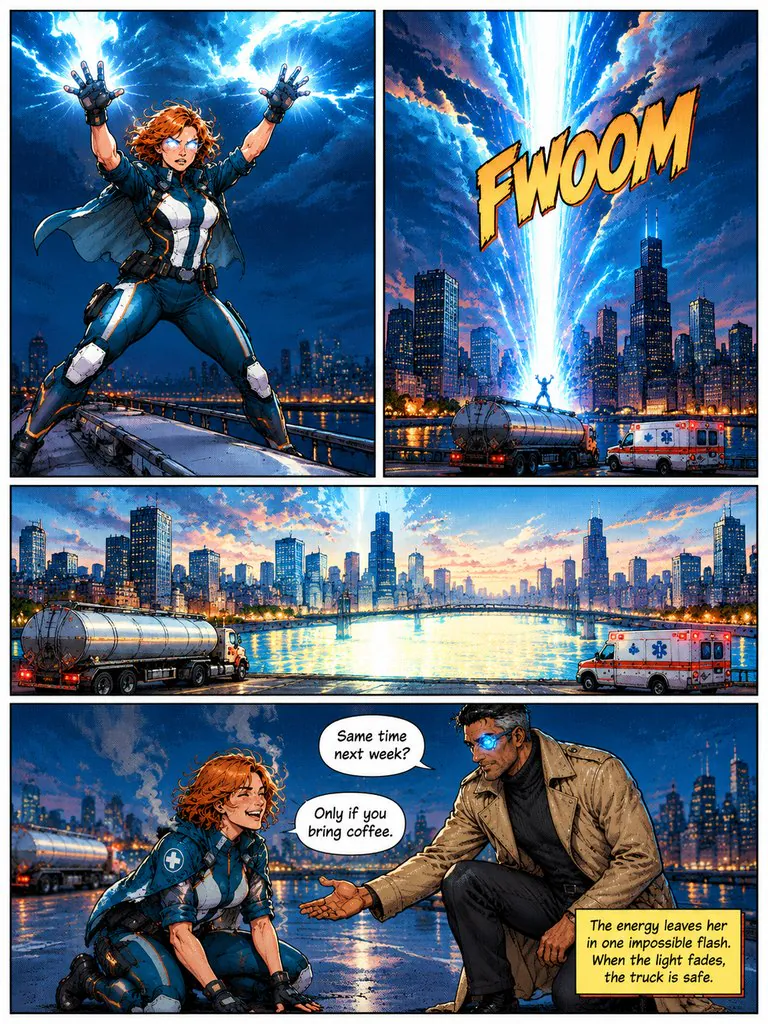
A paramedic who absorbs impact has to stop a falling bridge — and find somewhere to put all that energy.
Read this chapter →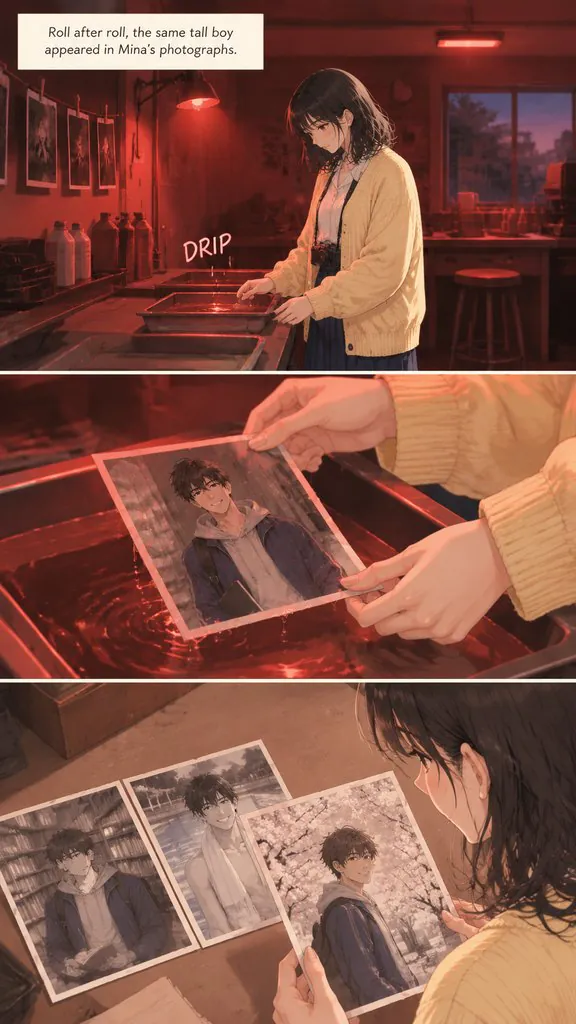
Out of Focus
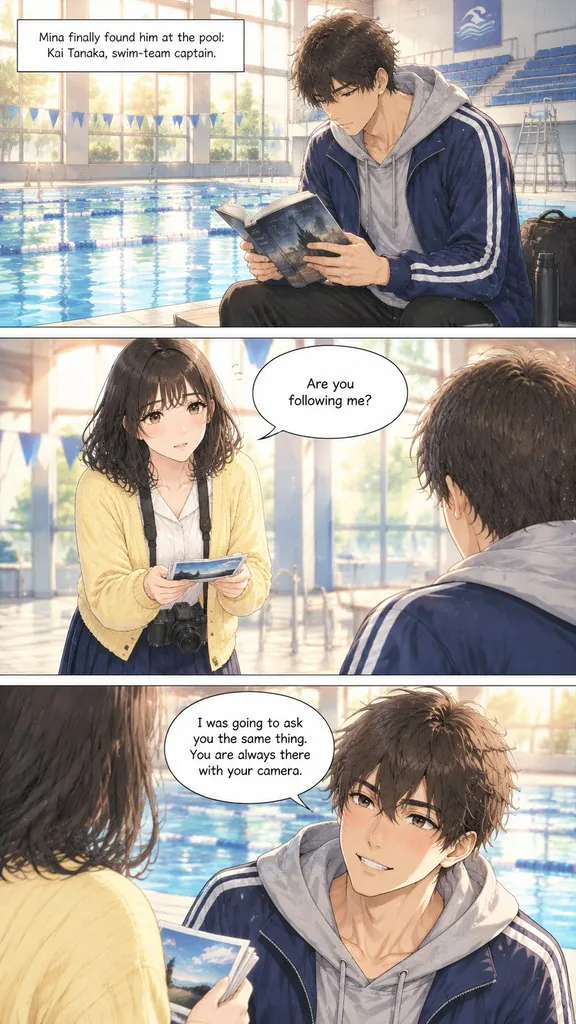
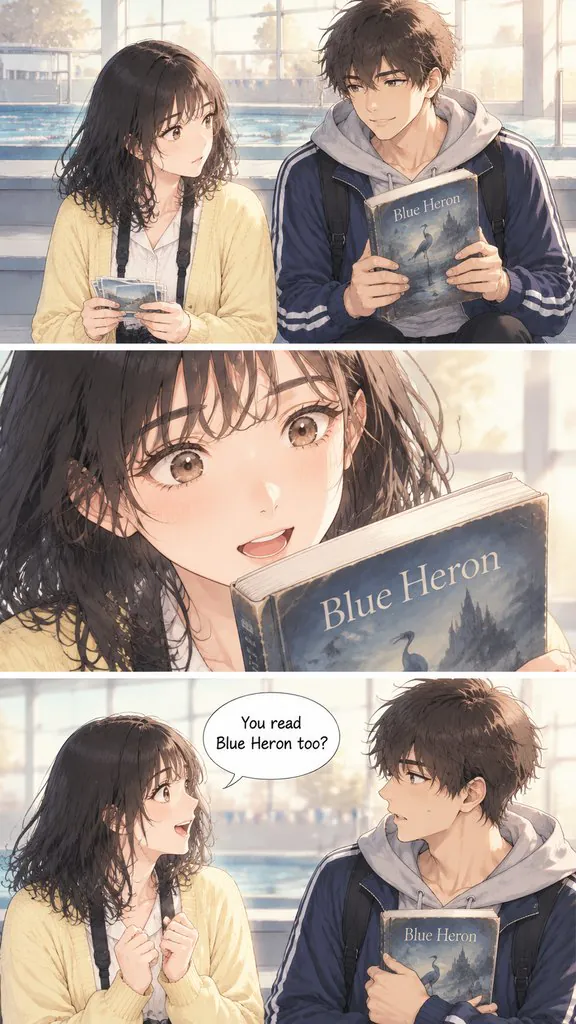
A photography student keeps finding the same boy in her photos. He turns out to be hiding a much bigger secret.
Read this chapter →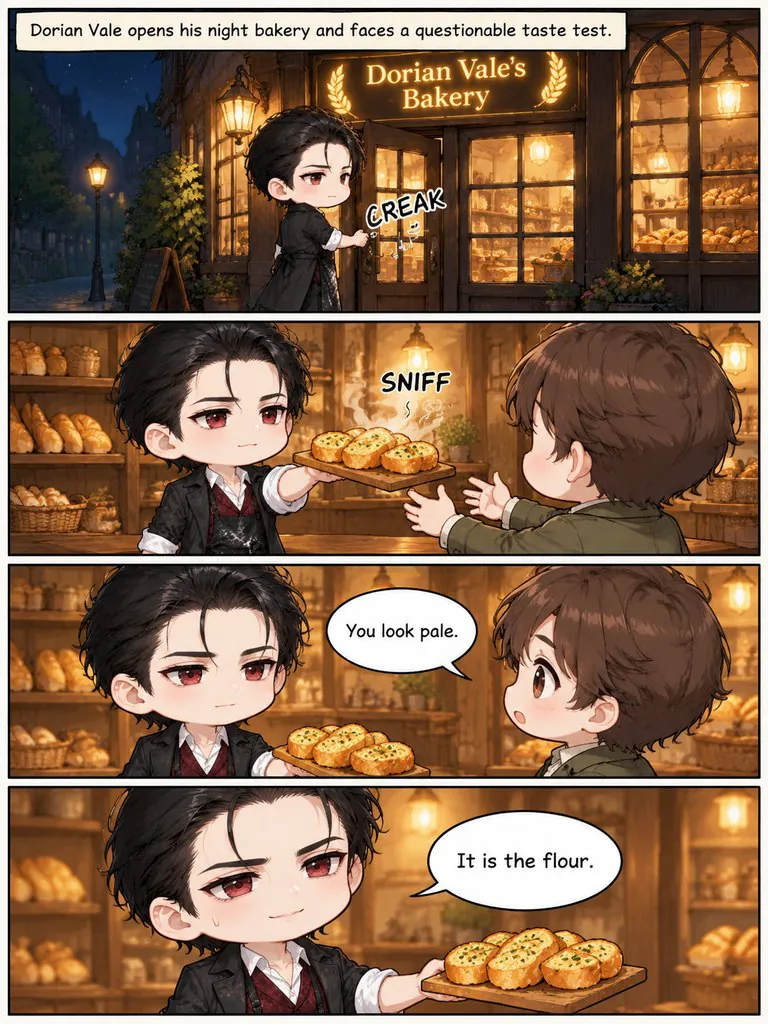
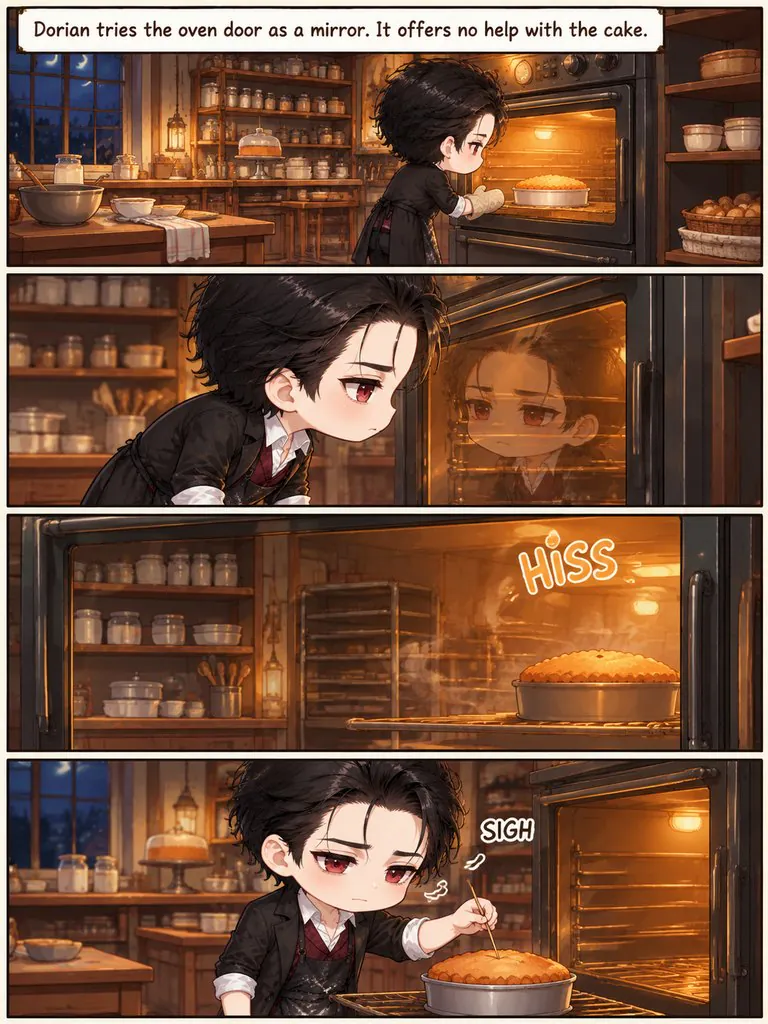
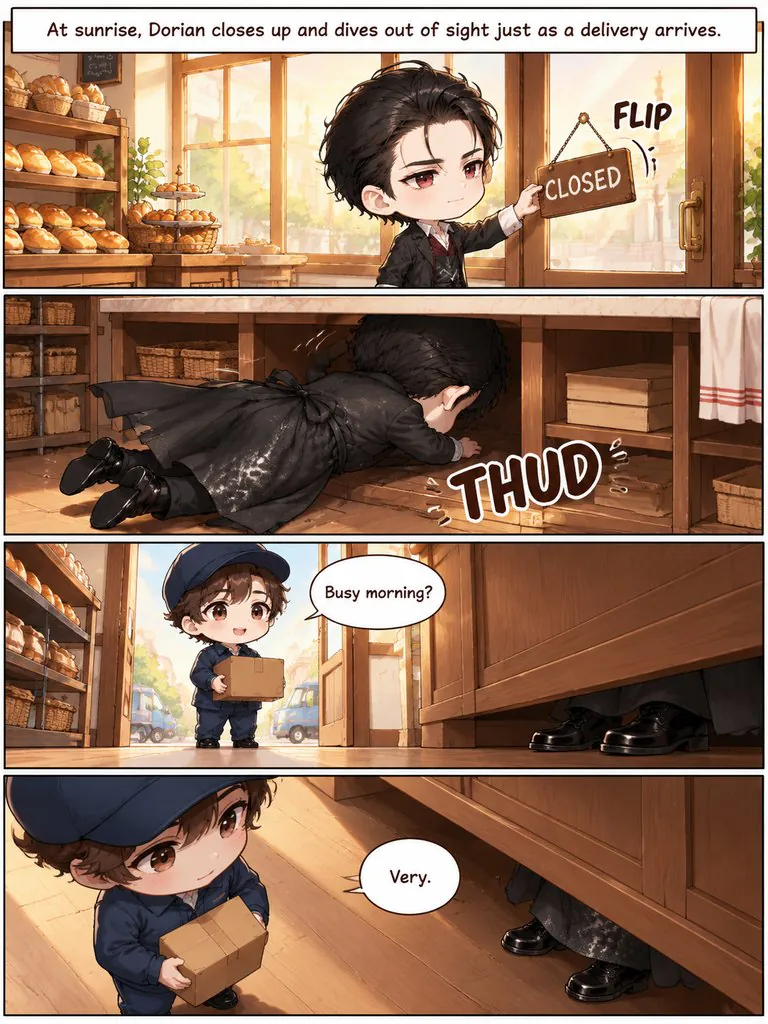
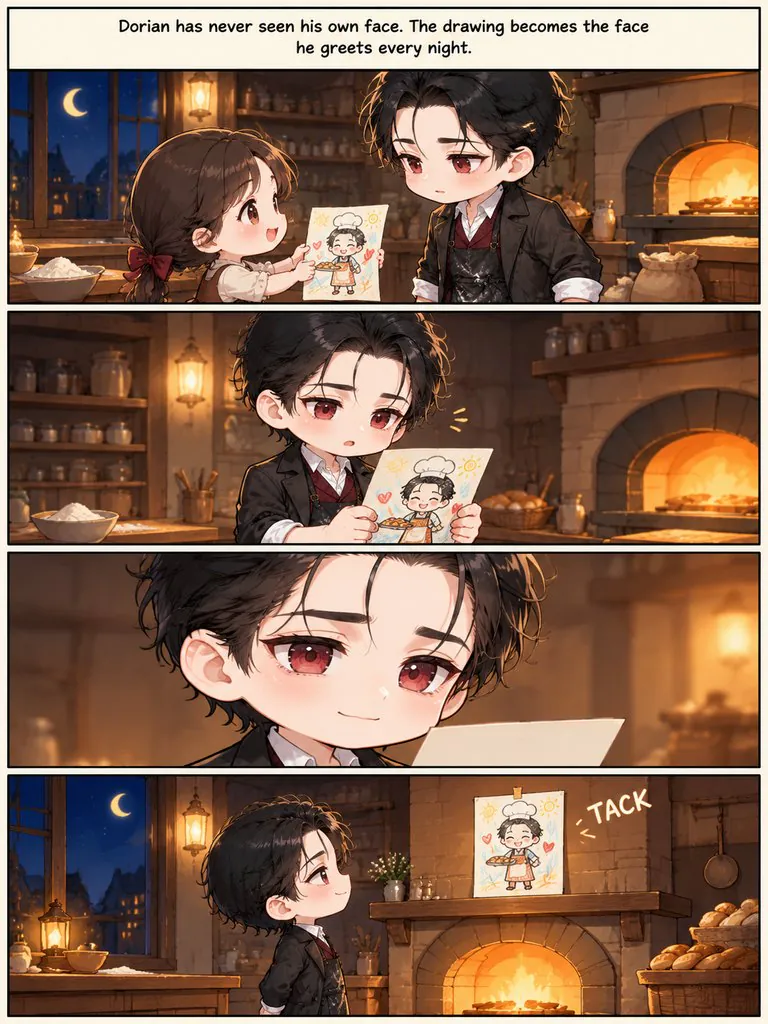
Night Bakery Problems
Four gag strips about a vampire who runs a bakery: garlic bread, mirrors, sunrise and a gift.
Read this chapter →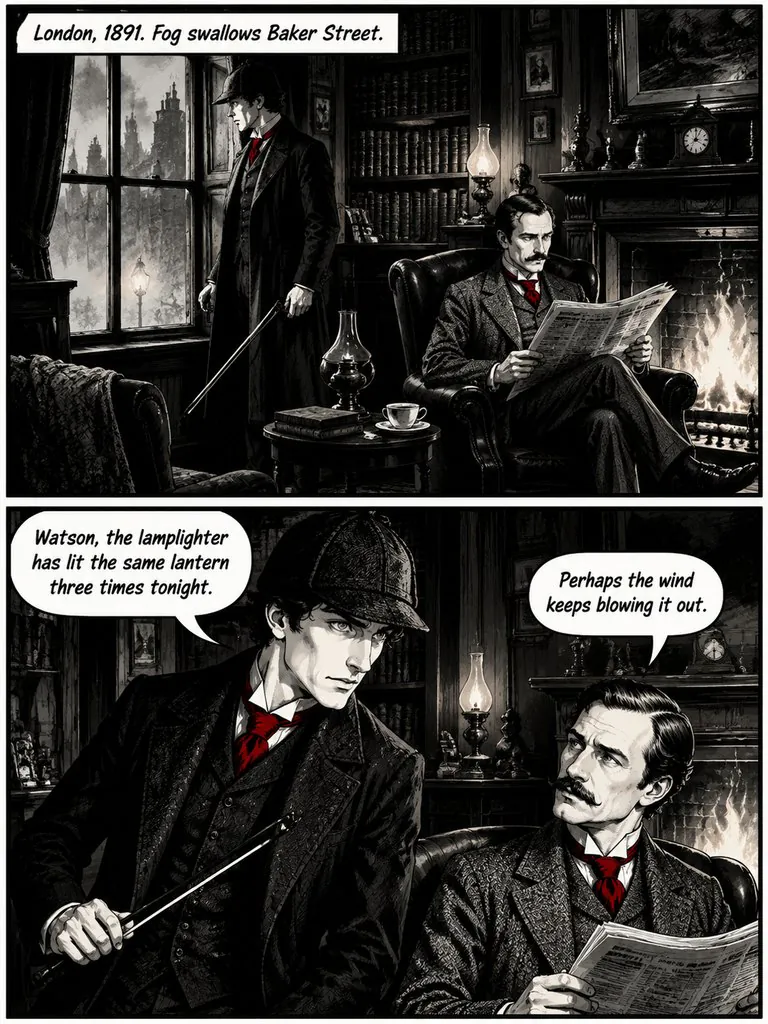
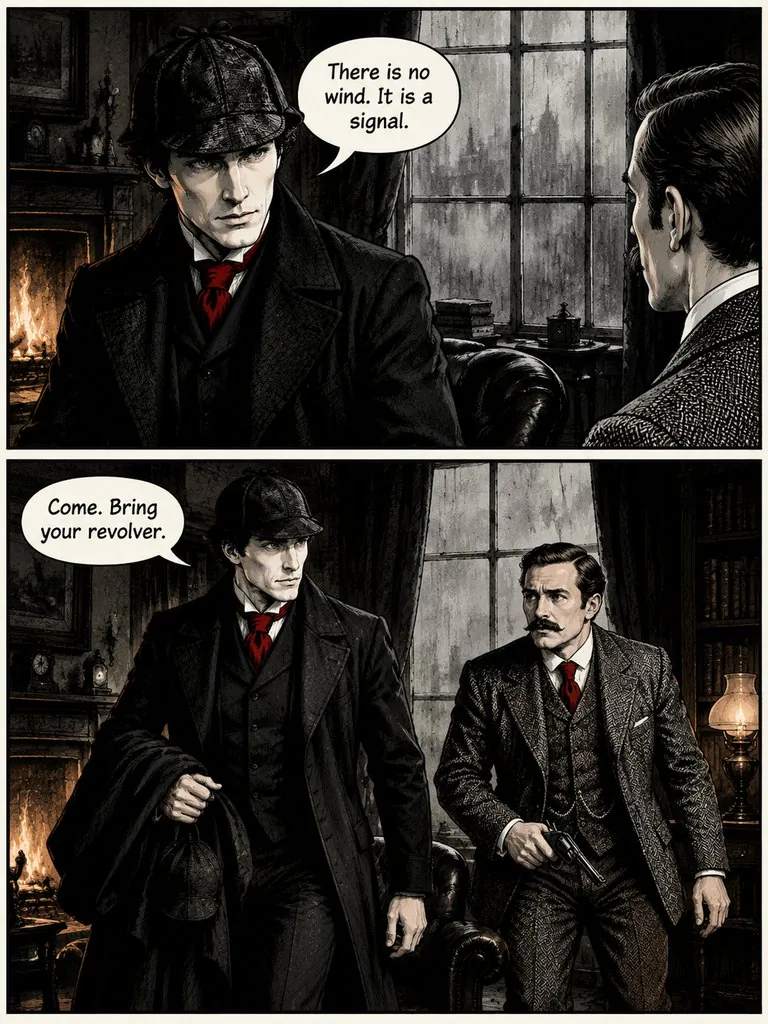
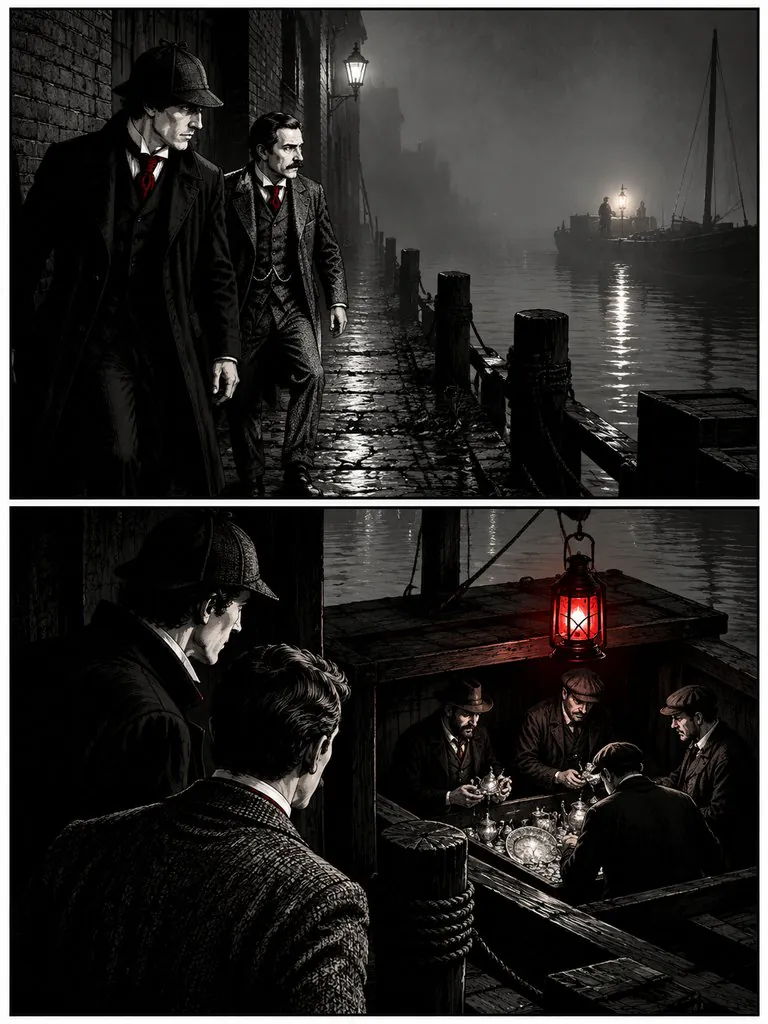
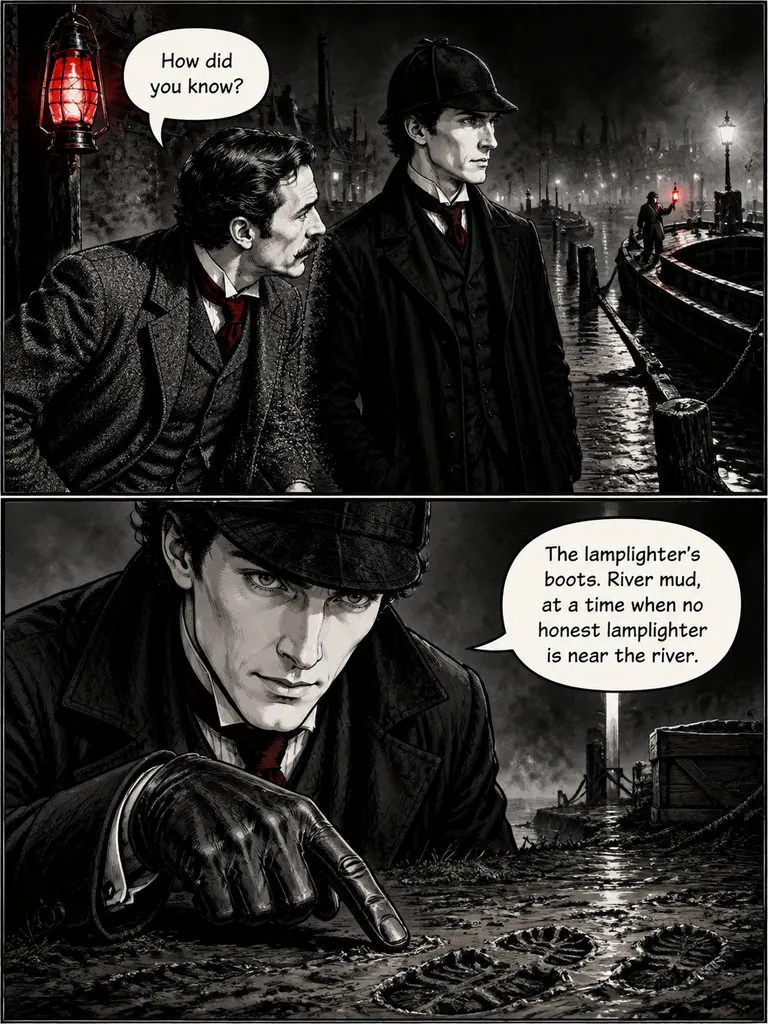
The Lantern on Baker Street
Sherlock Holmes notices a lantern lit three times in one night and follows it to the river with Dr. Watson.
Read this chapter →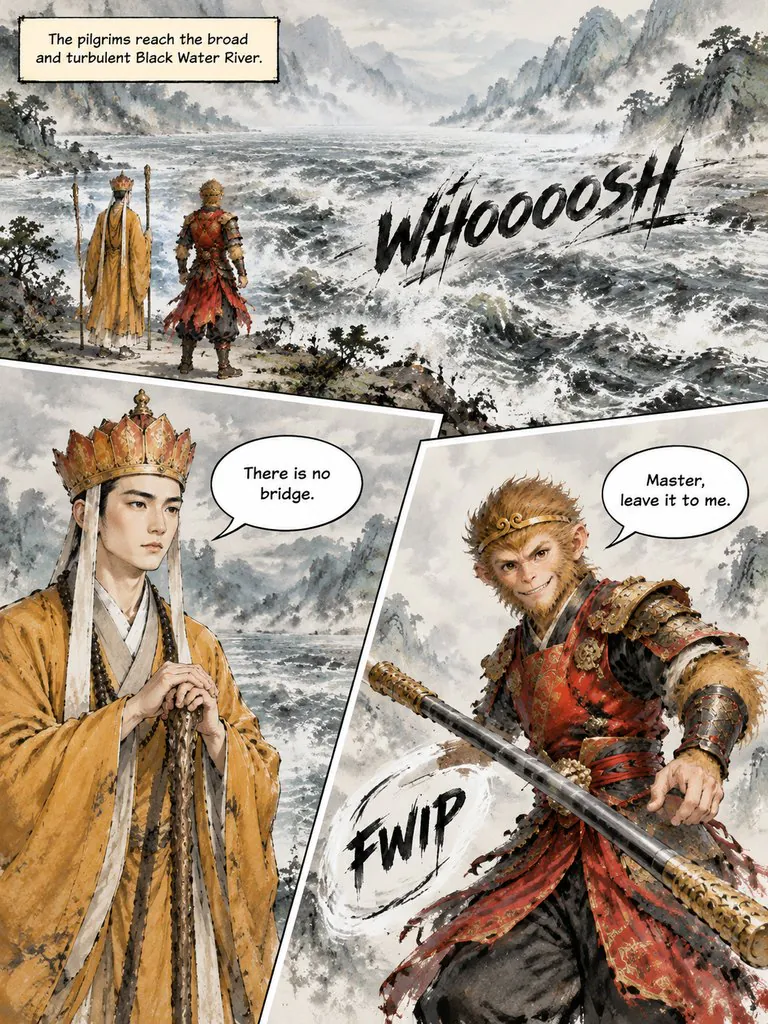
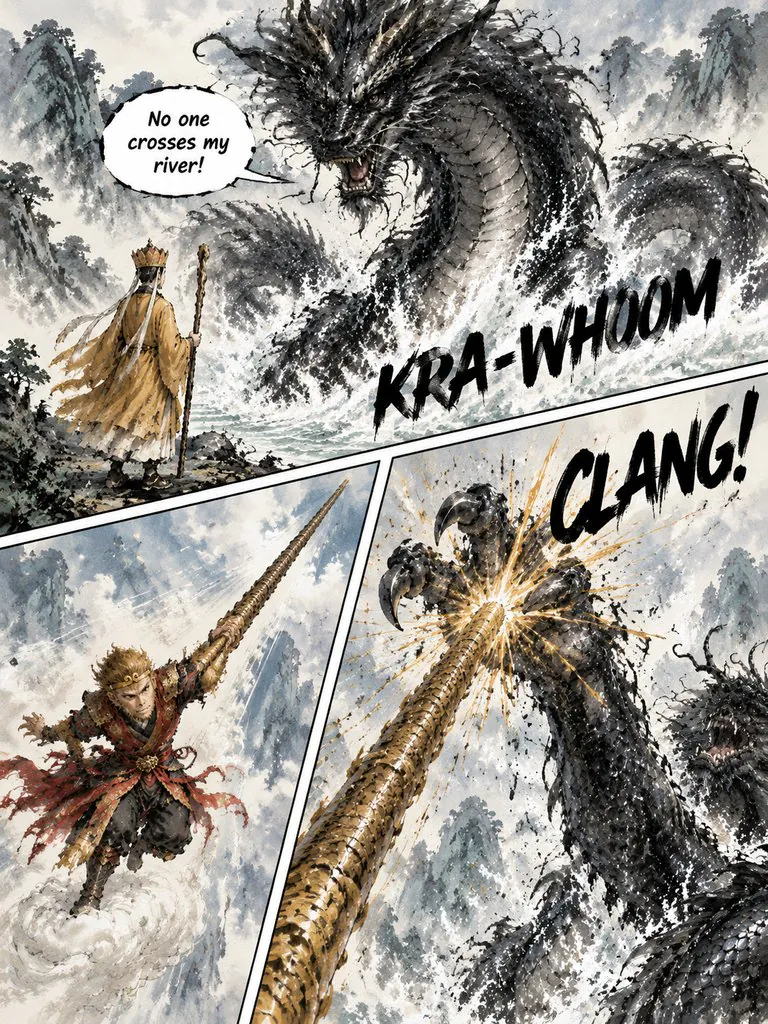
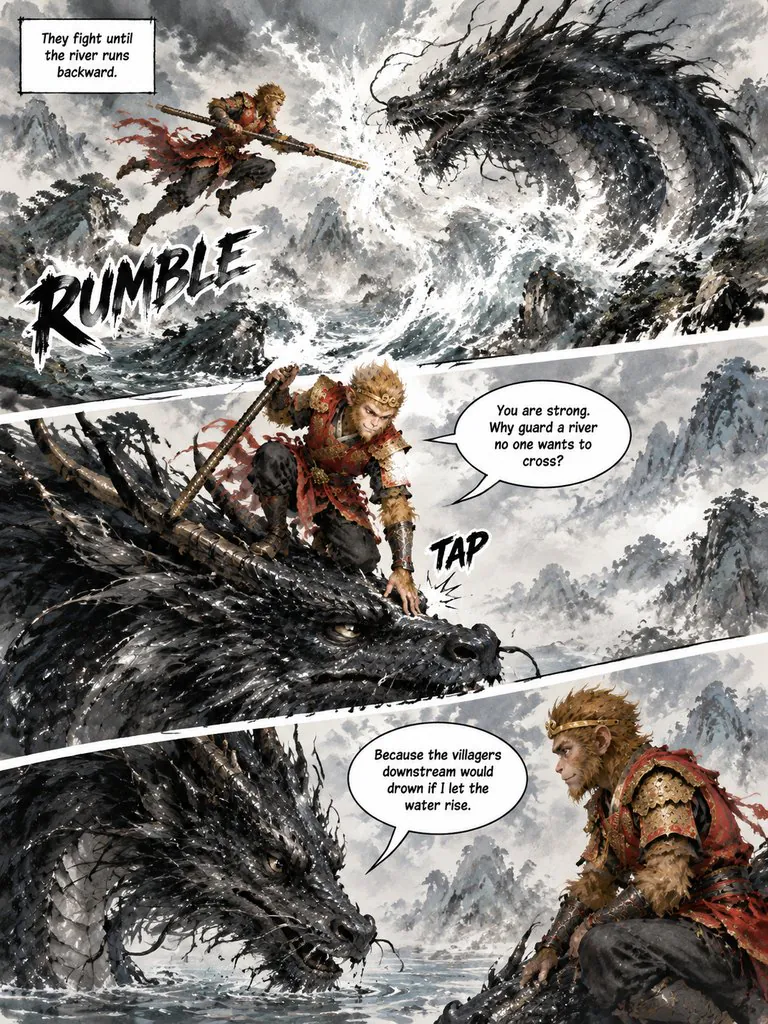
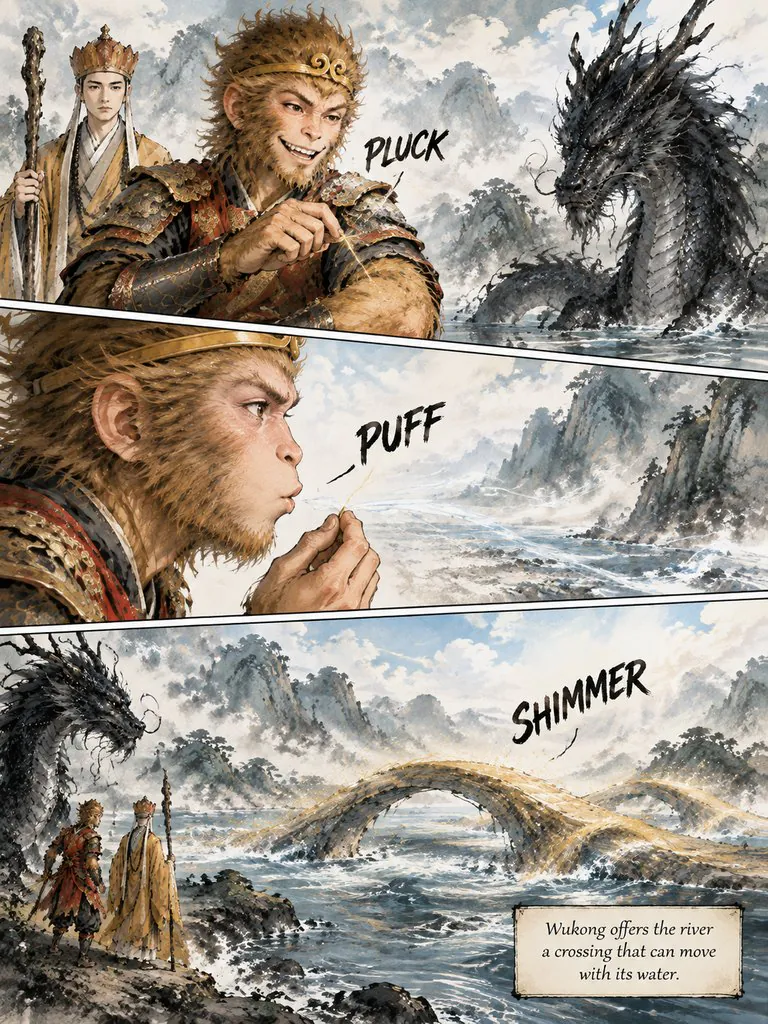
The Monkey King and the River Dragon
Sun Wukong takes on a black dragon that will not let the pilgrims cross its river — and finds out why it guards the water.
Read this chapter →You write the lines. They land in the balloons.
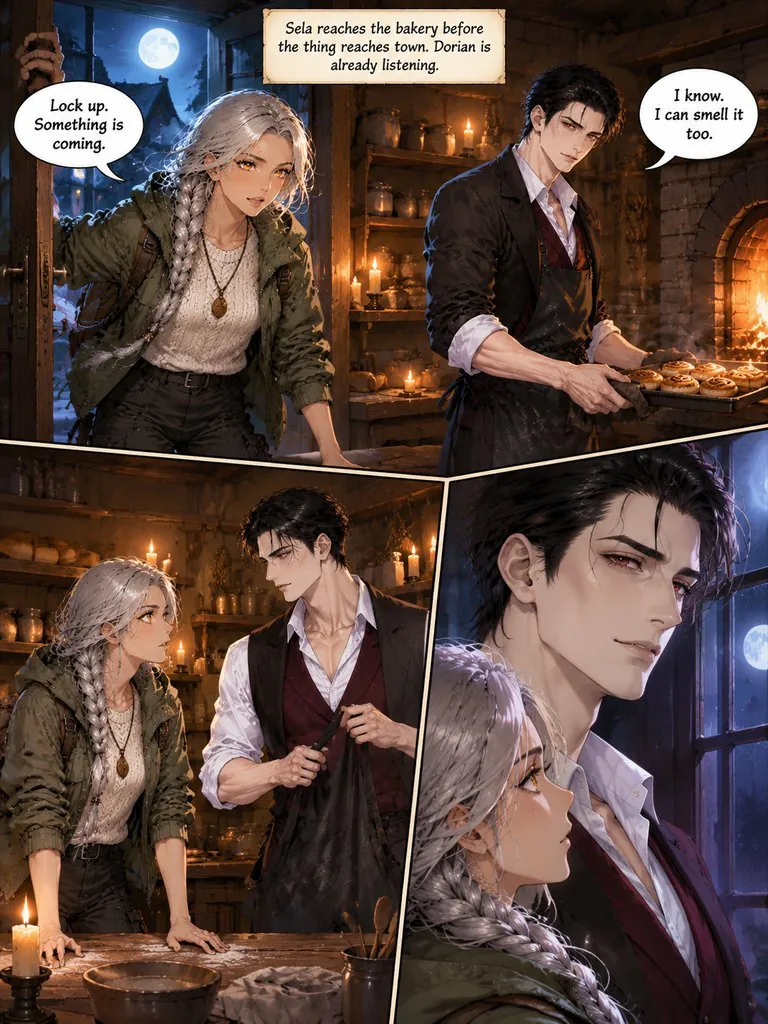
Sela reaches the bakery before the thing reaches town. Dorian is already listening.
SelaLock up. Something is coming.
DorianI know. I can smell it too.
The storyboard keeps every caption, line of dialogue and sound effect as plain text. When a page is drawn, those words are set in balloons and caption boxes on an editable text layer over the art, in any of 9 languages.
Want a different word, or a balloon somewhere else? Edit the text, drag the balloon or resize it right on the page — no redraw. If you prefer the lettering painted into the picture, switch that on in the style settings.
What is the LazyKiwi AI comic generator?
Comic Studio is an AI comic maker built around chapters. Pick a lead from the original character library or create your own, then paste a chapter of up to 1,000 words or let AI write it from an outline. The studio draws a reference sheet for every character, splits the chapter into pages, checks the storyboard for continuity and writes the drawing prompts — all free. Each page is then drawn in one go with its lettering, and can be refined with one sentence or turned into a 5-second clip.
Text to comic in 3 steps
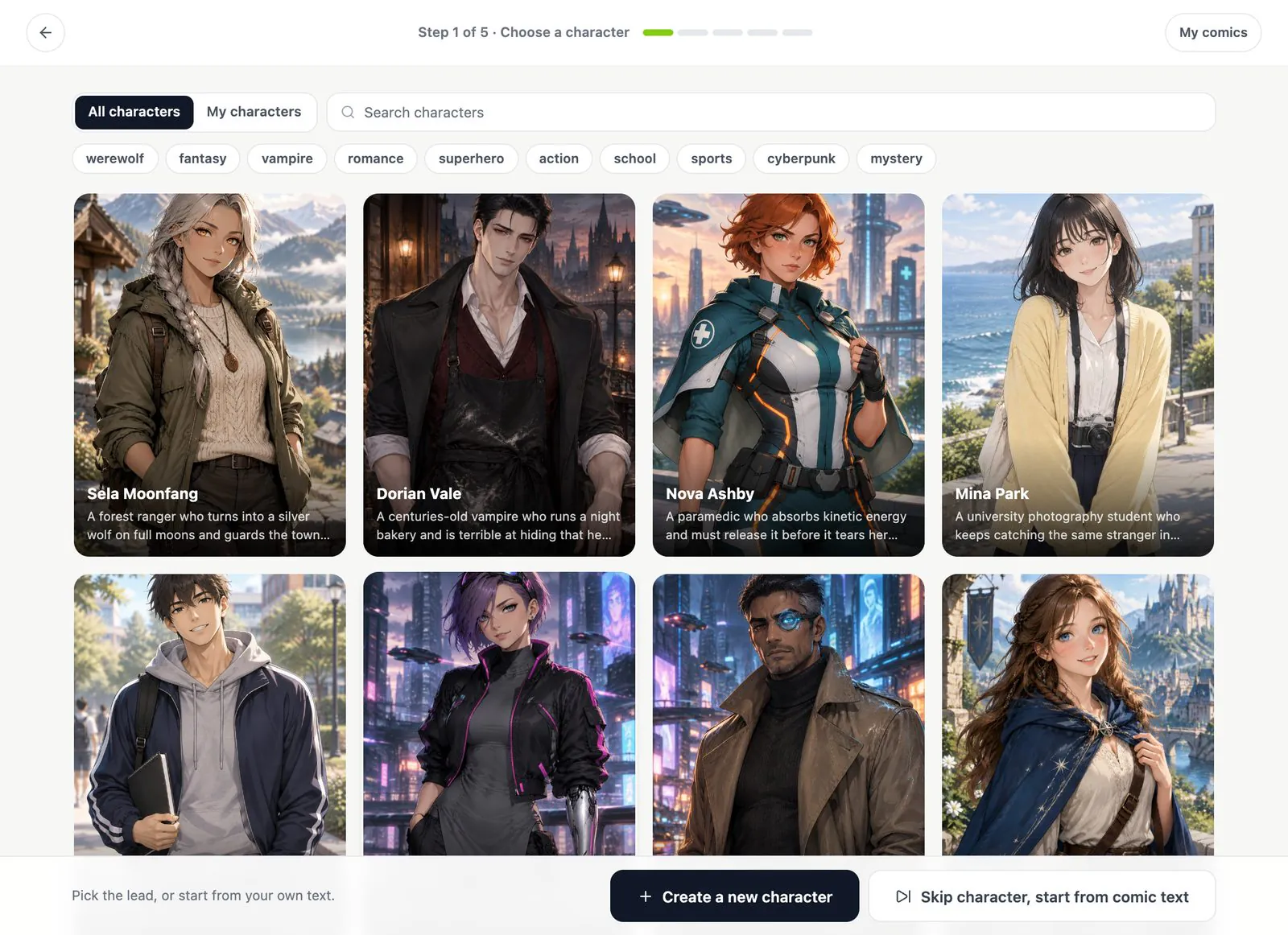
1Pick a character and write the chapter
Choose a lead from the character library, create your own, or skip. Paste a chapter or let AI write it from an outline, then pick an art style, a page format and an aspect ratio.
2Check the storyboard for free
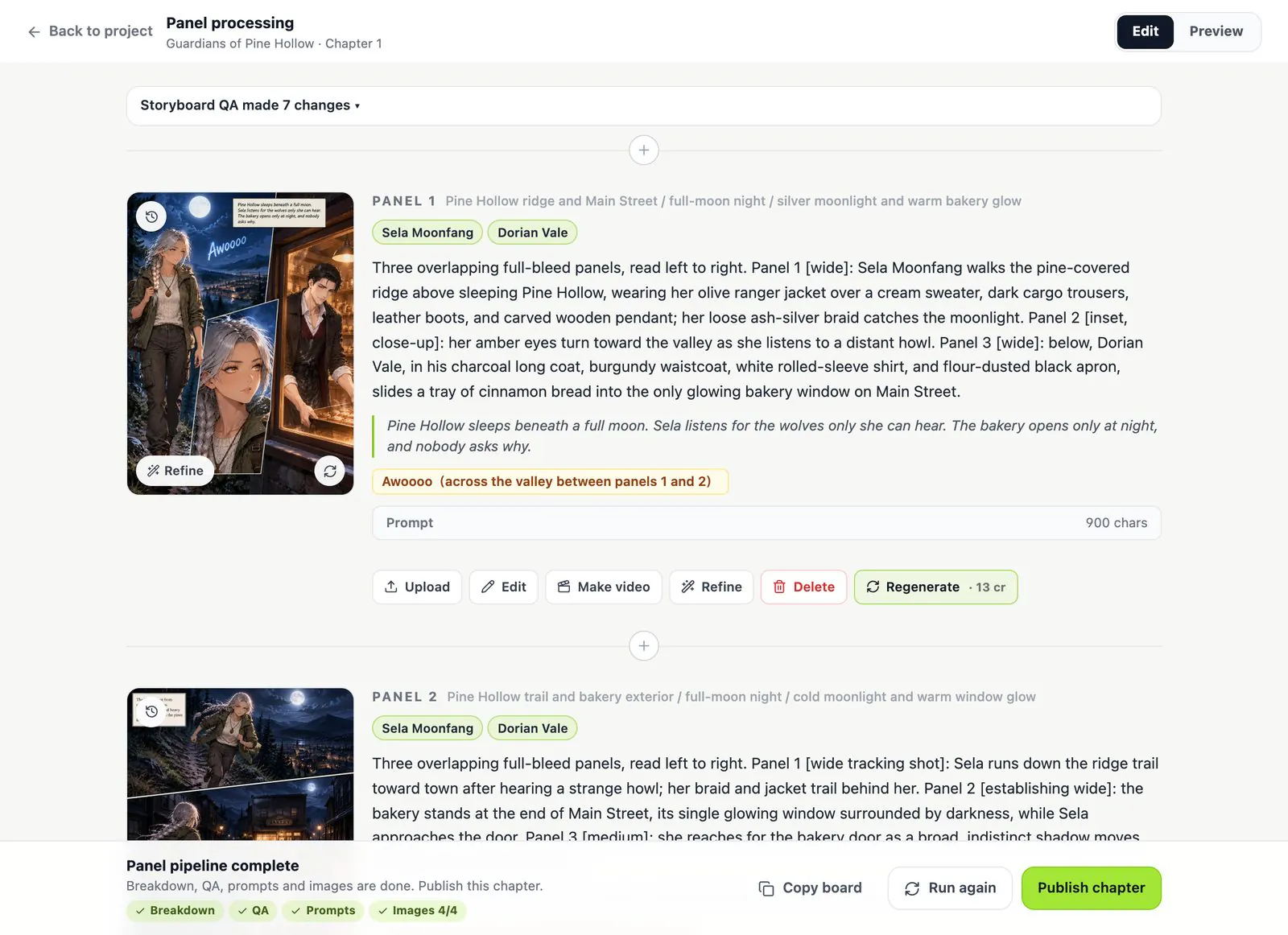
The studio draws a reference sheet for each character, then breaks the chapter into pages, runs a continuity check and writes the prompts for free. Turn off Auto-generate in Advanced settings if you want to edit every page before any of it is drawn.
3Draw the pages, then refine or animate
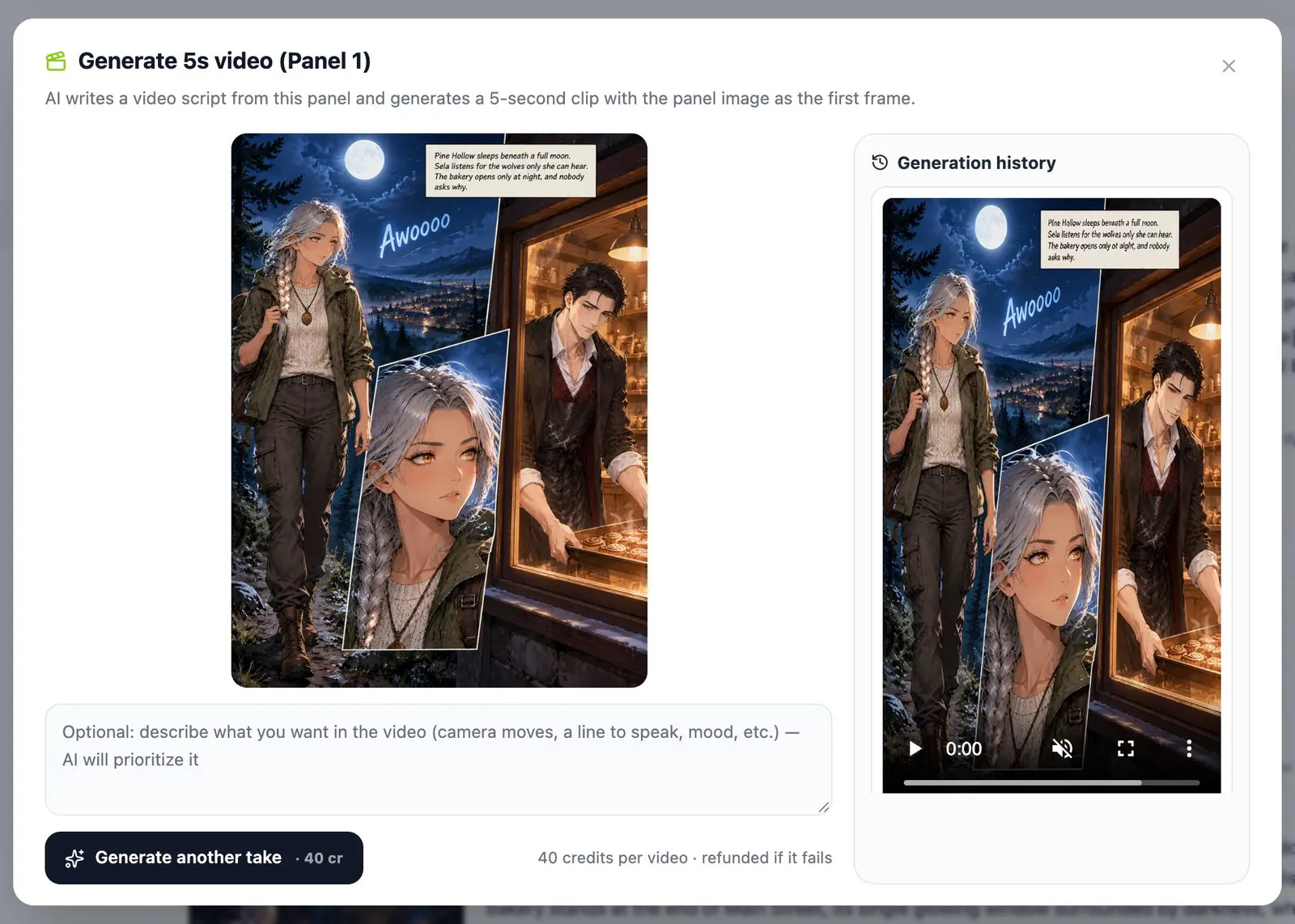
Pages are drawn with their lettering. Refine a page with one sentence, restore any older version, turn a page into a 5-second clip, then export a ZIP of images or a PDF.
The same faces on every page
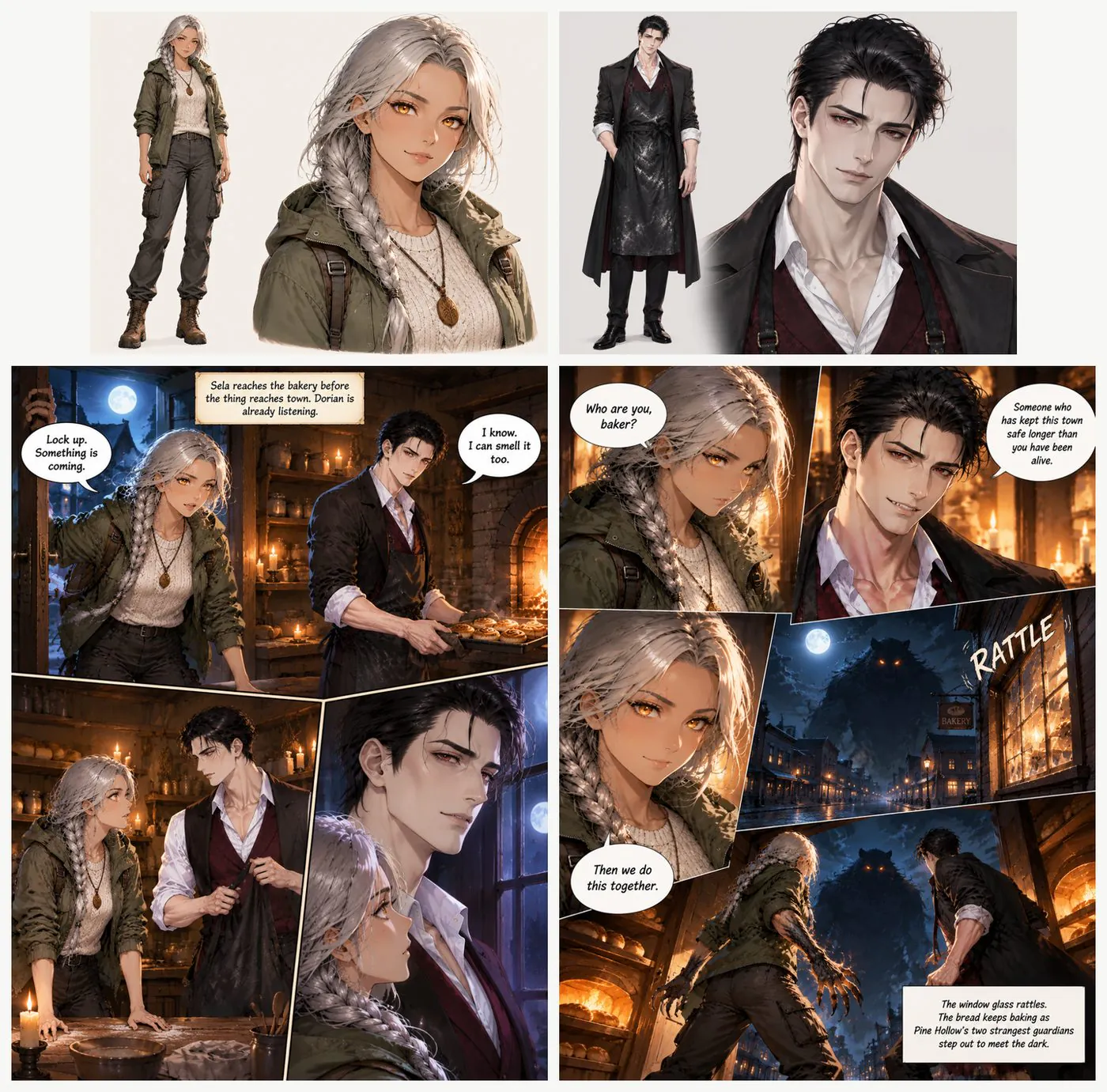
Every character gets a reference sheet in your comic's art style before any page is drawn, and every page is drawn from those sheets. That is why the silver braid, the ranger jacket and the baker's apron match on page 1 and page 4.
New characters in later chapters get their own sheet; finished sheets are kept and reused.
One story, any comic format
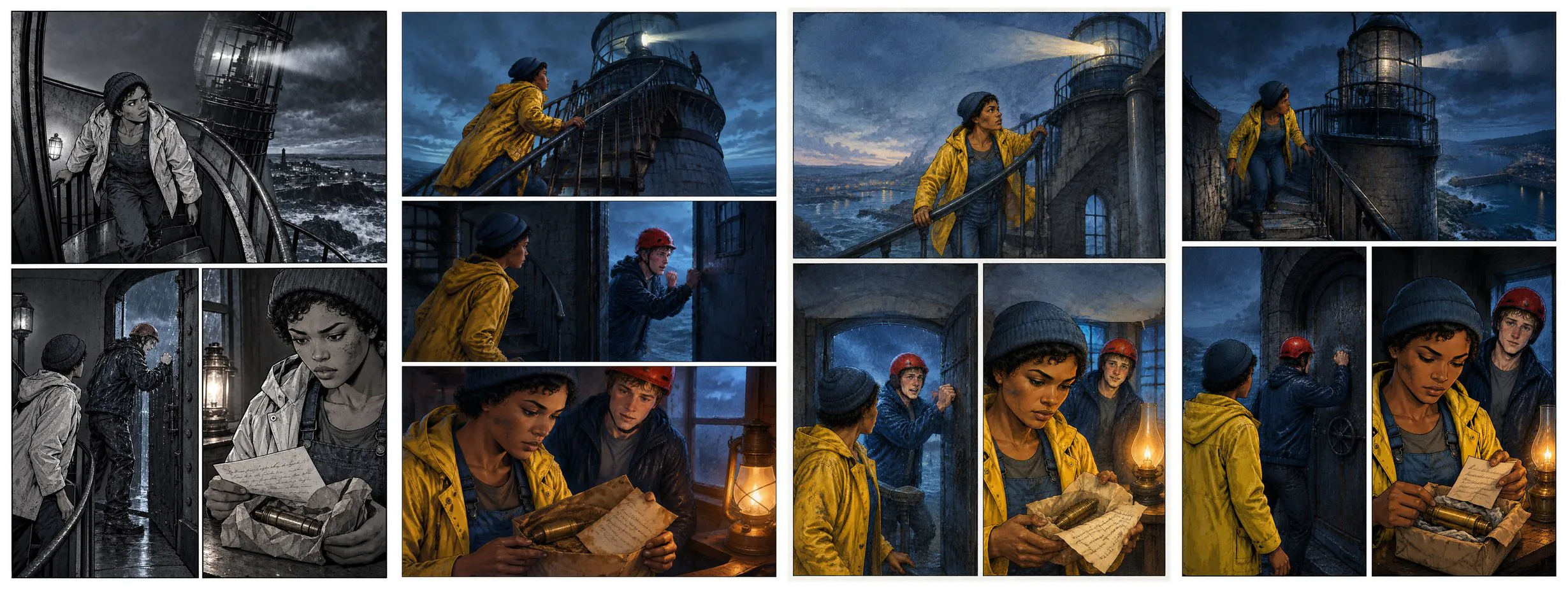
Use it as a manga maker, a webtoon maker, a comic strip maker or a comic book maker: pick one of 6 page formats — cinematic, classic grid, manga read right to left, vertical webtoon, 4-panel strip and picture book — and one of 18 art styles.
The chapters above show five of them.
What Comic Studio does today
- Input
- A chapter of up to 1,000 words (2,000 characters in Chinese, Japanese or Korean), or an outline that AI writes into a chapter. Add more chapters to the same comic later.
- Characters
- Start from the original character library, create your own from a description or an image you have the right to use, or let the studio find the characters in your text.
- Styles and formats
- 18 art styles plus auto-detect; 6 page formats; 3:4, 9:16, 1:1, 4:3 or 16:9 pages.
- Output
- Finished pages with their panels, plus captions, dialogue balloons and sound effects on an editable text layer (or drawn into the art, if you prefer).
- Languages
- Lettering in English, Chinese, Japanese, Korean, Spanish, Portuguese, French, German or Indonesian.
- Export
- A ZIP of every page or a PDF of the chapter. Free accounts get a small “Made with LazyKiwi” mark.
- Cost
- Writing, character scan, storyboard, continuity check and prompts are free. 13 credits per character sheet, 13 per page (17 in HD), 40 per 5-second clip; failed images are refunded.
AI comic makers compared
How Comic Studio compares with the comic tools that rank for “AI comic generator”.
 LazyKiwi Comic Studio LazyKiwi Comic Studio | Anifusion | LlamaGen | ComicsMaker | |
|---|---|---|---|---|
| Plans pages from your story | Whole chapter storyboarded first; every page editable | Suggests scene breaks and panel beats | Text to manga from a story or script | Design characters, generate scenes, lay out pages |
| Character consistency | A reference sheet per character, in your art style | Character sheets and optional LoRA models | Recurring cast across pages | Character creation and training |
| Dialogue | Editable text layer: change words, drag and resize balloons, no redraw | Editable speech bubbles and text layers | Bubbles and lettering in Manga Maker | Speech bubbles |
| Formats | 6 formats: cinematic, grid, manga, webtoon, 4-panel, picture book | Manga, comics and webtoons | Manga, comics and webtoons | Comic strips, manga and webtoons |
| Export | ZIP of every page, PDF of the chapter | Print-ready files | PDF, CBZ and page images | — |
| Also makes video | Any page into a short clip; same account has Video, Image, Motion and Music Studio | Video animation | Comic to video | — |
Plans pages from your story
LazyKiwi Comic StudioWhole chapter storyboarded first; every page editable- Anifusion
- Suggests scene breaks and panel beats
- LlamaGen
- Text to manga from a story or script
- ComicsMaker
- Design characters, generate scenes, lay out pages
Character consistency
LazyKiwi Comic StudioA reference sheet per character, in your art style- Anifusion
- Character sheets and optional LoRA models
- LlamaGen
- Recurring cast across pages
- ComicsMaker
- Character creation and training
Dialogue
LazyKiwi Comic StudioEditable text layer: change words, drag and resize balloons, no redraw- Anifusion
- Editable speech bubbles and text layers
- LlamaGen
- Bubbles and lettering in Manga Maker
- ComicsMaker
- Speech bubbles
Formats
LazyKiwi Comic Studio6 formats: cinematic, grid, manga, webtoon, 4-panel, picture book- Anifusion
- Manga, comics and webtoons
- LlamaGen
- Manga, comics and webtoons
- ComicsMaker
- Comic strips, manga and webtoons
Export
LazyKiwi Comic StudioZIP of every page, PDF of the chapter- Anifusion
- Print-ready files
- LlamaGen
- PDF, CBZ and page images
- ComicsMaker
- —
Also makes video
LazyKiwi Comic StudioAny page into a short clip; same account has Video, Image, Motion and Music Studio- Anifusion
- Video animation
- LlamaGen
- Comic to video
- ComicsMaker
- —
Competitor details from their own pages, checked 23 Oct 2026; — means not stated there: Anifusion features · Anifusion text to manga · LlamaGen manga generator · ComicsMaker
AI comic generator questions
Do I need to know how to draw?
No. You write the story and decide what happens on each page in the storyboard; Comic Studio draws the pages.
Is the AI comic generator free?
Planning is free: drafting the story, finding the characters, the storyboard, the continuity check and the prompts cost nothing. Drawing costs credits — 13 per character sheet and 13 per page — and new accounts get free credits to start.
How is this different from asking ChatGPT or Midjourney for a comic?
A general image tool makes one picture at a time and does not remember your characters. Comic Studio plans the whole chapter first, draws a reference sheet for every character, and draws each page from those sheets with the dialogue lettered in.
Can I keep the same characters across pages?
Yes. Every character gets a reference sheet and every page is drawn from those sheets. See how character consistency works.
Can I change the text after a page is drawn?
Yes. Lettering sits on its own text layer, so you can change the words, drag a balloon or resize it on the page without redrawing. If you choose to have lettering drawn into the picture instead, edit the line and redraw that page, or use Refine with one sentence.
Can it make manga, webtoons and comic strips?
Yes. Pick the manga format for right-to-left pages, webtoon for vertical strips, or 4-panel strip, and pair it with any of the 18 art styles. See the AI manga generator and the comic strip maker.
Can I use my own characters?
Yes. Create a character from a description and an image, or upload a reference for any character in the cast. Use art you made or have the right to use.
How many pages can a chapter have?
A chapter is up to 1,000 words; the studio usually splits that into 4 to 6 pages. Add as many chapters to the same comic as you like.
Can I use it on my phone?
Yes. Comic Studio runs in the browser on desktop and mobile.
How long does a page take?
Planning a chapter takes a few minutes. Pages are drawn three at a time, about two to three minutes each.
Can I use the comics commercially?
See our Terms for what you may do with what you create. Stories and characters you add must be yours or used with permission.
Your story, as a comic
Paste a chapter. The storyboard is free; you only pay for what gets drawn.