
Goals Checklist
A checklist animation that ticks off your three items
On a pale mint stage, a bold title and three items slide in from alternating sides. Each box fills green with a drawn check, a strike-through sweeps across the text and it dims — done, done, done. Five and a half seconds.
- 5.5s
- duration
- 4
- aspect ratios
- 7
- controls
- 720p
- free, unlimited exports
Text · 5.5s · 9:16
Checklist · Goals · To-do · Strike
An animated checklist with a satisfying finish
A to do list animation is only satisfying if every item gets its moment. This one gives each of the three a full sequence: the row slides in — first from the left, then the right, then the left again — its rounded box pops slightly as it fills with colour, a white check draws itself inside, a strike-through sweeps across the text and the words fade to grey. The three rows are staggered so the ticks land one after another like a rhythm.
The title sits above in heavy type ("2026 goals" by default), and the three items are separate text controls, so the same document is a new-year goals post, a course outline, a launch checklist or a list of features shipped. The accent colour fills the boxes and the text size runs from 54 to 104 for longer or shorter items. At the end the rows slide back out and the loop restarts from an empty page.
5.5 seconds, three beats
What is on screen, and when. Every element named here is a layer in the document — you can click any of them on the canvas and change it.
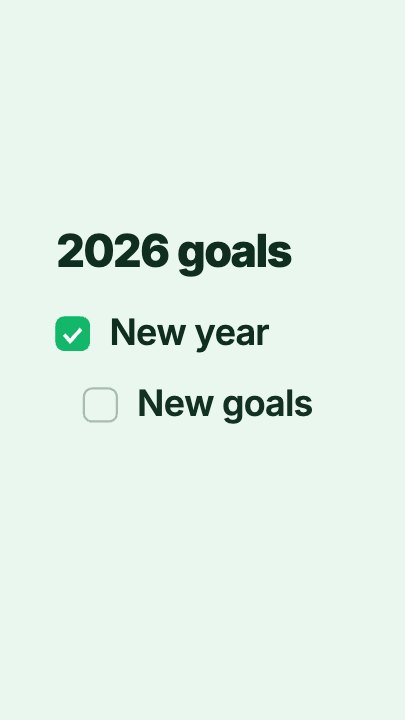
Beat 1 · 0.99s
The first tick
The title is up, the first goal's box has filled with a check, and the second row is sliding in unchecked.
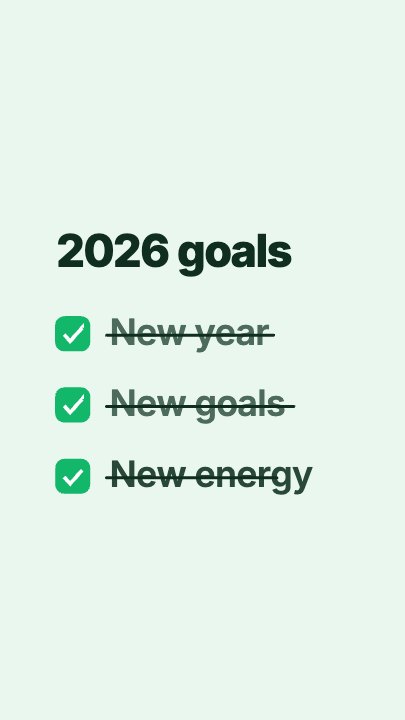
Beat 2 · 2.2s
All three checked
All three boxes are ticked and the last strike-through is sweeping across the third goal.
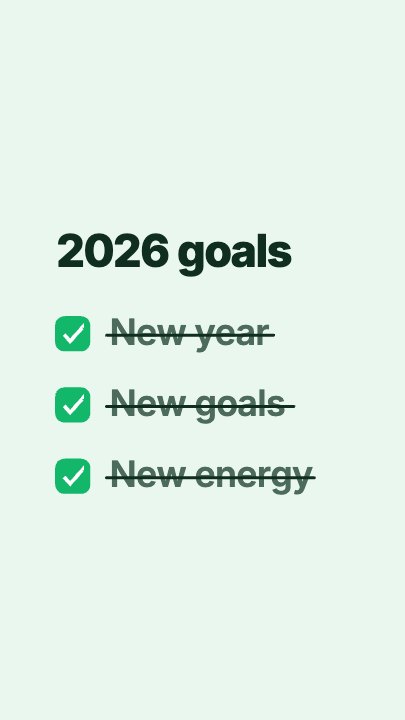
Beat 3 · 3.0s
Done, done, done
All three goals are ticked, struck through and dimmed under the title — the frame that works as a still.
Three steps to your checklist
- 01
Write the title
The Title control sits above the list — a year, a project name, "Shipped this week".
- 02
Fill in three items
Goal 1, Goal 2 and Goal 3 are separate controls. Short items read best; lower the text size for longer ones.
- 03
Set the accent and export
The accent fills each box as it is ticked. Pick your colour, choose the aspect ratio and export.
Tick, strike, dim
Every item is completed on screen
Box fill, drawn check, strike-through and dimmed text arrive in that order for each row — the full "done" gesture, three times.
Alternating
Rows slide in from either side
The first and third rows come from the left, the second from the right, so the list builds with movement instead of a stack of fades.
Any list
Goals, steps, features, lessons
Because each item is plain text, one template covers a whole run of posts — change the words and export again.
What you can change
Seven named controls, exactly as in the studio panel. The check marks and strike-throughs size themselves to each item's text.
- Click any element on the canvas to edit it directly
- Or describe the change in a sentence and let the assistant make it
- Export 9:16, 16:9, 1:1, 4:5 from the same document
Studio controls
7 named
- TitleText2026 goals
- Goal 1TextNew year
- Goal 2TextNew goals
- Goal 3TextNew energy
- AccentColour#12B76A
- Text sizeSlider 54–10496
- SpeedSlider 0.5–21
Why an animated checklist
A written list of goals is a caption; an animated checklist video is a small story with a payoff at every line. It works for new-year posts, onboarding steps, course modules and "what we shipped" updates — and because the template stays a document, the whole series keeps one look.
Goals Checklist: questions, answered
Is the checklist animation template free?+
Yes to open and edit, and free accounts get unlimited free 720p exports with a small LazyKiwi mark. Clean 1080p is included with any paid plan.
Can I add more than three items?+
The layout and timing are built around three rows. Ask the Motion Studio assistant to add a row if you need a fourth.
What aspect ratios can I export?+
9:16, 16:9, 1:1 and 4:5 from the same document.
Can I change the colours?+
The accent that fills the boxes is a named control; the mint stage is part of the design and the assistant can change it if you ask.
How long is the clip?+
Five and a half seconds, with all three items ticked by about 2.5 seconds and a clean exit at the end.
More 3d & kinetic text
All text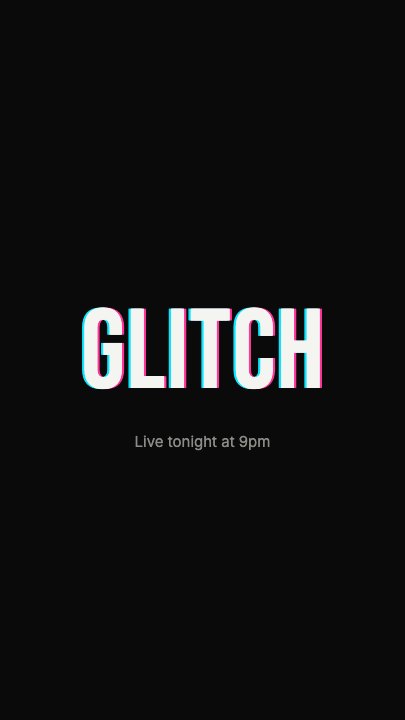 Glitch RevealA display headline stutters in through RGB-split ghosts, horizontal slice tears and hard flicker, holds with a faint colour fringe and one more twitch, then tears apart on the way out
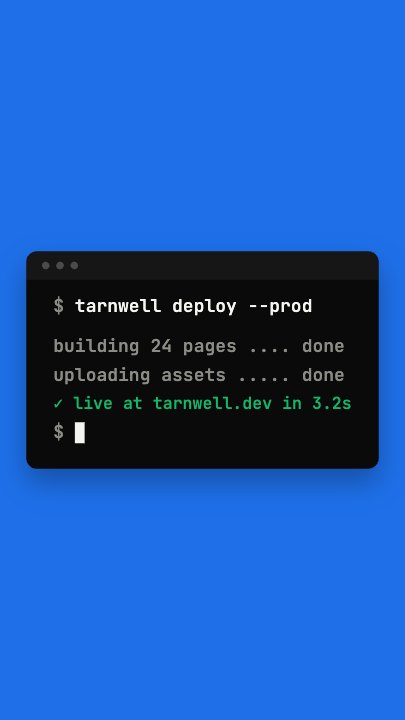 Terminal TypingA command types itself out character by character in a dark terminal window on a flat blue stage, three output lines print in turn and a fresh prompt blinks underneath
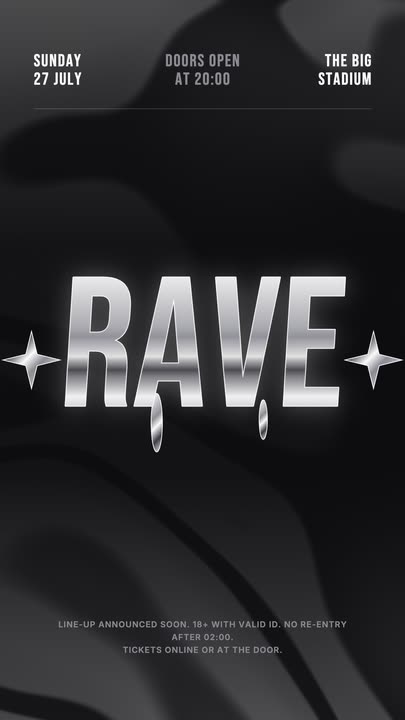 Liquid Chrome TitleAn event title in liquid chrome: a metallic banded fill with a white outline, shimmering and wobbling over black, with chrome stars and a three-column dateline.
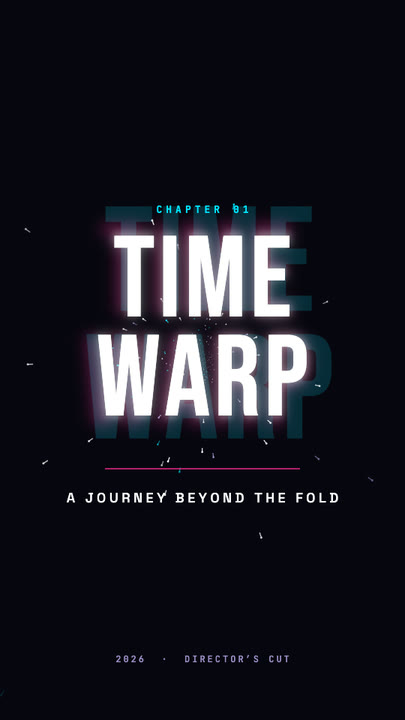 Time Warp TitleA two-line display title rushes out of deep focus — stretched, blurred, trailing cyan and magenta afterimages — lands with a flash, then blasts past the lens.
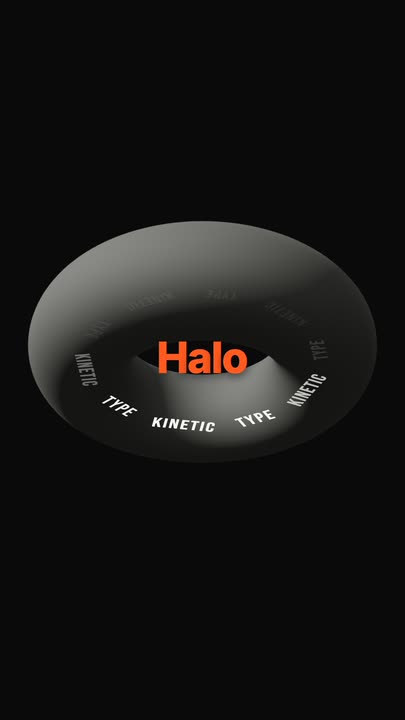 Torus Text RingTen words ride a tilted ring around a matte 3D torus — bright and big as they sweep past the front, dim as they pass behind — while the brand word pops in the centre.
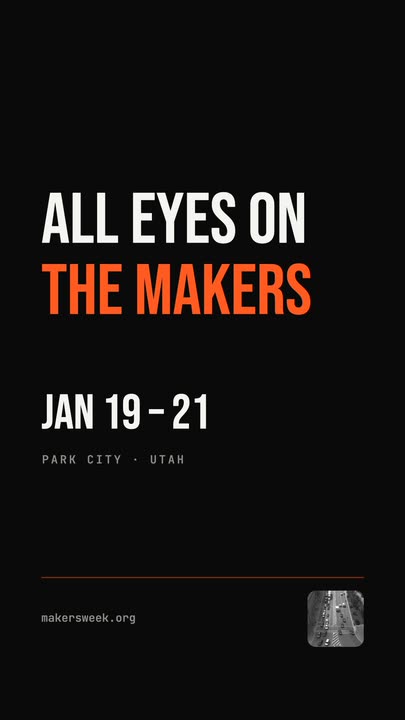 Snappy Poster TypeBlack poster, white condensed type: each line snaps wide and springs back to width, line after line, with a re-snap beat and a clean exit.
Tick it off.
A title and three items. Export a checklist animation for your goals, steps or launch list.