
Snappy Poster Type
An event promo video in poster type
Black frame, white condensed capitals, with the second line in your highlight colour. Each line snaps out to full width and springs back, one after another, then the dates and the venue land underneath with a rule and a URL. Six seconds, nothing but type and timing.
- 6s
- duration
- 4
- aspect ratios
- 7
- controls
- 720p
- free, unlimited exports
Kinetic Typography · 6s · 9:16
Poster type · Stretch · Snap · Festival
A festival poster that moves
Strip an event announcement down and what is left is a few words, a date and a place. This template treats that as a feature: no photograph competing with the type, no gradient behind it, just condensed display capitals at 190px on near-black, snapping into place line by line. The snap itself is a horizontal spring — the line overshoots past its width and settles back — which reads as impact without any of the usual bounce-easing cliché.
Under the two headline lines sit the date range and the venue, then a thin rule and a URL. A small square image sits in the bottom corner as a mark or a partner logo. That is the entire composition, and it is deliberately spare, because a poster that is mostly empty space is what makes the words feel important.
6 seconds, three beats
What is on screen, and when. Every element named here is a layer in the document — you can click any of them on the canvas and change it.

Beat 1 · 1.1s
Both lines snap in
The two headline lines arrive at full width with their overshoot already settling, and the date range lands under them. White on near-black with the second line in the highlight colour, nothing else on screen yet.
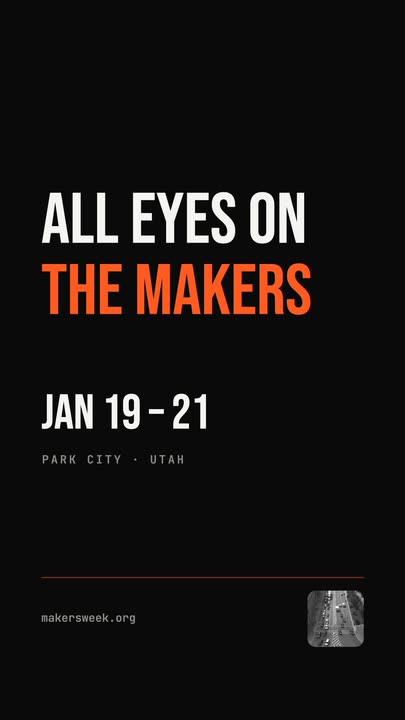
Beat 2 · 2.5s
The poster completes
The venue line, the thin rule, the URL and the corner mark have all landed under the title — the frame that works as the poster still.
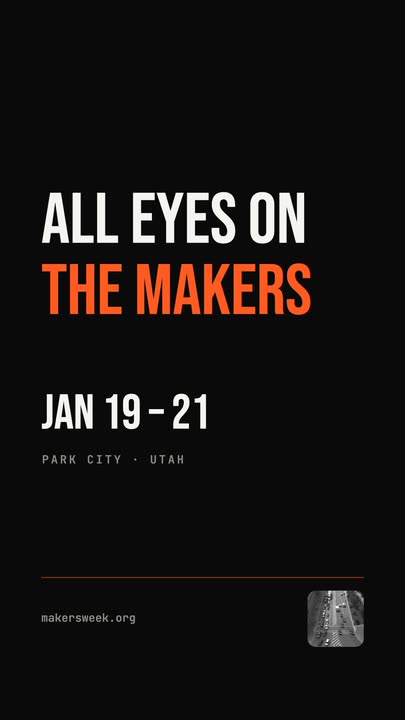
Beat 3 · 5.2s
Held, then the re-snap
Everything holds at full width — the second snap beat came and went at 3.0s — before the lines collapse out of frame.
Three steps to an event promo
- 01
Type the two headline lines
Line 1 and line 2 are separate controls, so you choose the break rather than letting a text box guess. The snap timing recalculates from the length of what you type.
- 02
Add the dates and venue
The date line is a control; the venue, the URL and the corner mark sit underneath as canvas-editable layers. Delete any of them if your poster is tighter than the shipped one.
- 03
Set the size and export
The type size runs from 150 to 210px depending on how many words you have. Pick the highlight colour, choose 9:16 for a story or 4:5 for a feed post, and export.
The spring
Lines snap wide and settle back
Each line scales horizontally past its resting width and springs back, with a re-snap beat later in the clip. The move is short and sharp, which is what makes a title card feel like a poster being slammed on a wall rather than a caption fading up.
Real condensed type
Drawn from a font file, not an image
The display face is loaded and rendered at export time, so the letterforms stay razor-sharp at 1080p and your own words get the exact same weight and spacing. Long words reflow instead of overflowing the frame.
Nothing to compete with
No photo, no gradient, no noise
The whole composition is type on black plus one small mark. That makes it the fastest template here to fill in, and the one that survives being viewed at thumbnail size, because contrast is doing all the work.
What you can change
Seven controls. The venue line, the rule and the URL are canvas-editable layers on top of them.
- Click any element on the canvas to edit it directly
- Or describe the change in a sentence and let the assistant make it
- Export 9:16, 16:9, 1:1, 4:5 from the same document
Studio controls
7 named
- Line 1TextALL EYES ON
- Line 2TextTHE MAKERS
- Date lineTextJAN 19 – 21
- HighlightColour#FF5A1F
- Type sizeSlider 150–210190
- Corner markPhoto
- SpeedSlider 0.5–21
Why type-only works for an event
Event promos usually reach for a crowd photo, which dates the poster and says nothing about this event. Type-only says what the thing is called and when it happens, at a size that reads on a phone held at arm's length. It also takes two minutes to fill in, which matters when you are posting a run of them across a lineup.
Snappy Poster Type: questions, answered
Is this event promo template free?+
Free to open and edit, with unlimited free 720p exports with a small LazyKiwi mark. Clean 1080p is included with any paid plan if you need it at full HD for a screen.
What aspect ratios can I export?+
9:16, 16:9, 1:1 and 4:5. Type-only compositions retarget the cleanest of anything in the gallery — the lines re-wrap to the new width rather than being cropped.
Can I change the font?+
The template uses the built-in display role, and you can switch that role to another built-in family. The snap timing is attached to the layers rather than to one typeface, so it survives the change.
Do I need After Effects?+
No. There is no project file and no plugin — the spring is authored into the document and renders in your browser.
How long is the clip?+
Six seconds, with the full title landed by 2.5s. Speed runs 0.5× to 2× if you want a three-second cut for a story.
More 3d & kinetic text
All text Glitch RevealA display headline stutters in through RGB-split ghosts, horizontal slice tears and hard flicker, holds with a faint colour fringe and one more twitch, then tears apart on the way out
 Terminal TypingA command types itself out character by character in a dark terminal window on a flat blue stage, three output lines print in turn and a fresh prompt blinks underneath
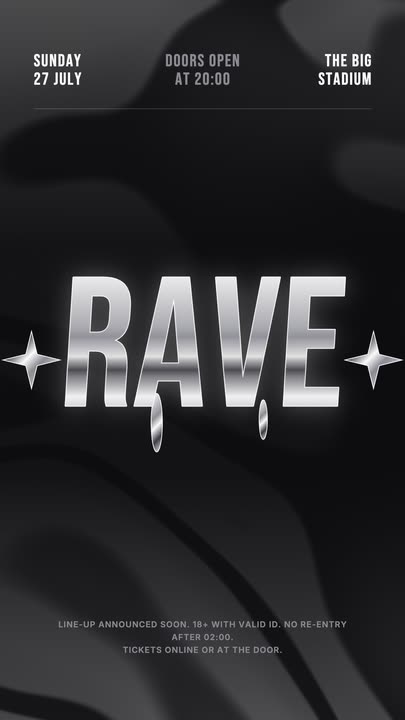 Liquid Chrome TitleAn event title in liquid chrome: a metallic banded fill with a white outline, shimmering and wobbling over black, with chrome stars and a three-column dateline.
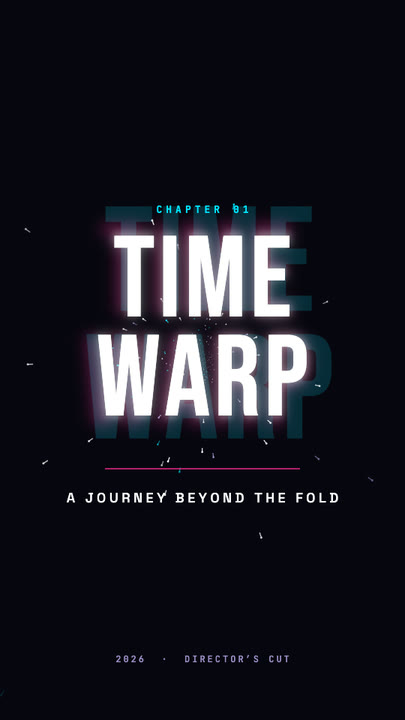 Time Warp TitleA two-line display title rushes out of deep focus — stretched, blurred, trailing cyan and magenta afterimages — lands with a flash, then blasts past the lens.
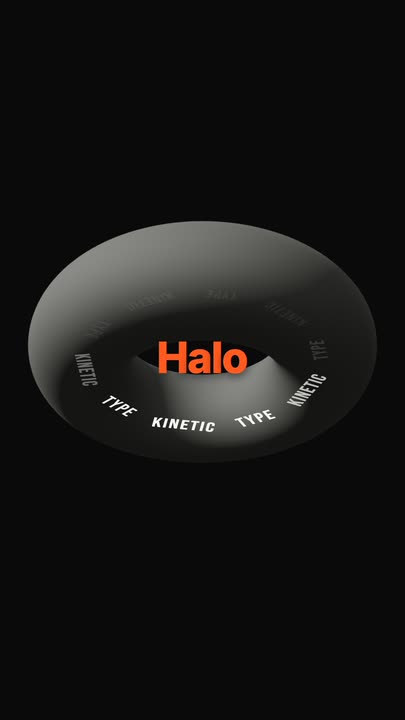 Torus Text RingTen words ride a tilted ring around a matte 3D torus — bright and big as they sweep past the front, dim as they pass behind — while the brand word pops in the centre.
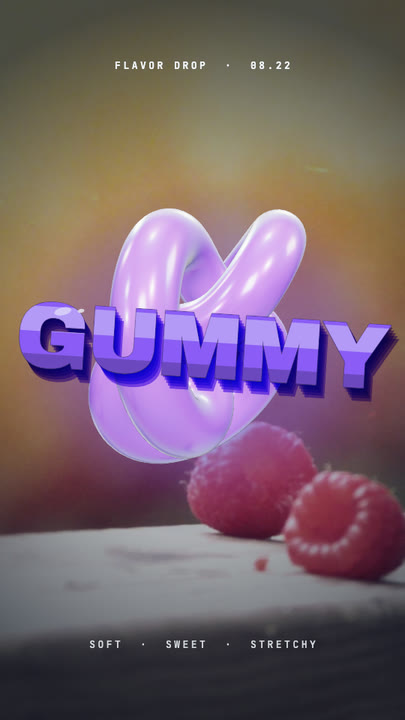 Gummy WordA chewy purple 3D word bounces in over a warm photo and keeps wobbling like jelly — extruded sides, a glossy top band and specular glints.
Put the lineup on screen.
Two lines, a date, a venue. Type them in and export a poster that snaps.