
Revealed Type
A text reveal that wipes four lines into view
Four lines of tight uppercase display type, each one masked and wiped up from below in sequence over a violet gradient glow. They hold, then slide out — and the last frame matches the first, so it loops.
- 6s
- duration
- 4
- aspect ratios
- 7
- controls
- 720p
- free, unlimited exports
Kinetic Typography · 6s · 9:16
Reveal · Mask · Uppercase · Loop
A masked reveal, not a fade
Each line lives inside its own clipping window. The type starts below the window and moves up through it, so the letters appear to be uncovered rather than to fade in — the edge stays hard, which is what makes a reveal read as deliberate. The four windows fire in sequence with a small offset, building a block of copy that lands as one paragraph but arrives as four beats.
Behind it, a soft radial glow drifts on the violet gradient ground. Nothing else is in the frame — no tag, no URL, no dots — so the four lines carry the whole composition. The whole thing is authored as a loop: the lines slide back out at the end so the closing frame matches the opening one, which means the export tiles cleanly on a screen or a site hero.
6 seconds, three beats
What is on screen, and when. Every element named here is a layer in the document — you can click any of them on the canvas and change it.

Beat 1 · 1.1s
Three lines uncovered
The violet ground and its drifting glow are in place, and the first three lines have wiped up through their windows with the fourth on its way.
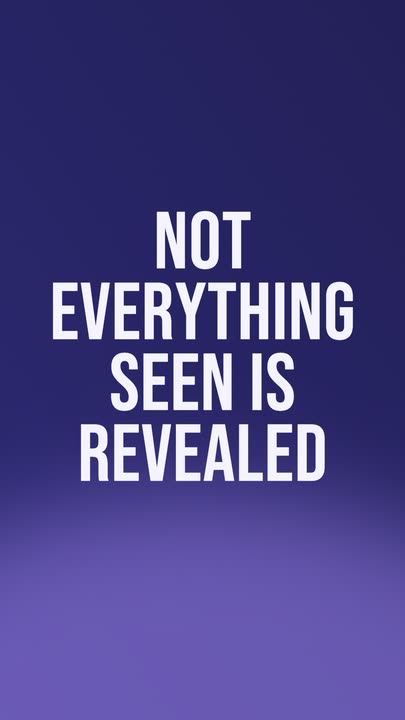
Beat 2 · 2.4s
The block completes
The fourth line has wiped in under the others with the same hard masked edge, and the four lines read as one block of copy.
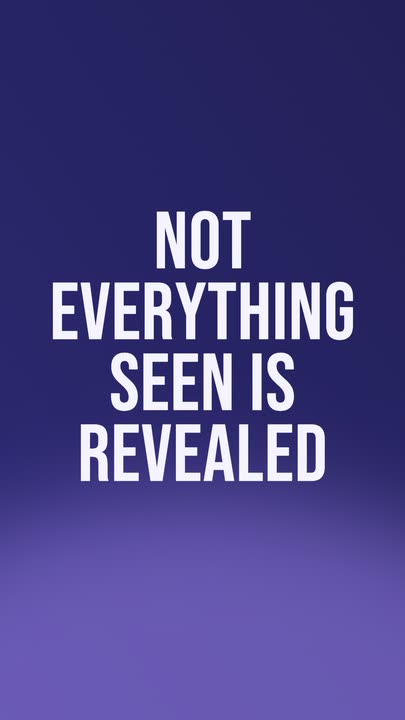
Beat 3 · 3.4s
Held at full weight
The four-line block sits at rest over the glow — the poster frame — before the lines start sliding back out to close the loop.
Three steps to a text reveal
- 01
Type your four lines
Line 1 through line 4 are separate controls, so the break points are yours. Short lines stack tighter and read better at this weight than long ones.
- 02
Set the glow colour
One colour control drives the radial glow behind the type. The violet ground it sits on comes from the palette, so a colour change stays coherent instead of clashing.
- 03
Size it and export
The type size runs 160–224px. Pick 9:16 for a story, 16:9 for a stage screen or a site hero, and export — the loop is seamless in every aspect.
Hard edge
Masked, so the letters are uncovered
A fade makes type look uncertain; a mask makes it look revealed. Each line moves up through its own clipping window so there is always a crisp edge doing the work, which is the difference between this and every default text preset.
Seamless
The last frame matches the first
The block slides back out at the end of the six seconds, returning the frame to its opening state. Loop the export on a stage screen or behind a site hero and there is no cut to spot.
Four beats, one paragraph
Sequenced offsets, not a single move
The four windows fire with a stagger, so the copy builds like a sentence being spoken rather than a card being placed. That is what buys you attention across the middle of the clip.
What you can change
Seven controls: the four lines, the glow colour, the type size and the speed. Nothing else sits in the frame.
- Click any element on the canvas to edit it directly
- Or describe the change in a sentence and let the assistant make it
- Export 9:16, 16:9, 1:1, 4:5 from the same document
Studio controls
7 named
- Line 1TextNOT
- Line 2TextEVERYTHING
- Line 3TextSEEN IS
- Line 4TextREVEALED
- GlowColour#A78BFA
- Type sizeSlider 160–224206
- SpeedSlider 0.5–21
Why a reveal beats a fade
Every editor's default text animation is a fade, which is why a fade now reads as no animation at all. A masked wipe costs the same amount of effort here — none, it is already built — and immediately looks authored. Add the fact that it loops and this is one of the few text templates you can leave running behind a stand or a stage without anyone noticing the repeat.
Revealed Type: questions, answered
Is the text reveal template free?+
Free to open and edit, and free accounts get unlimited free 720p exports with a small LazyKiwi mark. Clean 1080p is included with any paid plan.
What aspect ratios can I export?+
9:16, 16:9, 1:1 and 4:5 — and it loops seamlessly in all four. 16:9 is the one to pick if it is going on a screen or behind a website hero.
Can I change the copy and the colours?+
All four lines, the glow colour and the type size are named controls. There is nothing else in the frame to edit.
Do I need After Effects?+
No. Per-line masking is one of the more tedious things to build in a timeline editor and it is already done here — you type into it and export.
How long is the clip?+
Six seconds for the full reveal-hold-exit cycle, and it loops. The speed control runs 0.5× to 2× if you want a longer hold.
More 3d & kinetic text
All text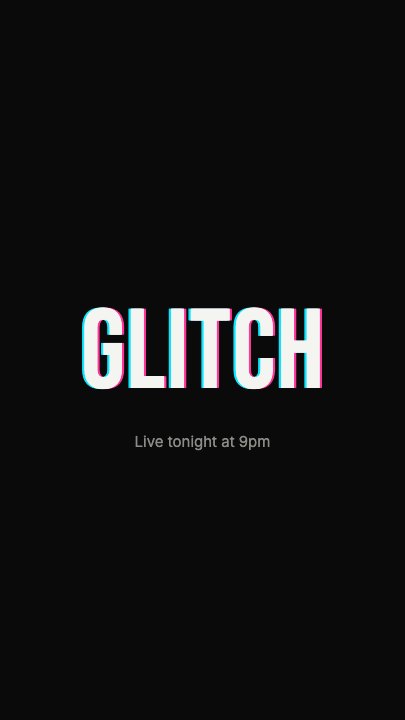 Glitch RevealA display headline stutters in through RGB-split ghosts, horizontal slice tears and hard flicker, holds with a faint colour fringe and one more twitch, then tears apart on the way out
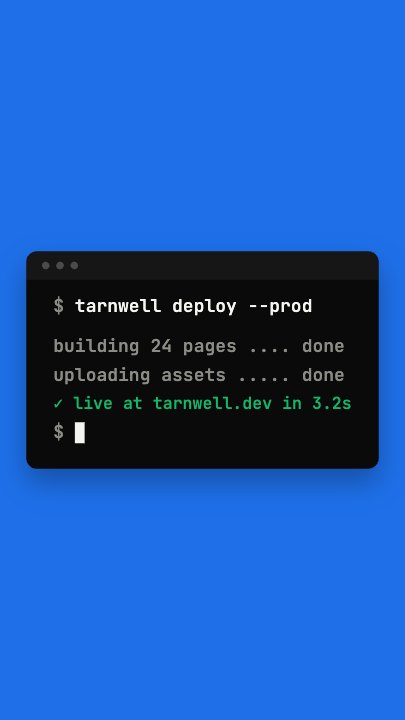 Terminal TypingA command types itself out character by character in a dark terminal window on a flat blue stage, three output lines print in turn and a fresh prompt blinks underneath
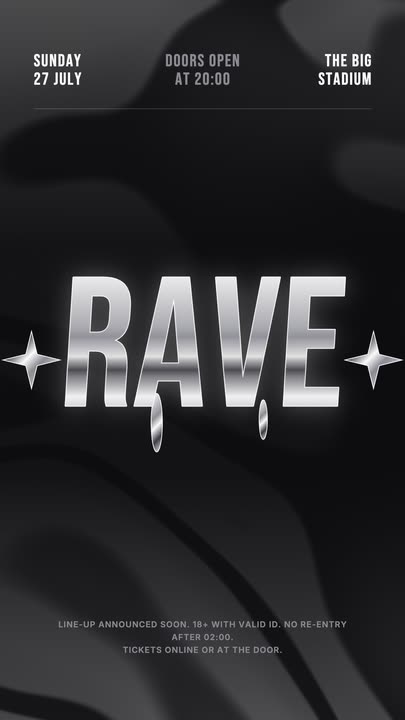 Liquid Chrome TitleAn event title in liquid chrome: a metallic banded fill with a white outline, shimmering and wobbling over black, with chrome stars and a three-column dateline.
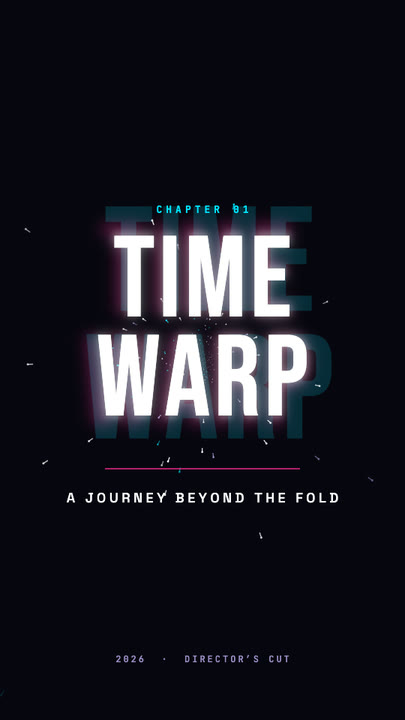 Time Warp TitleA two-line display title rushes out of deep focus — stretched, blurred, trailing cyan and magenta afterimages — lands with a flash, then blasts past the lens.
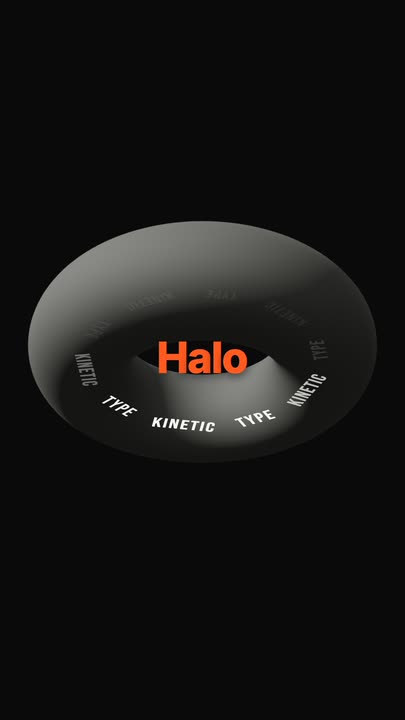 Torus Text RingTen words ride a tilted ring around a matte 3D torus — bright and big as they sweep past the front, dim as they pass behind — while the brand word pops in the centre.
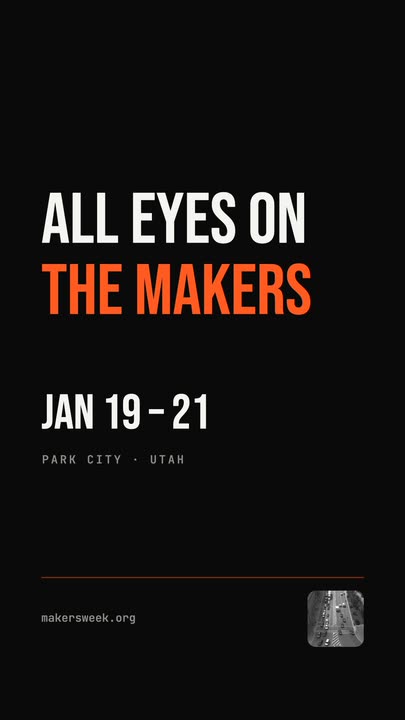 Snappy Poster TypeBlack poster, white condensed type: each line snaps wide and springs back to width, line after line, with a re-snap beat and a clean exit.
Reveal four lines properly.
Type your copy, pick the glow and export a masked reveal that loops without a cut.