
Torus Text Ring
Kinetic typography maker: ten words on a 3D ring
Ten words ride a tilted ring around a matte 3D torus — bright and large as they sweep past the front, dim and small as they pass behind — while a centre word pops in the middle. Eight seconds, seamless.
- 8s
- duration
- 4
- aspect ratios
- 6
- controls
- 720p
- free, unlimited exports
Kinetic Typography · 8s · 9:16
Kinetic type · 3D · Ring · Loop
Type with a position in space
Kinetic typography usually means words moving in a plane: sliding, scaling, snapping. This template gives the type a third dimension instead. Ten word layers are placed around a ring and rotated through a full turn across the eight seconds, and each one's brightness and size are sampled from its phase on that ring — so a word genuinely appears to come toward you, pass the camera and recede behind the torus.
The ring runs around a real 3D torus rendered with a matte material, lit so the far side of the ring reads as behind it. Two of your words alternate around the circle and a third sits in the centre of the frame, in the accent colour. Nothing else is on screen. Every word is live text, so the brightness curve applies to whatever you type.
8 seconds, three beats
What is on screen, and when. Every element named here is a layer in the document — you can click any of them on the canvas and change it.
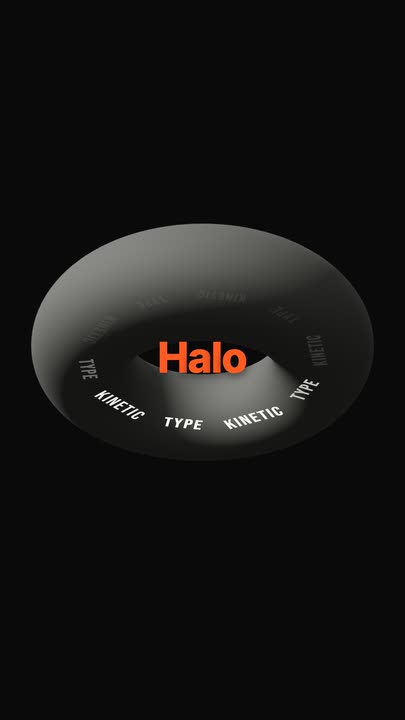
Beat 1 · 1.4s
The ring is already turning
The matte torus sits on black with the word ring turning around it and the centre word holding in the middle — the words nearest the front are the brightest things in frame.
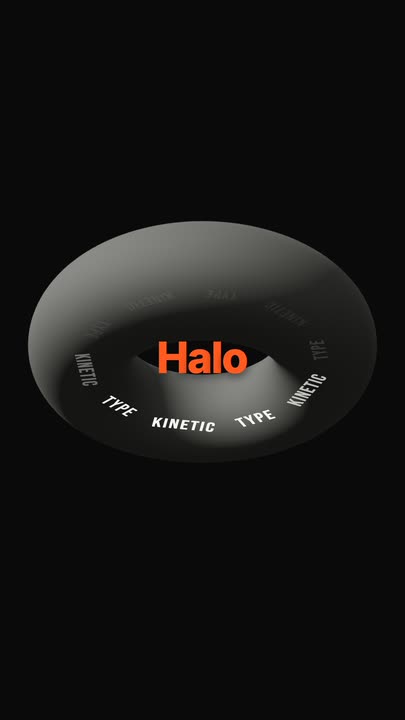
Beat 2 · 2.2s
The poster angle
The ring has carried the words round to their most readable spread, with the centre word holding at full weight in the middle of the torus.
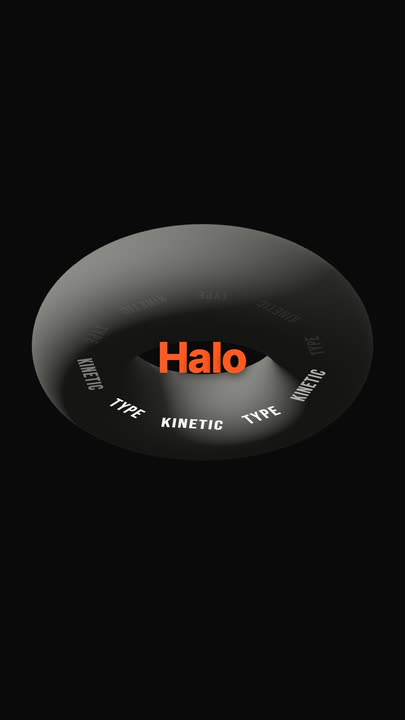
Beat 3 · 6.9s
Coming back round
The ring is approaching a full turn, returning each word to the phase it started at so the loop closes.
Three steps to a kinetic type loop
- 01
Set the two orbiting words
Word A and word B alternate around the ring, five of each. Short words work best — they stay readable at the size the ring gives them as they pass the front.
- 02
Type the centre word
The centre word pops into the middle of the torus and holds. This is normally the brand or the one term you want people to leave with.
- 03
Size the ring and export
The ring size control runs 0.85–1.2, which changes how far the words travel from the centre. Set the accent colour, pick your aspect, export and loop.
Depth by phase
Words brighten as they come forward
Each word's opacity and scale are sampled from where it sits on the ring, using twenty-four linear segments per cycle. That is what makes the ring read as three-dimensional rather than as ten words rotating on a flat circle.
Seamless
A full turn, so the loop is exact
The ring rotates from 0 to 360 degrees linearly across the eight seconds, and the sampled brightness curve returns to its starting value at the end. The clip tiles with no join.
Live type
Ten word layers, all editable
Nothing here is a texture or a pre-rendered strip. The words are drawn from a font file every frame, so they stay sharp, they spell correctly, and changing them costs nothing.
What you can change
Six controls. The ten ring words alternate between your two entries, and the centre word is the only other text in the frame.
- Click any element on the canvas to edit it directly
- Or describe the change in a sentence and let the assistant make it
- Export 9:16, 16:9, 1:1, 4:5 from the same document
Studio controls
6 named
- Word ATextKINETIC
- Word BTextTYPE
- Centre wordTextHalo
- AccentColour#FF5A1F
- Ring sizeSlider 0.85–1.21
- SpeedSlider 0.5–21
Why a ring instead of a slide
A list of words sliding across the frame ends. A ring does not — it can hold ten terms in continuous rotation for as long as you loop it, which makes it useful for the things a slide is bad at: a services list on a stand, a values wall behind a stage, a feature rotation on a site hero. And because it loops exactly, a two-minute display is the same six-second file played twenty times.
Torus Text Ring: questions, answered
Is the kinetic typography template free?+
Free to open and edit, and free accounts get unlimited free 720p exports with a small LazyKiwi mark. Clean 1080p is included with any paid plan.
What aspect ratios can I export?+
9:16, 16:9, 1:1 and 4:5. The ring is centred, so it survives all four — 1:1 is a particularly good fit for a rotating word wall.
Can I use ten different words?+
The controls give you two words alternating five times each, which keeps the ring legible. To set all ten individually, edit the word layers on the canvas or ask the assistant to fill them from a list.
Do I need After Effects?+
No, and you do not need a 3D package either. The torus and the ring are computed in the browser.
How long is the clip?+
Eight seconds for one full rotation, authored to loop seamlessly. Speed runs 0.5× to 2× if you want the words to pass more slowly.
More 3d & kinetic text
All text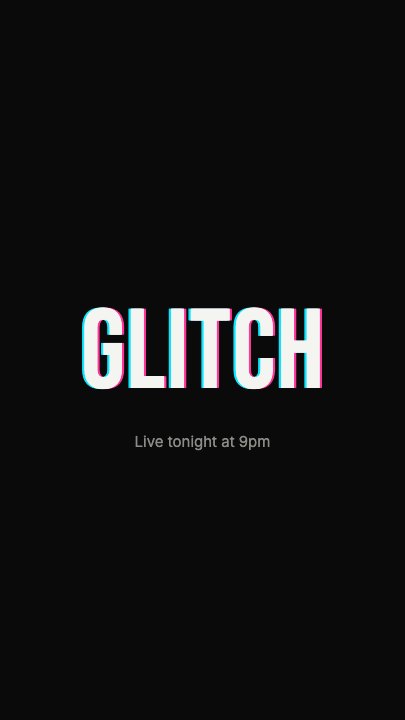 Glitch RevealA display headline stutters in through RGB-split ghosts, horizontal slice tears and hard flicker, holds with a faint colour fringe and one more twitch, then tears apart on the way out
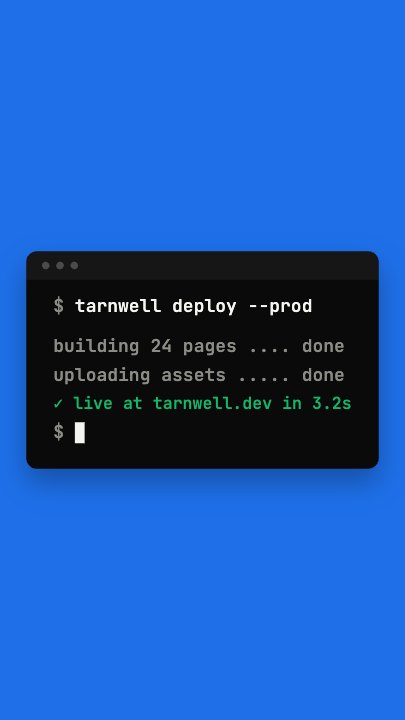 Terminal TypingA command types itself out character by character in a dark terminal window on a flat blue stage, three output lines print in turn and a fresh prompt blinks underneath
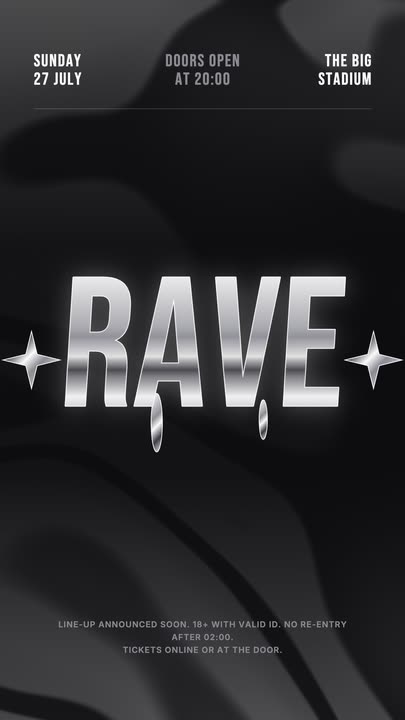 Liquid Chrome TitleAn event title in liquid chrome: a metallic banded fill with a white outline, shimmering and wobbling over black, with chrome stars and a three-column dateline.
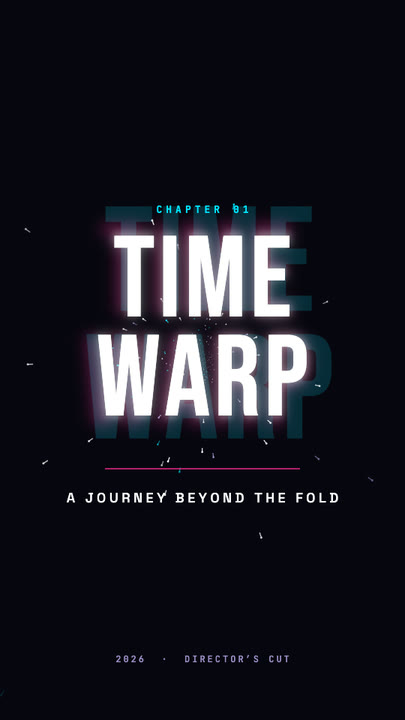 Time Warp TitleA two-line display title rushes out of deep focus — stretched, blurred, trailing cyan and magenta afterimages — lands with a flash, then blasts past the lens.
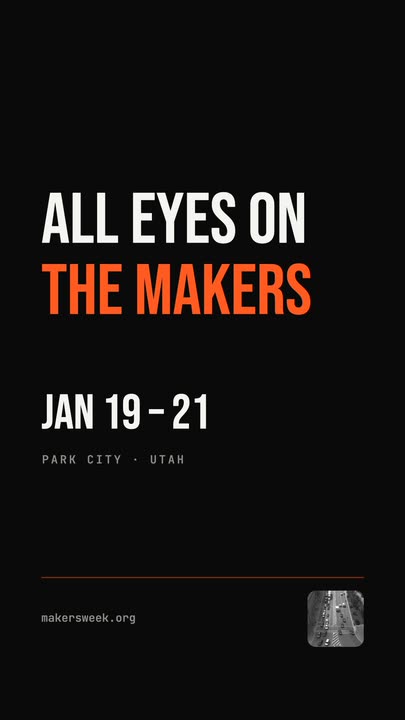 Snappy Poster TypeBlack poster, white condensed type: each line snaps wide and springs back to width, line after line, with a re-snap beat and a clean exit.
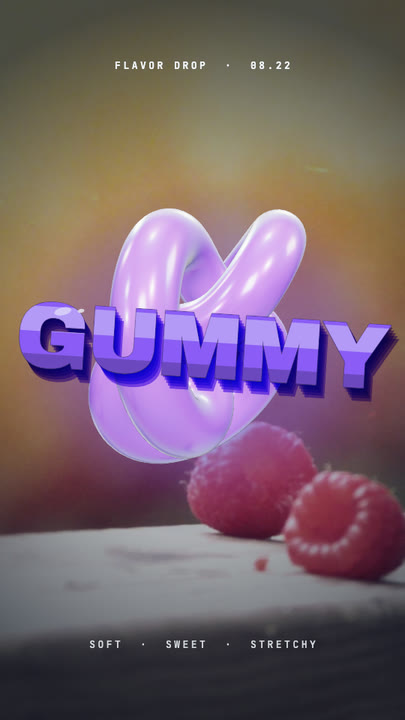 Gummy WordA chewy purple 3D word bounces in over a warm photo and keeps wobbling like jelly — extruded sides, a glossy top band and specular glints.
Send your words around the ring.
Two orbiting words, one in the centre. Type them in and export a kinetic type loop that never ends.