
Terminal Typing
A typewriter text animation that types your own command
A dark terminal window on a flat blue stage. A command types itself out character by character, three output lines print in turn — the last one in green — and a fresh prompt blinks underneath. Six seconds, seamless loop.
- 6s
- duration
- 4
- aspect ratios
- 6
- controls
- 720p
- free, unlimited exports
Text · 6s · 9:16
Typewriter · Terminal · Code · Loop
Typing text animation, the developer way
A typewriter effect works when the letters arrive at a steady, readable pace and something happens once the line is finished. This template gives the typing a reason: it is a command in a terminal, so when the last character lands the machine answers. Three output lines print one after another, the final one in the accent green, and the cursor jumps to a new prompt and keeps blinking.
The typing follows whatever you type into the Command control — it is not a baked animation of the demo text, so a new command still types out one character at a time. Long commands shrink to stay on one line instead of wrapping. The window, its title-bar dots and its soft shadow are part of the layout, so all you are writing is the command and the three lines of output.
6 seconds, three beats
What is on screen, and when. Every element named here is a layer in the document — you can click any of them on the canvas and change it.
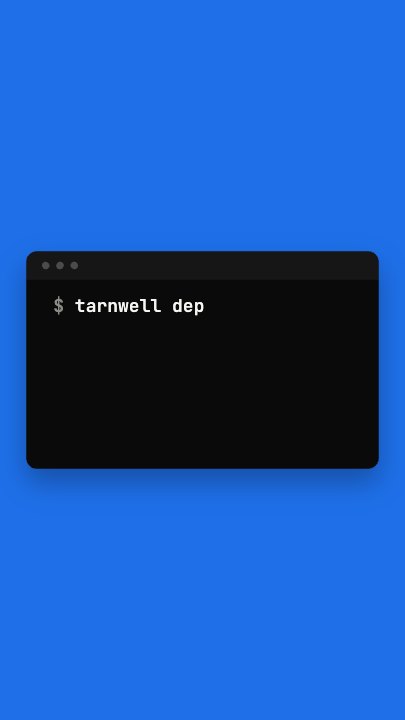
Beat 1 · 1.08s
Typing
The window has scaled in on the blue stage and the command is typing out after the $ prompt, a few characters at a time.
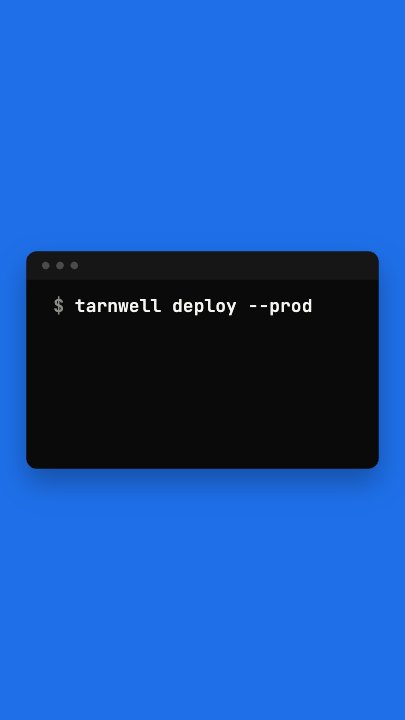
Beat 2 · 2.4s
The command is complete
The whole command sits on the first line, just before the machine starts to answer.
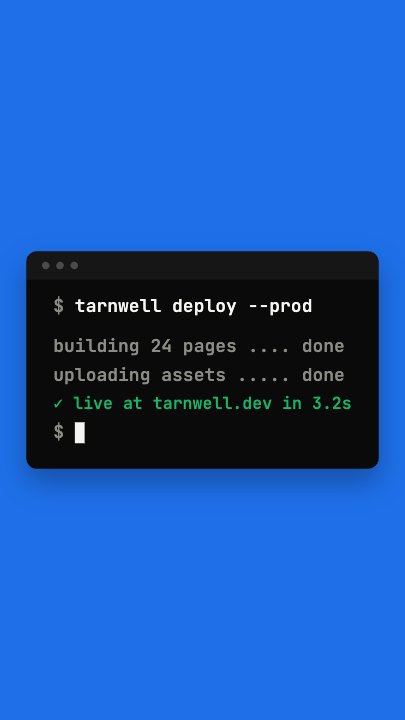
Beat 3 · 4.8s
Output and a new prompt
All three output lines have printed, the last in green, and the cursor blinks after a fresh $ on the line below.
Three steps to a terminal intro
- 01
Type the command
Put your CLI call, install line or deploy command into the Command control. It types out character by character after the prompt, however long it is.
- 02
Write the three output lines
Output lines 1 and 2 print in muted grey; line 3 is the payoff and takes the accent colour — a success message, a URL or a benchmark.
- 03
Set the accent and export
Change the green to your brand colour, adjust the speed between 0.5× and 2×, then export in the aspect you need.
Follows your text
The typing is per character, not per frame
Each character of the current command appears on its own beat, so editing the command never breaks the typewriter effect or leaves letters arriving in a clump.
Enter, then output
A pause, then the machine answers
After the typing slot the output lines slide in one by one, each a fraction of a second apart. That rhythm is what makes a terminal typing animation feel live rather than pasted.
Monospaced
Set in a real mono typeface
The command and the output use a monospaced font drawn at export time, so the columns line up and the text stays crisp at any size.
What you can change
Six named controls, exactly as in the studio panel. The two prompt symbols and the cursor are fixed layers — they sit in positions that do not depend on the length of what you type.
- Click any element on the canvas to edit it directly
- Or describe the change in a sentence and let the assistant make it
- Export 9:16, 16:9, 1:1, 4:5 from the same document
Studio controls
6 named
- CommandTexttarnwell deploy --prod
- Output line 1Textbuilding 24 pages .... done
- Output line 2Textuploading assets ..... done
- Output line 3Text✓ live at tarnwell.dev in 3.2s
- AccentColour#12B76A
- SpeedSlider 0.5–21
Why a terminal instead of a plain typewriter effect
A plain typing text animation on a blank background says nothing about what is being typed. A terminal says it is software, and the output lines say it worked. For a developer tool, an API launch, a SaaS demo or a changelog video, that is the whole message in six seconds — and it takes three lines of copy to make your own.
Terminal Typing: questions, answered
Is this typewriter text animation free?+
Yes to open and edit, and free accounts get unlimited free 720p exports with a small LazyKiwi mark. Clean 1080p is included with any paid plan.
Does the typing still work if I change the command?+
Yes. The command types out one character at a time from whatever text is in the control, and a long command shrinks to stay on one line.
What aspect ratios can I export?+
9:16, 16:9, 1:1 and 4:5 from the same document. 16:9 suits a product video or a README demo; 9:16 suits a Reel or Short.
Can I change the colours?+
The accent colour on the success line is a named control. The window and the blue stage are part of the design, and the assistant can recolour them if you describe the change.
How long is the clip?+
Six seconds, looping cleanly — the window fades out at the end and the loop starts from an empty stage.
More 3d & kinetic text
All text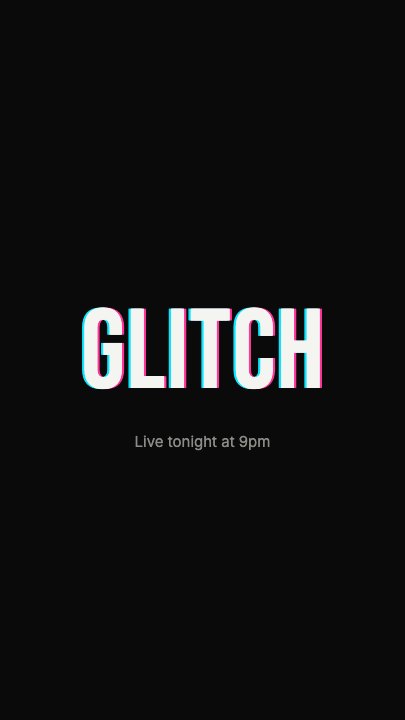 Glitch RevealA display headline stutters in through RGB-split ghosts, horizontal slice tears and hard flicker, holds with a faint colour fringe and one more twitch, then tears apart on the way out
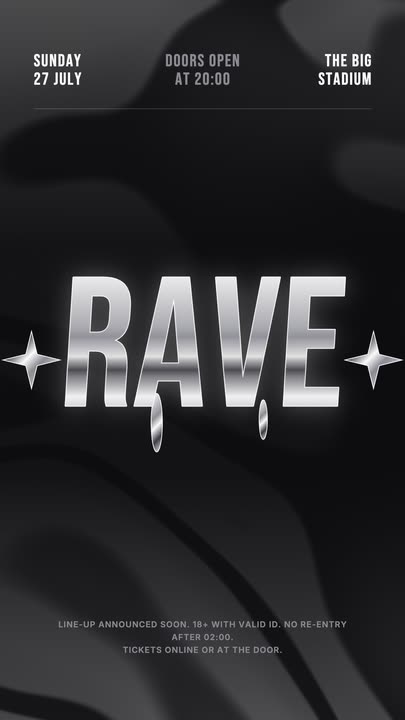 Liquid Chrome TitleAn event title in liquid chrome: a metallic banded fill with a white outline, shimmering and wobbling over black, with chrome stars and a three-column dateline.
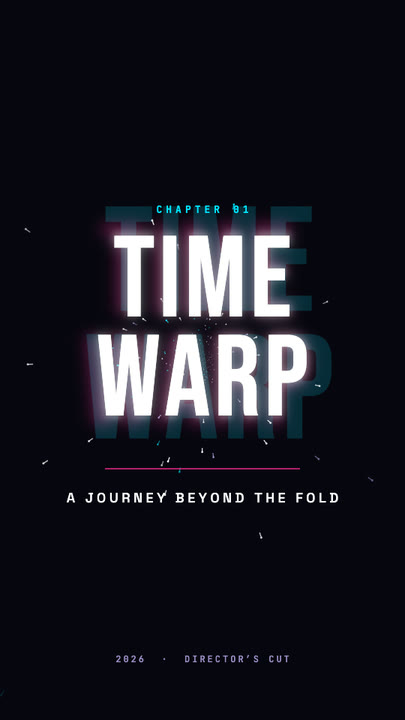 Time Warp TitleA two-line display title rushes out of deep focus — stretched, blurred, trailing cyan and magenta afterimages — lands with a flash, then blasts past the lens.
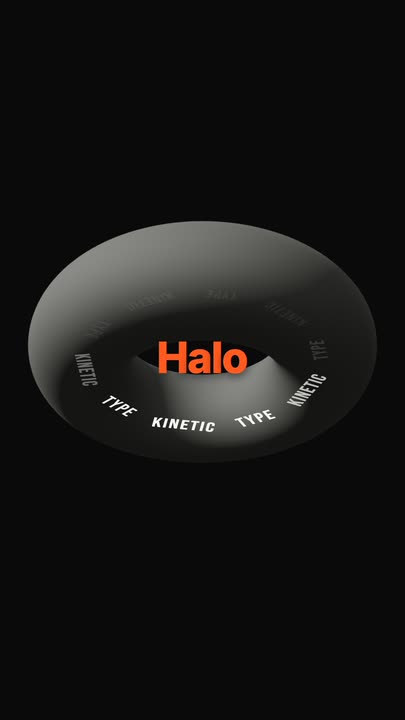 Torus Text RingTen words ride a tilted ring around a matte 3D torus — bright and big as they sweep past the front, dim as they pass behind — while the brand word pops in the centre.
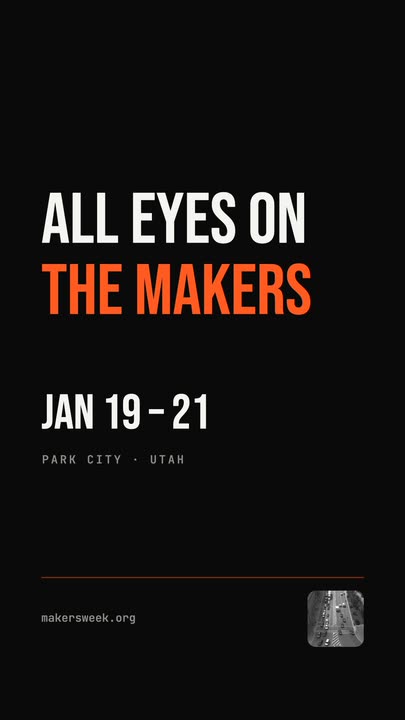 Snappy Poster TypeBlack poster, white condensed type: each line snaps wide and springs back to width, line after line, with a re-snap beat and a clean exit.
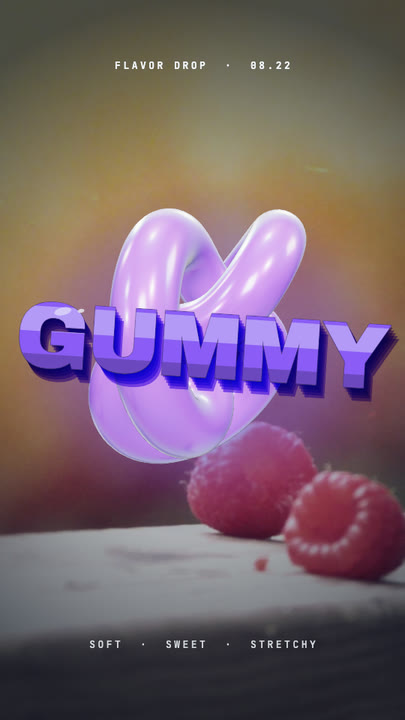 Gummy WordA chewy purple 3D word bounces in over a warm photo and keeps wobbling like jelly — extruded sides, a glossy top band and specular glints.
Type the command.
One command, three lines of output. Export a terminal typewriter animation for your next launch.