
Time Warp Title
A cinematic title that rushes out of deep focus
A two-line display title comes at the camera from far away: stretched, blurred, dragging cyan and magenta afterimages behind it. It lands with a flash, holds with a chapter mark and a subtitle, then blasts past the lens.
- 6s
- duration
- 4
- aspect ratios
- 6
- controls
- 720p
- free, unlimited exports
Kinetic Typography · 6s · 9:16
Title · Depth · Blur · Afterimage
Depth faked properly, with four copies of the word
The illusion is built from four stacked copies of the same title. Three of them run behind the main one as afterimages at different scales and opacities, tinted with the two trail colours, so as the word rushes forward it leaves a smear of itself behind. The front copy carries the blur and the vertical stretch, both of which resolve as it arrives — which is the moment the flash fires.
Behind everything, a star-field particle layer streaks past to sell the movement, and a vignette keeps the edges dark. Once the title lands, a CHAPTER mark, a rule, a subtitle and a small date line settle underneath it. The stretch amount is a control from 1.5 to 5, which is effectively how far away the title starts.
6 seconds, three beats
What is on screen, and when. Every element named here is a layer in the document — you can click any of them on the canvas and change it.
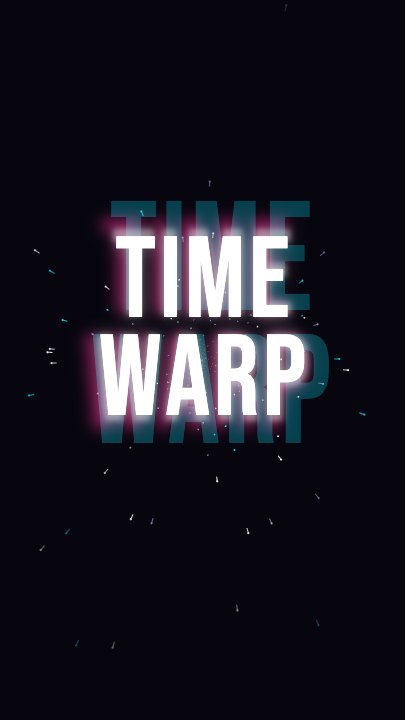
Beat 1 · 1.1s
Out of the distance
The star field is streaking and the title is arriving at scale, still soft, with cyan and magenta afterimages spread wide behind and below it.
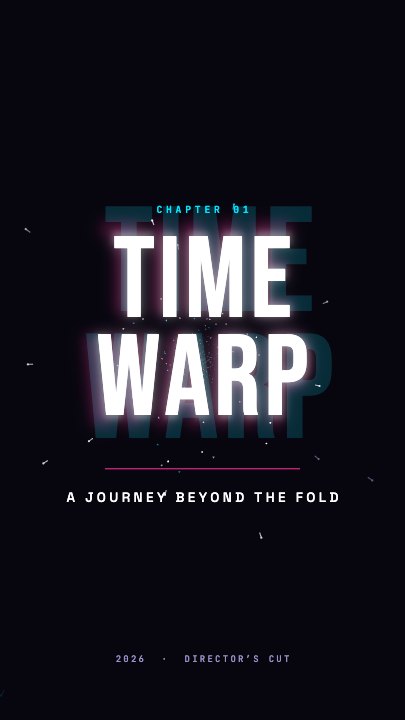
Beat 2 · 2.6s
Landed
The title has arrived at full size and sharpness with the flash just clearing, the chapter mark and rule appearing beneath it.
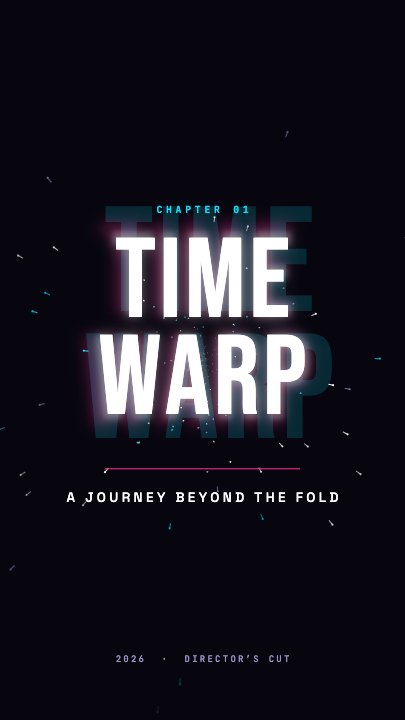
Beat 3 · 5.2s
Subtitle and date
The subtitle and the director's-cut date line are settled under the rule, with the title holding before it blasts past the lens.
Three steps to a warp title
- 01
Type the two-line title
One control holds both lines with a break between them. Two short words stacked reads best at this weight — the shipped version is TIME / WARP.
- 02
Set the two trail colours
Two controls tint the afterimages. A cyan-and-magenta pair gives the classic chromatic smear; a single-hue pair reads more restrained.
- 03
Dial the stretch and export
Stretch runs 1.5–5. High means the title starts further away and arrives harder. Add your subtitle, pick the aspect and export.
Four copies, one word
Afterimages that are actually your text
The trailing ghosts are the same live text layer at different scales and tints, not a blurred bitmap. Retype the title and every trail rebuilds with it — no re-rendering, no soft edges on the copies.
The flash
The landing is a separate beat
A full-frame flash fires as the blur and stretch resolve, which is what makes the arrival feel like impact. Everything else — chapter mark, rule, subtitle, date — waits until after it.
Streaking field
Particles that sell the depth
A star-field layer streaks past behind the title for the duration of the rush. Without it the word would read as scaling up; with it, it reads as travelling toward you.
What you can change
Six controls. The chapter mark, the rule and the date line are canvas-editable layers under the title.
- Click any element on the canvas to edit it directly
- Or describe the change in a sentence and let the assistant make it
- Export 9:16, 16:9, 1:1, 4:5 from the same document
Studio controls
6 named
- TitleTextTIME WARP
- SubtitleTextA JOURNEY BEYOND THE FOLD
- Trail colourColour#FF2D95
- Trail colour 2Colour#00E5FF
- StretchSlider 1.5–53
- SpeedSlider 0.5–21
Why this and not a zoom
Scaling a title up from small to large is the default move in every editor, and it reads as exactly that. Adding blur that resolves, afterimages that trail, a particle field that streaks and a flash on the landing turns the same three seconds into something that looks directed. All four of those are already timed against each other here, which is the part that would otherwise eat an afternoon.
Time Warp Title: questions, answered
Is the cinematic title template free?+
Free to open and edit, and free accounts get unlimited free 720p exports with a small LazyKiwi mark. Clean 1080p is included with any paid plan.
What aspect ratios can I export?+
9:16, 16:9, 1:1 and 4:5. 16:9 is the natural choice for a title sequence in front of a video; the vertical export retargets rather than cropping the trails.
Can I change the copy and the colours?+
The title, the subtitle, both trail colours and the stretch amount are named controls, and the chapter mark and date line are canvas-editable text.
Do I need After Effects?+
No. Stacked afterimages and resolving blur normally mean a layer per ghost and a lot of hand-timing; here it is already built and the word is a text field.
How long is the clip?+
Six seconds — the rush, the flash at around 2.6s, a hold with the subtitle, then the exit past the lens.
More 3d & kinetic text
All text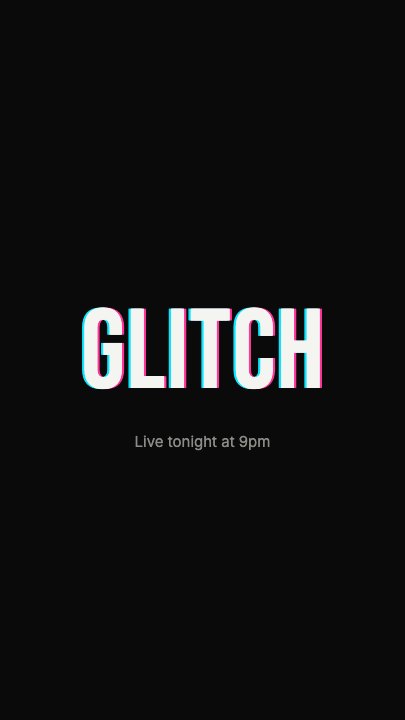 Glitch RevealA display headline stutters in through RGB-split ghosts, horizontal slice tears and hard flicker, holds with a faint colour fringe and one more twitch, then tears apart on the way out
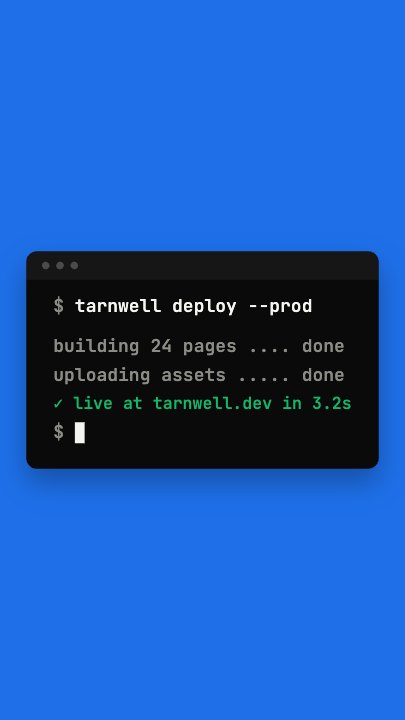 Terminal TypingA command types itself out character by character in a dark terminal window on a flat blue stage, three output lines print in turn and a fresh prompt blinks underneath
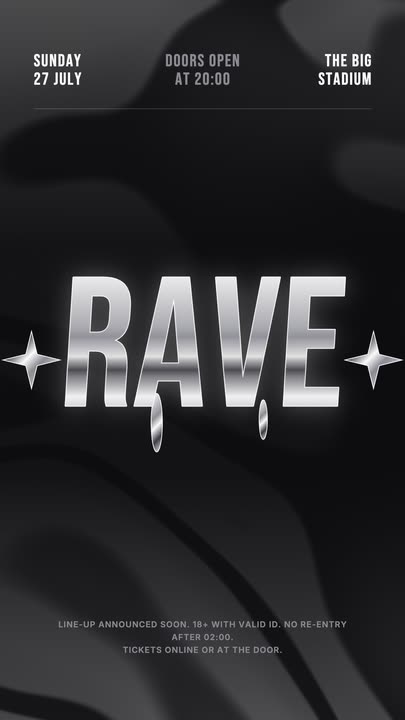 Liquid Chrome TitleAn event title in liquid chrome: a metallic banded fill with a white outline, shimmering and wobbling over black, with chrome stars and a three-column dateline.
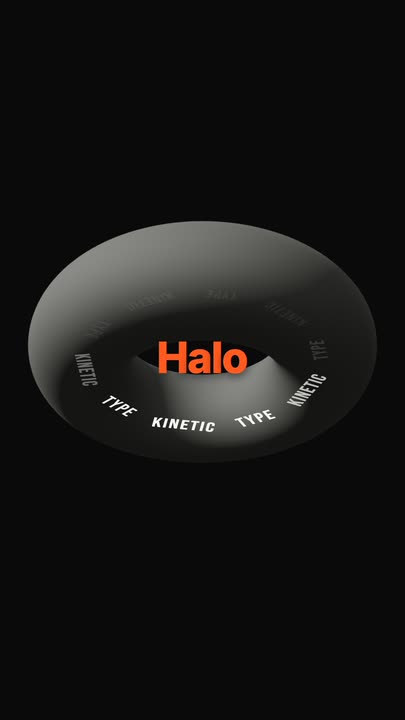 Torus Text RingTen words ride a tilted ring around a matte 3D torus — bright and big as they sweep past the front, dim as they pass behind — while the brand word pops in the centre.
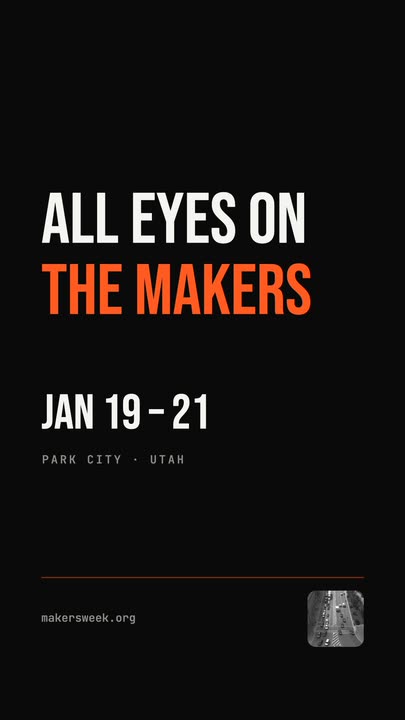 Snappy Poster TypeBlack poster, white condensed type: each line snaps wide and springs back to width, line after line, with a re-snap beat and a clean exit.
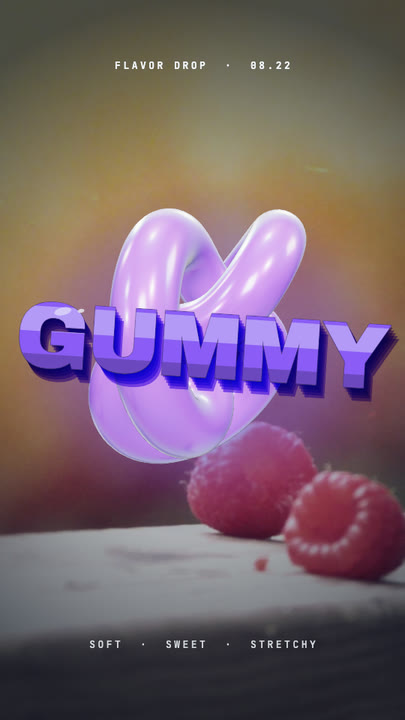 Gummy WordA chewy purple 3D word bounces in over a warm photo and keeps wobbling like jelly — extruded sides, a glossy top band and specular glints.
Throw your title at the camera.
Two lines, two trail colours, one stretch slider. Export a title sequence that arrives.