
Glitch Reveal
A glitch text effect for your own headline, as a video
A big display word on black stutters in through pink and cyan ghosts, horizontal slice tears and hard flicker, holds with a faint colour fringe and one more twitch, then tears apart on the way out. Five seconds, seamless loop.
- 5s
- duration
- 4
- aspect ratios
- 6
- controls
- 720p
- free, unlimited exports
Text · 5s · 9:16
Glitch · RGB split · Flicker · Headline
A glitch text effect that is still readable
Most glitch text effects are so busy that the word is only legible for a frame. This one is timed the other way round: the chaos is at the edges. The word flickers in through RGB-split ghosts and two slices of the letters shifting sideways, then it holds — sharp, with pink and cyan copies left six pixels off either side so even a still frame shows the colour split. Mid-hold it twitches once, and at the end it tears apart and flickers out.
The word, the sub line beneath it, both ghost colours and the type size are named controls, and every layer of the effect — the ghosts, the slices, the scan bars — is driven by the same word, so typing a new headline changes all of them at once. There is no copy-paste Unicode here: it is a video of your word glitching, exported as an MP4.
5 seconds, three beats
What is on screen, and when. Every element named here is a layer in the document — you can click any of them on the canvas and change it.
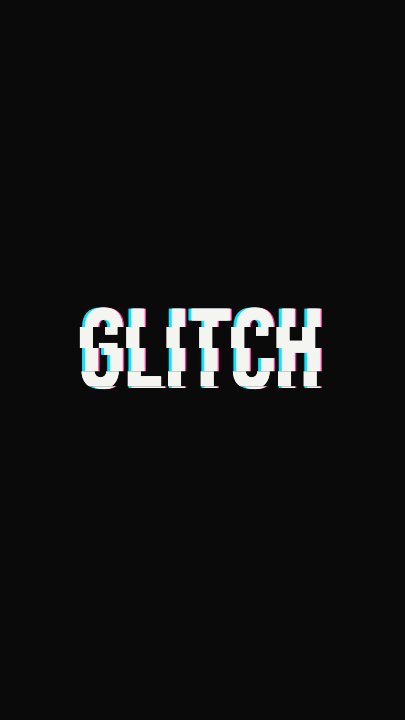
Beat 1 · 0.9s
Stuttering in
The word is flickering in through pink and cyan ghosts, with the two slice bands still torn sideways across it.
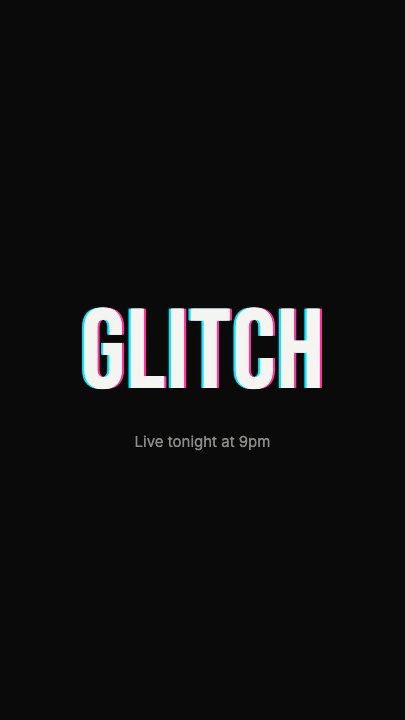
Beat 2 · 2.4s
The hold
The word sits sharp on black with a faint colour fringe on either side, and the sub line has faded in underneath.
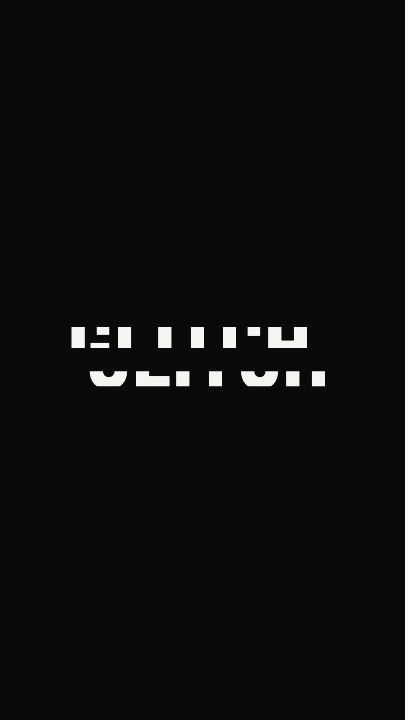
Beat 3 · 4.3s
Tearing apart
The sub line has gone and the word is breaking up again on its way out — ghosts jumping, slices shifting.
Three steps to your glitch text effect
- 01
Type the word
One word or a short phrase works best at display size. The Size slider runs from 200 to 340, and long words shrink to fit the frame.
- 02
Add the sub line
The small line under the word — a date, a time, a tagline — fades in during the hold and out before the exit.
- 03
Pick the two glitch colours and export
Accent and Second colour drive the RGB-split ghosts and the scan bars. Keep pink and cyan or match your palette.
RGB split
Two colour ghosts, offset and flickering
The pink and cyan copies of the word jump on their own stepped timings, which is what makes the split feel like a signal fault rather than a drop shadow.
Slice tears
Bands of the letters slide sideways
Two horizontal slices of the word shift left and right while it stutters in, then snap back into line for the hold.
Readable hold
The word sits still long enough to read
Between the entry and the exit the word holds for about two seconds with only a faint fringe and one twitch — the frame a viewer actually remembers.
What you can change
Six named controls, exactly as in the studio panel. The word control feeds every glitch layer at once, so the effect always spells your headline.
- Click any element on the canvas to edit it directly
- Or describe the change in a sentence and let the assistant make it
- Export 9:16, 16:9, 1:1, 4:5 from the same document
Studio controls
6 named
- WordTextGLITCH
- Sub lineTextLive tonight at 9pm
- AccentColour#FF2D95
- Second colourColour#00E5FF
- SizeSlider 200–340300
- SpeedSlider 0.5–21
Glitch text or a glitch transition?
This template is a glitch text animation: it glitches one word in and out — use it as a title card, a hook or an announcement. If what you need is a cut between two cards through a burst of signal failure, the Glitch Cut template on the glitch transition page is built for that. The two share a look, so they sit well in the same edit.
Glitch Reveal: questions, answered
Is this glitch text effect free?+
Free to open and edit, and free accounts get unlimited free 720p exports with a small LazyKiwi mark. Clean 1080p is included with any paid plan.
Can I change the glitch colours?+
Yes — Accent and Second colour are separate controls for the two RGB-split ghosts and the scan bars.
What aspect ratios can I export?+
9:16, 16:9, 1:1 and 4:5 from the same document. The word is centred, so every aspect keeps it in frame.
Is this copy-and-paste glitch text?+
No. It is an animated video of your word, exported as an MP4 — not Unicode characters you paste into a bio.
How long is the clip?+
Five seconds, looping cleanly, with a speed control from 0.5× to 2×.
More 3d & kinetic text
All text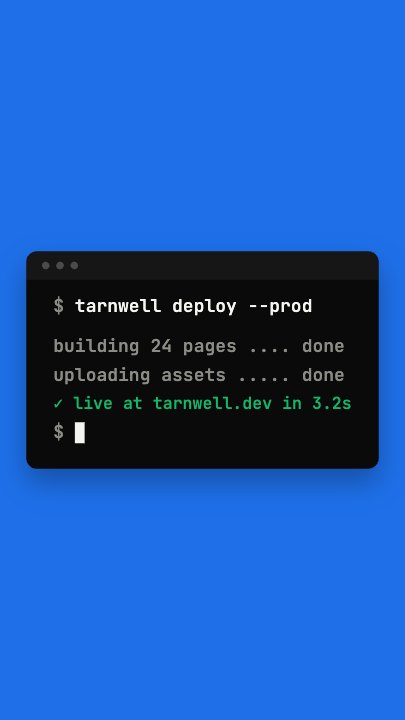 Terminal TypingA command types itself out character by character in a dark terminal window on a flat blue stage, three output lines print in turn and a fresh prompt blinks underneath
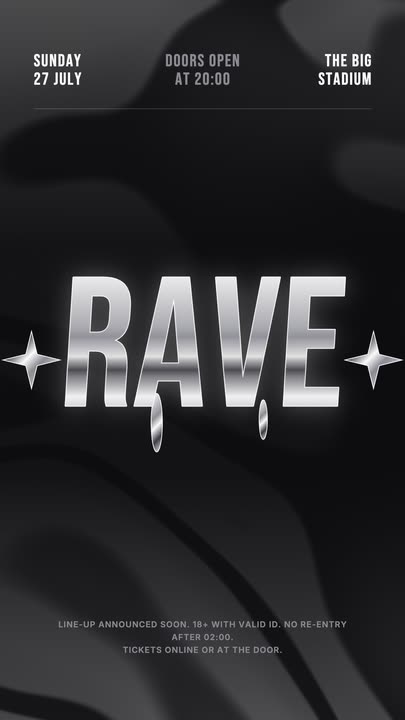 Liquid Chrome TitleAn event title in liquid chrome: a metallic banded fill with a white outline, shimmering and wobbling over black, with chrome stars and a three-column dateline.
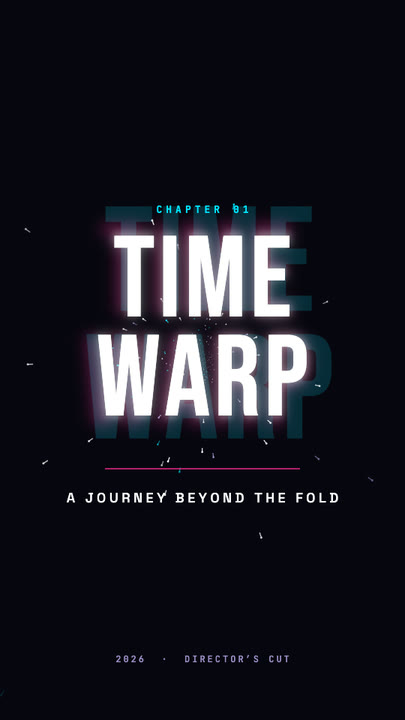 Time Warp TitleA two-line display title rushes out of deep focus — stretched, blurred, trailing cyan and magenta afterimages — lands with a flash, then blasts past the lens.
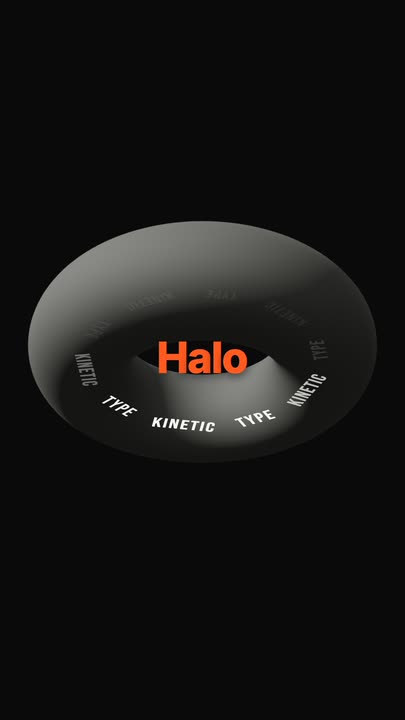 Torus Text RingTen words ride a tilted ring around a matte 3D torus — bright and big as they sweep past the front, dim as they pass behind — while the brand word pops in the centre.
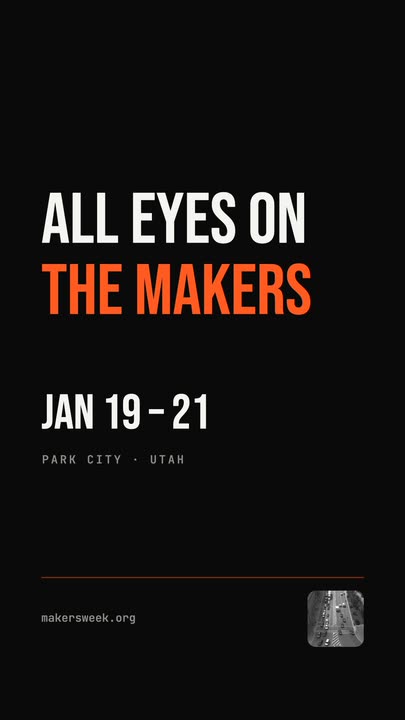 Snappy Poster TypeBlack poster, white condensed type: each line snaps wide and springs back to width, line after line, with a re-snap beat and a clean exit.
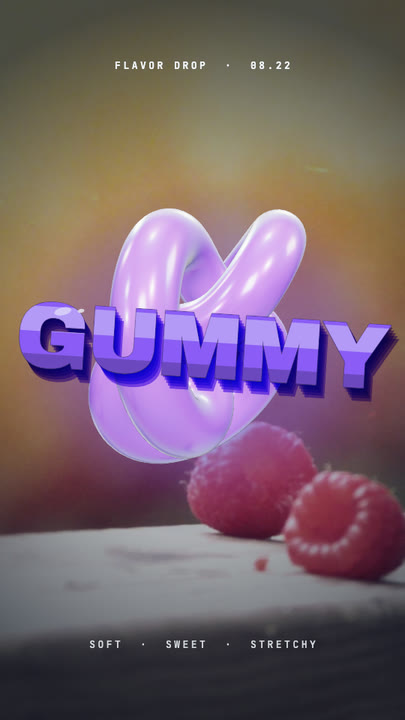 Gummy WordA chewy purple 3D word bounces in over a warm photo and keeps wobbling like jelly — extruded sides, a glossy top band and specular glints.
Glitch your headline.
Type the word, pick two colours and export a glitch text effect that still reads.