
Comic Strip Maker: Turn an Idea into a Comic Strip
Write the gags. Get 4-panel strips with the punchline in the last panel — same characters every time, lettering included.

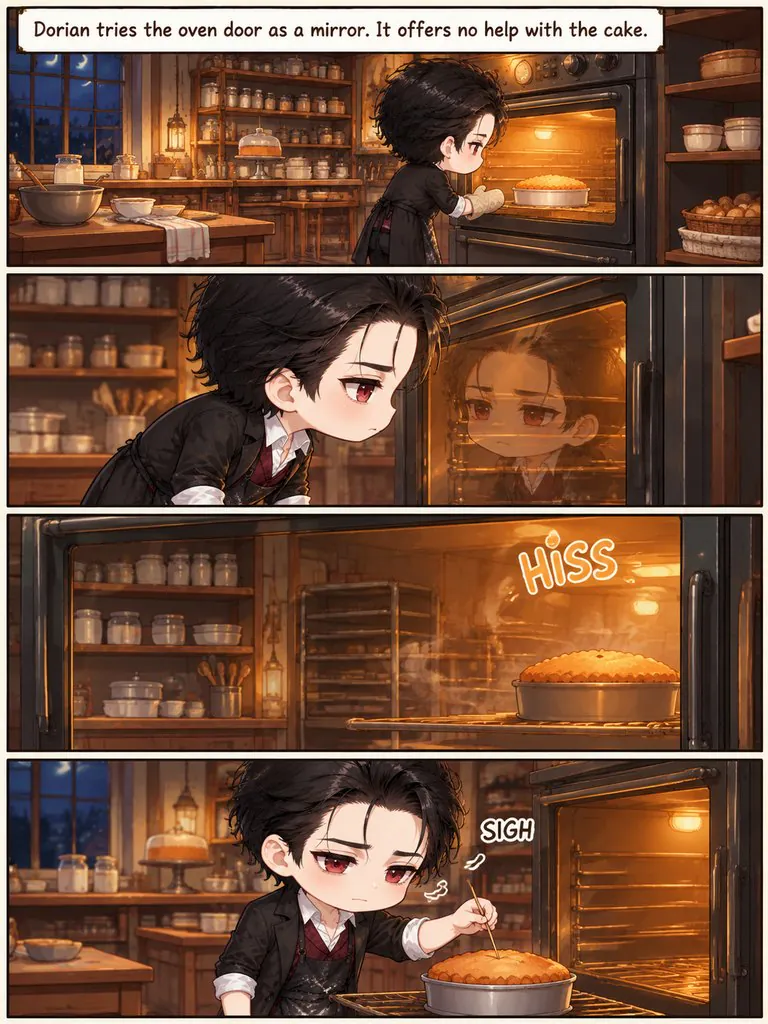
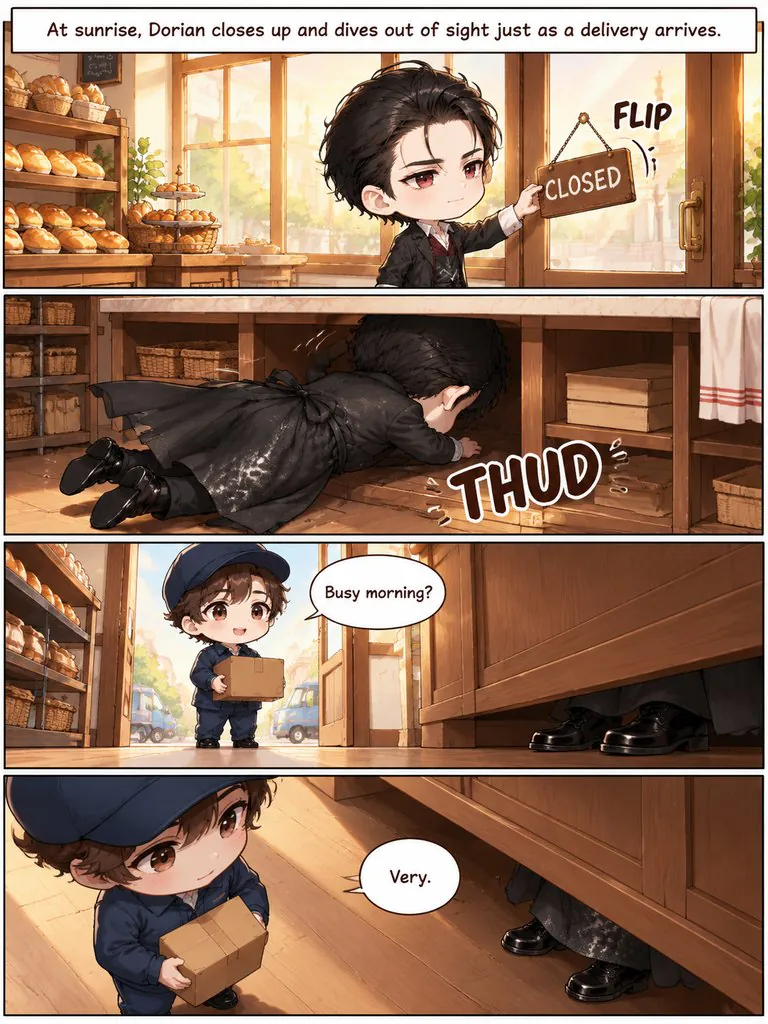

Strips and comic pages made in Comic Studio
A run of 4-panel gag strips, a superhero page set in a classic grid and a noir mystery with public-domain characters.
Night Bakery Problems
Four gag strips about a vampire who runs a bakery: garlic bread, mirrors, sunrise and a gift.
Read this chapter →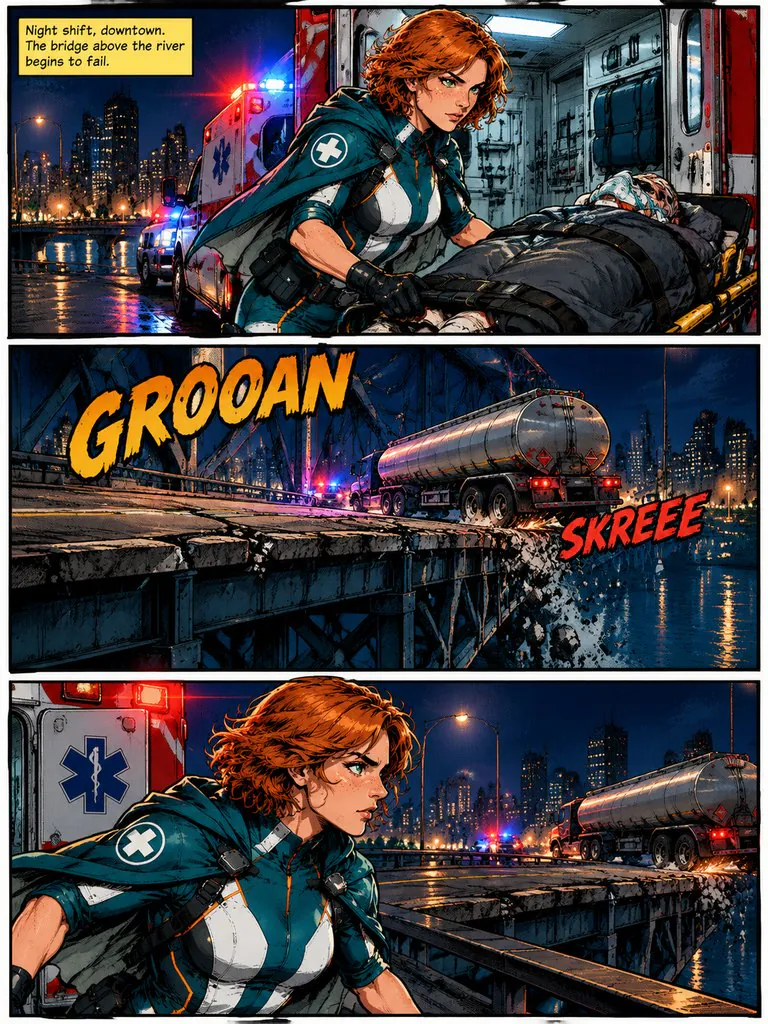
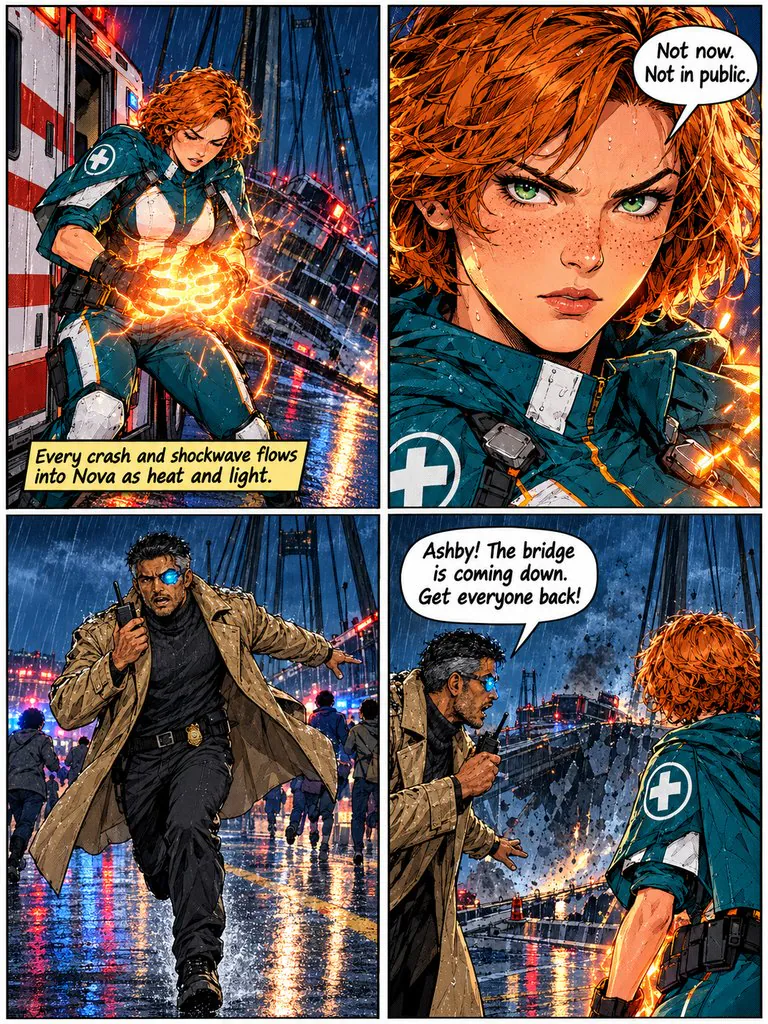
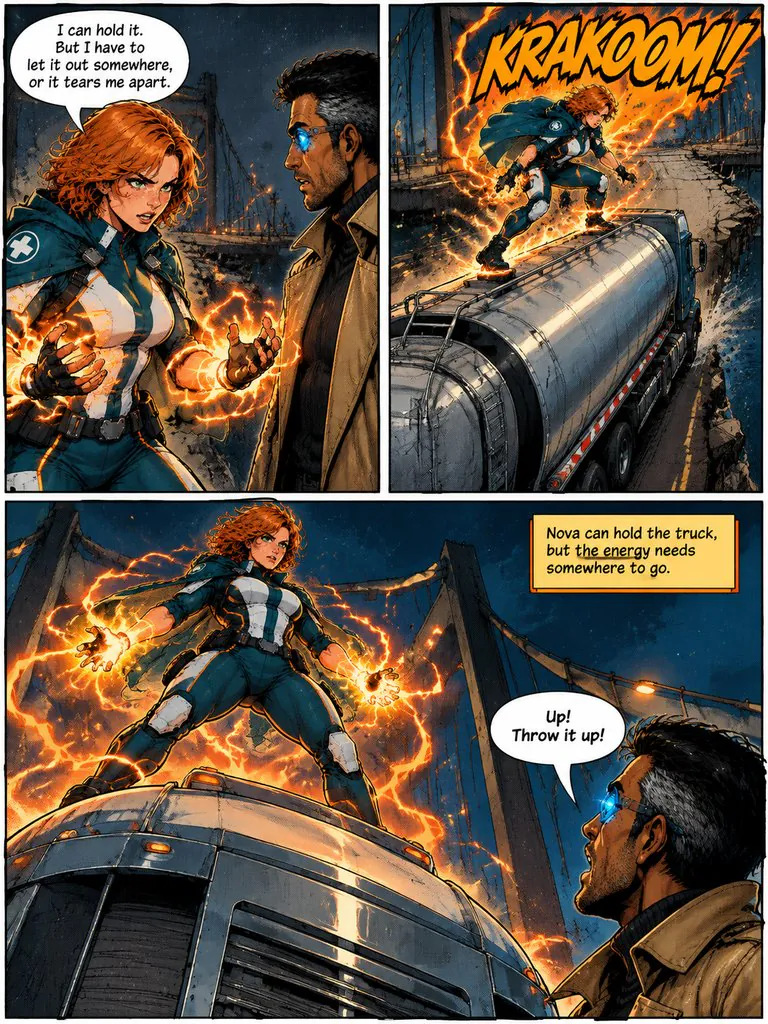
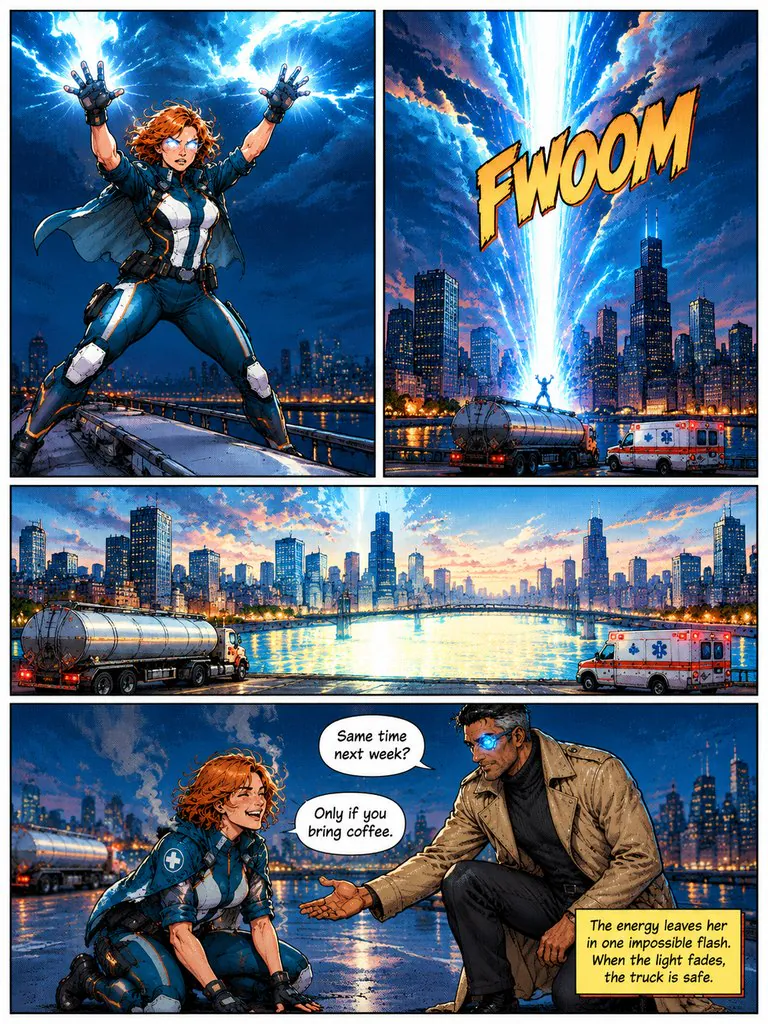
Nova: Overload
A paramedic who absorbs impact has to stop a falling bridge — and find somewhere to put all that energy.
Read this chapter →
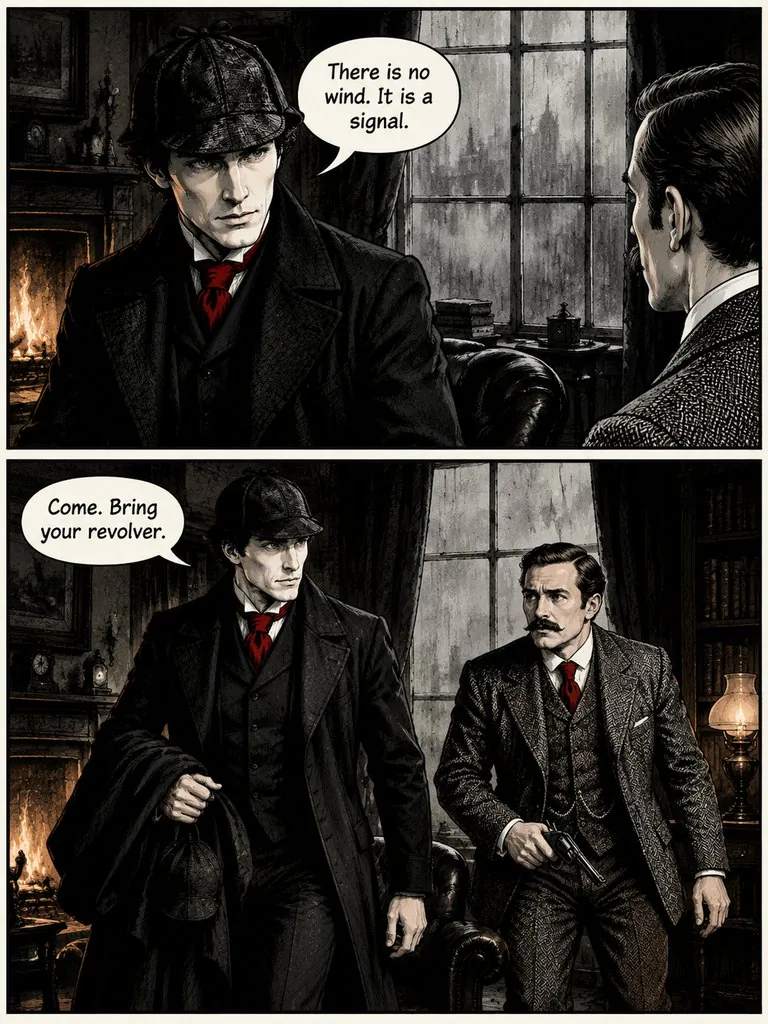
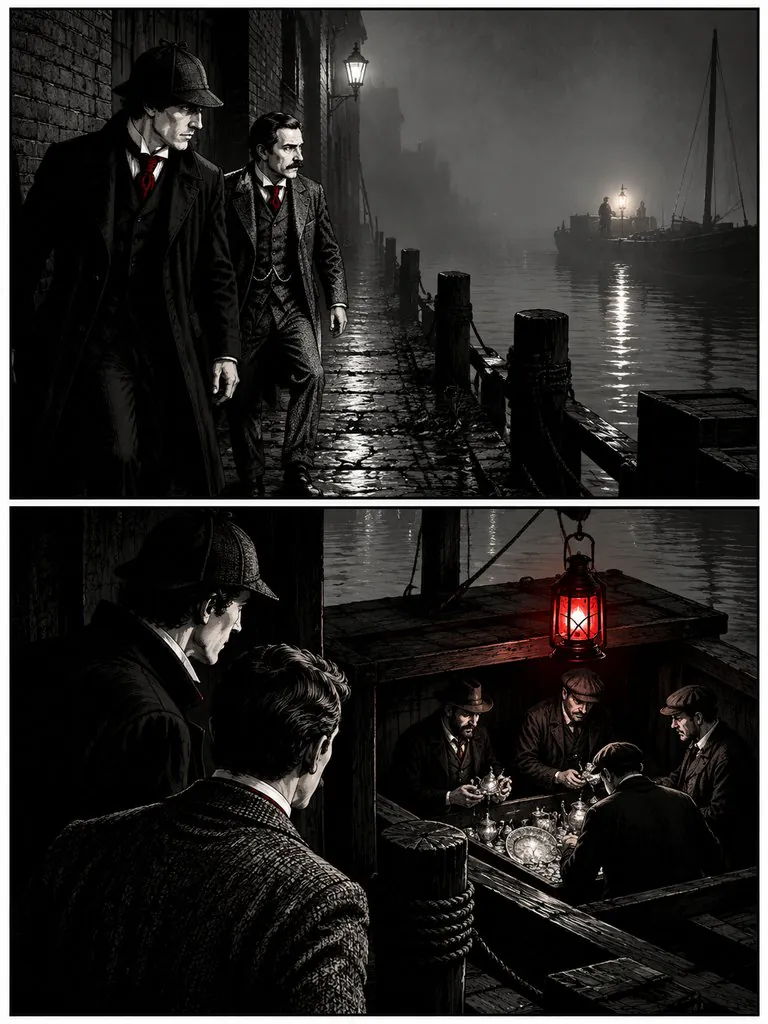
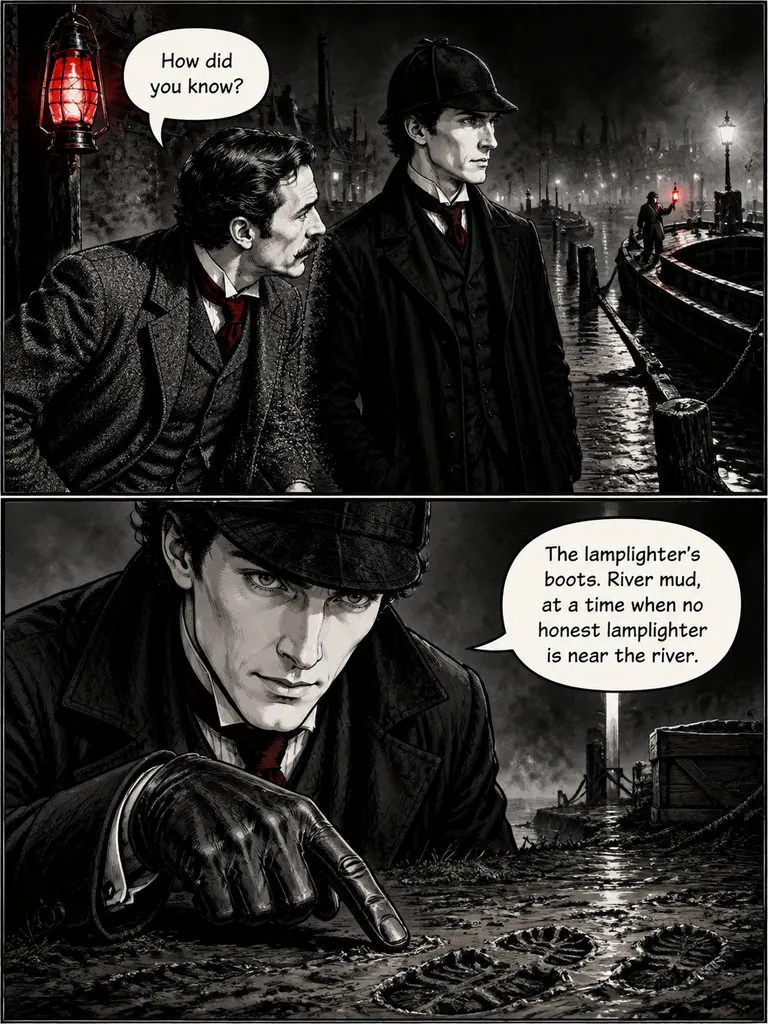
The Lantern on Baker Street
Sherlock Holmes notices a lantern lit three times in one night and follows it to the river with Dr. Watson.
Read this chapter →How the AI comic strip maker works
Pick the 4-panel strip format and describe one gag per strip — set-up, two beats, punchline. Comic Studio keeps the same characters across every strip with a reference sheet per character, letters the balloons for you, and lets you redraw any strip with one sentence. For longer scenes, the classic grid format gives you an even panel grid read left to right, top to bottom.
Make a comic strip in 3 steps

1Pick your characters and write the gags
Choose characters from the library or create your own, then write one short paragraph per strip. AI can also write them from an outline.
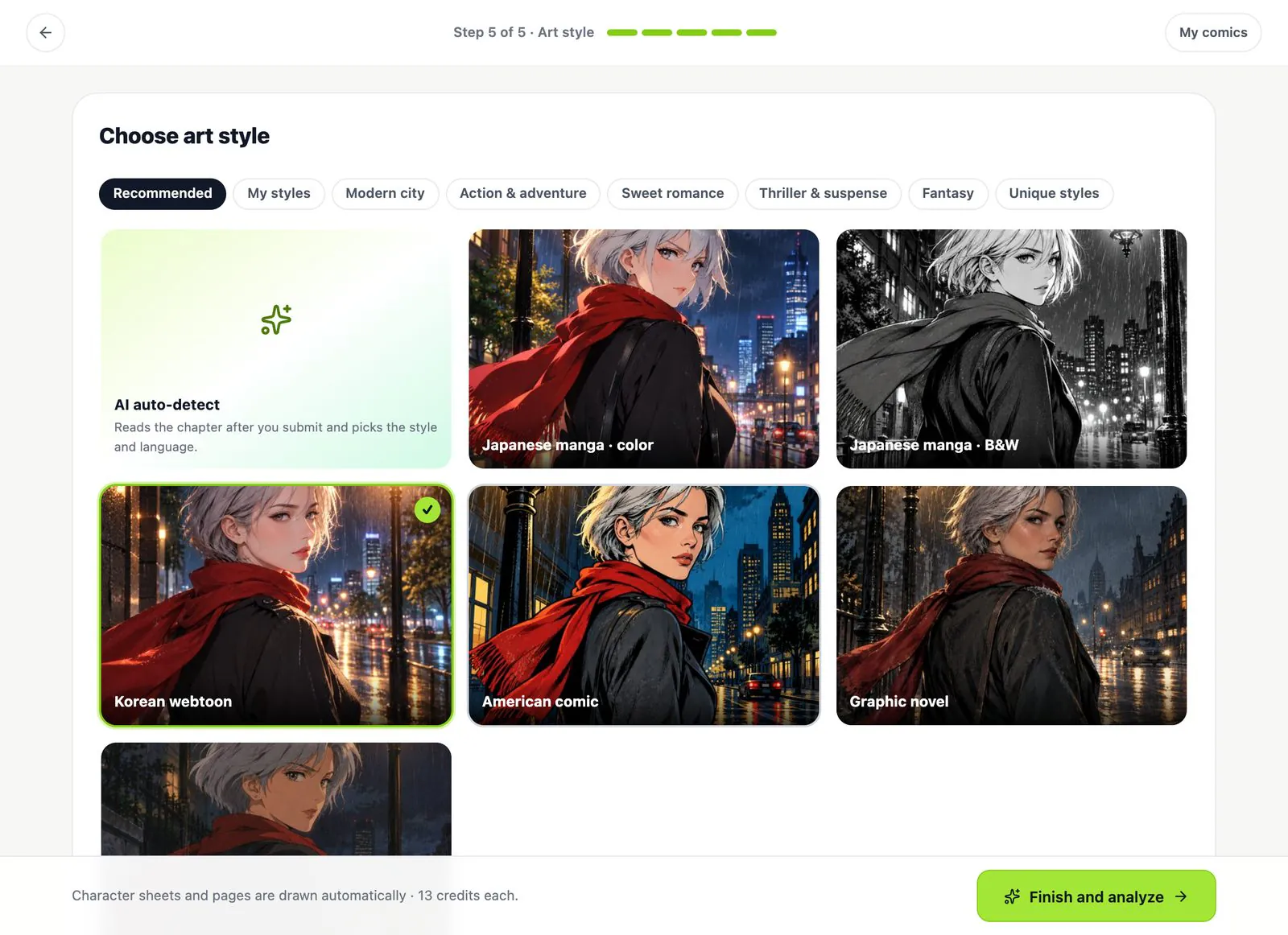
2Choose 4-panel strip or classic grid
Pick the page format and an art style — chibi, western cartoon, American comic or any of the 18.
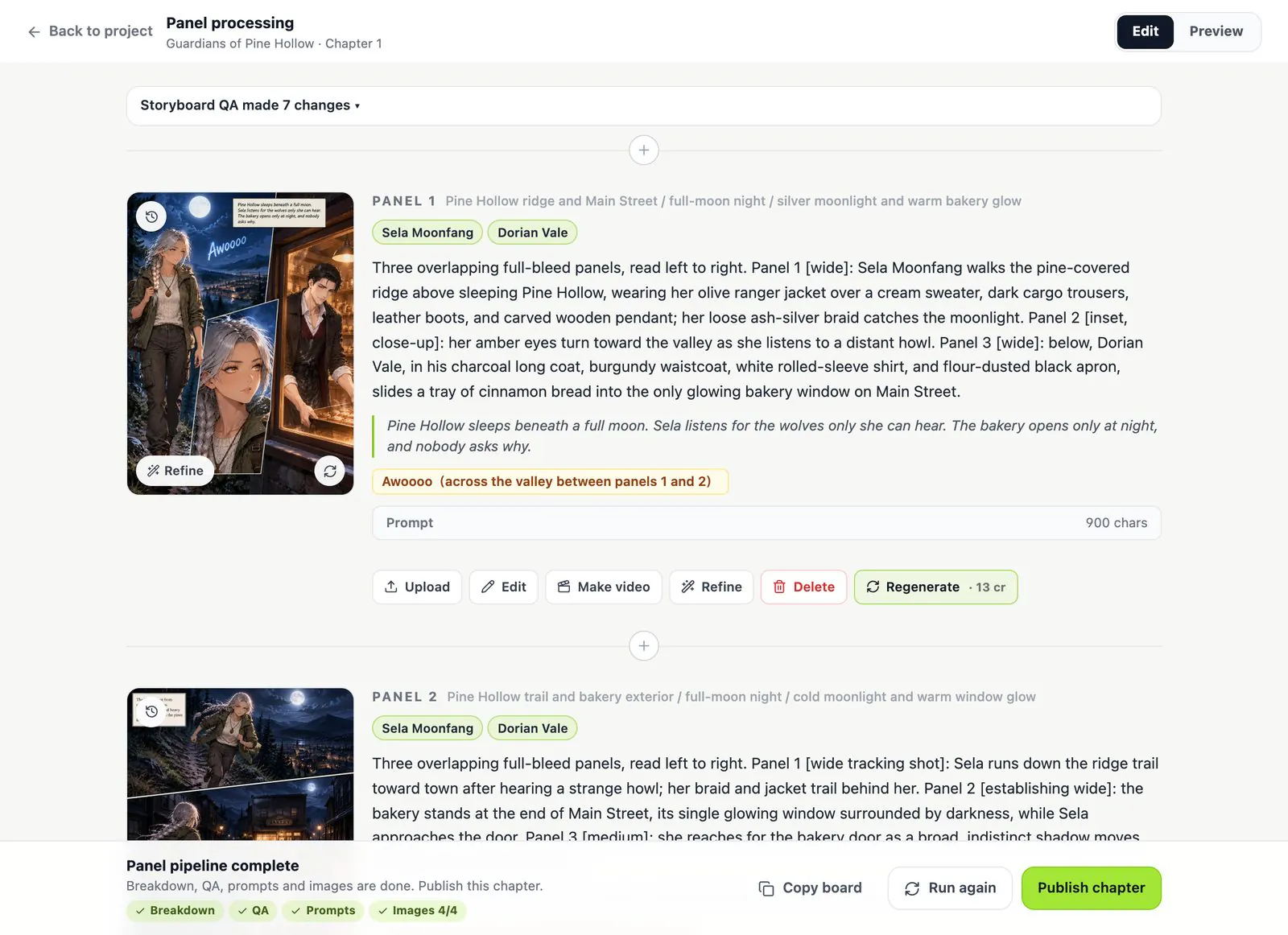
3Check the storyboard, then draw
Edit the dialogue and the beats of every strip for free, then draw. Export a ZIP of strips or a PDF.
Comic strip settings in Comic Studio
- Formats
- 4-panel strip (punchline last) or classic grid (even rectangular panels). Cinematic, manga, webtoon and picture book are also available.
- Strip-friendly styles
- Chibi, western cartoon, American comic, ligne claire, superhero, noir and 12 more.
- Pages
- 3:4, 9:16, 1:1, 4:3 or 16:9 — square or 4:3 works well for social posts.
- Lettering
- Balloons and captions on an editable text layer over each strip, in 9 languages.
- Cost
- Writing and storyboard free; 13 credits per character sheet and per strip; failed images are refunded.
Comic strip maker questions
Can I write the jokes myself?
Yes. Write one paragraph per strip with the set-up and the punchline; the storyboard keeps your exact dialogue, and you can edit every line before drawing.
Do the characters look the same in every strip?
Yes. Each character gets a reference sheet and every strip is drawn from it. See how character consistency works.
Can I post the strips on social media?
Export a ZIP of images or a PDF. Choose 1:1 or 4:3 pages if you are posting to a feed. See our Terms for how you may use what you create.
Can I move or edit the balloons?
Yes. Lettering sits on its own text layer, so you can change the words, drag a balloon or resize it on the strip without redrawing. The panels themselves are drawn by the studio; to change a panel, edit the storyboard and redraw that strip, or use Refine with one sentence.
Is it free?
Writing, the storyboard and the continuity check are free. Each drawn strip costs 13 credits; new accounts get free credits to start.
More about Comic Studio
Your gag, as a strip
Write the jokes. The storyboard is free; you only pay for what gets drawn.