
AI Manga Generator: Turn Your Story into Manga Pages
Paste a chapter, pick the manga format and get pages read right to left — screentone, speed lines and lettered balloons included.
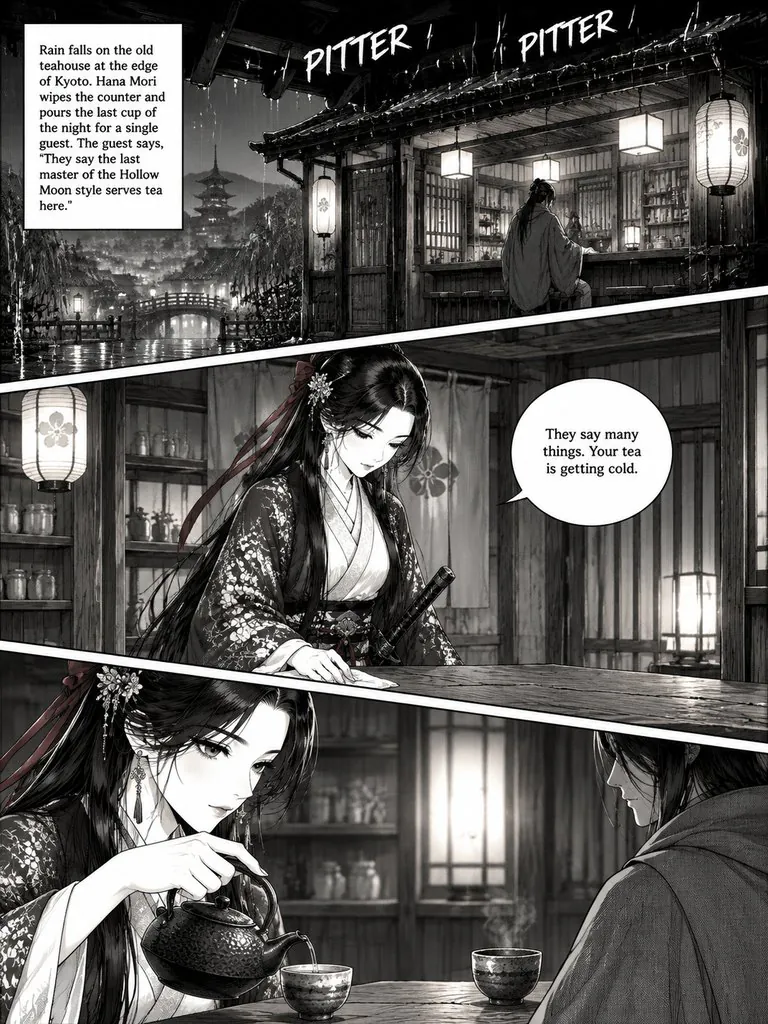
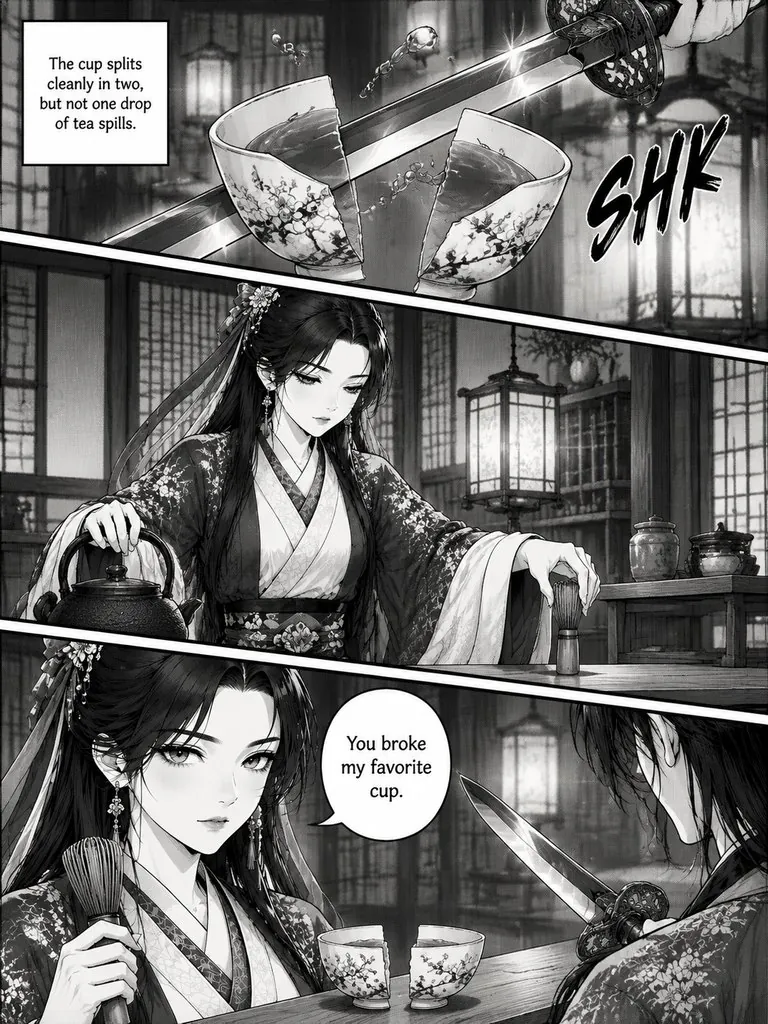
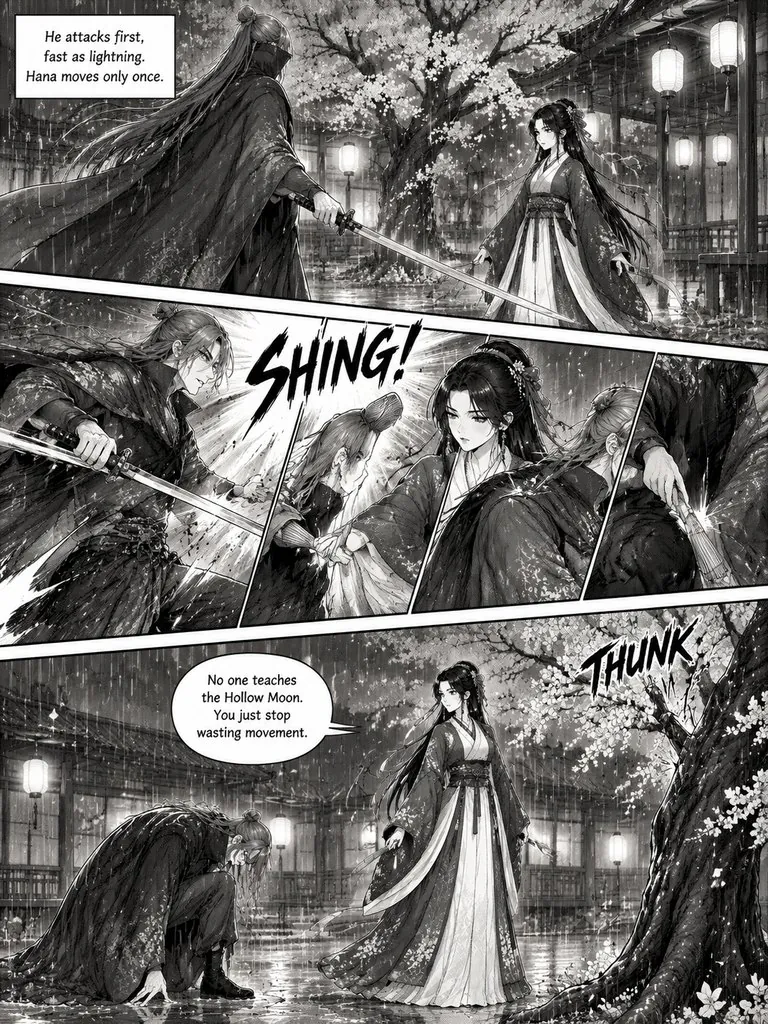
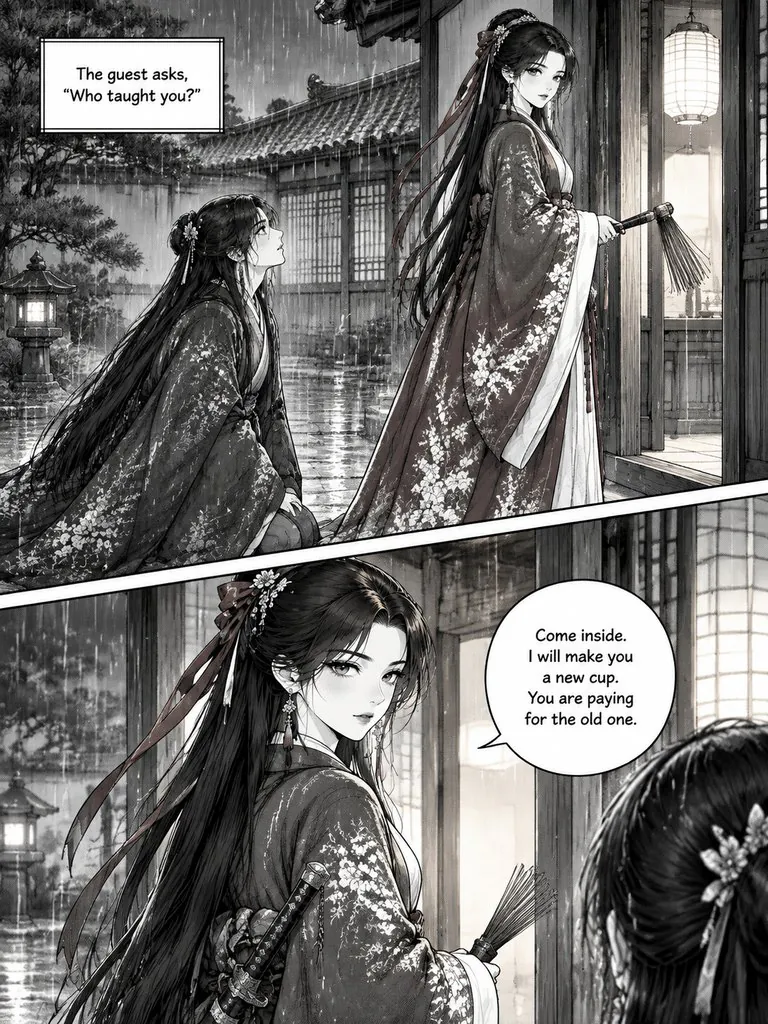
Manga and manhwa made in Comic Studio
A black-and-white manga chapter, a vertical webtoon and a color chapter, each drawn from a few paragraphs of text.
The Last Teahouse Blade
A swordsman comes to a Kyoto teahouse looking for the last master of a forbidden style. The owner answers with a tea whisk.
Read this chapter →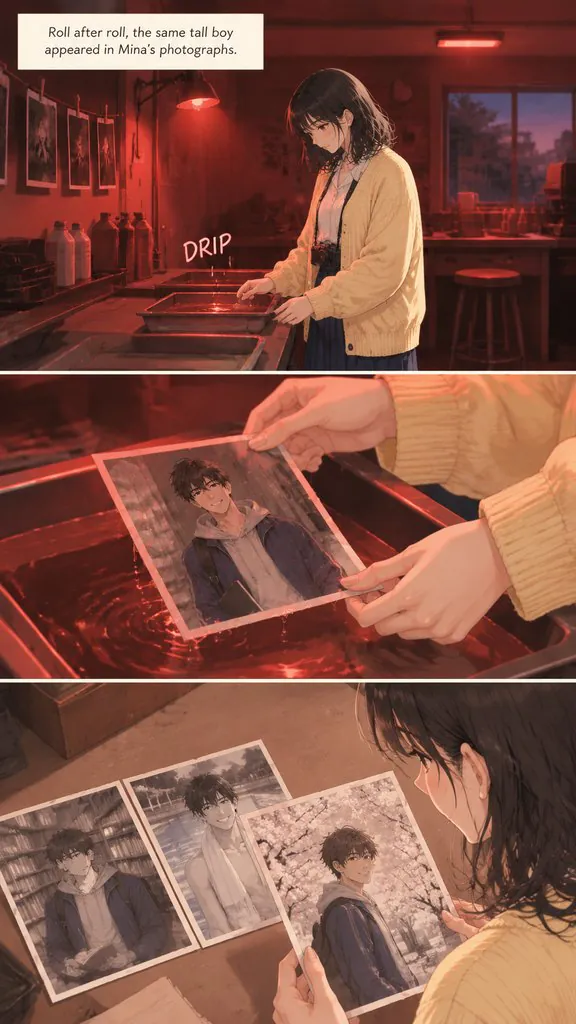
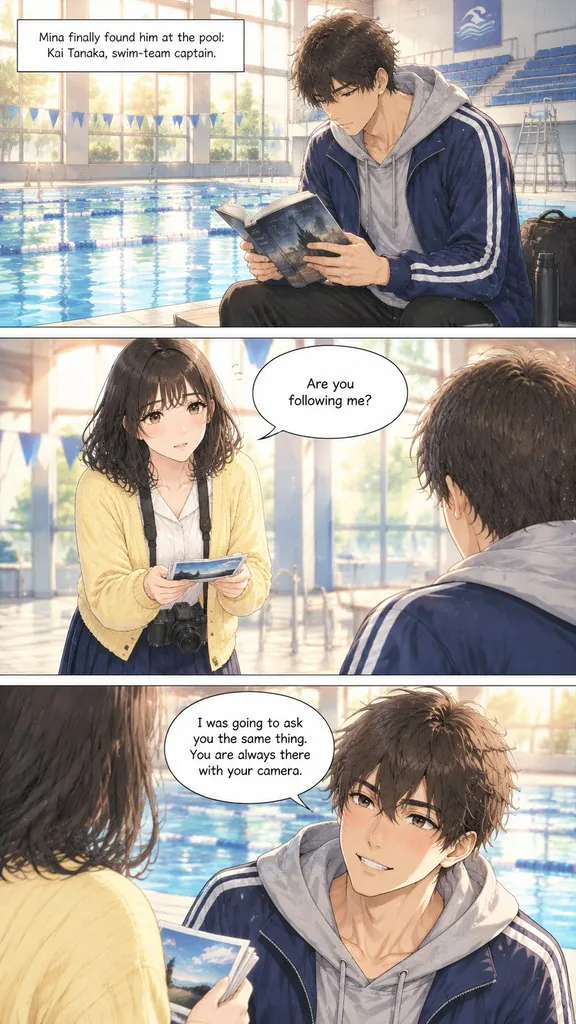
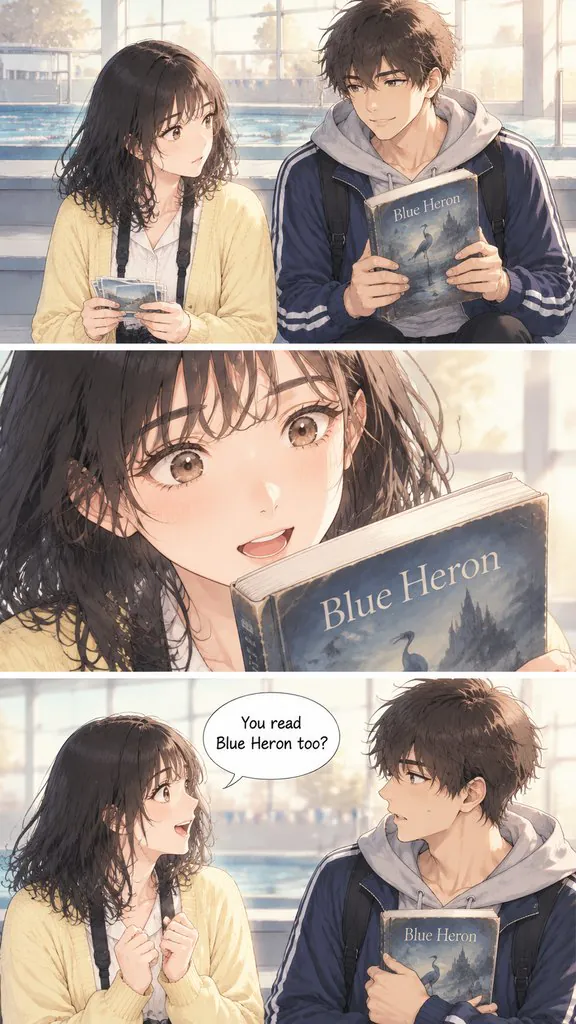
Out of Focus
A photography student keeps finding the same boy in her photos. He turns out to be hiding a much bigger secret.
Read this chapter →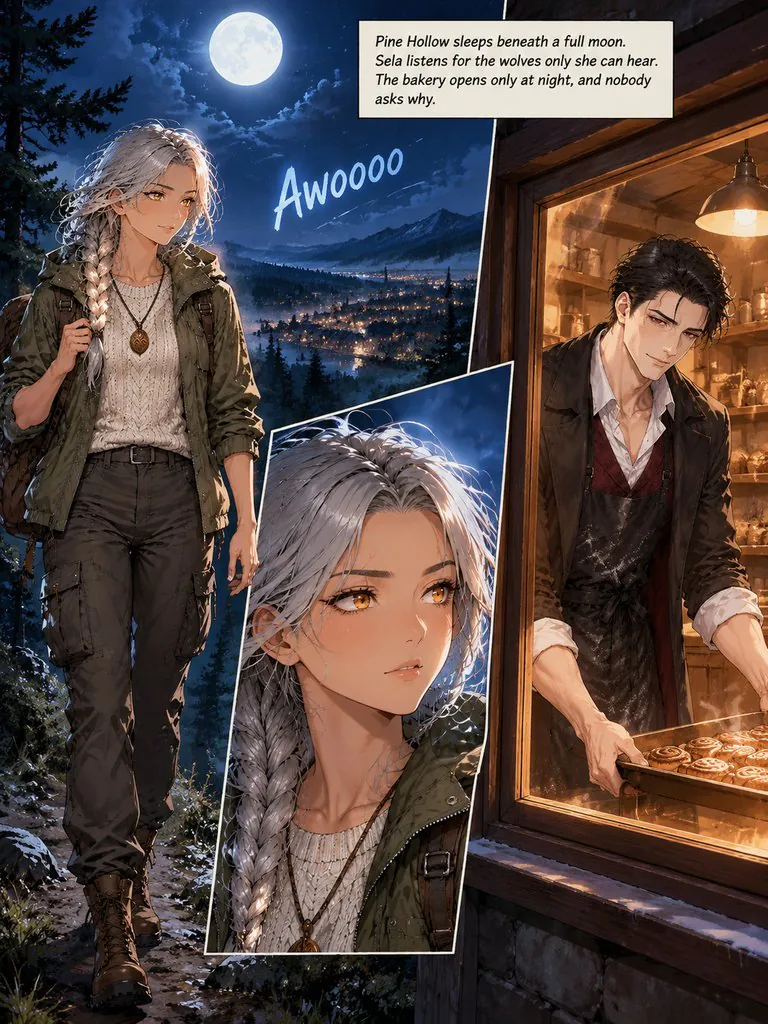
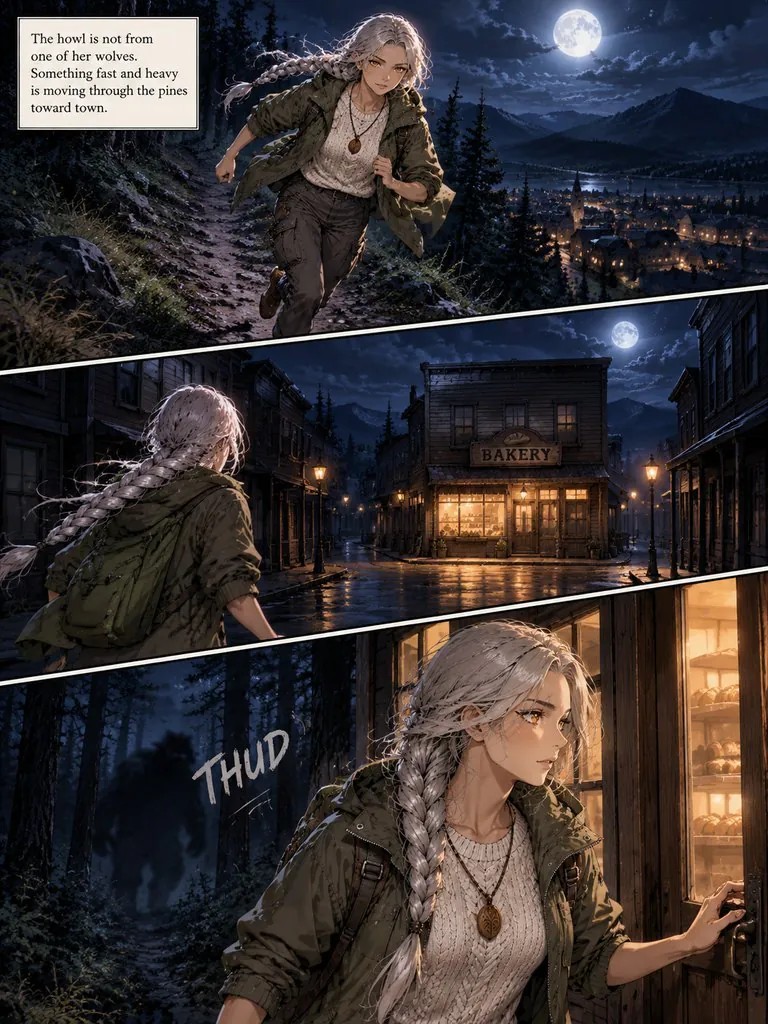
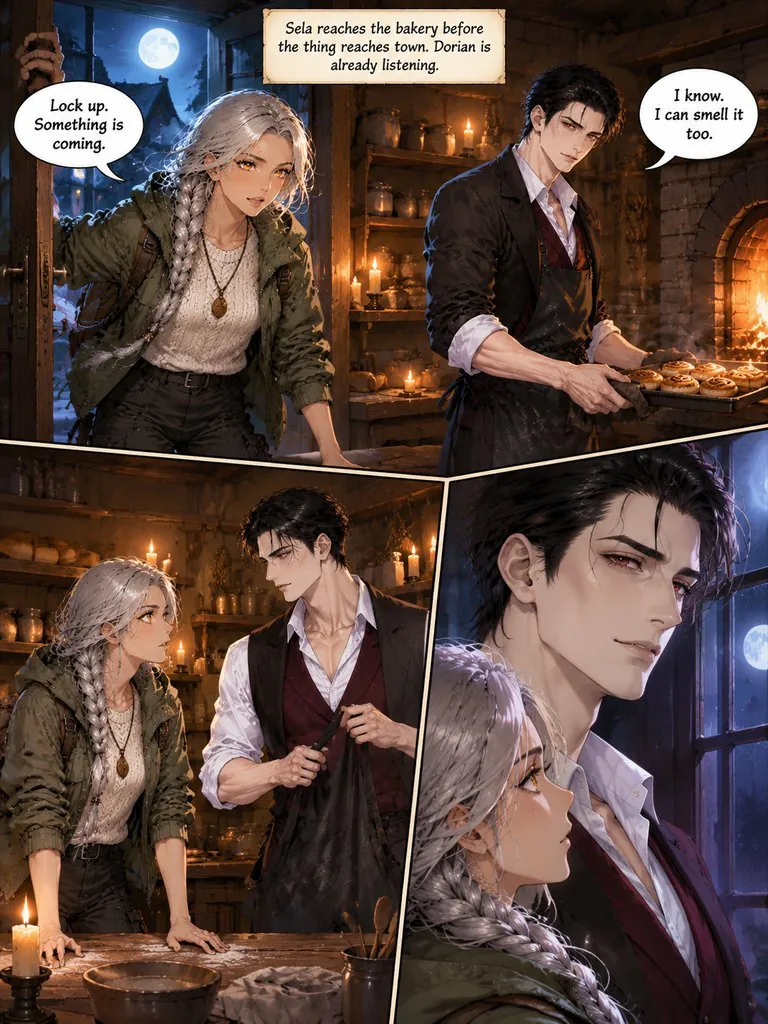
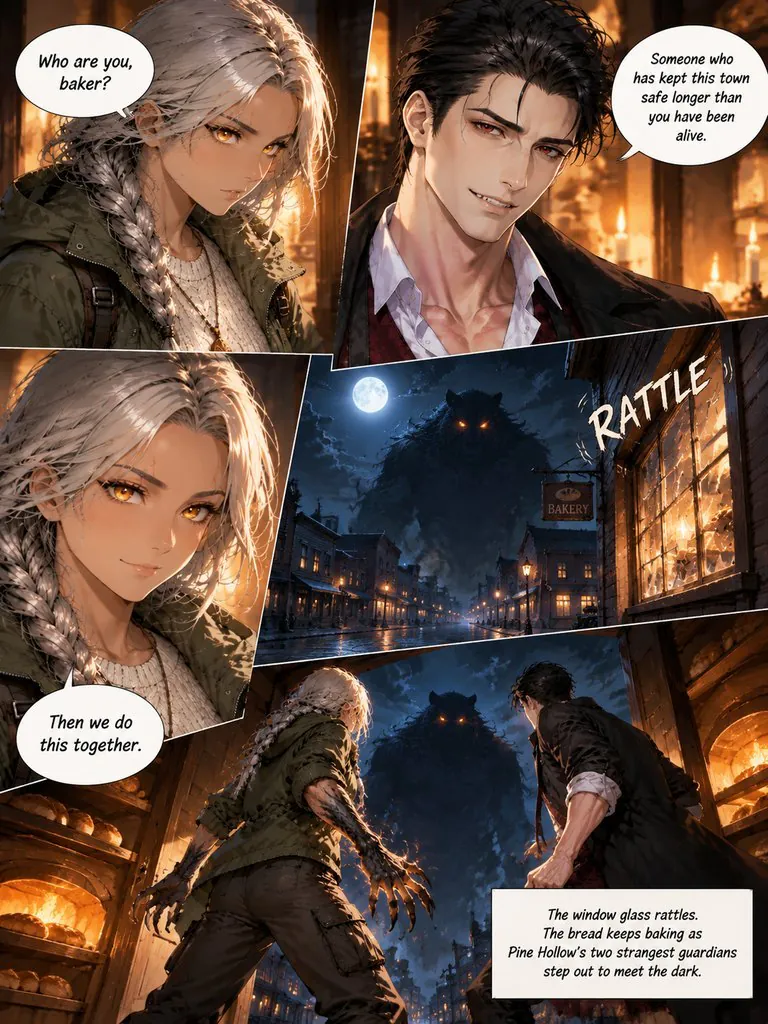
Guardians of Pine Hollow
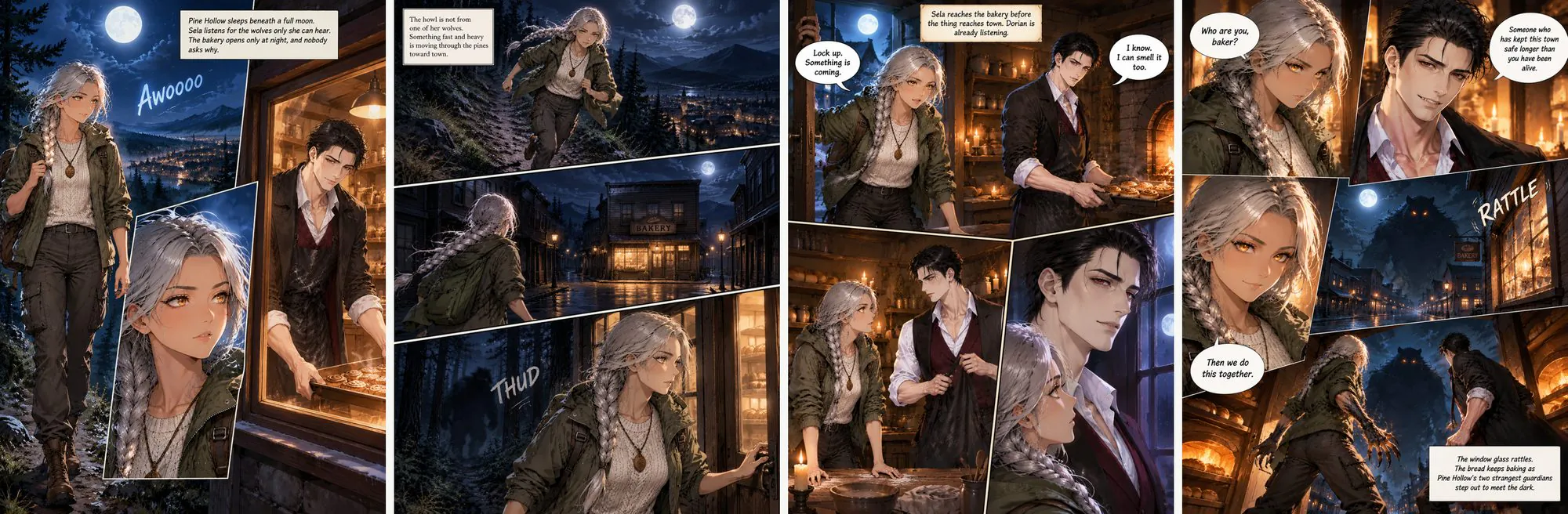
A werewolf ranger and a vampire baker find out they guard the same mountain town on the night something worse comes out of the pines.
Read this chapter →How the AI manga generator works
Manga in Comic Studio is a page format plus an art style. The manga format lays panels out right to left with slanted borders; pair it with Japanese manga B&W for screentone and black ink, Japanese manga color, 90s anime or Korean webtoon. Paste a chapter of up to 1,000 words (2,000 characters in Japanese, Chinese or Korean), and the studio draws a reference sheet for each character, splits the chapter into pages and letters every balloon — in Japanese, English or 7 other languages.
Make a manga chapter in 3 steps
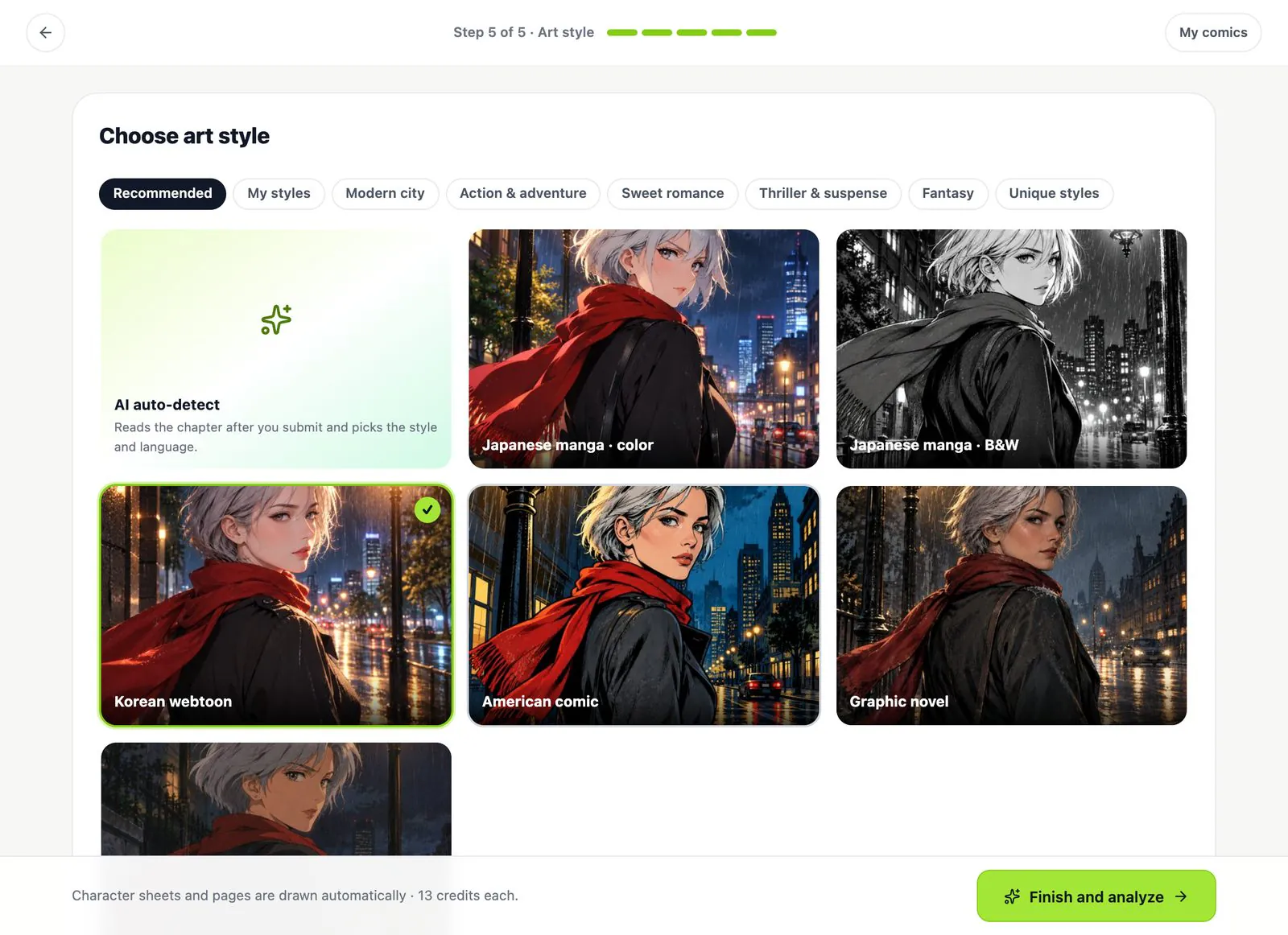
1Choose Manga as the page format
In the style step pick the Manga format (right to left), then an art style such as Japanese manga · B&W, and the language the balloons should be lettered in.
2Check the storyboard
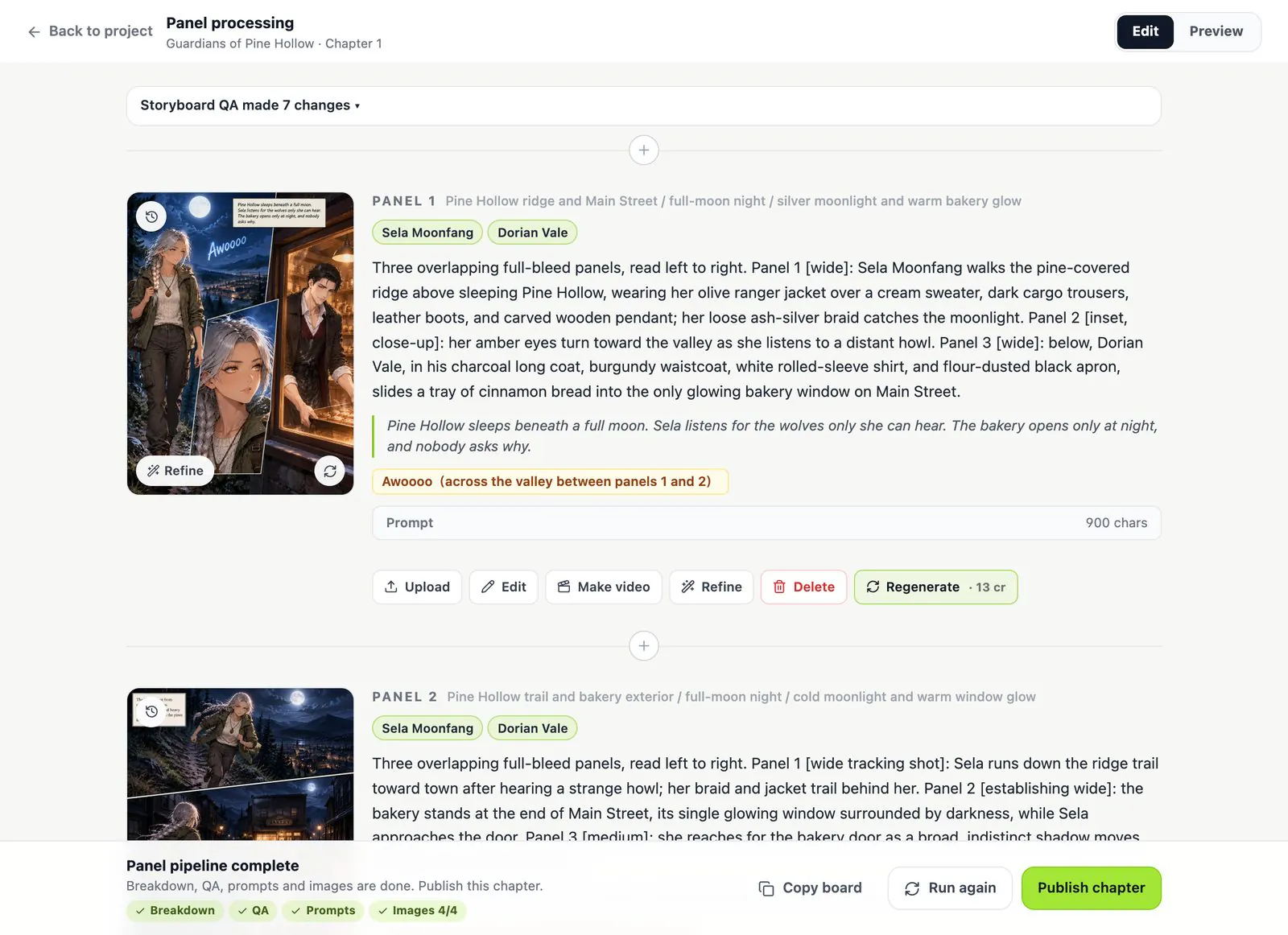
Every page gets a scene, a cast, a panel layout, captions, dialogue and sound effects. Edit any of it; the storyboard and continuity check are free.
3Draw, refine and export
Pages are drawn with their lettering. Fix a page with one sentence, then export a ZIP of pages or a PDF of the chapter.
Manga settings in Comic Studio
- Reading order
- Manga format: slanted panels read right to left. Webtoon format: one vertical strip for phone scrolling.
- Manga-friendly styles
- Japanese manga · B&W, Japanese manga · color, 90s anime, Korean webtoon, soft pastel webtoon, chibi, sumi ink linework.
- Lettering
- Balloons, captions and sound effects lettered in Japanese, Chinese, Korean, English, Spanish, Portuguese, French, German or Indonesian.
- Characters
- One reference sheet per character, drawn in the manga style before any page.
- Cost
- Storyboard and continuity check free; 13 credits per character sheet and per page; failed images are refunded.
AI manga generator questions
Can it make black-and-white manga with screentone?
Yes. Pick the Japanese manga · B&W style; pages come out in black ink with screentone shading.
Are pages read right to left?
With the Manga page format, yes: panels are laid out right to left. Other formats read left to right.
Can the dialogue be in Japanese?
Yes. Set the novel language to Japanese and the balloons are lettered in Japanese. Chapters can be up to 2,000 Japanese characters.
Can I make a webtoon or manhwa instead?
Yes. Use the Webtoon format for a vertical strip and the Korean webtoon or soft pastel webtoon style. The Out of Focus chapter above was made that way.
Do my characters stay the same?
Each character gets a reference sheet and every page is drawn from it. See how character consistency works.
Is it free?
Writing, the storyboard and the continuity check are free. Drawing costs 13 credits per character sheet and per page; new accounts get free credits to start.
More about Comic Studio
Your story, as manga
Paste a chapter. The storyboard is free; you only pay for what gets drawn.