
Wiggle Bounce
A wiggle text animation for one playful word
Chunky display letters in hot pink on a blush stage, each one bouncing up and down just after the one before it, tilting as it goes — a wave of wiggle running through the word. Four seconds, looping.
- 4s
- duration
- 4
- aspect ratios
- 4
- controls
- 720p
- free, unlimited exports
Text · 4s · 9:16
Wiggle · Bounce · Playful · Loop
Bouncing text animation, letter by letter
Wiggle text is a look, not a font: the letters move independently, so the word feels alive. Here every character of your word bounces on the same curve, offset by a fraction of a second from its neighbour, so a wave travels through the word from left to right. Each letter also tilts a few degrees one way and back as it rises and falls, which is what turns a bounce into a wiggle.
The bounce runs twice through every four-second clip and keeps repeating, so it can sit behind a caption or play on a loop as a sticker. The word, its colour and its size are the three named controls — type anything from a name to a one-word hook, and long words shrink to fit the frame. This is an animated video, not copy-and-paste wiggly Unicode.
4 seconds, three beats
What is on screen, and when. Every element named here is a layer in the document — you can click any of them on the canvas and change it.
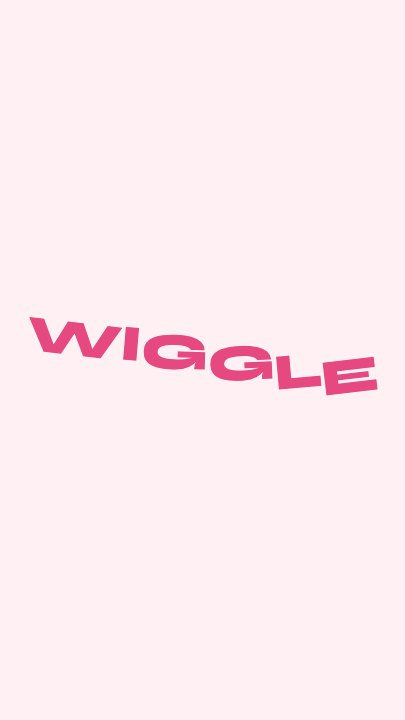
Beat 1 · 0.72s
The wave starts
The letters ride a wave through the word, low at the left end and rising toward the right.
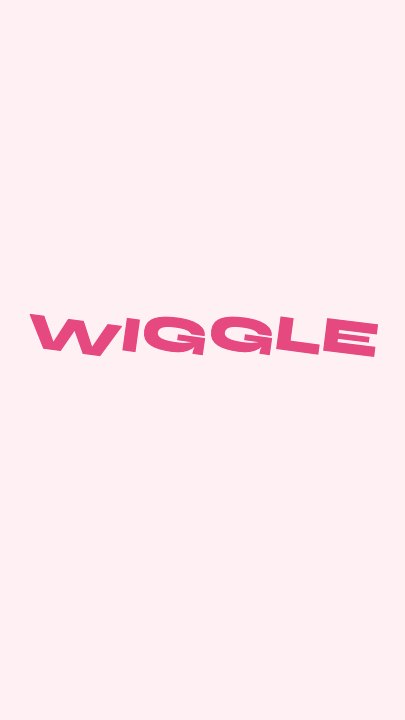
Beat 2 · 1.2s
Mid-wiggle
The crest is travelling through the word, the letters at different heights and angles — the frame that shows the wiggle best as a still.
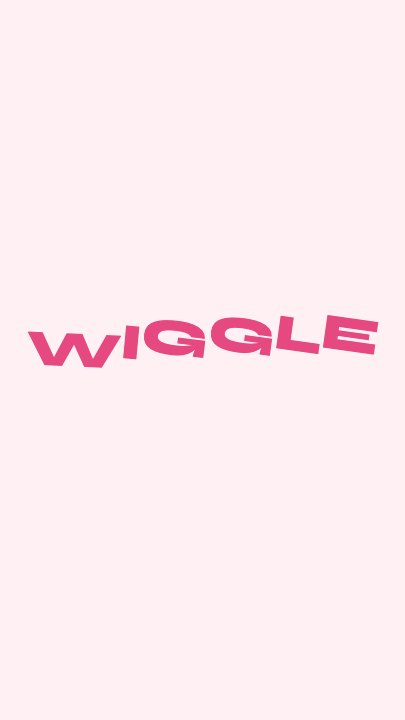
Beat 3 · 3.44s
Second pass
Later in the loop the wave runs the other way through the letters.
Three steps to a wiggling word
- 01
Type the word
One short word reads best — a name, a hook, a reaction. Every letter gets its own bounce.
- 02
Pick the colour
The accent colours the letters. The blush stage suits the default pink; ask the assistant to change the background too.
- 03
Set the size and export
Size runs from 120 to 210. Export in any of the four aspects and loop it.
Per letter
A wave, not a block
Each character starts its bounce slightly after the last, so the word ripples — the difference between a wiggle and the whole word jumping at once.
Tilt
A little rotation on every bounce
Letters tilt a few degrees as they rise and fall, which gives the playful, hand-made feel people look for in wiggle text.
Looping
Four seconds, two cycles
The bounce runs twice per clip and keeps repeating, so it works as a sticker or a moving title on a loop.
What you can change
Four named controls, exactly as in the studio panel — the smallest template in the library, which is why it takes under a minute.
- Click any element on the canvas to edit it directly
- Or describe the change in a sentence and let the assistant make it
- Export 9:16, 16:9, 1:1, 4:5 from the same document
Studio controls
4 named
- WordTextWIGGLE
- AccentColour#E64980
- SizeSlider 120–210185
- SpeedSlider 0.5–21
Wiggle text without an editor
In a video editor, wiggle text means splitting a word into letters and keyframing each one. Here it is one text field. Use it for a playful title card, a sticker-style caption, a kids' channel intro or a single word that has to feel fun — and link it with a chunkier look like the 3D bubble text template when you want more weight.
Wiggle Bounce: questions, answered
Is the wiggle text animation free?+
Yes to open and edit, and free accounts get unlimited free 720p exports with a small LazyKiwi mark. Clean 1080p is included with any paid plan.
Is this copy-and-paste wiggle text?+
No. It is an animated video of your word, exported as an MP4 — not Unicode characters to paste into a bio.
What aspect ratios can I export?+
9:16, 16:9, 1:1 and 4:5. The word is centred, so every aspect keeps it in frame.
Can I use more than one word?+
Short phrases work; long ones shrink to fit the frame, so lower the size if the letters get small.
How long is the clip?+
Four seconds, set to loop, with a speed control from 0.5× to 2×.
More 3d & kinetic text
All text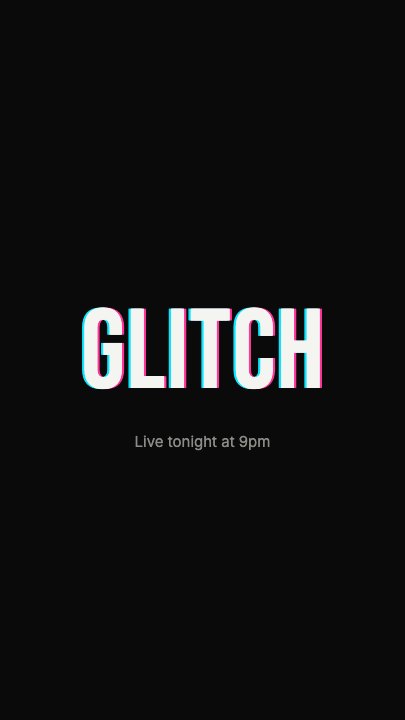 Glitch RevealA display headline stutters in through RGB-split ghosts, horizontal slice tears and hard flicker, holds with a faint colour fringe and one more twitch, then tears apart on the way out
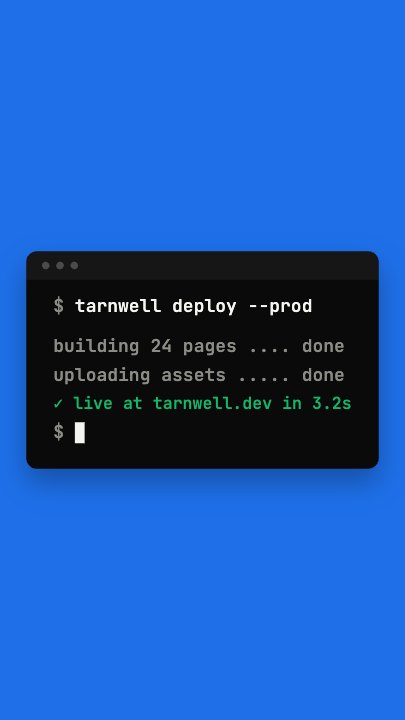 Terminal TypingA command types itself out character by character in a dark terminal window on a flat blue stage, three output lines print in turn and a fresh prompt blinks underneath
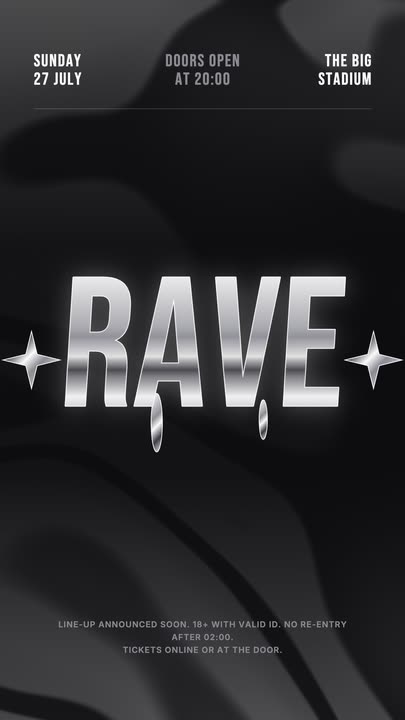 Liquid Chrome TitleAn event title in liquid chrome: a metallic banded fill with a white outline, shimmering and wobbling over black, with chrome stars and a three-column dateline.
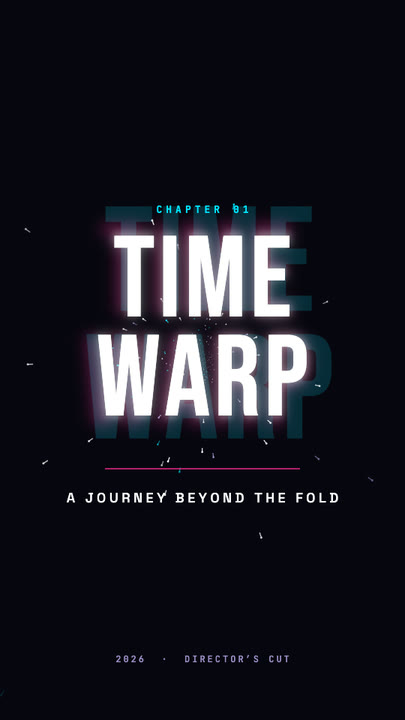 Time Warp TitleA two-line display title rushes out of deep focus — stretched, blurred, trailing cyan and magenta afterimages — lands with a flash, then blasts past the lens.
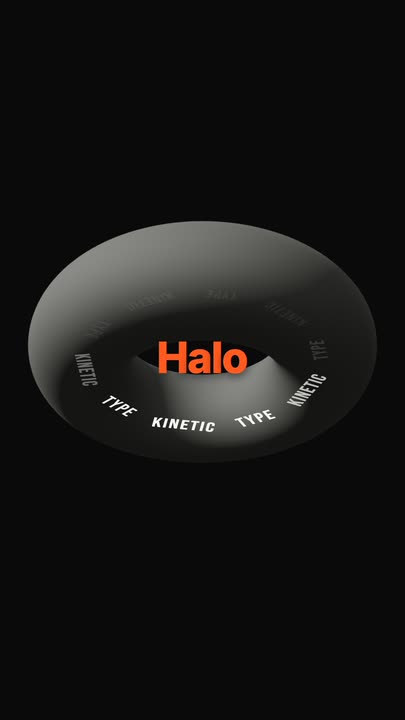 Torus Text RingTen words ride a tilted ring around a matte 3D torus — bright and big as they sweep past the front, dim as they pass behind — while the brand word pops in the centre.
 Snappy Poster TypeBlack poster, white condensed type: each line snaps wide and springs back to width, line after line, with a re-snap beat and a clean exit.
Make your word wiggle.
Type it, pick a colour and export a looping wiggle text animation.