
Text Scroller
A scrolling text video for your list of services
Eight words scroll endlessly upward on near-black. As each one passes through a pill-shaped focus band in the middle it sharpens, brightens and grows; everything above and below stays soft and dim. Six seconds, one full cycle of the list, looping.
- 6s
- duration
- 4
- aspect ratios
- 11
- controls
- 720p
- free, unlimited exports
Text · 6s · 9:16
Scrolling text · List · Focus · Loop
Vertical scrolling text, not a marquee
Say "scrolling text" and most people picture a ticker running sideways, or end credits rolling up the screen. This template is a third kind: a vertical list that scrolls through a focus. The eight items move up at a constant speed, and the one crossing the centre band is drawn crisp and bright at a slightly larger size while the rest of the list sits behind a blur. The effect is a list you read one word at a time.
It is built for the sentence "we do X": services, product features, skills, menu categories, the eight things a brand stands for. Each of the eight items is its own text control, the focus band's width is a slider, and the outline colour of the band is the accent. The scroll covers the whole list exactly once in six seconds, then starts again. If you need a horizontal marquee, ask the assistant — but that is a different template.
6 seconds, three beats
What is on screen, and when. Every element named here is a layer in the document — you can click any of them on the canvas and change it.
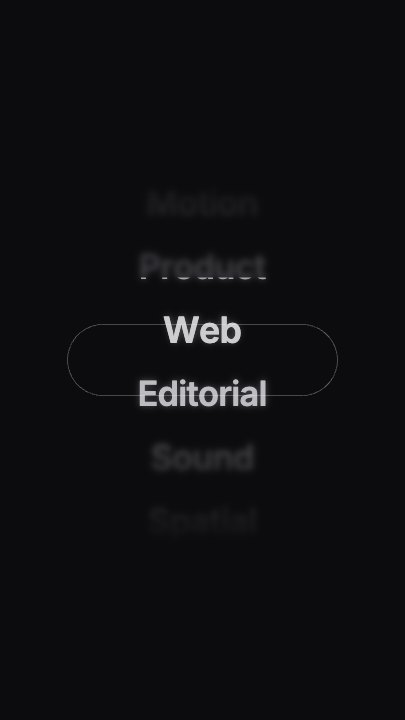
Beat 1 · 1.08s
Mid-scroll
The list is moving up through the frame, with one service sharp in the centre focus pill and its neighbours blurred.
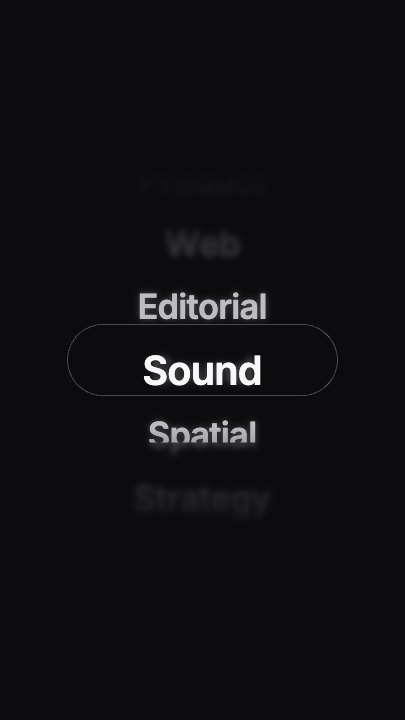
Beat 2 · 2.1s
The next word in focus
A later item has scrolled into the band, larger and bright, with the soft list above and below it.
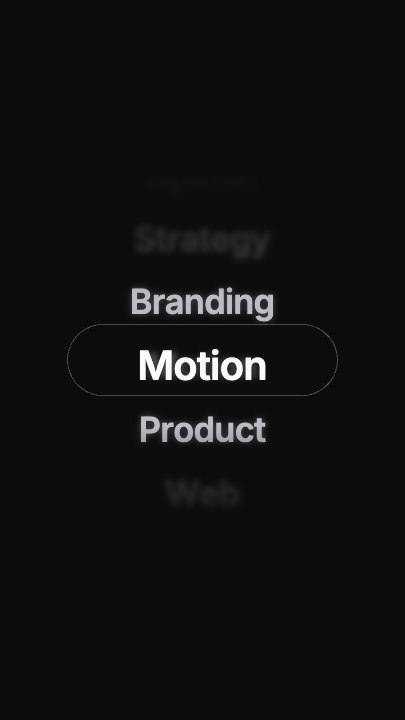
Beat 3 · 5.16s
Still scrolling
Near the end of the cycle a third item sits in focus as the list keeps looping.
Three steps to your scrolling list
- 01
Write eight items
Item 1 to Item 8 are separate controls. Short words or two-word phrases work best — each passes the focus band for under a second.
- 02
Set the focus band
Focus width runs from 400 to 960; widen it for longer phrases. The accent colours the band's thin outline.
- 03
Set the speed and export
Slow it to 0.5× for a calmer read or speed it up for a hook, then export in the aspect you need.
Focus band
One word sharp, the rest soft
The list is drawn twice — a blurred, dimmed copy behind and a sharp copy clipped to the centre band — so the passing word always pops out of the scroll.
Looping
One full cycle in six seconds
The scroll moves exactly one list-length per clip, so the list keeps coming round when the video is set to loop on a screen.
Eight slots
Each item is its own control
Rename any item without touching the others; the spacing and timing stay identical.
What you can change
Eleven named controls, exactly as in the studio panel: eight items, the band outline colour, the band width and the speed.
- Click any element on the canvas to edit it directly
- Or describe the change in a sentence and let the assistant make it
- Export 9:16, 16:9, 1:1, 4:5 from the same document
Studio controls
11 named
- Item 1TextStrategy
- Item 2TextBranding
- Item 3TextMotion
- Item 4TextProduct
- Item 5TextWeb
- Item 6TextEditorial
- Item 7TextSound
- Item 8TextSpatial
- AccentColour#F5F5F7
- Focus widthSlider 400–960720
- SpeedSlider 0.5–21
Why a scroller instead of a list slide
A static list of eight services is a slide nobody reads. The same eight words as a scrolling text animation get read one at a time, in order, because the eye follows the focus. It fits an agency reel, a portfolio intro, a landing-page hero video or a menu screen — anywhere you need to say several things in one short loop.
Text Scroller: questions, answered
Is the scrolling text video template free?+
Yes to open and edit, and free accounts get unlimited free 720p exports with a small LazyKiwi mark. Clean 1080p is included with any paid plan.
Does the text scroll horizontally?+
No — this template scrolls vertically, through a focus band. For a sideways ticker, describe it to the Motion Studio assistant or start from a different template.
Can I use fewer than eight items?+
The loop is built around eight slots. Repeat items to fill the list — for example four words twice.
What aspect ratios can I export?+
9:16, 16:9, 1:1 and 4:5 from the same document.
Do I need After Effects?+
No. It renders in your browser and exports an MP4 directly.
More 3d & kinetic text
All text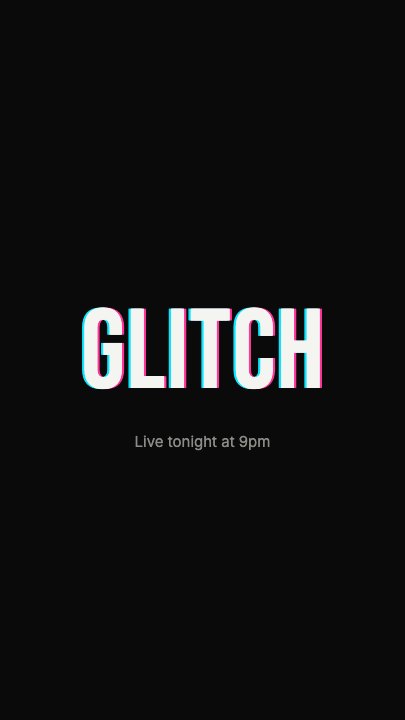 Glitch RevealA display headline stutters in through RGB-split ghosts, horizontal slice tears and hard flicker, holds with a faint colour fringe and one more twitch, then tears apart on the way out
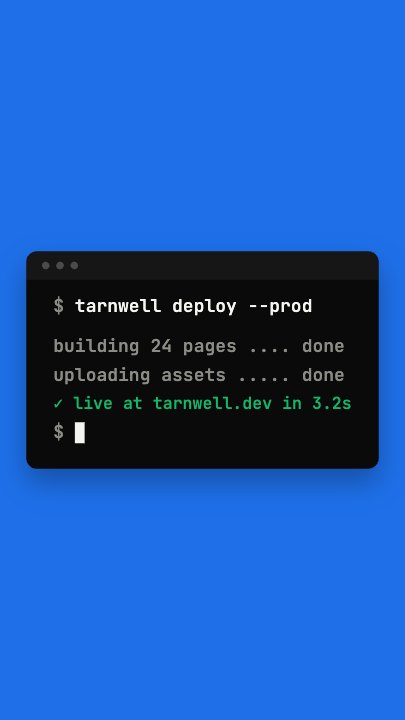 Terminal TypingA command types itself out character by character in a dark terminal window on a flat blue stage, three output lines print in turn and a fresh prompt blinks underneath
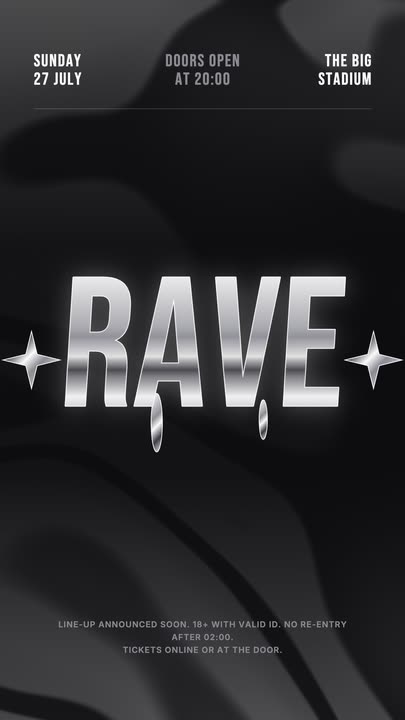 Liquid Chrome TitleAn event title in liquid chrome: a metallic banded fill with a white outline, shimmering and wobbling over black, with chrome stars and a three-column dateline.
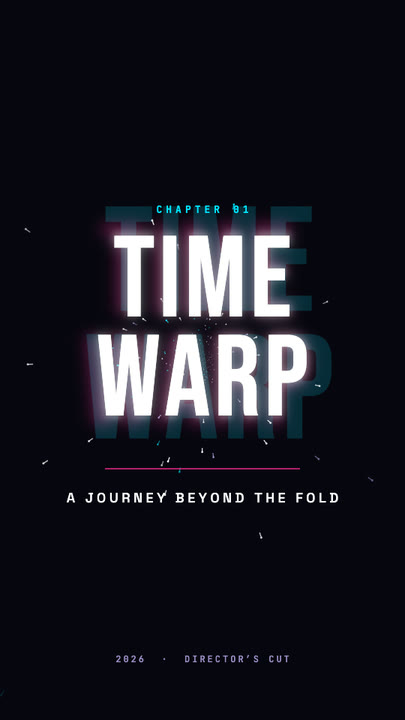 Time Warp TitleA two-line display title rushes out of deep focus — stretched, blurred, trailing cyan and magenta afterimages — lands with a flash, then blasts past the lens.
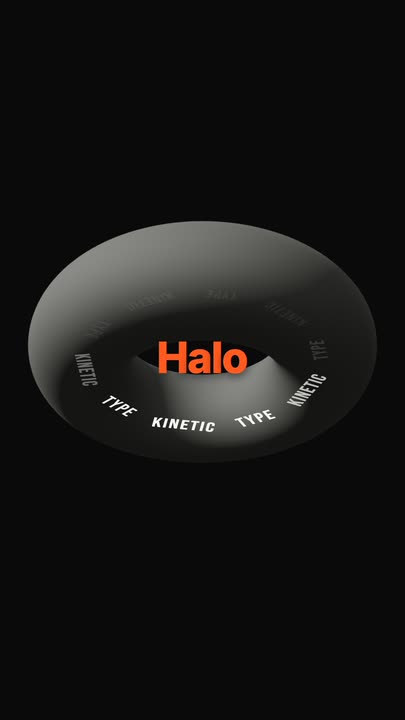 Torus Text RingTen words ride a tilted ring around a matte 3D torus — bright and big as they sweep past the front, dim as they pass behind — while the brand word pops in the centre.
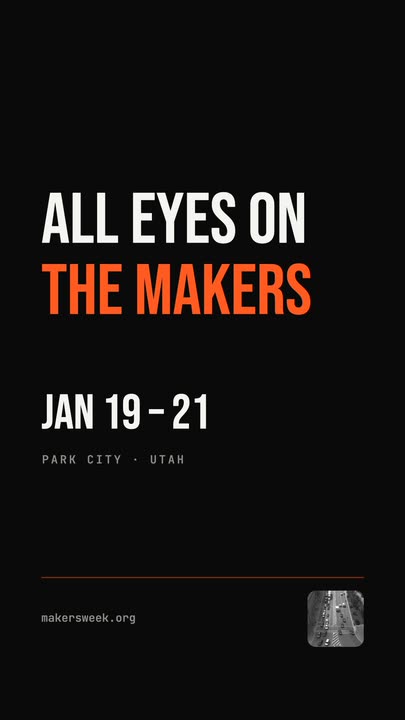 Snappy Poster TypeBlack poster, white condensed type: each line snaps wide and springs back to width, line after line, with a re-snap beat and a clean exit.
Scroll through what you do.
Eight words, one focus band. Export a looping scrolling text video in a minute.