
Animated Menu Board
A restaurant menu video template for your own dishes
A dish photo settles in with a slow push, the restaurant's name sits on a soft scrim over it with a "Today's menu" pill, then four dishes slide in underneath with short descriptions, dotted leaders and prices that pop. Six seconds, warm cream and clay.
- 6s
- duration
- 4
- aspect ratios
- 14
- controls
- 720p
- free, unlimited exports
Social media · 6s · 9:16
Menu · Restaurant · Food · Price list
An animated menu board, ready for your prices
A food menu video has to do two things at once: make the food look good and make the prices readable. This template splits the frame to do both. The top half is your dish photo in a rounded frame, pushing in slowly for the whole clip so it never sits still, with the restaurant name in a large serif on a scrim at its foot. The bottom half is the menu: four dishes, each with a line of description, a dotted leader and the price in the accent colour.
The rows arrive one after another, a fraction of a second apart — name, description, leader, then the price popping in at the end of the line — and a small footer with opening hours fades in last. Restaurant name, kicker, all four dishes and all four prices are separate controls, the dish photo is an image slot, and the push-in amount is a slider. It is one template for both the TV screen by the counter and the post on your feed.
6 seconds, three beats
What is on screen, and when. Every element named here is a layer in the document — you can click any of them on the canvas and change it.
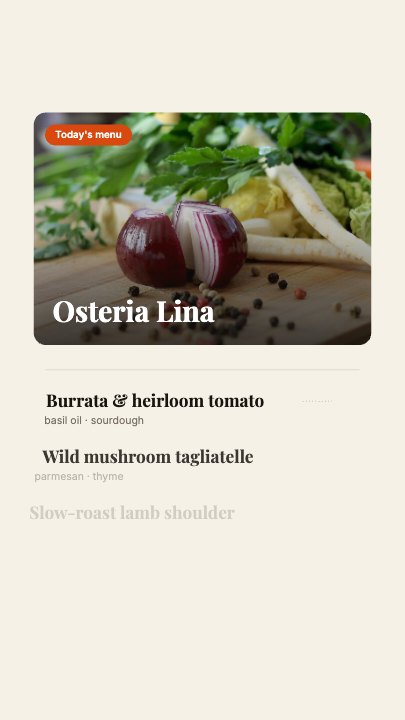
Beat 1 · 1.3s
Photo and name
The dish photo has settled with the restaurant name on its scrim and the "Today's menu" pill, and the first dish row is in.
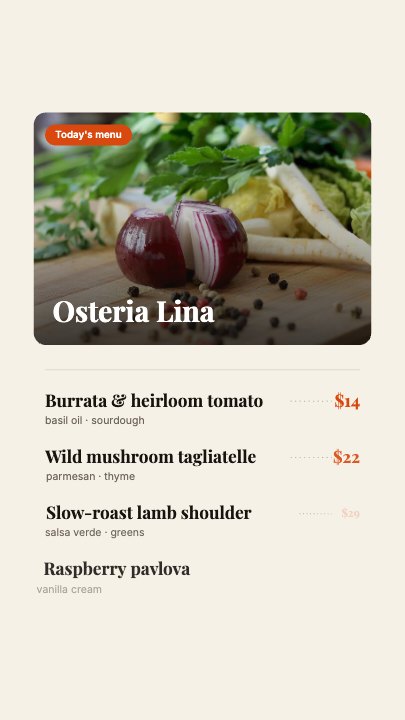
Beat 2 · 1.6s
The rows build
The first two dishes are in with their prices and the third row is fading up.
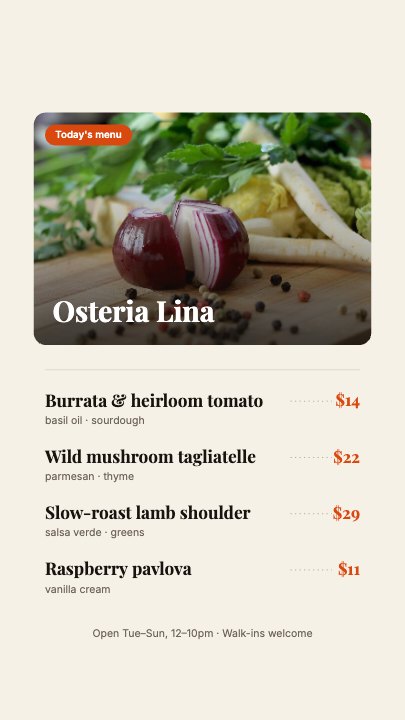
Beat 3 · 3.2s
The full menu
All four dishes and prices are in with the opening-hours footer, while the photo keeps pushing in slowly — the frame that works as a still or a screen.
Three steps to your menu video
- 01
Add the dish photo
Upload your best landscape food shot into the Dish photo slot; the Photo push-in slider (1–1.3) sets how far it zooms over the clip.
- 02
Type four dishes and prices
Dish 1–4 and Price 1–4 are separate controls. The descriptions and the hours footer are text layers you edit on the canvas.
- 03
Name it and export
Set the restaurant name, the kicker and the accent colour for the pill and prices, then export vertical for social or 16:9 for a screen.
Always moving
The photo pushes in for the whole clip
A slow, constant zoom on the dish photo keeps a looping menu screen from looking like a still — without anything jumpy that would distract from the prices.
Readable prices
Dotted leaders, prices that pop
Each price sits at the end of a dotted leader in the accent colour and pops in with a small overshoot, so the eye lands on it.
Changes daily
Edit the specials, export again
Because every dish and price is a control, today's specials are a two-minute edit — the layout and timing never change.
What you can change
Fourteen named controls, exactly as in the studio panel. Dish descriptions and the opening-hours footer are canvas-editable text layers.
- Click any element on the canvas to edit it directly
- Or describe the change in a sentence and let the assistant make it
- Export 9:16, 16:9, 1:1, 4:5 from the same document
Studio controls
14 named
- RestaurantTextOsteria Lina
- KickerTextToday's menu
- Dish 1TextBurrata & heirloom tomato
- Dish 2TextWild mushroom tagliatelle
- Dish 3TextSlow-roast lamb shoulder
- Dish 4TextRaspberry pavlova
- Price 1Text$14
- Price 2Text$22
- Price 3Text$29
- Price 4Text$11
- Dish photoPhoto
- AccentColour#D9480F
- Photo push-inSlider 1–1.31.12
- SpeedSlider 0.5–21
Why a video menu instead of a printed one
A digital menu board video catches the eye at the counter in a way a printed card cannot, and the same file doubles as a post for delivery apps and social. Paid menu templates usually mean a download, a design app and a re-export for every price change; this one opens in the browser and changes in a minute. For a promotion or a single dish launch, the promo video template sits alongside it.
Animated Menu Board: questions, answered
Is the restaurant menu video template free?+
Opening and editing it is free, and free accounts get unlimited free 720p exports with a small LazyKiwi mark. Clean 1080p is included with any paid plan for larger in-store screens.
Can I use it on a TV menu board?+
Yes — export 16:9 for a landscape screen and loop the file. It is authored vertical, so check the 16:9 layout on the canvas before you export.
Can I list more than four dishes?+
The layout holds four. For a longer menu, export one video per section, or ask the assistant to add rows.
What aspect ratios can I export?+
9:16, 16:9, 1:1 and 4:5 from the same document.
Do I need After Effects?+
No. It renders in your browser and exports an MP4 — nothing to install or relink.
More social hooks
All social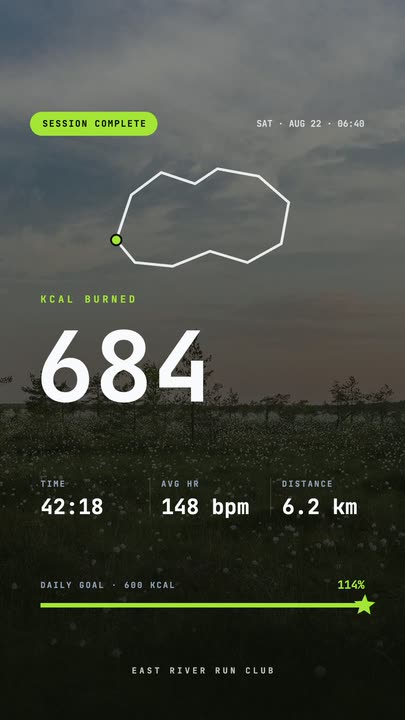 Workout Summary CardA fitness-app session recap over a darkened photo: the calorie count rolls up, three stats rise in and the goal bar draws itself to a star.
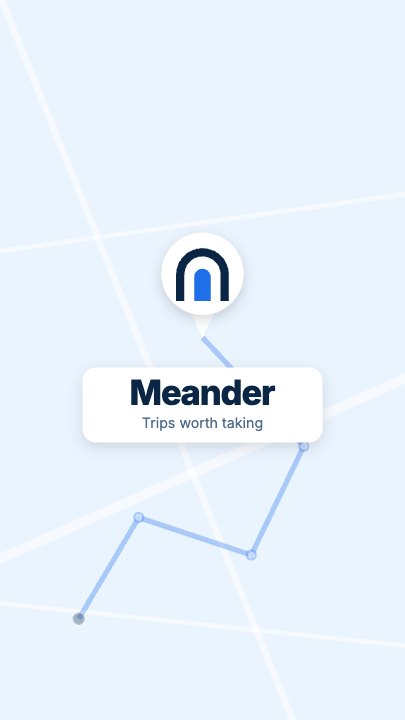 Route Logo RevealOn a pale map of white streets a route draws itself from a start pin through three waypoints; at the destination a map pin carrying your mark drops in and a label card with the brand name pops up under it
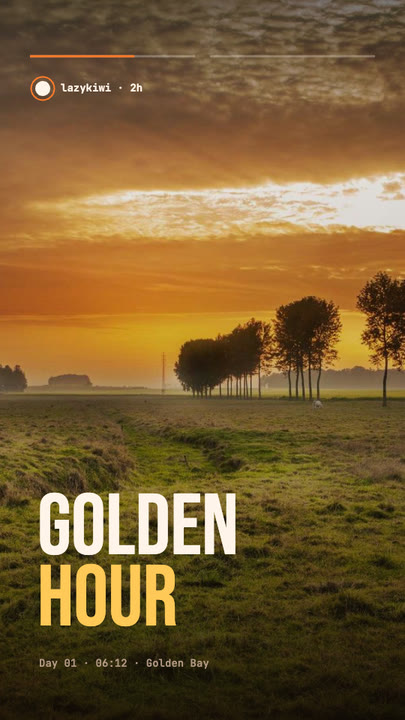 Stretch Cut StoryTwo photos trade places with a horizontal stretch-and-blur cut; the poster words stretch with them under story-style progress bars.
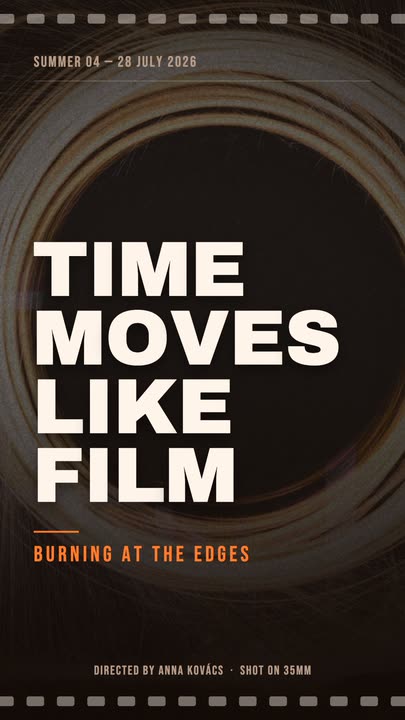 Film PosterCinematic poster: a dimmed photo, four lines of heavy uppercase type rising in one by one, an orange kicker and a condensed dateline.
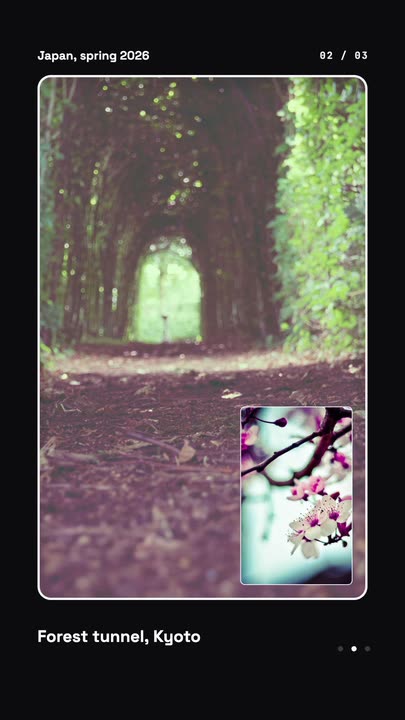 Nested Photo EditPicture-in-picture photo edit: a small inset grows into the main frame, then the next one nests inside it, three deep on a seamless loop.
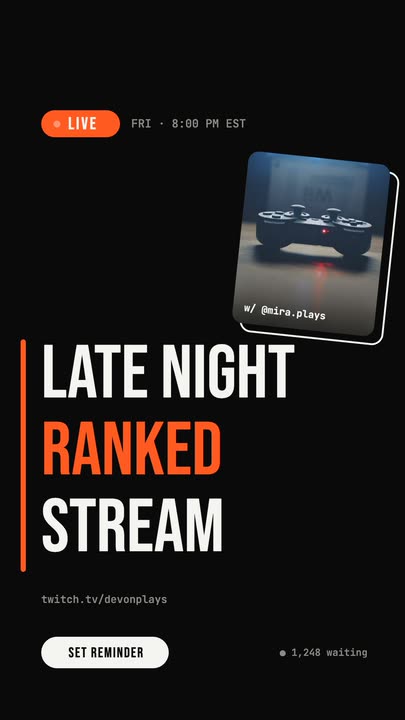 Livestream AnnouncementA LIVE badge and time slide in, three poster-size title lines snap in from the left, and a sticker-style guest photo lands top-right.
Put today's menu on screen.
One photo, four dishes, four prices. Export an animated menu board for your counter and your feed.