
Chat Bubbles
A text message animation you type your own conversation into
An iMessage-style thread on a large phone over a warm cream stage: grey and blue bubbles pop in from the bottom and push the conversation up, a video attachment lands, the typing dots pulse, and the last message is marked Read. Six seconds, vertical, every word yours.
- 6s
- duration
- 4
- aspect ratios
- 10
- controls
- 720p
- free, unlimited exports
UI & devices · 6s · 9:16
Chat · Messages · Phone · Story
A chat bubble animation that behaves like a real phone
Most text message animations are a stack of rounded rectangles fading in on a flat colour. This one is built like the real screen: a status bar, a back arrow with an unread count, the contact's photo and name at the top, a video-call icon, an input bar with a mic at the bottom — and a thread that stays pinned to the bottom edge, so every new bubble pushes the conversation up exactly the way iOS does.
The four messages alternate — grey incoming, blue outgoing — with a 0:12 video attachment between the second and third and a typing bubble that pulses before the reply arrives. The contact name, the contact photo, the video thumbnail and all four messages are named controls, so the same six seconds can be a product-demo conversation, a customer exchange or the hook of a short video. It is a short template, not a full fake-text-story generator: four messages, one attachment, one Read receipt.
6 seconds, three beats
What is on screen, and when. Every element named here is a layer in the document — you can click any of them on the canvas and change it.
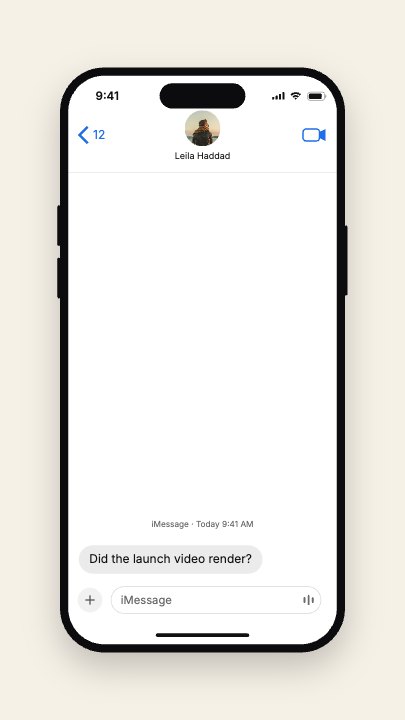
Beat 1 · 1.08s
The first message lands
The contact's photo and name sit in the header, the iMessage-style timestamp has faded in, and the first grey bubble has popped up from the bottom of the thread.
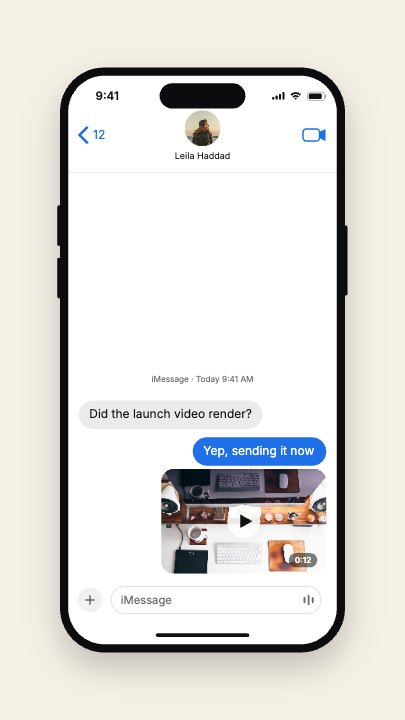
Beat 2 · 2.4s
The reply and the attachment
The blue reply has pushed the thread up and the video attachment, with its play button and 0:12 chip, has landed under it.
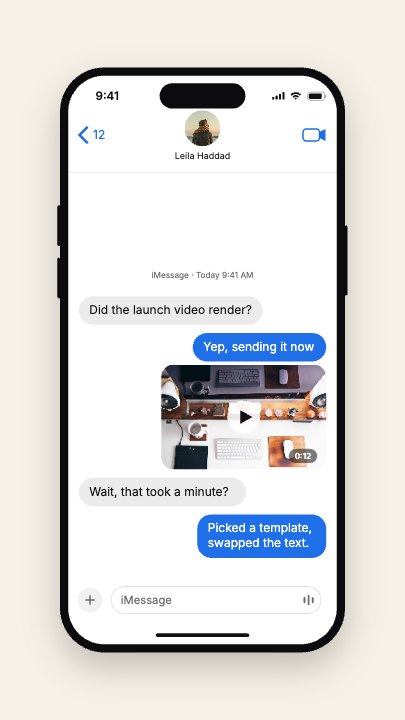
Beat 3 · 4.9s
Four messages, then Read
The typing dots have given way to the third message, the fourth has arrived in blue, and the Read receipt is about to appear beneath it.
Three steps to your own text thread
- 01
Write the four messages
Message 1 and 3 are the incoming grey bubbles, 2 and 4 the outgoing blue ones. Keep each to a line or two — the fourth bubble is sized to wrap onto a second line.
- 02
Set the contact and the attachment
Type the contact name, upload a contact photo for the round avatar at the top and a video thumbnail for the attachment bubble. Both are photo slots, so your image lands in the same frame.
- 03
Pick the accent and export
The accent runs the outgoing bubbles and the header icons. Leave it iOS blue or switch to your brand colour, scale the phone between 0.8× and 1.15×, and export.
Pinned to the bottom
The thread moves the way a phone does
Each new bubble pops in with a small overshoot and the whole conversation slides up to make room. That single detail is what makes a chat bubble animation read as a real phone instead of a slide.
Typing, then reply
The pause before the answer is built in
Three dots pulse in a grey bubble for most of a second before the third message lands. It is the beat that makes viewers wait for the reply, and it retimes with the speed control.
Real type, real layers
Every message is text, not a screenshot
The bubbles are drawn from a real UI typeface at export time, so rewriting a message never leaves a blurry or misspelt word — and you can rewrite it as many times as you like.
What you can change
Ten named controls, exactly as they appear in the studio panel. The timestamp line, the video's duration chip and the Read receipt are layers you can click and edit on the canvas.
- Click any element on the canvas to edit it directly
- Or describe the change in a sentence and let the assistant make it
- Export 9:16, 16:9, 1:1, 4:5 from the same document
Studio controls
10 named
- Message 1TextDid the launch video render?
- Message 2TextYep, sending it now
- Message 3TextWait, that took a minute?
- Message 4TextPicked a template, swapped the text.
- Contact nameTextLeila Haddad
- Contact photoPhoto
- Video thumbnailPhoto
- AccentColour#1E6FE8
- Phone sizeSlider 0.8–1.151
- SpeedSlider 0.5–21
Why animate a conversation instead of screenshotting it
A screenshot of a chat carries someone else's phone, notifications and compression, and it cannot hold a feed slot that rewards motion. An iMessage-style animation built from text layers gives you the same shape — bubbles, a reply, a receipt — with your own words and colour, and a pace the viewer actually follows. It is also a document, so a series of five conversations is five edits, not five recordings.
Chat Bubbles: questions, answered
Is the text message animation template free?+
Opening and editing it is free, and free accounts get unlimited free 720p exports with a small LazyKiwi mark. Clean 1080p is included with any paid plan.
Can I add more than four messages?+
The template is laid out for four messages, one video attachment and a Read receipt. You can ask the Motion Studio assistant to add a bubble, but the six-second timing is built around four — for a long fake text message story, a longer format fits better.
What aspect ratios can I export?+
9:16, 16:9, 1:1 and 4:5 from the same document. It is authored vertical at 1080×1920, which is where a phone thread reads best.
Can I change the colours and the contact?+
Yes — the accent colour, the contact name, the contact photo, the video thumbnail, the phone size and all four messages are named controls.
Do I need After Effects?+
No. There is no project file and nothing to install — it renders in your browser and exports an MP4 directly.
More social hooks
All social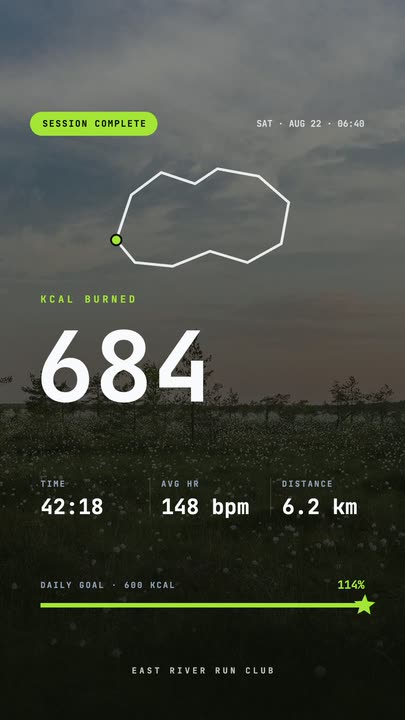 Workout Summary CardA fitness-app session recap over a darkened photo: the calorie count rolls up, three stats rise in and the goal bar draws itself to a star.
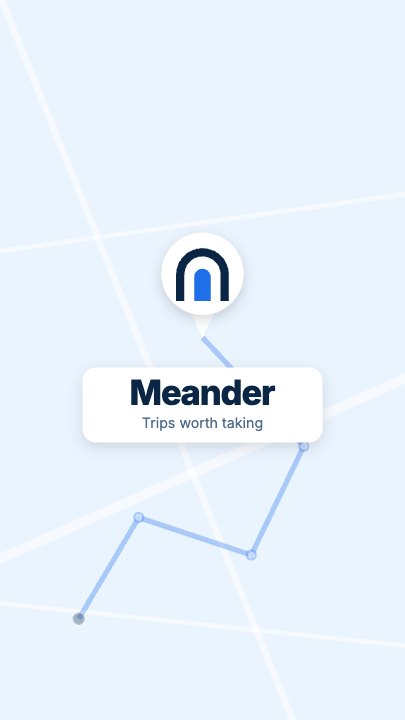 Route Logo RevealOn a pale map of white streets a route draws itself from a start pin through three waypoints; at the destination a map pin carrying your mark drops in and a label card with the brand name pops up under it
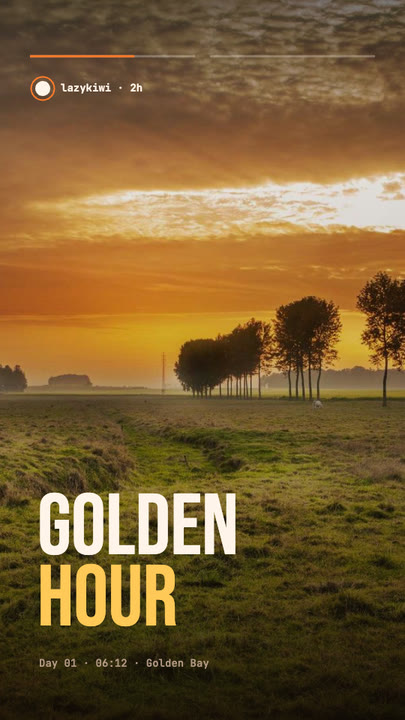 Stretch Cut StoryTwo photos trade places with a horizontal stretch-and-blur cut; the poster words stretch with them under story-style progress bars.
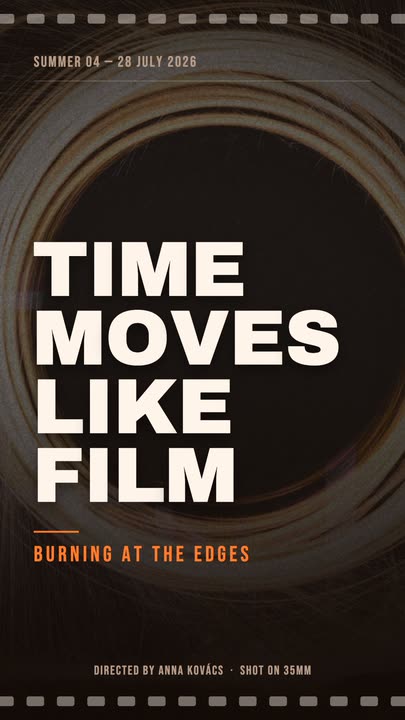 Film PosterCinematic poster: a dimmed photo, four lines of heavy uppercase type rising in one by one, an orange kicker and a condensed dateline.
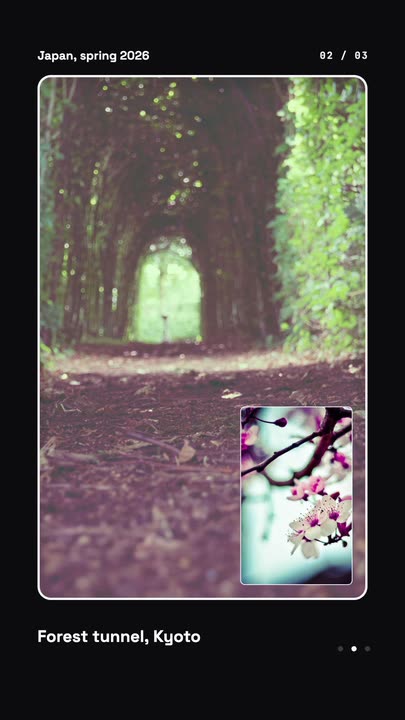 Nested Photo EditPicture-in-picture photo edit: a small inset grows into the main frame, then the next one nests inside it, three deep on a seamless loop.
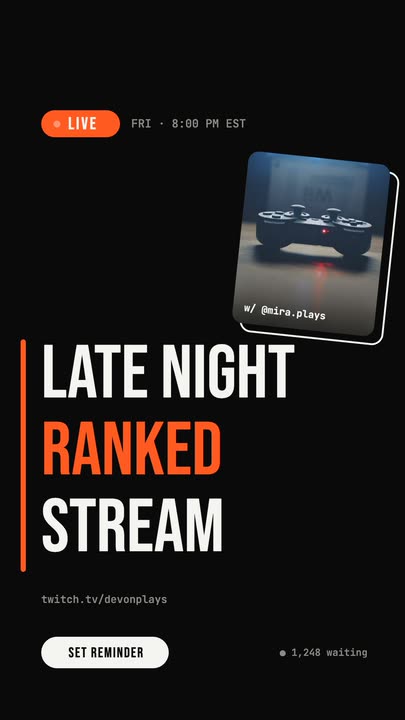 Livestream AnnouncementA LIVE badge and time slide in, three poster-size title lines snap in from the left, and a sticker-style guest photo lands top-right.
Write the conversation.
Four messages, a contact and a thumbnail. Export a vertical chat bubble animation in about a minute.