
Route Logo Reveal
A travel map animation that ends on your destination
On a pale blue map crossed by white streets, a route draws itself from a dark start pin through three waypoints. At the end a map pin carrying your logo drops in with a ripple, and a label card with your name and a short line pops up beneath it. Six seconds, vertical, seamless loop.
- 6s
- duration
- 4
- aspect ratios
- 7
- controls
- 720p
- free, unlimited exports
Logos · 6s · 9:16
Map · Route · Travel · Pin
A map route animation, drawn — not tracked
Be clear about what this is before you open it: an illustrated route, not a real map. The background is a flat pale-blue stage with four white street bands laid across it, and the route is a fixed zig-zag path of five points — a start, three waypoints and a destination. It does not know about addresses, cities or GPS, and it will not trace a real road between two places. What it does well is the feeling of a journey: a line that travels, stops that light up as it passes them, and an arrival.
The route draws in the accent colour over a faint ghost of the full path, a small head dot leading it, and each waypoint pops as the line reaches it. On arrival a ripple rings out, the pin drops onto the end point with your logo in its round head, the route fades back to a lighter tint, and a white label card pops up under the pin with two lines of text. Those two lines are yours — a brand name and tagline, a city and a date, a destination and "we're opening here". The logo, both colours, the route thickness and the speed are named controls too.
6 seconds, three beats
What is on screen, and when. Every element named here is a layer in the document — you can click any of them on the canvas and change it.
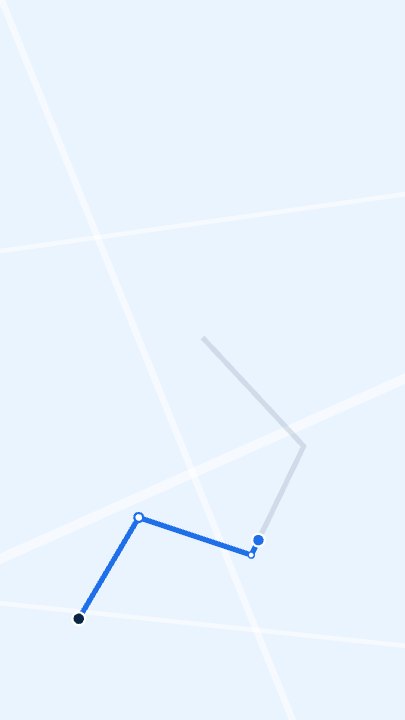
Beat 1 · 1.4s
The route is drawing
The line has left the dark start pin and passed the first two waypoints; the rest of the path is still a faint ghost ahead of the head dot.
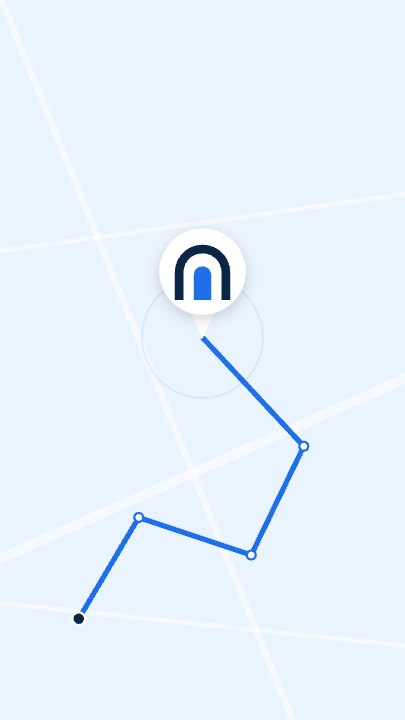
Beat 2 · 2.7s
Arrival
The route is complete, the pin with the logo has dropped onto the destination and the ripple ring is fading around it.
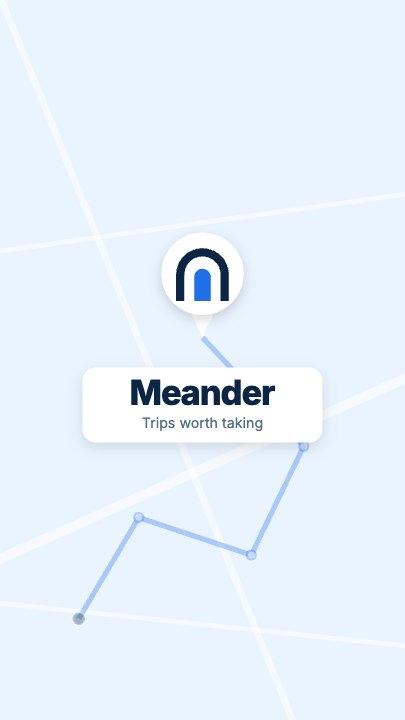
Beat 3 · 3.6s
Pin and label
The route has eased back to a lighter tint and the label card with the name and tagline sits under the pin — the frame that works as a still.
Three steps to your route animation
- 01
Write the label card
Brand name is the big line on the card and Tagline the small one beneath. Use them for a destination and a date, a trip name and a country, or your shop name and "Now open".
- 02
Put your logo in the pin
The Logo slot fills the round head of the map pin. A square PNG or SVG with a transparent background works best — a travel brand mark, a flag or a simple icon.
- 03
Colour the route and export
Accent colours the route line, the waypoints and the ripple; Start pin colours the first dot. Route thickness runs from 6 to 24. Pick an aspect ratio and export.
A line that travels
The route draws, stop by stop
A head dot leads the line along the path over about two seconds, and each of the three waypoints pops the moment the route reaches it — the rhythm of a journey, not a line that simply fades in.
An arrival
Pin drop, ripple, label
At the destination a ripple rings out, the pin drops with a small overshoot and the label card pops up under it. That last second is what makes it a reveal, not a diagram.
Honest scope
Stylised by design
The streets and the path are part of the template, so it looks the same whichever words you type. Use it where an illustrated route is enough; for a real, geographically accurate route, use a mapping tool.
What you can change
Seven named controls, exactly as in the studio panel. The street bands, the path shape and the waypoint positions are part of the design — there are no per-waypoint labels, and the route is not drawn from real map data.
- Click any element on the canvas to edit it directly
- Or describe the change in a sentence and let the assistant make it
- Export 9:16, 16:9, 1:1, 4:5 from the same document
Studio controls
7 named
- Brand nameTextMeander
- TaglineTextTrips worth taking
- LogoPhoto
- AccentColour#1E6FE8
- Start pinColour#0B2545
- Route thicknessSlider 6–2414
- SpeedSlider 0.5–21
Where a stylised travel map animation fits
Most travel map animations are built in a desktop app from real map tiles, which is right for a documentary and overkill for a hook. This route animation is for the short moments: the opening card of a travel vlog, a trip recap post, a "we're opening in…" teaser for a new location, a delivery-area or service-area announcement, or a brand intro for a tour company. It draws attention to the arrival — the pin and the name — rather than to the geography, which is why it works in six seconds.
Route Logo Reveal: questions, answered
Is the travel map animation template free?+
Opening and editing it is free, and free accounts get unlimited free 720p exports with a small LazyKiwi mark. Clean 1080p is included with any paid plan.
Can it show my real route or a real map?+
No. The map is an illustration — a pale stage with white street bands — and the route is a fixed five-point path. It does not use GPS, addresses or map data. If you need an accurate route between real places, use a mapping tool; this template is for a stylised journey and an arrival.
What can I change?+
The two lines on the label card, the logo in the pin, the route colour, the start-pin colour, the route thickness and the speed. The street layout and the shape of the path stay as designed.
What aspect ratios can I export?+
9:16, 16:9, 1:1 and 4:5 from the same document. It is authored vertical at 1080×1920 for Reels, Shorts and stories.
Do I need After Effects?+
No. It renders in your browser and exports an MP4 — no project file, no plugin, no map-tile licence.
More social hooks
All social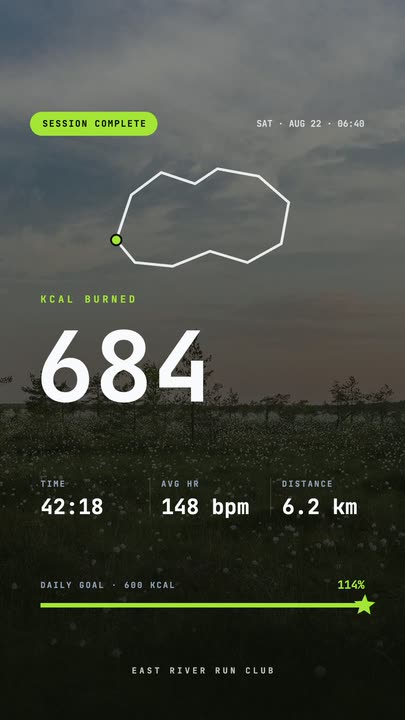 Workout Summary CardA fitness-app session recap over a darkened photo: the calorie count rolls up, three stats rise in and the goal bar draws itself to a star.
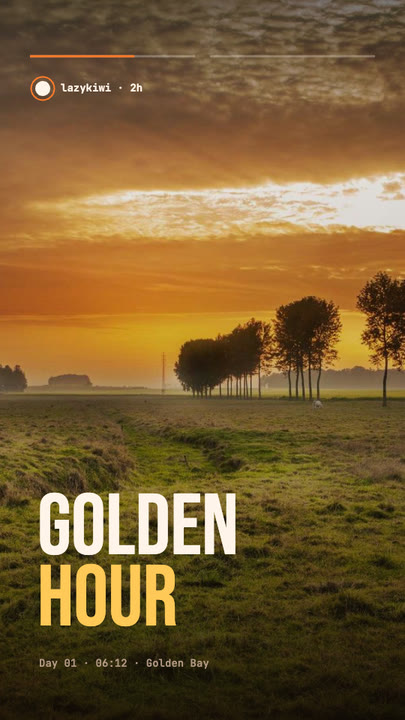 Stretch Cut StoryTwo photos trade places with a horizontal stretch-and-blur cut; the poster words stretch with them under story-style progress bars.
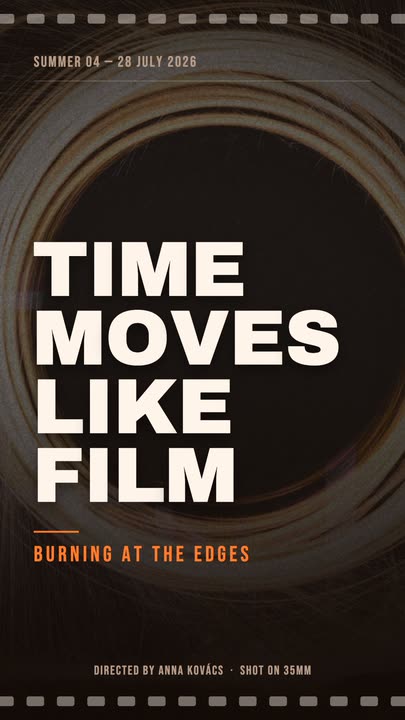 Film PosterCinematic poster: a dimmed photo, four lines of heavy uppercase type rising in one by one, an orange kicker and a condensed dateline.
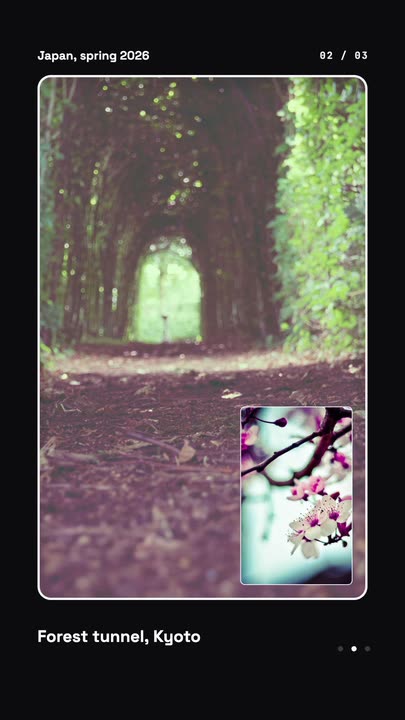 Nested Photo EditPicture-in-picture photo edit: a small inset grows into the main frame, then the next one nests inside it, three deep on a seamless loop.
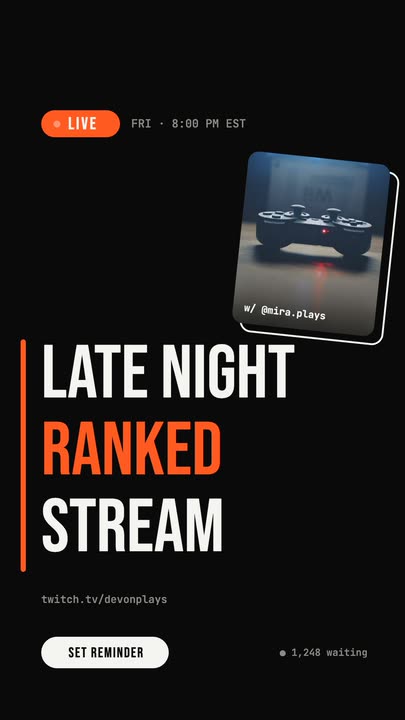 Livestream AnnouncementA LIVE badge and time slide in, three poster-size title lines snap in from the left, and a sticker-style guest photo lands top-right.
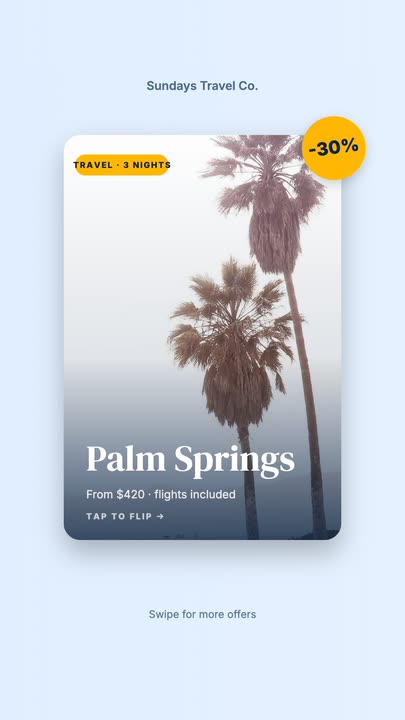 Offer Card FlipA photo offer card flips on its Y axis to reveal what is included, the price and a button, then flips back.
Draw the route, land the name.
Two lines of text, a logo and a colour. Export a travel map animation for your next trip or opening.