
Livestream Announcement
A livestream announcement video template
A LIVE pill with a blinking dot, the time beside it, three poster-size title lines snapping in from the left, and a sticker-style guest photo landing top-right. Orange on near-black, six seconds, vertical.
- 6s
- duration
- 4
- aspect ratios
- 7
- controls
- 720p
- free, unlimited exports
Social Hooks · 6s · 9:16
Livestream · Event · Announcement
The format that makes people set a reminder
An announcement video has one job — say what, who and when in the first second, then give the viewer something to tap. This one puts the LIVE badge and the timeslot at the top before anything else moves, so the promise is on screen from frame one. The three title lines then snap in from the left in sequence, each one at 200px, which is large enough to read at a thumbnail size.
The middle line carries the accent colour, which is how the eye finds the hook without you writing anything extra. The guest photo lands top-right as a tilted sticker with a frame and a handle underneath, and the bottom of the frame holds a SET REMINDER button and a waiting count. Every one of those strings is yours to change; none of them is baked into an image.
6 seconds, three beats
What is on screen, and when. Every element named here is a layer in the document — you can click any of them on the canvas and change it.
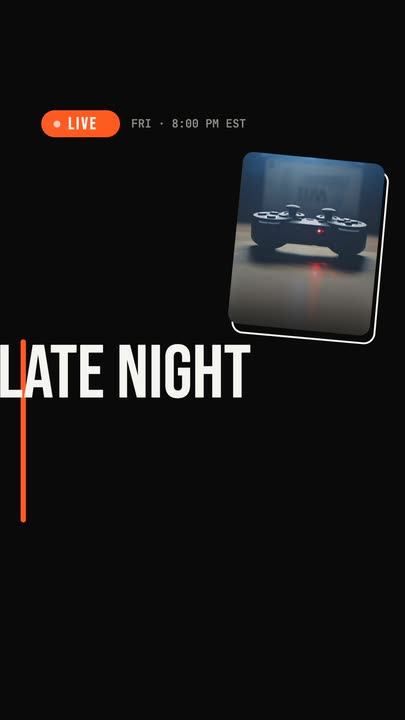
Beat 1 · 0.8s
LIVE, and when
The orange LIVE pill and its blinking dot are in with the timeslot beside them, the guest photo has landed in its tilted frame top-right, and the title lines are snapping in from the left.

Beat 2 · 1.8s
The call to action
All three lines are at full width with the accent on the middle one, the handle sits under them, and the SET REMINDER button and the waiting count arrive at the foot.
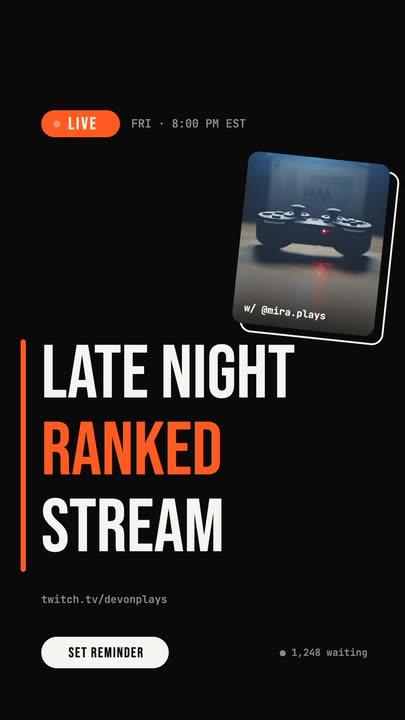
Beat 3 · 2.7s
Held long enough to read
Badge, timeslot, sticker photo, three lines, handle, button and waiting count are all settled — the frame the rest of the clip rests on.
Three steps to a stream promo
- 01
Write the three title lines
Line 1, line 2 and line 3 are separate controls, so you decide where the phrase breaks instead of fighting a text box. Line 2 is the one that takes the accent colour.
- 02
Drop the guest photo in
Upload a square photo of the guest, the host or the product. It lands in the tilted sticker frame with the same scrim and the same handle caption underneath.
- 03
Set the accent and export
The accent runs the LIVE pill, the second title line and the bar down the left edge. Pick it, choose your aspect, and export a file that is ready to post.
First second
The badge is on screen before anything else moves
The LIVE pill and the timeslot slide in ahead of the titles, with the dot blinking about once a second. That means someone who watches one second of the clip has already been told the important part.
Snap, not fade
Three lines that arrive with weight
Each title line comes in from the left and overshoots slightly before settling. Set at 200px in a condensed display face, they carry a festival-poster feel rather than a slide-deck one — which is what makes an announcement look like an event.
Your guest, your handle
A photo slot, not a placeholder graphic
The guest image is a named control. Swap it and the tilt, the frame, the scrim and the caption stay exactly as authored, so the sticker treatment applies to your photo rather than only to the demo one.
What you can change
Seven controls run the whole announcement. The timeslot, handle, button label and waiting count are text layers you can click on the canvas to edit directly.
- Click any element on the canvas to edit it directly
- Or describe the change in a sentence and let the assistant make it
- Export 9:16, 16:9, 1:1, 4:5 from the same document
Studio controls
7 named
- Line 1TextLATE NIGHT
- Line 2 (accent)TextRANKED
- Line 3TextSTREAM
- AccentColour#FF5A1F
- Title sizeSlider 150–220200
- Guest photoPhoto
- SpeedSlider 0.5–21
Why not just post a graphic
A static announcement graphic gets one impression and no motion signal. The same information as a six-second vertical clip gets a feed slot that rewards video, holds a viewer through the whole message, and can be reposted as a story with the same file. This template is the cheapest way to get from the first to the second: you are writing three lines and uploading one photo.
Livestream Announcement: questions, answered
Is this announcement video template free?+
Yes to open and edit, and free accounts get unlimited free 720p exports with a small LazyKiwi mark. Clean 1080p is included with any paid plan; Pro adds 4K and 60 fps.
What aspect ratios can I export?+
9:16, 16:9, 1:1 and 4:5. It is authored vertical at 1080×1920 for stories and Reels, and the layout retargets to the other three instead of cropping the guest photo out of frame.
Can I change the copy and the colours?+
All three title lines, the accent colour, the type size and the guest photo are named controls, and the smaller strings — the timeslot, the handle, the button label, the waiting count — are text layers you click and edit on the canvas.
Do I need After Effects?+
No. Nothing to install, no project file, no plugin. It renders in the browser and exports an MP4 directly.
How long is the clip?+
Six seconds, with the title fully landed by 2.7s so it works as a still poster too. The speed control runs 0.5× to 2× if you need a different length.
More social hooks
All social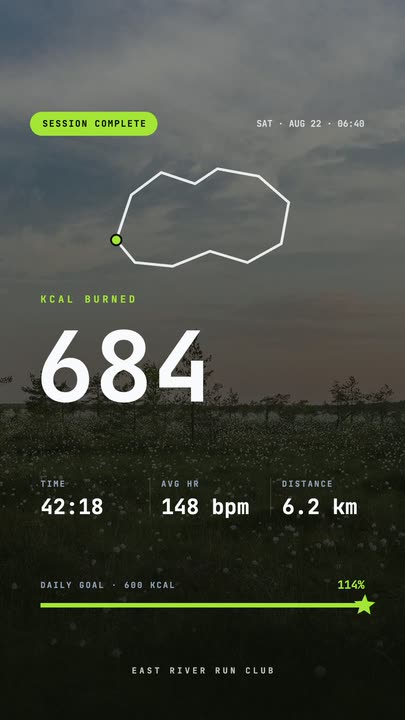 Workout Summary CardA fitness-app session recap over a darkened photo: the calorie count rolls up, three stats rise in and the goal bar draws itself to a star.
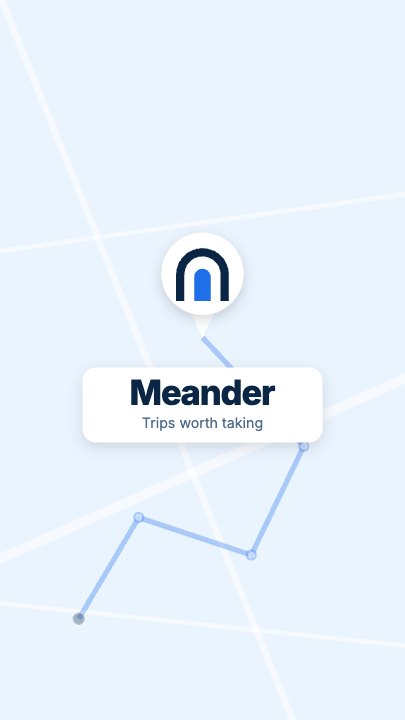 Route Logo RevealOn a pale map of white streets a route draws itself from a start pin through three waypoints; at the destination a map pin carrying your mark drops in and a label card with the brand name pops up under it
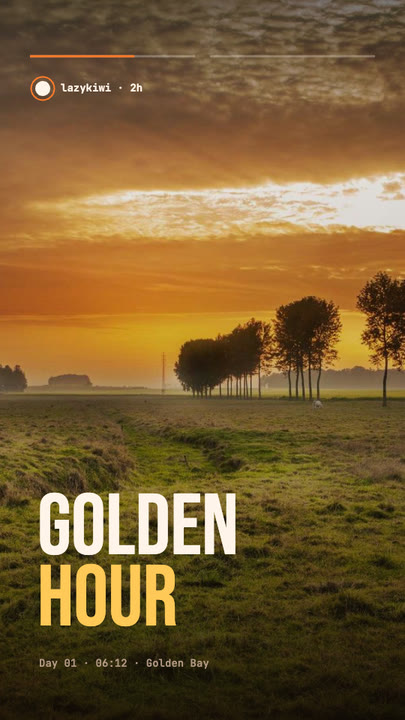 Stretch Cut StoryTwo photos trade places with a horizontal stretch-and-blur cut; the poster words stretch with them under story-style progress bars.
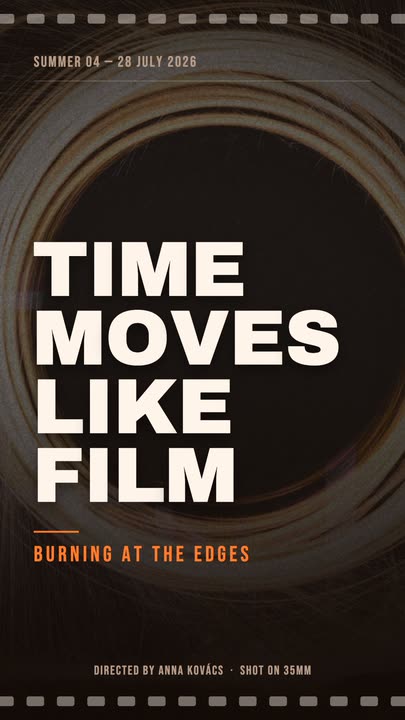 Film PosterCinematic poster: a dimmed photo, four lines of heavy uppercase type rising in one by one, an orange kicker and a condensed dateline.
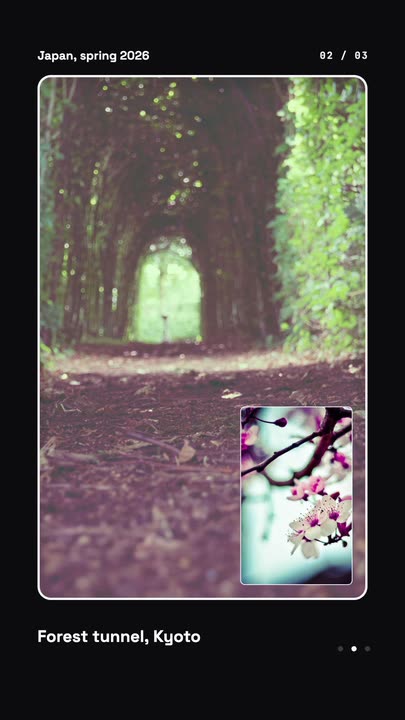 Nested Photo EditPicture-in-picture photo edit: a small inset grows into the main frame, then the next one nests inside it, three deep on a seamless loop.
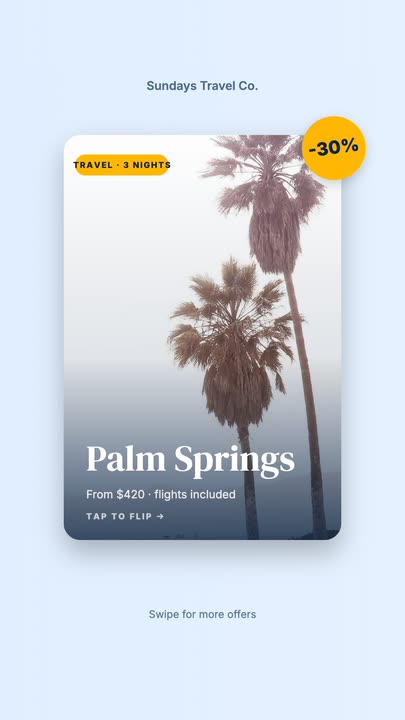 Offer Card FlipA photo offer card flips on its Y axis to reveal what is included, the price and a button, then flips back.
Announce it properly.
Three lines, one photo, one accent colour. Open the template and you have a stream promo in a couple of minutes.