
Film Poster
An animated poster built over your own photo
A landscape photo pushed down under a gradient, a vignette and real film grain. Four lines of heavy uppercase rise in one by one, an orange kicker rule lands under them, and sprocket holes run along the top and bottom edges. Six seconds.
- 6s
- duration
- 4
- aspect ratios
- 7
- controls
- 720p
- free, unlimited exports
Social Hooks · 6s · 9:16
Poster · Photo · Cinematic · Typography
The poster treatment, applied to your picture
This is a photo poster in the cinema sense: the image is not the subject, it is the ground. A dimming layer, a vertical gradient and a vignette push it back far enough that heavy type can sit on top without an outline or a drop shadow, and a shader-driven grain pass over the whole frame ties the photo and the type into one surface. Sprocket strips along the top and bottom edges finish the film reference.
The headline is a single control containing line breaks, so you decide the shape of the block — four short lines stacked tight, or two longer ones. Each line rises into place in sequence. Above the title there is a dateline in condensed caps with a hairline rule under it; below the title, a short accent rule and a kicker in the accent colour, then a credit line in the same condensed face.
6 seconds, three beats
What is on screen, and when. Every element named here is a layer in the document — you can click any of them on the canvas and change it.

Beat 1 · 1.1s
Photo, dateline, title
The image is already dimmed and grainy behind the frame, the dateline has landed at the top under its hairline rule, and the four title lines have risen into place.

Beat 2 · 2.4s
Kicker and credit
The accent rule and the kicker have landed under the title, the credit line has faded up at the foot, and the sprocket strips are set along both edges.

Beat 3 · 3.2s
The finished poster
Everything is in place and holding, grain running over the whole frame — the moment to screenshot if you want a still as well as a clip.
Three steps to an animated poster
- 01
Upload the photo
A landscape shot works best because the dimming gradient is built for it. The scrim, gradient, vignette and grain are all part of the template, so you do not need to pre-treat the image.
- 02
Write the headline
Type your title with line breaks where you want them. Four short lines is the shipped shape; the size control runs 170–240px so you can go bigger with fewer words.
- 03
Set the kicker and export
The kicker and the dateline are separate text controls and the accent colour runs the rule and the kicker. Export vertical for a story or 4:5 for feed.
Real grain
A shader pass, not a noise overlay JPEG
The grain is computed over the whole frame at render time rather than being a tiled image sitting on top. That means it stays the right size at every aspect ratio and export resolution, and it never repeats visibly across a large frame.
Type that can sit on anything
Three layers of separation under the headline
A flat dim, a vertical gradient and a vignette are stacked under the type, which is why a bright sky and a dark forest both leave the headline readable. You are not picking a photo that happens to work — the template makes the photo work.
Line by line
The headline rises in sequence
Each line comes up into place on its own beat rather than the block arriving at once. In a four-line title that gives you nearly two seconds of build, which is the part of a poster clip that holds a scroll.
What you can change
Seven controls. The credit line and the sprocket strips are authored layers you can restyle or remove on the canvas.
- Click any element on the canvas to edit it directly
- Or describe the change in a sentence and let the assistant make it
- Export 9:16, 16:9, 1:1, 4:5 from the same document
Studio controls
7 named
- HeadlineTextTIME MOVES LIKE FILM
- KickerTextBURNING AT THE EDGES
- DatelineTextSUMMER 04 — 28 JULY 2026
- PhotoPhoto
- AccentColour#FF7A29
- Headline sizeSlider 170–240208
- SpeedSlider 0.5–21
Why this instead of a text overlay
Dropping type on a photo in a social app gives you a caption. A poster is a different object: it has a hierarchy, a grain, a margin and an edge treatment, and those are the things that make it look art-directed rather than annotated. All of them are already built here, so the work left to you is choosing a picture and writing four lines.
Film Poster: questions, answered
Is the animated poster template free?+
Yes to open and edit, with unlimited free 720p exports with a small LazyKiwi mark on the free tier. Clean 1080p is included with any paid plan.
What aspect ratios can I export?+
9:16, 16:9, 1:1 and 4:5. The grain and vignette are computed per aspect, so a wide export does not stretch the film texture.
Can I change the copy and the colours?+
The headline, the kicker, the dateline, the accent colour and the headline size are all named controls, and the credit line is canvas-editable text.
Do I need After Effects?+
No. Nothing to install and no project file — the grain shader, the gradient stack and the type animation all render in the browser.
How long is the clip?+
Six seconds, with the poster fully assembled by 3.2s and a hold after it. That held frame is the one to screenshot if you also want a still.
More social hooks
All social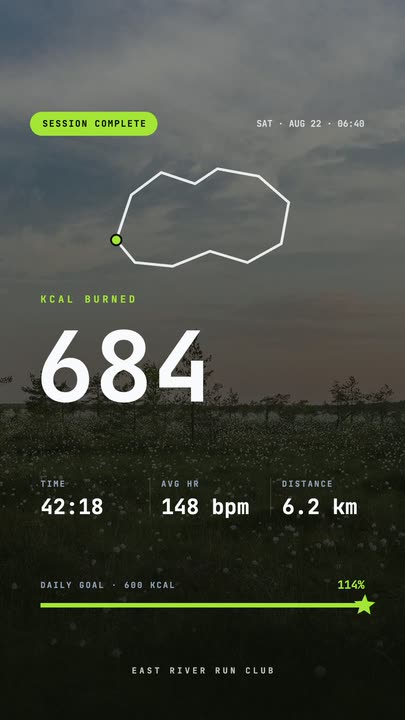 Workout Summary CardA fitness-app session recap over a darkened photo: the calorie count rolls up, three stats rise in and the goal bar draws itself to a star.
 Route Logo RevealOn a pale map of white streets a route draws itself from a start pin through three waypoints; at the destination a map pin carrying your mark drops in and a label card with the brand name pops up under it
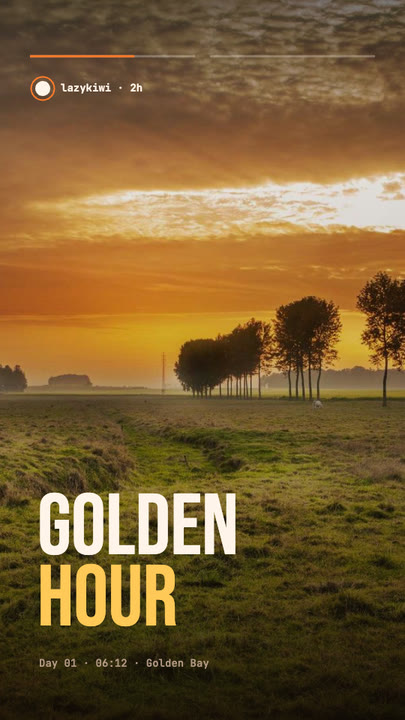 Stretch Cut StoryTwo photos trade places with a horizontal stretch-and-blur cut; the poster words stretch with them under story-style progress bars.
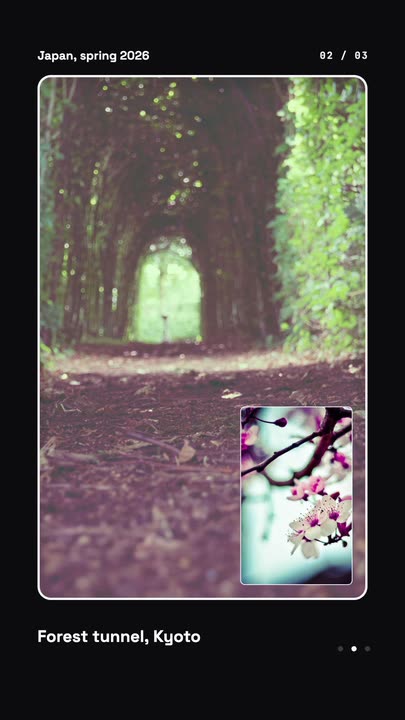 Nested Photo EditPicture-in-picture photo edit: a small inset grows into the main frame, then the next one nests inside it, three deep on a seamless loop.
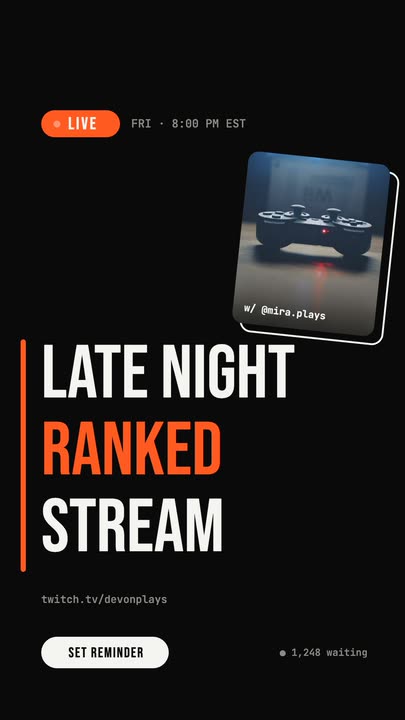 Livestream AnnouncementA LIVE badge and time slide in, three poster-size title lines snap in from the left, and a sticker-style guest photo lands top-right.
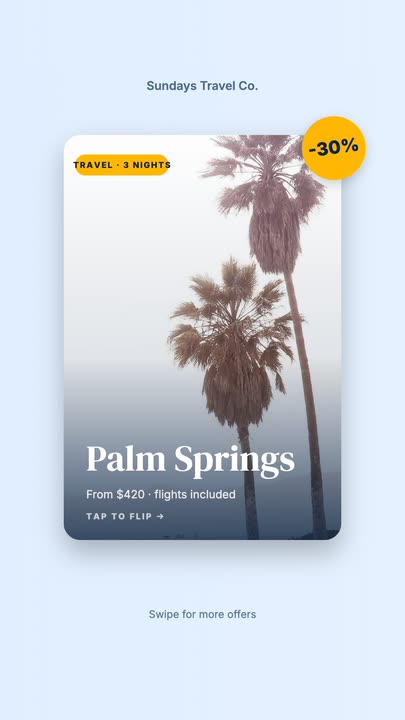 Offer Card FlipA photo offer card flips on its Y axis to reveal what is included, the price and a button, then flips back.
Make your photo a poster.
Upload the image, write four lines, and export a grainy, art-directed clip in the aspect you need.